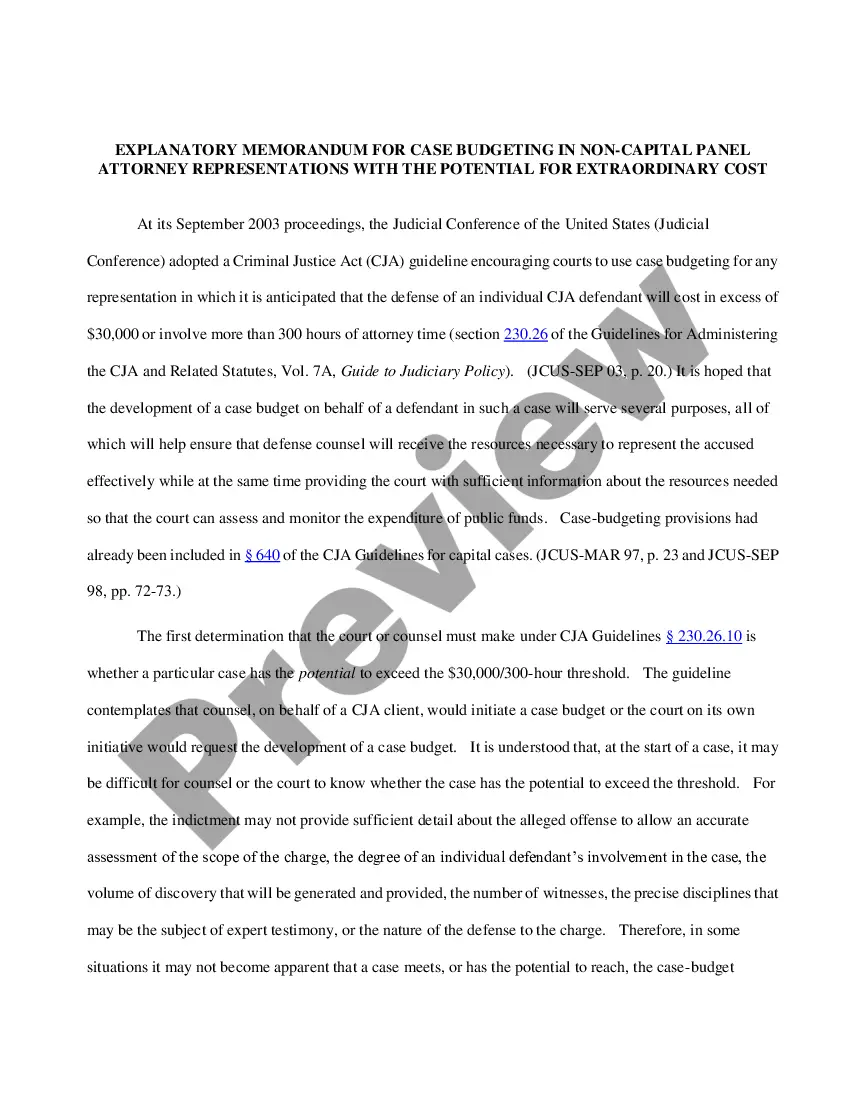
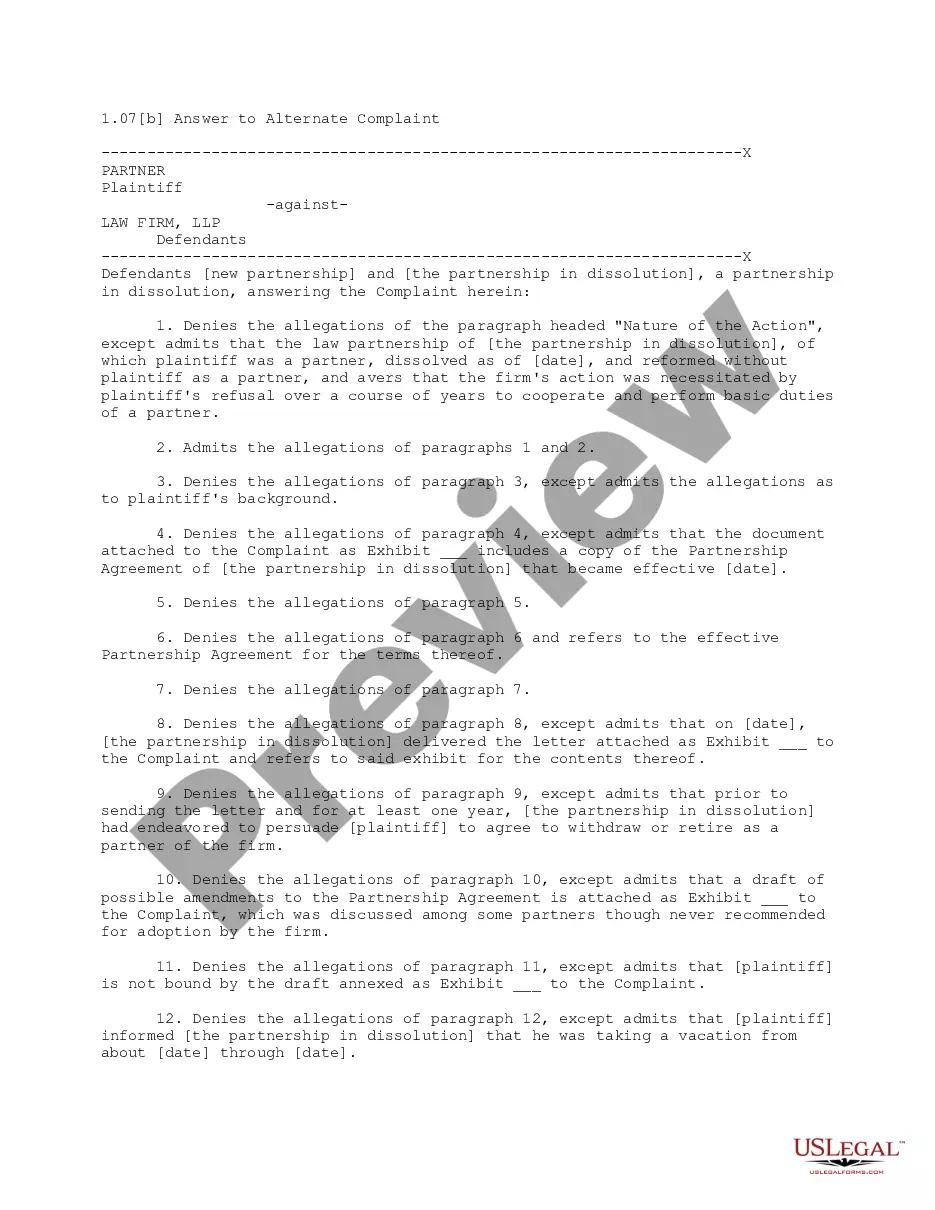
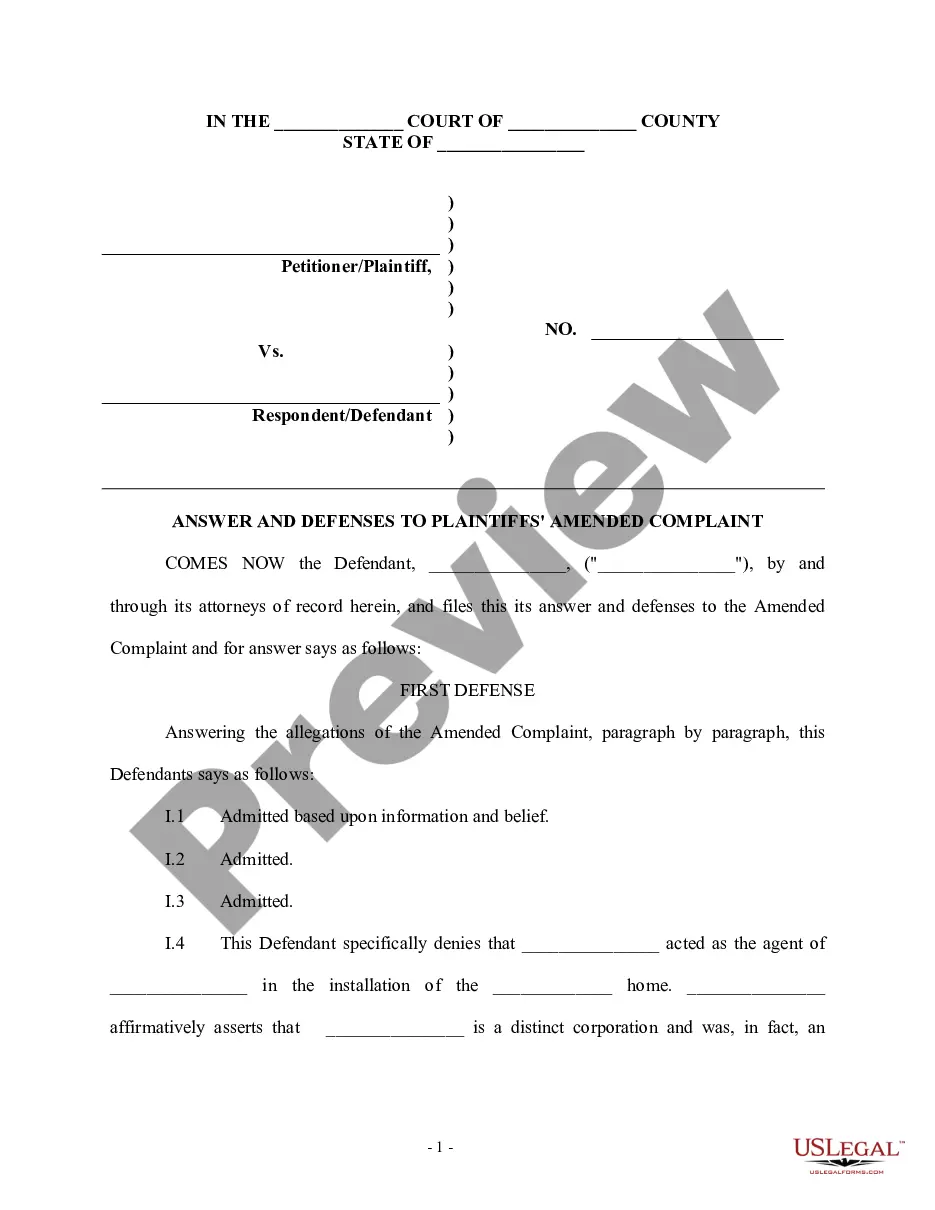
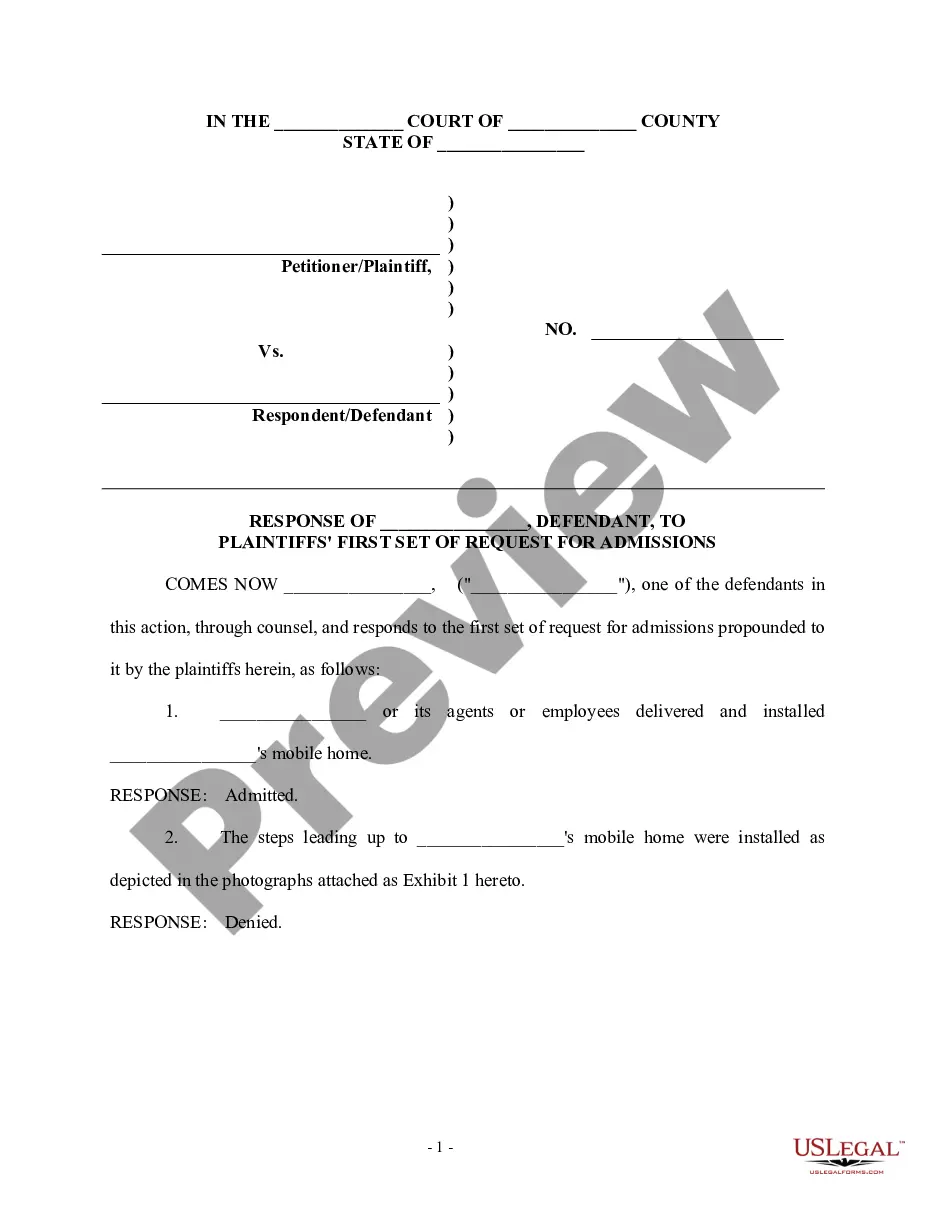
This form is used when the defendant admits facts that are true and deny allegations that are not true. This answer must be filed within 20 days in federal court and 30 days in some state courts. This form is a generic example of an answer that may be referred to when preparing such a pleading for your particular state.
New Hampshire Answer with Specific Denials and Admissions Along with Denial of Sufficient Knowledge or Information to Form a Belief as to Certain Allegations
Category:
State:
Multi-State
Control #:
US-00962BG
Format:
Word;
Rich Text
Instant download
Description
Free preview
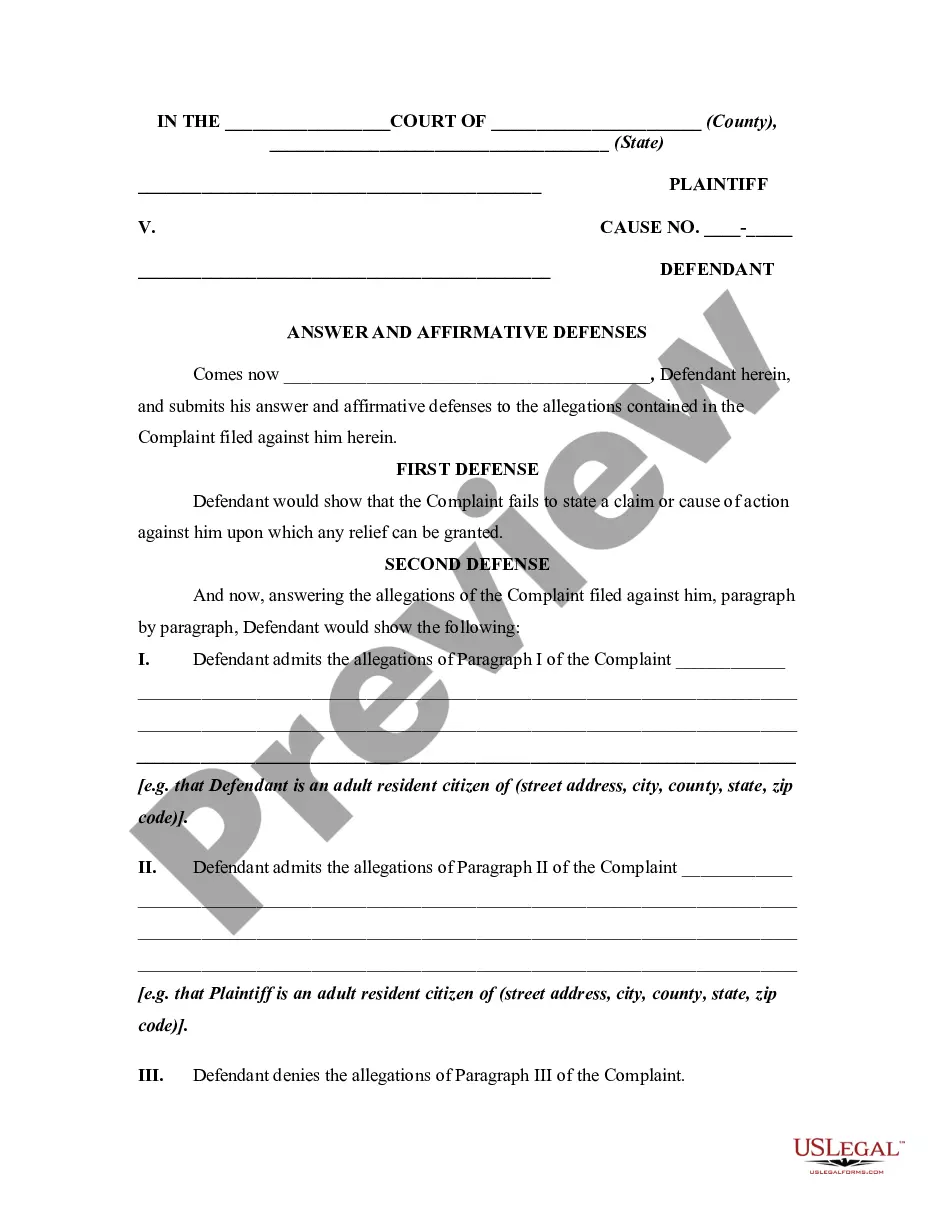
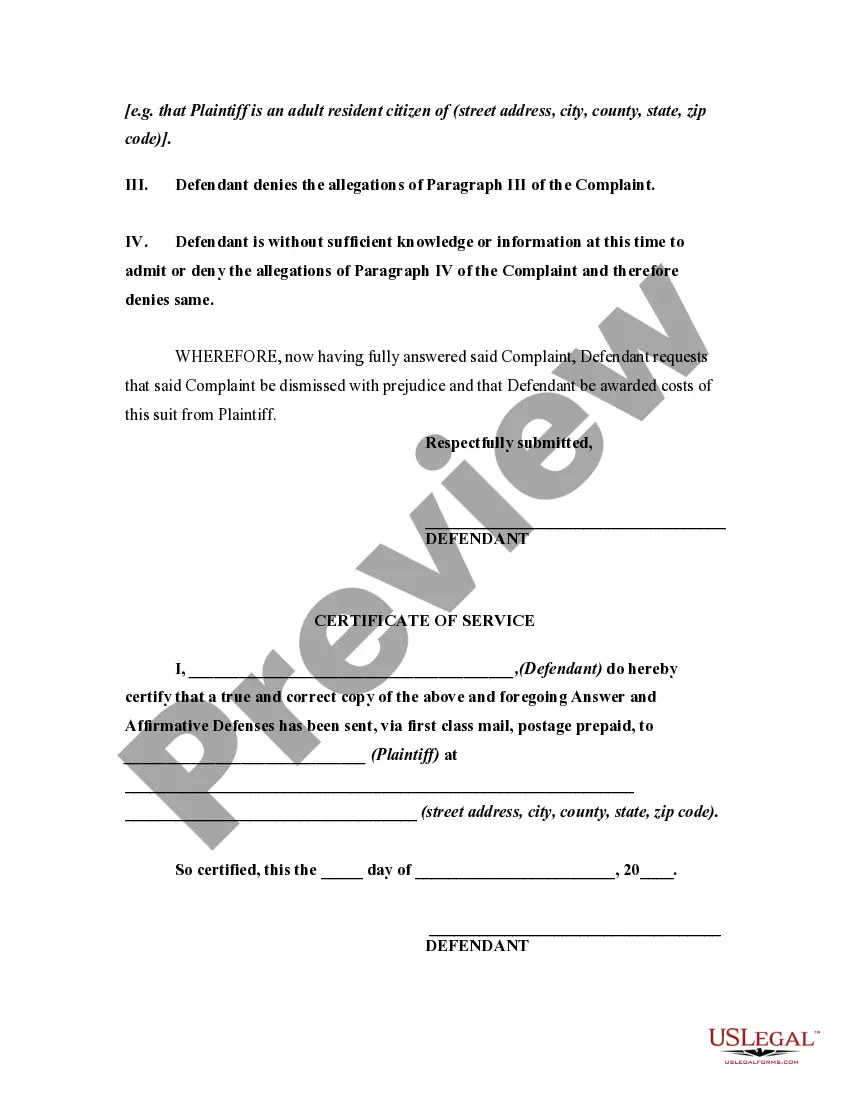


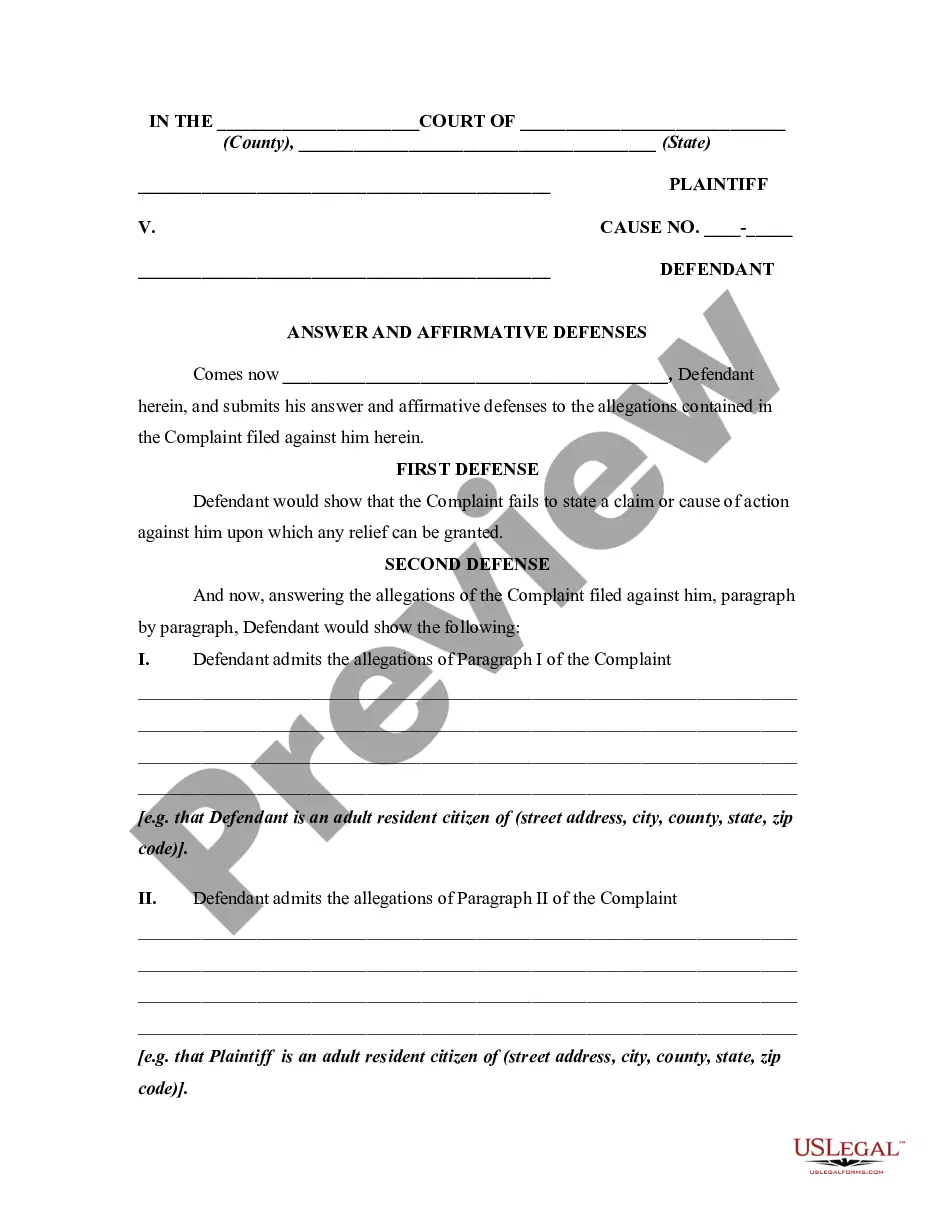
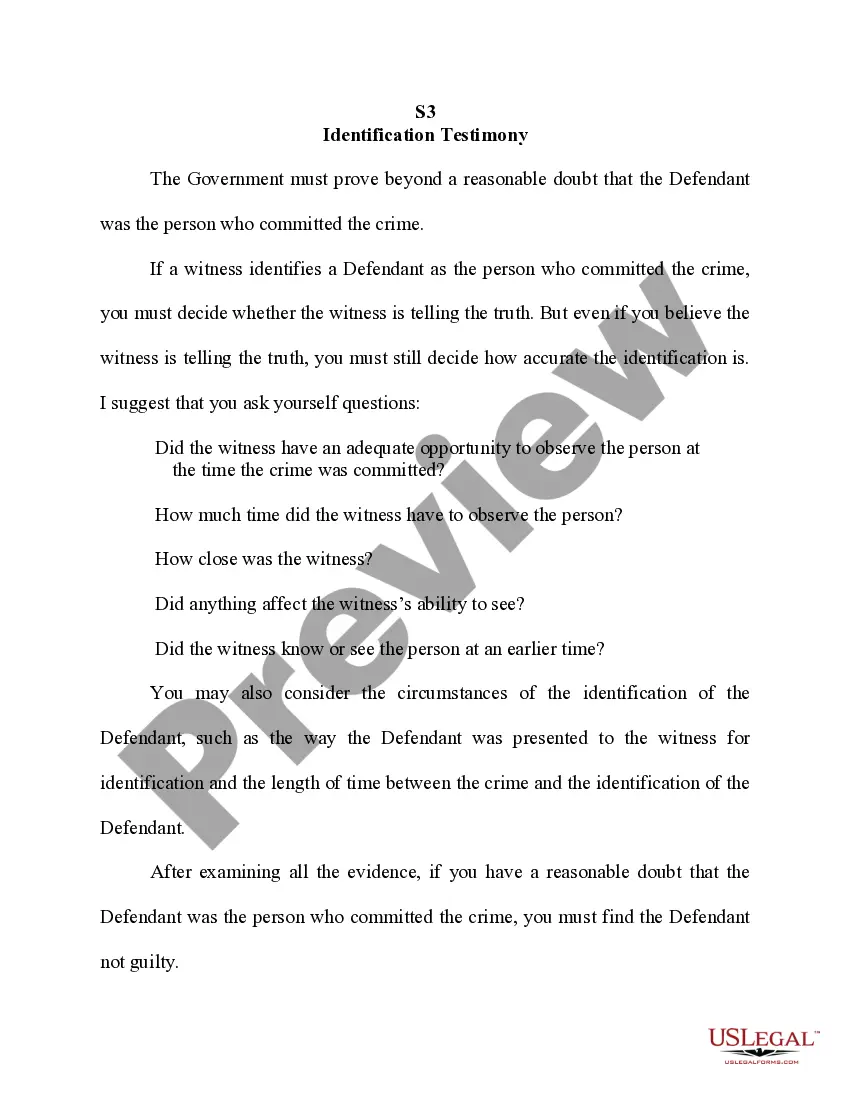
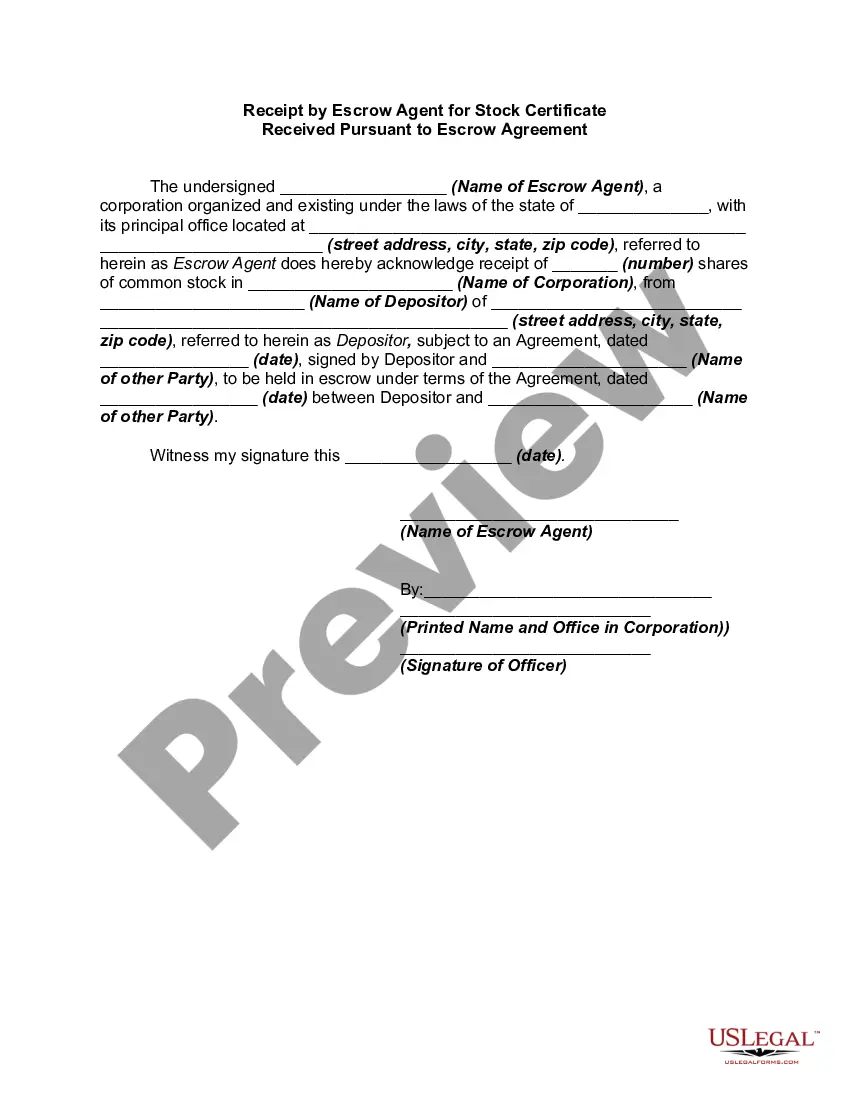
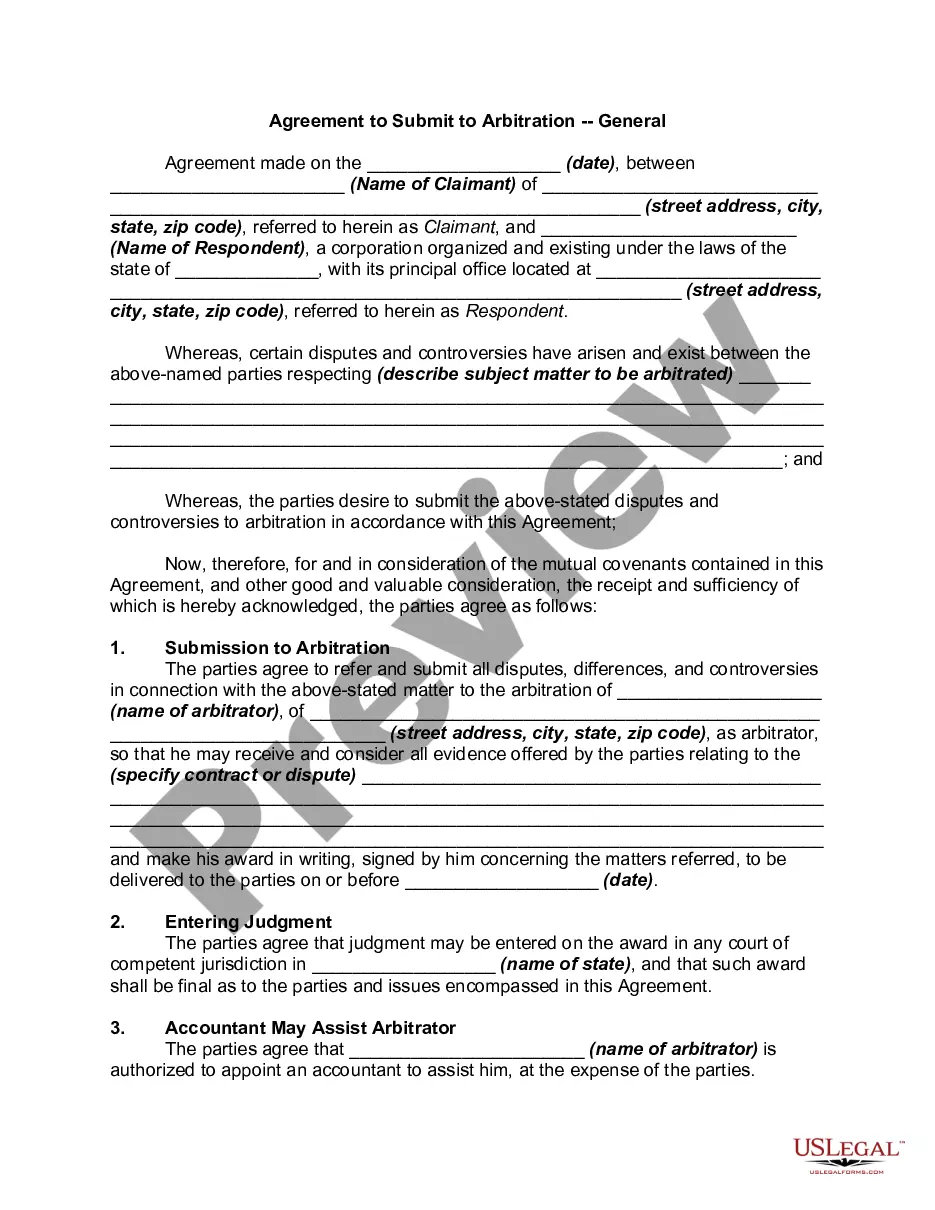
How to fill out Answer With Specific Denials And Admissions Along With Denial Of Sufficient Knowledge Or Information To Form A Belief As To Certain Allegations?
US Legal Forms - one of the largest collections of legal documents in the USA - provides a range of legal document templates that you can download or create.
By utilizing the site, you will access numerous forms for business and personal purposes, organized by categories, states, or keywords. You can acquire the latest versions of forms such as the New Hampshire Answer with Specific Denials and Admissions Along with Denial of Sufficient Knowledge or Information to Form a Belief as to Certain Allegations in just minutes.
If you already have a subscription, sign in and obtain the New Hampshire Answer with Specific Denials and Admissions Along with Denial of Sufficient Knowledge or Information to Form a Belief as to Certain Allegations from the US Legal Forms library. The Download option will be visible on every document you view. You can access all of your previously saved forms in the My documents section of your account.
Complete the transaction. Use your credit card or PayPal account to finalize the transaction.
Select the format and download the document to your device. Make modifications. Fill out, edit, and print and sign the saved New Hampshire Answer with Specific Denials and Admissions Along with Denial of Sufficient Knowledge or Information to Form a Belief as to Certain Allegations. Every template you added to your account has no expiration date and is yours indefinitely. Therefore, if you wish to download or produce another copy, simply go to the My documents section and click on the document you require. Access the New Hampshire Answer with Specific Denials and Admissions Along with Denial of Sufficient Knowledge or Information to Form a Belief as to Certain Allegations with US Legal Forms, the most extensive library of legal document templates. Utilize a multitude of professional and state-specific templates that meet your business or personal needs.
- If you wish to use US Legal Forms for the first time, here are simple instructions to get started.
- Ensure you have selected the right document for your region/area.
- Click the Preview button to review the document's details.
- Check the document description to confirm you have chosen the appropriate form.
- If the document does not meet your needs, utilize the Search field at the top of the screen to find one that does.
- If you are satisfied with the document, confirm your choice by clicking the Download now button.
- Then, select the pricing plan you prefer and provide your information to register for the account.
Form popularity
FAQ
In particular, when answering a complaint, you must raise all possible affirmative defenses based upon known facts that you can raise at that time. If you fail to do so, the other side can oppose a tardy raising of the affirmative defense on the grounds that you waived it.
A reply to affirmative defenses generally contains the following elements, in this order: ? A caption ? Denials of the allegations of the affirmative defenses and a reply to same ? Signature of the plaintiff's attorney (or the plaintiff, if unrepresented) When drafting the reply, be sure to address each allegation of ...
Self-defense, entrapment, insanity, necessity, and respondeat superior are some examples of affirmative defenses. Under the Federal Rules of Civil Procedure Rule 56, any party may make a motion for summary judgment on an affirmative defense.
Rule 9. Answers; Defenses; Forms of Denials. (a) An Answer or other responsive pleading shall be filed with the court within 30 days after the person filing said pleading has been served with the pleading to which the Answer or response is made.
When arguing an affirmative defense, a defendant must meet the ?preponderance of the evidence? burden of proof ? a much lower standard. Subsequently, the burden of proof shifts back to the prosecution who must disprove the affirmative defense raised beyond a reasonable doubt.
Self-defense, entrapment, insanity, necessity, and respondeat superior are some examples of affirmative defenses. Under the Federal Rules of Civil Procedure Rule 56, any party may make a motion for summary judgment on an affirmative defense.
If you want the judge to consider your legal defenses, you must include them in the form you file to respond to the lawsuit (your Answer). Include any possible defense you want the judge to consider in your Answer. You can focus on one, once you've collected more evidence while preparing for your trial.
If a counterclaim is filed, the plaintiff must be given the opportunity to respond by filing a reply.