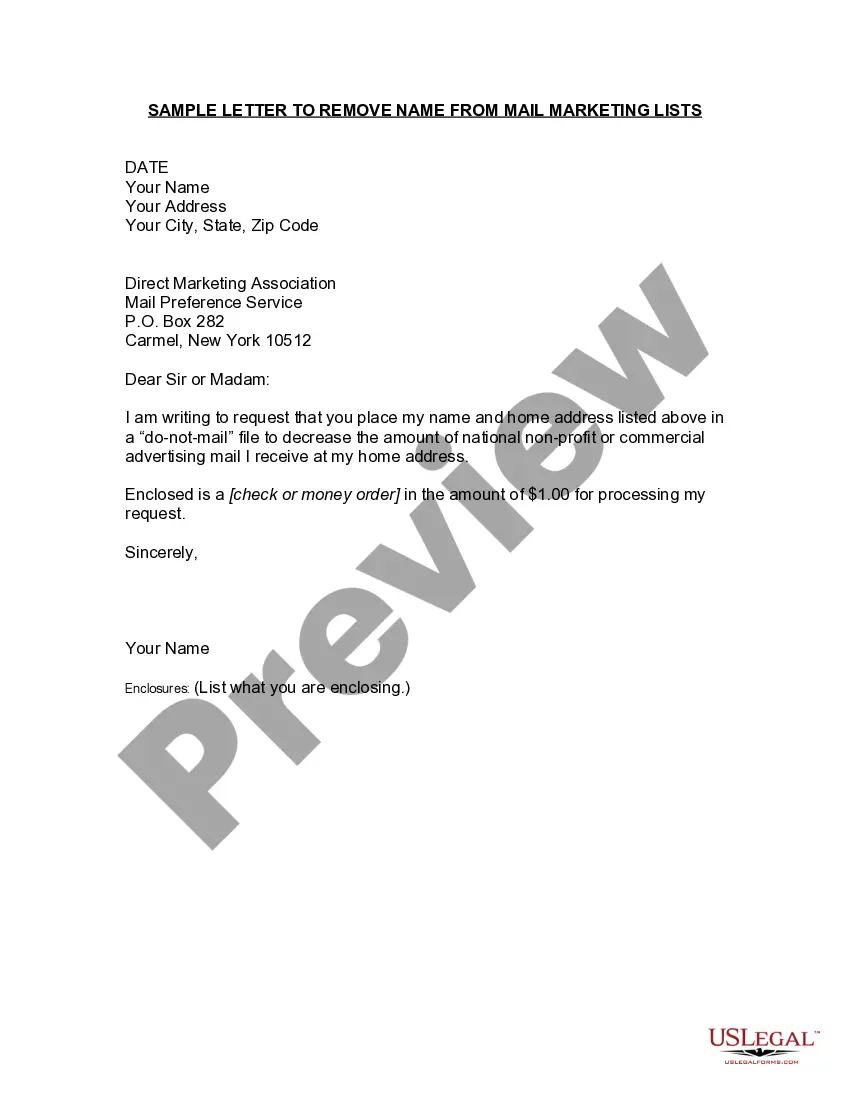
Nebraska Sample Letter for Opt-Out - Telemarketing Lists
Description

Get your form ready online
Our built-in tools help you complete, sign, share, and store your documents in one place.
Make edits, fill in missing information, and update formatting in US Legal Forms—just like you would in MS Word.
Download a copy, print it, send it by email, or mail it via USPS—whatever works best for your next step.
Sign and collect signatures with our SignNow integration. Send to multiple recipients, set reminders, and more. Go Premium to unlock E-Sign.
If this form requires notarization, complete it online through a secure video call—no need to meet a notary in person or wait for an appointment.
We protect your documents and personal data by following strict security and privacy standards.

Make edits, fill in missing information, and update formatting in US Legal Forms—just like you would in MS Word.

Download a copy, print it, send it by email, or mail it via USPS—whatever works best for your next step.

Sign and collect signatures with our SignNow integration. Send to multiple recipients, set reminders, and more. Go Premium to unlock E-Sign.

If this form requires notarization, complete it online through a secure video call—no need to meet a notary in person or wait for an appointment.

We protect your documents and personal data by following strict security and privacy standards.
Looking for another form?
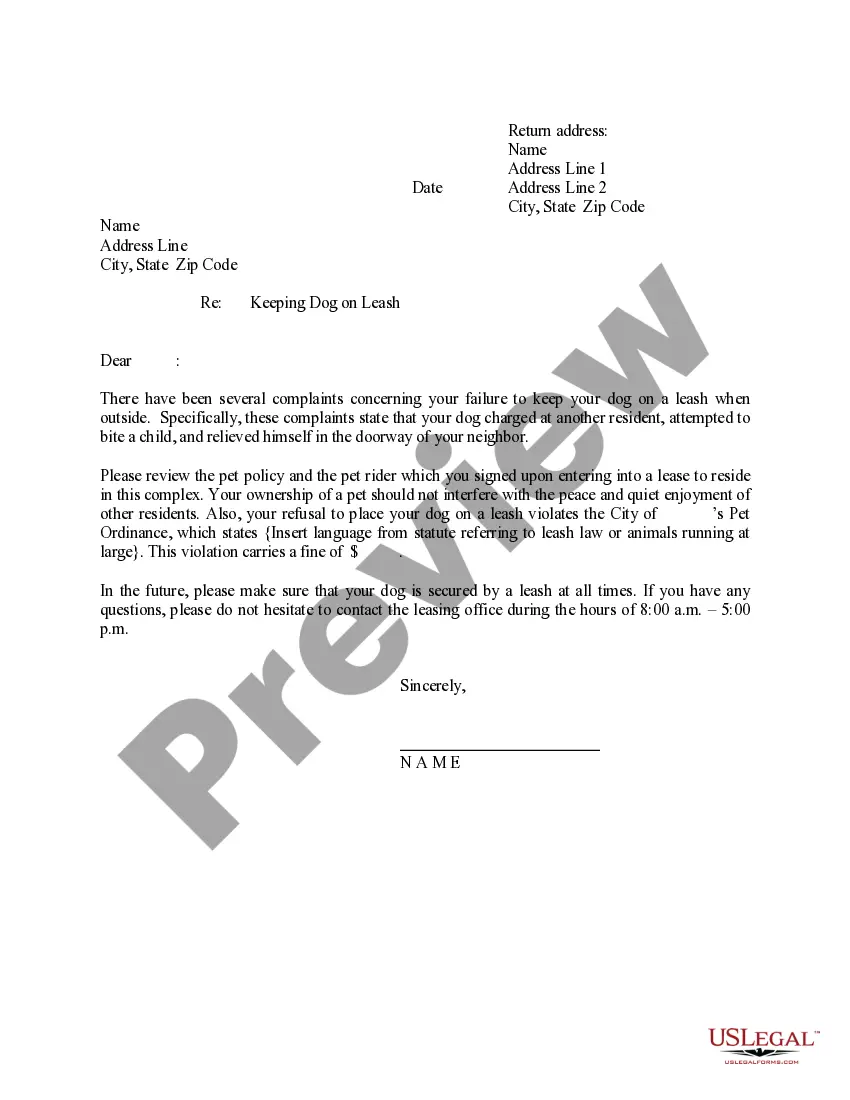

How to fill out Sample Letter For Opt-Out - Telemarketing Lists?
Have you ever found yourself in a scenario where you need documents for both personal or business purposes almost all the time.
There are numerous legal document templates accessible online, but locating trustworthy ones is not easy.
US Legal Forms provides a vast array of form templates, such as the Nebraska Sample Letter for Opt-Out - Telemarketing Lists, which are designed to satisfy state and federal regulations.
Once you find the appropriate form, click Buy now.
Select the payment plan you prefer, complete the necessary information to create your account, and pay for the order using PayPal or a credit card.
- If you are already familiar with the US Legal Forms website and have an account, simply Log In.
- Afterward, you can download the Nebraska Sample Letter for Opt-Out - Telemarketing Lists template.
- If you do not have an account and wish to use US Legal Forms, follow these instructions.
- Obtain the form you need and confirm that it is suited for your specific city/region.
- Use the Review button to check the form.
- Read the description to ensure you have selected the correct form.
- If the form does not meet your search criteria, employ the Search section to find the form that meets your needs and requirements.
Form popularity
FAQ
Joining the National Do Not Call Registry is simple. Go to the website donotcall.gov and enter the landline or cellphone number you want on the list. Note that different regulations govern fax numbers, so don't waste your time. You can also call 1-888-382-1222 from any phone you want to put on the list.
Hiya: Best Free Third-Party Robocall Blocker With over 170 million users, Hiya is one of the most popular robocall blocker apps for a reason. Once you set up the app, you will immediately start to receive notifications if a call is potentially from a robocaller, telemarketer, debt collector, or fraud number.
Visit DoNotCall.gov or call 1-888-382-1222 to verify the status of, or unsubscribe, your phone number on the registry. Placing your phone number on this national registry will stop telemarketing sales calls.
5 Best Robocall Blocker AppsHiya.Nomorobo.PrivacyStar.RoboKiller.YouMail.
Joining the National Do Not Call Registry is simple. Go to the website donotcall.gov and enter the landline or cellphone number you want on the list. Note that different regulations govern fax numbers, so don't waste your time. You can also call 1-888-382-1222 from any phone you want to put on the list.
TO REGISTER WITH THE NATIONAL DO NOT CALL REGISTRY:Go to (888) 382-1222.Dial (866) 290-4236 TTY system for the hearing impaired.
You can register your numbers on the national Do Not Call list at no cost by calling 1-888-382-1222 (voice) or 1-866-290-4236 (TTY). You must call from the phone number you wish to register. You can also register at add your personal wireless phone number to the national Do-Not-Call list donotcall.gov.
The national Do Not Call list protects landline and wireless phone numbers. You can register your numbers on the national Do Not Call list at no cost by calling 1-888-382-1222 (voice) or 1-866-290-4236 (TTY). You must call from the phone number you wish to register.
Today (September, 2017), only twelve (12) states still maintain their own do not call lists. These states are Colorado, Florida, Indiana, Louisiana, Massachusetts, Mississippi, Missouri, Oklahoma, Pennsylvania, Tennessee, Texas. and Wyoming.
Set up an app to filter and detect spam calls Go to Settings > Phone. Tap Call Blocking & Identification. Under Allow These Apps To Block Calls And Provide Caller ID, turn the app on or off. You can also reorder the apps based on priority.