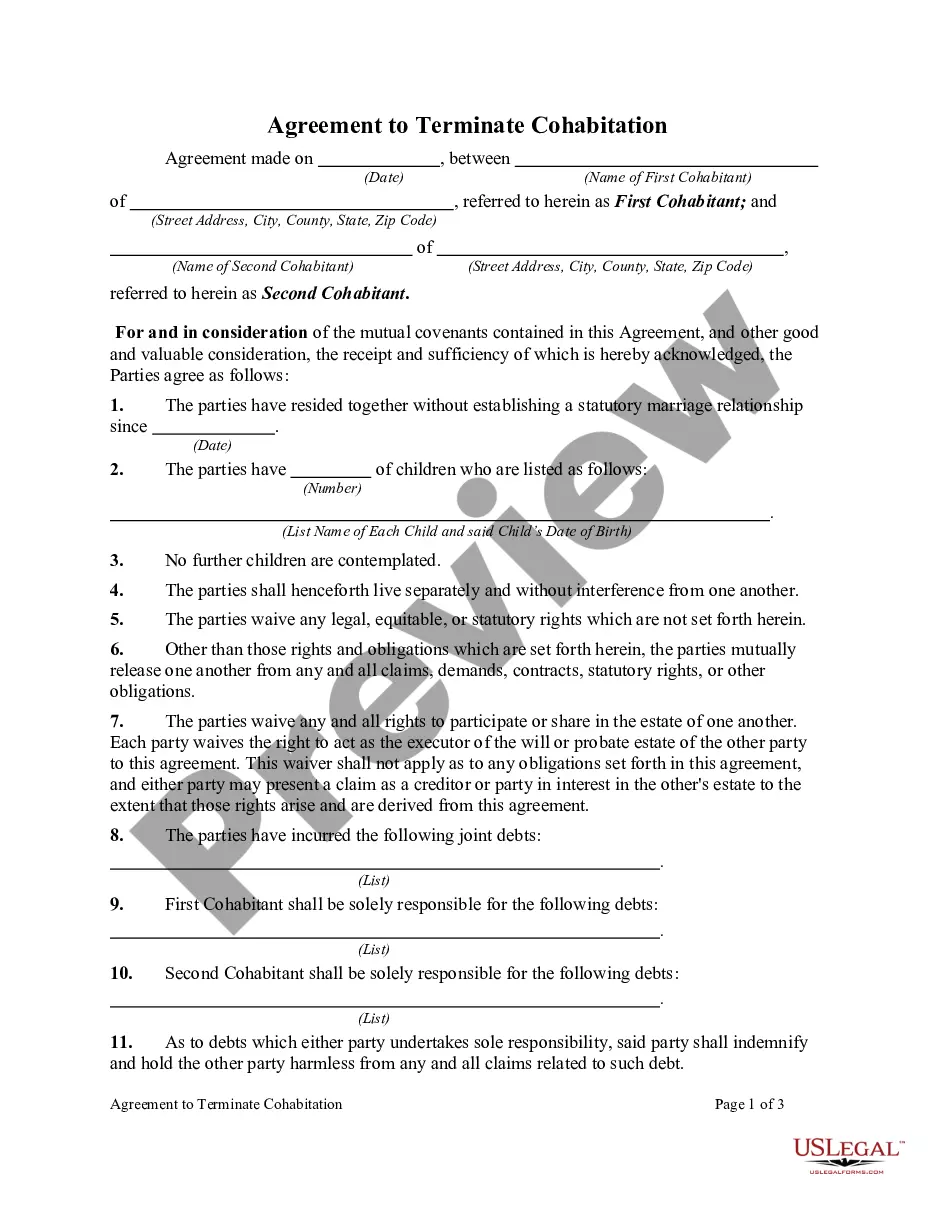
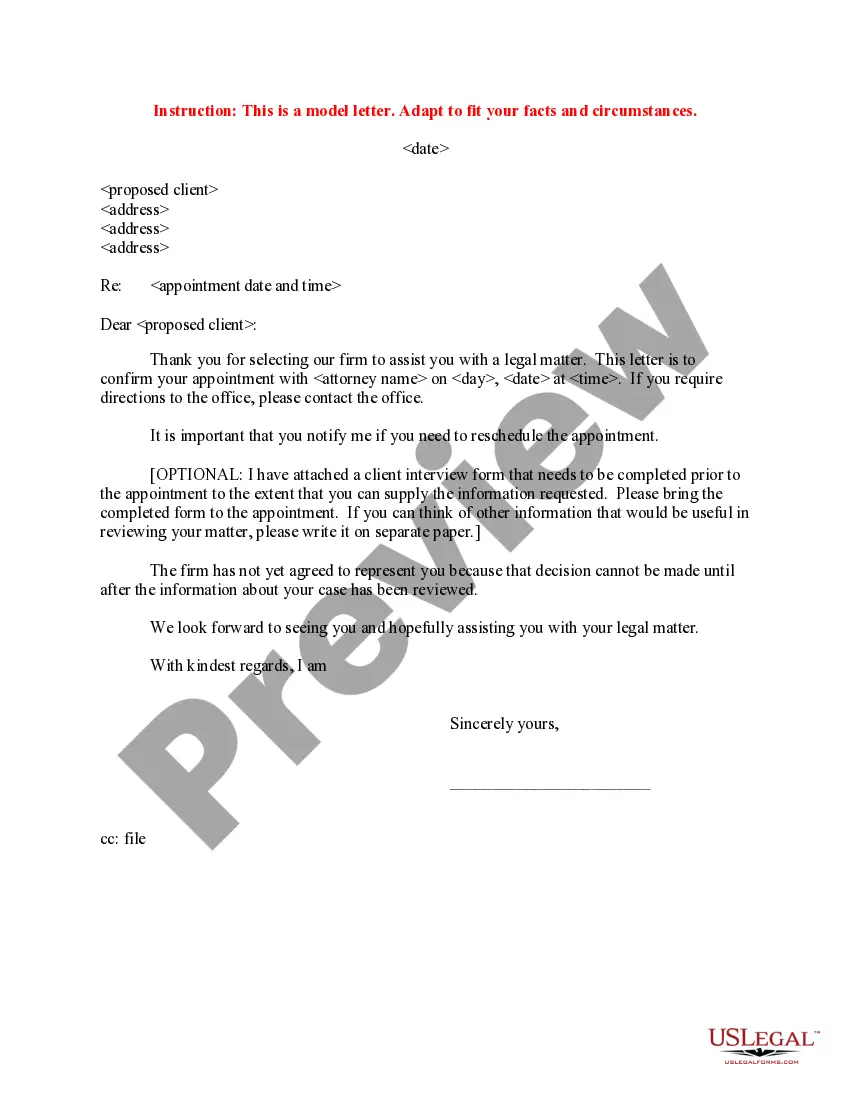
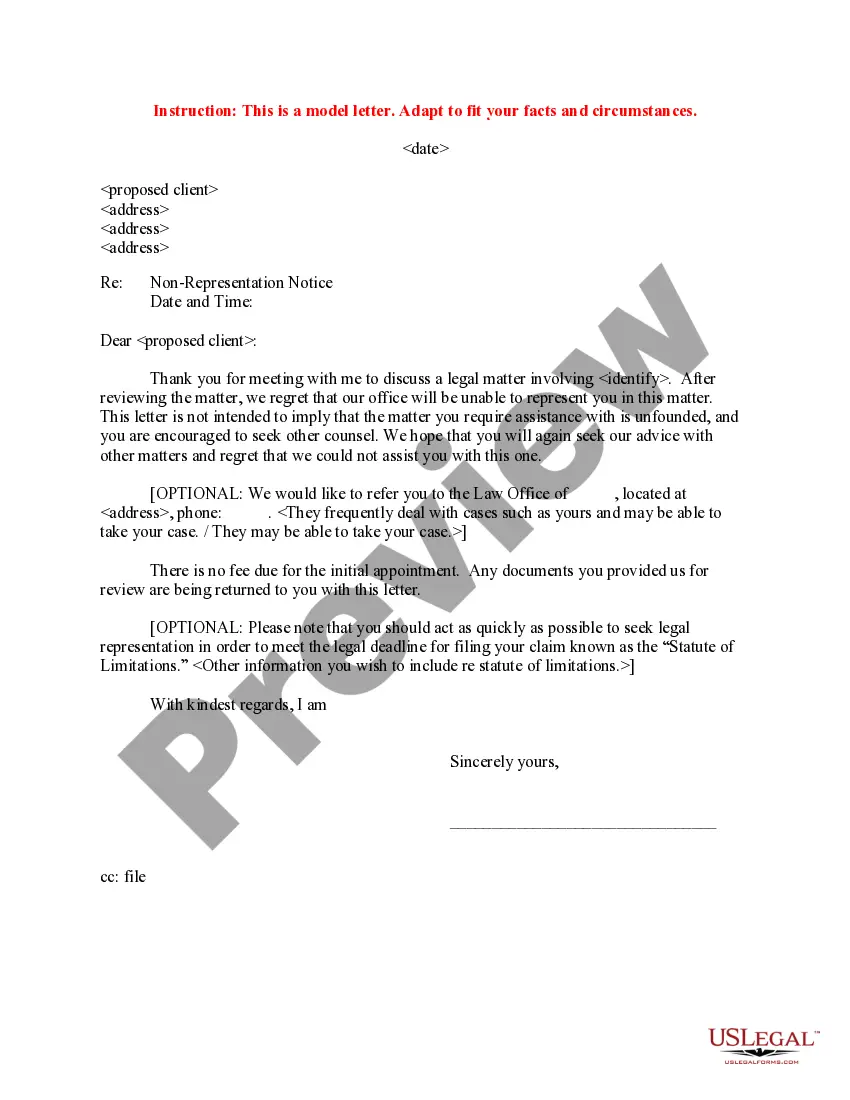
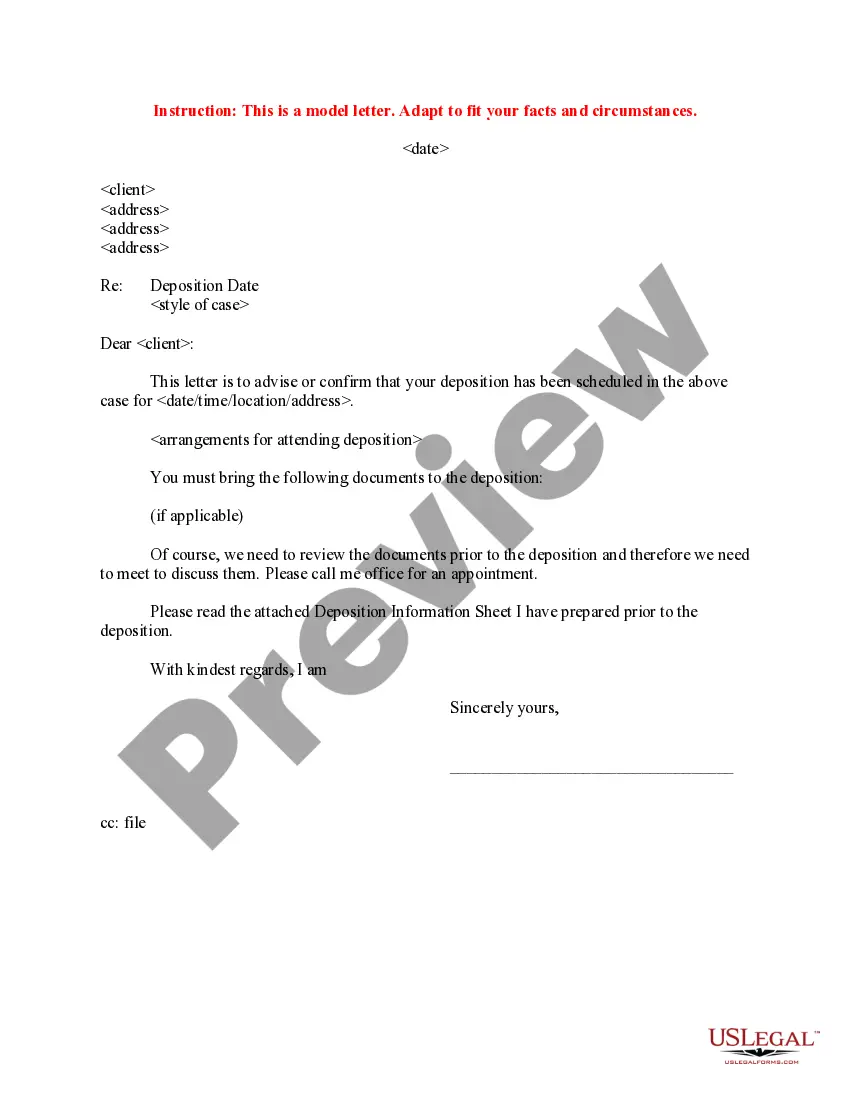
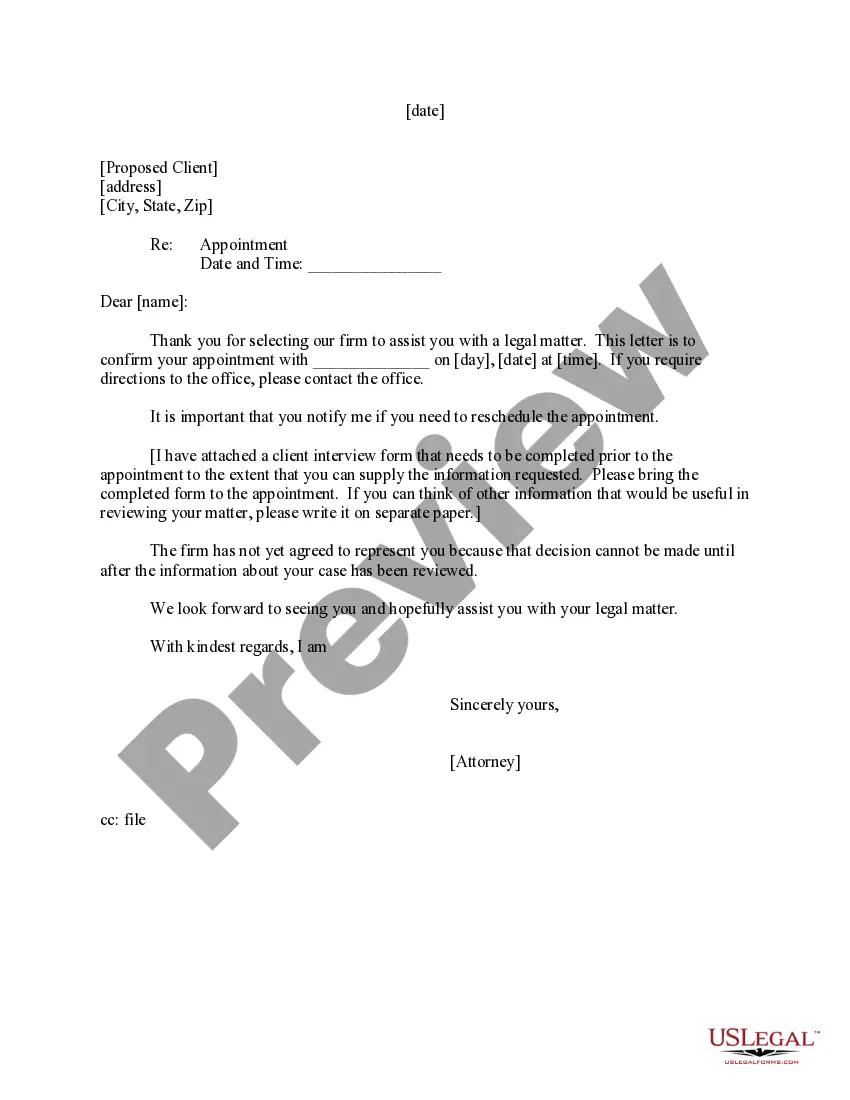
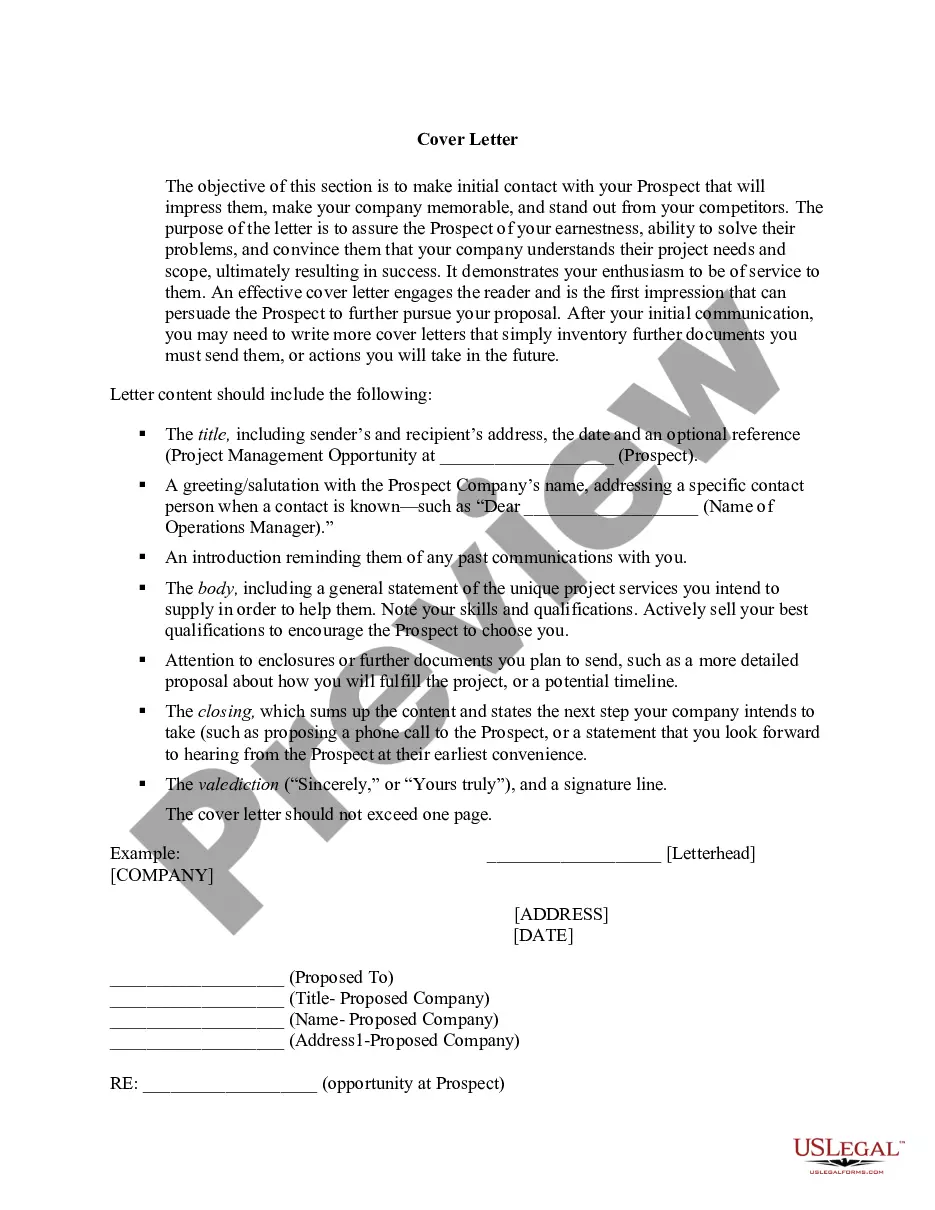
North Dakota Sample Letter to Proposed Client - Initial Appointment
Description
Get your form ready online
Our built-in tools help you complete, sign, share, and store your documents in one place.
Make edits, fill in missing information, and update formatting in US Legal Forms—just like you would in MS Word.
Download a copy, print it, send it by email, or mail it via USPS—whatever works best for your next step.
Sign and collect signatures with our SignNow integration. Send to multiple recipients, set reminders, and more. Go Premium to unlock E-Sign.
If this form requires notarization, complete it online through a secure video call—no need to meet a notary in person or wait for an appointment.
We protect your documents and personal data by following strict security and privacy standards.

Make edits, fill in missing information, and update formatting in US Legal Forms—just like you would in MS Word.

Download a copy, print it, send it by email, or mail it via USPS—whatever works best for your next step.

Sign and collect signatures with our SignNow integration. Send to multiple recipients, set reminders, and more. Go Premium to unlock E-Sign.

If this form requires notarization, complete it online through a secure video call—no need to meet a notary in person or wait for an appointment.

We protect your documents and personal data by following strict security and privacy standards.
Looking for another form?


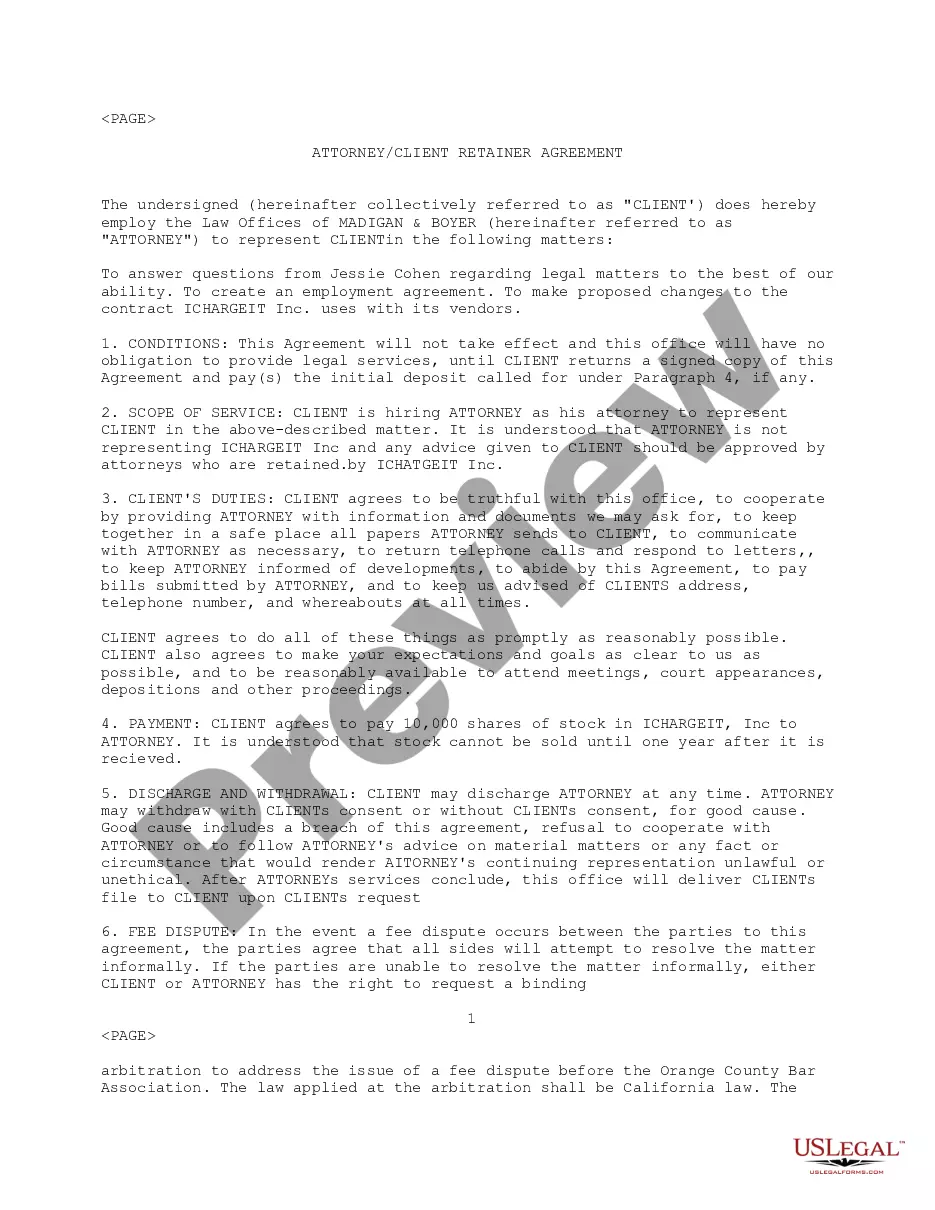
How to fill out Sample Letter To Proposed Client - Initial Appointment?
You are able to devote several hours on the Internet trying to find the authorized record design that meets the federal and state needs you want. US Legal Forms gives thousands of authorized types that are examined by experts. It is simple to obtain or printing the North Dakota Sample Letter to Proposed Client - Initial Appointment from your service.
If you already possess a US Legal Forms bank account, you are able to log in and then click the Obtain option. Following that, you are able to full, modify, printing, or signal the North Dakota Sample Letter to Proposed Client - Initial Appointment. Each and every authorized record design you buy is the one you have eternally. To get another backup associated with a purchased kind, go to the My Forms tab and then click the related option.
If you use the US Legal Forms website initially, follow the straightforward guidelines below:
- Initial, make sure that you have selected the right record design for that state/area of your liking. Browse the kind outline to ensure you have selected the appropriate kind. If offered, take advantage of the Preview option to search throughout the record design as well.
- In order to discover another version of the kind, take advantage of the Lookup field to get the design that meets your needs and needs.
- After you have identified the design you would like, click Buy now to move forward.
- Pick the rates strategy you would like, type your references, and sign up for an account on US Legal Forms.
- Comprehensive the financial transaction. You should use your charge card or PayPal bank account to cover the authorized kind.
- Pick the file format of the record and obtain it to your gadget.
- Make adjustments to your record if necessary. You are able to full, modify and signal and printing North Dakota Sample Letter to Proposed Client - Initial Appointment.
Obtain and printing thousands of record templates utilizing the US Legal Forms website, that provides the greatest variety of authorized types. Use specialist and express-certain templates to tackle your small business or person requirements.
Form popularity
FAQ
Here are all of the steps: Write a clear subject line. An email should have ?glance-value?. ... Use a salutation. ... Introduce yourself (if necessary). ... Explain why you want to meet. ... Be flexible about time and place. ... Request a reply or confirmation. ... Send a reminder.
How do I write a simple appointment letter? The date on which the appointment letter is issued. The name, address and contact details of the selected candidate. The salutation. The body of the letter stating the job title, emoluments, job location, probation period and other details.
Send an email to your employer or HR department: You can send a polite email to your employer or HR department asking for your appointment letter. Be sure to include your name, the position you have been offered, and the date you are expected to start work.
Inclusions of a Doctor Appointment Letter Recipient of the Letter ? The recipient could either be the physician or the patient. ... Purpose ? It is very important that you include the purpose as to why you are writing an appointment letter. ... Appointment details ? This part should include the time and date of the appointment.
Appointment Letter Example. Dear [Employee's Name], We are happy to extend our heartfelt congratulations on your selection for the position of [Job Title] at [Company Name]. We believe your skills, experience, and qualifications make you a valuable addition to our team.