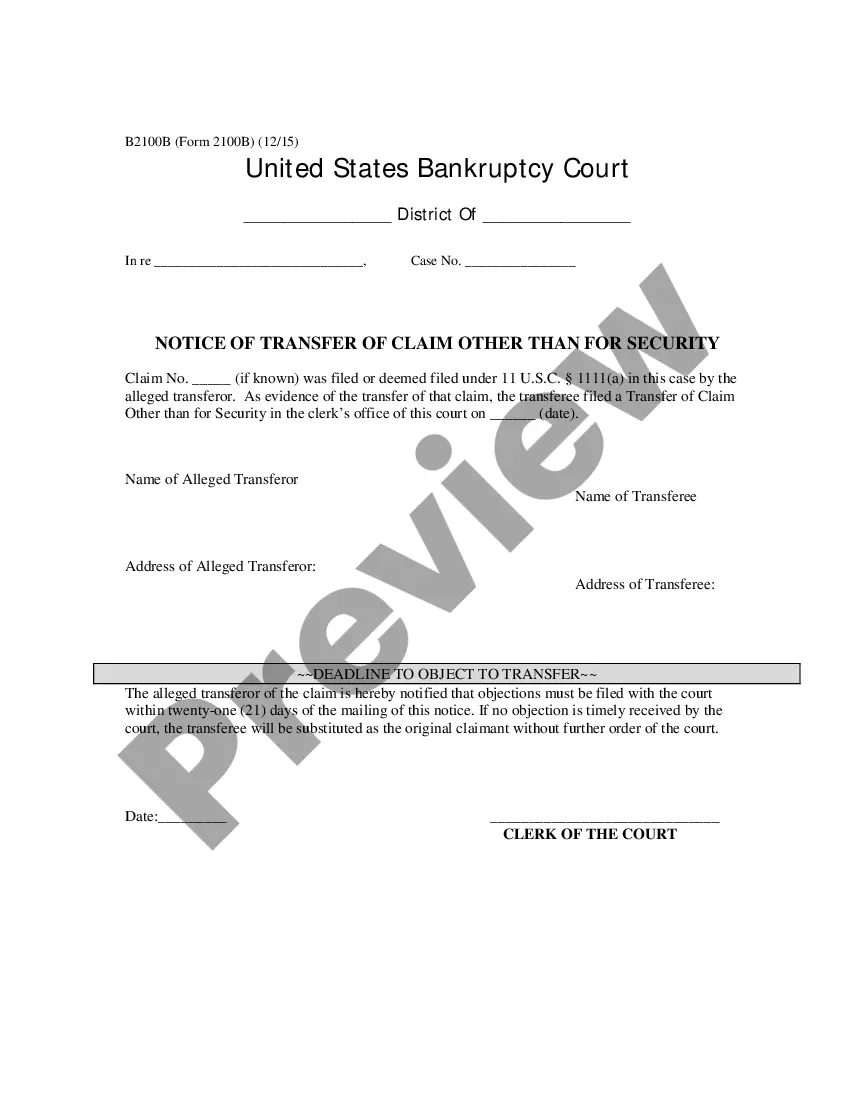
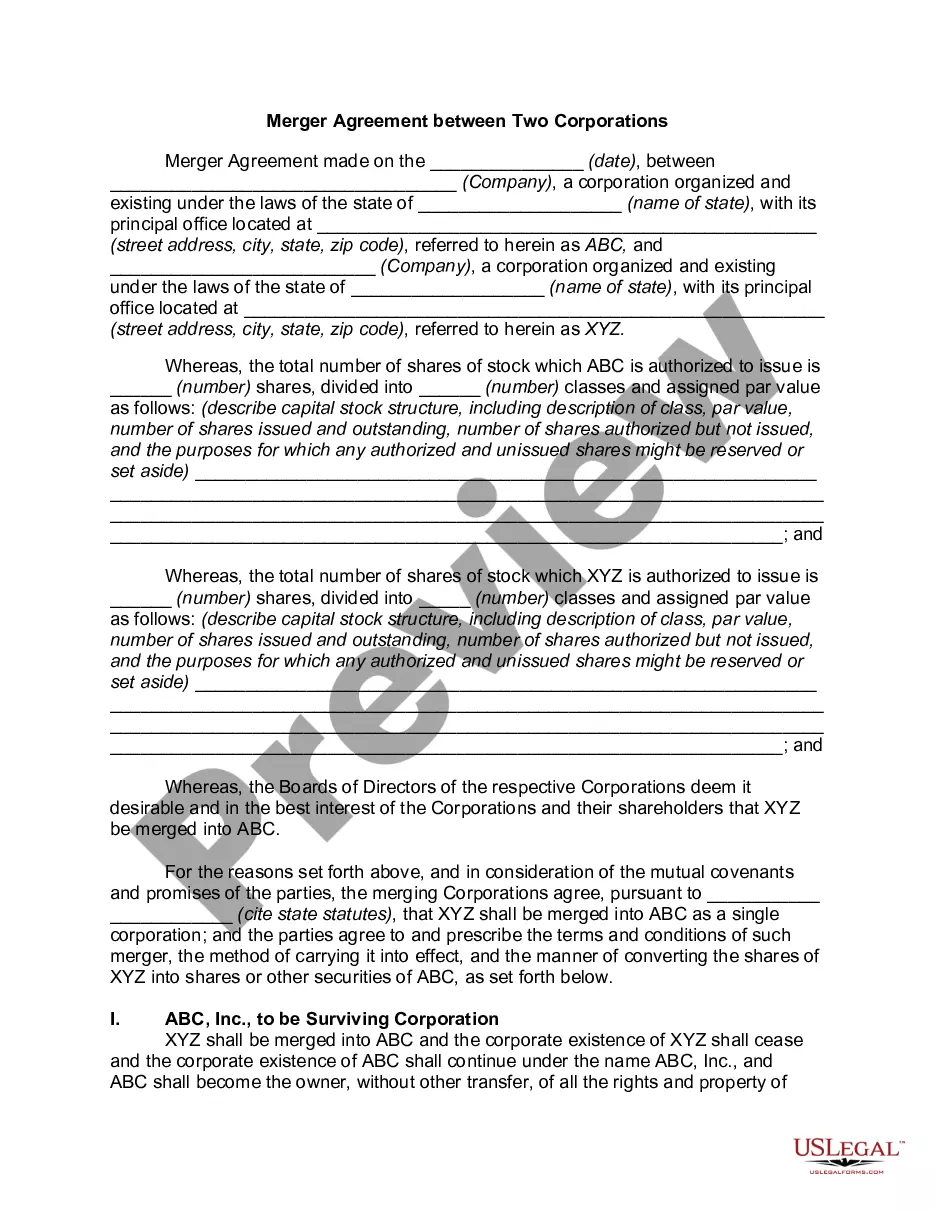
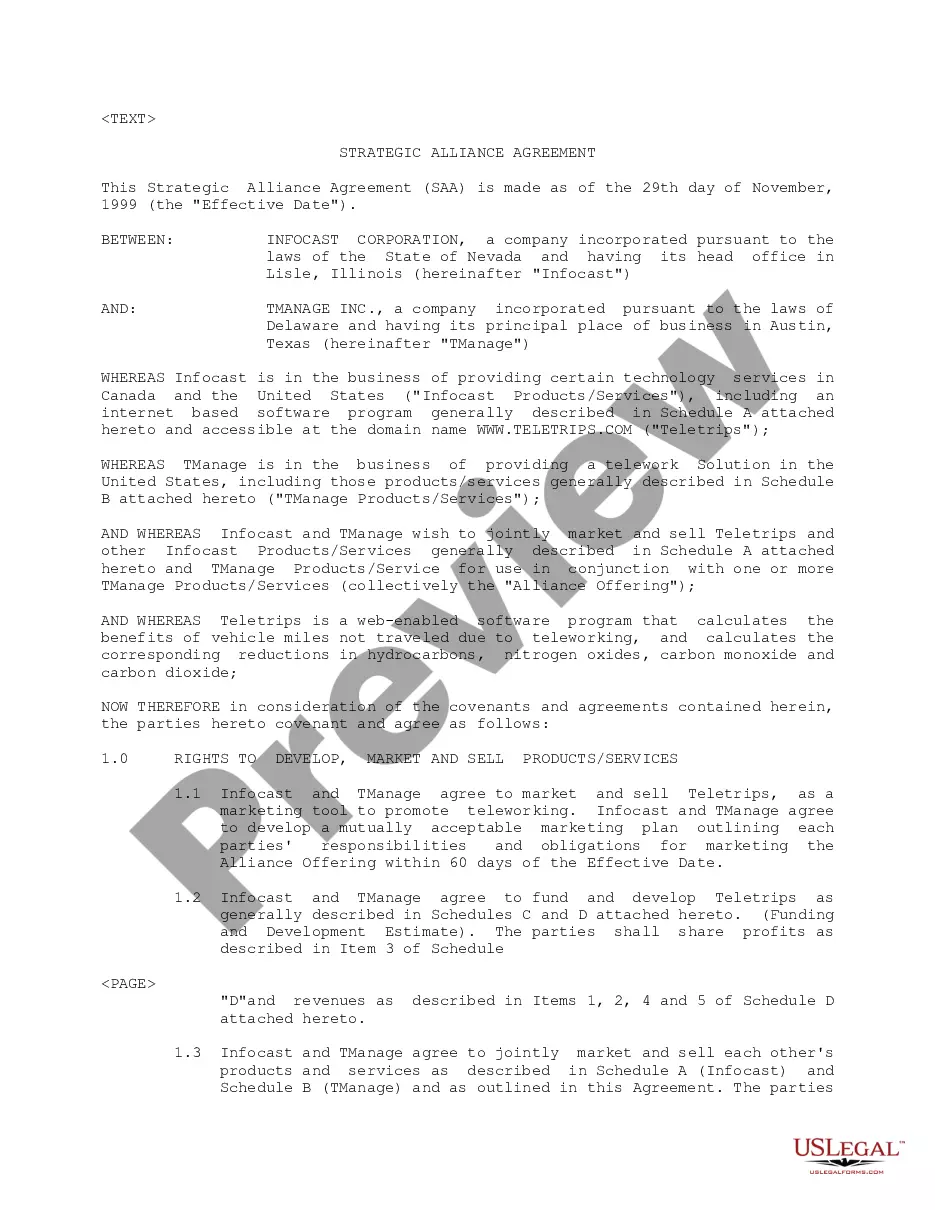
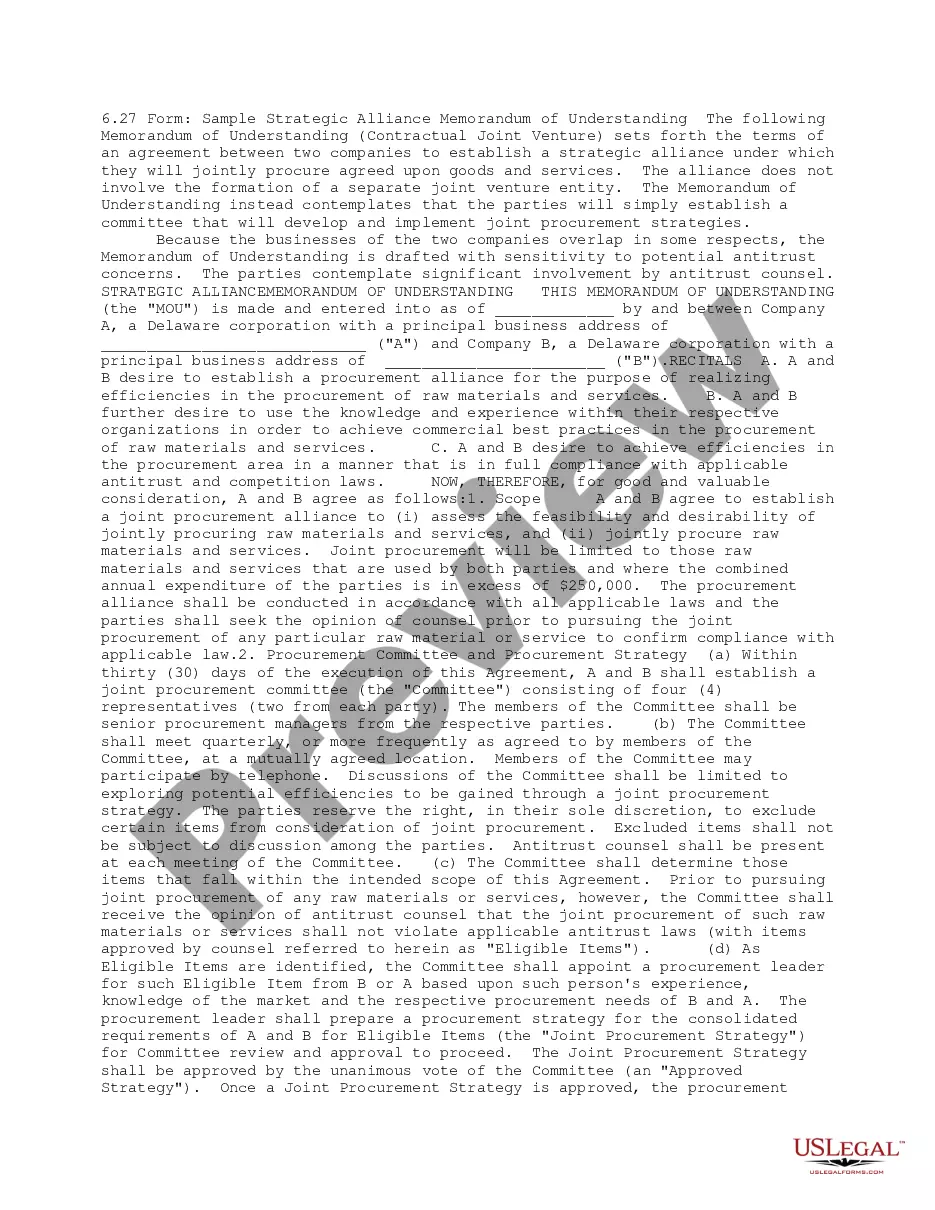
A strategic alliance agreement can involve an agreement between two or more individuals or entities stating that the involved parties will act in a certain way in order to achieve a common goal. Strategic alliances usually make sense when the parties involved have complementary strengths. Unlike in a joint venture, firms in a strategic alliance do not have to form a new entity to further their aims but collaborate while remaining apart and distinct.
North Dakota Contract for Strategic Alliance
Instant download
Description
Free preview
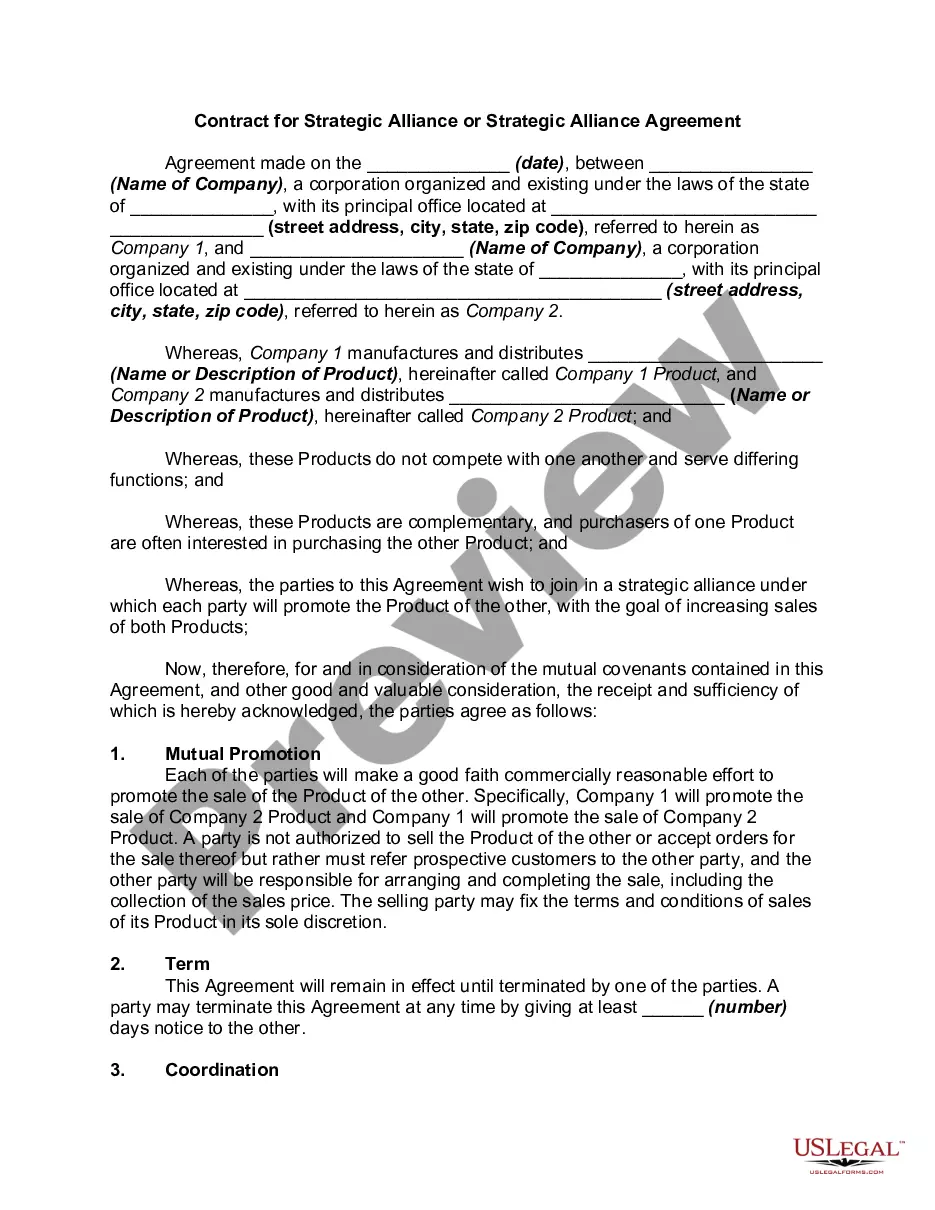
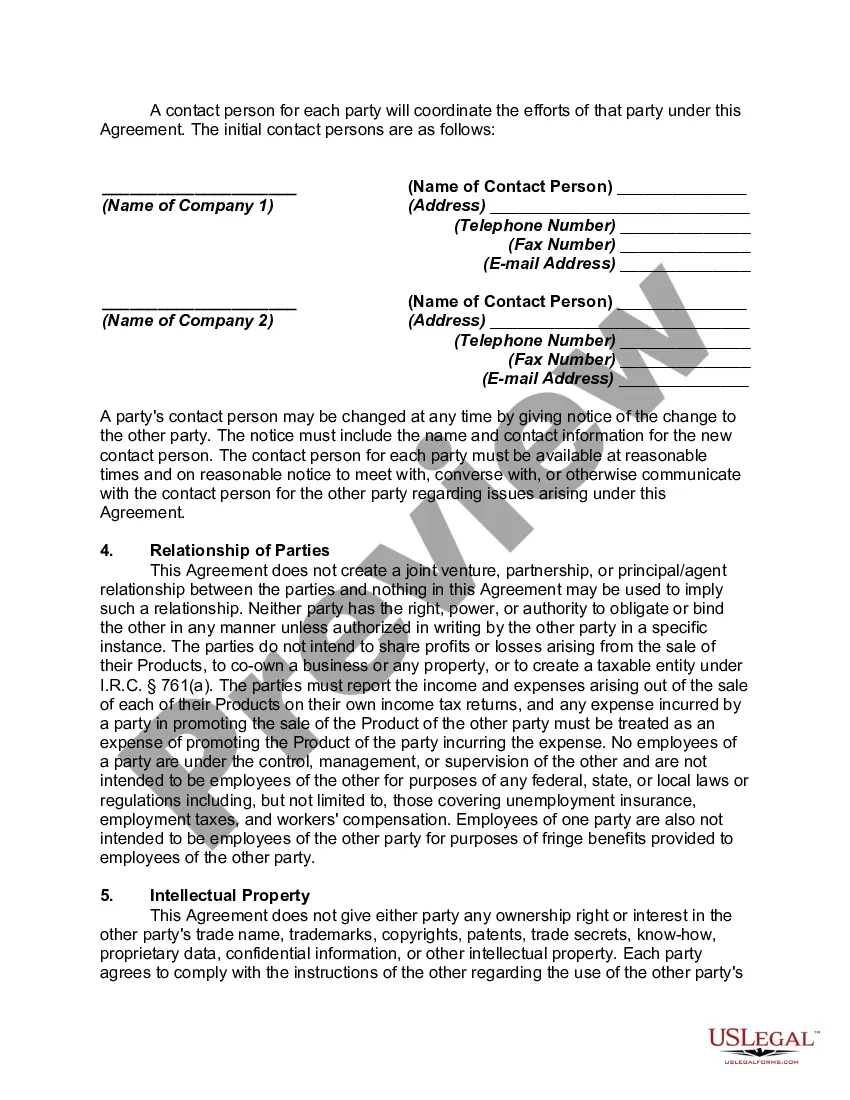
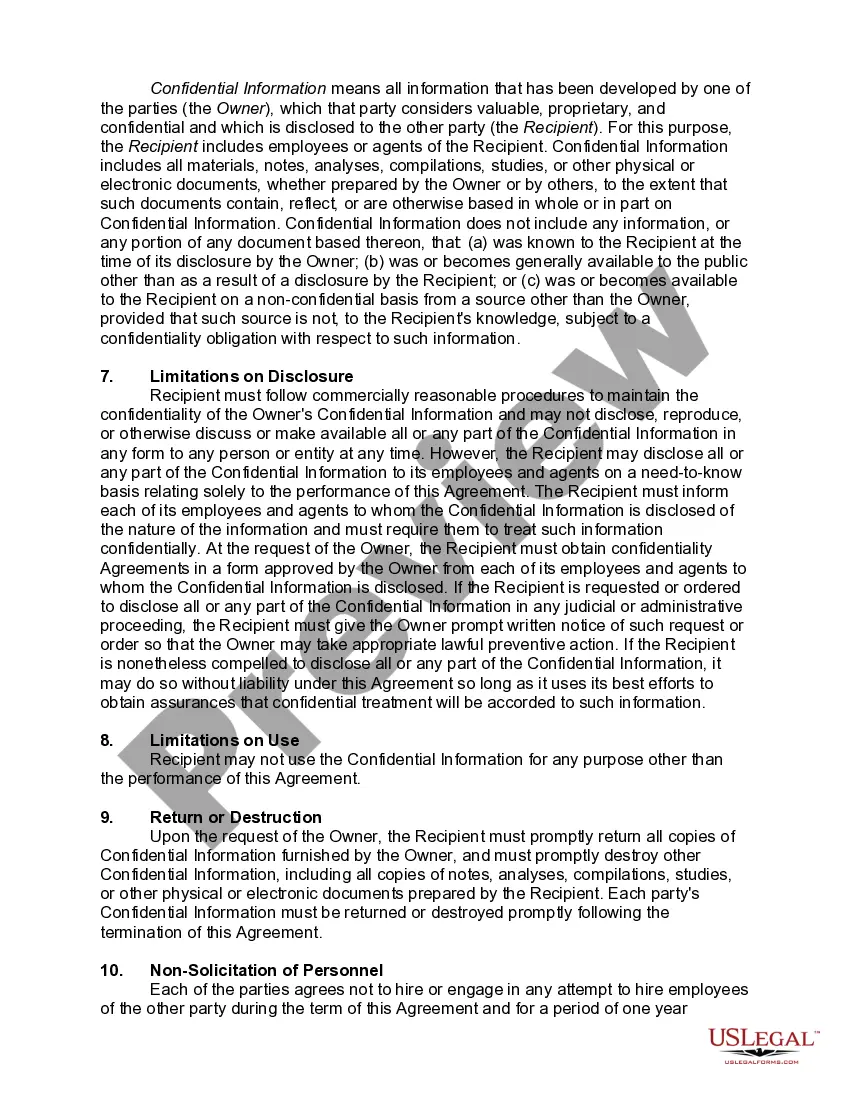
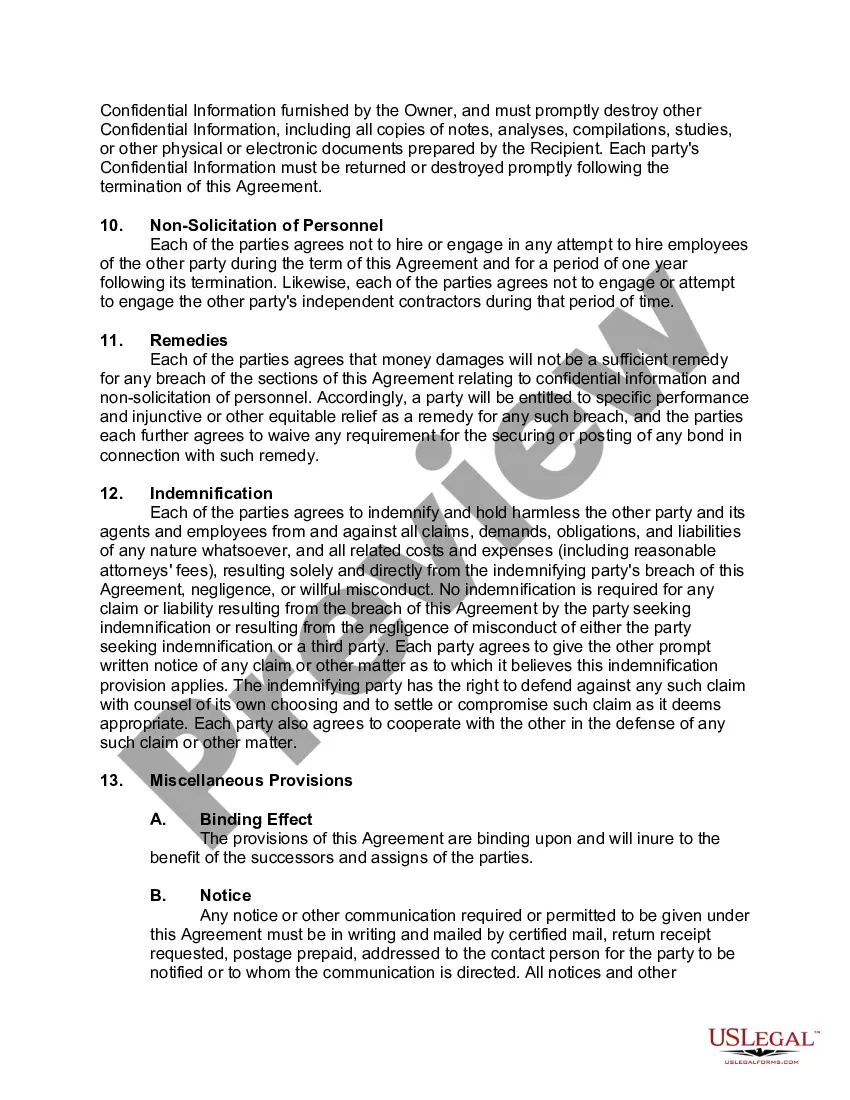
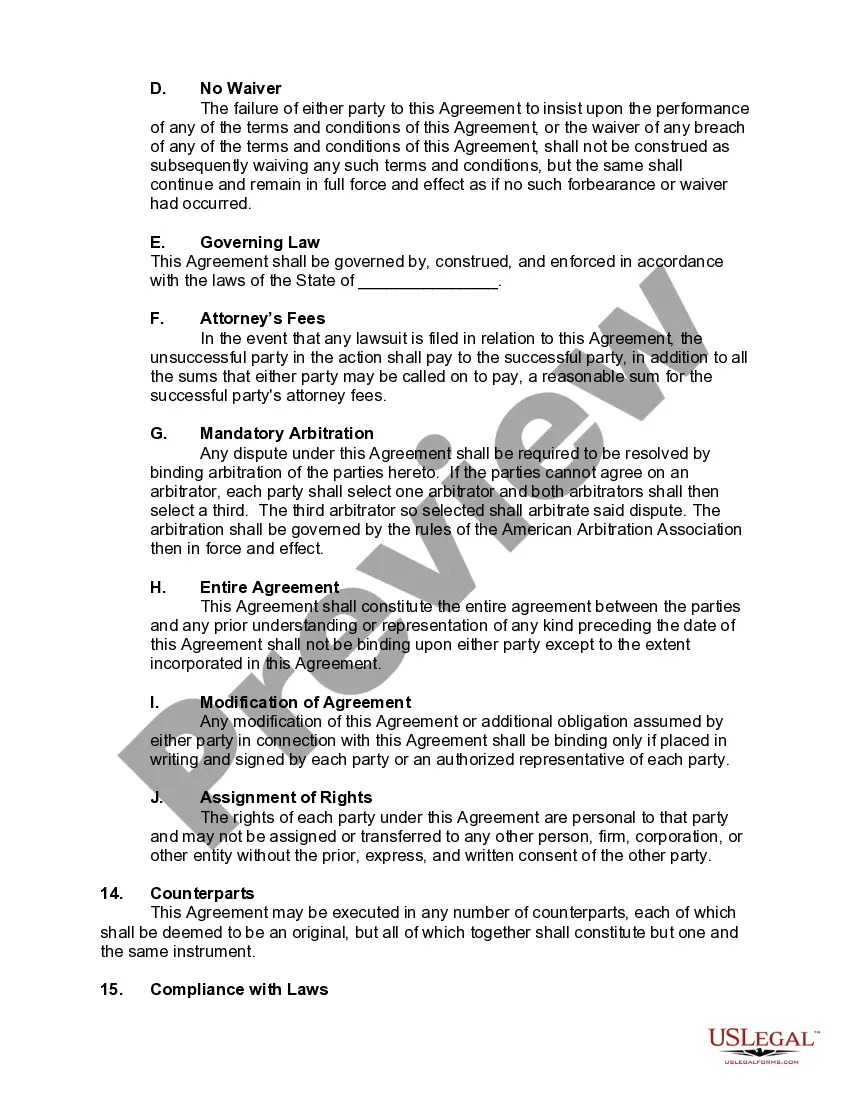
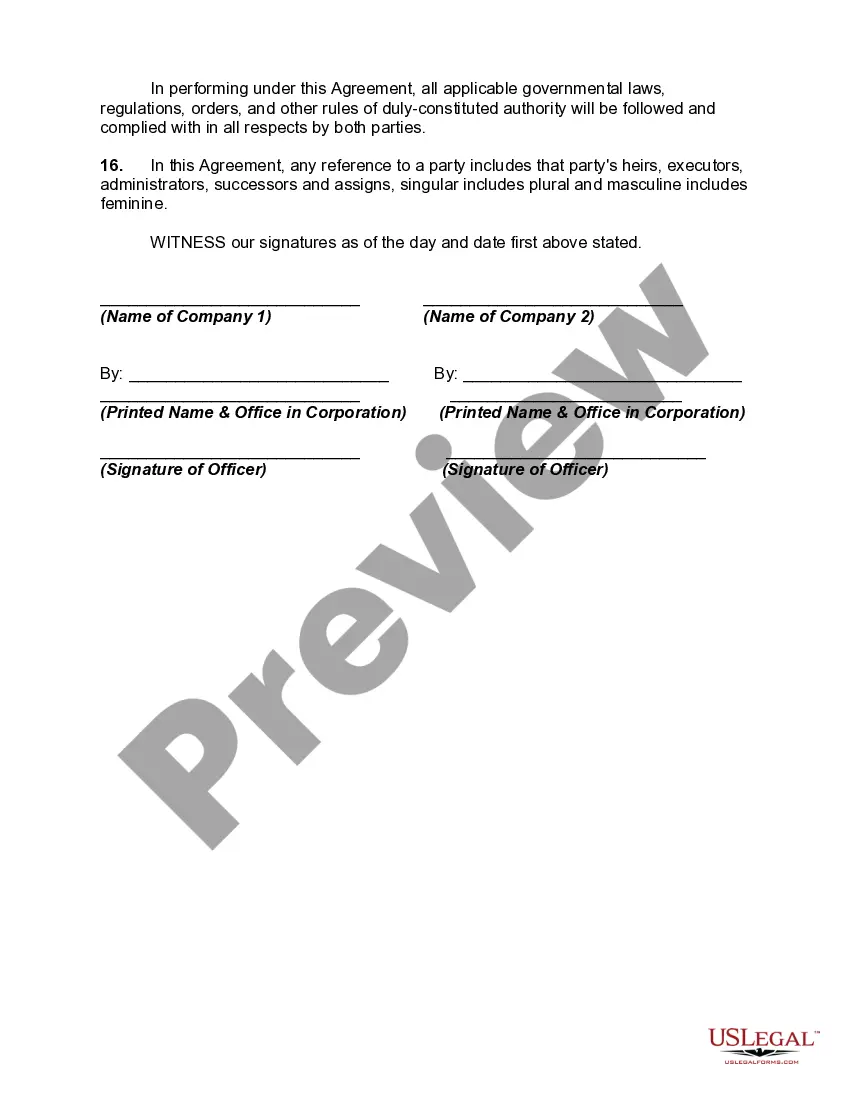
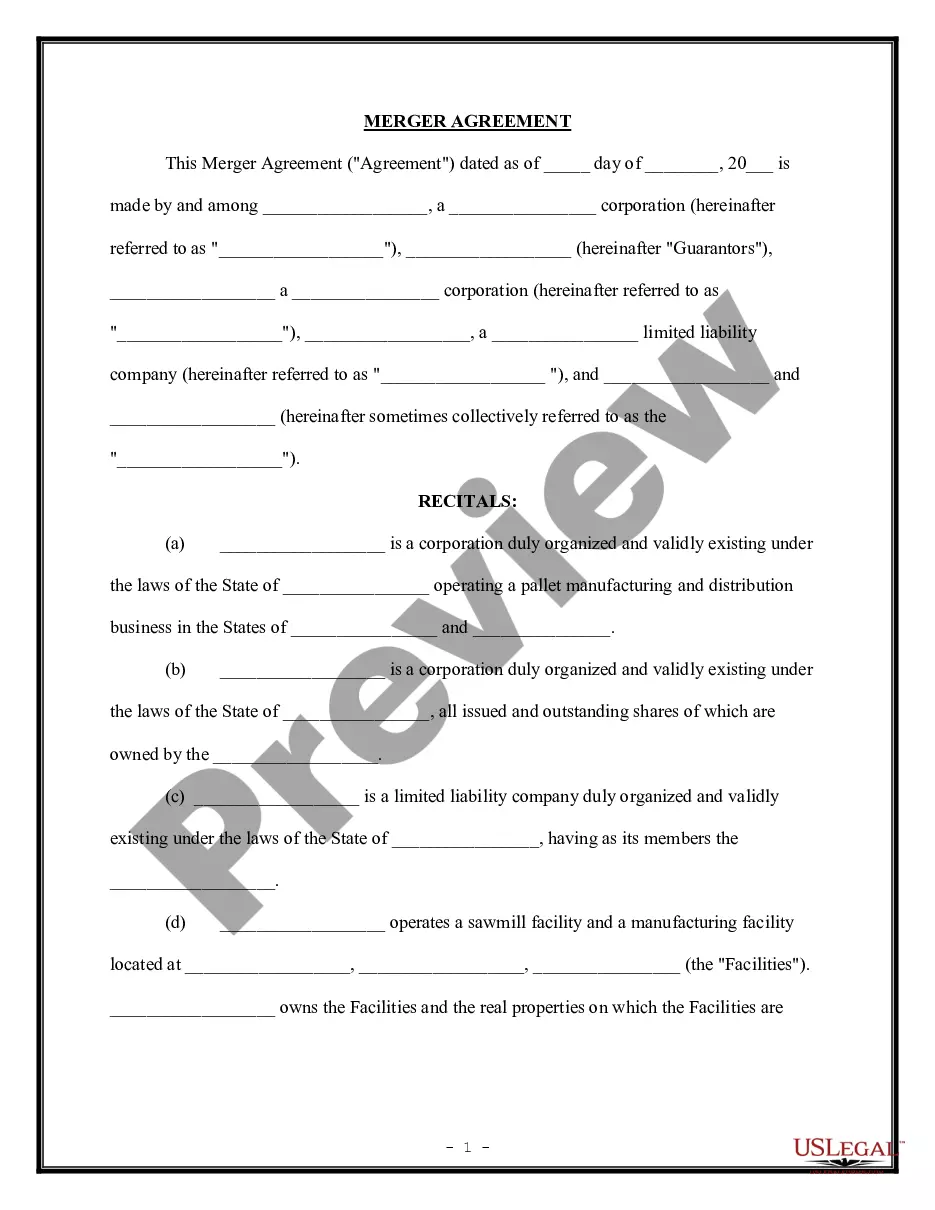
Get your form ready online
Our built-in tools help you complete, sign, share, and store your documents in one place.
Built-in online Word editor
Make edits, fill in missing information, and update formatting in US Legal Forms—just like you would in MS Word.
Export easily
Download a copy, print it, send it by email, or mail it via USPS—whatever works best for your next step.
E-sign your document
Sign and collect signatures with our SignNow integration. Send to multiple recipients, set reminders, and more. Go Premium to unlock E-Sign.
Notarize online 24/7
If this form requires notarization, complete it online through a secure video call—no need to meet a notary in person or wait for an appointment.
Store your document securely
We protect your documents and personal data by following strict security and privacy standards.

Make edits, fill in missing information, and update formatting in US Legal Forms—just like you would in MS Word.

Download a copy, print it, send it by email, or mail it via USPS—whatever works best for your next step.

Sign and collect signatures with our SignNow integration. Send to multiple recipients, set reminders, and more. Go Premium to unlock E-Sign.

If this form requires notarization, complete it online through a secure video call—no need to meet a notary in person or wait for an appointment.

We protect your documents and personal data by following strict security and privacy standards.
Looking for another form?


How to fill out Contract For Strategic Alliance?
US Legal Forms - one of the most important repositories of legal templates in the United States - offers a vast selection of legal document formats that you can download or print.
By utilizing the website, you will have access to numerous forms for commercial and personal purposes, organized by categories, states, or keywords. You can find the latest editions of documents such as the North Dakota Contract for Strategic Alliance in just a few minutes.
If you are already a member, Log In and download the North Dakota Contract for Strategic Alliance from the US Legal Forms collection. The Download button will appear on every document you view. You can access all previously obtained templates from the My documents section of your account.
If you are satisfied with the form, confirm your choice by clicking the Buy now button. Then choose your preferred pricing plan and provide your details to set up an account.
Complete the transaction. Use your credit card or PayPal account to finalize the purchase. Choose the format and download the document to your device. Make modifications. Fill, edit, print, and sign the downloaded North Dakota Contract for Strategic Alliance. Every template you save to your account has no expiration date and is yours permanently. Therefore, if you want to download or print another copy, just go to the My documents section and click on the document you require. Access the North Dakota Contract for Strategic Alliance with US Legal Forms, the most extensive collection of legal document templates. Utilize a multitude of professional and state-specific formats that meet your business or personal requirements.
- If you are using US Legal Forms for the first time, here are straightforward instructions to get started.
- Ensure that you have selected the correct document for your city/region.
- Click the Review button to evaluate the form's content.
- Check the document details to confirm that you have selected the appropriate template.
- If the document does not meet your needs, utilize the Search area at the top of the screen to find one that does.
Form popularity
FAQ
In a North Dakota Contract for Strategic Alliance, the buyer is generally responsible for property taxes during the term of the contract. This arrangement means that while you are making payments towards ownership, you must also stay current on taxes. It is essential to clarify this responsibility in your agreement to avoid misunderstandings.
One disadvantage of a contract for deed is that the seller retains the title, which means they can sell the property to someone else if you default. Another potential drawback is that buyers may have limited options for recourse if the property's condition worsens while they are paying. Understanding these risks is crucial when considering a North Dakota Contract for Strategic Alliance.
To establish a breach of contract in North Dakota, you must prove the existence of a valid contract, demonstrate that the other party failed to fulfill their obligations, and show that this failure caused you harm. The North Dakota Contract for Strategic Alliance is no exception; if one party does not uphold their end, they may be liable for damages. It is essential to document the terms clearly to support any claims of breach.
A strategic relationship agreement is a key document that establishes a long-term collaboration between businesses or organizations focused on achieving specific objectives. Utilizing a North Dakota Contract for Strategic Alliance, parties define their collaboration terms, including communication protocols and shared innovation initiatives. Such agreements facilitate stronger partnerships by aligning expectations and fostering trust, ultimately leading to successful project outcomes.
A strategic partnership agreement is a formal document that outlines the roles and responsibilities of two or more parties collaborating to achieve mutual goals. For instance, a North Dakota contractor may enter into a North Dakota Contract for Strategic Alliance with a local supplier to enhance project efficiency, ensuring both parties benefit from shared resources. These agreements often define the nature of the partnership, the contributions of each party, and the desired outcomes.
No, a strategic alliance is distinct from a sale; it is a collaborative partnership aimed at mutual benefits rather than a transfer of ownership. In a strategic alliance, the involved parties share resources or capabilities while retaining their independence. When you create a North Dakota Contract for Strategic Alliance, you are establishing a framework for collaboration that focuses on shared goals, rather than merely trading goods or services.
A strategic alliance contract is a formal agreement that establishes the relationship and collaboration framework between involved parties. It lays out goals, contributions, and potential risks, ensuring all partners work towards common objectives. Implementing a North Dakota Contract for Strategic Alliance not only clarifies expectations but also sets the foundation for successful outcomes for all entities.
A strategic alliance fosters collaboration between companies to achieve objectives that benefit both parties. This can include sharing resources, expertise, and technologies, which can enhance growth and create more competitive offerings. Engaging in a North Dakota Contract for Strategic Alliance allows organizations to combine their strengths and innovate while minimizing risks associated with independent ventures.
An alliance contract is a legal agreement that outlines the terms and conditions of a partnership between two or more organizations. This contract specifies the roles, responsibilities, and contributions of each party involved in the alliance. By utilizing a North Dakota Contract for Strategic Alliance, you ensure that all parties have a clear understanding of their obligations and can work towards shared objectives effectively.
A strategic alliance often involves two businesses cooperating to achieve mutual goals without merging into one entity. For instance, a North Dakota tech company might partner with a local marketing firm to enhance their product outreach. This partnership allows both companies to leverage each other's strengths while maintaining their independence. If you seek to establish a North Dakota Contract for Strategic Alliance, consider the diverse benefits of collaboration.