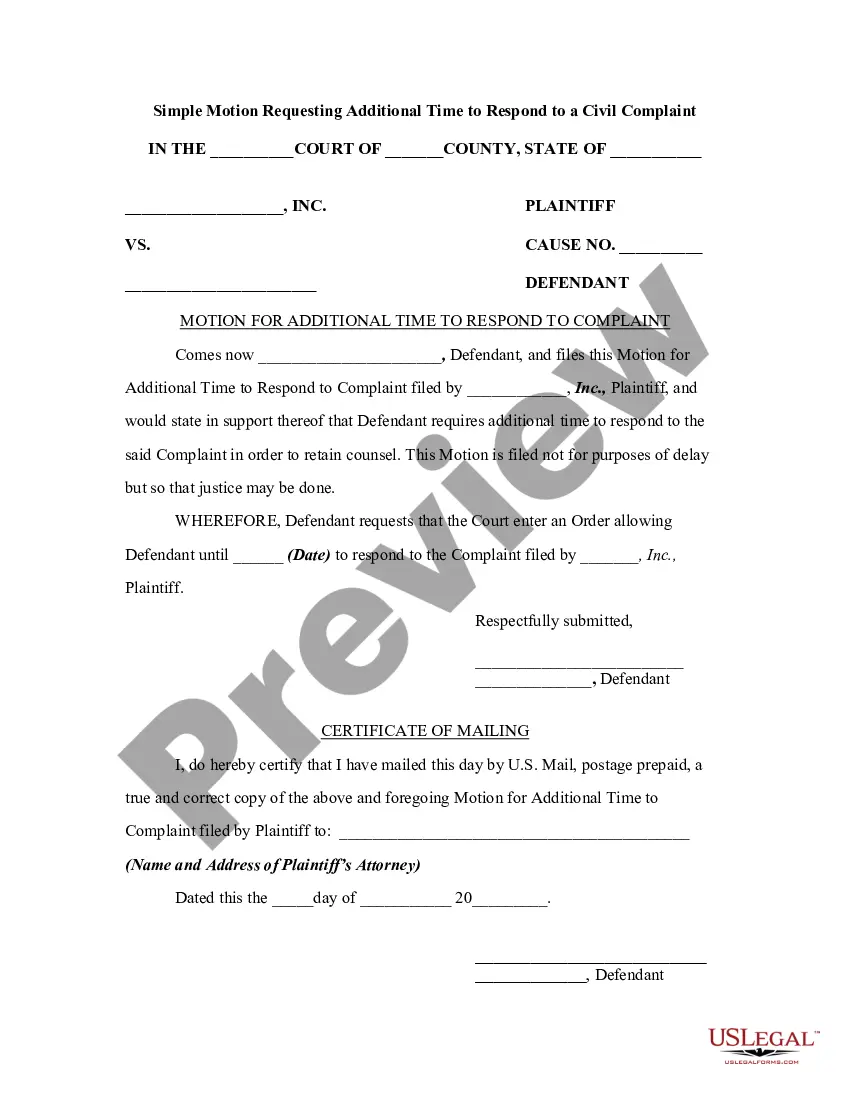
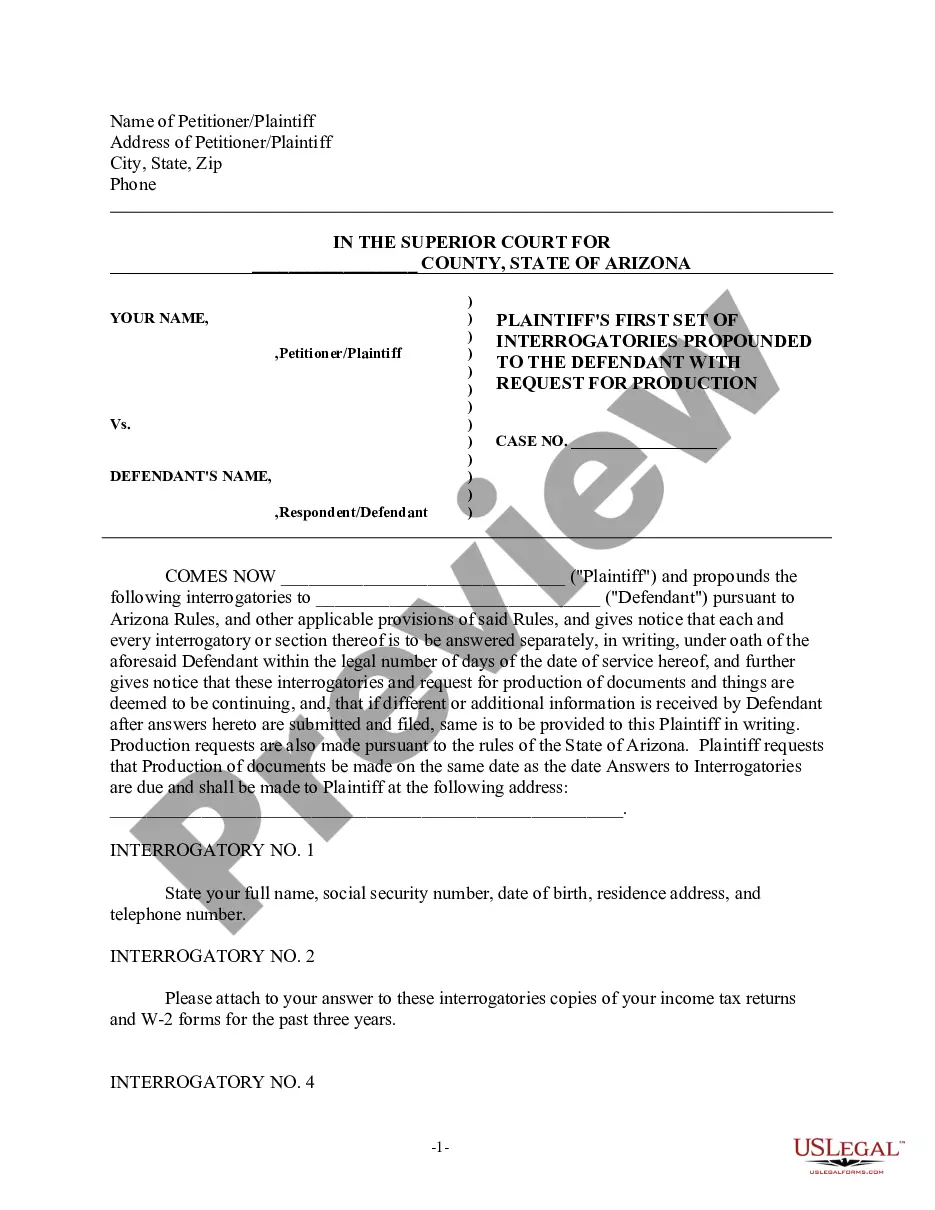
Time limits for pleading are regulated to a large extent by specific statute or rule in each jurisdiction. Generally, time extensions for serving or filing a pleading may be allowed by the court or provided for by stipulation of the parties. A large discretion is vested in the trial court with respect to time extensions on such terms as appear reasonable under the circumstances. If a defendant's motion is overruled, generally the defendant is entitled to file an answer even though the statutory period for answering has expired.
North Dakota Simple Motion Requesting Additional Time to Respond to a Civil Complaint
State:
Multi-State
Control #:
US-00832BG
Format:
Word;
Rich Text
361 downloads
Description
Get your form ready online
Our built-in tools help you complete, sign, share, and store your documents in one place.
Built-in online Word editor
Make edits, fill in missing information, and update formatting in US Legal Forms—just like you would in MS Word.
Export easily
Download a copy, print it, send it by email, or mail it via USPS—whatever works best for your next step.
E-sign your document
Sign and collect signatures with our SignNow integration. Send to multiple recipients, set reminders, and more. Go Premium to unlock E-Sign.
Notarize online 24/7
If this form requires notarization, complete it online through a secure video call—no need to meet a notary in person or wait for an appointment.
Store your document securely
We protect your documents and personal data by following strict security and privacy standards.

Make edits, fill in missing information, and update formatting in US Legal Forms—just like you would in MS Word.

Download a copy, print it, send it by email, or mail it via USPS—whatever works best for your next step.

Sign and collect signatures with our SignNow integration. Send to multiple recipients, set reminders, and more. Go Premium to unlock E-Sign.

If this form requires notarization, complete it online through a secure video call—no need to meet a notary in person or wait for an appointment.

We protect your documents and personal data by following strict security and privacy standards.
Looking for another form?

How to fill out Simple Motion Requesting Additional Time To Respond To A Civil Complaint?
US Legal Forms - one of the largest collections of legal documents in the United States - offers a broad range of legal template documents you can download or print.
By utilizing the website, you will find thousands of forms for business and personal purposes, categorized by types, states, or keywords. You can obtain the latest versions of forms like the North Dakota Simple Motion Requesting Additional Time to Respond to a Civil Complaint in just seconds.
If you already possess a subscription, Log In and access the North Dakota Simple Motion Requesting Additional Time to Respond to a Civil Complaint in the US Legal Forms library. The Download button will appear on every form you view. You can access all previously saved forms in the My documents section of your account.
Then, select the pricing plan you prefer and provide your details to create an account. Process the transaction. Use your credit card or PayPal account to complete the purchase. Choose the format and download the form to your device.
Make modifications. Fill out, edit, print, and sign the downloaded North Dakota Simple Motion Requesting Additional Time to Respond to a Civil Complaint. Each template you added to your account has no expiration date and belongs to you permanently. Therefore, if you wish to download or print another copy, simply go to the My documents section and click on the form you need. Access the North Dakota Simple Motion Requesting Additional Time to Respond to a Civil Complaint with US Legal Forms, one of the most extensive libraries of legal document templates. Utilize a vast number of professional and state-specific templates that cater to your business or personal needs.
- To use US Legal Forms for the first time, here are simple instructions to get started.
- Ensure you have selected the correct form for your city/state.
- Click the Preview button to review the content of the form.
- Check the form description to confirm that you have chosen the right form.
- If the form does not meet your needs, use the Search field at the top of the screen to find the one that does.
- If you are satisfied with the form, confirm your choice by clicking the Get now button.
Form popularity
FAQ
Rule 4 of the Federal Rules of Civil Procedure provides that service on a defendant can be accomplished either through ?personal service? of a complaint and summons or mail service through a procedure called ?waiver of service of summons.?
Always check your court's local rules as well as the Federal Rules of Civil Procedure. Generally, a party served with a complaint must respond within 21 days after being served. See Fed.
(4) Acquisition of Jurisdiction. A court of this state may acquire personal jurisdiction over any person through service of process as provided in this rule or by statute, or by voluntary general appearance in an action by any person either personally or through an attorney or any other authorized person.
Every pleading, written motion, and other paper must be signed by at least one attorney of record in the attorney's name or by a party personally if the party is self-represented. The paper must state the signer's address, electronic mail address for electronic service, and telephone number.
In a non-felony case, if the defendant pleads guilty without appearing in court, a written form must be used advising the defendant of his or her constitutional rights and creating a record showing that the plea was made voluntarily, knowingly, and understandingly.
The statute governing personal jurisdiction for federal courts is FRCP 4. Rule 4(k)(1)(a) provides that a federal court can piggyback onto the longarm statute of the state in which it sits. If the state court would have personal jurisdiction over this defendant, then a federal court in the same state will as well.
A Response will address the Motion and provide the party's position on the points raised in the Motion. This can include a rebuttal to issues of fact or law raised in the Motion. A Reply will address the points raised in the Response and provide the party's position on the points raised in the Response.
Unless another time is specified by this rule or a statute, the time for serving a responsive pleading is: (A) a defendant must serve an answer within 21 days after being served with the summons and complaint; (B) a party must serve an answer to a counterclaim or crossclaim within 21 days after being served with the ...