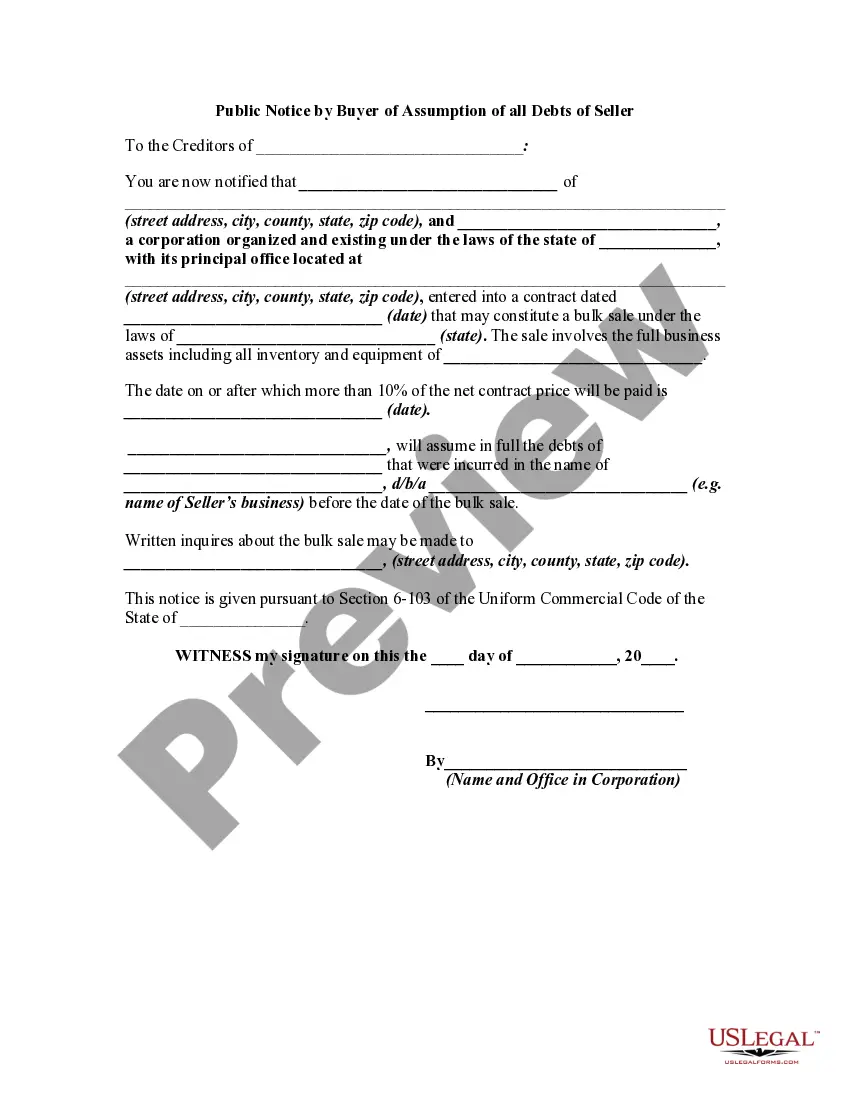
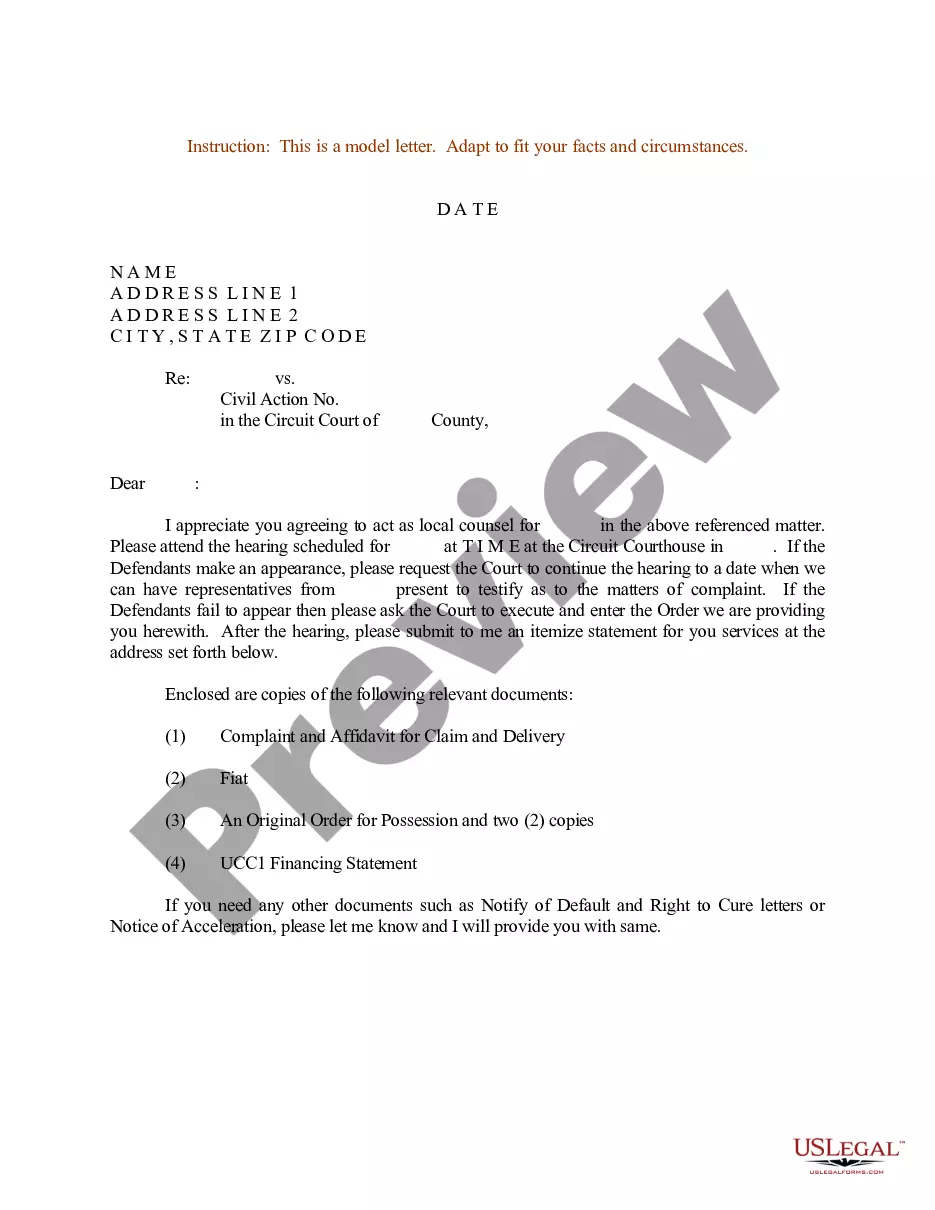
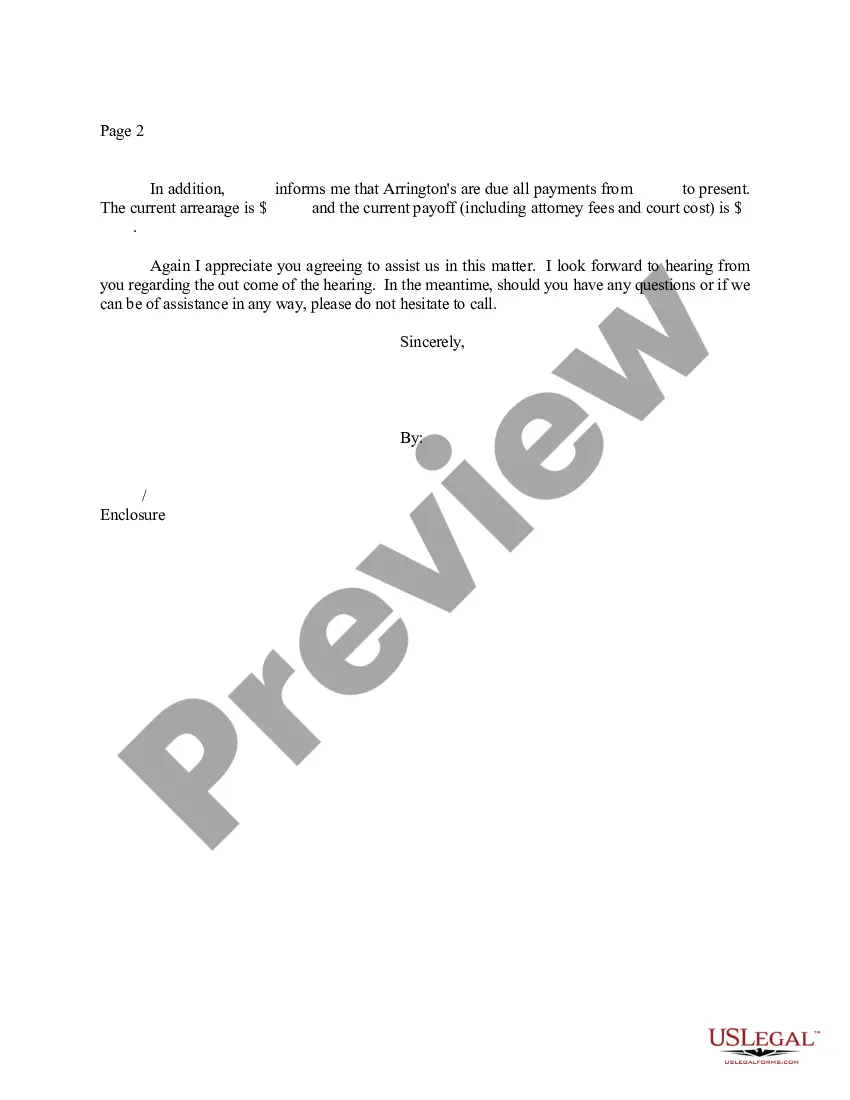
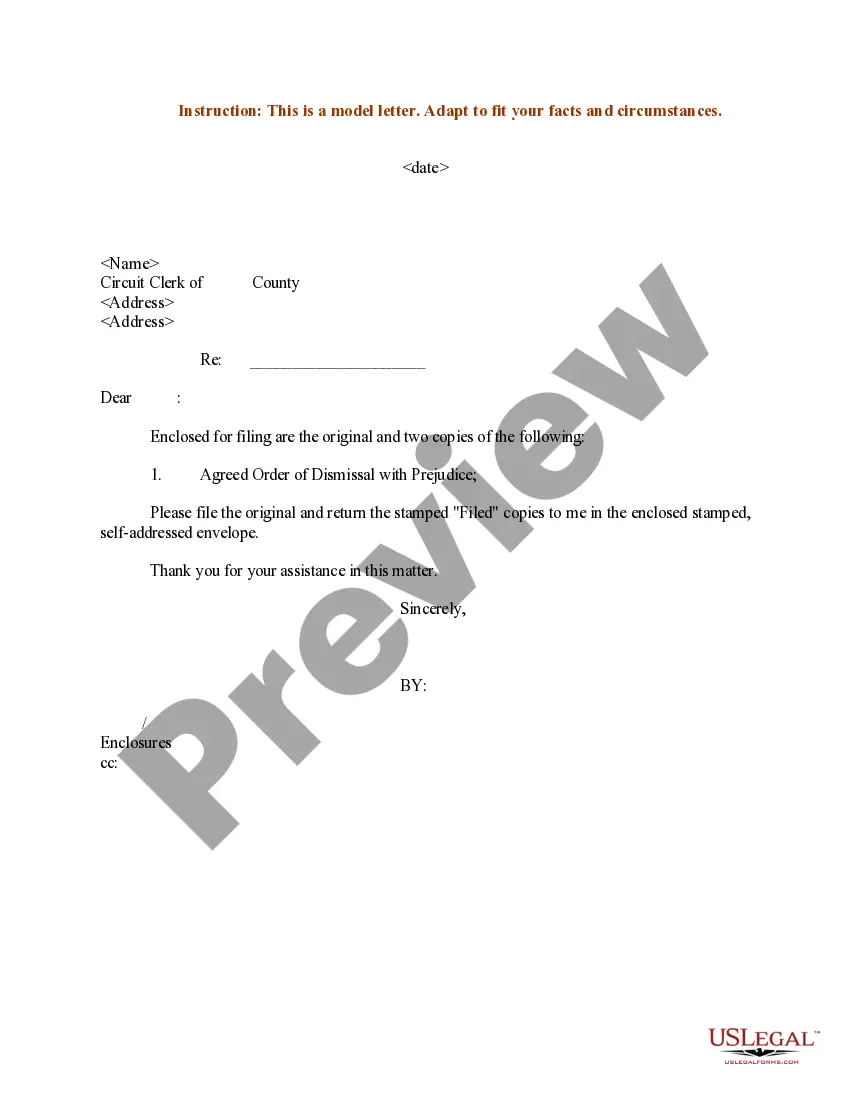
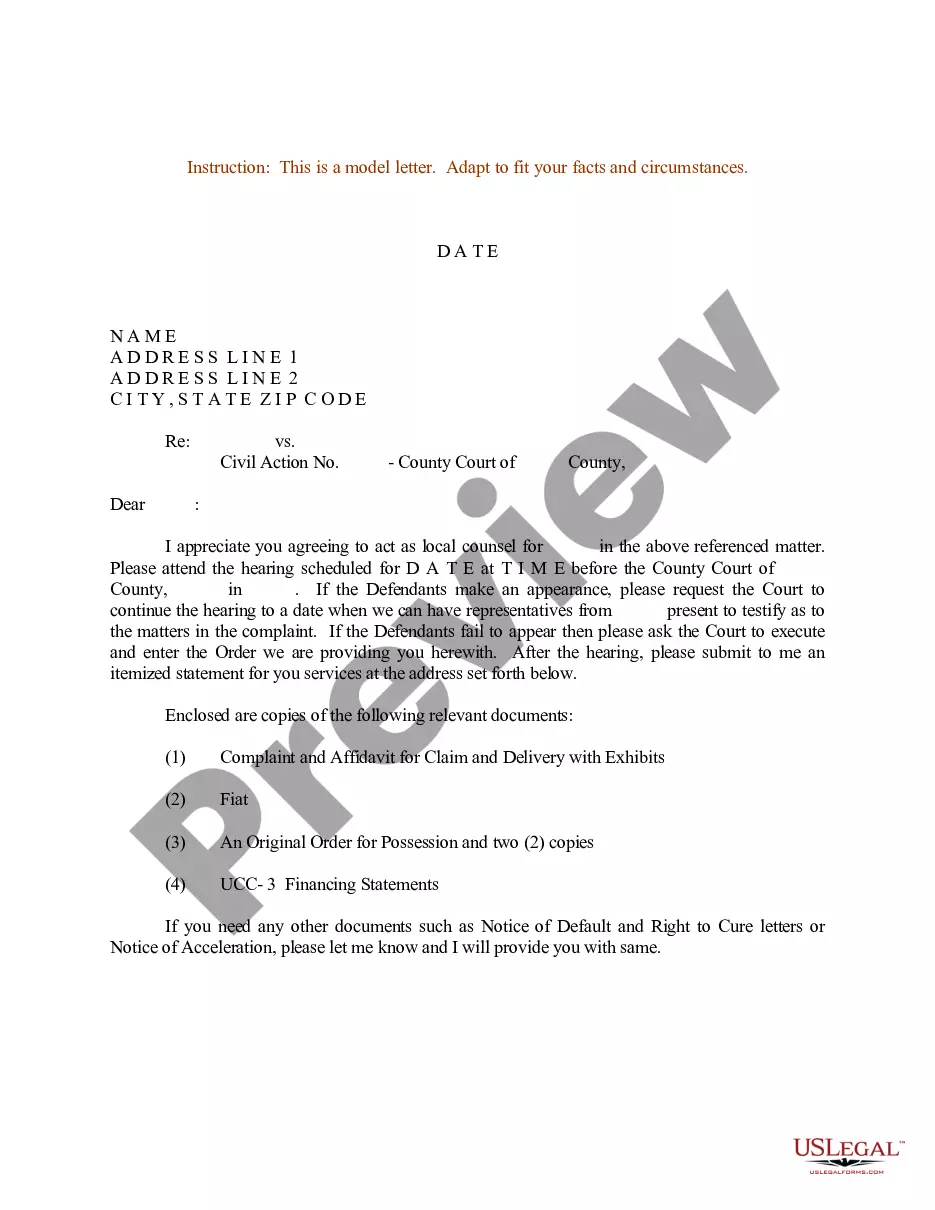
North Carolina Sample Letter for Instructions to Appointed - Local Counsel - UCC-1
Description
Get your form ready online
Our built-in tools help you complete, sign, share, and store your documents in one place.
Make edits, fill in missing information, and update formatting in US Legal Forms—just like you would in MS Word.
Download a copy, print it, send it by email, or mail it via USPS—whatever works best for your next step.
Sign and collect signatures with our SignNow integration. Send to multiple recipients, set reminders, and more. Go Premium to unlock E-Sign.
If this form requires notarization, complete it online through a secure video call—no need to meet a notary in person or wait for an appointment.
We protect your documents and personal data by following strict security and privacy standards.

Make edits, fill in missing information, and update formatting in US Legal Forms—just like you would in MS Word.

Download a copy, print it, send it by email, or mail it via USPS—whatever works best for your next step.

Sign and collect signatures with our SignNow integration. Send to multiple recipients, set reminders, and more. Go Premium to unlock E-Sign.

If this form requires notarization, complete it online through a secure video call—no need to meet a notary in person or wait for an appointment.

We protect your documents and personal data by following strict security and privacy standards.
Looking for another form?







How to fill out Sample Letter For Instructions To Appointed - Local Counsel - UCC-1?
Have you been inside a placement in which you will need files for sometimes company or specific reasons virtually every working day? There are tons of authorized document layouts accessible on the Internet, but discovering types you can depend on is not simple. US Legal Forms gives a huge number of form layouts, such as the North Carolina Sample Letter for Instructions to Appointed - Local Counsel - UCC-1, which are created in order to meet state and federal demands.
When you are previously knowledgeable about US Legal Forms internet site and have an account, simply log in. Following that, you may down load the North Carolina Sample Letter for Instructions to Appointed - Local Counsel - UCC-1 design.
If you do not come with an bank account and would like to begin using US Legal Forms, adopt these measures:
- Obtain the form you want and ensure it is for that correct metropolis/state.
- Take advantage of the Review switch to review the shape.
- See the explanation to ensure that you have chosen the proper form.
- If the form is not what you are looking for, utilize the Lookup field to obtain the form that meets your requirements and demands.
- If you find the correct form, click Get now.
- Opt for the pricing strategy you need, fill in the required information and facts to generate your money, and purchase an order making use of your PayPal or credit card.
- Select a hassle-free paper formatting and down load your version.
Discover all the document layouts you have bought in the My Forms food list. You can get a additional version of North Carolina Sample Letter for Instructions to Appointed - Local Counsel - UCC-1 anytime, if needed. Just select the needed form to down load or print the document design.
Use US Legal Forms, probably the most substantial collection of authorized forms, to conserve time as well as steer clear of faults. The services gives expertly produced authorized document layouts which can be used for an array of reasons. Generate an account on US Legal Forms and begin generating your way of life easier.
Form popularity
FAQ
A good letter of instruction should contain the following information: A complete list of all assets. The whereabouts of any tangible assets that are not readily accessible. Necessary information about all liquid assets, including bank, brokerage, retirement, and investment accounts.
How to write a letter of instruction Create a header. Before you write the content of the letter, create a header at the top left-hand corner of the document. ... Address the reader. ... Explain the project or task. ... List each step. ... Conclude your letter. ... Revise the document.
A letter of instruction is a document that lists all relevant financial information that your family members or executor need if something happens to you. It also lists contact information for important people in your financial life.
How to write a good set of instructions Start all instruction writing pieces with a clear title and brief introduction. List the equipment/materials the reader will need underneath the title. Order each instruction, step by step, using numbers. Ensure that each step follows a logical sequence.
Here are six steps to write a letter of instruction: Create a header. Before you write the content of the letter, create a header at the top left-hand corner of the document. ... Address the reader. ... Explain the project or task. ... List each step. ... Conclude your letter. ... Revise the document.