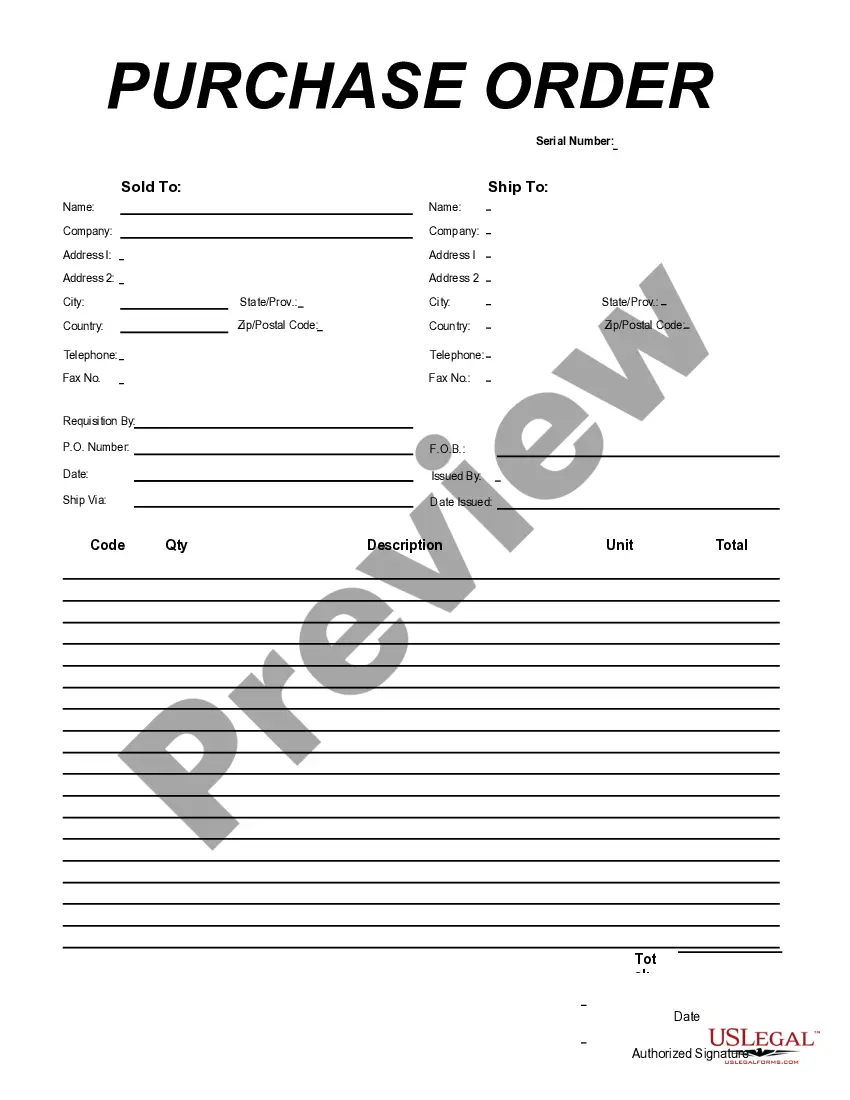
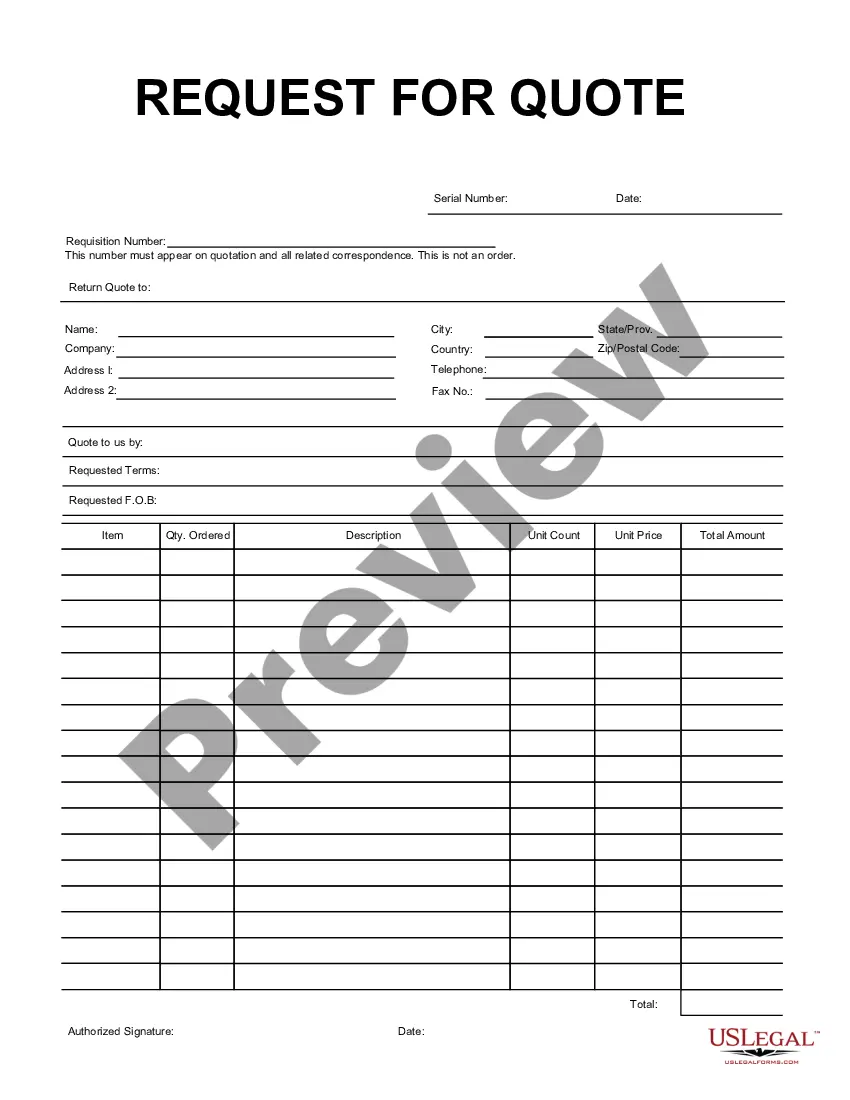
Mississippi Purchase Requisition
Description

Get your form ready online
Our built-in tools help you complete, sign, share, and store your documents in one place.
Make edits, fill in missing information, and update formatting in US Legal Forms—just like you would in MS Word.
Download a copy, print it, send it by email, or mail it via USPS—whatever works best for your next step.
Sign and collect signatures with our SignNow integration. Send to multiple recipients, set reminders, and more. Go Premium to unlock E-Sign.
If this form requires notarization, complete it online through a secure video call—no need to meet a notary in person or wait for an appointment.
We protect your documents and personal data by following strict security and privacy standards.

Make edits, fill in missing information, and update formatting in US Legal Forms—just like you would in MS Word.

Download a copy, print it, send it by email, or mail it via USPS—whatever works best for your next step.

Sign and collect signatures with our SignNow integration. Send to multiple recipients, set reminders, and more. Go Premium to unlock E-Sign.

If this form requires notarization, complete it online through a secure video call—no need to meet a notary in person or wait for an appointment.

We protect your documents and personal data by following strict security and privacy standards.
Looking for another form?




How to fill out Purchase Requisition?
Have you ever been in a situation where you require documentation for various business or specific purposes almost daily.
There are numerous legal document templates available online, but finding forms you can rely on isn't simple.
US Legal Forms offers a vast collection of form templates, such as the Mississippi Purchase Requisition, designed to meet federal and state requirements.
When you find the appropriate form, just click Acquire now.
Choose the payment plan you desire, fill in the necessary information to create your account, and pay for the order using your PayPal or credit card.
- If you are already familiar with the US Legal Forms website and have an account, simply Log In.
- Then, you can download the Mississippi Purchase Requisition template.
- If you do not have an account and wish to start using US Legal Forms, follow these steps.
- Find the form you need and ensure it is for your correct city/region.
- Utilize the Preview button to examine the form.
- Check the details to confirm that you have selected the right form.
- If the form isn't what you are looking for, use the Search field to find the form that meets your needs.
Form popularity
FAQ
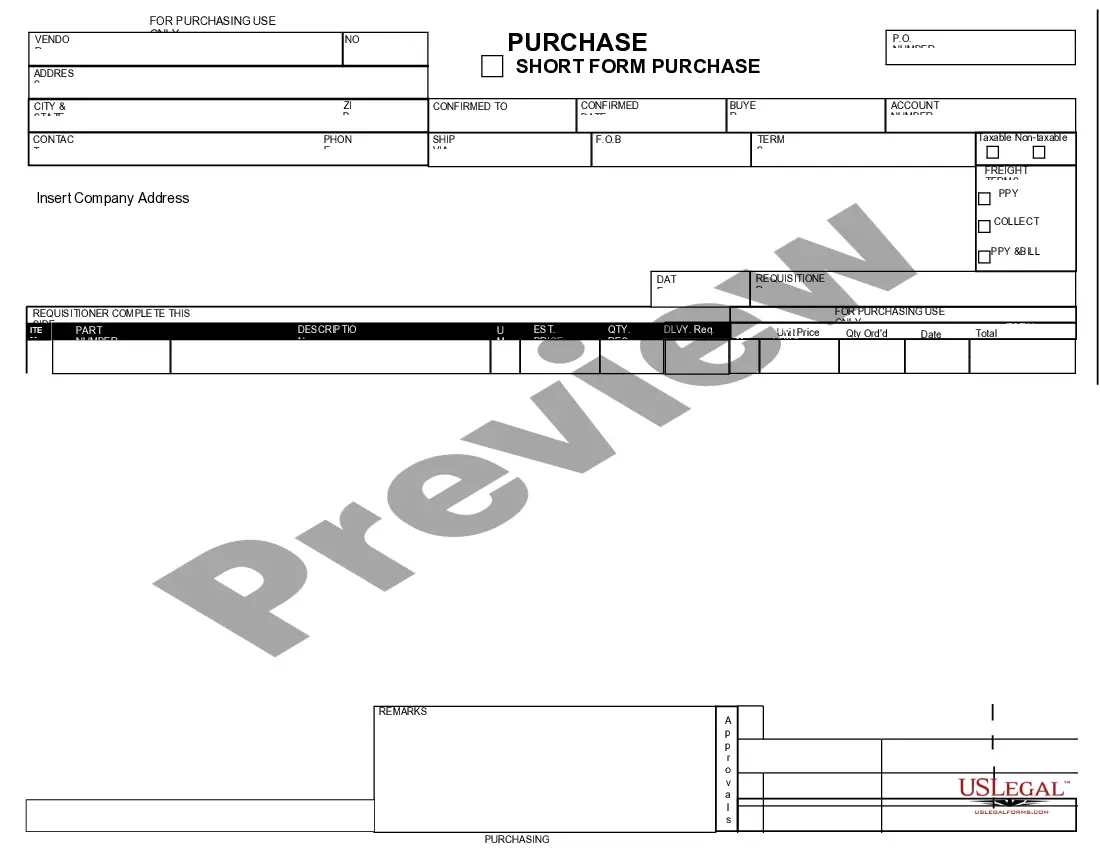
The purpose of a Mississippi Purchase Requisition is to streamline the purchasing process within an organization. It ensures that all requests for goods and services are documented and approved before a purchase occurs. This structured approach not only enhances accountability but also helps prevent unauthorized spending. Utilizing a requisition system, such as uslegalforms, offers an efficient way to manage purchases and maintain oversight on sourcing decisions.
A Mississippi Purchase Requisition is a request that initiates the process of acquiring goods or services. It differs from an order, which is the actual commitment to purchase those items. In simpler terms, a requisition serves as a formal way to declare need, while an order confirms the purchase and payment for the requested items. By using a requisition system, organizations can control spending and track their procurement process more effectively.
The process of requisitions begins with identifying the need for goods or services within an organization. Typically, a department will create a Mississippi Purchase Requisition form detailing the items required, along with justifications for the request. After approval from necessary authorities, the requisition enters the procurement process, which ensures that the right products are ordered from reliable suppliers. Using platforms like US Legal Forms can streamline this process, making it easy to manage and track requisitions efficiently.
The seven steps of a requisition form typically include: identifying the need, selecting the appropriate items or services, completing the requisition form, obtaining necessary approvals, submitting the form, receiving the order, and finally, confirming receipt and processing payment. Each of these steps plays a crucial role in ensuring that your Mississippi Purchase Requisition process runs smoothly and efficiently. Familiarize yourself with each step, and consider US Legal Forms for templates that can simplify the entire process.
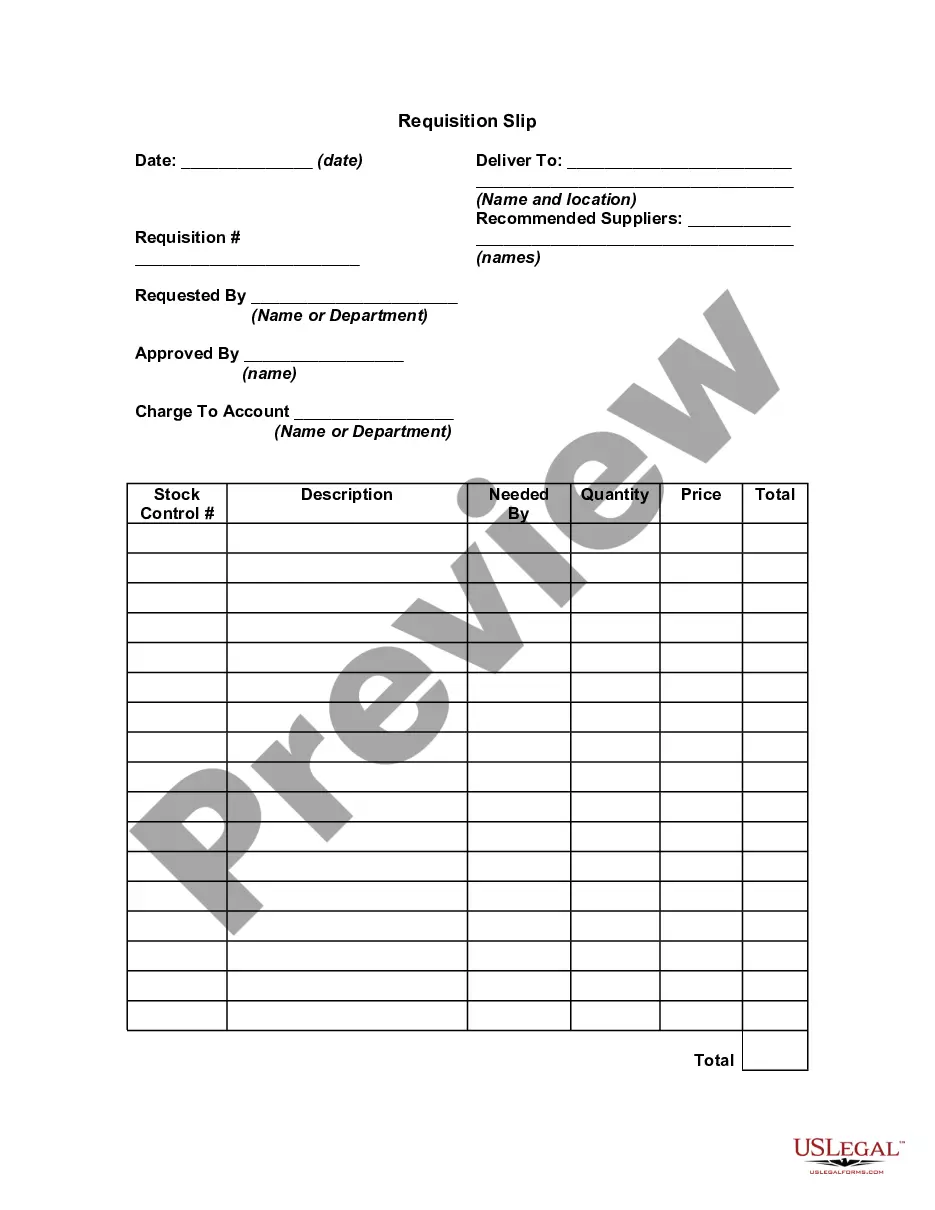
Filling out a requisition involves a few key steps to ensure clarity and efficiency. Begin by entering your contact details, the date, and relevant project information. Next, list the items you need, being specific about names, quantities, and any pertinent details. Utilizing tools like US Legal Forms can streamline your Mississippi Purchase Requisition process, making it easier to track and manage your requests.
To fill out a requisition form, start by ensuring you have all necessary information on hand. This includes the details of the item or service you wish to procure, along with your department information. Make sure to accurately describe the items, including quantities, specifications, and budget codes whenever applicable. For a comprehensive and efficient process, consider using the Mississippi Purchase Requisition templates provided by US Legal Forms.
To obtain a Purchase Requisition (PR) in SAP, you typically utilize the transaction code ME51N. This process involves filling out the required fields to outline the details of the Mississippi Purchase Requisition. After submission, the requisition will be recorded within the system, allowing for tracking and subsequent approval. For enhanced support, consider utilizing the uslegalforms platform to obtain templates and guidance on managing purchase requisitions effectively.
The T code for Purchase Requisition (PR) in SAP is ME51N. This code is essential for users who need to create a Mississippi Purchase Requisition. By entering ME51N in the system, procurement professionals can initiate the purchasing process, ensuring that all required information is captured accurately. This streamlines operations and helps maintain order processes effectively.
ME54 is a transaction code in SAP used for the release of purchase requisitions. When managing a Mississippi Purchase Requisition, this code allows users to process and approve purchase requisitions with efficiency. By utilizing ME54, businesses streamline their procurement workflows, ensuring that necessary items are ordered promptly. This functionality significantly enhances control over purchasing processes.