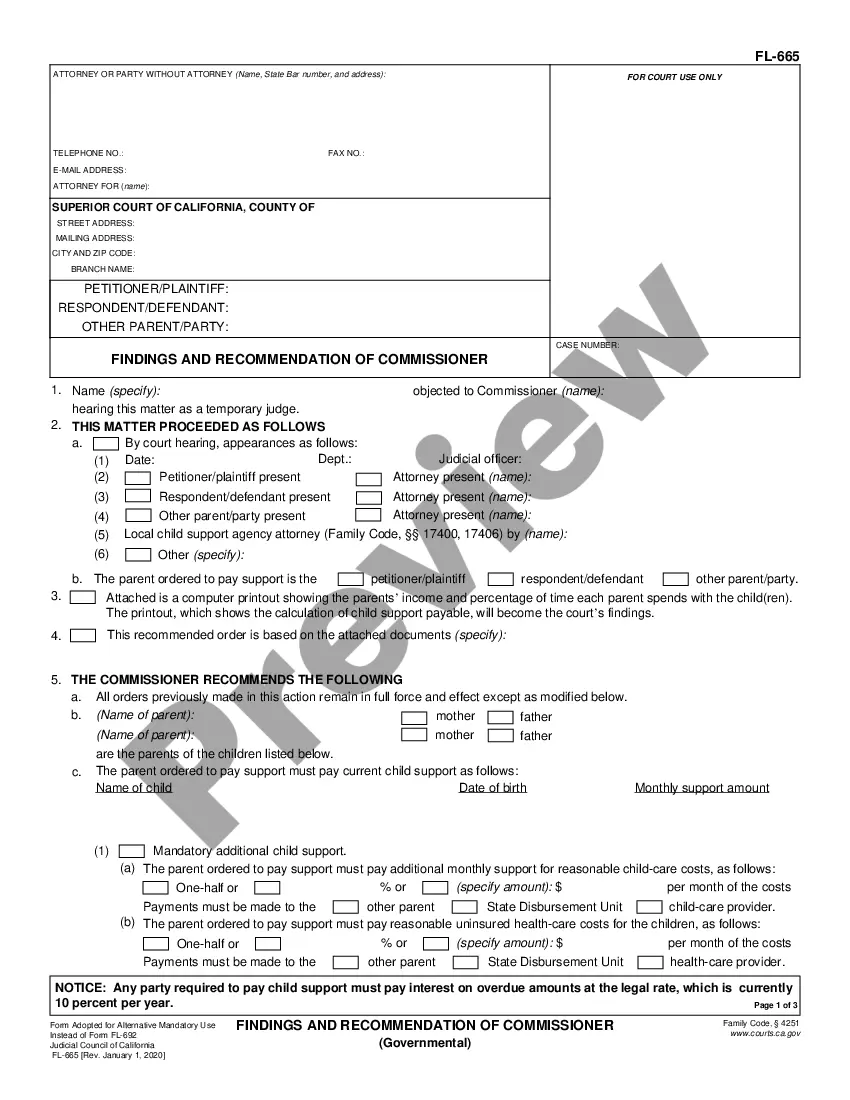
Mississippi Proof of Service
What this document covers
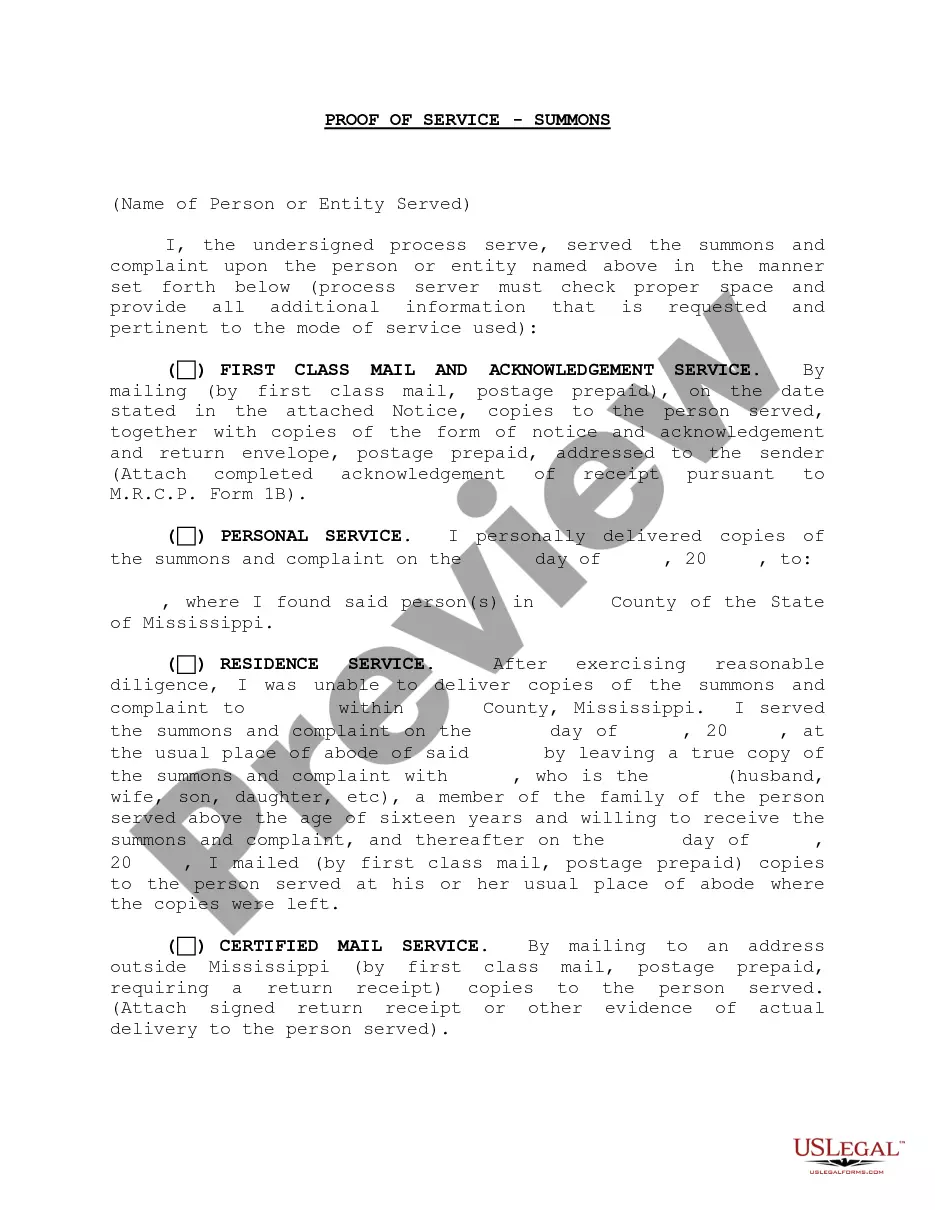
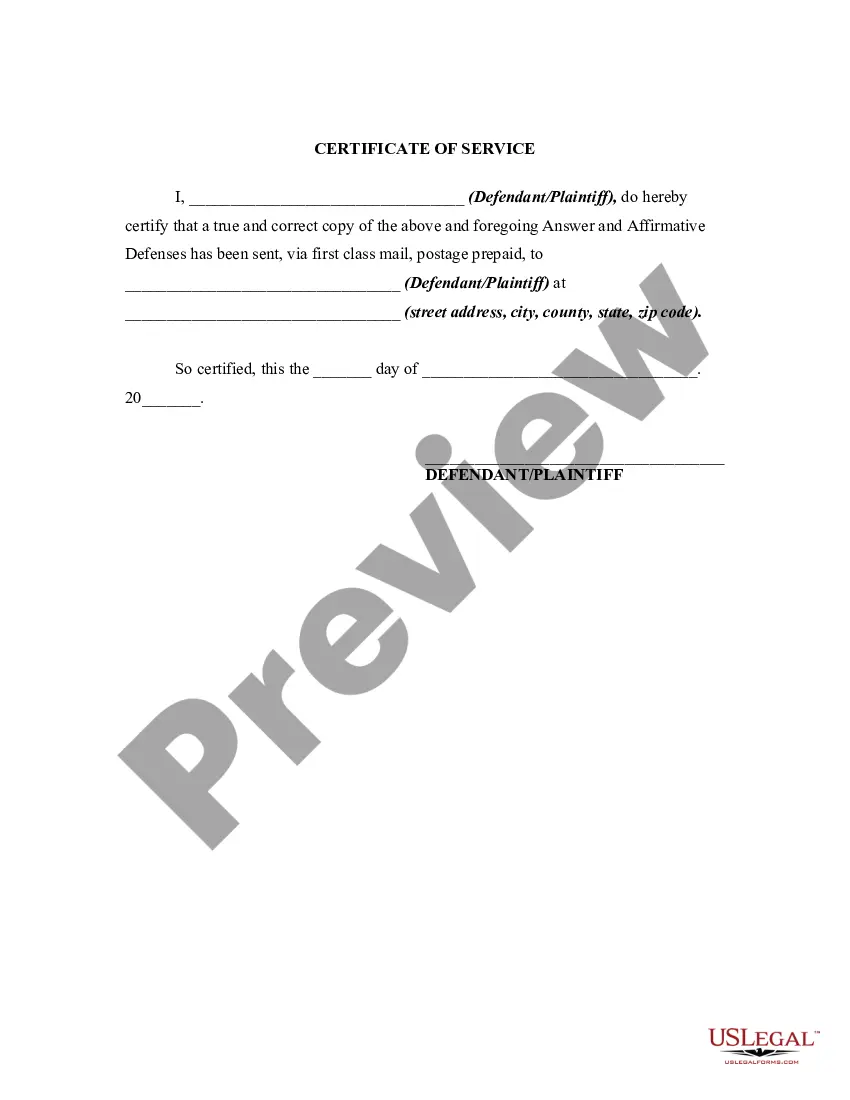
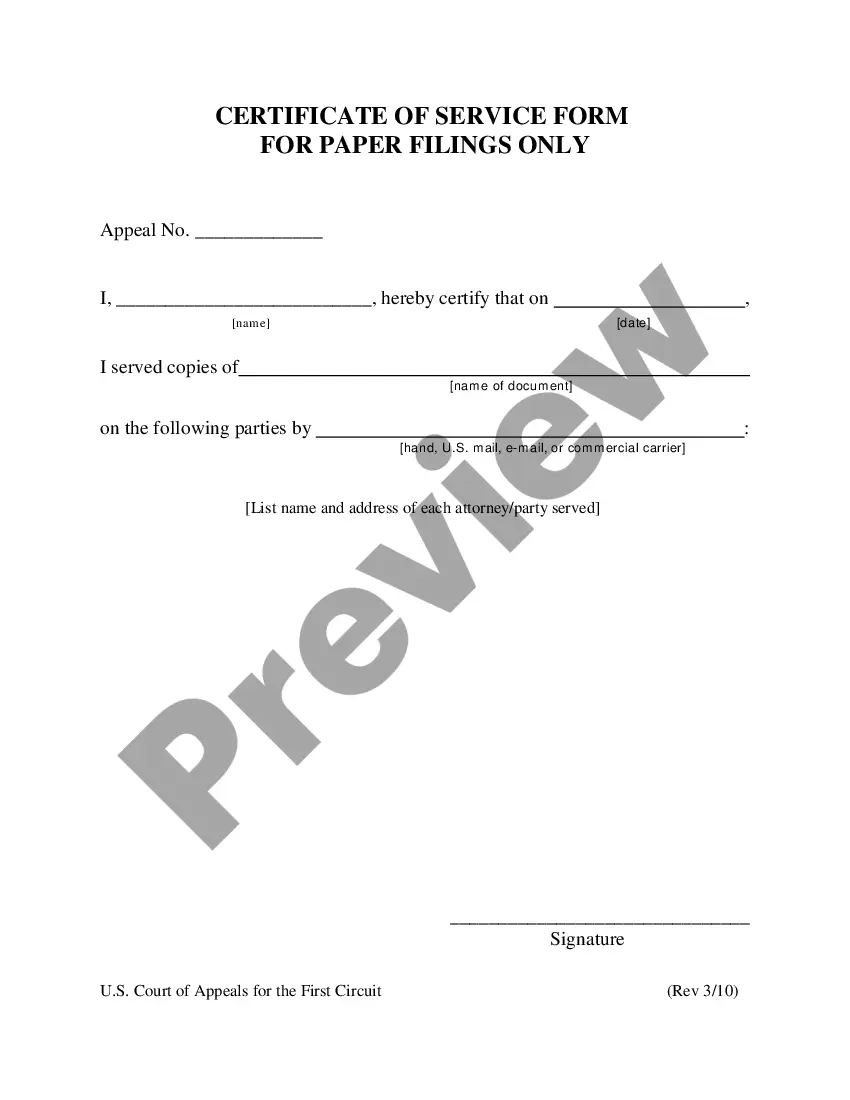
A Proof of Service is a legal document that verifies the delivery of a legal notice or document to a specific person involved in a legal proceeding. This form serves as concrete evidence that proper notification has been given, ensuring compliance with legal requirements. Unlike other legal documents, the Proof of Service specifically focuses on the methodology of delivering notices, making it essential for maintaining transparency in legal actions.
Main sections of this form
- First class mail and acknowledgement service option.
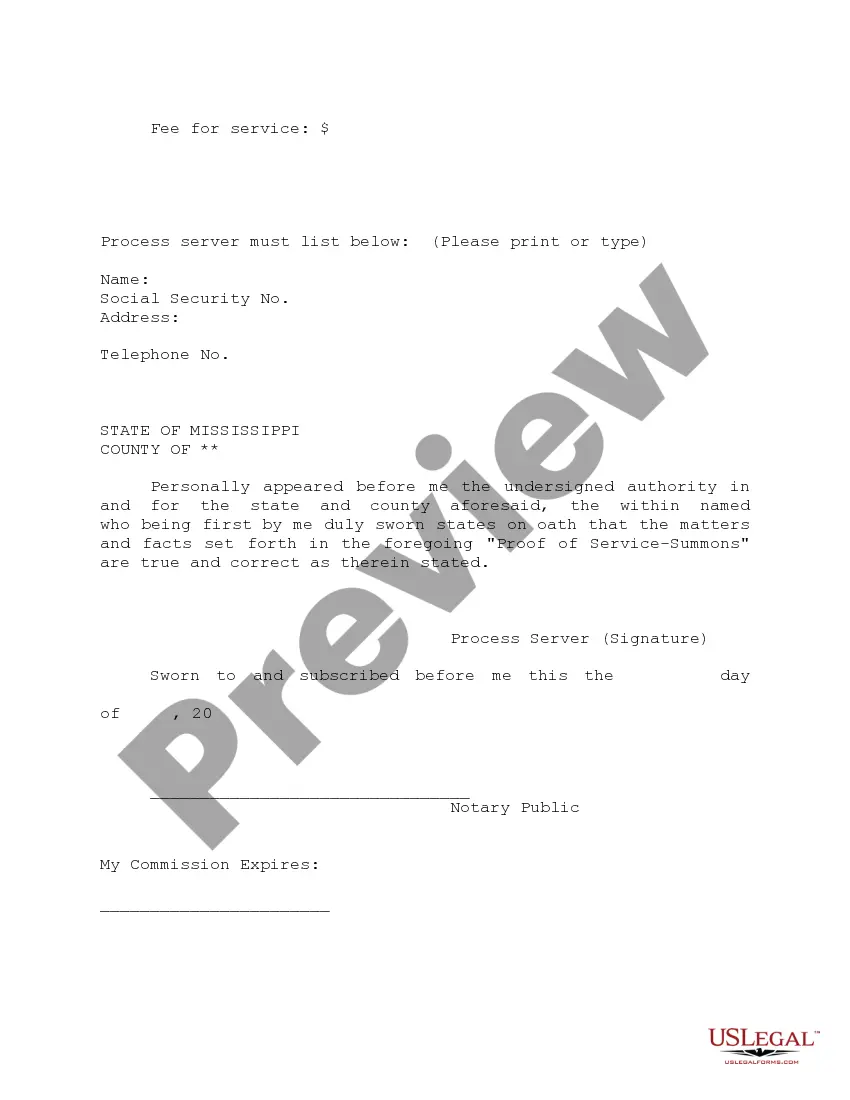
- Certification of mailing, particularly for notices served outside Mississippi.
- Confirmation of the server's eligibility, including age and non-party status.
- Specific instructions for attaching receipts or acknowledgements.

When to use this document
This form is commonly used in scenarios where a party needs to prove that legal documents, such as court summons or notices, have been delivered to an individual. It is particularly important in civil cases, landlord-tenant disputes, and other legal actions where notification is critical for proceeding with the case. Use this form to ensure that all parties involved are properly informed of legal actions that may affect their rights.
Who needs this form
- Individuals or attorneys involved in a legal proceeding.
- Parties notifying others of legal actions.
- Any person who needs to provide evidence of service for a court case.
How to complete this form
- Identify the parties involved, ensuring names and addresses are correct.
- Choose the method of service: first class mail or certified mail.
- Complete the acknowledgement of receipt if using first class mail.
- Attach any necessary proof, such as signed return receipts.
- Sign and date the form, confirming your status as a non-party and your age.
Notarization requirements for this form
This form does not typically require notarization unless specified by local law. Ensure to review jurisdiction-specific rules to confirm.
Get your form ready online
Our built-in tools help you complete, sign, share, and store your documents in one place.
Make edits, fill in missing information, and update formatting in US Legal Forms—just like you would in MS Word.
Download a copy, print it, send it by email, or mail it via USPS—whatever works best for your next step.
Sign and collect signatures with our SignNow integration. Send to multiple recipients, set reminders, and more. Go Premium to unlock E-Sign.
If this form requires notarization, complete it online through a secure video call—no need to meet a notary in person or wait for an appointment.
We protect your documents and personal data by following strict security and privacy standards.

Make edits, fill in missing information, and update formatting in US Legal Forms—just like you would in MS Word.

Download a copy, print it, send it by email, or mail it via USPS—whatever works best for your next step.

Sign and collect signatures with our SignNow integration. Send to multiple recipients, set reminders, and more. Go Premium to unlock E-Sign.

If this form requires notarization, complete it online through a secure video call—no need to meet a notary in person or wait for an appointment.

We protect your documents and personal data by following strict security and privacy standards.
Mistakes to watch out for
- Failing to include all required signatures and dates.
- Not selecting the proper method of service based on jurisdiction.
- Overlooking the attachment of proof of service, such as receipts.
- Confirming service without ensuring the document reached the intended recipient.
Benefits of using this form online
- Convenient access to legal forms anytime and anywhere.
- Easy download and completion options tailored to your needs.
- Forms created by licensed attorneys to ensure compliance and accuracy.
- Quick edits and adaptations to fit specific circumstances.
Main things to remember
- The Proof of Service provides necessary documentation that legal notices have been delivered.
- It is essential to fill out the form accurately to avoid delays in your legal proceedings.
- Using this form helps meet legal obligations and can prevent disputes over whether notice was properly given.
Looking for another form?
Form popularity
FAQ
To form a Mississippi LLC, the Certificate of Formation is filed with the Secretary of State, along with the state filing fee of $50.
Whether you file by mail or online, you need to create an online account with the Mississippi Secretary of State in order to fill out your Certificate of Formation. You can then print and send by mail, or submit online.
Pay your taxes online at The Mississippi Department of Revenue's Taxpayer Access Point, TAP!. You can also pay your taxes online at Official Payments Corporation. Visa, MasterCard, Discover Network, and American Express credit and debit cards, and other forms of payment, such as Bill Me Later® are accepted.
To form the business entity of your choice, please visit the Business Formation and Services home page of the Secretary of State's website at www.sos.ms.gov. You may review a PowerPoint demonstration of our online filing system as a guide for the filing process.