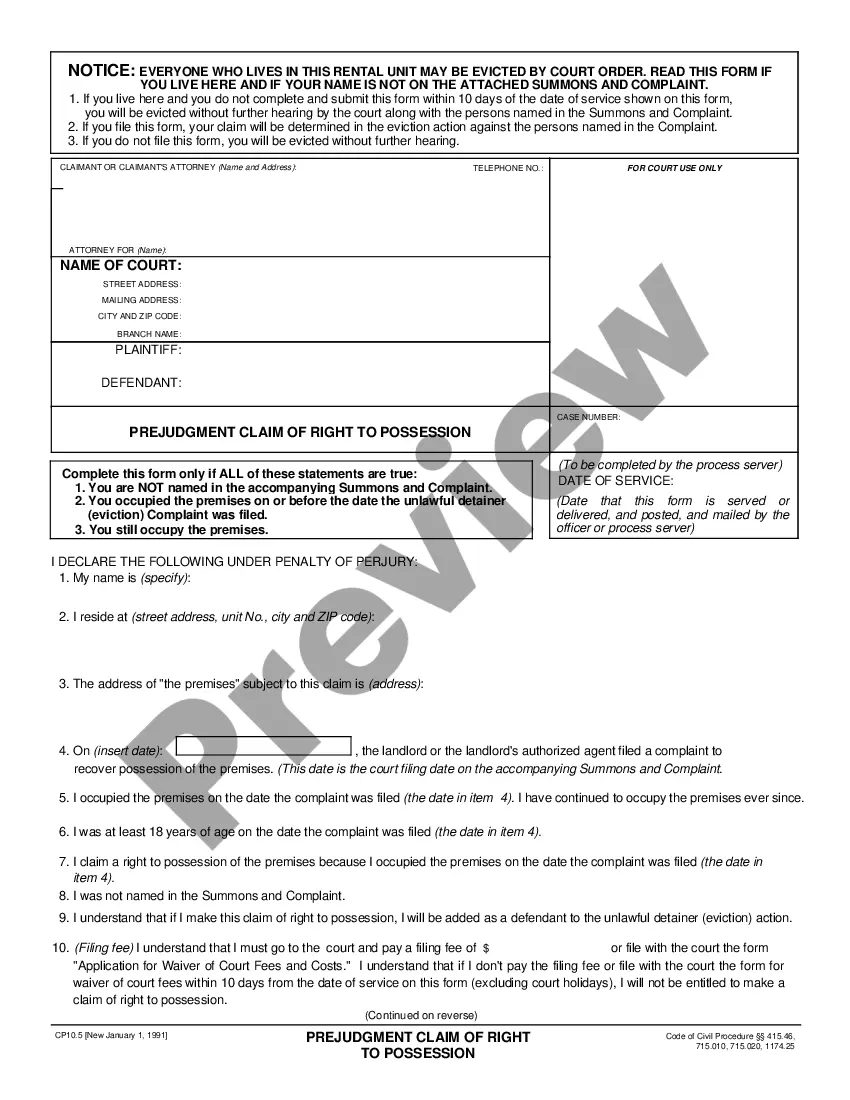
Mississippi Birth Certificate Modification Package
What this document covers
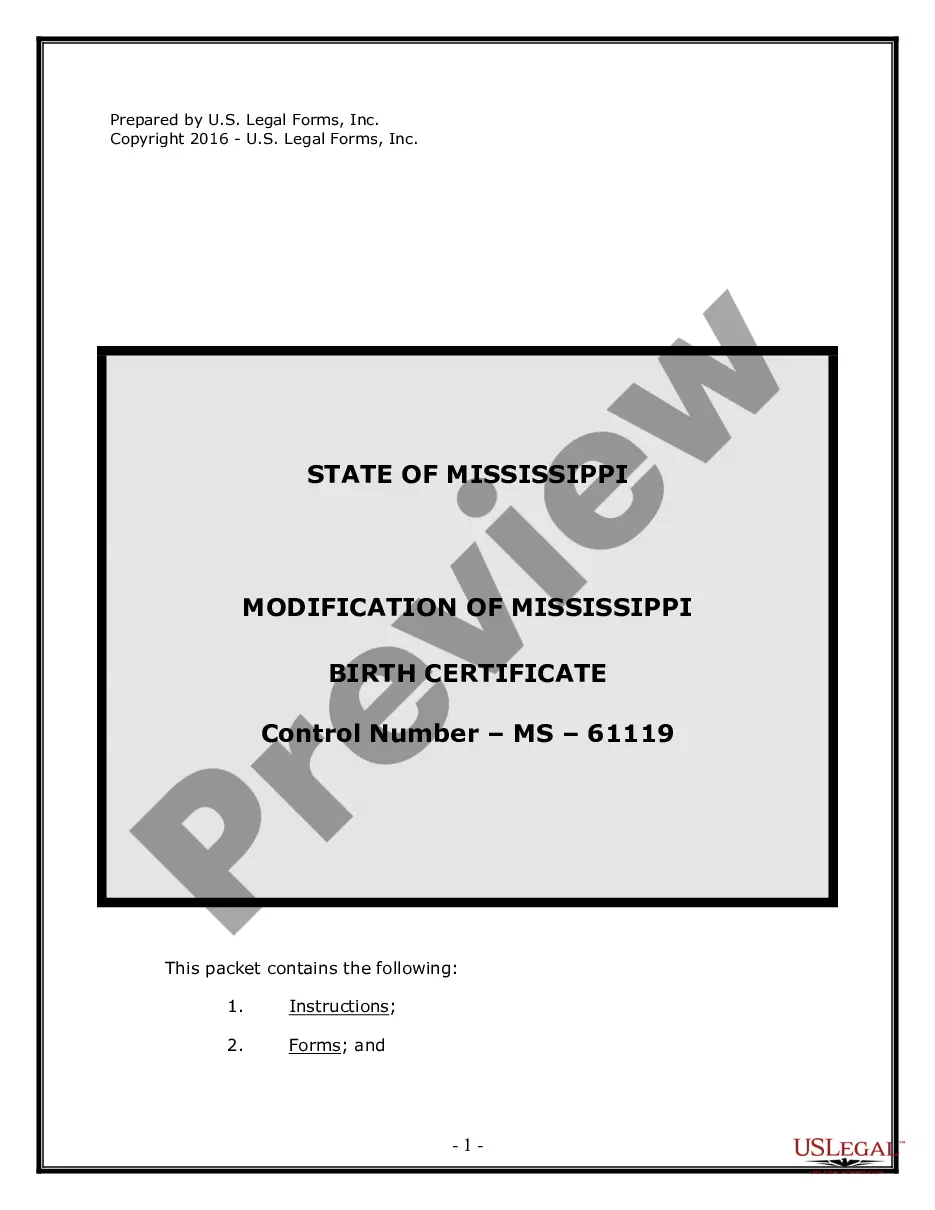
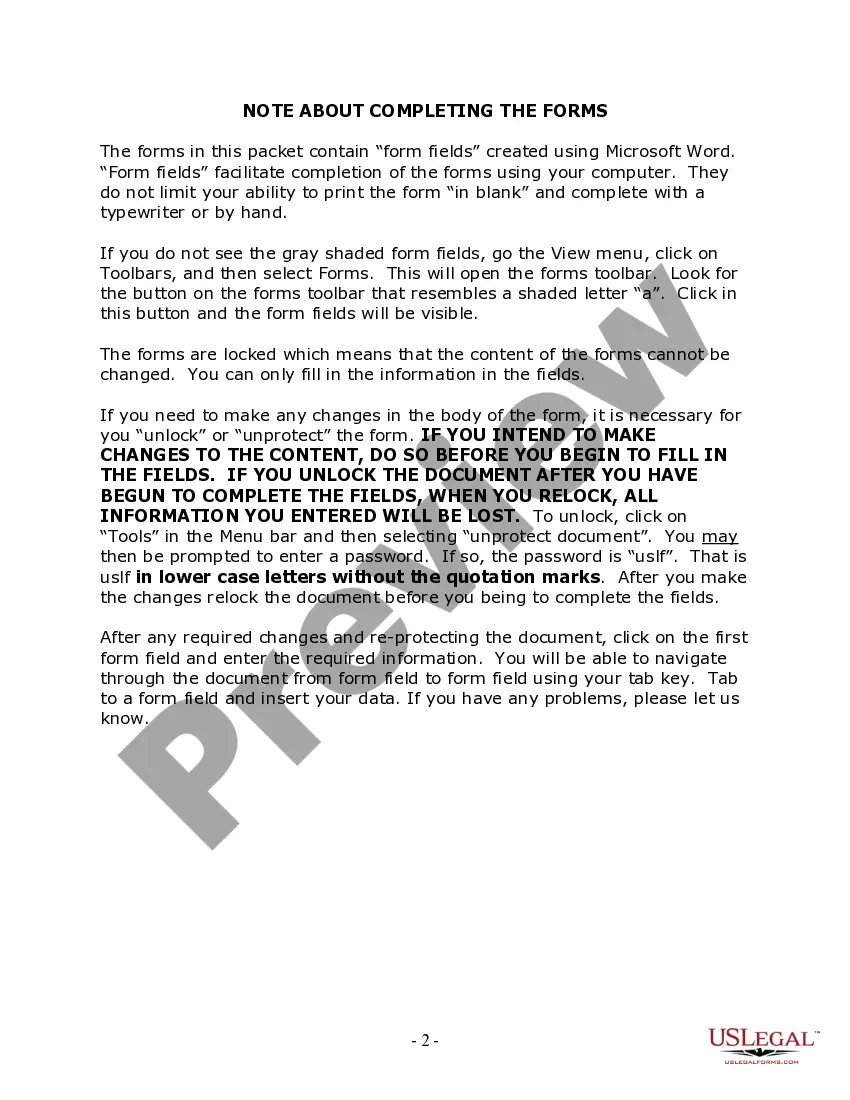
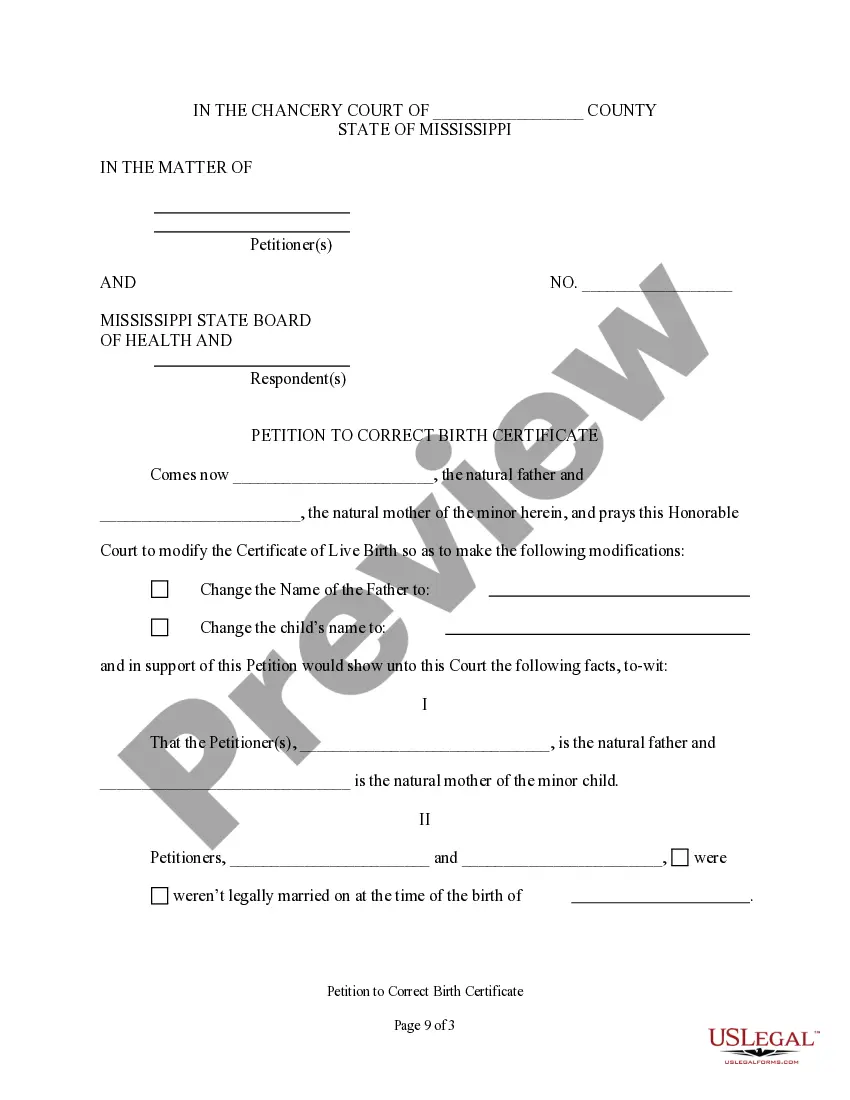
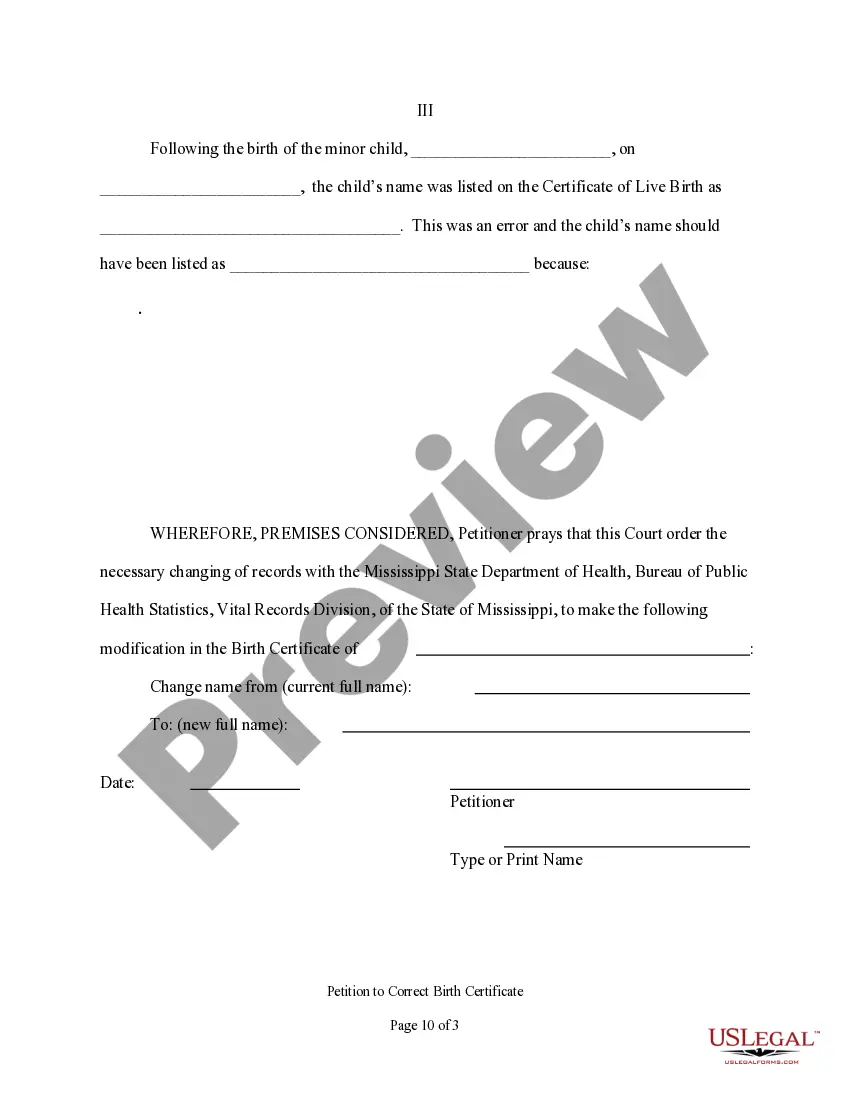
The Birth Certificate Modification Package is a legal form designed specifically for residents of Mississippi who need to modify their birth certificate. This package includes all necessary forms and detailed instructions required to facilitate a court-ordered modification. Unlike standard birth certificates, this modification package allows individuals to correct details or update personal information in official records, ensuring compliance with Mississippi laws and regulations.
Main sections of this form
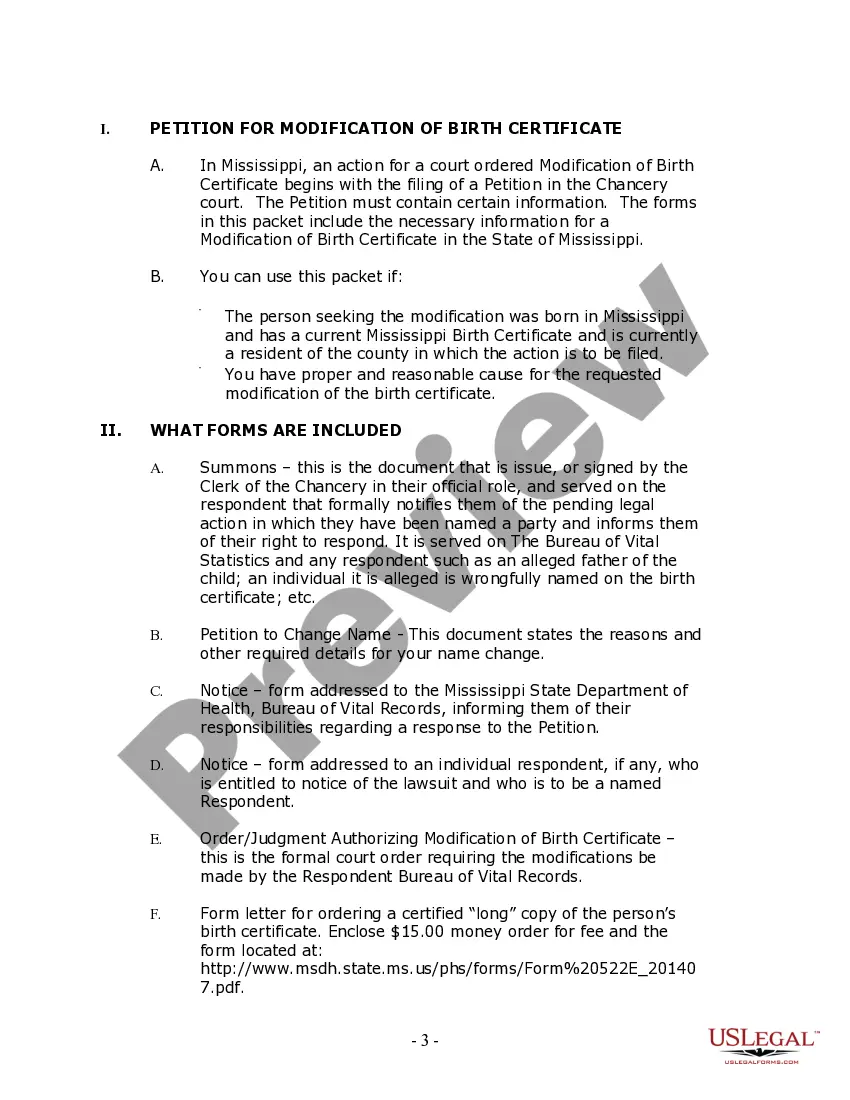
- Petition for Modification of Birth Certificate: A formal request submitted to the Chancery Court to initiate the modification process.
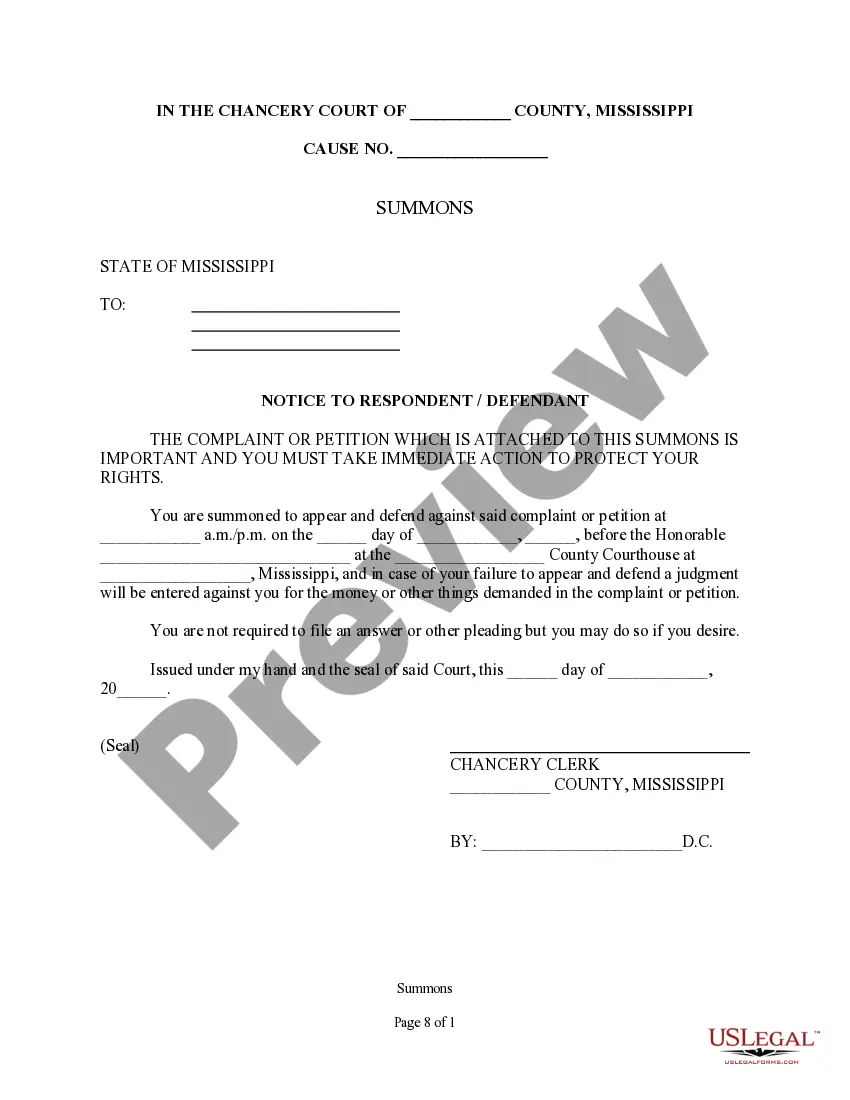
- Summons: A document issued to inform interested parties of the pending modification action.
- Notice forms: These notify the Mississippi State Department of Health and other relevant parties about the modification process.
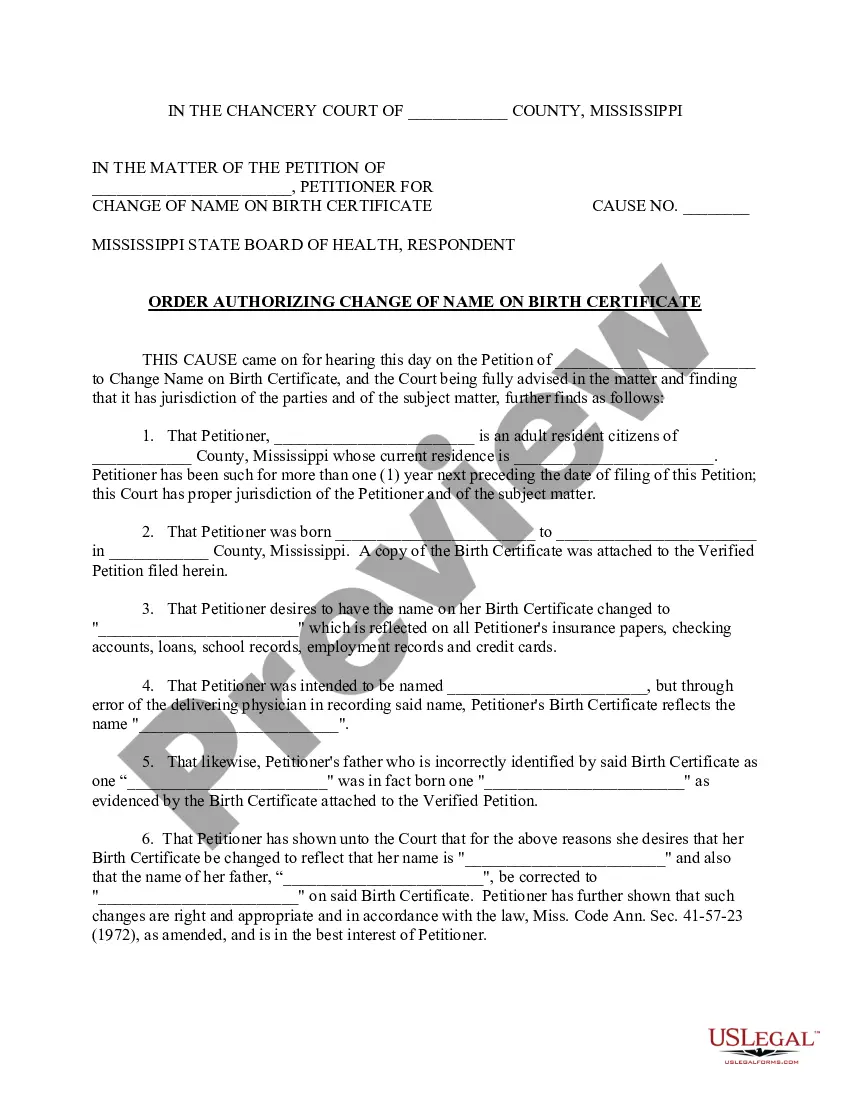
- Order/Judgment Authorizing Modification: This is the official court order granting the requested changes to the birth certificate.
- Form letter for requesting certified copies: Used to obtain certified copies of the modified birth certificate after legal approval.





When this form is needed
This form is necessary when an individual needs to legally change or correct information on their birth certificate, such as changing a name or correcting parental information. Common reasons for modification include legal name changes following marriage or divorce, correcting spelling errors, or updating information linked to adoption.
Who needs this form
Individuals who should consider using the Birth Certificate Modification Package include:
- Anyone born in Mississippi with a current Mississippi birth certificate.
- Residents of the county where the modification action is to be filed.
- Individuals who have proper cause for the requested modification, such as legal name changes or corrections.
How to complete this form
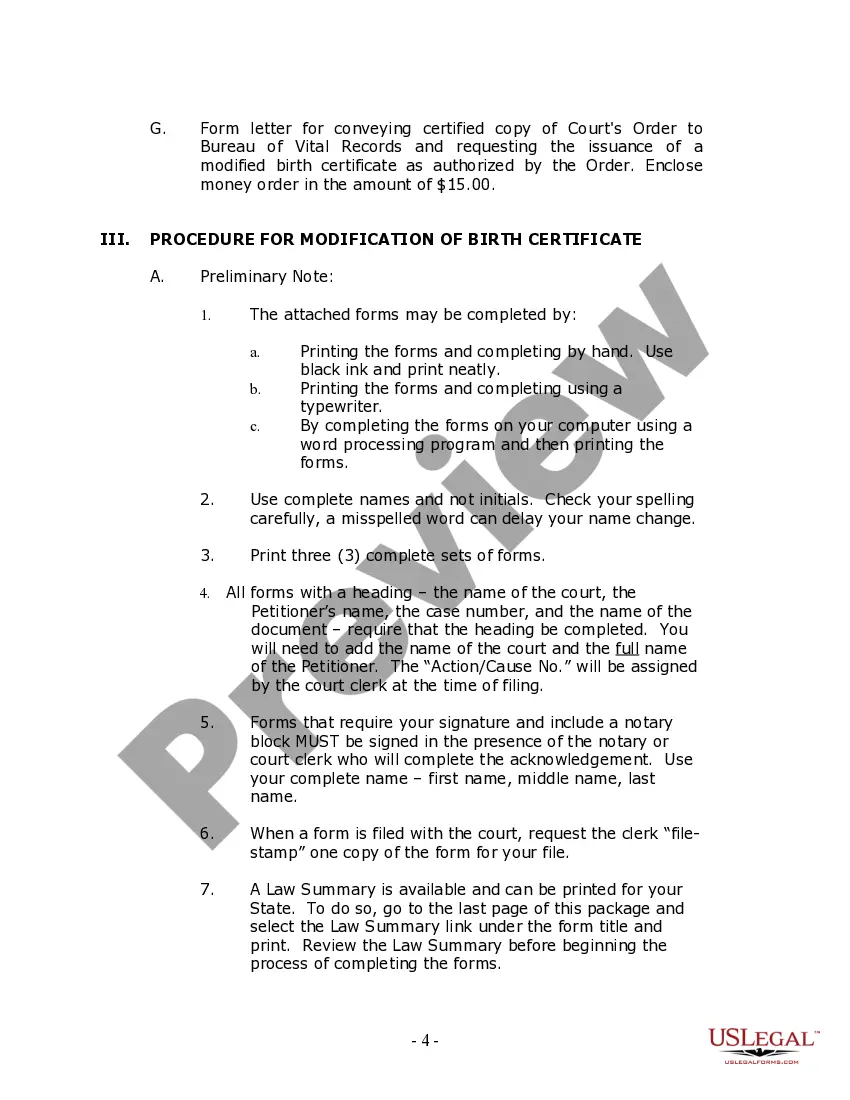
- Fill out all forms using full names, avoiding initials, and ensuring correct spelling.
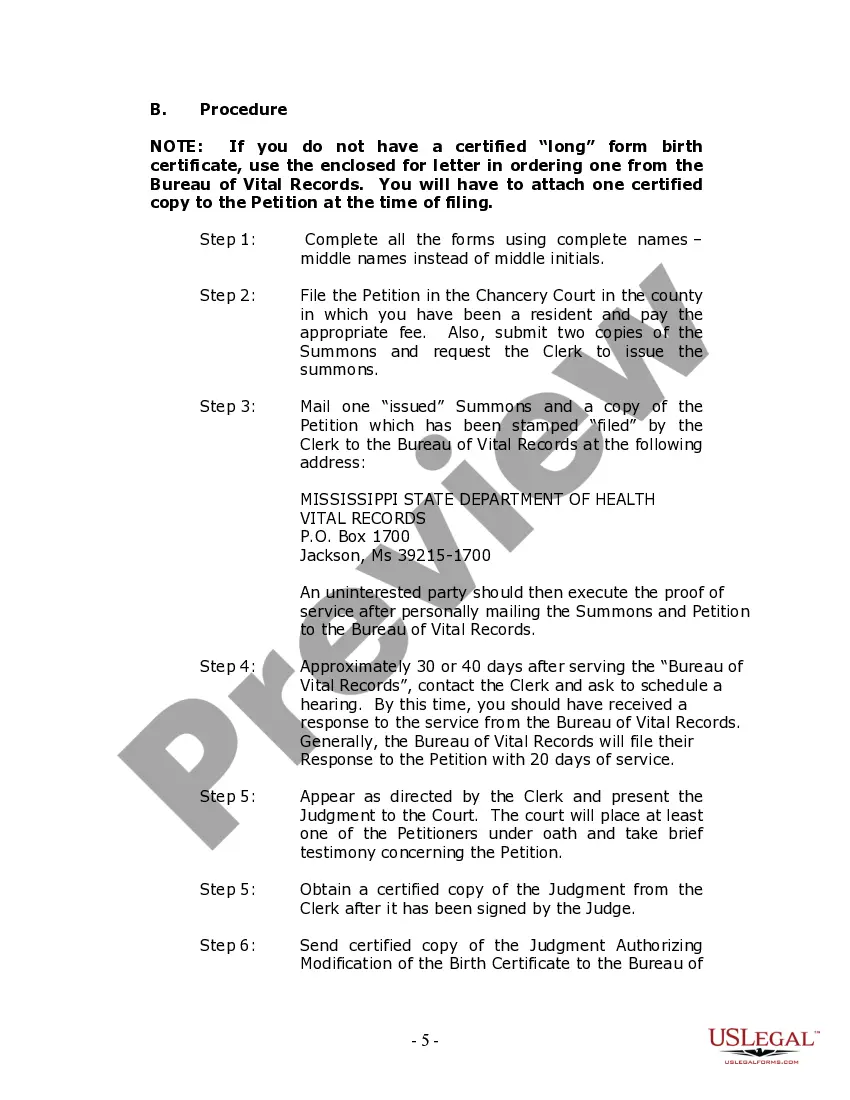
- File the completed Petition in the appropriate Chancery Court along with necessary fees.
- Submit copies of the Summons and the Petition to the Bureau of Vital Records as required.
- Attend the scheduled court hearing and present the modification request to the judge.
- After approval, obtain certified copies of the court order to forward to the Bureau of Vital Records.
Notarization guidance
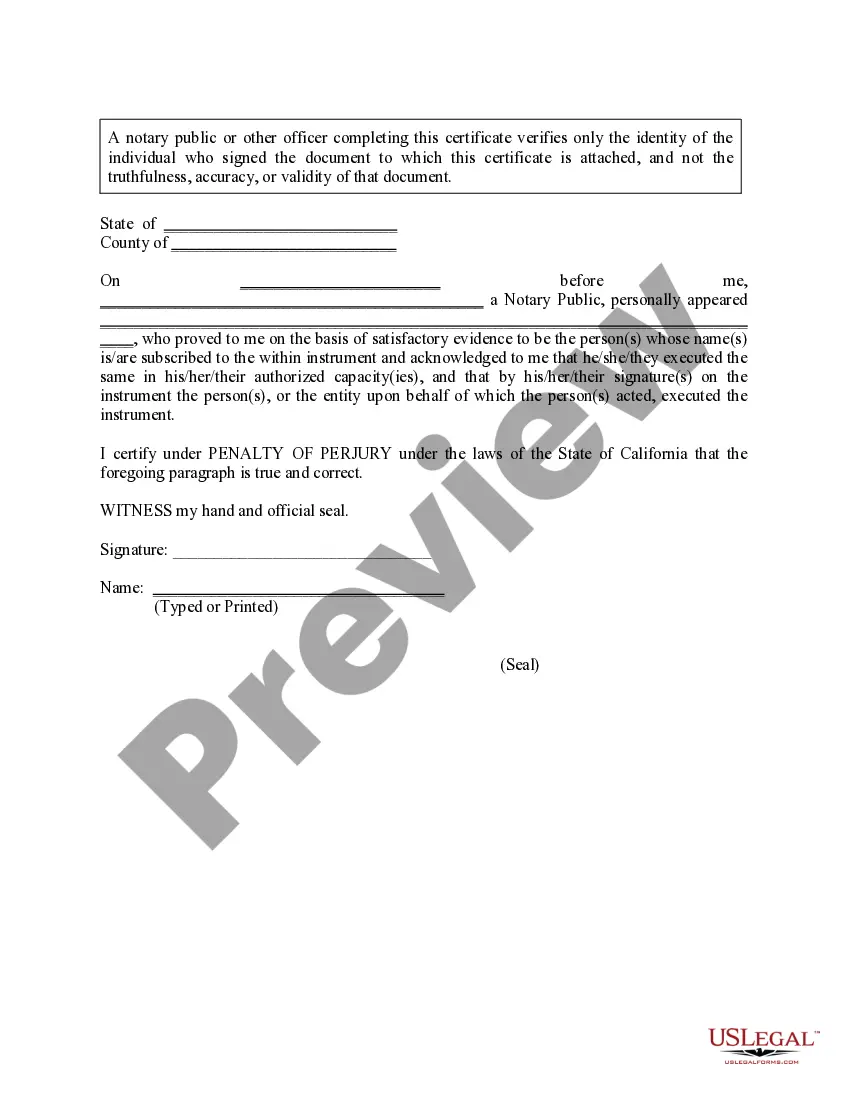
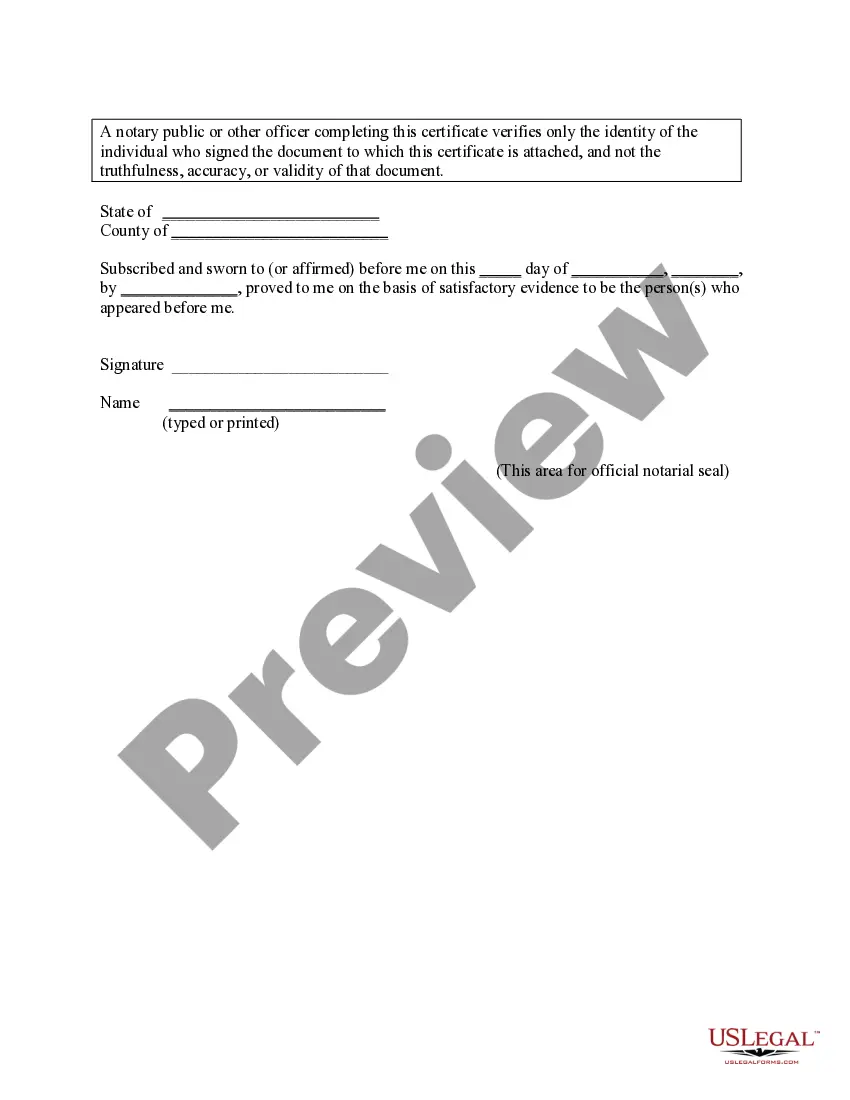
This form must be notarized to be legally valid. US Legal Forms provides secure online notarization powered by Notarize, allowing you to complete the process through a verified video call.
Get your form ready online
Our built-in tools help you complete, sign, share, and store your documents in one place.
Make edits, fill in missing information, and update formatting in US Legal Forms—just like you would in MS Word.
Download a copy, print it, send it by email, or mail it via USPS—whatever works best for your next step.
Sign and collect signatures with our SignNow integration. Send to multiple recipients, set reminders, and more. Go Premium to unlock E-Sign.
If this form requires notarization, complete it online through a secure video call—no need to meet a notary in person or wait for an appointment.
We protect your documents and personal data by following strict security and privacy standards.

Make edits, fill in missing information, and update formatting in US Legal Forms—just like you would in MS Word.

Download a copy, print it, send it by email, or mail it via USPS—whatever works best for your next step.

Sign and collect signatures with our SignNow integration. Send to multiple recipients, set reminders, and more. Go Premium to unlock E-Sign.

If this form requires notarization, complete it online through a secure video call—no need to meet a notary in person or wait for an appointment.

We protect your documents and personal data by following strict security and privacy standards.
Avoid these common issues
- Using initials instead of full names in the forms.
- Failing to check spelling, which can delay the modification process.
- Not filing a copy of the Summons with the required entities.
- Missing signatures or not notarizing documents when required.
Advantages of online completion
- Convenience of downloading and completing the forms at your own pace.
- Access to up-to-date forms that comply with current Mississippi laws.
- Guidance provided through step-by-step instructions to minimize errors.
Quick recap
- The Birth Certificate Modification Package is vital for making legal changes to birth records in Mississippi.
- Users must follow the detailed instructions to ensure successful submission.
- Notarization is required for certain documents in the package for legal validity.
Looking for another form?
Form popularity
FAQ
If the mother was not married at any time between conception and birth and there is no father listed on the birth certificate, the addition can be made with an Acknowledge of Paternity. The form can be downloaded at this website, or you can obtain one by calling our Amendments Department at 601-206-8200.
Correcting an error on your birth certificate is possible and can be done following a series of steps. As an official and general rule, an entry in the civil register can be corrected only with a judicial order. Usually, the process for correcting errors in the birth certificate is to file a petition in court.
You can order birth certificates, death certificates and marriage records on-line, by mail, phone or in person by visiting our Vital Records office. Birth certificates cost $17, with a $6 fee for additional copies of the same record.
Changes or Corrections: Call our Vital Records office at 601-206-8200 or send e-mail to VRInfo@HealthyMS.com.
Step 1 Fill-in Petition for Change of Name. Step 2 Notarize Petition for Change of Name. Step 3 Fill-in Civil Cover Sheet. Step 4 Gather Documents. Step 5 File Petition for Change of Name at Local Chancery Court. Step 6 Pay Filing Fee. Step 7 Attend Hearing (if required)
Step 1 Fill-in Petition for Change of Name. Step 2 Notarize Petition for Change of Name. Step 3 Fill-in Civil Cover Sheet. Step 4 Gather Documents. Step 5 File Petition for Change of Name at Local Chancery Court. Step 6 Pay Filing Fee. Step 7 Attend Hearing (if required)
If the mother was not married at the time between conception and birth, the father can be removed from the birth certificate by the Rescission of Acknowledgement of Paternity. This form is used to rescind (cancel) the legal claim of paternity created by a previously completed Acknowledgement of Paternity.