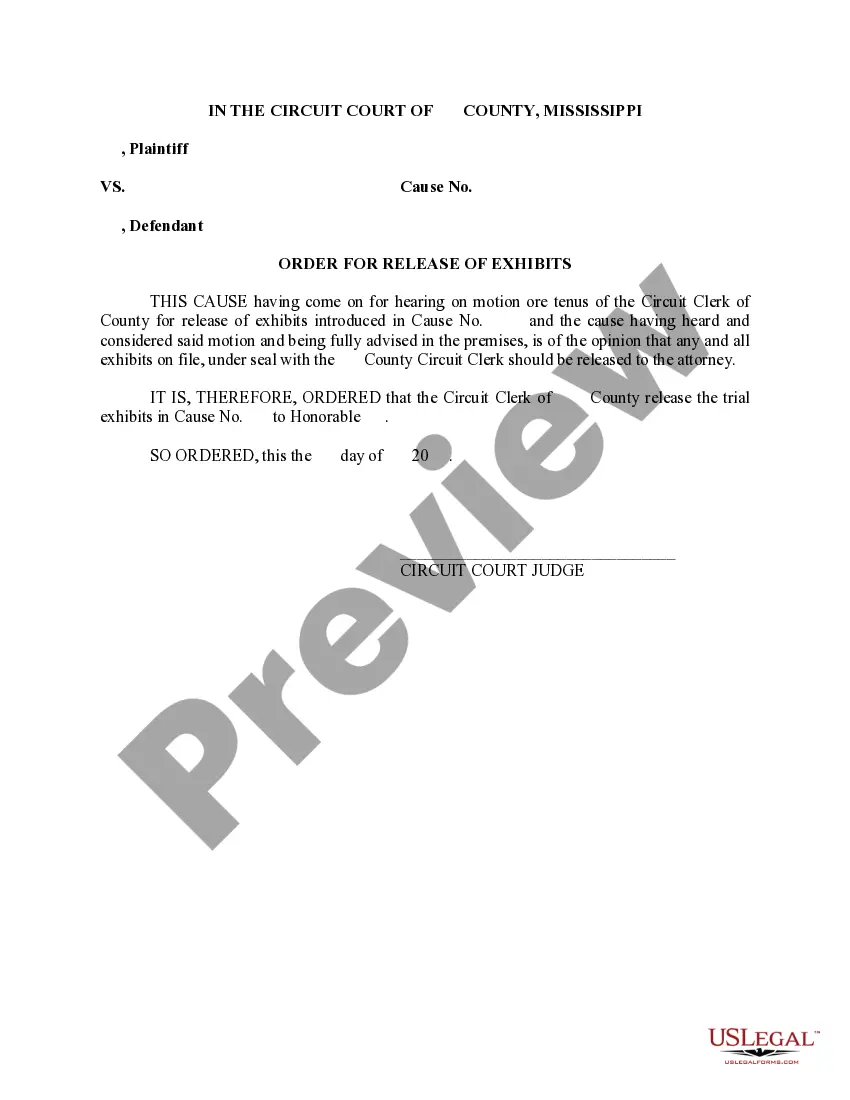
Mississippi Order for Release of Exhibits
About this form
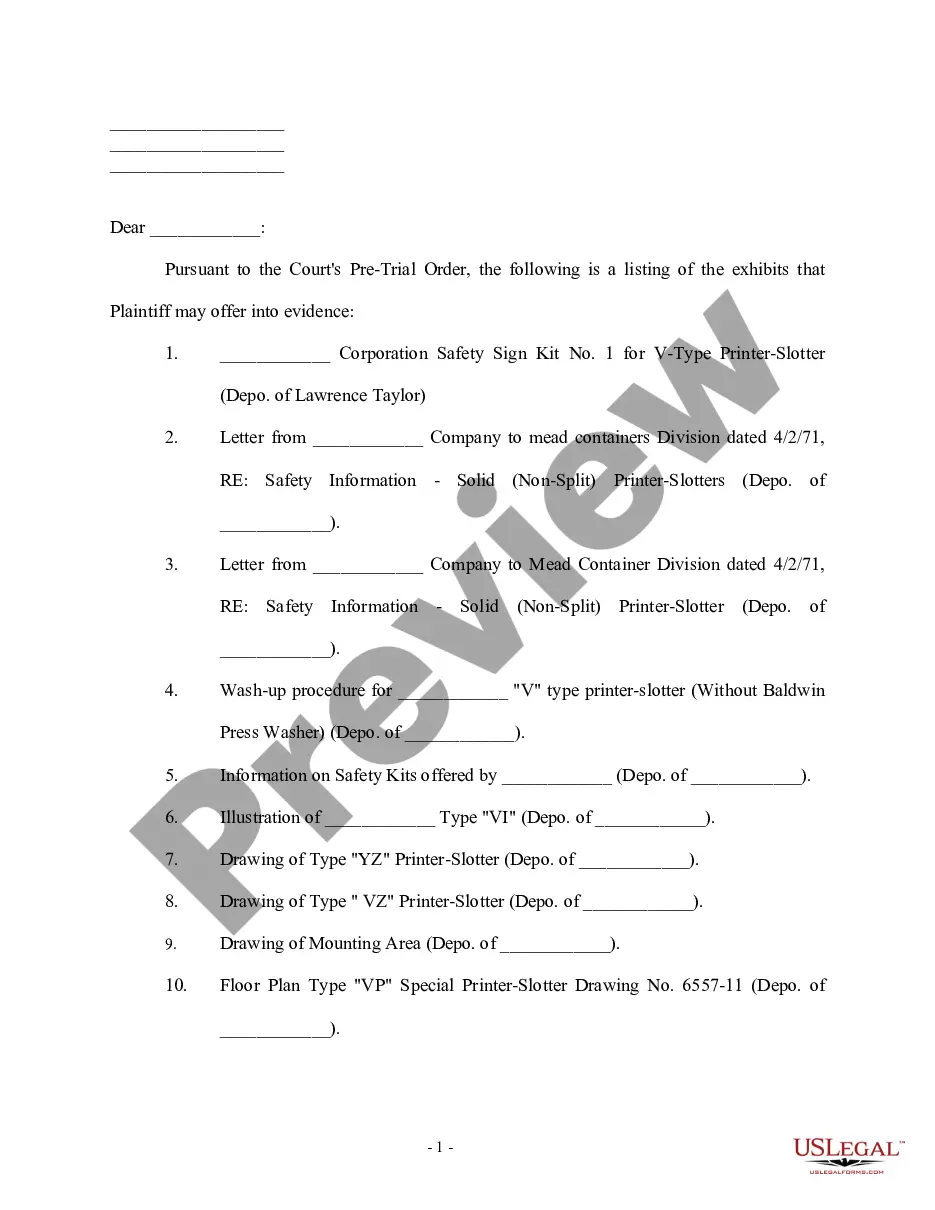
The Order for Release of Exhibits is a formal court document that instructs the clerk to release specific exhibits that were presented in a trial or hearing. This order is typically drafted following a motion, and it is signed by a judge, making it a lawful directive. Unlike other court orders, this particular form focuses on the release of evidence rather than enforcing actions or judgments. It is essential for parties wishing to recover evidence filed under seal in a case.
Key parts of this document
- Case title: Identifies the plaintiff and defendant.
- Cause number: The unique identifier assigned to the case by the court.
- Details of the motion: Explanation of the request for the release of exhibits.
- Order directive: The actual command for the Circuit Clerk to release the exhibits.
- Judgeâs signature: Authenticates the order and enforces its legality.
When to use this document
This form should be used when a party in a court case wishes to retrieve exhibits that were introduced as evidence but are still in the custody of the court. Common scenarios include when an exhibit is needed for an appeal, for further legal proceedings, or when a party needs to present the evidence for any other legitimate purpose as determined by the court.
Intended users of this form
- Attorneys representing a client involved in a court case.
- Parties who have introduced evidence in a prior legal proceeding.
- Those seeking to retrieve evidence that is currently sealed or held by the court.
How to prepare this document
- Identify the parties involved: Fill in the names of the plaintiff and defendant at the top of the form.
- Enter the cause number: Include the unique identifier that the court assigned to the case.
- Detail the motion: Clearly state the request for the release of exhibits, including reasons for the request.
- Include the judge's name: Write the name of the judge who will be signing the order.
- Provide the date: Fill in the date when the order is signed.
- Obtain the judge's signature: Ensure the order is signed by the appropriate judge to be legally binding.
Notarization guidance
This form does not typically require notarization unless specified by local law. It is essential to check local court requirements to determine if notarization is necessary in your jurisdiction.
Get your form ready online
Our built-in tools help you complete, sign, share, and store your documents in one place.
Make edits, fill in missing information, and update formatting in US Legal Forms—just like you would in MS Word.
Download a copy, print it, send it by email, or mail it via USPS—whatever works best for your next step.
Sign and collect signatures with our SignNow integration. Send to multiple recipients, set reminders, and more. Go Premium to unlock E-Sign.
If this form requires notarization, complete it online through a secure video call—no need to meet a notary in person or wait for an appointment.
We protect your documents and personal data by following strict security and privacy standards.

Make edits, fill in missing information, and update formatting in US Legal Forms—just like you would in MS Word.

Download a copy, print it, send it by email, or mail it via USPS—whatever works best for your next step.

Sign and collect signatures with our SignNow integration. Send to multiple recipients, set reminders, and more. Go Premium to unlock E-Sign.

If this form requires notarization, complete it online through a secure video call—no need to meet a notary in person or wait for an appointment.

We protect your documents and personal data by following strict security and privacy standards.
Common mistakes to avoid
- Failing to include the correct cause number.
- Not specifying the precise exhibits being requested for release.
- Omitting the judge's name or signature, making the order invalid.
- Using overly complex language instead of plain terms for clarity.
- Not following local court rules regarding filing or submitting the order.
Why complete this form online
- Immediate access: Download the form anytime from any location.
- Editable templates: Customize the form easily to fit the specifics of your case.
- Reliability: Templates created by licensed attorneys ensure compliance with legal standards.
Legal use & context
- The order provides legal authority to retrieve exhibits held in court custody.
- It must be executed correctly to avoid delays or challenges in compliance.
- Failure to comply with the order can lead to contempt of court charges.
What to keep in mind
- The Order for Release of Exhibits is a crucial document for accessing court-held evidence.
- Accurate completion is essential to ensure the order is legally binding.
- Understanding state-specific rules is vital for proper use of the form.
Looking for another form?

Form popularity
FAQ
1) A document or object (including a photograph) introduced as evidence during a trial. 2) a copy of a paper attached to a pleading (any legal paper filed in a lawsuit), declaration, affidavit, or other document, which is referred to and incorporated into the main document. courts.
Have the exhibit marked. Show the exhibit to opposing advocate. Ask permission to approach the witness. Show the exhibit to the witness. Lay the foundation for the exhibit. Move for admission of the exhibit in evidence.
Pre-mark the exhibit. Show it to opposing counsel. Show it to the witness. Ask the right predicate questions. Ask the court to admit the exhibit (see below for magic terminology) Let the clerk mark the exhibit into evidence.
There are basically 3 stages to a civil appeal in Mississippi. First, you file your notice of appeal and other preliminary documents. Critically, you MUST file your notice of appeal within 30 days of the trial court's final judgment. In some cases, you should file a post-trial motion within 10 days of the judgment.
However, before an exhibit can be offered into evidence, you must prove to the court that it is authentic, which is known as laying the foundation. This simply means that you must demonstrate to the court that you have the knowledge sufficient to prove that the exhibit is authentic.
Exhibits should be numbered (1, 2, 3) or lettered (A, B, C) consecutively in the order they are first encountered in the body of the contract.
Foundation is formed from three elements: Authenticity; Reliability; and Relevance must be established before an exhibit can be admitted as evidence. When you are ready to introduce an exhibit, pause and retrieve two copies of the exhibit from your table. Lawyer: Your honor may I approach the witness? Judge: Yes.
Run a search for the relevant documents and then click the Add to Exhibit Set icon. In the Add to exhibit set dropdown, enter a name for the exhibit set and then click Add. In the main menu, click Exhibit Sets. On the exhibit page, click Reorder Exhibits.