Mississippi Judgment
Overview of this form
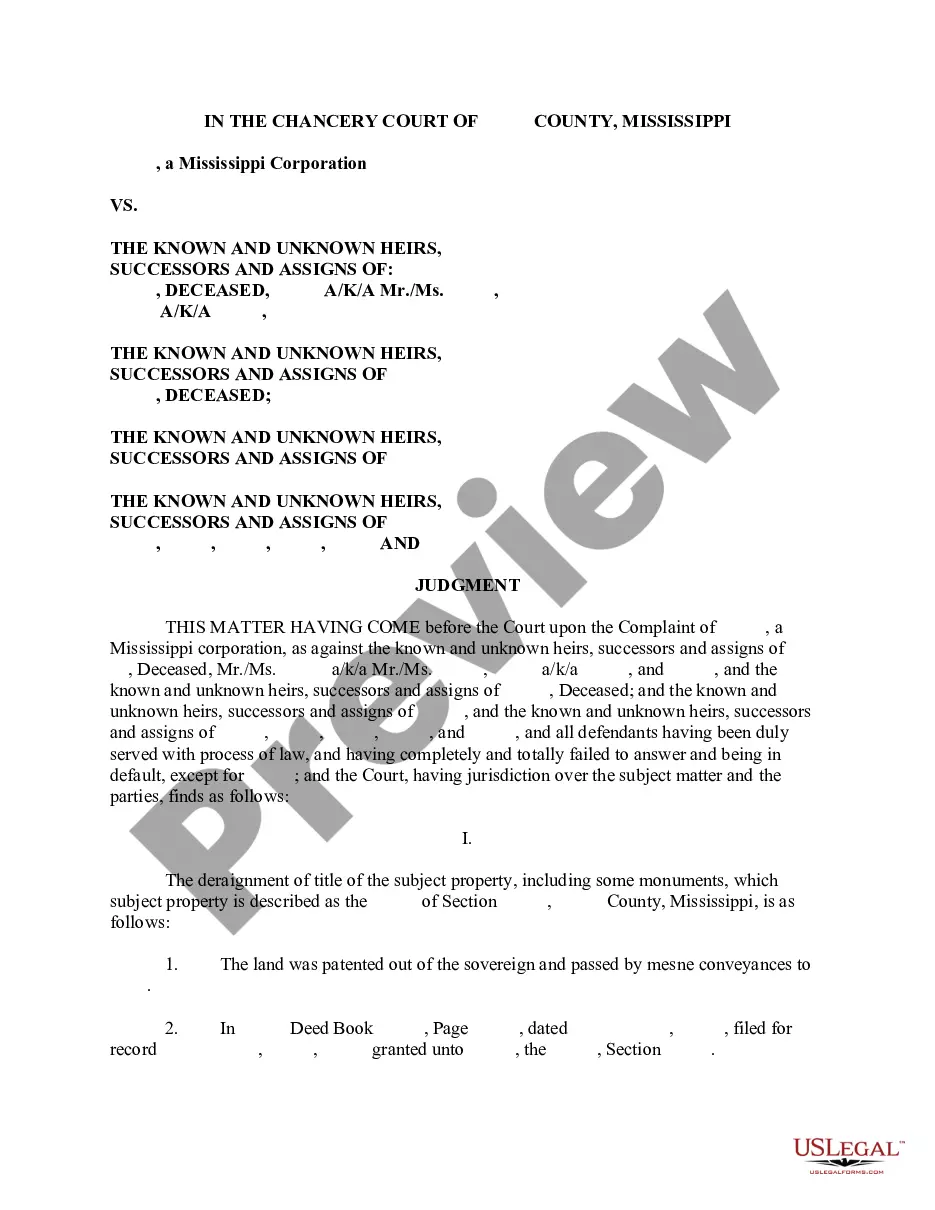
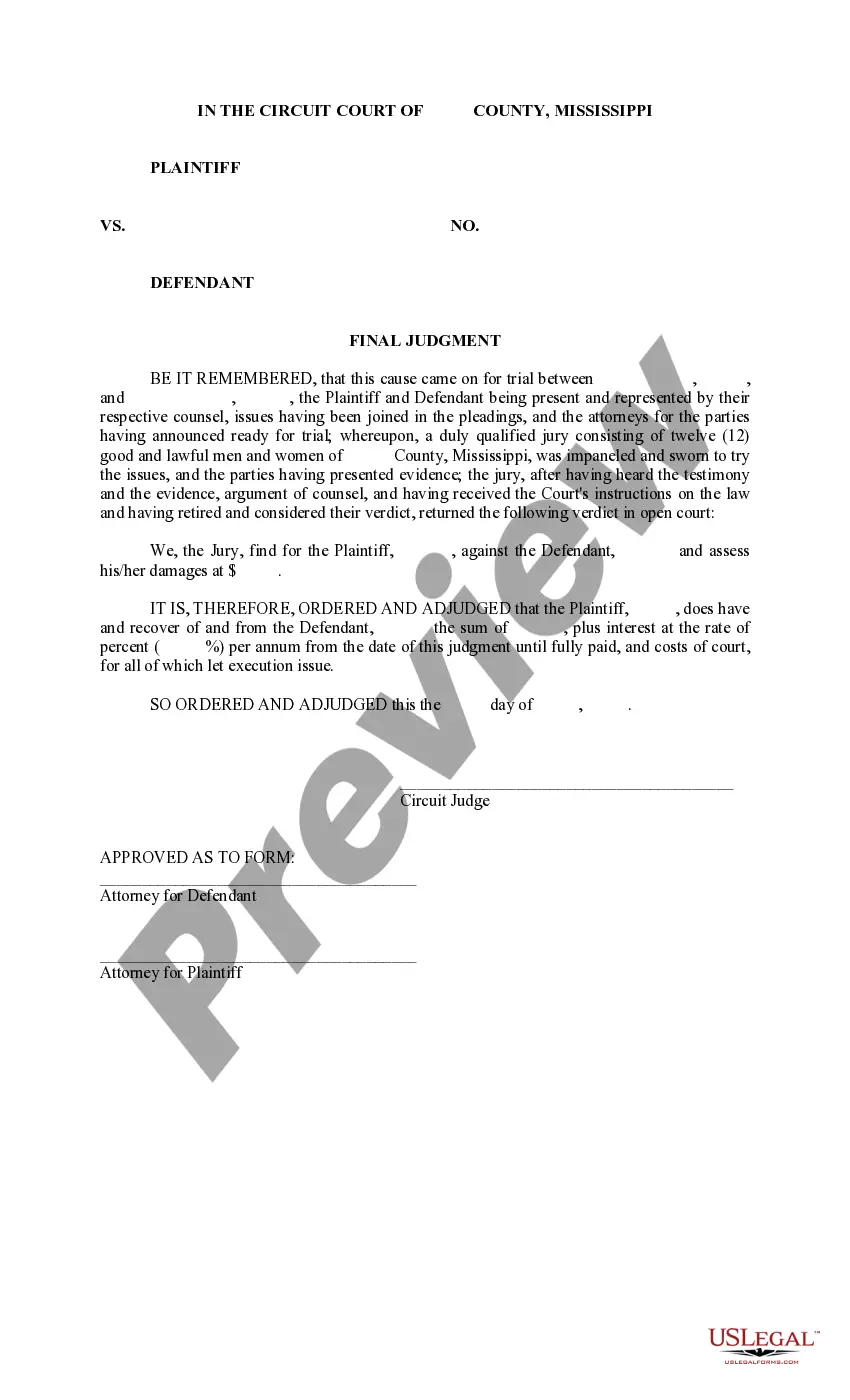
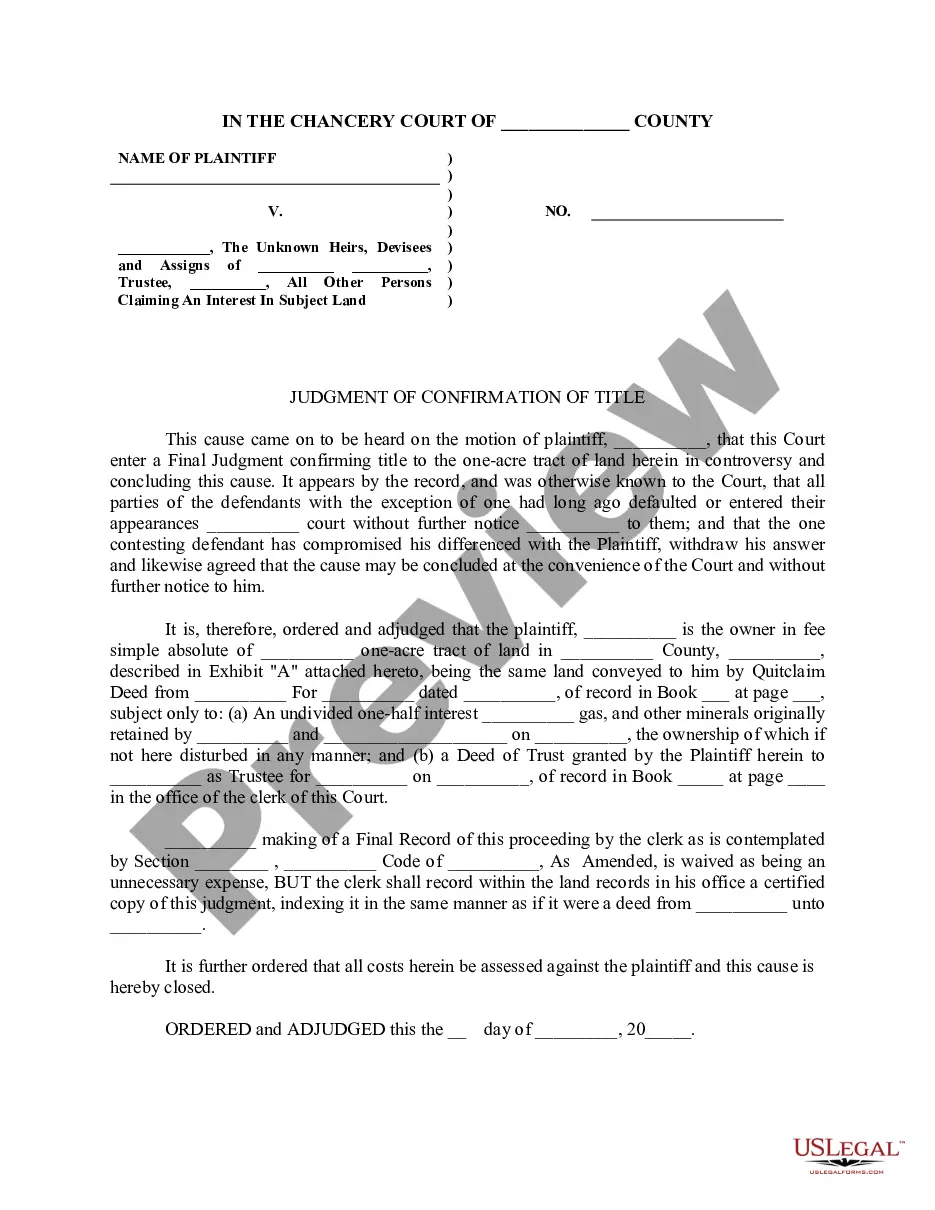
The Judgment form serves as a critical legal document that outlines the final decision made by a court in a civil case. It formally records the court's ruling, resolving the dispute between parties. Unlike similar forms, this form specifically addresses the outcome of a case, ensuring that the decision is legally binding and enforceable. Using this Judgment form can help parties avoid confusion regarding the terms of the ruling and the procedure moving forward.
Form components explained
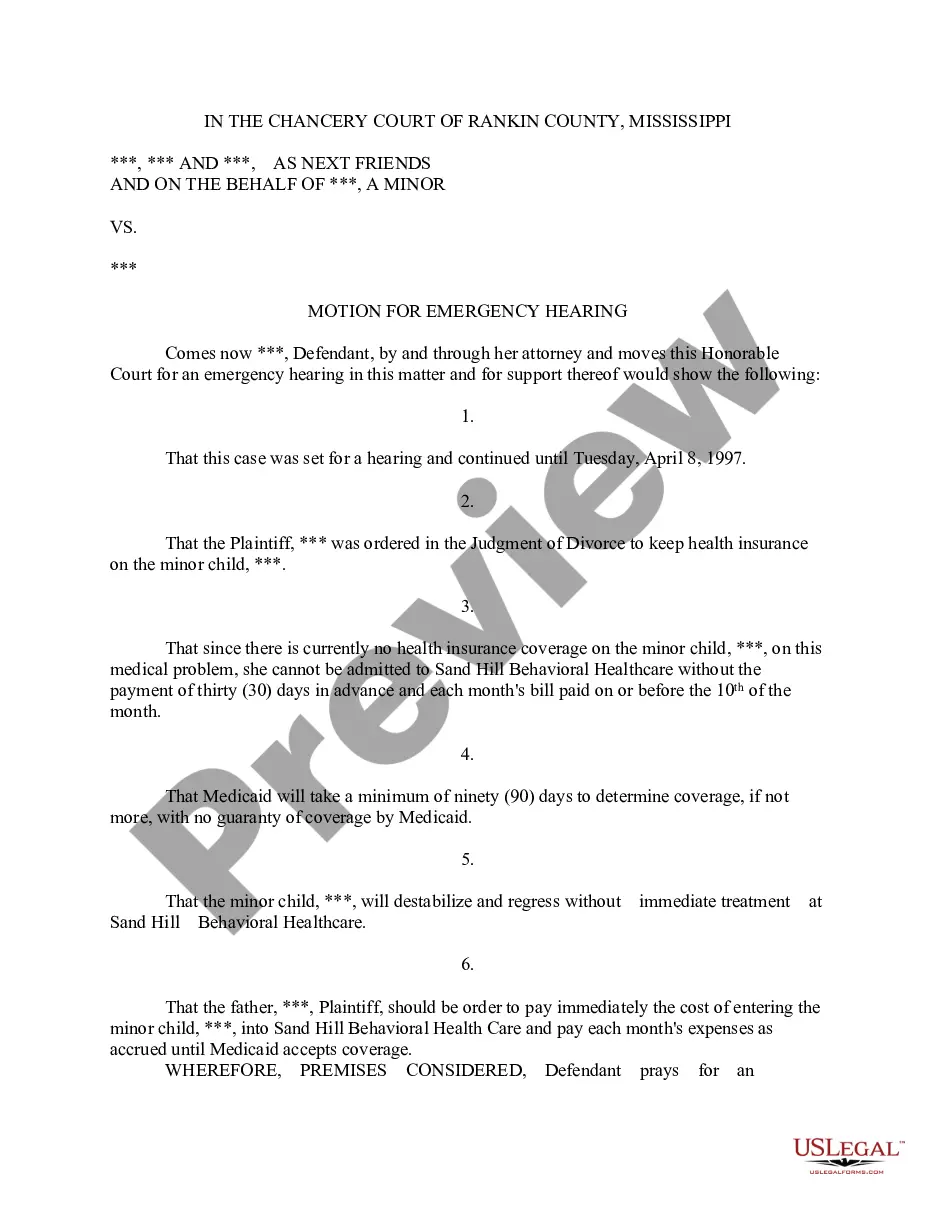
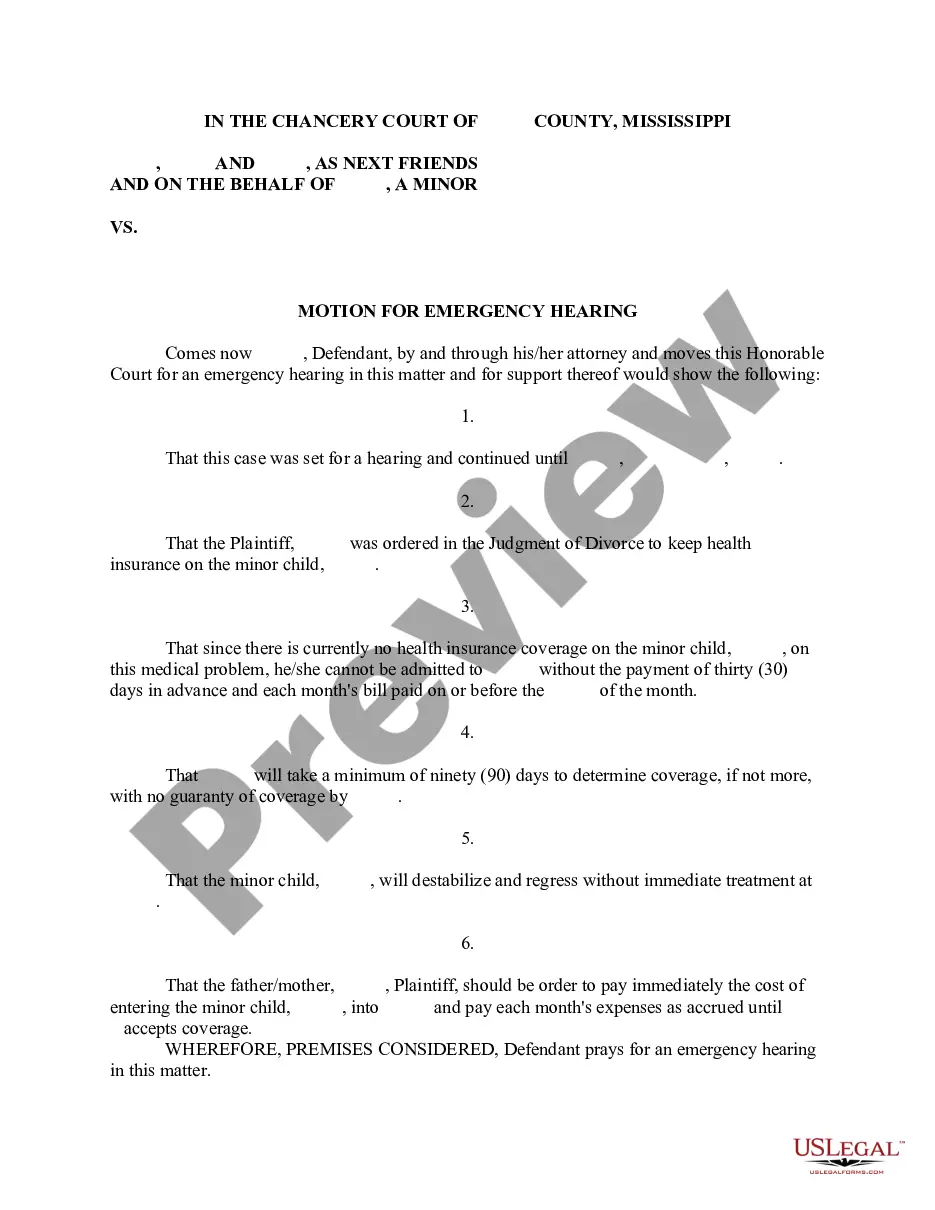
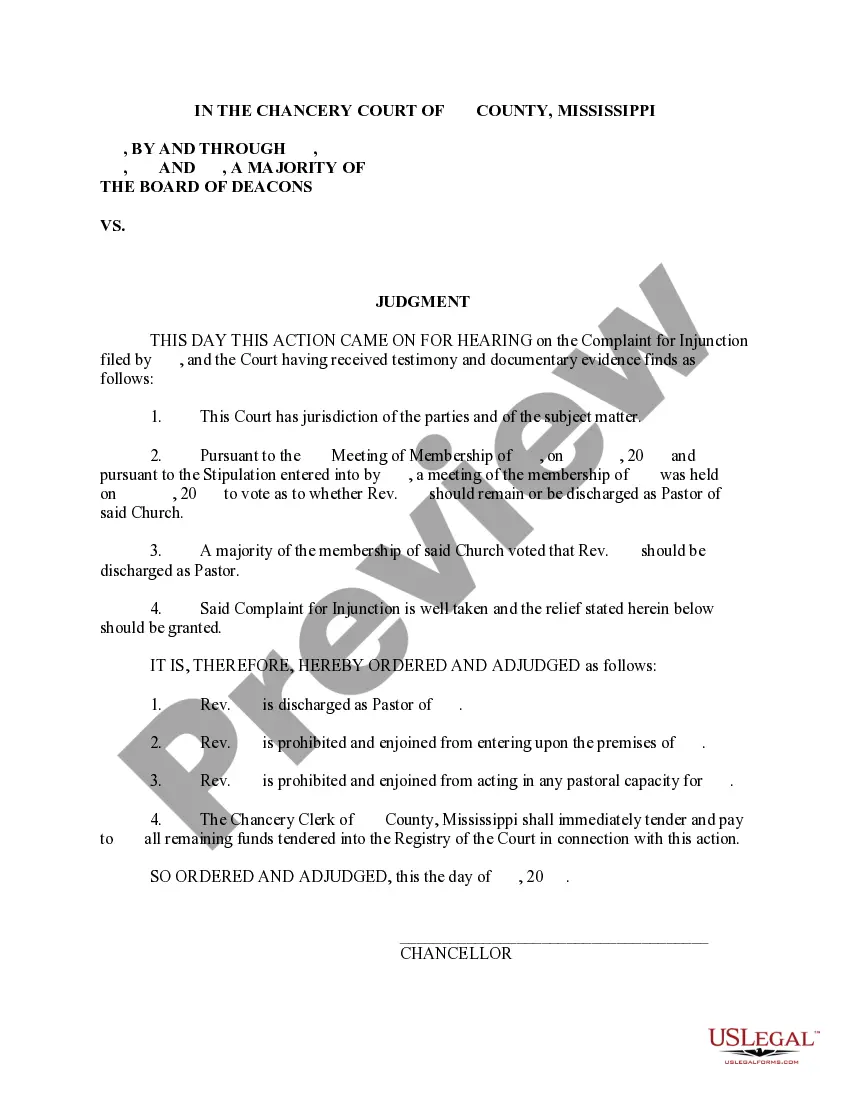
- Case caption: Identifies the parties involved and the court where the case was heard.
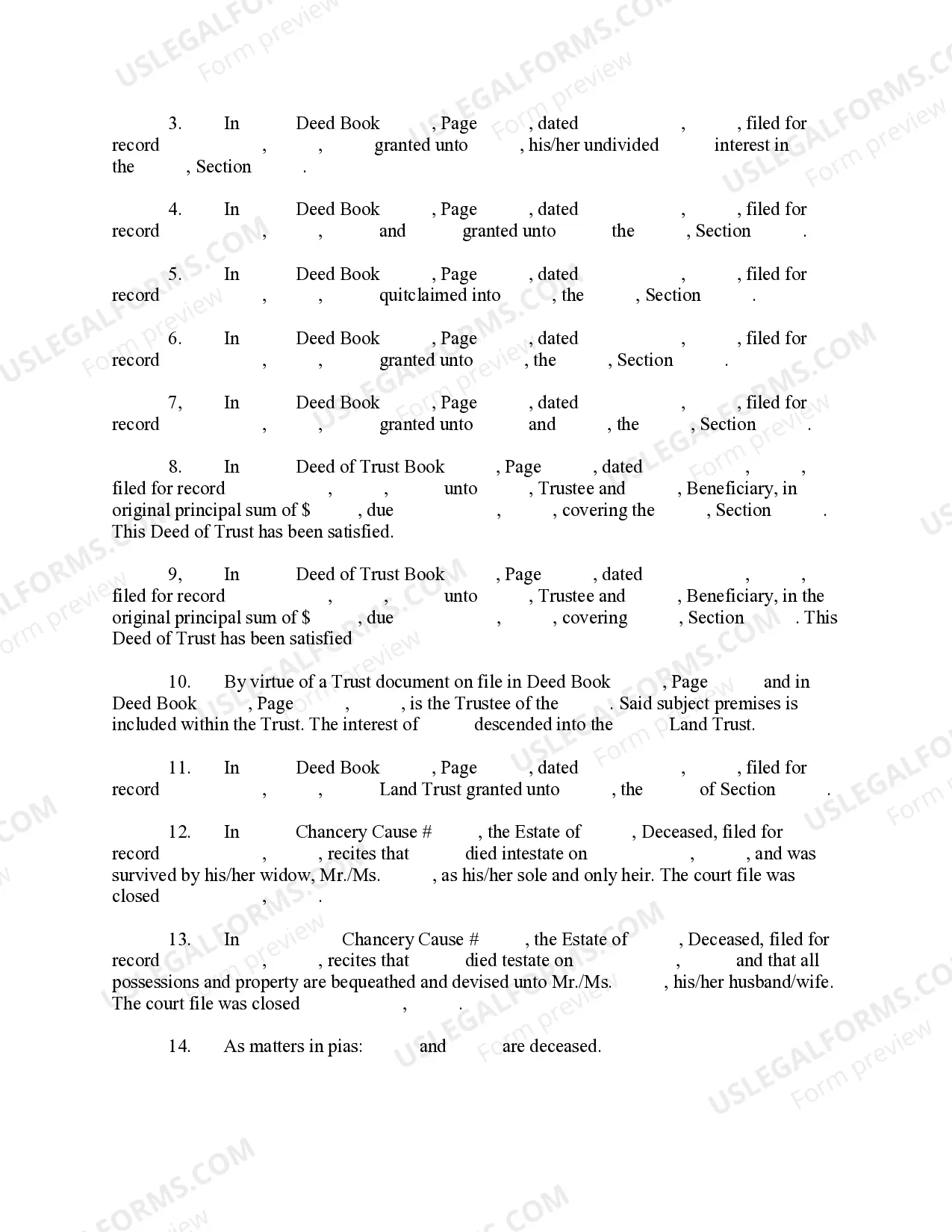
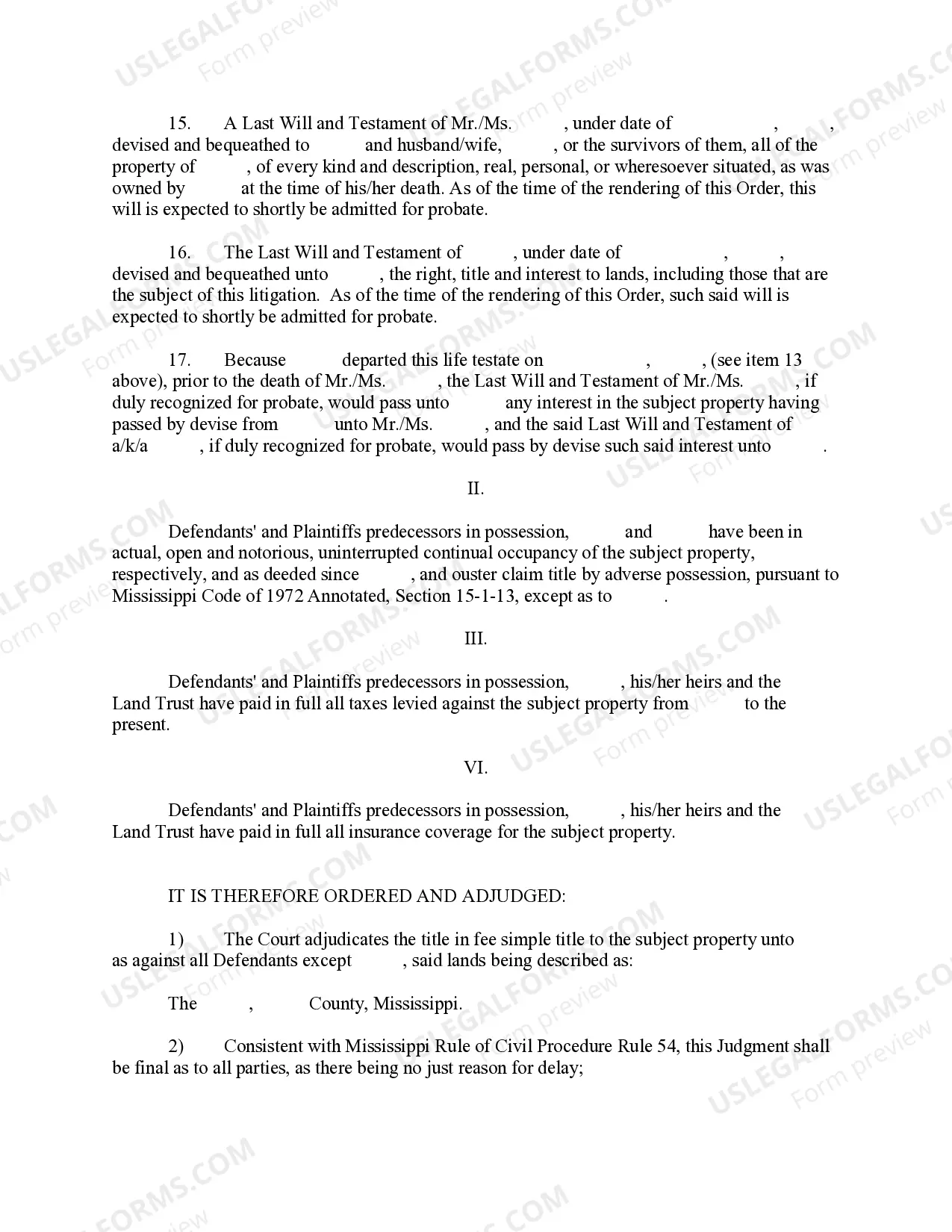
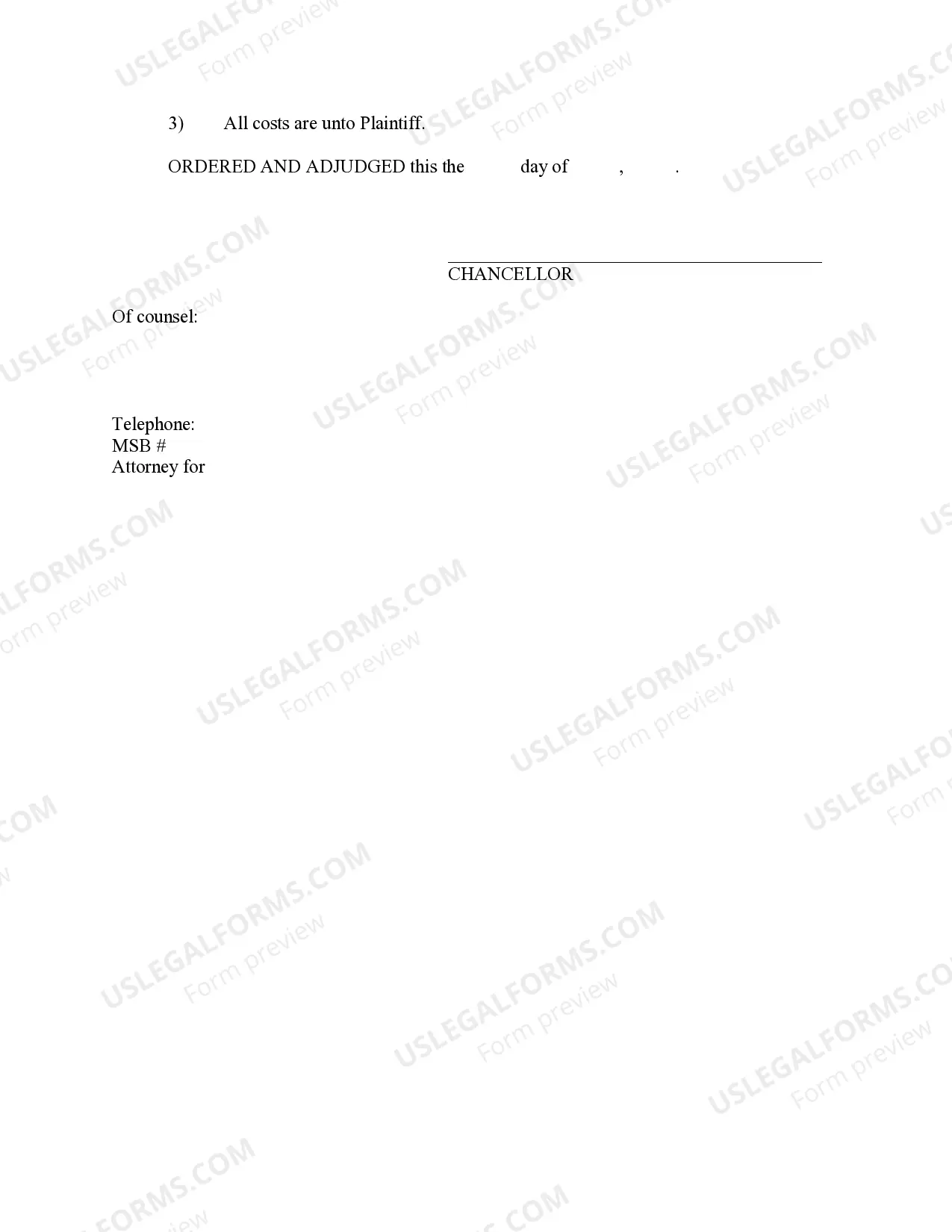
- Judgment text: Clearly states the court's decision and any orders made in the case.
- Date of judgment: Records the official date when the judgment is entered.
- Signatures: Includes signatures of the judge and any relevant parties to validate the judgment.
- Conditions: Specifies any conditions that must be met by the parties as a result of the judgment.
When to use this form
This Judgment form should be used when a court has reached a decision in a civil case. It is necessary after a trial or a hearing where both parties present their arguments. You should complete this form to document the outcome, ensure compliance with the ruling, and provide a clear record for any potential appeals or enforcement actions. It is essential in cases involving financial disputes, custody arrangements, and other civil matters.
Who can use this document
- Parties involved in a civil case seeking to formalize a court's decision.
- Attorneys representing clients in civil disputes.
- Individuals looking for clarity on the terms of a court ruling.
- Anyone needing a legal record of a court's judgment for future reference or enforcement.
How to prepare this document
- Identify the parties involved by including their full names and addresses at the top of the form.
- Enter the case number and the court's name where the case was adjudicated.
- Summarize the judgment by stating the case's outcome and any orders made by the court.
- Include the date of judgment to ensure the record is accurate and timely.
- Obtain signatures from the judge and any relevant parties to finalize the document.
Does this document require notarization?
This form needs to be notarized to ensure legal validity. US Legal Forms provides secure online notarization powered by Notarize, allowing you to complete the process through a verified video call, available anytime.
Get your form ready online
Our built-in tools help you complete, sign, share, and store your documents in one place.
Make edits, fill in missing information, and update formatting in US Legal Forms—just like you would in MS Word.
Download a copy, print it, send it by email, or mail it via USPS—whatever works best for your next step.
Sign and collect signatures with our SignNow integration. Send to multiple recipients, set reminders, and more. Go Premium to unlock E-Sign.
If this form requires notarization, complete it online through a secure video call—no need to meet a notary in person or wait for an appointment.
We protect your documents and personal data by following strict security and privacy standards.

Make edits, fill in missing information, and update formatting in US Legal Forms—just like you would in MS Word.

Download a copy, print it, send it by email, or mail it via USPS—whatever works best for your next step.

Sign and collect signatures with our SignNow integration. Send to multiple recipients, set reminders, and more. Go Premium to unlock E-Sign.

If this form requires notarization, complete it online through a secure video call—no need to meet a notary in person or wait for an appointment.

We protect your documents and personal data by following strict security and privacy standards.
Common mistakes to avoid
- Failing to include the case number, which is essential for reference.
- Not obtaining proper signatures, leading to questions about the judgment's validity.
- Leaving out critical terms or conditions, which may result in confusion or disputes later.
- Using vague language that does not clearly communicate the judgment details.
Benefits of using this form online
- Convenient access to a standardized Judgment template designed by licensed attorneys.
- Editability allows for customization to fit the specific details of your case.
- Reliable formatting ensures legal compliance and clarity in documentation.
- Instant download capability for immediate use.
Legal use & context
- A judgment serves as a binding document, enforceable through legal channels.
- The form must conform to local court rules to be considered valid.
- Failure to properly complete the judgment can lead to enforcement issues.
Main things to remember
- The Judgment form is crucial for formalizing court decisions in Mississippi.
- Careful completion is necessary to avoid delays or legal complications.
- This form is designed to be user-friendly and adaptable for various court cases.
Looking for another form?
Form popularity
FAQ
How long does a judgment lien last in Mississippi? A judgment lien in Mississippi will remain attached to the debtor's property (even if the property changes hands) for seven years.
Prepare the lien document, taking care to include all the necessary information set forth above including the required statements. Sign the document. Deliver the lien must the office of the clerk of the chancery court of the county where the property is located.
While it's unlikely that just anyone can put a lien on your home or land, it's not unheard of for a court decision or a settlement to result in a lien being placed against a property.
A judgment is a court order. A lien is a claim of interest in a property right. A judgment can turn into a lien when the law allows this. For example, if a creditor records a court judgment, it can affect the right of an owner of real property to sell the...
A judgment lien is a court ruling that gives a creditor the right to take possession of a debtor's real or personal property if the debtor fails to fulfill his or her contractual obligations.A plaintiff who obtains a monetary judgment is described as a judgment creditor, while the defendant becomes a judgment debtor.