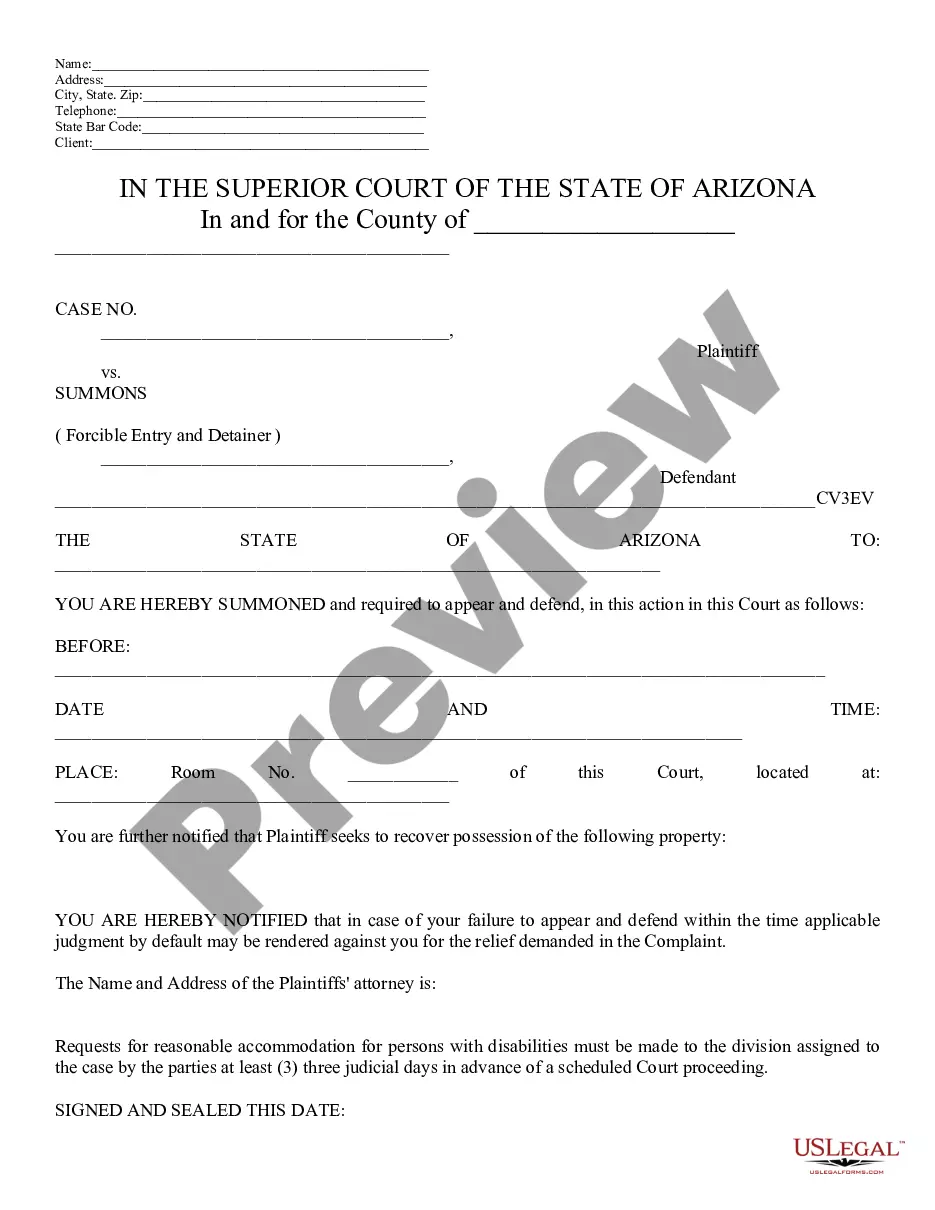
Mississippi Notice of Intent to Increase Ad Valorem Tax Assessment for Waste and Garbage Collection and Disposal
Overview of this form
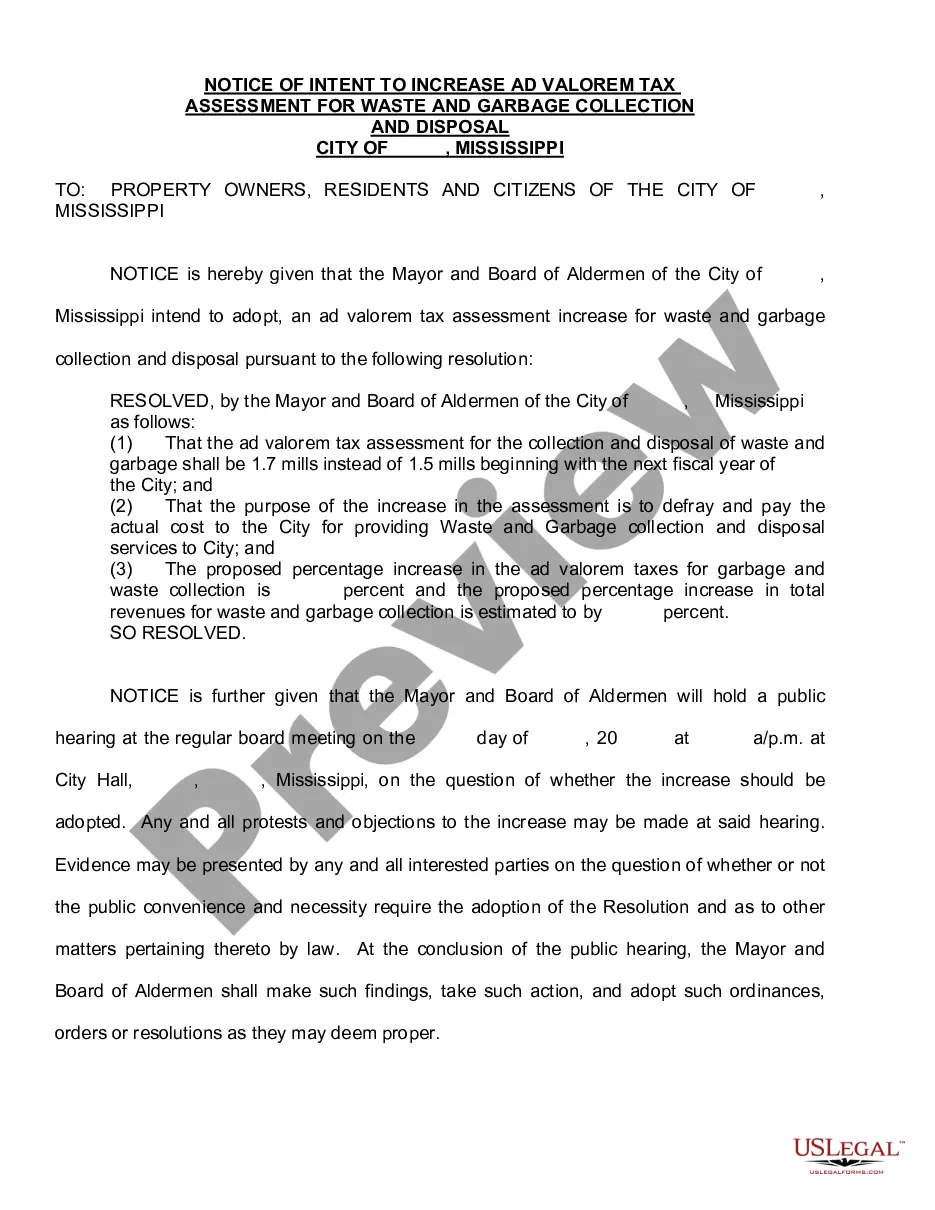
The Notice of Intent to Increase Ad Valorem Tax Assessment for Waste and Garbage Collection and Disposal is a legal document that serves to notify relevant parties about an impending increase in property tax assessments specifically for waste and garbage services. This form ensures that stakeholders are appropriately informed, helping to prevent delays that might arise from lack of notification. Unlike similar forms, this notice focuses on tax assessment changes related to waste management services in the municipality, making it crucial for cities looking to effectively communicate fiscal changes to the public.
Main sections of this form
- The identification of the taxing authority issuing the notice.
- A statement regarding the purpose of the increase, specifically to cover the costs of waste and garbage collection and disposal services provided by the City.
- The date of the notice and deadlines for response, if applicable.
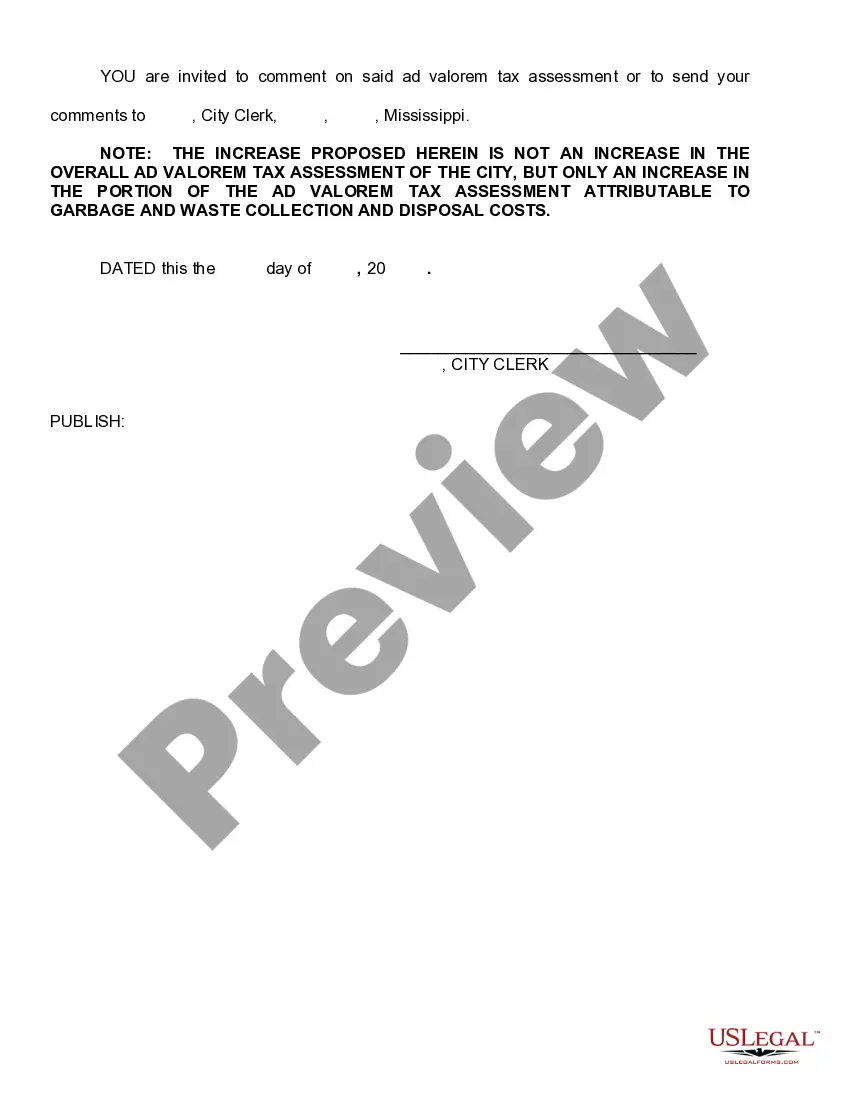
- Contact information for inquiries related to the assessment increase.

When to use this document
This form is typically used when a city or local government plans to raise the ad valorem tax assessment for services related to waste and garbage collection and disposal. If you are part of a municipal government that provides these services and intends to adjust the tax rates, this form is necessary to formally notify the affected property owners and residents in the area.
Who needs this form
This form is intended for:
- Municipal or city governments looking to provide formal notice about tax assessment changes.
- County officials responsible for the administration of waste and garbage collection services.
- Legal representatives or attorneys engaged by local authorities handling tax notification matters.
Steps to complete this form
- Identify the taxing authority and its contact information.
- Clearly state the purpose of the tax increase, including the specific services covered.
- Specify the date the notice is issued and any response deadlines.
- Review the completed notice to ensure accuracy and completeness before distribution.
Does this form need to be notarized?
This form does not typically require notarization to be legally valid. However, some jurisdictions or document types may still require it. US Legal Forms provides secure online notarization powered by Notarize, available 24/7 for added convenience.
Get your form ready online
Our built-in tools help you complete, sign, share, and store your documents in one place.
Make edits, fill in missing information, and update formatting in US Legal Forms—just like you would in MS Word.
Download a copy, print it, send it by email, or mail it via USPS—whatever works best for your next step.
Sign and collect signatures with our SignNow integration. Send to multiple recipients, set reminders, and more. Go Premium to unlock E-Sign.
If this form requires notarization, complete it online through a secure video call—no need to meet a notary in person or wait for an appointment.
We protect your documents and personal data by following strict security and privacy standards.

Make edits, fill in missing information, and update formatting in US Legal Forms—just like you would in MS Word.

Download a copy, print it, send it by email, or mail it via USPS—whatever works best for your next step.

Sign and collect signatures with our SignNow integration. Send to multiple recipients, set reminders, and more. Go Premium to unlock E-Sign.

If this form requires notarization, complete it online through a secure video call—no need to meet a notary in person or wait for an appointment.

We protect your documents and personal data by following strict security and privacy standards.
Avoid these common issues
- Failing to include all required information, such as contact details or service specifics.
- Not providing adequate time for responses to the notice.
- Distributing the notice without adhering to local mailing or publication requirements.
Benefits of completing this form online
- Convenience of immediate downloads, allowing for quick preparation and distribution.
- Editability, which enables easy customization to suit specific municipal needs.
- Reliability of professionally drafted templates created by licensed attorneys.
Legal use & context
- This form is legally enforceable once properly completed and distributed to the concerned parties.
- Ensure compliance with local legal requirements to avoid challenges in the future.
- Failure to provide proper notice can result in legal complications or delays.
Summary of main points
- The Notice of Intent to Increase Ad Valorem Tax Assessment is essential for informing the public about tax increases for waste management services.
- Use this form to maintain transparency and comply with legal notification requirements.
- Always customize this form to reflect your municipality's specific circumstances and details.
Looking for another form?
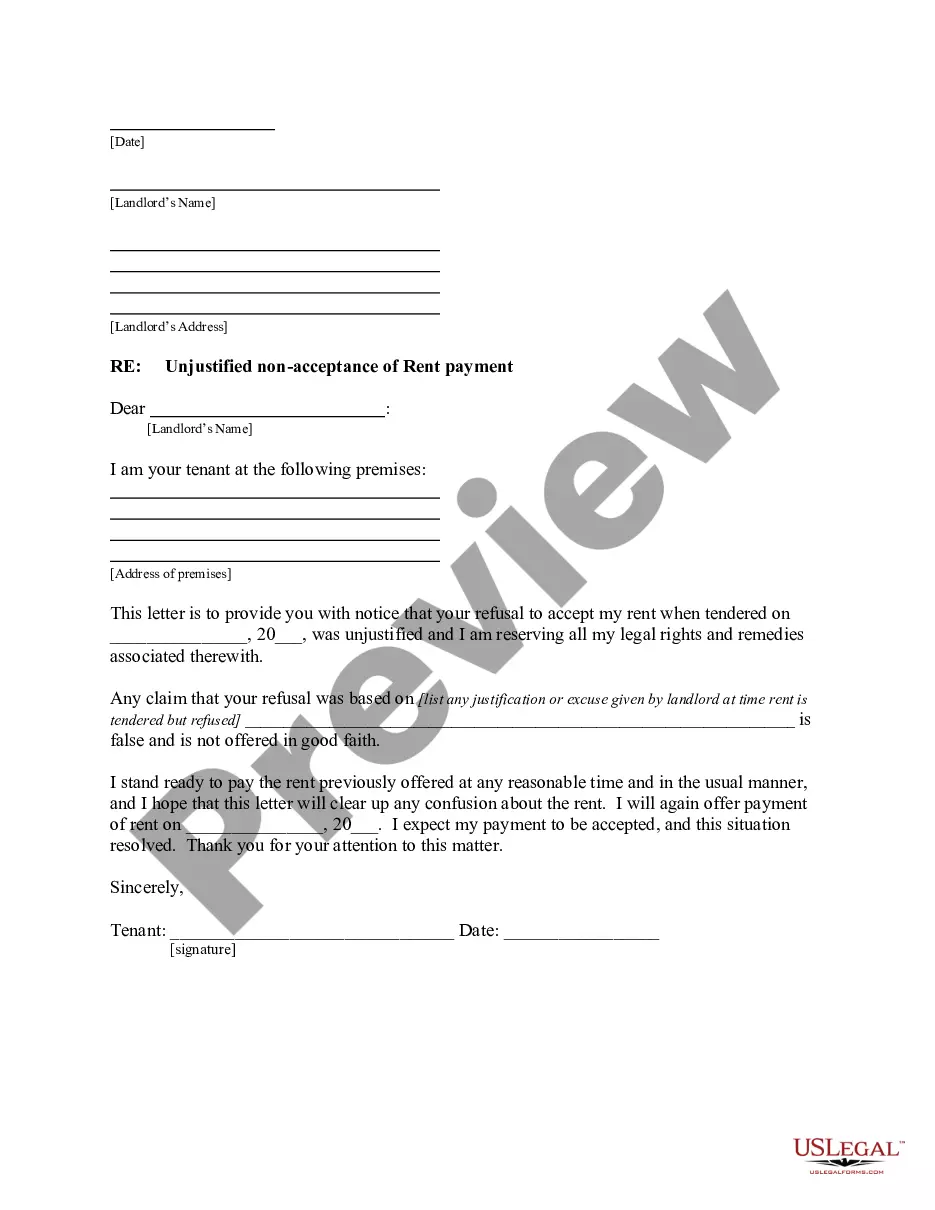
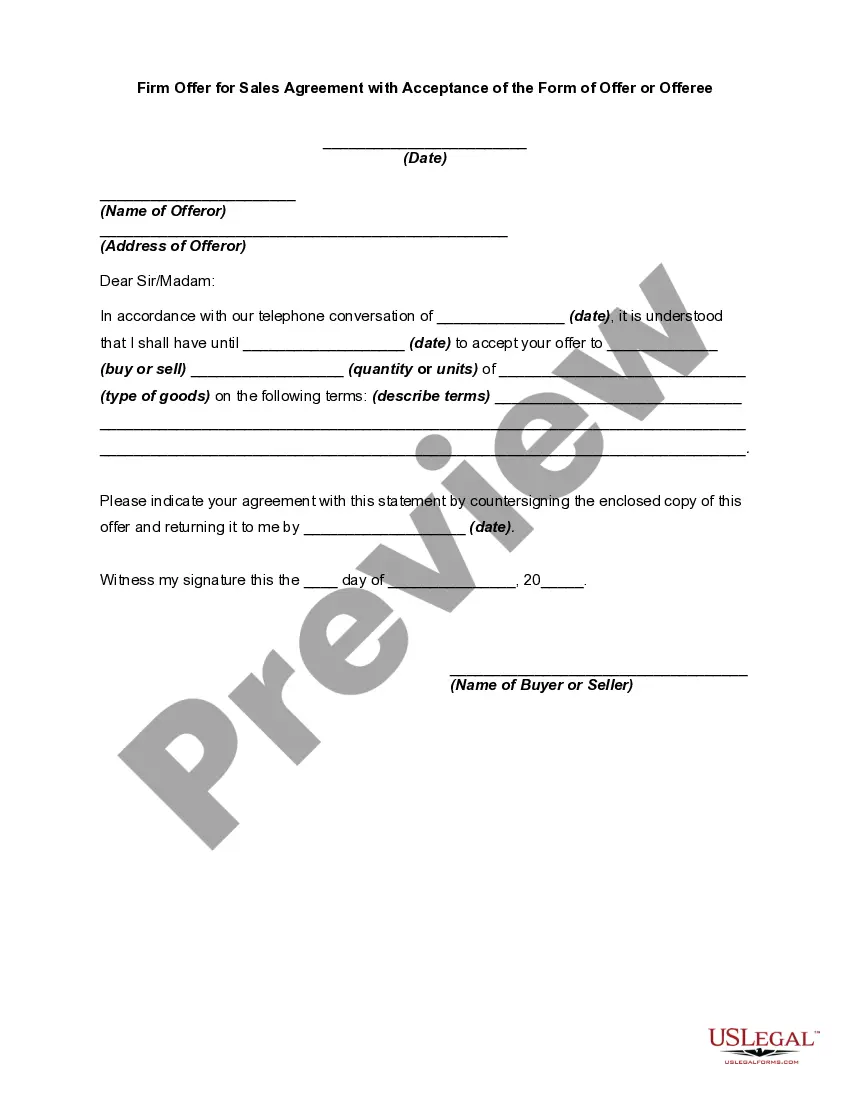
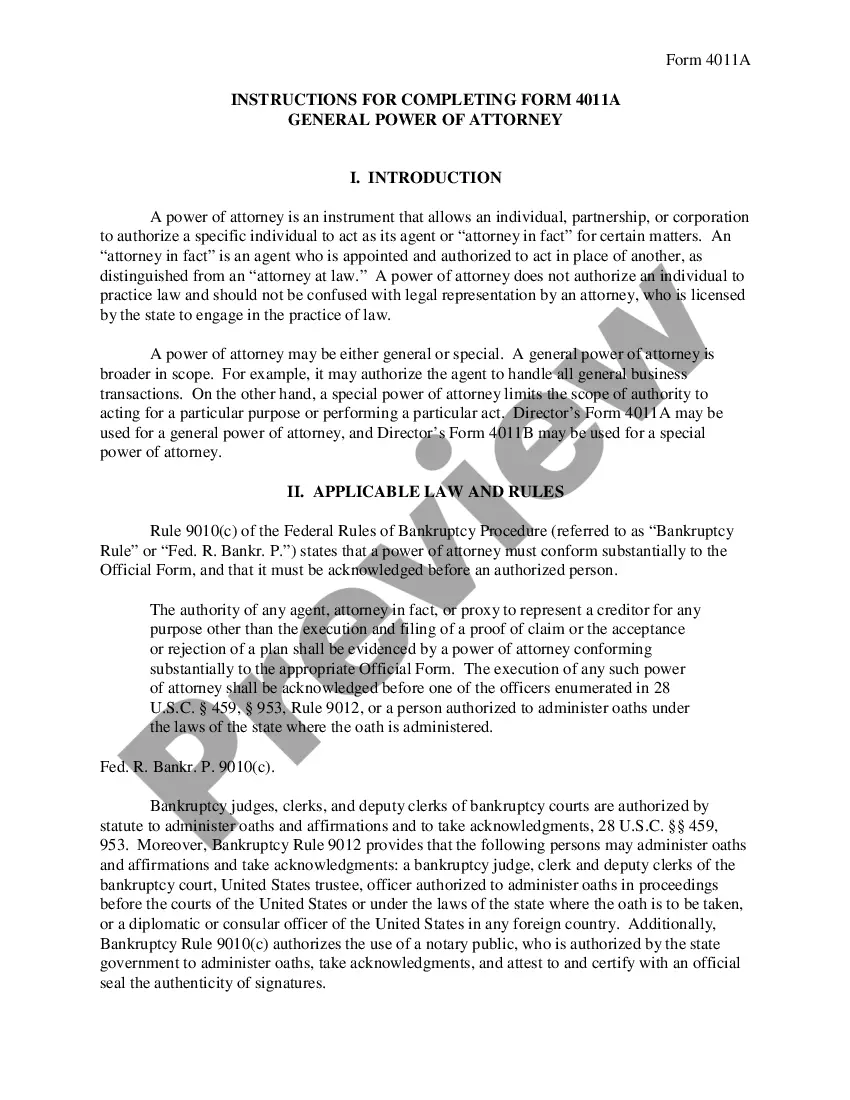
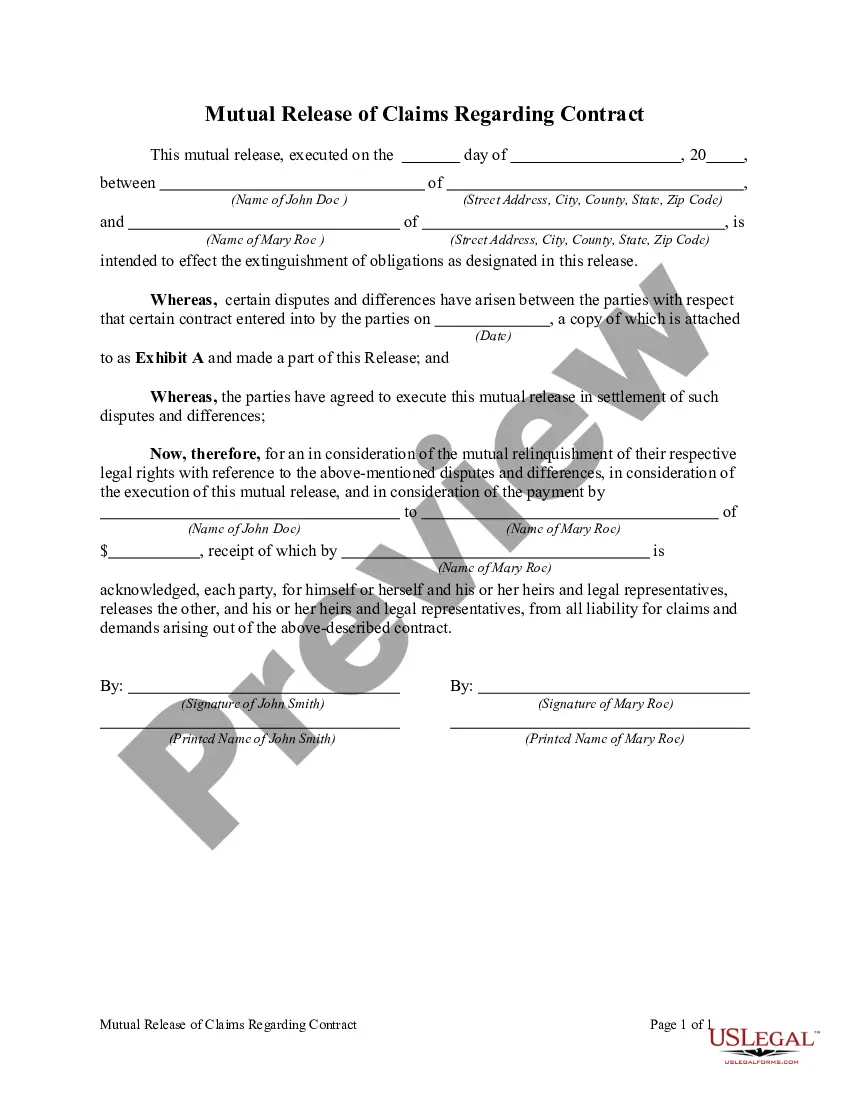
Form popularity
FAQ
A tombstone is a container object consisting of the deleted objects from AD. These objects have not been physically removed from the database. When an AD object, such as a user is deleted, the object technically remains in the directory for a given period of time; known as the Tombstone Lifetime.
The Active Directory Recycle Bin was introduced in the Windows Server 2008 R2 release. The goal of this feature was to facilitate the recovery of deleted Active Directory objects without requiring restoration of backups, restarting Active Directory Domain Services, or rebooting domain controllers.
Navigate to the Active Directory Administrative Center (ADAC) either on your domain-joined workstation or on a domain controller. Click on the domain located on the left-hand side and find the Tasks menu on the right-hand side. Click on the Enable Recycle Bin option to enable the recycle bin as shown below.
Step 1: Open Server Manager. Step 2: Open the Active Directory Administrative Center. From the Server Manager go to tools and select Active Directory Administrative Center. Step 3: Enable Recycle Bin.
It doesn't prevent memory leaks It hoards every object added to it until the program exits or runs out of memory. Garbage collection can't do anything here. Those objects are technically in use and thus cannot be freed. Garbage collection can prevent certain types of memory leaks.
Select the Start feff button, then select Settings feff. Select Personalization > Themes > Desktop icon settings. Select the RecycleBin check box > Apply.
Typically, garbage collection has certain disadvantages, including consuming additional resources, performance impacts, possible stalls in program execution, and incompatibility with manual resource management.
In computer science, garbage collection (GC) is a form of automatic memory management. The garbage collector, or just collector, attempts to reclaim garbage, or memory occupied by objects that are no longer in use by the program.
Open Active Directory Administrative Center. Right-click on the domain name and select Enable Active Directory Recycle Bin. Being that this option changes the collection structure for AD, a prompt will show that this action is irreversible. Press Ok. Wait for the change to apply. Done.