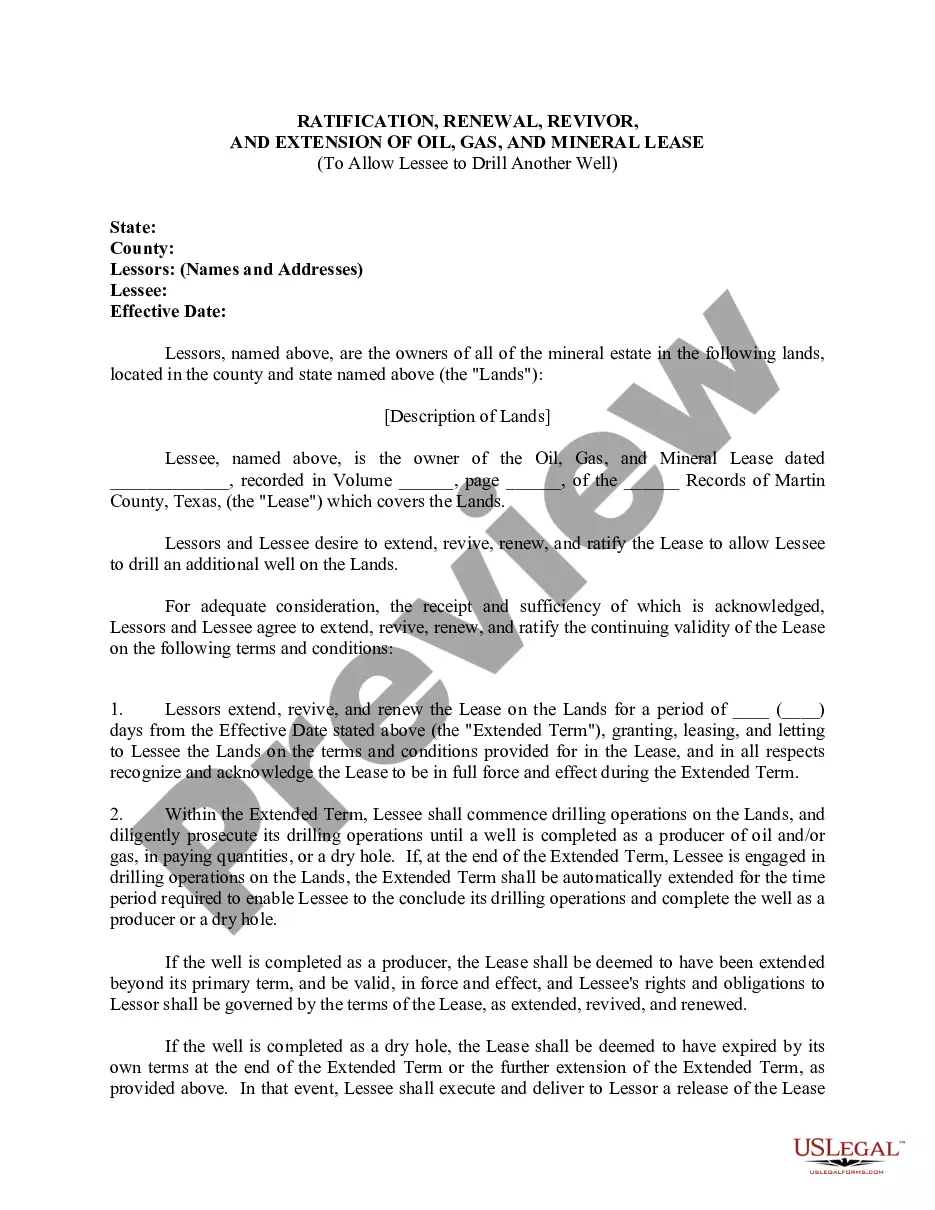
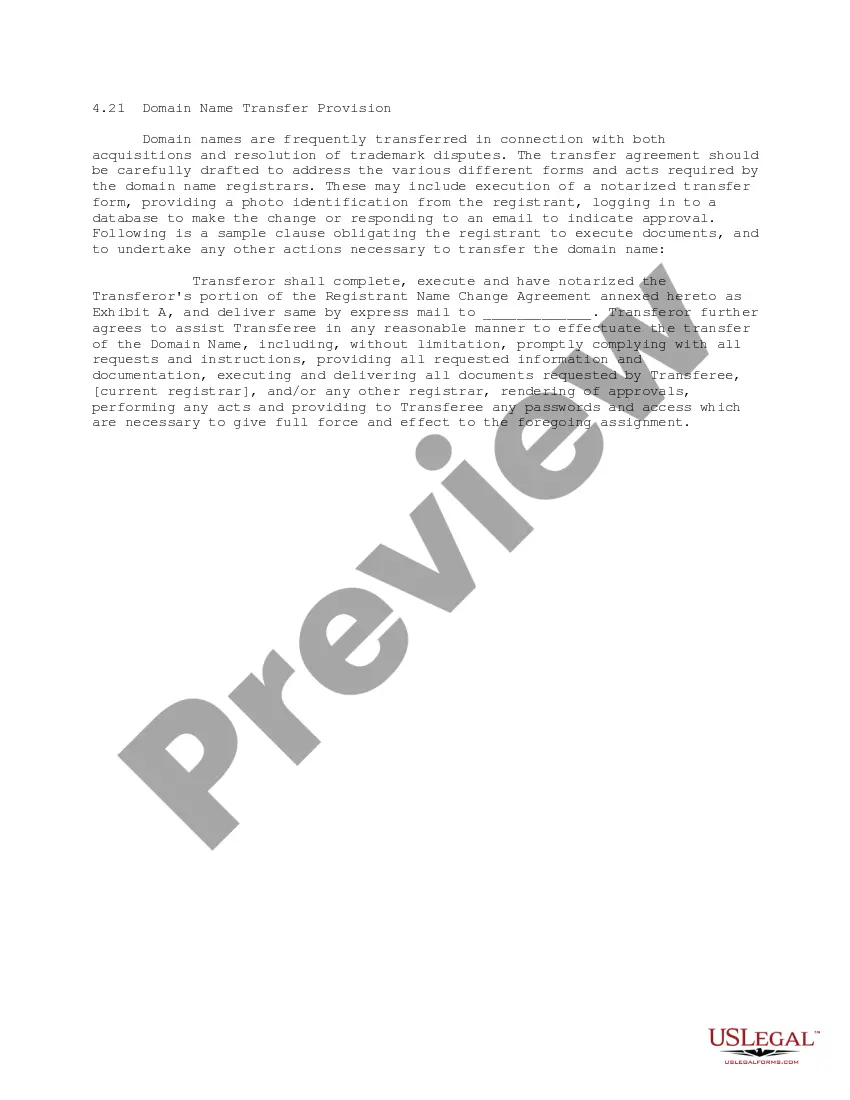
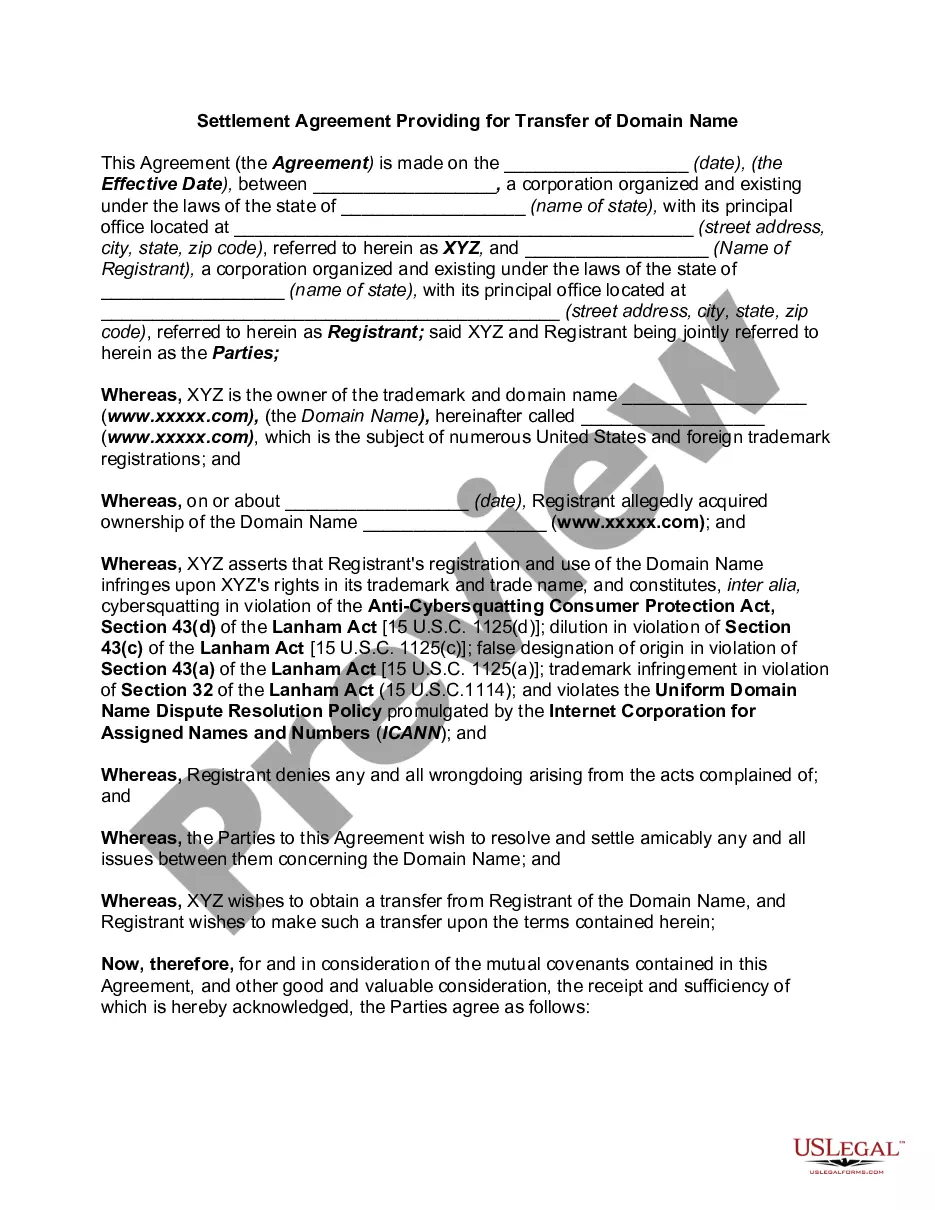
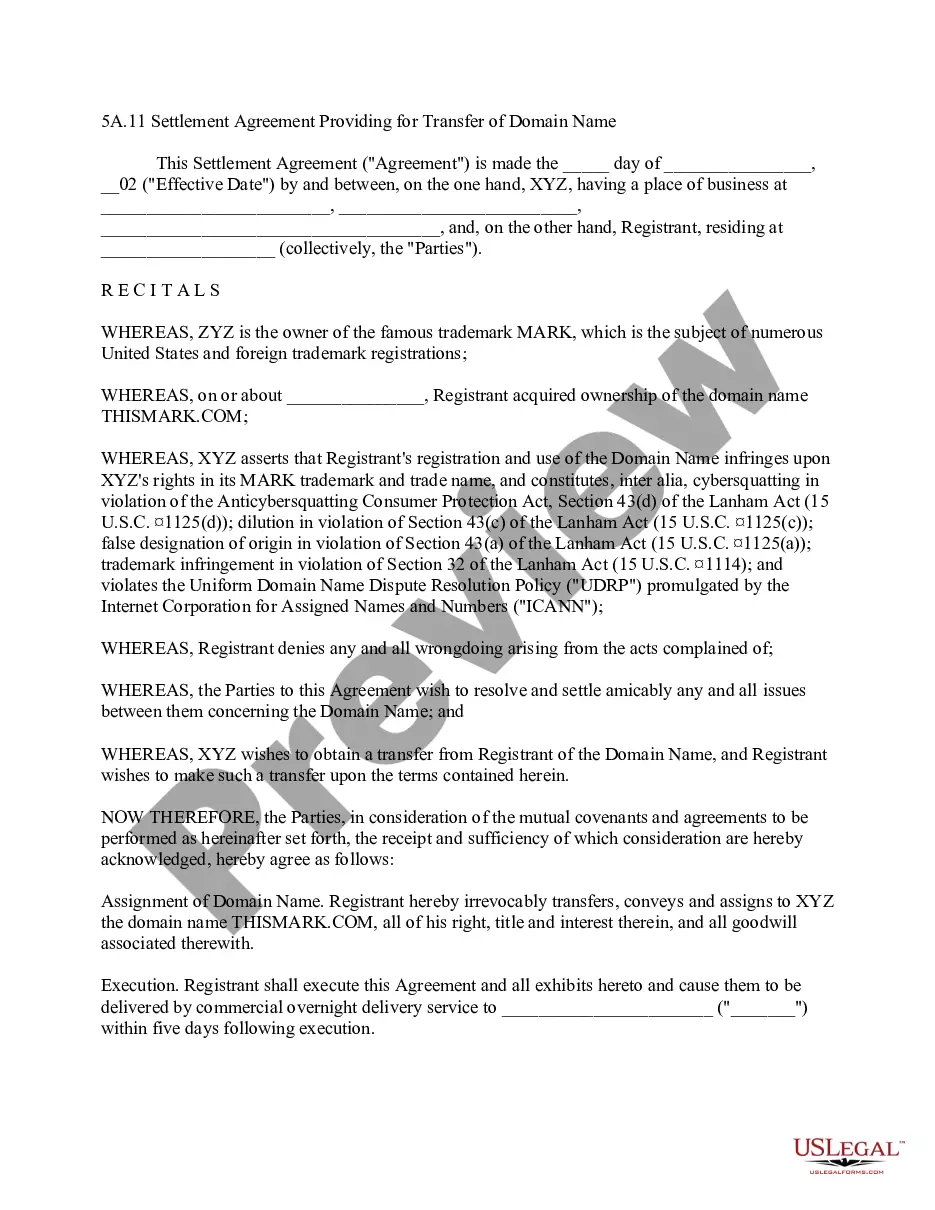
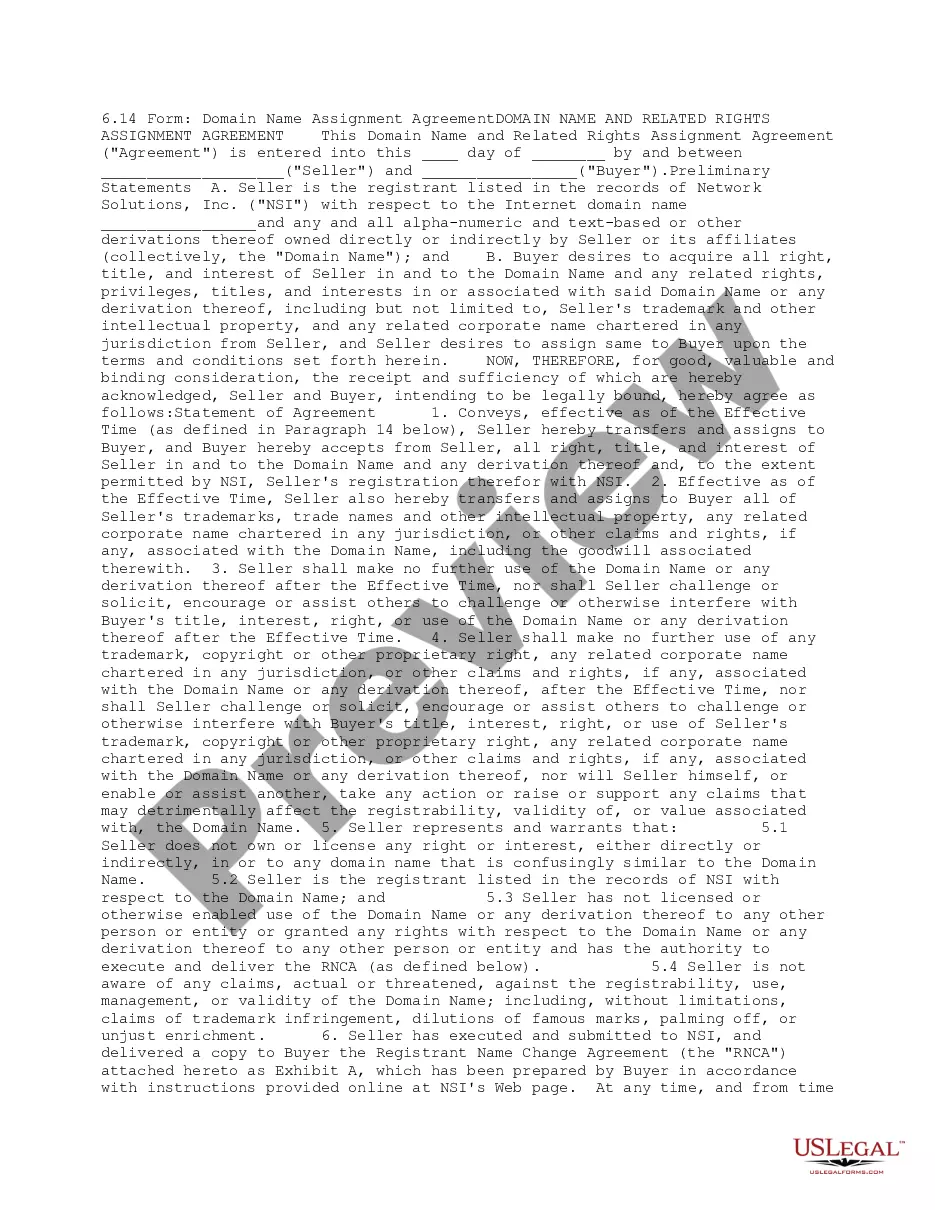
This form is a Domain Name Transfer Provision for a transfer agreement, either as part of an acquisition, settlement of a trademark dispute, or similar matter, that obligates the registrant of the domain name to execute documents and to undertake any other actions necessary to transfer the domain name.
Missouri Domain Name Transfer Provision
State:
Multi-State
Control #:
US-IP0421
Format:
Word;
PDF;
Rich Text
Instant download
Description





How to fill out Domain Name Transfer Provision?
If you want to finish, acquire, or print authentic document templates, utilize US Legal Forms, the best assortment of authentic forms available online.
Employ the site’s simple and user-friendly search to locate the documents you require.
A variety of templates for business and personal purposes are organized by categories and states, or keywords.
Step 4. Once you have located the form you need, click the Buy now button. Choose the pricing plan you prefer and provide your information to register for an account.
Step 5. Complete the payment. You can use your credit card or PayPal account to finalize the transaction. Step 6. Select the format of the legal form and download it to your device. Step 7. Complete, edit, and print or sign the Missouri Domain Name Transfer Provision.
Every legal document template you purchase is yours indefinitely. You have access to each form you downloaded in your account. Click on the My documents section and choose a form to print or download again.
Complete and download, and print the Missouri Domain Name Transfer Provision with US Legal Forms. There are millions of professional and state-specific forms available for your business or personal needs.
- Utilize US Legal Forms to find the Missouri Domain Name Transfer Provision with just a few clicks.
- If you are already a US Legal Forms customer, Log In to your account and click the Acquire button to access the Missouri Domain Name Transfer Provision.
- You can also access forms you previously downloaded in the My documents tab of your account.
- If you are using US Legal Forms for the first time, follow the steps below.
- Step 1. Ensure you have selected the form for the correct city/state.
- Step 2. Use the Review option to examine the form’s content. Don’t forget to check the outline.
- Step 3. If you are not satisfied with the type, use the Search field at the top of the display to find other versions of the legal form template.
Form popularity
FAQ
To determine your domain's eligibility for transfer under the Missouri Domain Name Transfer Provision, check if your domain is registered for at least 60 days and is not locked or has any pending disputes. Additionally, ensure that the domain is not in the grace period after a prior transfer. If you have any uncertainties regarding eligibility, US Legal Forms offers tools and insights to help you assess your domain's status effectively.
Yes, generally, you must wait 60 days after registering or transferring a domain before you can initiate another transfer. This rule is part of the Missouri Domain Name Transfer Provision, designed to protect domain ownership. However, if your domain is eligible for specific exceptions, such as a change in ownership due to a sale, those can be explored. For a smooth transfer process, consider using resources on US Legal Forms to clarify any exceptions that may apply.
To request a domain name transfer under the Missouri Domain Name Transfer Provision, start by unlocking your domain at your current registrar. Next, obtain the authorization code, also known as the EPP code, which you'll need for the transfer. After that, provide this code to your new registrar, and follow their instructions to complete the transfer process. Utilizing platforms like US Legal Forms can simplify this process, providing you with the necessary forms and guidance.
Yes, you can transfer ownership of an LLC in Missouri, but it involves a few important steps. You need to follow the guidelines laid out in your operating agreement, prepare the necessary documentation, and update the business records accordingly. Utilizing platforms like uslegalforms can help ensure that you meet all legal requirements, including those related to the Missouri Domain Name Transfer Provision.
To transfer ownership of an LLC to another person, start by reviewing your operating agreement for any restrictions or guidelines. Next, draft an assignment of membership interest that clearly states the terms of the transfer. After completing these steps, update your LLC records and inform the Missouri Secretary of State, ensuring compliance with the Missouri Domain Name Transfer Provision.
Transferring ownership of an LLC isn't inherently difficult, but it requires careful attention to detail. Factors such as your LLC's structure and the terms outlined in your operating agreement influence the process. By using resources like uslegalforms, you can simplify the steps involved and ensure you adhere to important regulations, including the Missouri Domain Name Transfer Provision.
Transferring ownership of an LLC can be complex due to various legal and financial implications. Each member's rights and responsibilities must be addressed, and state laws, like the Missouri Domain Name Transfer Provision, can impose specific requirements. Additionally, obtaining consent from other members may be necessary, which can complicate the process further.
To transfer ownership of an LLC in Missouri, you must first review your operating agreement for any specific procedures. You will then need to draft an assignment of membership interest, which outlines the terms of the transfer. After that, you should update your LLC's records and notify the Missouri Secretary of State about the change, ensuring compliance with the Missouri Domain Name Transfer Provision.