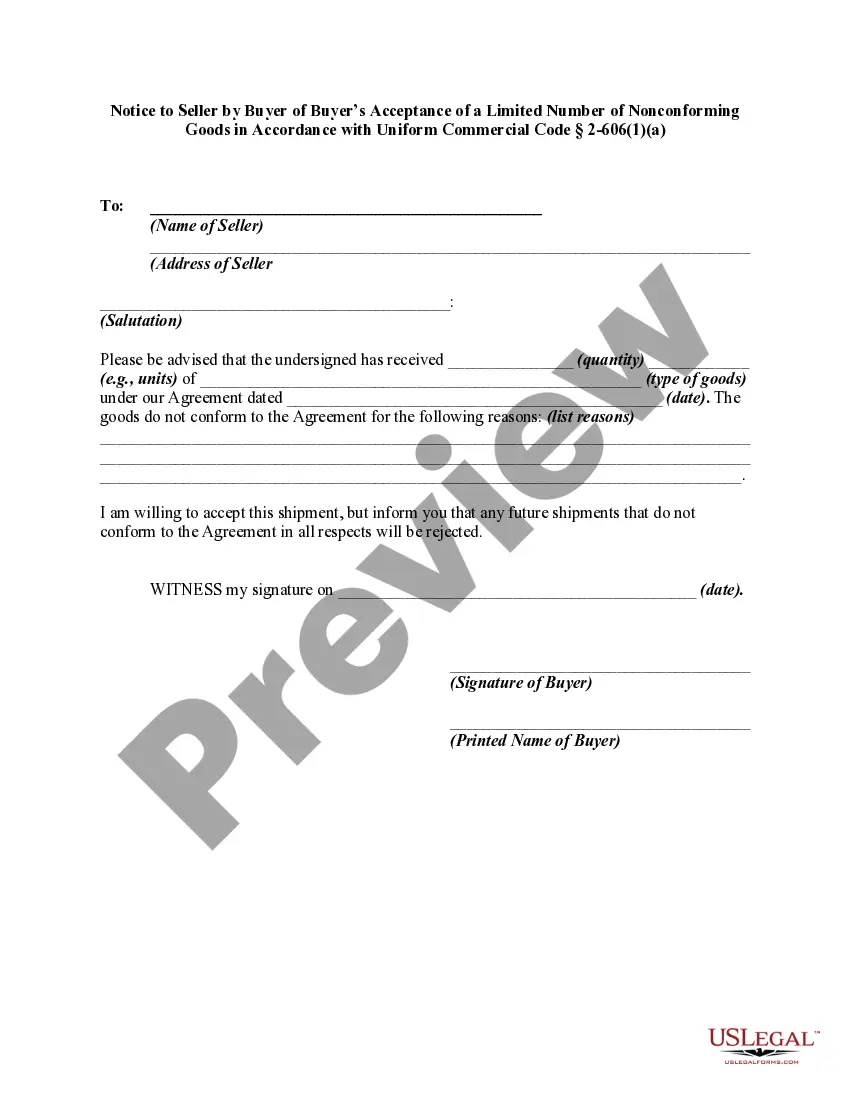
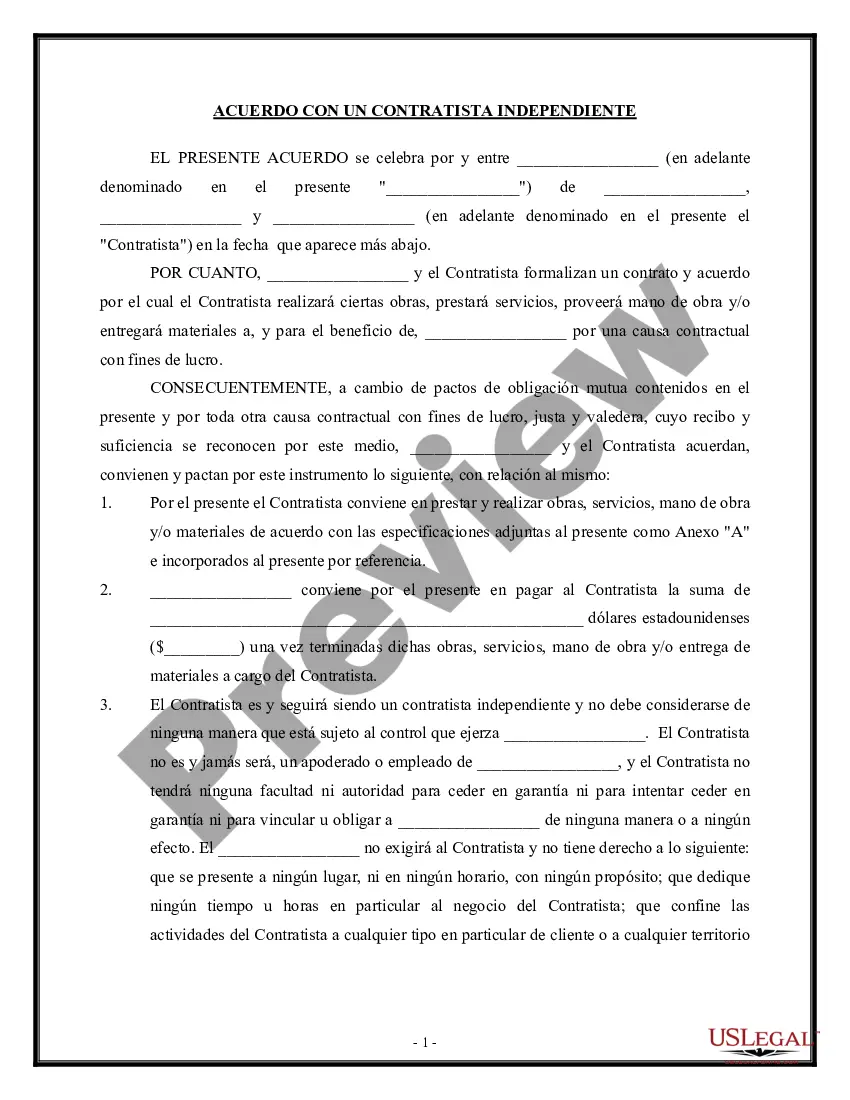
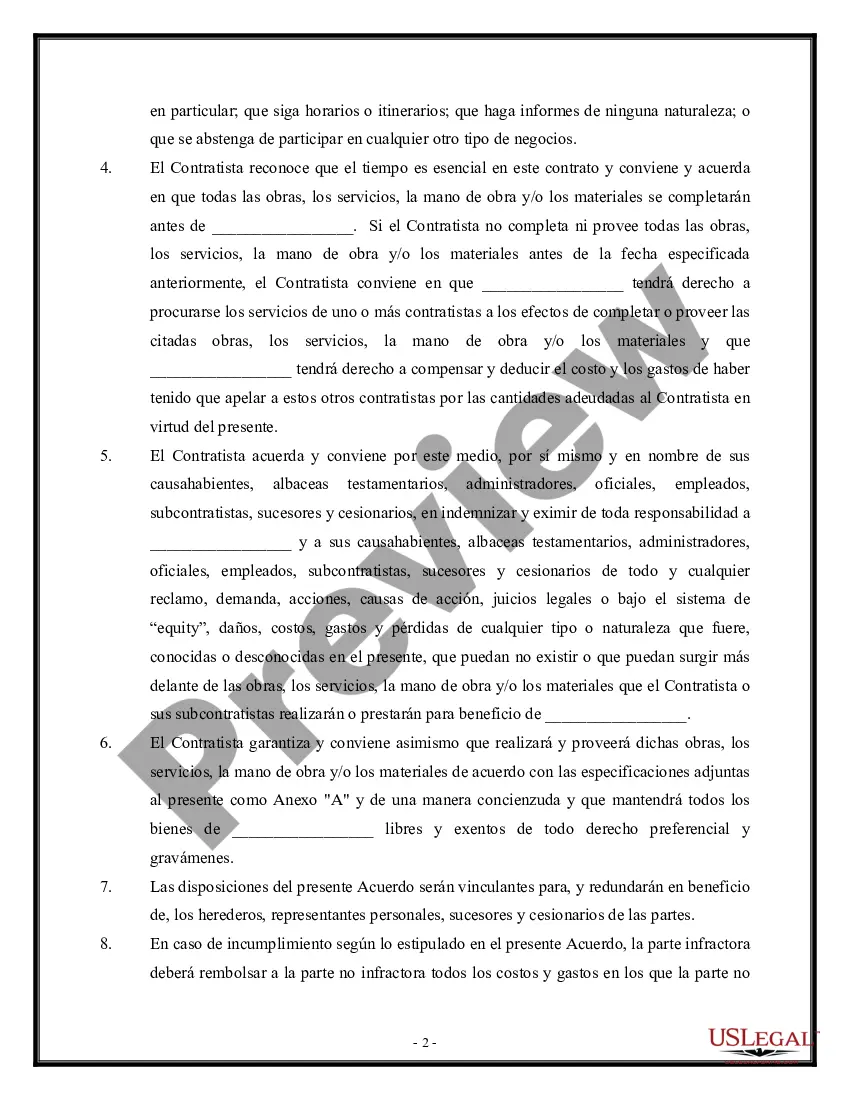
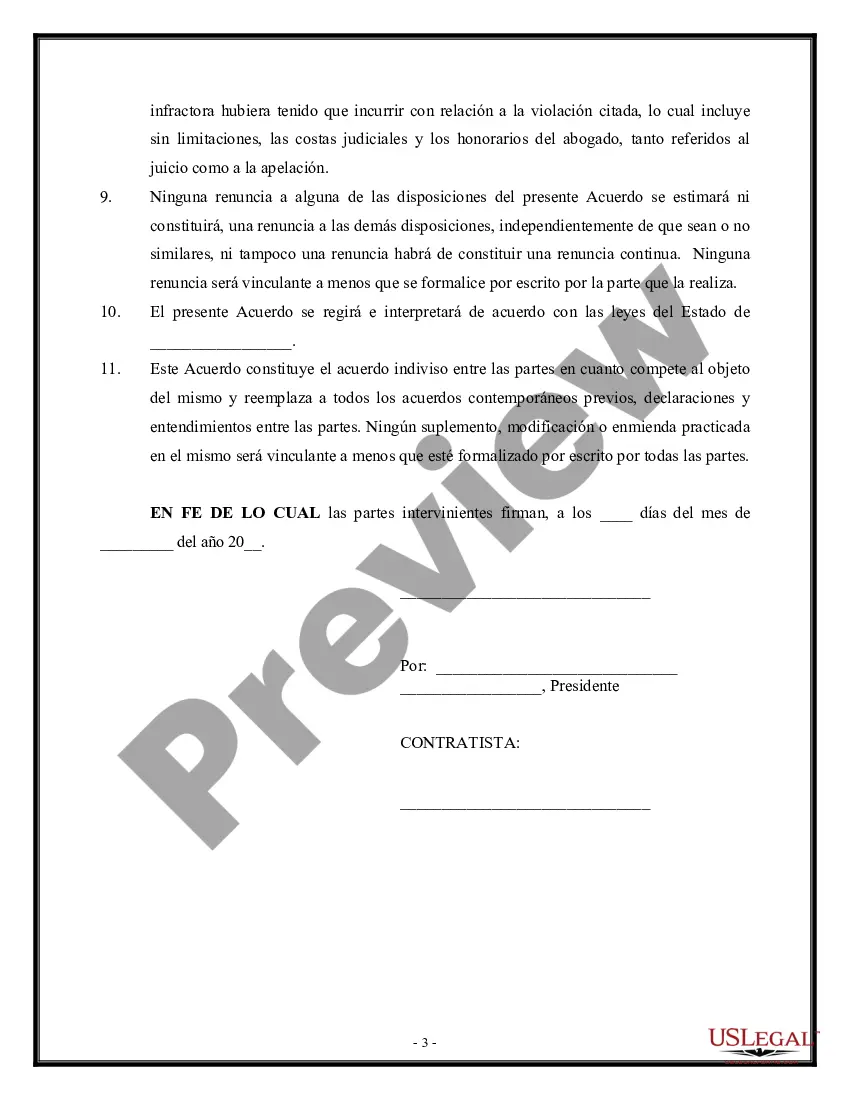
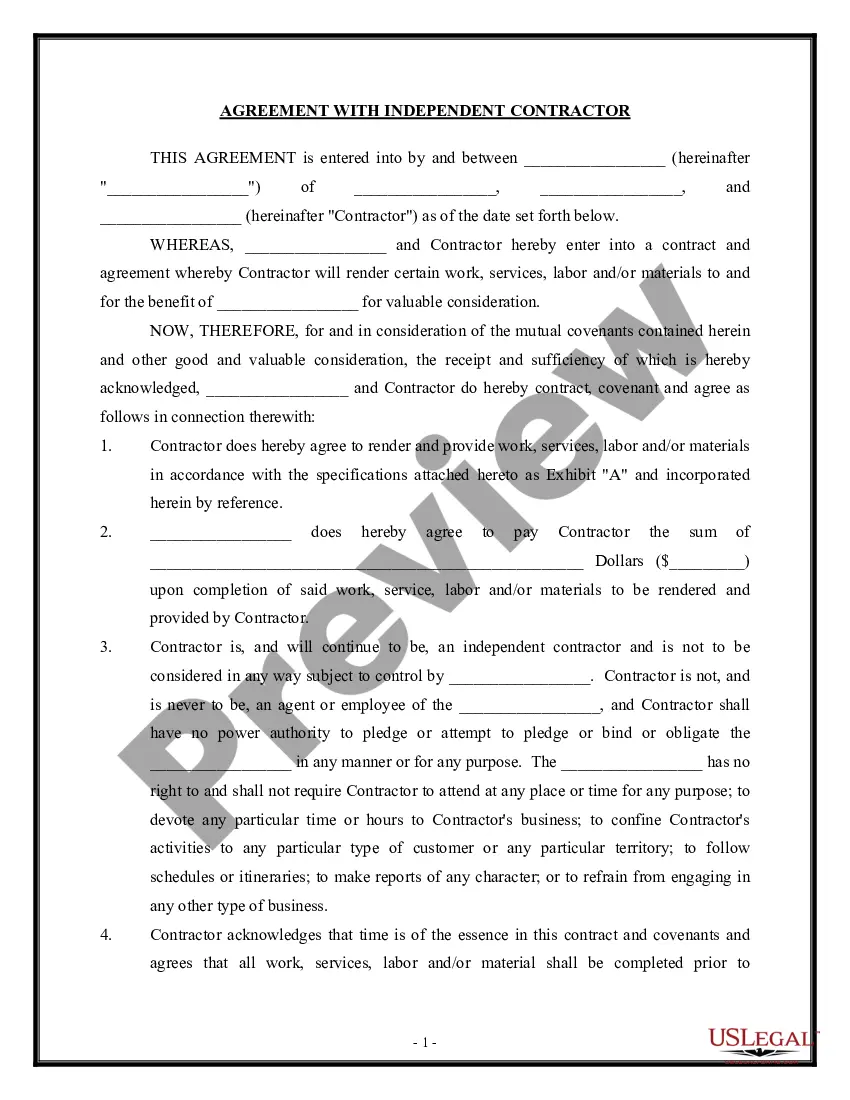
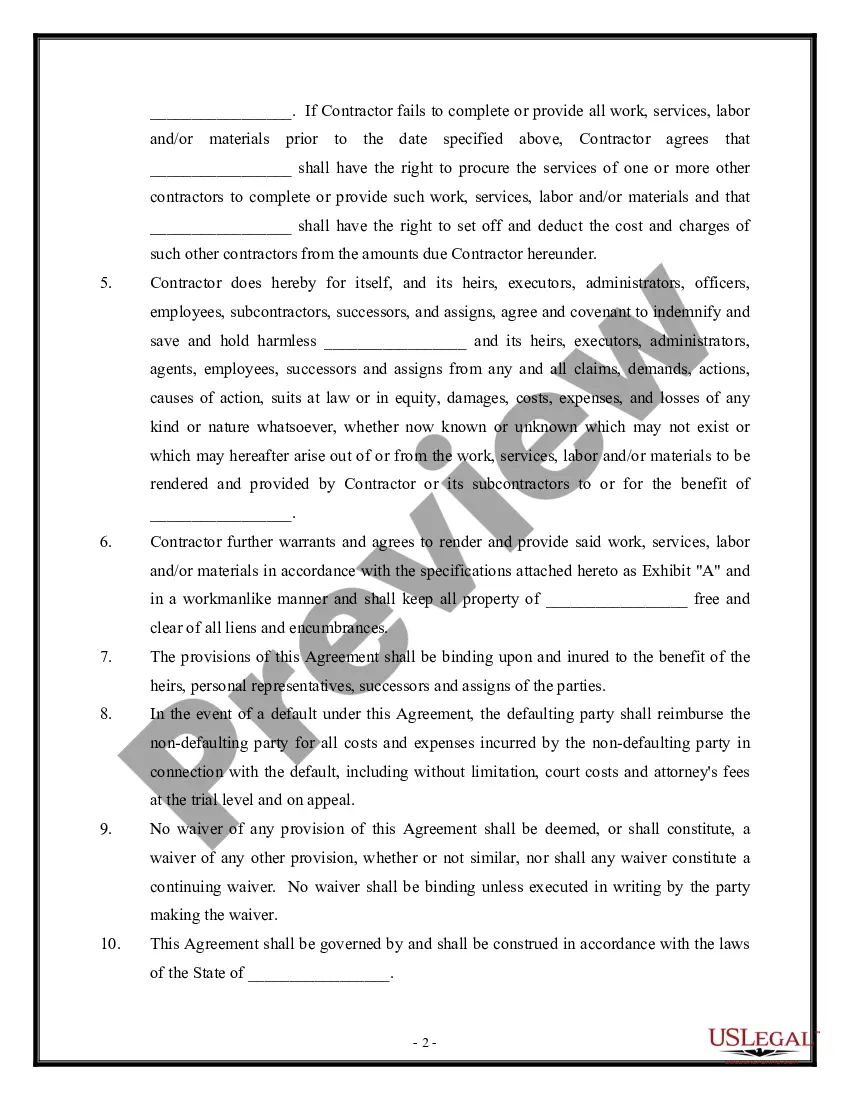
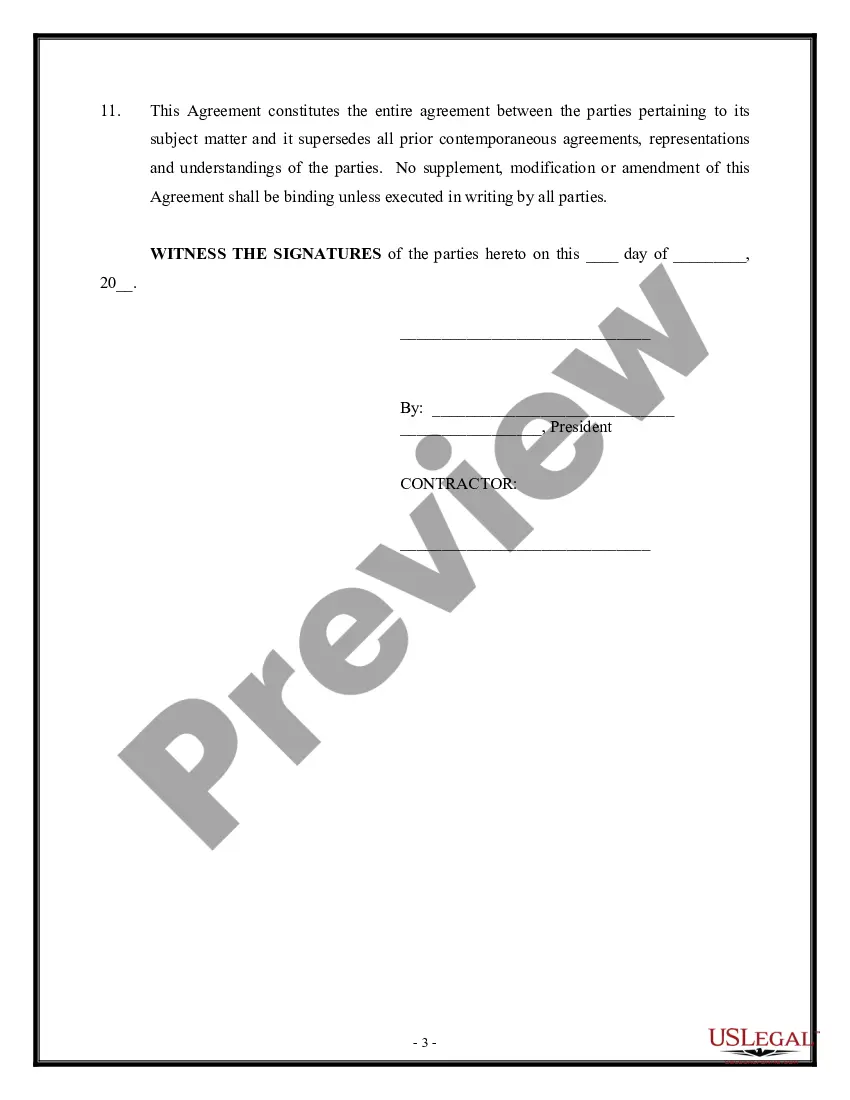
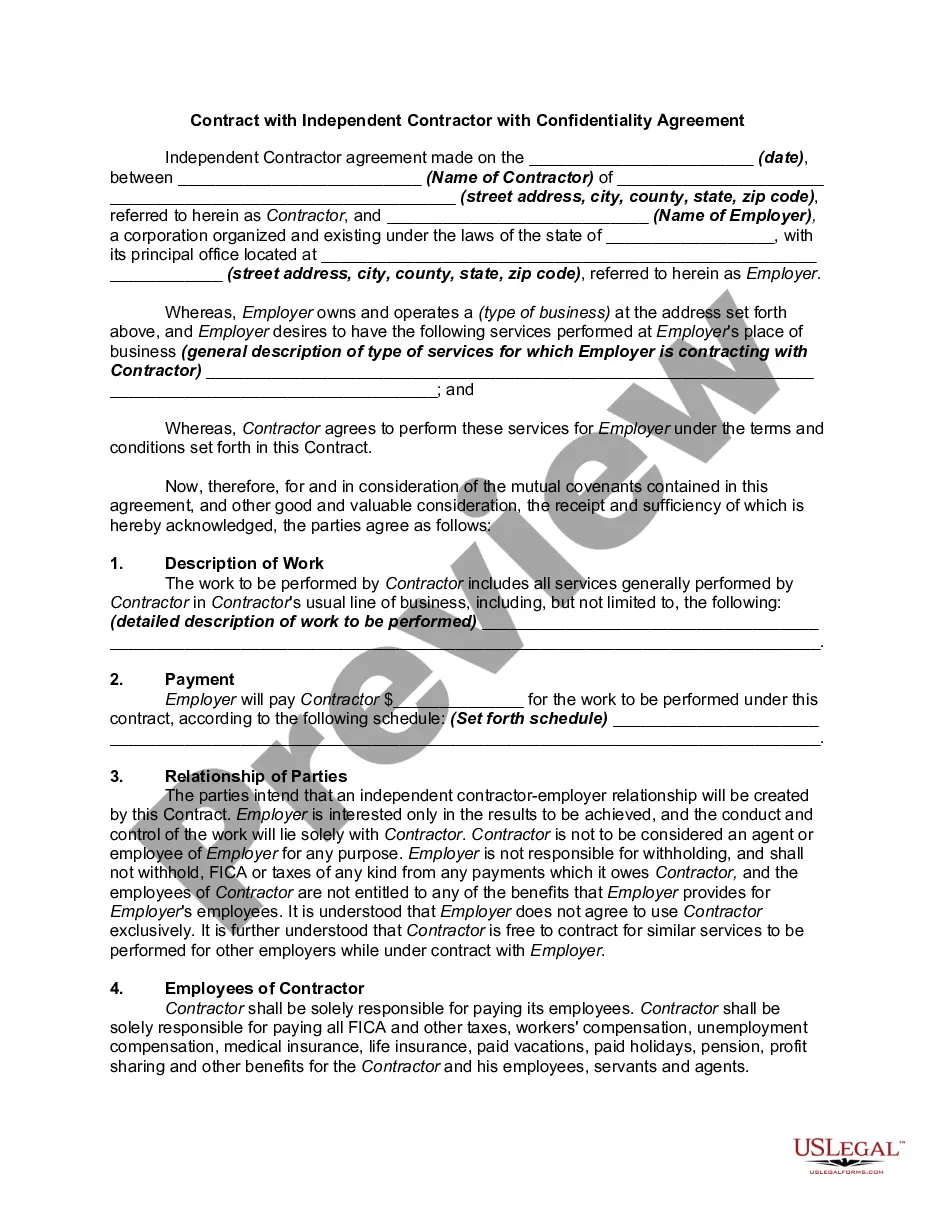
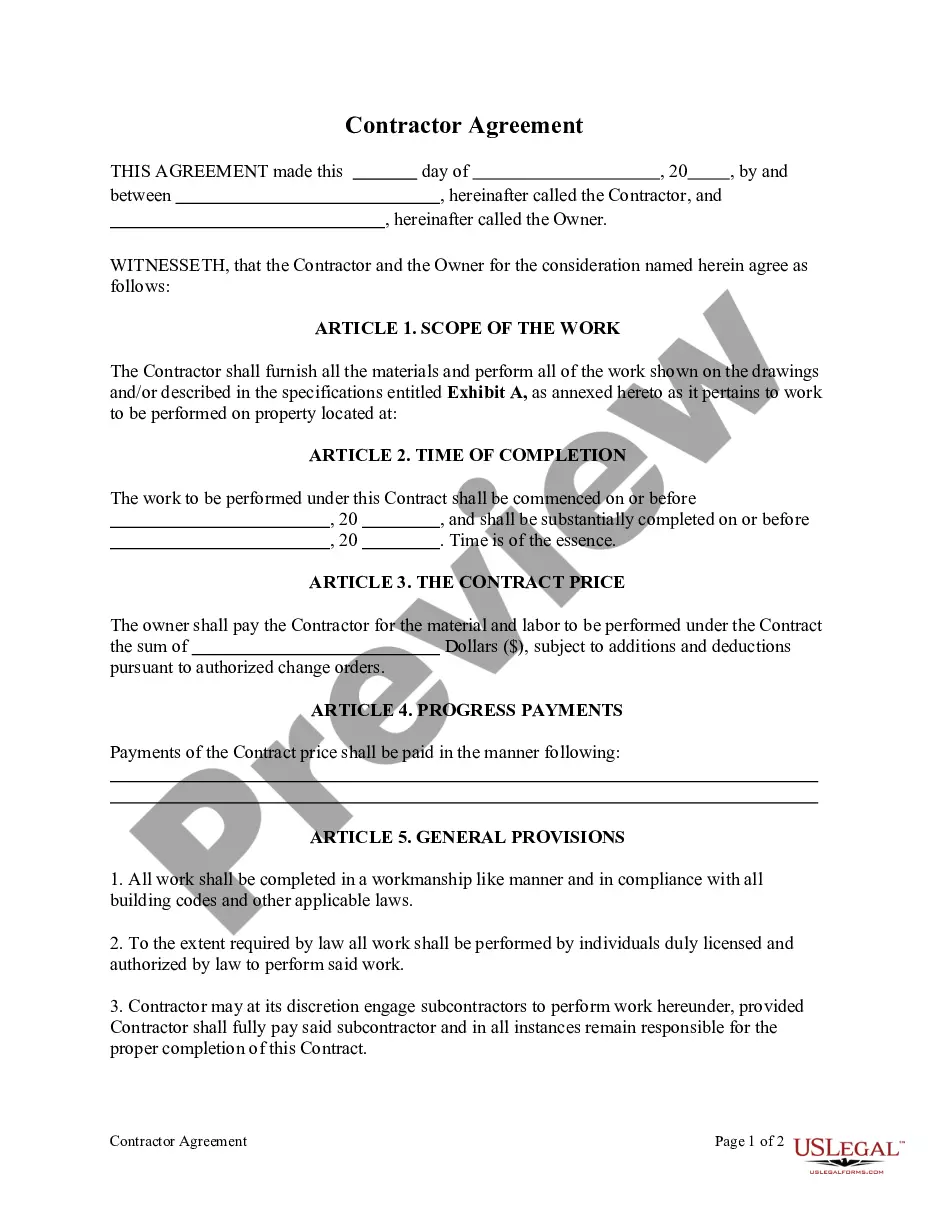
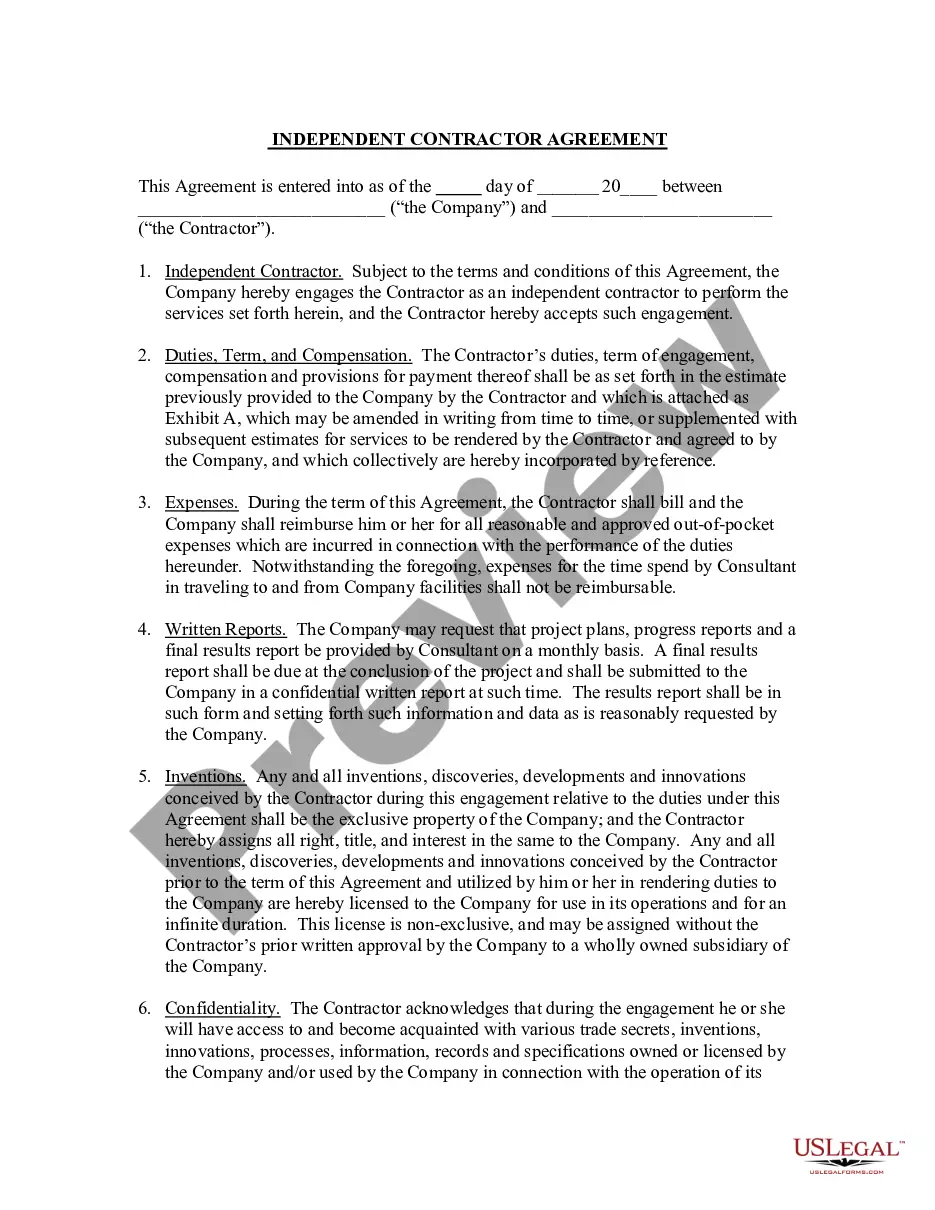
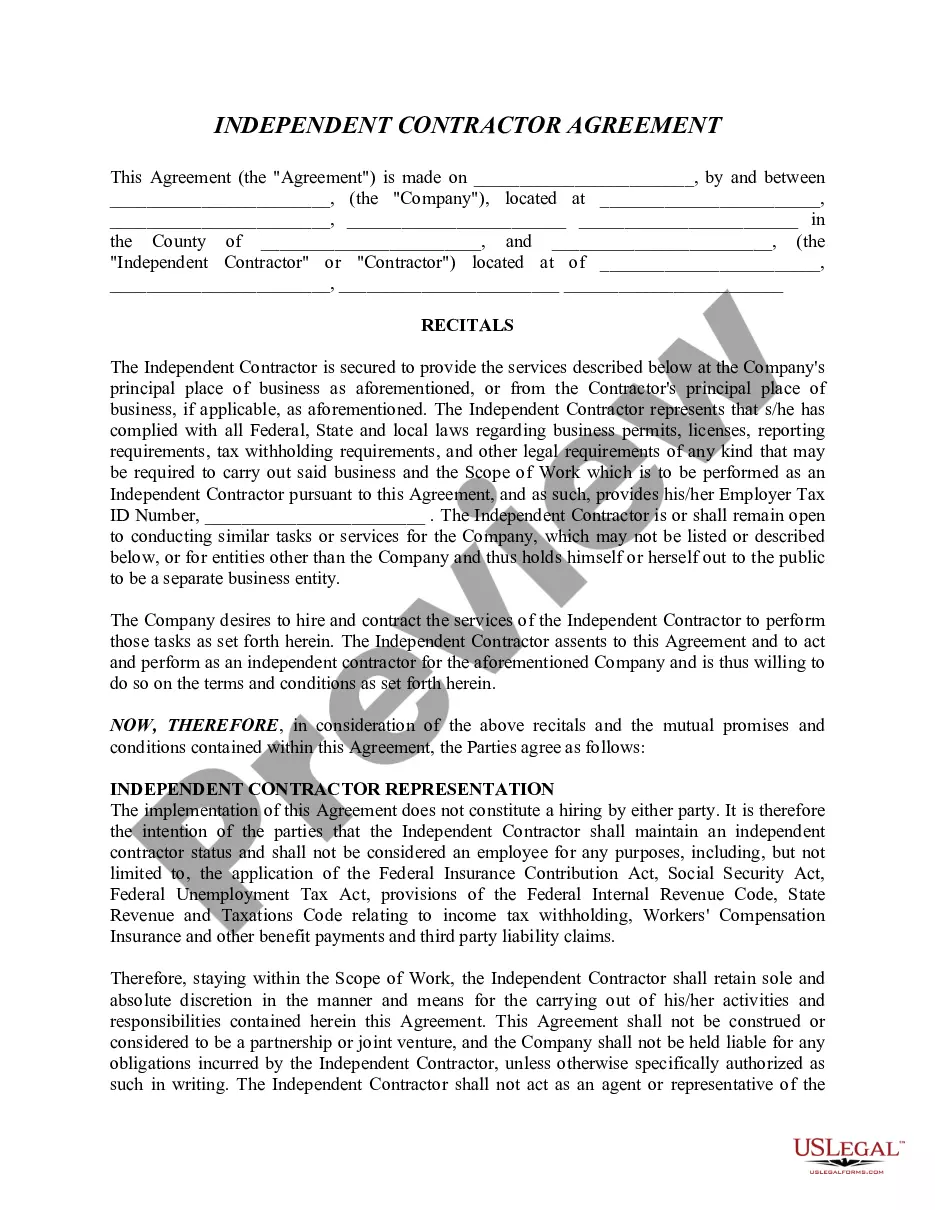
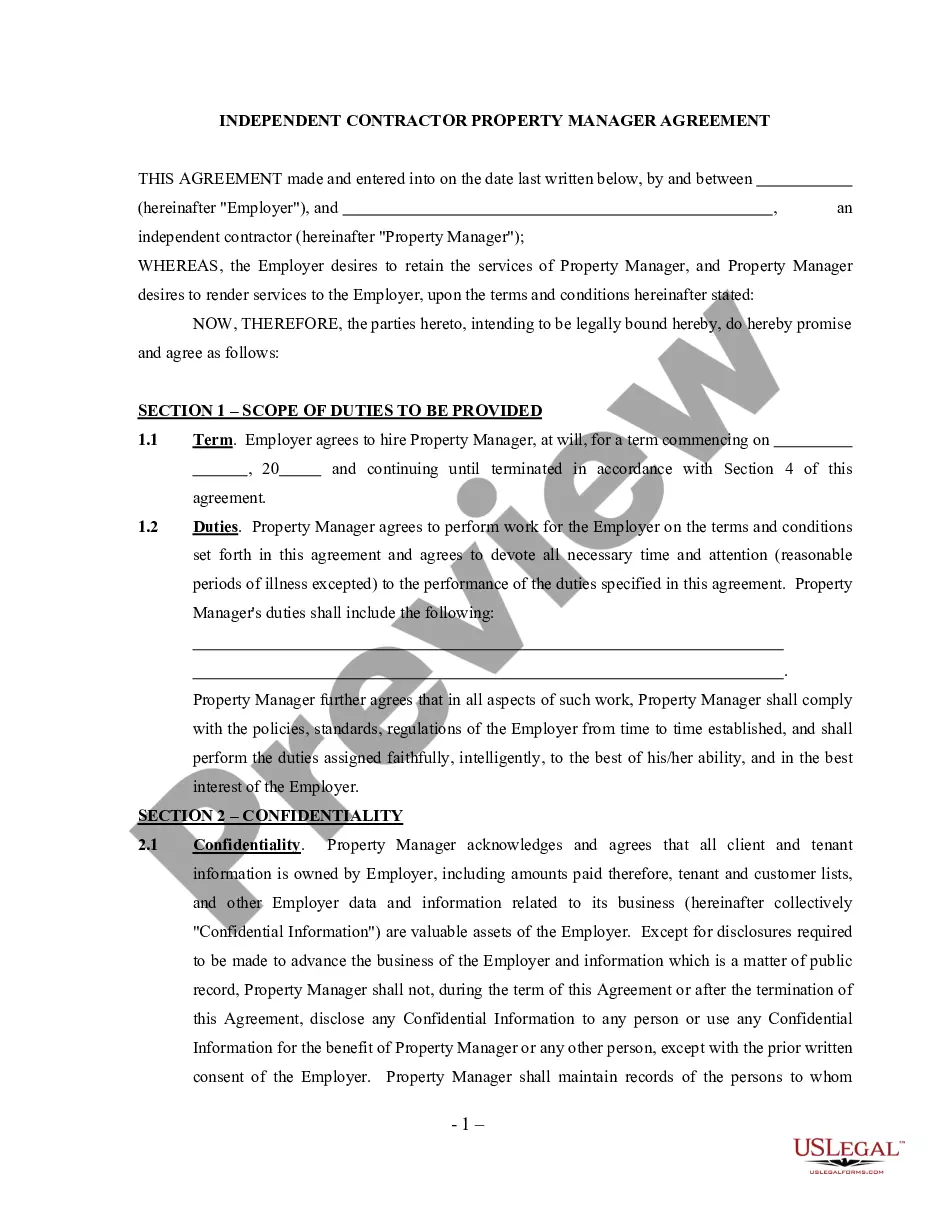
For your convenience, the complete English version of this form is attached below the Spanish version. This form is an agreement between an employer and an independent contractor. The contractor agrees to render certain services for the benefit of the employer. The document provides that time is of the essence and the agreement constitutes the entire contract between the parties. No supplement, modification or amendment of the agreement will be binding on any party unless the modification is secured in writing.
Missouri Acuerdo con un Contratista Independiente. Agreement with Self-Employed Independent Contractor
State:
Multi-State
Control #:
US-60700-SPAN
Format:
Word;
Rich Text
Instant download
Description
Para su conveniencia, debajo del texto en español le brindamos la versión completa de este formulario en inglés. Se trata de un acuerdo entre un empleador y un contratista independiente. Éste acuerda en prestar ciertos servicios para beneficio del empleador. El documento establece que el tiempo es esencial y el acuerdo constituye la indivisibilidad contractual entre las partes. Ningún complemento, modificación o enmienda de este acuerdo será obligatorio para ninguna de las partes, a menos que dicha modificación se formalice por escrito.
Free preview



Get your form ready online
Our built-in tools help you complete, sign, share, and store your documents in one place.
Built-in online Word editor
Make edits, fill in missing information, and update formatting in US Legal Forms—just like you would in MS Word.
Export easily
Download a copy, print it, send it by email, or mail it via USPS—whatever works best for your next step.
E-sign your document
Sign and collect signatures with our SignNow integration. Send to multiple recipients, set reminders, and more. Go Premium to unlock E-Sign.
Notarize online 24/7
If this form requires notarization, complete it online through a secure video call—no need to meet a notary in person or wait for an appointment.
Store your document securely
We protect your documents and personal data by following strict security and privacy standards.

Make edits, fill in missing information, and update formatting in US Legal Forms—just like you would in MS Word.

Download a copy, print it, send it by email, or mail it via USPS—whatever works best for your next step.

Sign and collect signatures with our SignNow integration. Send to multiple recipients, set reminders, and more. Go Premium to unlock E-Sign.

If this form requires notarization, complete it online through a secure video call—no need to meet a notary in person or wait for an appointment.

We protect your documents and personal data by following strict security and privacy standards.
Looking for another form?

How to fill out Acuerdo Con Un Contratista Independiente. Agreement With Self-Employed Independent Contractor?
US Legal Forms - one of the largest collections of legal documents in the United States - offers a wide variety of legal form templates that you can download or print. By using the website, you can access thousands of forms for business and personal purposes, organized by categories, states, or keywords.
You can find the latest versions of forms such as the Missouri Agreement with a Self-Employed Independent Contractor within minutes.
If you already have a membership, Log In and download the Missouri Agreement with a Self-Employed Independent Contractor from the US Legal Forms library. The Download button will appear on each form you view. You can access all previously saved forms from the My documents tab in your account.
Complete the transaction. Use a credit card or PayPal account to finish the transaction.
Select the format and download the form onto your device. Make edits. Fill out, modify, print, and sign the downloaded Missouri Agreement with a Self-Employed Independent Contractor. All forms added to your account do not expire and are yours for an indefinite period. So, if you want to download or print another copy, simply go to the My documents section and click on the form you wish.
- If you are using US Legal Forms for the first time, here are simple steps to help you get started.
- Ensure you have selected the correct form for your city/region. Click the Review button to examine the form's content.
- Check the form details to confirm you have selected the right form.
- If the form does not meet your requirements, use the Search field at the top of the screen to find one that does.
- Once you are satisfied with the form, confirm your selection by clicking the Purchase now button.
- Then, choose the pricing plan you prefer and provide your credentials to register for an account.
Form popularity
FAQ
The contract should state who pays which expenses. The contractor is usually responsible for all expenses including mileage, vehicle maintenance, and other business travel costs; work supplies and tools; licenses, fees, and permits; phone and internet expenses; and payments to employees or subcontractors.
For most types of projects you hire an independent contractor (IC) to do, the law does not require you to put anything in writing. You can meet with the IC, agree on the terms of your arrangement, and have an oral contract or agreement that is legally binding. Just because you can doesn't mean you should, however.
INDEPENDENT CONTRACTORS LIMITED AUTHORITY TO BIND COMPANY. Independent Contractor does not have authority to enter into any business transactions or contracts on behalf of the Company unless specifically authorized in writing in accordance with the provisions set forth herein.
An independent contractor agreement is a legally binding document signed by a 1099 employee and the company that hires them. It outlines the scope of work and the terms under which that work will be completed, which goes a long way to making sure both parties are on the same page about the project from the start.
The contract itself must include the following:Offer.Acceptance.Consideration.Parties who have the legal capacity.Lawful subject matter.Mutual agreement among both parties.Mutual understanding of the obligation.
The Manager shall have the right and power to contract with third parties for, on behalf of, and in the name of the Company or otherwise bind the Company to the extent permitted pursuant to the terms of this Agreement.
What should be included in a Contractor Agreement?Statement of Relationship.Project Description.Payment and Billing Terms.Responsibilities of Each Party.Project Timeline and Deadlines.Termination Conditions.Nondisclosure Terms, and Confidentiality and Non-Compete Clauses.
What Is an Independent Contractor? An independent contractor is a self-employed person or entity contracted to perform work foror provide services toanother entity as a nonemployee. As a result, independent contractors must pay their own Social Security and Medicare taxes.
Five Things Your Contracts Should IncludeGet it in Writing. The most important part of every contract is that it must be in writing.Be Specific in Your Terms. Your contract should be specific in its terms.Dictate Terms for Contract Termination.Confidentiality Matters.
An independent contractor is a self-employed individual or business entity which provides a product or service for a customer in exchange for monetary compensation based on a verbal or written contract with the client or customer.