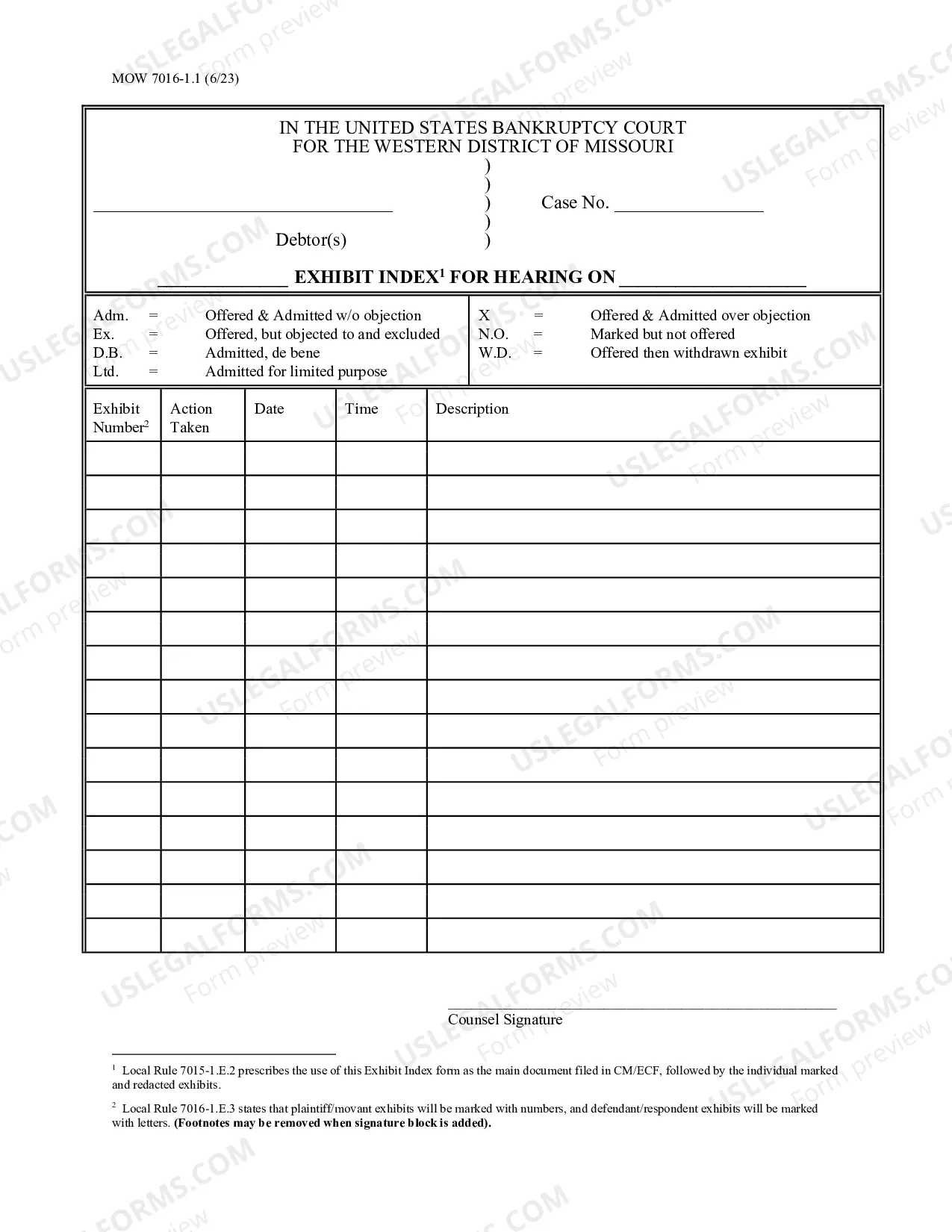
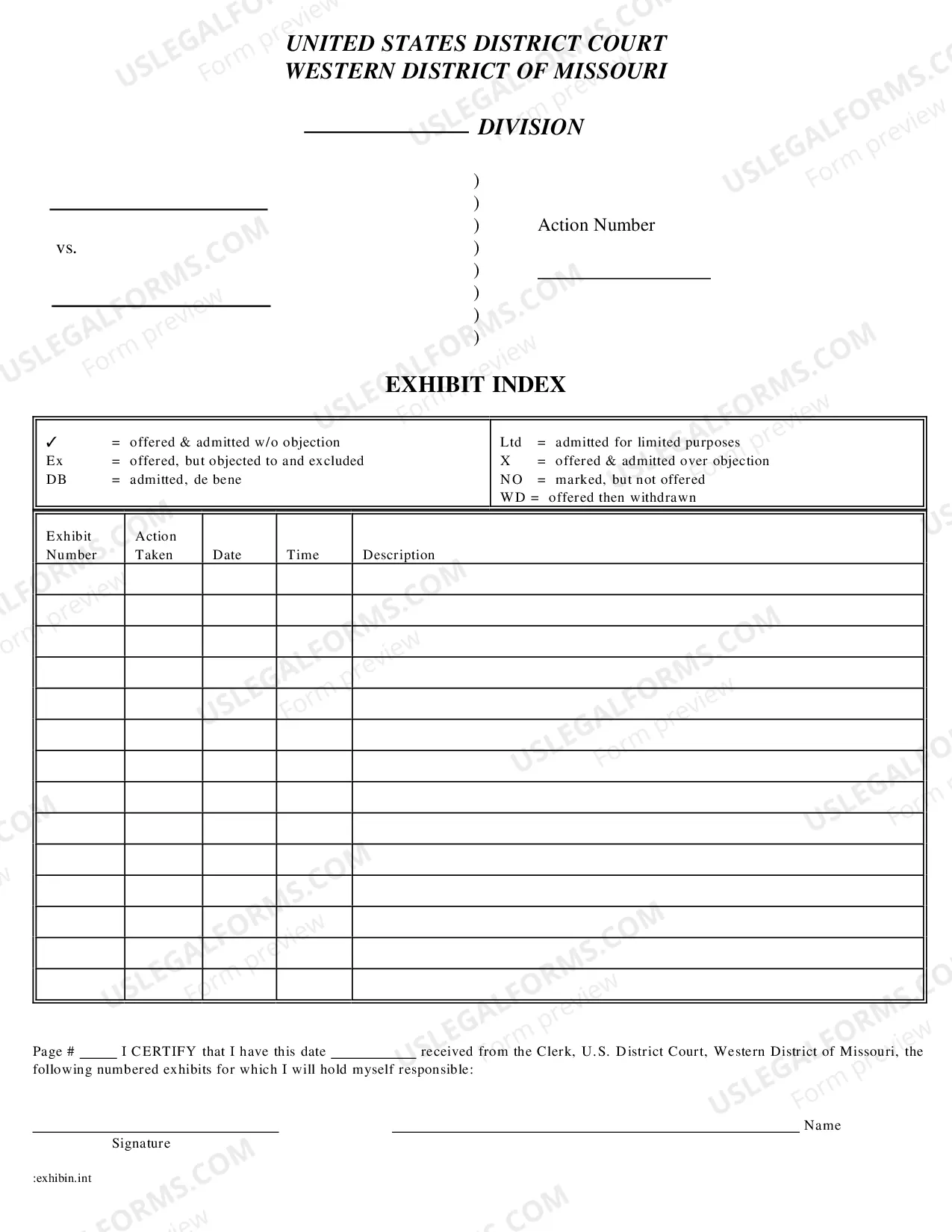
The Missouri Exhibit Index is an online tool used to provide access to documents from the Missouri state archives. It includes an array of records such as court cases, land documents, military records, newspapers, photographs, and more. The Index is organized by county and includes a variety of different types of records. Types of Missouri Exhibit Index include: — Court records, such as civil and criminal court case files, probate records, naturalization records, and more. — Land records, such as deeds, surveys, land patents, homesteads, and more. — Military records, such as muster rolls, pension applications, service records, and more. — Newspapers, such as county newspapers, city newspapers, and more. — Photographs, such as postcards, portraits, and more. The Missouri Exhibit Index provides an easy and convenient way to access and explore the state's history, with a user-friendly interface and searchable database. The Index is free to use and is a valuable resource for genealogists, historians, and anyone interested in Missouri's history.
Missouri Exhibit Index
Description
Get your form ready online
Our built-in tools help you complete, sign, share, and store your documents in one place.
Make edits, fill in missing information, and update formatting in US Legal Forms—just like you would in MS Word.
Download a copy, print it, send it by email, or mail it via USPS—whatever works best for your next step.
Sign and collect signatures with our SignNow integration. Send to multiple recipients, set reminders, and more. Go Premium to unlock E-Sign.
If this form requires notarization, complete it online through a secure video call—no need to meet a notary in person or wait for an appointment.
We protect your documents and personal data by following strict security and privacy standards.

Make edits, fill in missing information, and update formatting in US Legal Forms—just like you would in MS Word.

Download a copy, print it, send it by email, or mail it via USPS—whatever works best for your next step.

Sign and collect signatures with our SignNow integration. Send to multiple recipients, set reminders, and more. Go Premium to unlock E-Sign.

If this form requires notarization, complete it online through a secure video call—no need to meet a notary in person or wait for an appointment.

We protect your documents and personal data by following strict security and privacy standards.
Looking for another form?
How to fill out Missouri Exhibit Index?
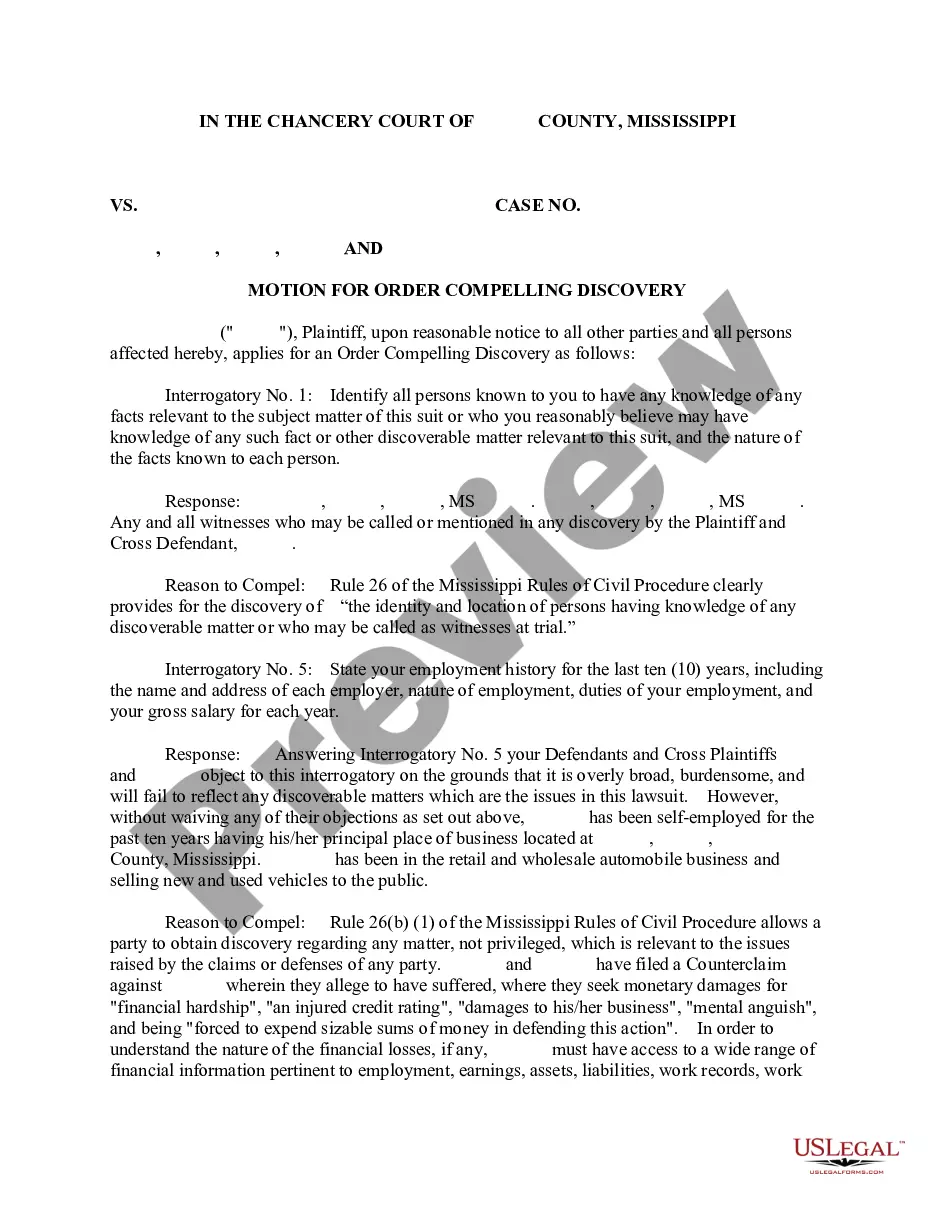
Drafting legal documents can be quite a challenge if you lack accessible fillable templates. With the US Legal Forms digital library of official documentation, you can trust the blanks you encounter, as all of them adhere to federal and state regulations and are reviewed by our specialists.
Acquiring your Missouri Exhibit Index from our service is as straightforward as 1-2-3. Previously registered users with an active subscription simply need to Log In and click the Download button once they find the appropriate template. Later, if needed, users can retrieve the same document from the My documents section of their profile. However, even if you are new to our service, creating an account with a valid subscription will only take a few moments. Here’s a brief guide for you.
Haven’t you explored US Legal Forms yet? Subscribe to our service now to acquire any formal document swiftly and effortlessly whenever you need to, and keep your paperwork organized!
- Document compliance validation. You should thoroughly examine the content of the form you wish to ensure that it meets your requirements and aligns with your state legal stipulations. Previewing your document and reviewing its general description will assist you in doing just that.
- Alternative search (optional). If there are any discrepancies, explore the library using the Search tab at the top of the page until you find a suitable blank, and click Buy Now when you identify the one you require.
- Account creation and form acquisition. Register for an account with US Legal Forms. After account validation, Log In and select your desired subscription plan. Make a payment to continue (PayPal and credit card options are available).
- Template download and subsequent use. Choose the file format for your Missouri Exhibit Index and click Download to save it on your device. Print it to complete your documents manually, or utilize a multi-featured online editor to prepare an electronic version more quickly and efficiently.
Form popularity
FAQ
How Do I Choose and Prepare Exhibits? - YouTube YouTube Start of suggested clip End of suggested clip Write. Your case number on the line provided on the sticker. If. You are the plaintiff. You willMoreWrite. Your case number on the line provided on the sticker. If. You are the plaintiff. You will number your exhibits. Starting with the number one and going up from there for each new exhibit.
Exhibit Naming: For a multi-page exhibit, use a dash after the exhibit number, followed by two or more lead zeros, to create a properly organized separate file for each page of the exhibit. Additional parties, including any additional plaintiffs, should use separate letters in their alpha-numeric naming scheme.
The original record on appeal is to be filed with the Clerk of the Court of Appeals. The appellant is required to serve a copy of the record on the respondent. In civil cases, a copy of the index of the transcript and the index of the legal file shall be filed with the clerk of the trial court. Rule 81.12(d).
Many paralegals know the correct way to assign letters for exhibits. The first 26 exhibits are easy, EX-A through EX-Z, and the next exhibit is also usually correct, EX-AA, but it's after that where things can go awry. The 28th exhibit should be EX-AB (not EX-BB) followed by EX-AC, EX-AD, EX-AE, EX-AF and so on.
Place one sticker on the bottom right corner of the first page of each exhibit. ? If you are the plaintiff, use a yellow sticker. ? If you are the defendant, use a blue sticker. Once you have put stickers on the first pages of all of your exhibits, place the exhibits in an order you like.
The following is an example of how you can reference an exhibit in a definitive agreement: "On the Closing Date, each of the Buyer and the Seller shall execute a Transition Services Agreement substantially in the form of Exhibit attached hereto."
How Do I Choose and Prepare Exhibits? - YouTube YouTube Start of suggested clip End of suggested clip Write. Your case number on the line provided on the sticker. If. You are the plaintiff. You willMoreWrite. Your case number on the line provided on the sticker. If. You are the plaintiff. You will number your exhibits. Starting with the number one and going up from there for each new exhibit.
Exhibits must be identified by number with a brief description of the exhibit. All bookmarks must be set to retain the reader's selected zoom setting.