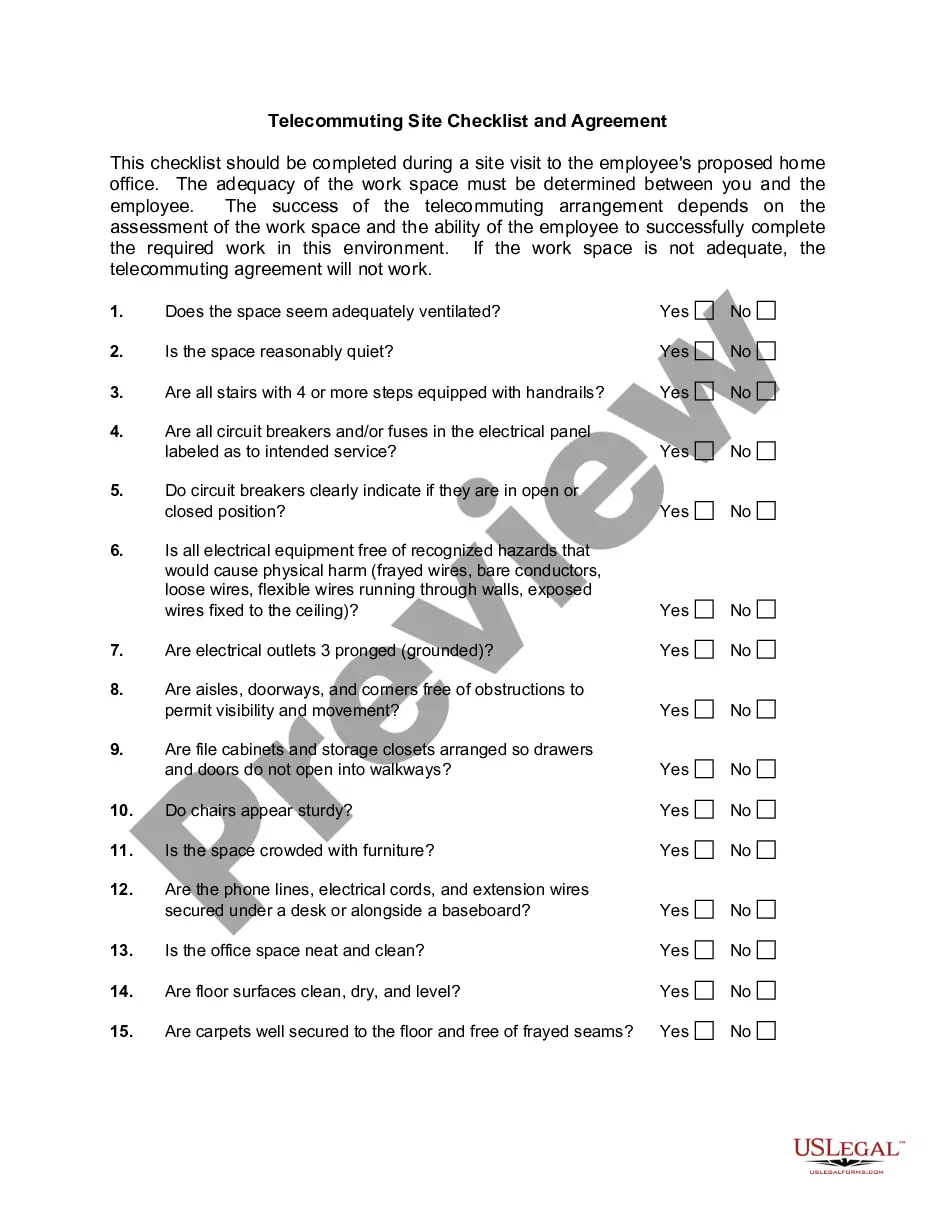
Minnesota Telecommuting Agreement
Description




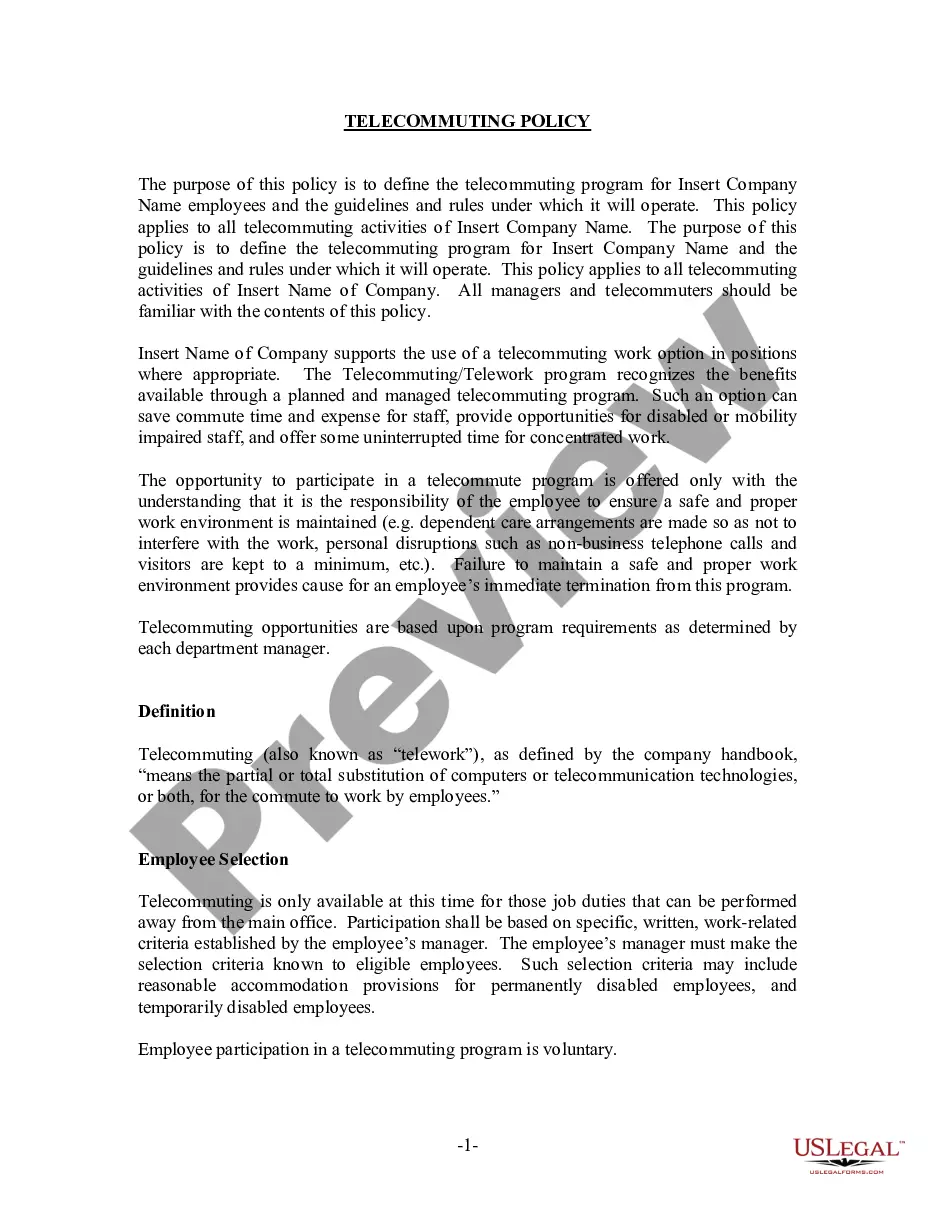
Get your form ready online
Our built-in tools help you complete, sign, share, and store your documents in one place.
Make edits, fill in missing information, and update formatting in US Legal Forms—just like you would in MS Word.
Download a copy, print it, send it by email, or mail it via USPS—whatever works best for your next step.
Sign and collect signatures with our SignNow integration. Send to multiple recipients, set reminders, and more. Go Premium to unlock E-Sign.
If this form requires notarization, complete it online through a secure video call—no need to meet a notary in person or wait for an appointment.
We protect your documents and personal data by following strict security and privacy standards.

Make edits, fill in missing information, and update formatting in US Legal Forms—just like you would in MS Word.

Download a copy, print it, send it by email, or mail it via USPS—whatever works best for your next step.

Sign and collect signatures with our SignNow integration. Send to multiple recipients, set reminders, and more. Go Premium to unlock E-Sign.

If this form requires notarization, complete it online through a secure video call—no need to meet a notary in person or wait for an appointment.

We protect your documents and personal data by following strict security and privacy standards.
Looking for another form?
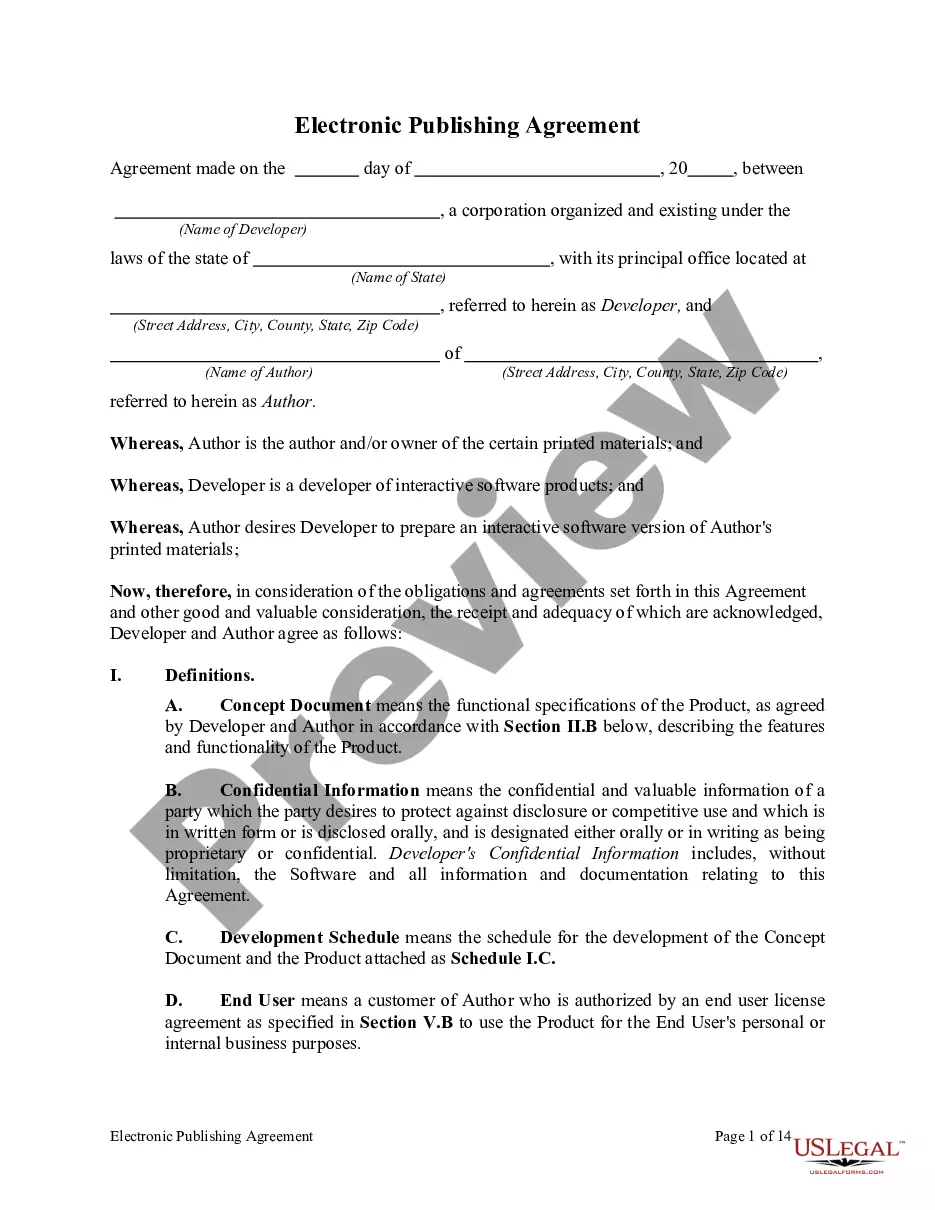

How to fill out Telecommuting Agreement?
US Legal Forms - one of several greatest libraries of lawful varieties in the States - delivers a wide range of lawful papers layouts you are able to down load or print out. Using the internet site, you may get a huge number of varieties for enterprise and individual purposes, sorted by categories, claims, or search phrases.You can find the most up-to-date types of varieties like the Minnesota Telecommuting Agreement in seconds.
If you currently have a registration, log in and down load Minnesota Telecommuting Agreement through the US Legal Forms library. The Acquire key will appear on each form you see. You have access to all in the past saved varieties inside the My Forms tab of your own accounts.
In order to use US Legal Forms for the first time, allow me to share easy directions to help you started out:
- Be sure you have chosen the proper form to your area/area. Go through the Preview key to review the form`s content material. Look at the form outline to actually have chosen the right form.
- In the event the form does not fit your requirements, take advantage of the Look for field near the top of the monitor to obtain the one who does.
- If you are happy with the form, validate your selection by clicking on the Acquire now key. Then, select the prices prepare you prefer and provide your references to register on an accounts.
- Method the transaction. Make use of your bank card or PayPal accounts to complete the transaction.
- Pick the format and down load the form on your product.
- Make changes. Fill out, edit and print out and signal the saved Minnesota Telecommuting Agreement.
Every format you included in your money does not have an expiry date which is your own property permanently. So, if you would like down load or print out one more duplicate, just go to the My Forms portion and click on in the form you will need.
Gain access to the Minnesota Telecommuting Agreement with US Legal Forms, by far the most substantial library of lawful papers layouts. Use a huge number of specialist and condition-certain layouts that fulfill your small business or individual demands and requirements.
Form popularity
FAQ
Supervisors determine eligibility for telework for both the position and the employee based on mission requirements, employee performance, and the needs of the work unit.
All employees who are authorized to telework are required to complete a DD Form 2946, DoD Telework Agreement.
Though often away from the office, a teleworker is different from a remote employee because there occasionally some in-person office attendance required ? though this is not always the case. Another key difference is that a teleworker is often geographically closer to the main office location than a remote worker.
The decision whether to participate in an agency telework program, as described in the Telework Enhancement Act, is voluntary, and left to the employee (assuming he or she is eligible to telework).
The Statewide Telework Policy mandates that each teleworker has an approved agreement on file. All teleworkers and their supervisors must use the STD 200 to formalize the telework arrangement.
Policies vary by agency but typically have certain common features: Employee participation is voluntary. Employees who work on telecommuting schedules sign agreements with the agency regarding the terms, including performance evaluation, work hours, allowable uses of government equipment and similar issues.
No. Telework is not a universal employee benefit or an employee right.