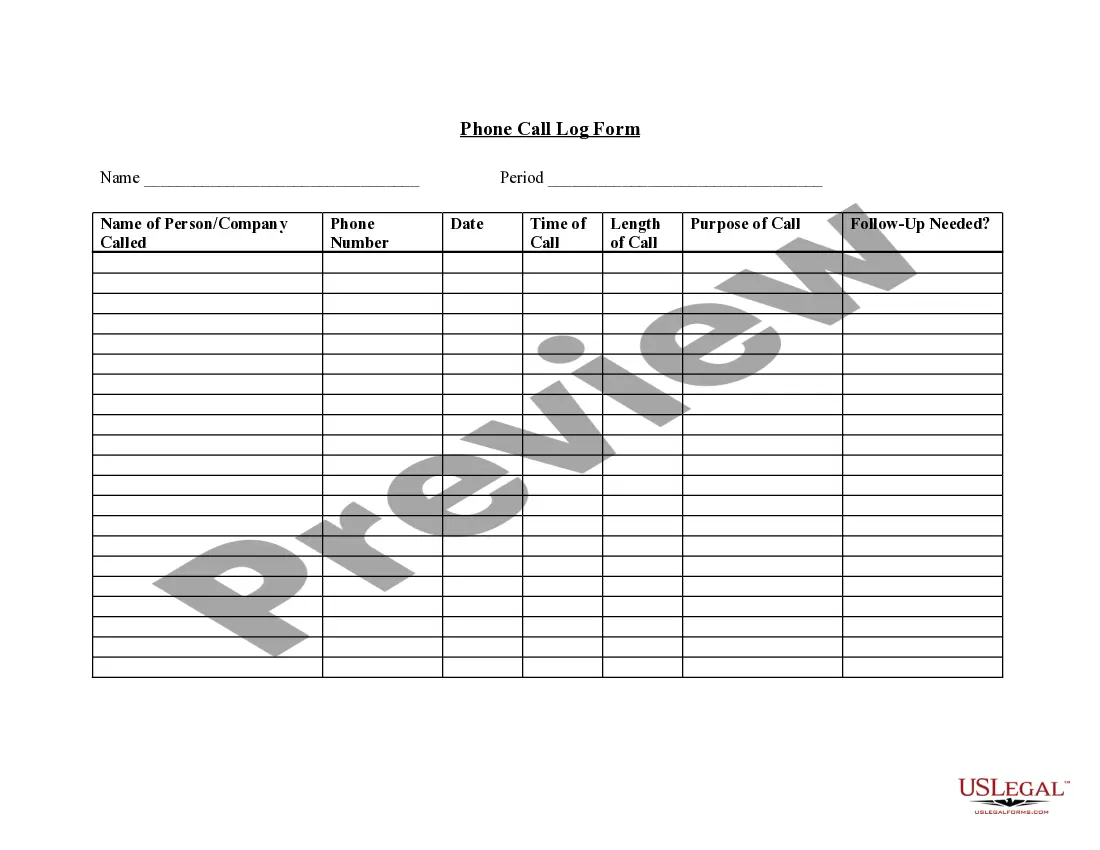
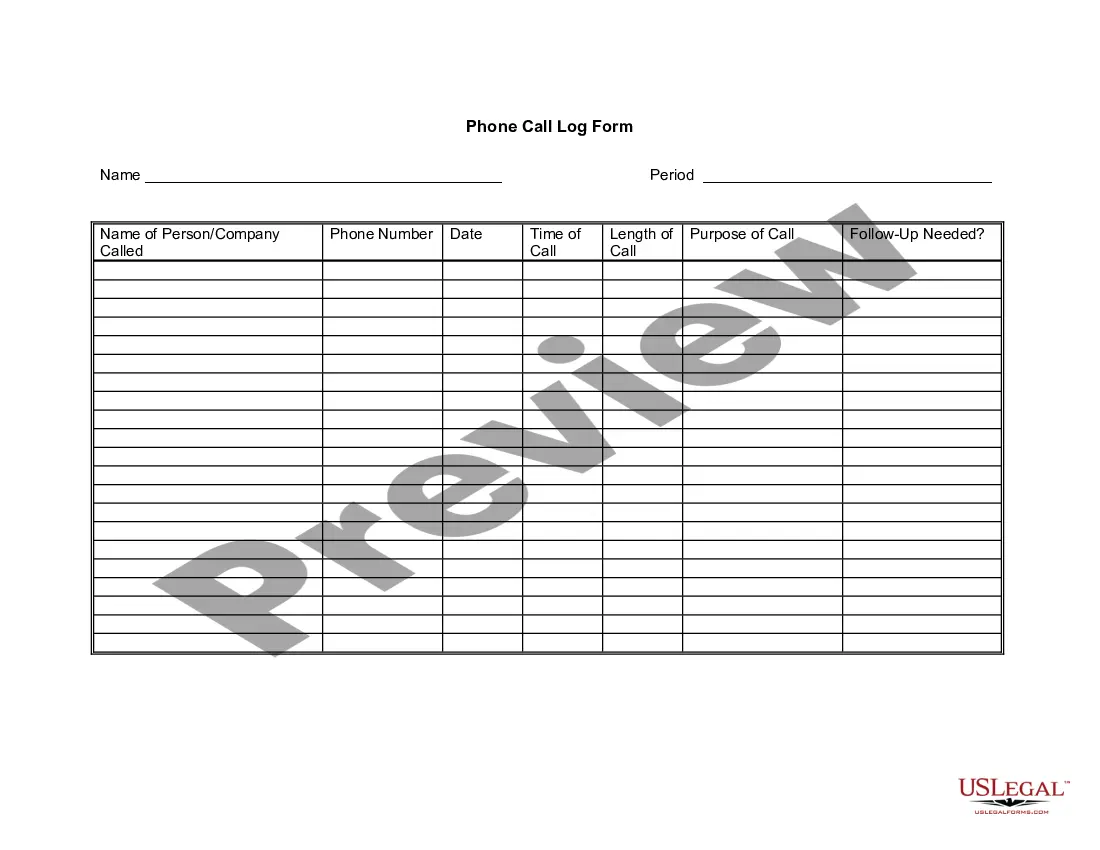
Minnesota Telephone Call Log Form
Description
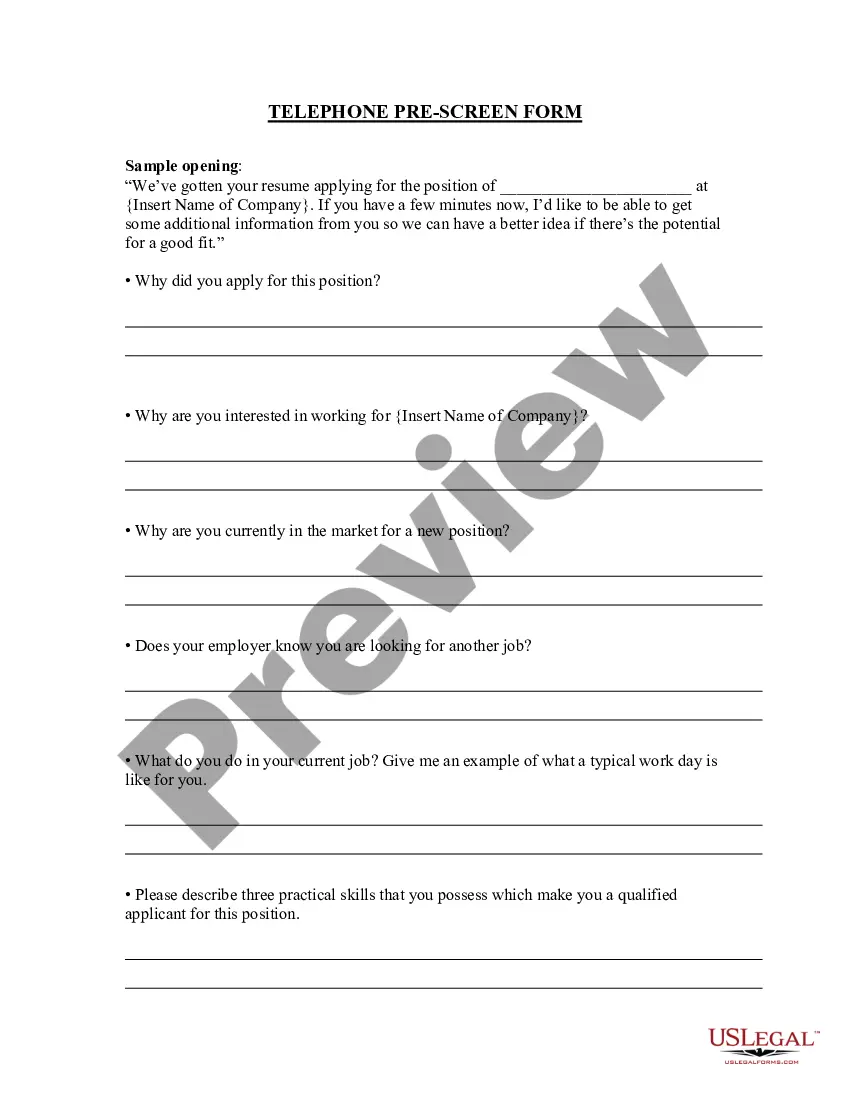
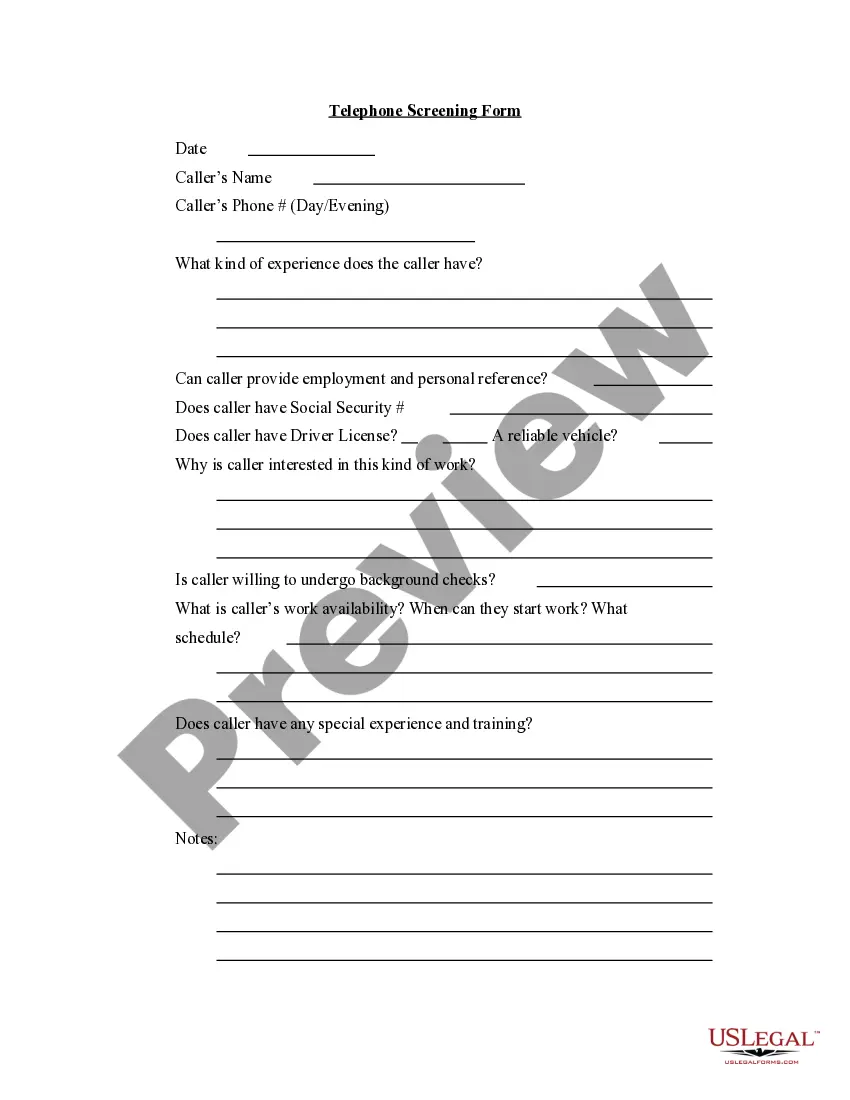
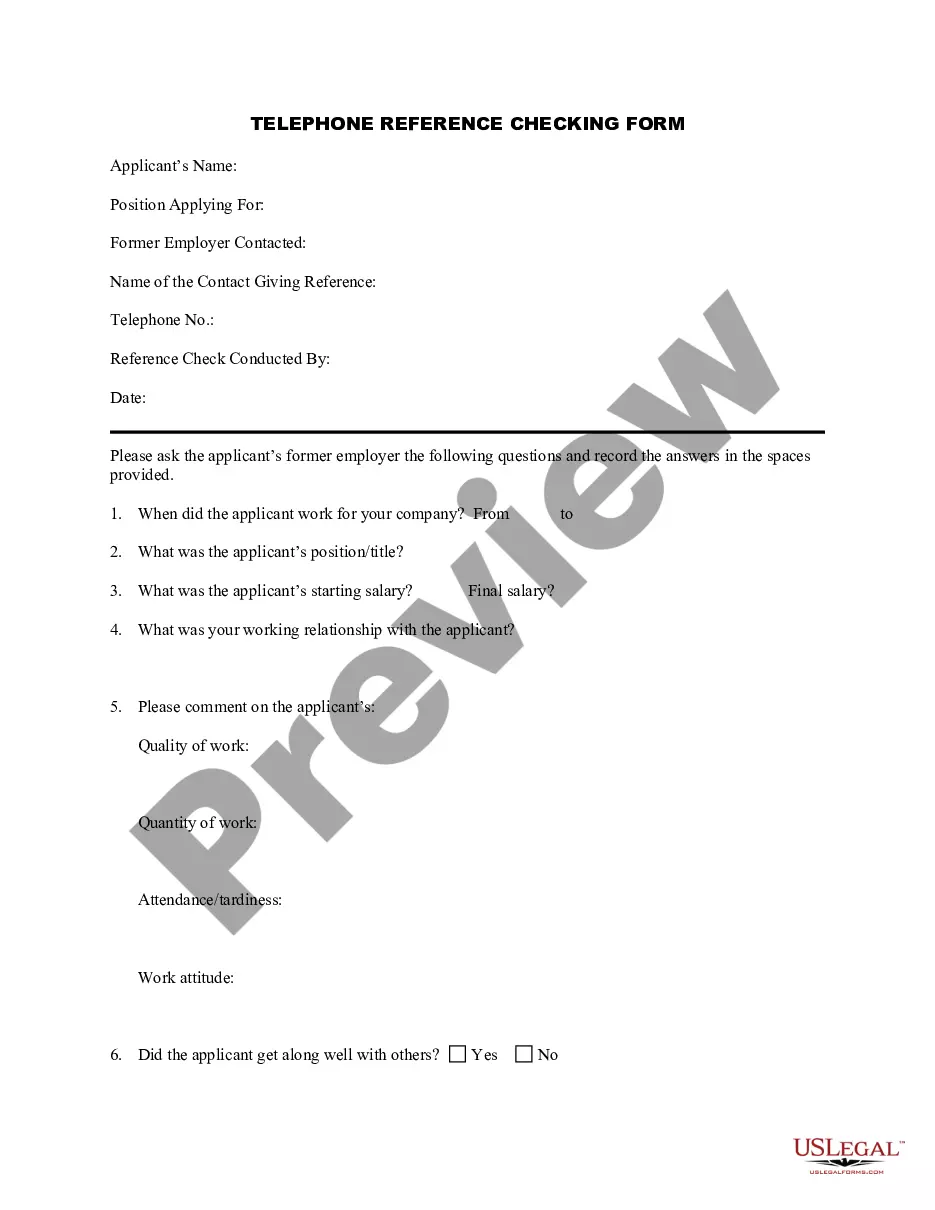
Get your form ready online
Our built-in tools help you complete, sign, share, and store your documents in one place.
Make edits, fill in missing information, and update formatting in US Legal Forms—just like you would in MS Word.
Download a copy, print it, send it by email, or mail it via USPS—whatever works best for your next step.
Sign and collect signatures with our SignNow integration. Send to multiple recipients, set reminders, and more. Go Premium to unlock E-Sign.
If this form requires notarization, complete it online through a secure video call—no need to meet a notary in person or wait for an appointment.
We protect your documents and personal data by following strict security and privacy standards.

Make edits, fill in missing information, and update formatting in US Legal Forms—just like you would in MS Word.

Download a copy, print it, send it by email, or mail it via USPS—whatever works best for your next step.

Sign and collect signatures with our SignNow integration. Send to multiple recipients, set reminders, and more. Go Premium to unlock E-Sign.

If this form requires notarization, complete it online through a secure video call—no need to meet a notary in person or wait for an appointment.

We protect your documents and personal data by following strict security and privacy standards.
Looking for another form?

How to fill out Telephone Call Log Form?
It is feasible to allocate time online searching for the legal document template that meets the state and federal criteria you require.
US Legal Forms provides numerous legal documents that can be assessed by professionals.
You can easily download or print the Minnesota Telephone Call Log Form from their service.
If available, use the Preview button to review the document template as well.
- If you already have a US Legal Forms account, you can Log In and click the Acquire button.
- Subsequently, you can complete, modify, print, or sign the Minnesota Telephone Call Log Form.
- Every legal document template you obtain is yours permanently.
- To procure another copy of any document obtained, navigate to the My documents tab and click the respective button.
- If you are using the US Legal Forms website for the first time, follow the straightforward instructions below.
- First, ensure you have selected the appropriate document template for the area/town you choose.
- Examine the document information to confirm you have selected the correct form.
Form popularity
FAQ
Call logs are useful for any business that makes and receives calls because they provide valuable data for future decisions. These logs help companies organize phone call information for record-keeping, reporting, and analytics.
Making a Call Log Template in ExcelOpen your Microsoft Excel software.Click on the File tab then choose New to see the page with selections of template thumbnails.Click on the Search for Online Templates field and type in call log then press enter to see the display results.More items...?
Call logs are records of incoming and outgoing calls. Details recorded may include call origin or destination, length, date, and time. Business owners use call log data to identify trends like peak hours or customer locations, monitor call center performance, and comply with industry requirements.
Fill in the fields for date, time, phone number, person reached, and call duration to keep a record of your contact. Reference the log to determine the status of a potential sale or service, or if any further action is necessary.
Making a Call Log Template in ExcelOpen your Microsoft Excel software.Click on the File tab then choose New to see the page with selections of template thumbnails.Click on the Search for Online Templates field and type in call log then press enter to see the display results.More items...?
Organize phone messages into personal folders for easy access. Set up public folders if you wish to share the data with the rest of the office. Set up notifications so that you receive messages as soon as they arrive. Place non-urgent calls in a folder for the best time management.
The victim's response of "yes" is recorded and subsequently used to make unauthorized purchases in the victim's name. More specifically, some experts suggest scammers may be looking to record the person saying the word "Yes" to then claim they agreed to authorize changes on a phone, utility, or credit card bill.
To create your own call log, note which pieces of information you want to keep track of, such as date, time, name of the caller, phone number and purpose of the call. Other data might include date and time to follow up, and a ticket or call number. Launch the Excel app and create a blank worksheet file.
The logs page (also known as call logs) displays a record of all inbound and outbound calls that involve phone users in the account.