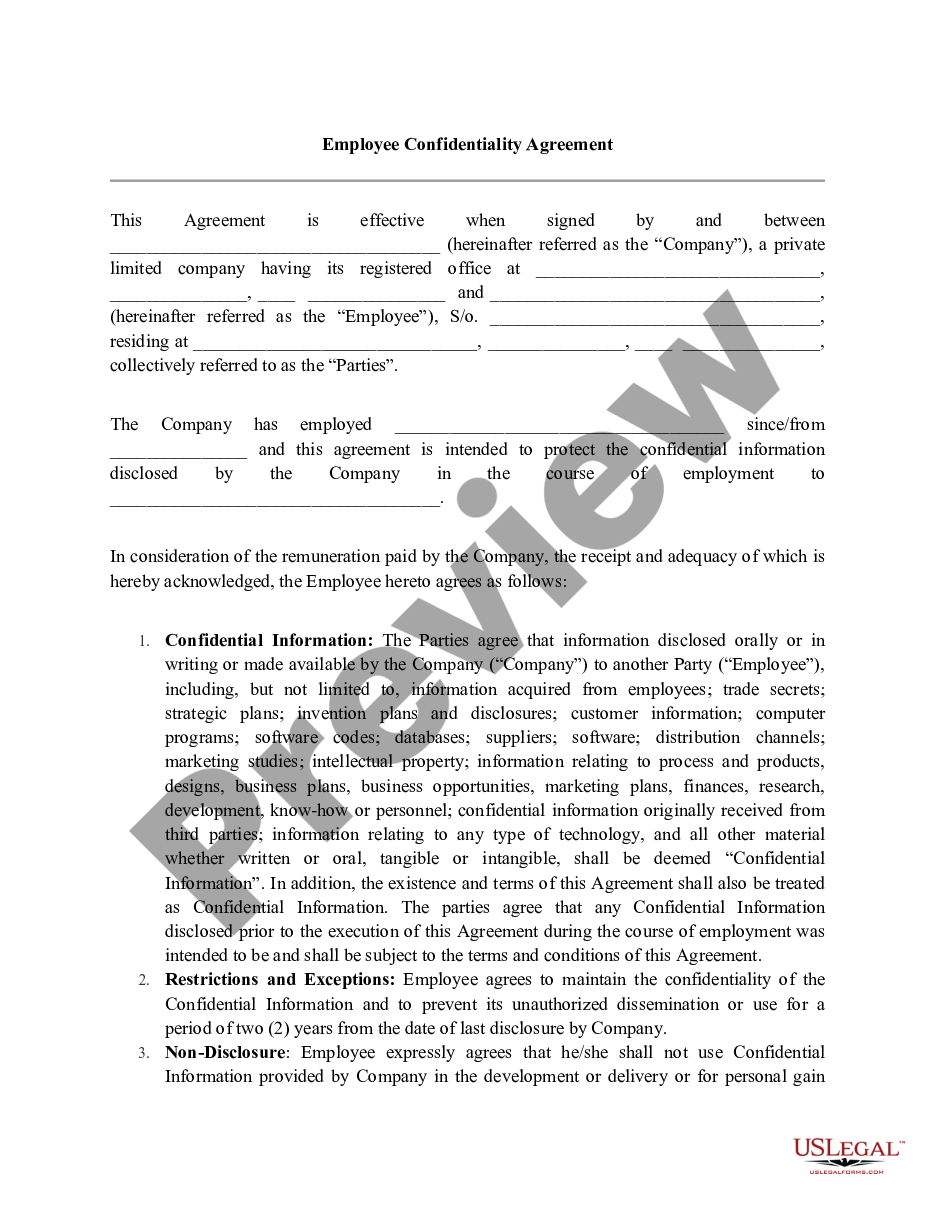
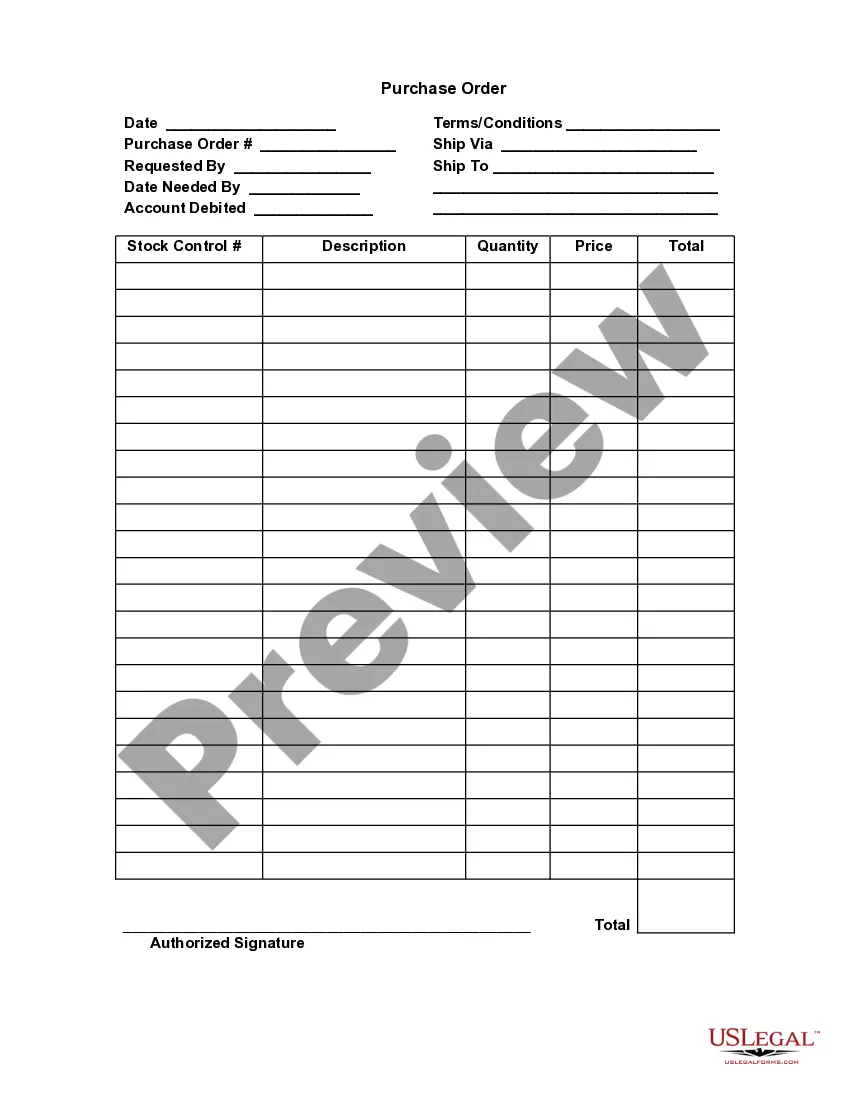
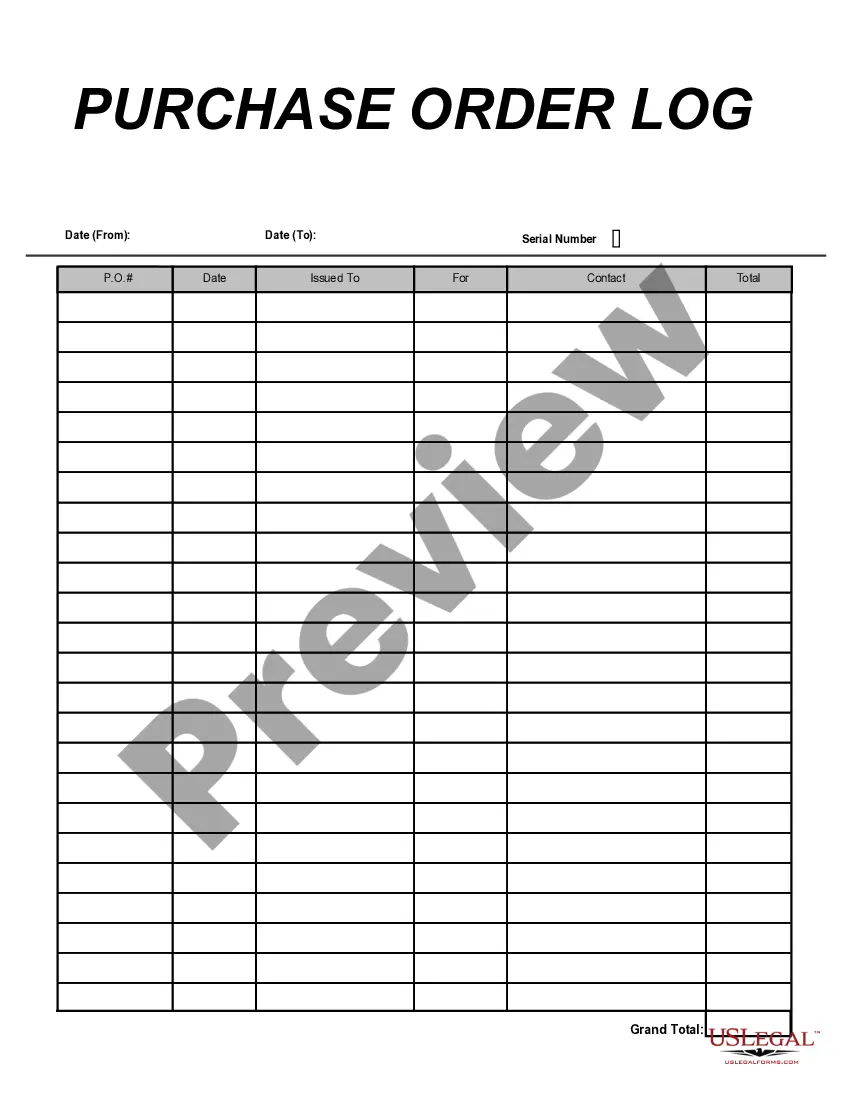
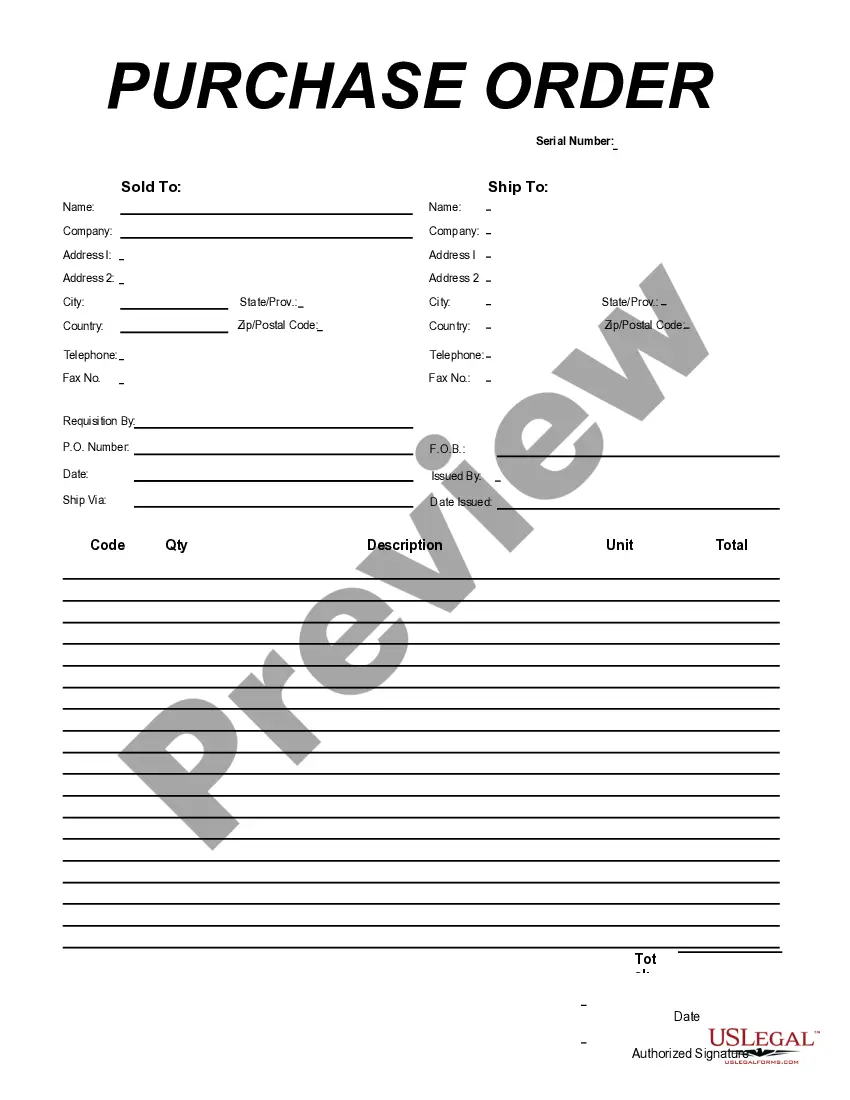
Minnesota Purchase Order
Description



Get your form ready online
Our built-in tools help you complete, sign, share, and store your documents in one place.
Make edits, fill in missing information, and update formatting in US Legal Forms—just like you would in MS Word.
Download a copy, print it, send it by email, or mail it via USPS—whatever works best for your next step.
Sign and collect signatures with our SignNow integration. Send to multiple recipients, set reminders, and more. Go Premium to unlock E-Sign.
If this form requires notarization, complete it online through a secure video call—no need to meet a notary in person or wait for an appointment.
We protect your documents and personal data by following strict security and privacy standards.

Make edits, fill in missing information, and update formatting in US Legal Forms—just like you would in MS Word.

Download a copy, print it, send it by email, or mail it via USPS—whatever works best for your next step.

Sign and collect signatures with our SignNow integration. Send to multiple recipients, set reminders, and more. Go Premium to unlock E-Sign.

If this form requires notarization, complete it online through a secure video call—no need to meet a notary in person or wait for an appointment.

We protect your documents and personal data by following strict security and privacy standards.
Looking for another form?




How to fill out Purchase Order?
You can invest multiple hours online seeking the legal document template that meets the federal and state standards you require.
US Legal Forms offers a wide array of legal templates that are evaluated by professionals.
You can effortlessly download or print the Minnesota Purchase Order through my services.
If available, utilize the Preview option to review the document template as well.
- If you already possess a US Legal Forms account, you can sign in and then select the Obtain option.
- Following that, you can complete, modify, print, or sign the Minnesota Purchase Order.
- Each legal document template you obtain is your own property indefinitely.
- To acquire another copy of any purchased form, navigate to the My documents tab and then click the relevant option.
- If you are using the US Legal Forms website for the first time, follow the simple instructions provided below.
- First, ensure that you have selected the correct document template for your region/city of choice.
- Review the form description to confirm you have selected the right form.
Form popularity
FAQ
Step 4 Finalise the Purchase Order Once you've submitted your contract to your supplier and both parties are happy with the detailing, it's time to finalise your purchase order. Your purchase order is a document that outlines: A description of the goods or service.
What Your Purchase Order Should IncludeContact Information. The name, address, email, phone number and other contact information for both companies should be completed.PO Number.Item SKU.Item Description.Quantity.Price.Subtotals, Taxes and Totals.Payment Due Date.More items...?
Before you get started, it's important to know the basics; here are our four steps explaining the procurement process:1 Identifying need. The procurement process always starts with the same component need.2 Supplier evaluation and selection.3 Purchase order.4 Delivery.
The elements included in this example are:PO number.Purchase order date.Vendor name and billing address.Buyer name and shipping address.Additional contact information, such as phone numbers and email addresses.Delivery date.Shipping method.Shipping terms.More items...?
Manual Purchase Order (PO) creationGo to the 'Purchase Order' UI screen and click the Create ( ) button.Populate all of the applicable fields. Table 1.Click Save.After the PO header is created, users can now add the items that are included in this PO.Click the Create (
Draft a purchase order .Include a clear description of each item, the item's identification number where applicable, the quantity, and the price. For clarity, you should include both the price per item and the total price based upon the number of each item that you will buy.
A purchase order is a document that officially confirms the purchase of goods and services between a buyer and seller. It is created by the buyer to authorize a transaction that may not have been confirmed in writing before. As it is an official document, it is legally binding on both parties.
Here are the most common purchase order process steps:Create a purchase order.Send out multiple requests for quotation(RFQ)Analyze and select a vendor.Negotiate contract and send PO.Receive goods/services.Receive and check invoice (3-Way Matching)Authorize invoice and pay the vendor.Record keeping.More items...
Types of purchase ordersStandard purchase order (PO) The standard purchase order is the type most of us are familiar with.Planned purchase order (PPO)Blanket purchase order (BPO)Contract purchase orders (CPO)
Order forms may be used in some processes and are more similar to purchase orders in that the buyer fills one out to begin an ordering process. The main difference, however, is that the official order form template is provided by the seller, and, as a result, the buyer is placing an order on the terms of the vendor.