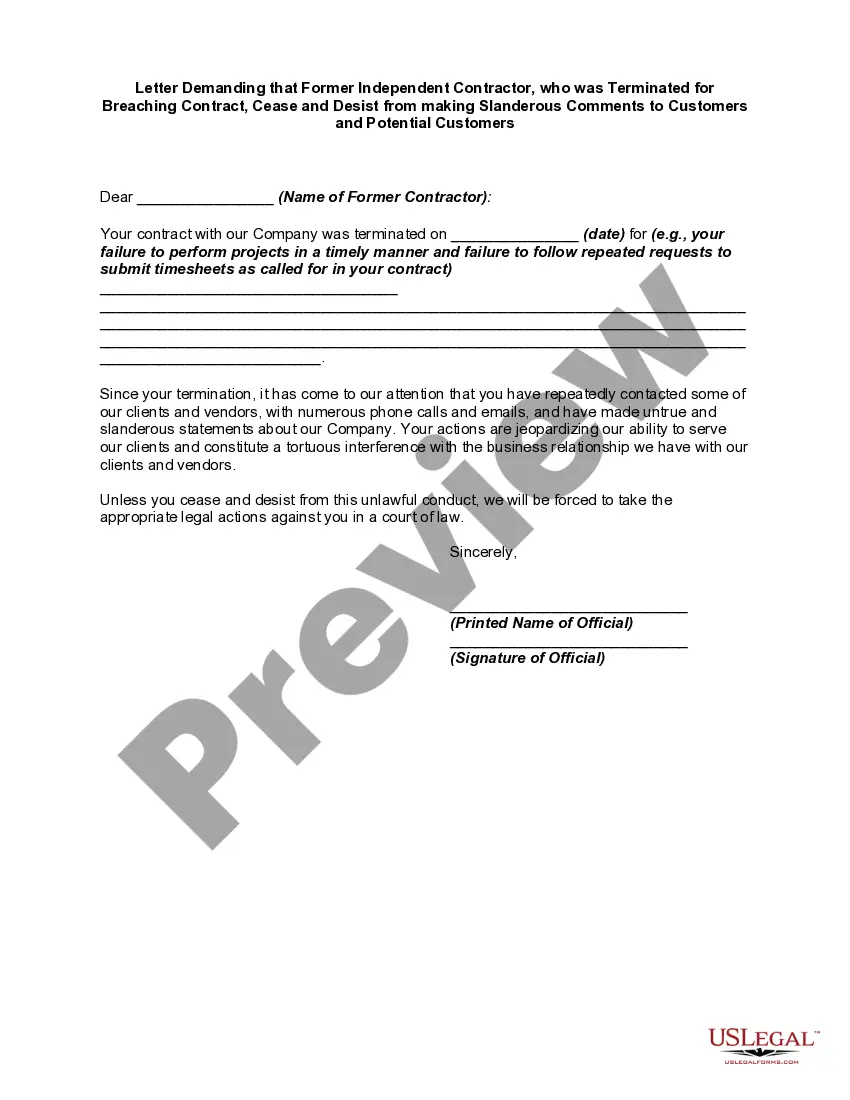
A cease and desist letter is an order or request to halt an activity, or else face legal action. This form is a generic example that may be referred to when preparing such a form for your particular state. It is for illustrative purposes only. Local laws should be consulted to determine any specific requirements for such a form in a particular jurisdiction.
Minnesota Letter Demanding that Former Independent Contractor, who was Terminated for Breaching Contract, Cease and Desist from making Slanderous Comments to Customers and Potential Customers
State:
Multi-State
Control #:
US-02443BG
Format:
Word;
PDF;
Rich Text
Instant download
Description

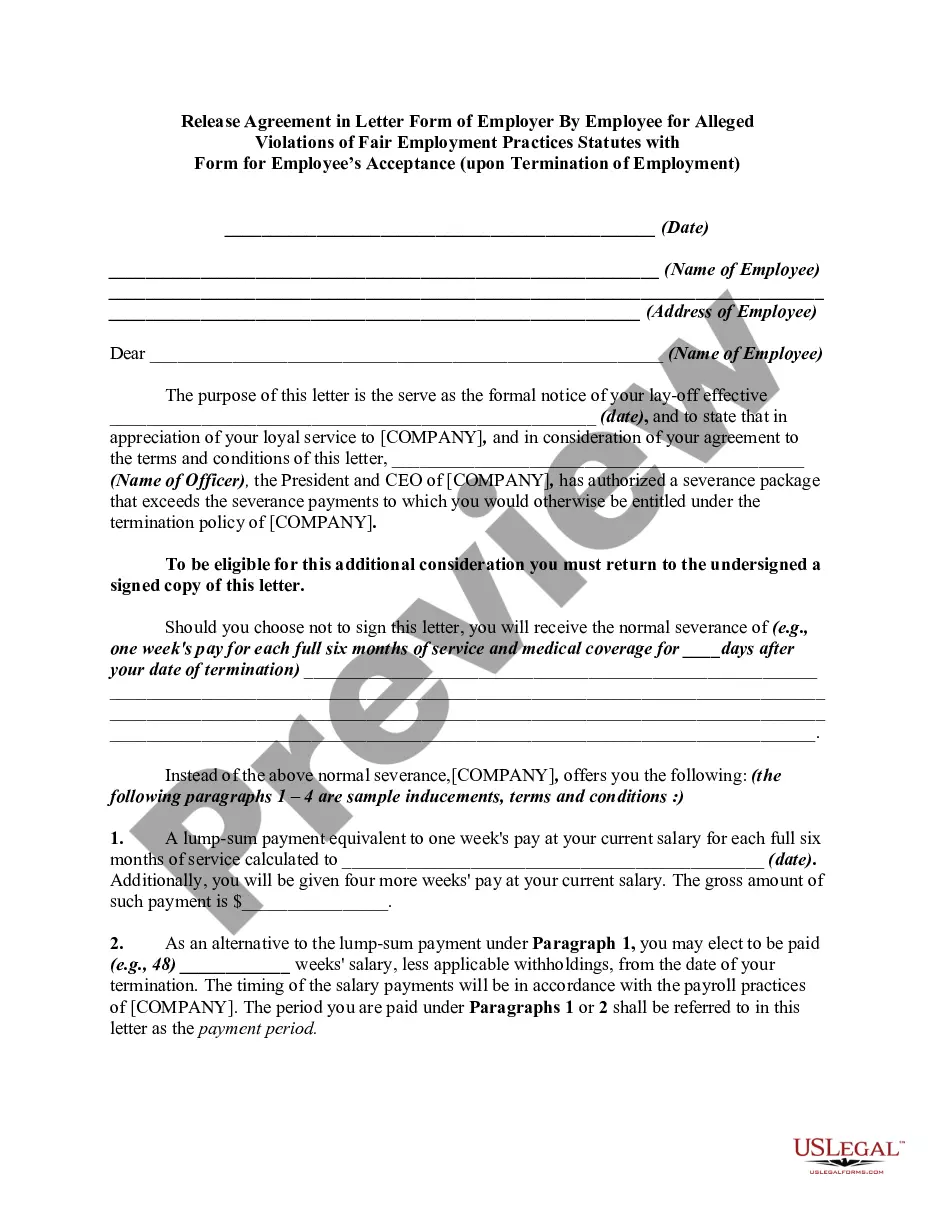
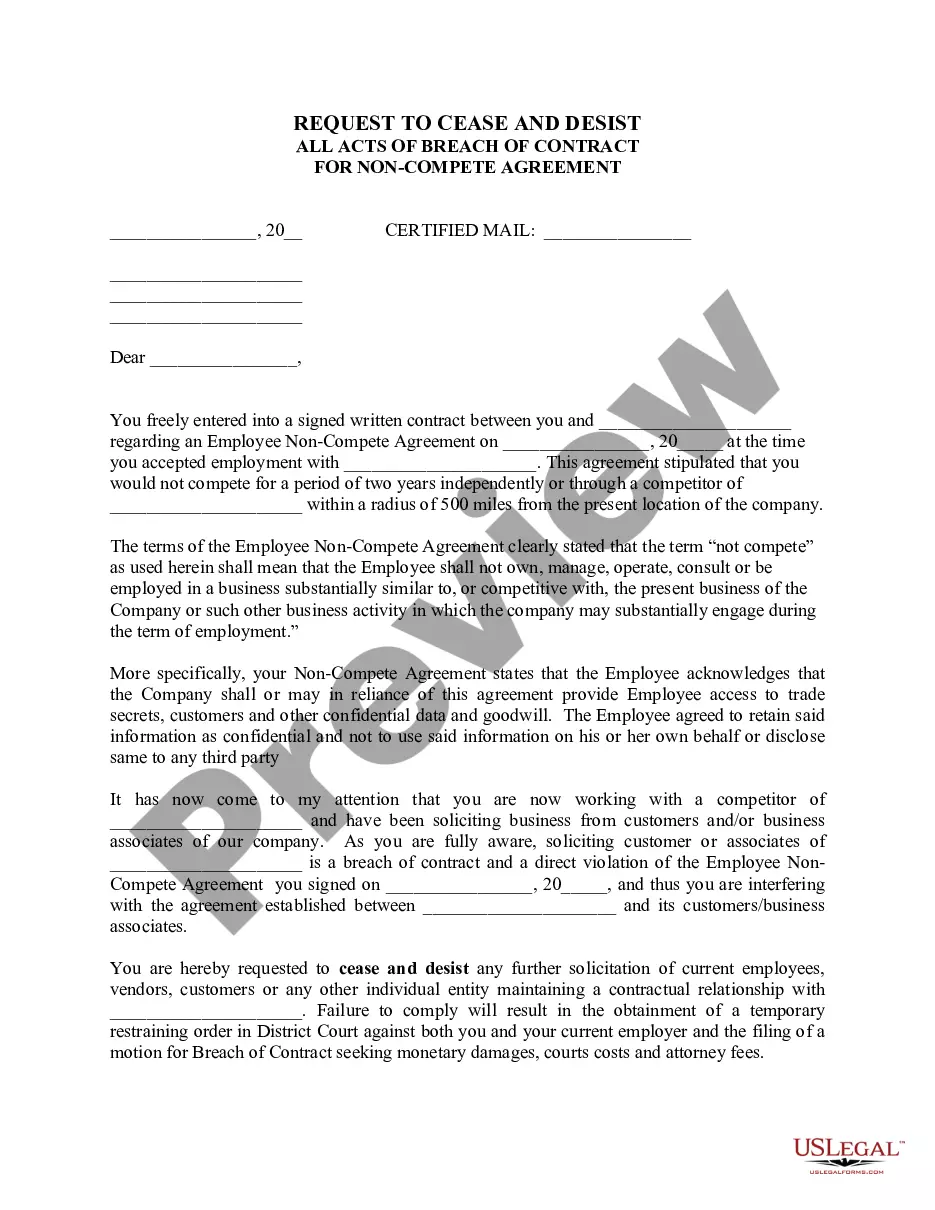
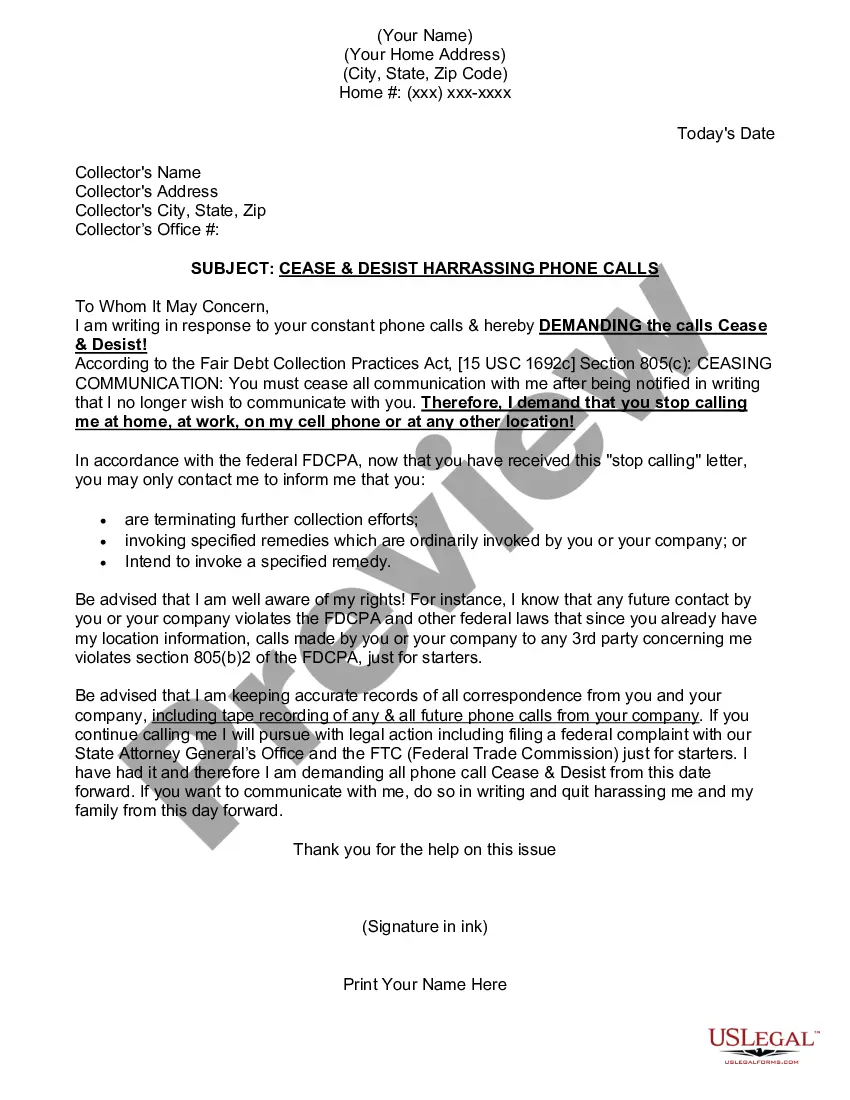
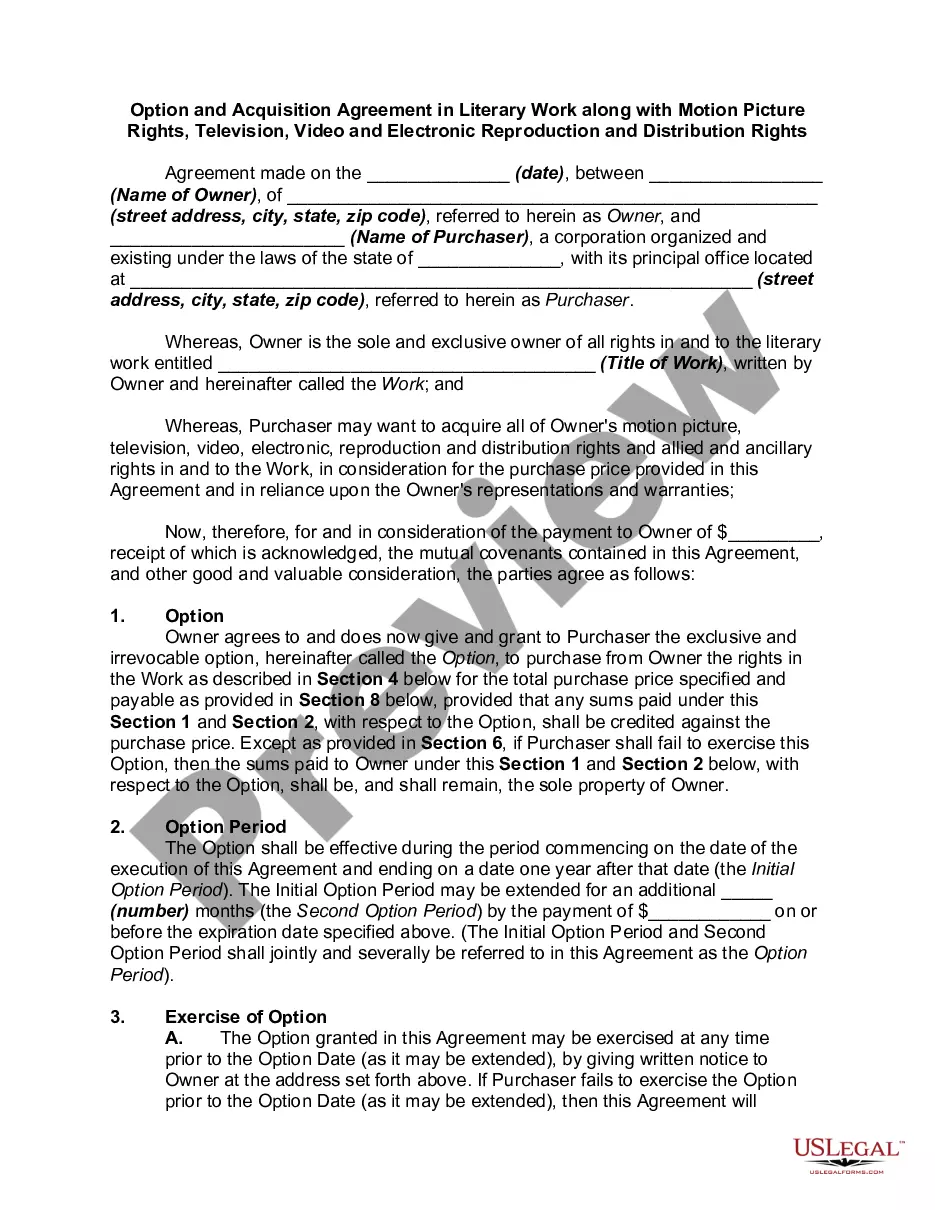
How to fill out Letter Demanding That Former Independent Contractor, Who Was Terminated For Breaching Contract, Cease And Desist From Making Slanderous Comments To Customers And Potential Customers?
US Legal Forms - one of the most prominent repositories of legal templates in the United States - offers a broad selection of legal document samples available for download or printing.
Using the site, you can discover numerous forms for business and personal use, organized by categories, states, or keywords. You can find the latest versions of forms such as the Minnesota Letter Requesting that a Former Independent Contractor, who was Dismissed for Violating Contract Terms, Cease and Desist from making Defamatory Remarks to Clients and Prospective Clients within moments.
If you already have a subscription, Log In to download the Minnesota Letter Requesting that a Former Independent Contractor, who was Dismissed for Violating Contract Terms, Cease and Desist from making Defamatory Remarks to Clients and Prospective Clients from the US Legal Forms library. The Download button will appear on every form you view. You can access all previously saved forms from the My documents tab in your profile.
Make edits. Fill, modify, print, and sign the saved Minnesota Letter Requesting that a Former Independent Contractor, who was Dismissed for Violating Contract Terms, Cease and Desist from making Defamatory Remarks to Clients and Prospective Clients.
Every template you add to your account has no expiration date and is your property indefinitely. Therefore, if you wish to download or print an additional copy, simply navigate to the My documents section and click on the form you need.
Gain access to the Minnesota Letter Requesting that a Former Independent Contractor, who was Dismissed for Violating Contract Terms, Cease and Desist from making Defamatory Remarks to Clients and Prospective Clients with US Legal Forms, the most comprehensive collection of legal document templates. Utilize numerous professional and state-specific templates that meet your business or personal needs and requirements.
- If you are using US Legal Forms for the first time, here are simple steps to help you get started.
- Ensure you have selected the correct form for your area/state. Click the Review button to examine the form’s content. Read the form description to verify that you have chosen the appropriate form.
- If the form does not meet your needs, use the Search box at the top of the screen to find one that does.
- If you are satisfied with the form, confirm your selection by clicking the Purchase Now button. Then, select your preferred pricing plan and provide your credentials to register for an account.
- Complete the transaction. Use your credit card or PayPal account to finalize the transaction.
- Choose the format and download the form to your device.
Form popularity
FAQ
A cease and desist letter for blackmail addresses threats made against an individual or business involving the coercion for personal gain. It serves to formally request that the blackmailing party stop their harmful actions immediately. If you find yourself needing to send a Minnesota Letter Demanding that Former Independent Contractor, who was Terminated for Breaching Contract, Cease and Desist from making Slanderous Comments to Customers and Potential Customers, it may be critical to include relevant details to assist in stopping the slanderous behavior.
Writing a legal cease and desist letter involves clarifying the issue, stating the relevant laws or agreements, and outlining the specific actions you want the recipient to stop. It should be professional, direct, and clear about the consequences of continued behavior. For your Minnesota Letter Demanding that Former Independent Contractor, who was Terminated for Breaching Contract, Cease and Desist from making Slanderous Comments to Customers and Potential Customers, using a template from a platform like UsLegalForms can provide guidance and ensure your letter is effective.
A cease and desist letter is a serious legal document that signals intent to pursue further action if the requested behavior does not stop. It can indicate that the sender is prepared to escalate the matter through legal channels if necessary. In the case of a Minnesota Letter Demanding that Former Independent Contractor, who was Terminated for Breaching Contract, Cease and Desist from making Slanderous Comments to Customers and Potential Customers, taking this step shows your commitment to protecting your business reputation.
To support a cease and desist letter, you typically need documentation that illustrates the breach of contract or harmful behavior. This may include emails, contracts, or recorded conversations. Specifically, for a Minnesota Letter Demanding that Former Independent Contractor, who was Terminated for Breaching Contract, Cease and Desist from making Slanderous Comments to Customers and Potential Customers, gathering evidence of their slanderous comments will strengthen your case.
A cease and desist letter for a business partner similarly addresses issues during a business relationship, particularly when one partner acts contrary to an agreement. When it comes to a Minnesota Letter Demanding that Former Independent Contractor, who was Terminated for Breaching Contract, Cease and Desist from making Slanderous Comments to Customers and Potential Customers, it can help mitigate disputes. This letter helps ensure that both parties adhere to their obligations while maintaining professional conduct.
A cease and desist letter for a breach of contract is a formal notice that demands an individual or business stop specific actions that violate agreed terms. In the context of a Minnesota Letter Demanding that Former Independent Contractor, who was Terminated for Breaching Contract, Cease and Desist from making Slanderous Comments to Customers and Potential Customers, it serves to protect your reputation. This letter outlines the breach and requests immediate compliance to prevent further damage.
You certainly can write your own cease and desist letter for slander. It is essential to clearly state the details of the slanderous comments and how they negatively impact you. For guidance, you may consider using templates available through platforms like US Legal Forms, ensuring your Minnesota Letter Demanding that Former Independent Contractor, who was Terminated for Breaching Contract, Cease and Desist from making Slanderous Comments to Customers and Potential Customers, is both effective and legally sound.
Yes, you can send a cease and desist letter for slander if someone has made false statements that damage your reputation. It is important to document these claims and explain how they affect your business or personal standing. A Minnesota Letter Demanding that Former Independent Contractor, who was Terminated for Breaching Contract, Cease and Desist from making Slanderous Comments to Customers and Potential Customers can effectively communicate your request and intentions, potentially preventing further harm.
A clear example of a cease and desist letter for slander includes a formal request that outlines the specific slanderous statements made by the individual. It should state how these comments have harmed your reputation and request an immediate cessation of such remarks. When utilizing a Minnesota Letter Demanding that Former Independent Contractor, who was Terminated for Breaching Contract, Cease and Desist from making Slanderous Comments to Customers and Potential Customers, the letter must explain potential legal actions if the individual fails to comply.
A cease and desist letter can exert considerable power, acting as a formal warning that urges compliance with your demands. While it doesn't carry the weight of a court order, it communicates seriousness regarding your rights. In cases of slander, such as comments from a former contractor, the Minnesota Letter Demanding that Former Independent Contractor, who was Terminated for Breaching Contract, Cease and Desist from making Slanderous Comments to Customers and Potential Customers serves as a strong step towards protecting your reputation.