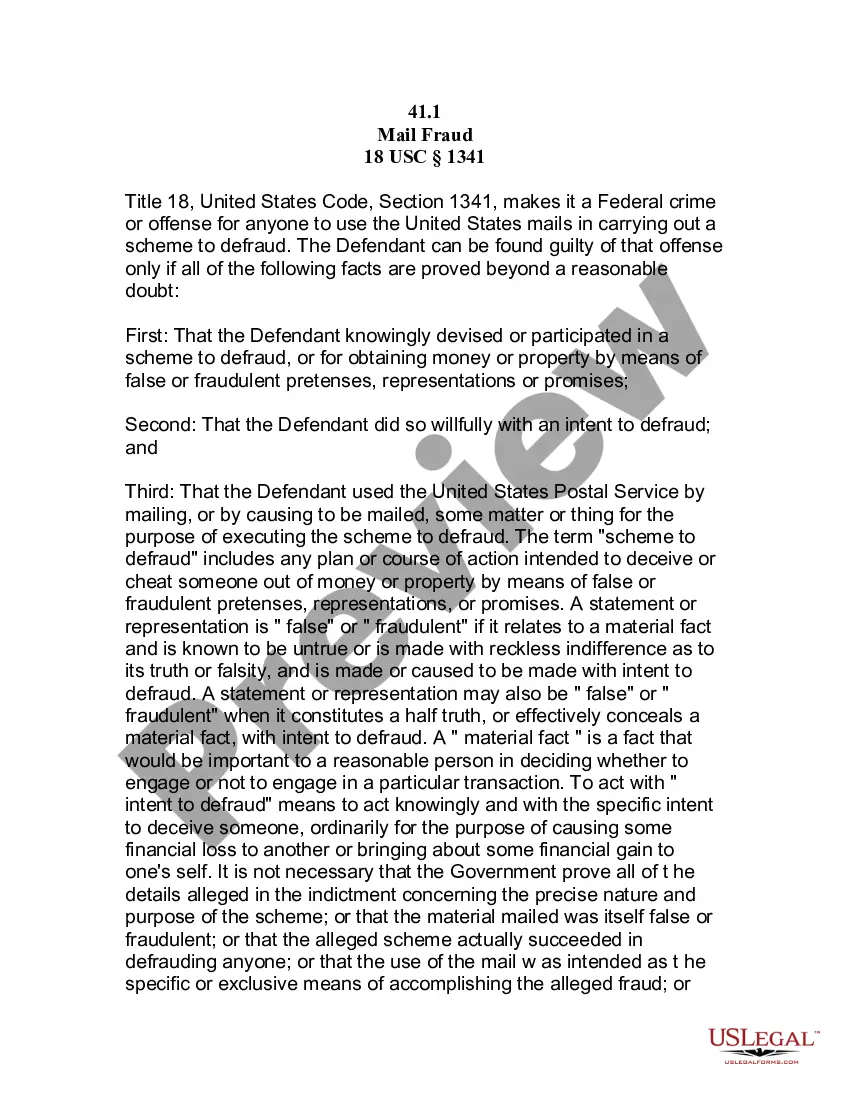
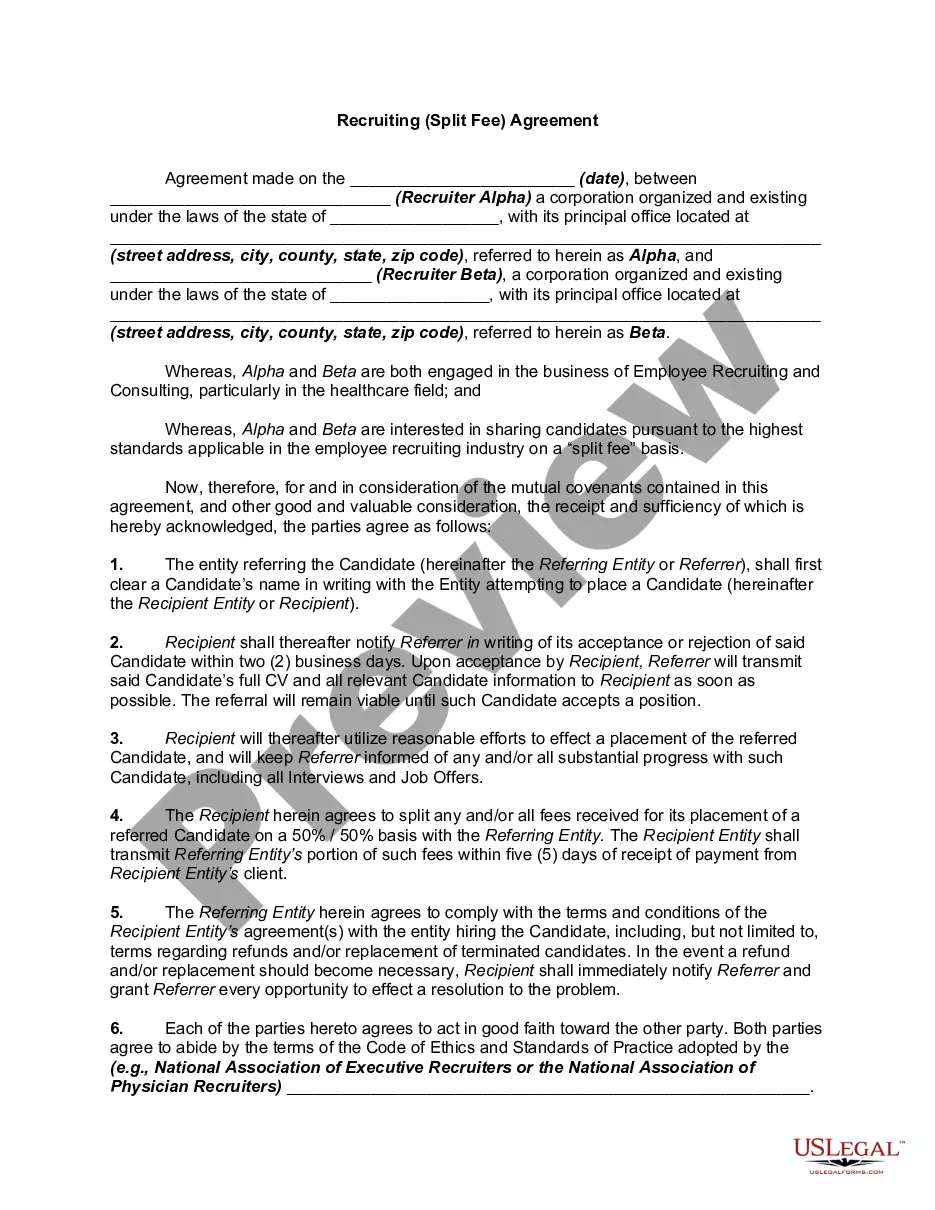
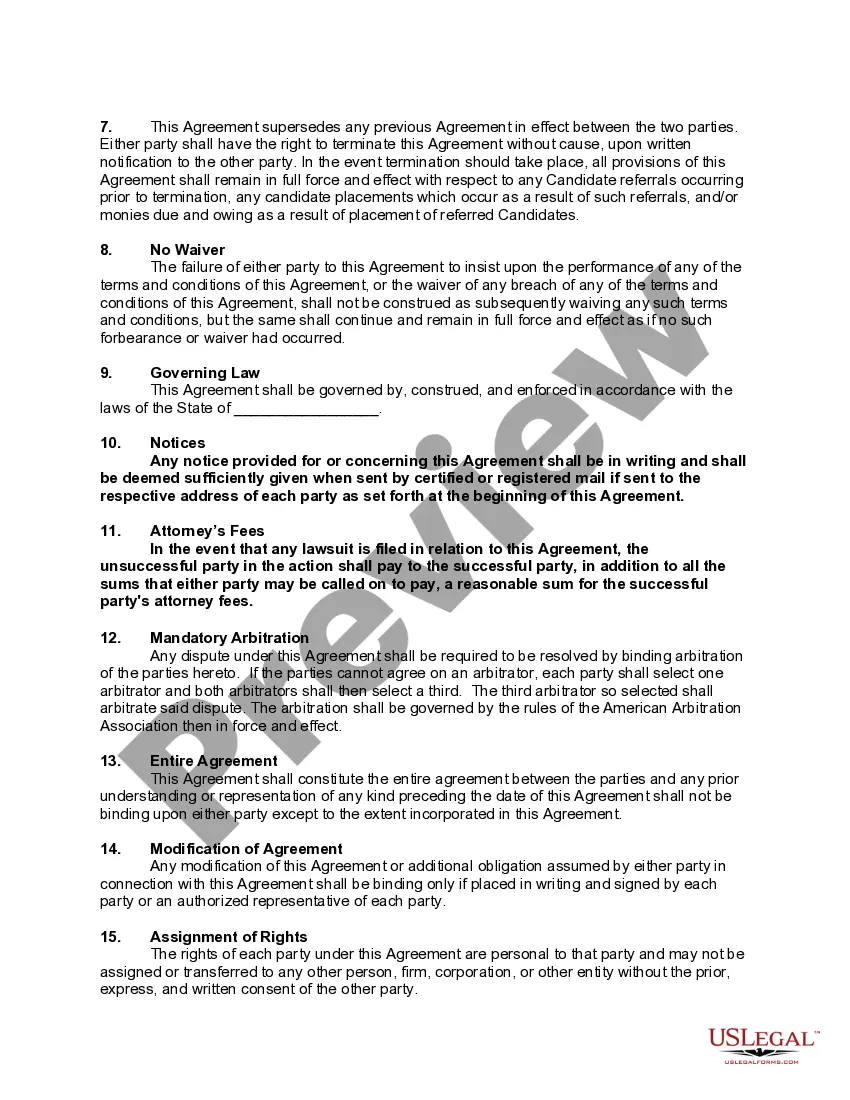
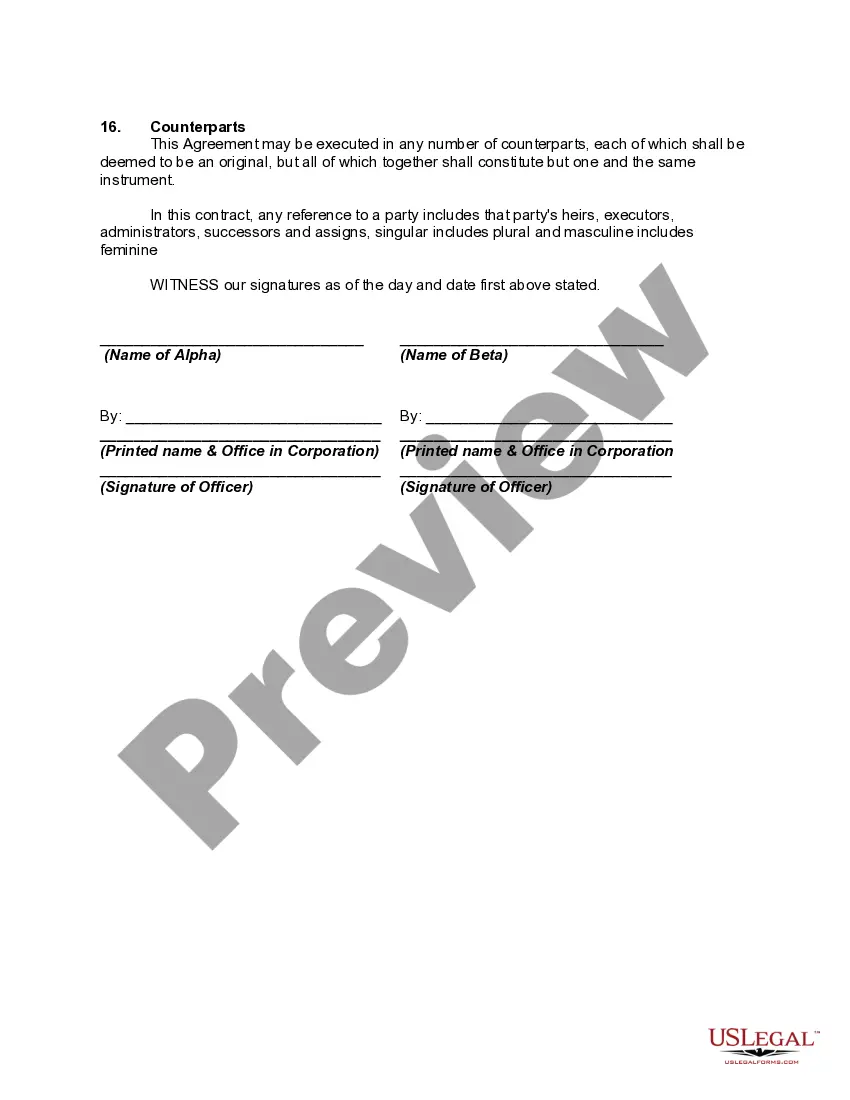
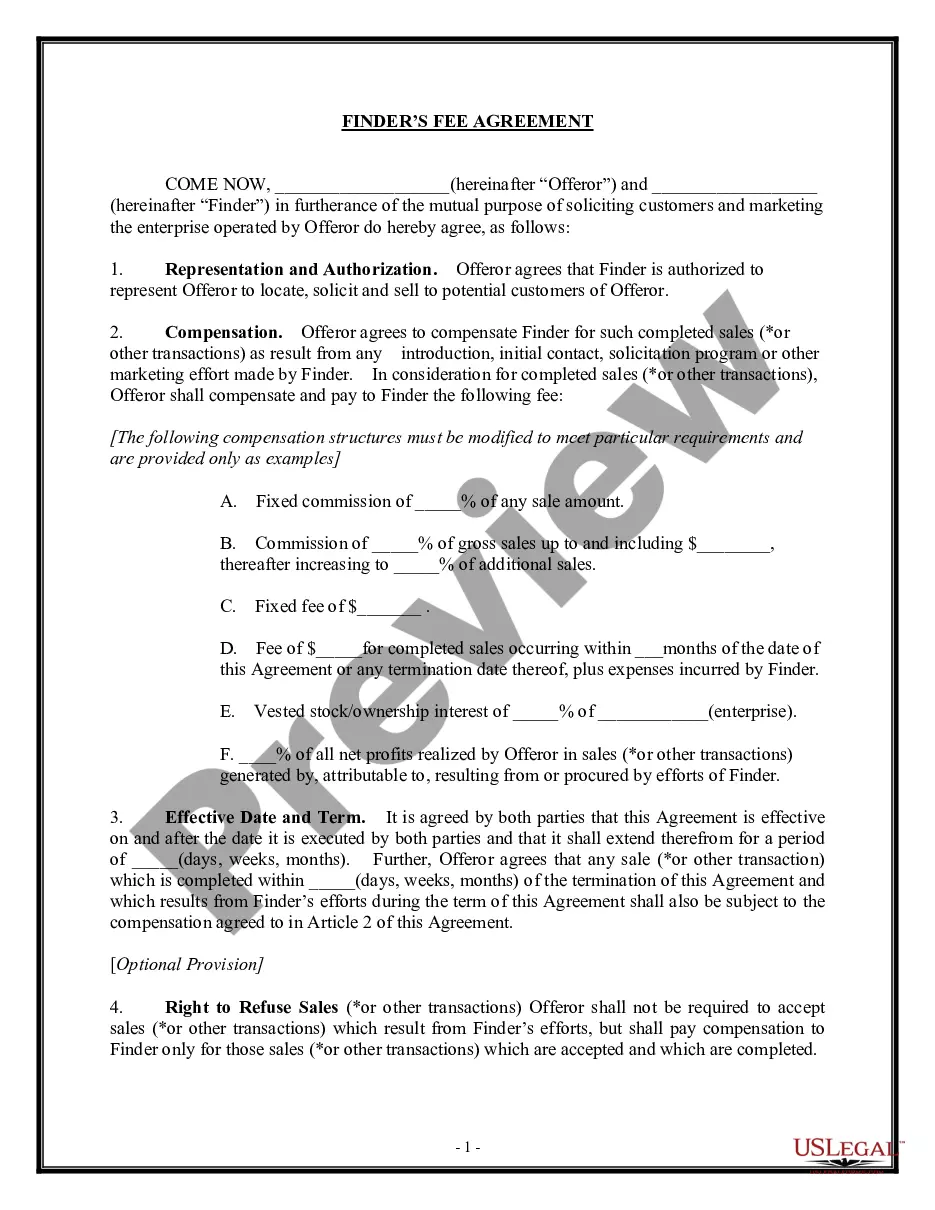
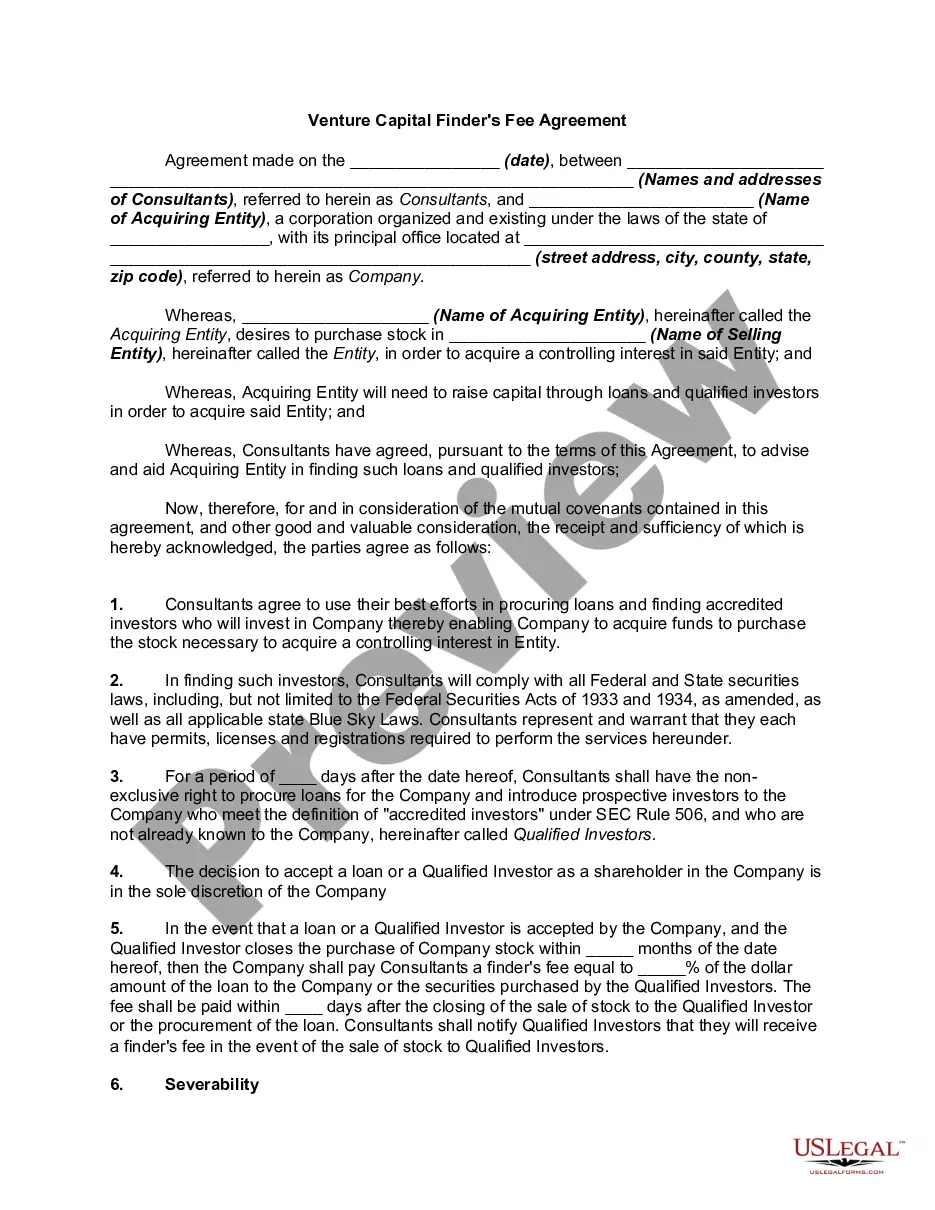
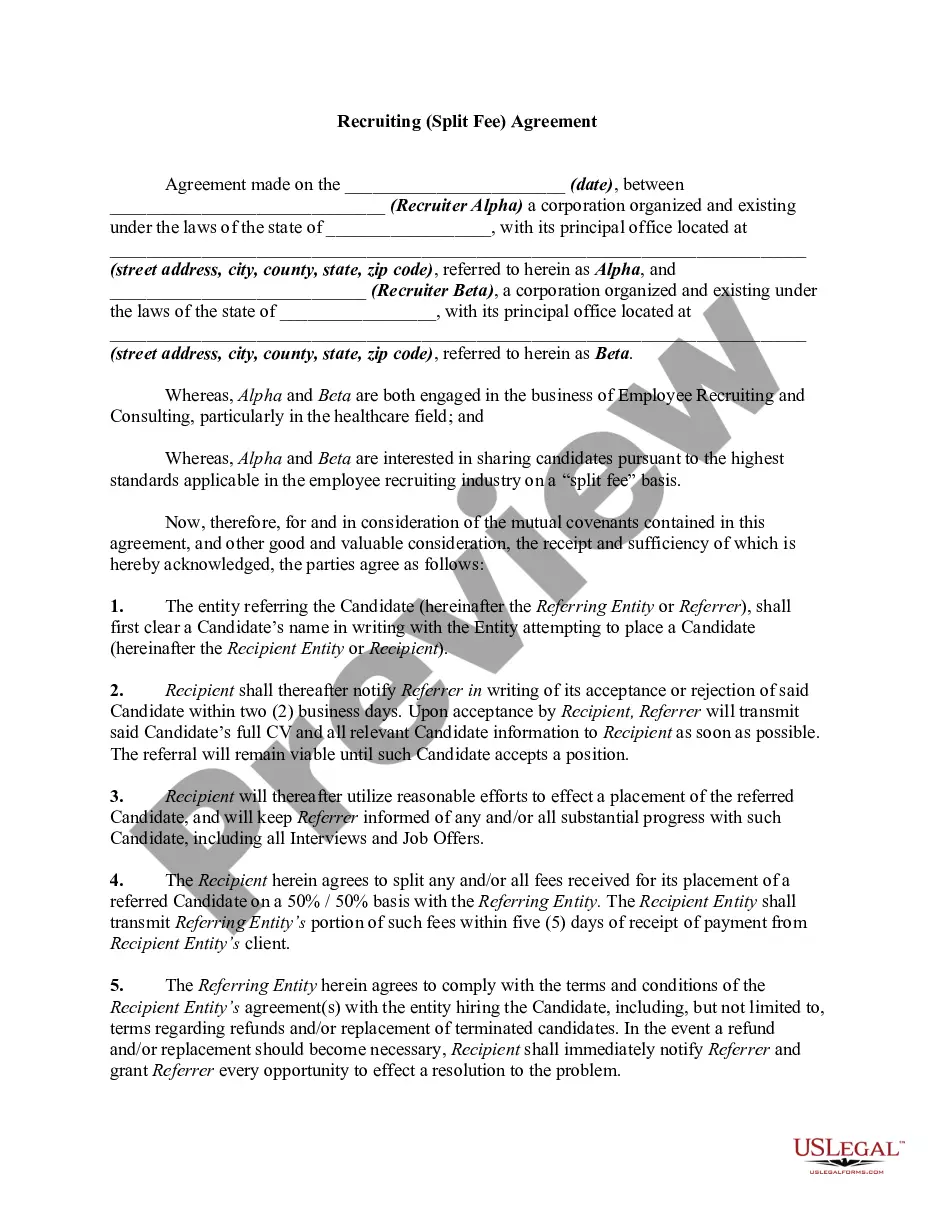
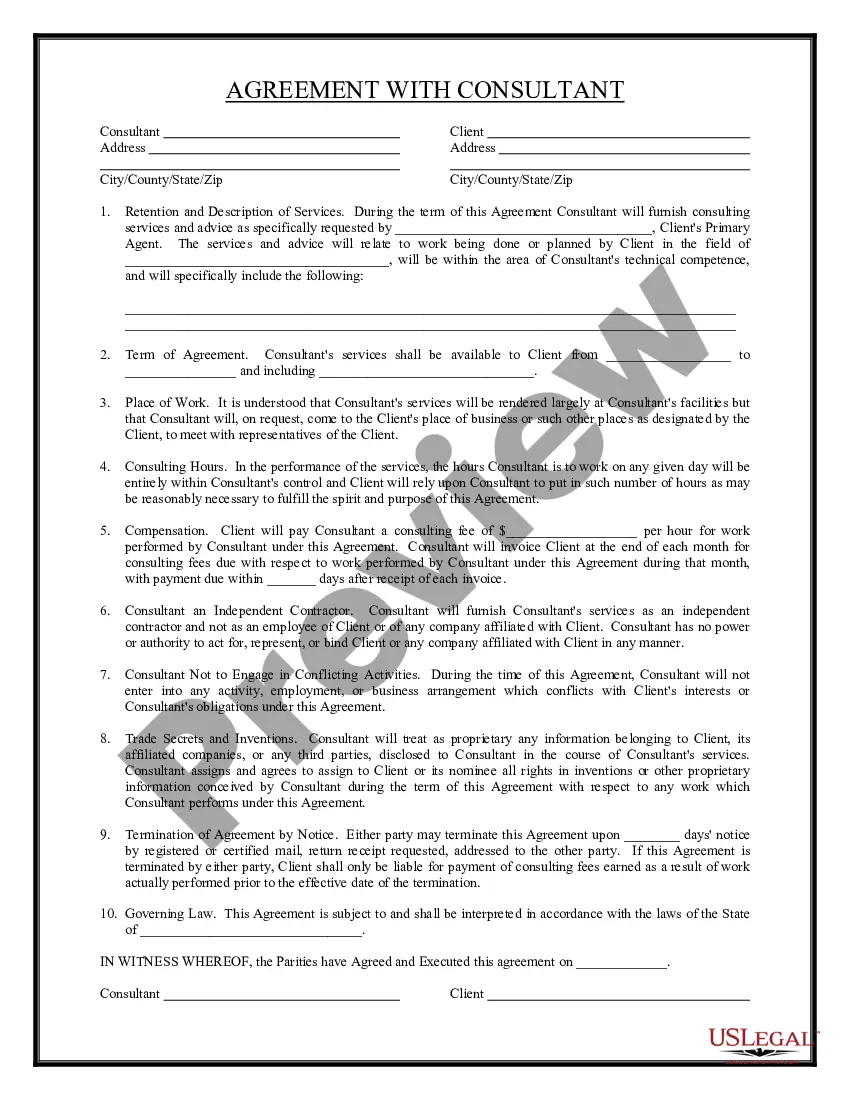
Shared placement or Split Fee agreements allow one recruiter to match their job orders with another recruiter's candidate in an attempt to make a shared placement with the placement fee money being split between the two recruiters. This form is a generic example that may be referred to when preparing such a form for your particular state. It is for illustrative purposes only. Local laws should be consulted to determine any specific requirements for such a form in a particular jurisdiction.
Minnesota Recruiting - Split Fee - Agreement
Instant download
Description
Free preview
Get your form ready online
Our built-in tools help you complete, sign, share, and store your documents in one place.
Built-in online Word editor
Make edits, fill in missing information, and update formatting in US Legal Forms—just like you would in MS Word.
Export easily
Download a copy, print it, send it by email, or mail it via USPS—whatever works best for your next step.
E-sign your document
Sign and collect signatures with our SignNow integration. Send to multiple recipients, set reminders, and more. Go Premium to unlock E-Sign.
Notarize online 24/7
If this form requires notarization, complete it online through a secure video call—no need to meet a notary in person or wait for an appointment.
Store your document securely
We protect your documents and personal data by following strict security and privacy standards.

Make edits, fill in missing information, and update formatting in US Legal Forms—just like you would in MS Word.

Download a copy, print it, send it by email, or mail it via USPS—whatever works best for your next step.

Sign and collect signatures with our SignNow integration. Send to multiple recipients, set reminders, and more. Go Premium to unlock E-Sign.

If this form requires notarization, complete it online through a secure video call—no need to meet a notary in person or wait for an appointment.

We protect your documents and personal data by following strict security and privacy standards.
Looking for another form?


How to fill out Recruiting - Split Fee - Agreement?
US Legal Forms - one of the largest repositories of legal documents in the United States - offers a range of legal document templates that you can download or print.
By using the website, you can find thousands of forms for commercial and personal purposes, categorized by type, state, or keywords. You can access the most recent forms such as the Minnesota Recruiting - Split Fee - Agreement within moments.
If you already have an account, Log In and download the Minnesota Recruiting - Split Fee - Agreement from the US Legal Forms library. The Download button will appear on every form you view. You can access all previously downloaded forms from the My documents tab in your account.
Complete the transaction. Use your credit card or PayPal account to finalize the transaction.
Select the format and download the form to your device. Make edits. Fill out, modify, and print and sign the downloaded Minnesota Recruiting - Split Fee - Agreement. Each template you added to your account has no expiration date and belongs to you indefinitely. To download or print another copy, just go to the My documents section and click on the form you desire.
- If you are using US Legal Forms for the first time, here are simple steps to help you get started.
- Ensure you have selected the correct form for your region/state. Click the Preview button to check the content of the form.
- Review the form description to confirm you have chosen the right one.
- If the form does not meet your requirements, utilize the Search field at the top of the screen to find one that does.
- When satisfied with the form, confirm your choice by clicking the Order now button.
- Then, choose the payment plan you prefer and provide your details to register for an account.
Form popularity
FAQ
Simply put, split fee recruiting represents an agreed-upon arrangement between two recruiters in which one recruiter supplies the job order and one supplies the candidate in a potential placement situation.
With split placement, one parent has physical placement of one or more of the children while the other parent has physical placement of the other child(ren).
What Is the Average Recruitment Fee? Typical recruitment fees range from 15-25% of an employees' first year salary. For example, if a candidate is placed with a company and making $75,000, and the agency charges 20% at time of placement, the company would pay $15,000 to the agency for the placement.
The standard recruiting fee for agencies is between 15% and 20% of the first-year salary for a permanent job the recruiter is filling. Some agencies may charge as much as 25% for hard-to-fill roles. Fees can vary significantly across industries, market conditions, and specialization of the position.
What Is the Average Recruitment Fee? Typical recruitment fees range from 15-25% of an employees' first year salary. For example, if a candidate is placed with a company and making $75,000, and the agency charges 20% at time of placement, the company would pay $15,000 to the agency for the placement.
The standard recruiting fee for agencies is between 15% and 20% of the first-year salary for a permanent job the recruiter is filling. Some agencies may charge as much as 25% for hard-to-fill roles. Fees can vary significantly across industries, market conditions, and specialization of the position.
The standard recruiting fee for agencies is between 15% and 20% of the first-year salary for a permanent job the recruiter is filling. Some agencies may charge as much as 25% for hard-to-fill roles. Fees can vary significantly across industries, market conditions, and specialization of the position.
Fee splitting agreements occur when an attorney meets with a client but believes that the client would be better served by another attorney. This will typically occur when the attorney learns more about the client's case and discovers that it enters a realm of the law that they are not a specialist in.
A 'split contract' is the transaction where by one contract is used for the acquisition of land, between the land owner or Vendor and the purchaser. A totally separate contract is issed for the building process, between the builder and the purchaser.