Minnesota Direct Deposit Form for Chase
Description

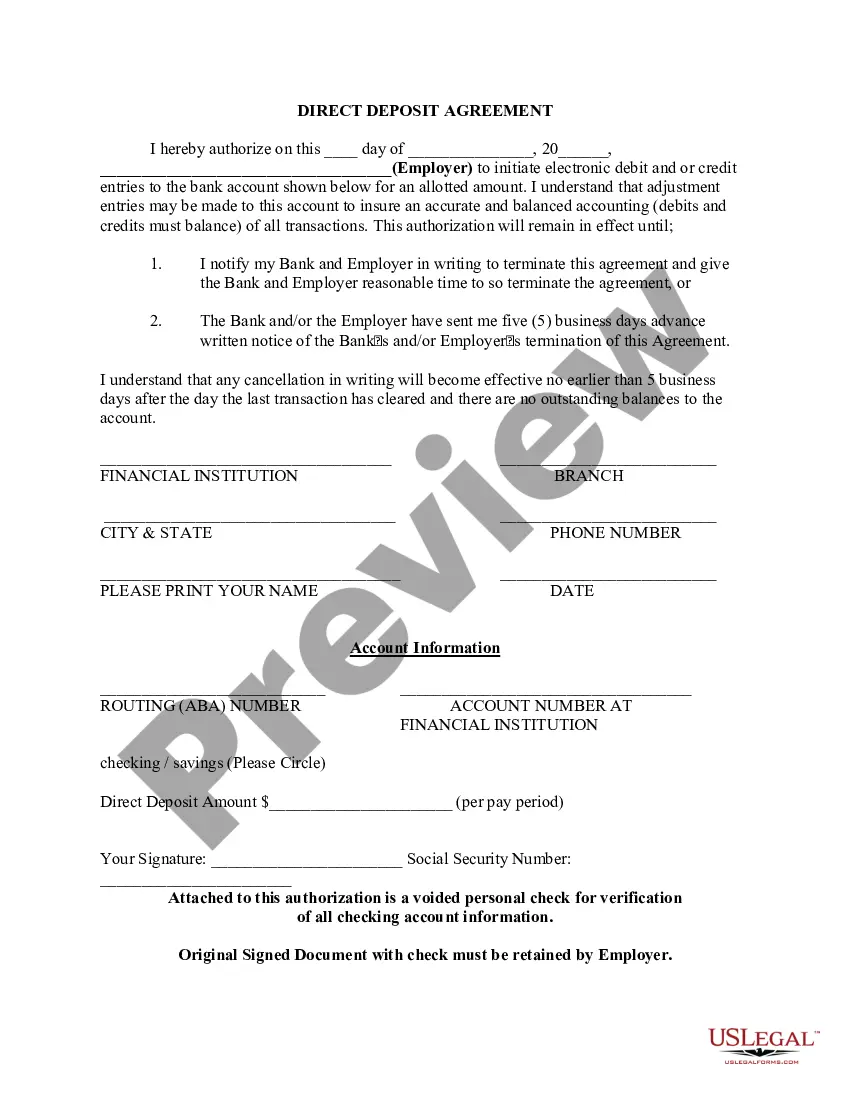

Get your form ready online
Our built-in tools help you complete, sign, share, and store your documents in one place.
Make edits, fill in missing information, and update formatting in US Legal Forms—just like you would in MS Word.
Download a copy, print it, send it by email, or mail it via USPS—whatever works best for your next step.
Sign and collect signatures with our SignNow integration. Send to multiple recipients, set reminders, and more. Go Premium to unlock E-Sign.
If this form requires notarization, complete it online through a secure video call—no need to meet a notary in person or wait for an appointment.
We protect your documents and personal data by following strict security and privacy standards.

Make edits, fill in missing information, and update formatting in US Legal Forms—just like you would in MS Word.

Download a copy, print it, send it by email, or mail it via USPS—whatever works best for your next step.

Sign and collect signatures with our SignNow integration. Send to multiple recipients, set reminders, and more. Go Premium to unlock E-Sign.

If this form requires notarization, complete it online through a secure video call—no need to meet a notary in person or wait for an appointment.

We protect your documents and personal data by following strict security and privacy standards.
Looking for another form?

How to fill out Direct Deposit Form For Chase?
US Legal Forms - one of the largest collections of legal documents in the United States - offers a variety of legal form templates that you can download or print. By using the site, you can find thousands of forms for business and personal use, categorized by type, state, or keywords. You can obtain the latest versions of forms such as the Minnesota Direct Deposit Form for Chase in a matter of minutes.
If you have an account, Log In and download the Minnesota Direct Deposit Form for Chase from your US Legal Forms library. The Download button will appear on each form you view. You can access all previously saved forms in the My documents section of your account.
If you are using US Legal Forms for the first time, here are some straightforward steps to help you get started: Ensure you have selected the correct form for your city/state. Click on the Review button to examine the form’s details. Check the form summary to ensure you have chosen the right one. If the form does not meet your requirements, use the Search field at the top of the page to find one that does.
Access the Minnesota Direct Deposit Form for Chase with US Legal Forms, one of the most extensive libraries of legal document templates. Utilize thousands of professional and state-specific templates that cater to your business or personal needs and requirements.
- If you are satisfied with the form, confirm your selection by clicking the Purchase now button.
- Then, choose the pricing plan you prefer and provide your information to register for an account.
- Process the payment. Use your credit card or PayPal account to complete the transaction.
- Select the format and download the form to your device.
- Make modifications. Fill out, edit, print, and sign the downloaded Minnesota Direct Deposit Form for Chase.
- Each template you added to your account does not expire and belongs to you permanently. Therefore, to download or print another copy, simply go to the My documents section and click on the form you desire.
Form popularity
FAQ
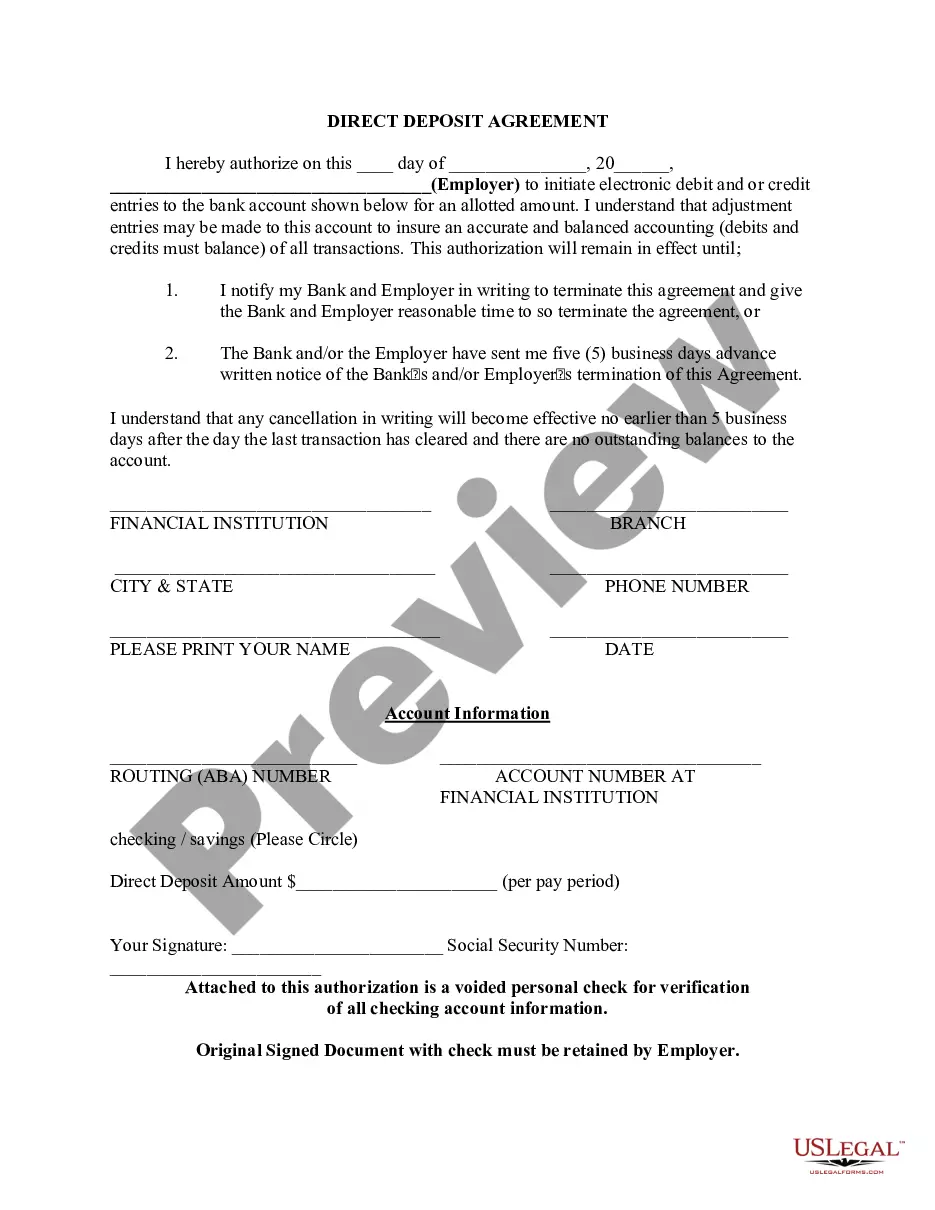
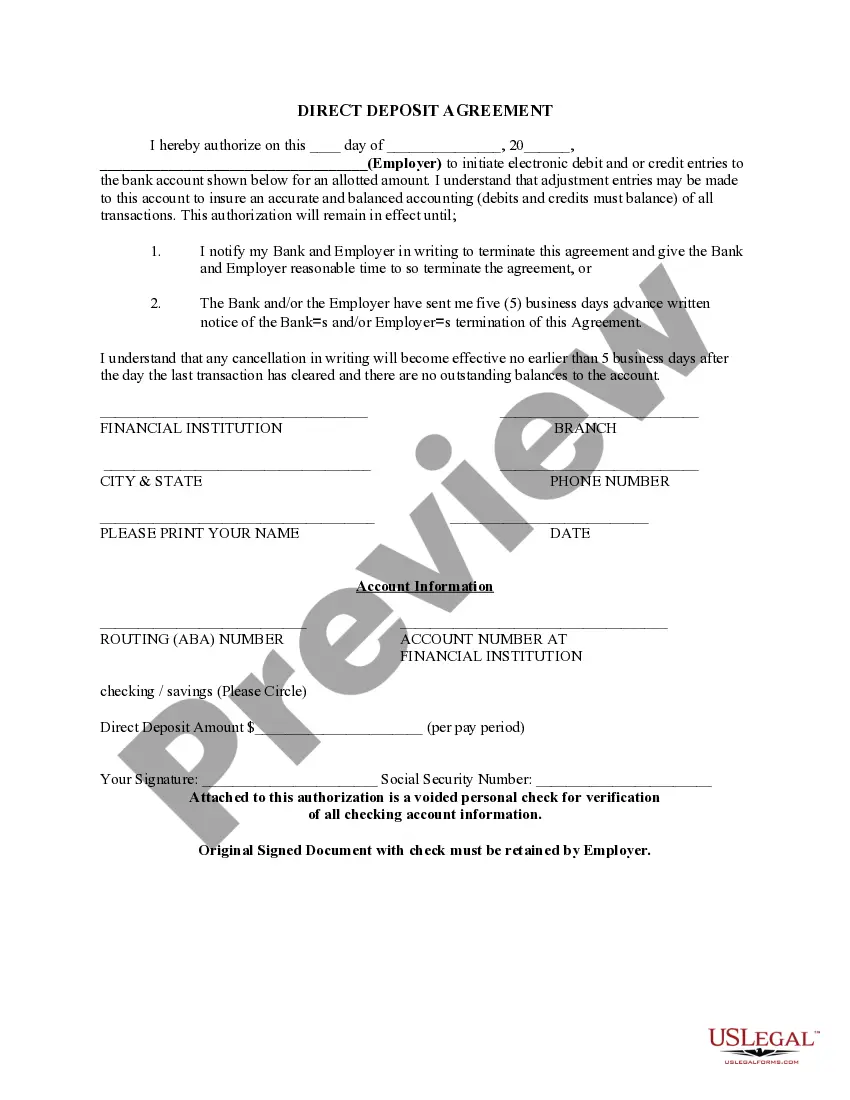
When filling out the Minnesota Direct Deposit Form for Chase, you will need to provide your account number, routing number, and personal details such as your name and address. Additionally, your employer may require your Social Security number or employee ID. Gathering all this information in advance will streamline the process and help ensure that your direct deposit is set up correctly.
To submit your Chase direct deposit form, complete the Minnesota Direct Deposit Form for Chase with accurate information. You can then hand it to your employer or send it directly to Chase, depending on their requirements. Be sure to follow any additional instructions provided by your employer to avoid delays. If you need further guidance, platforms like US Legal Forms can provide you with reliable resources.
Yes, the Chase routing number can vary depending on the state where you opened your account. Each region has its own unique routing number that helps identify your specific bank branch. To ensure you are using the correct routing number for the Minnesota Direct Deposit Form for Chase, check your account documents or visit the Chase website. This step is crucial for successful direct deposit transactions.
Creating a voided check for direct deposit at Chase is simple. Start with a blank check from your checkbook and write 'VOID' across the front. This ensures that the check cannot be used for payment but provides your account information for the Minnesota Direct Deposit Form for Chase. If you do not have checks, you can consult US Legal Forms for alternative ways to provide your banking details.
To send a direct deposit form to Chase, first complete the Minnesota Direct Deposit Form for Chase accurately. You can submit this form to your employer or the relevant financial institution as required. Ensure that all necessary details, such as your account number and routing number, are included for smooth processing. If you need assistance, consider using platforms like US Legal Forms to access templates tailored for your needs.
To obtain a bank confirmation letter from your bank you may request in-person at a bank branch from one of the bankers, by a phone call to the bank, and depending on the financial institution, through their online platform.
You can find your account and routing numbers when you sign in to chase.com: Click on the last four digits of your account number that appear above your account information, or. Select the ?Account & routing number PDF? from the ?Things you can do? menu.
Get your personalized pre-filled direct deposit form Sign in to chase.com or the Chase Mobile® app. Choose the checking account you want to receive your direct deposit. Navigate to 'Account services' by scrolling up in the mobile app or in the drop down menu on chase.com. Click or tap on 'Set up direct deposit form'
After signing in, tap the account where you want to receive your direct deposit. Swipe up and tap "Set up direct deposit form" Check that the info is correct or make updates, then tap "Create form" Download, print or email the form.
JPMorgan Chase Bank, National Association 4,907 domestic locations: 49 states and 0 territories.