Minnesota Notice of Assignment to Living Trust
What this document covers
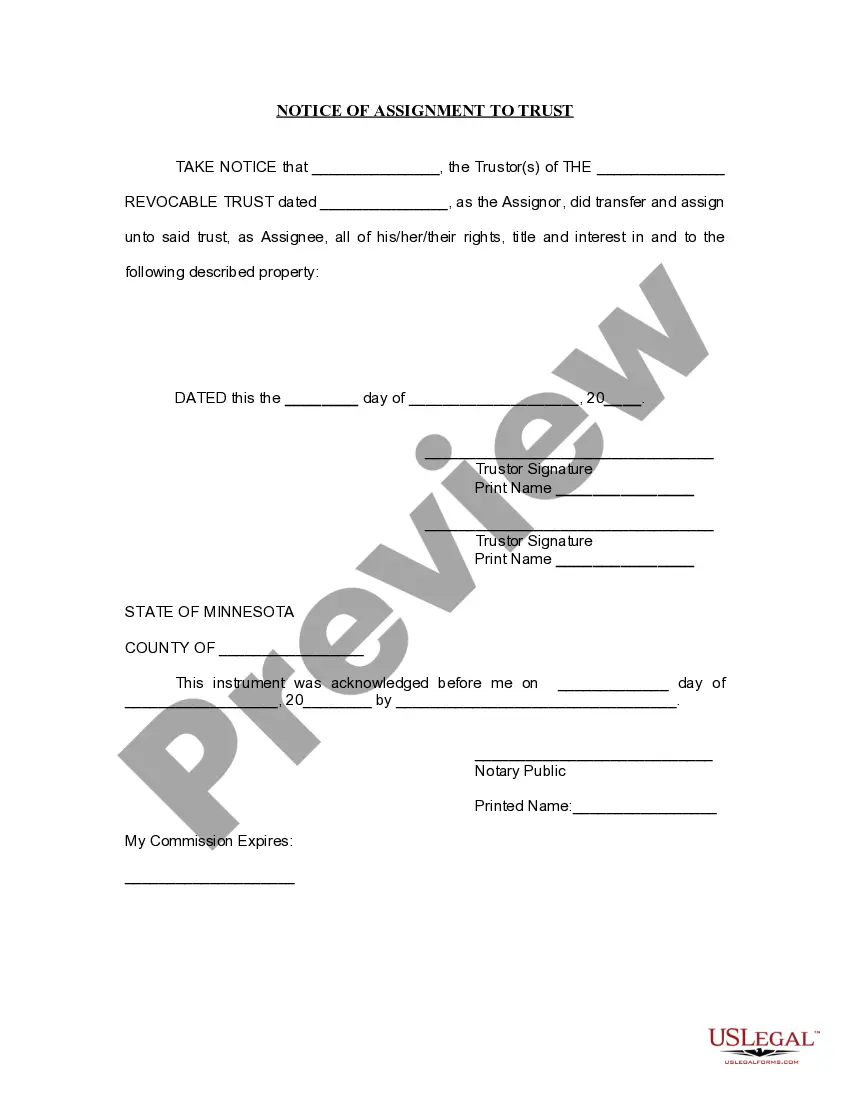
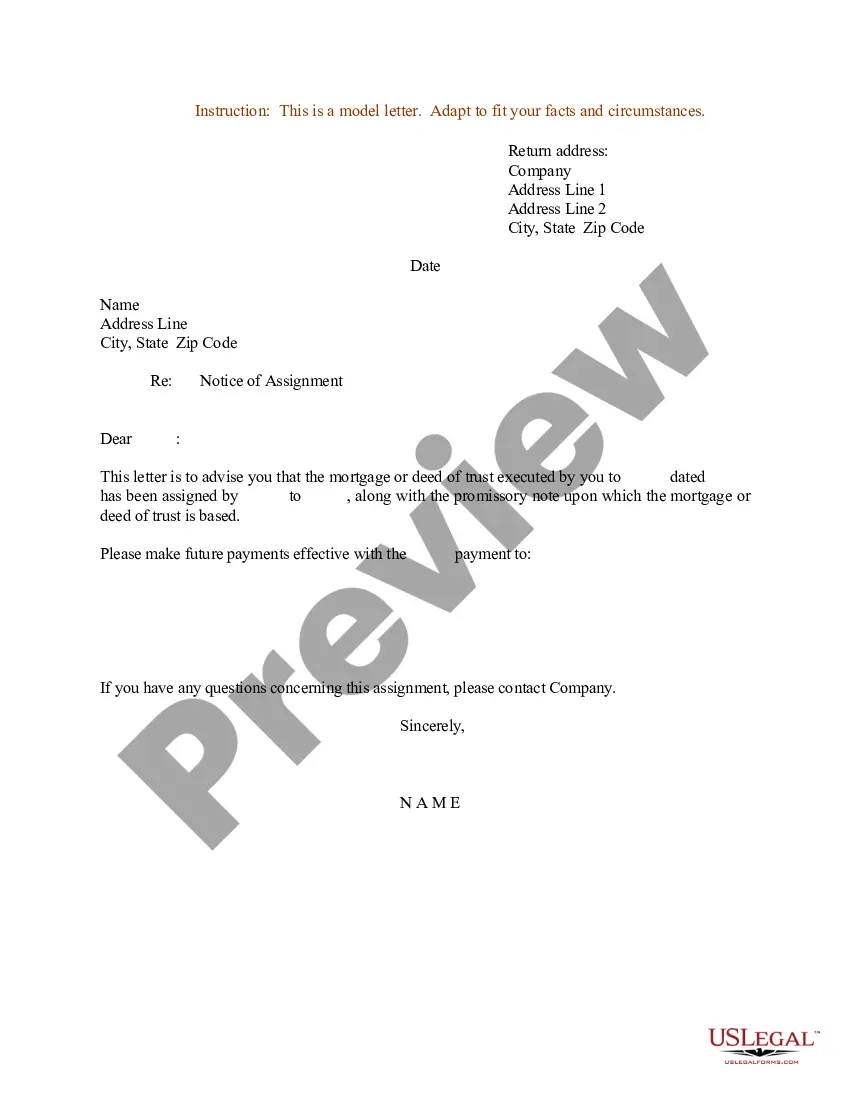
The Notice of Assignment to Living Trust is a legal document that confirms the transfer of assets into a living trust established by a trustor during their lifetime. This form serves to formally document the trustor's assignment of their rights, title, and interest in specified property to the designated trust, distinguishing it from other estate planning documents like wills or powers of attorney.
What’s included in this form
- Trustorâs full name and signature to confirm their identity and consent.
- Details of the revocable trust, including its name and date of establishment.
- Identification of the property being transferred into the trust.
- Signature block for a notary public to certify the execution of the document.
- The date of acknowledgment, which is essential for legal purposes.
When to use this document
This form is necessary when a trustor wants to transfer assets into a living trust as part of their estate planning process. Use this notice to ensure that the trust holds legal title to the property and that this transfer is documented officially to avoid potential disputes in the future.
Who needs this form
- Individuals establishing a living trust to manage their assets.
- Trustors looking to ensure clear title to property held in a trust.
- Estate planners and attorneys aiding clients with asset transfers.
Instructions for completing this form
- Identify the trustor(s) by entering their full names and signatures.
- Specify the name and date of the revocable trust.
- Detail the property being assigned to the trust.
- Complete the acknowledgment section for a notary public.
- Sign and date the document appropriately to finalize the assignment.
Does this form need to be notarized?
Yes, this form must be notarized to be legally valid. Utilizing US Legal Formsâ integrated online notarization can simplify this process, allowing for secure video calls and legal equivalence without the need for travel.
Get your form ready online
Our built-in tools help you complete, sign, share, and store your documents in one place.
Make edits, fill in missing information, and update formatting in US Legal Forms—just like you would in MS Word.
Download a copy, print it, send it by email, or mail it via USPS—whatever works best for your next step.
Sign and collect signatures with our SignNow integration. Send to multiple recipients, set reminders, and more. Go Premium to unlock E-Sign.
If this form requires notarization, complete it online through a secure video call—no need to meet a notary in person or wait for an appointment.
We protect your documents and personal data by following strict security and privacy standards.

Make edits, fill in missing information, and update formatting in US Legal Forms—just like you would in MS Word.

Download a copy, print it, send it by email, or mail it via USPS—whatever works best for your next step.

Sign and collect signatures with our SignNow integration. Send to multiple recipients, set reminders, and more. Go Premium to unlock E-Sign.

If this form requires notarization, complete it online through a secure video call—no need to meet a notary in person or wait for an appointment.

We protect your documents and personal data by following strict security and privacy standards.
Mistakes to watch out for
- Failing to accurately describe the property being transferred.
- Not obtaining notarization, which can invalidate the document.
- Leaving out necessary signatures or dates, leading to incomplete forms.
Why use this form online
- Instant download reduces waiting time for legal documents.
- Customizable templates streamline the completion process.
- Access to professionally crafted forms increases reliability and compliance.
What to keep in mind
- The Notice of Assignment to Living Trust formalizes asset transfers into a trust.
- Ensure completeness by including all required information and signatures.
- Notarization is essential for the documentâs legal validity.
Looking for another form?

Form popularity
FAQ
To fill out a living trust, begin by entering your personal details as the trustor. Clearly outline the assets you wish to include and specify how you want them managed or distributed. The Minnesota Notice of Assignment to Living Trust can help clarify the process and ensure that your trust is legally sound. If you need further assistance, consider utilizing resources available at US Legal Forms for guidance.
Yes, you can file a living trust yourself, but it is crucial to understand the process. Ensure you have all required documents, including the Minnesota Notice of Assignment to Living Trust, which outlines your intentions clearly. While it is possible to go through this process alone, consider seeking assistance from a legal professional or using platforms like US Legal Forms to simplify the filing and ensure accuracy.
Setting up a living trust in Minnesota requires a few essential steps. Start by choosing a suitable type of trust based on your needs and goals. Next, gather information about your assets and decide how you want to distribute them. The Minnesota Notice of Assignment to Living Trust can serve as a valuable resource, guiding you through the necessary paperwork and ensuring compliance with local laws.
Filling out a living trust involves several key steps. First, you need to provide personal information about the trustor, trustee, and beneficiaries. Then, detail the assets you want to include in the trust, along with specific instructions for their distribution. Utilizing the Minnesota Notice of Assignment to Living Trust can simplify this process, ensuring that your document adheres to legal standards.
To write an addendum to a living trust, begin by clearly identifying the original trust document. State the specific sections you wish to amend and describe the changes in detail. You can use the Minnesota Notice of Assignment to Living Trust to guide your amendments, ensuring they comply with state regulations. Finally, sign and date the addendum, and consider having it notarized for added legal protection.
The trust in no way protects your assets, so that reasoning is simply false. You should put your vehicles into your trust in order to avoid probate. Only those assets held by the trust will avoid probate.
When Should You Put a Bank Account into a Trust?More specifically, you can hold up to $166,250 of real or personal property outside a trust and avoid full probate in California. However, if you have more than $166,250 in a bank account, you should consider transferring it into your trust.
The process of funding your living trust by transferring your assets to the trustee is an important part of what helps your loved ones avoid probate court in the event of your death or incapacity. Qualified retirement accounts such as 401(k)s, 403(b)s, IRAs, and annuities, should not be put in a living trust.
Usually, a trust prohibits beneficiaries from assigning their interest in the trust before distribution. The anti-assignment provision protects undistributed trust assets from claims by a beneficiary's creditors.
Paperwork. Setting up a living trust isn't difficult or expensive, but it requires some paperwork. Record Keeping. After a revocable living trust is created, little day-to-day record keeping is required. Transfer Taxes. Difficulty Refinancing Trust Property. No Cutoff of Creditors' Claims.