Minnesota Partial checklist of tasks - steps for opening client file
What this document covers
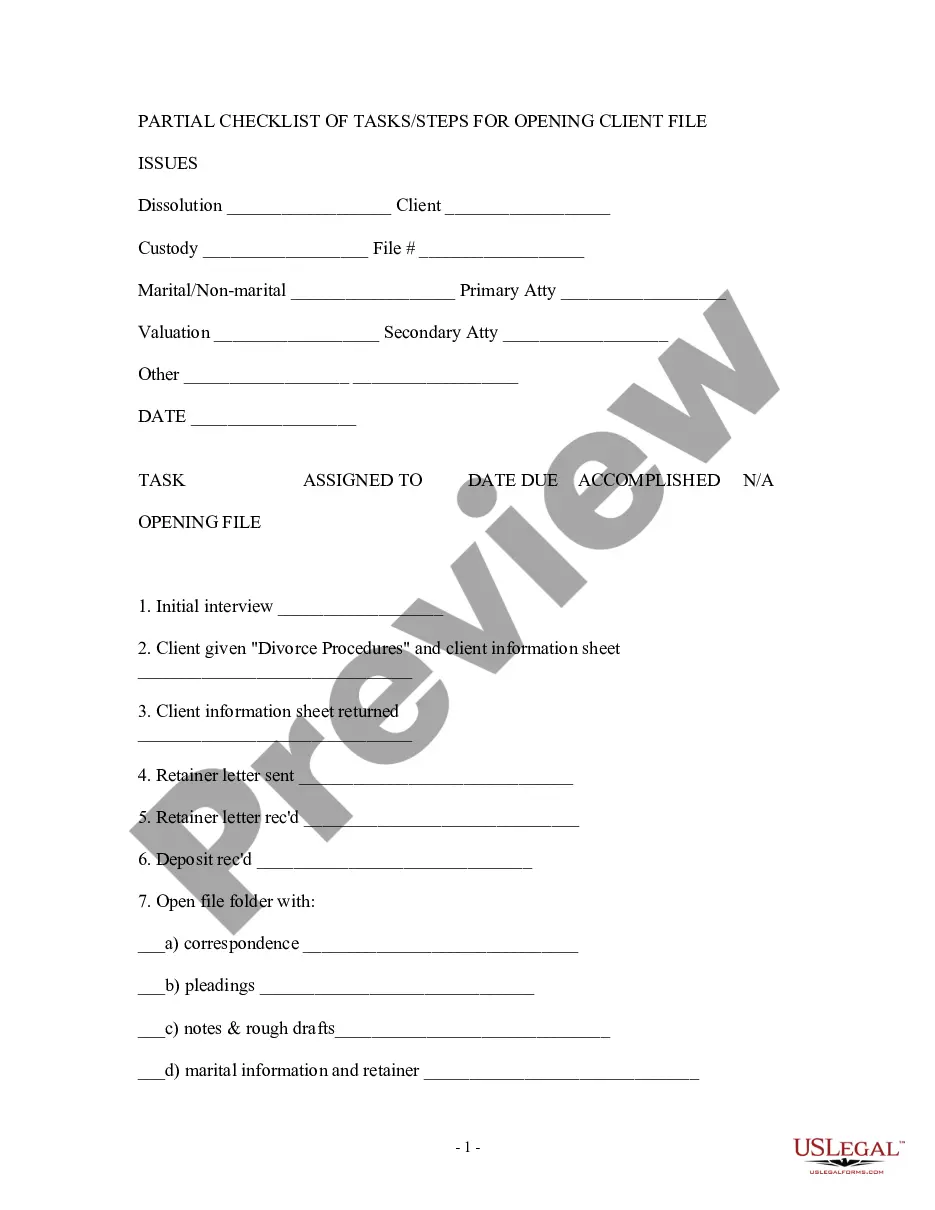
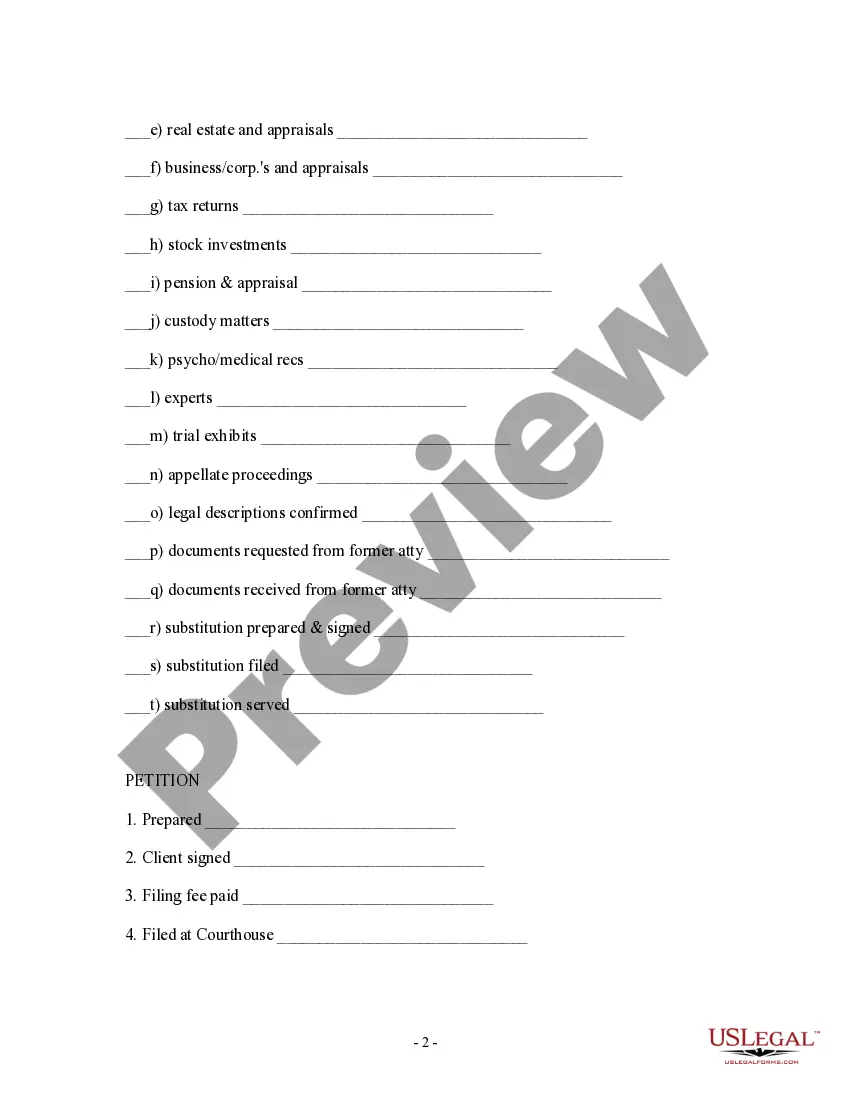
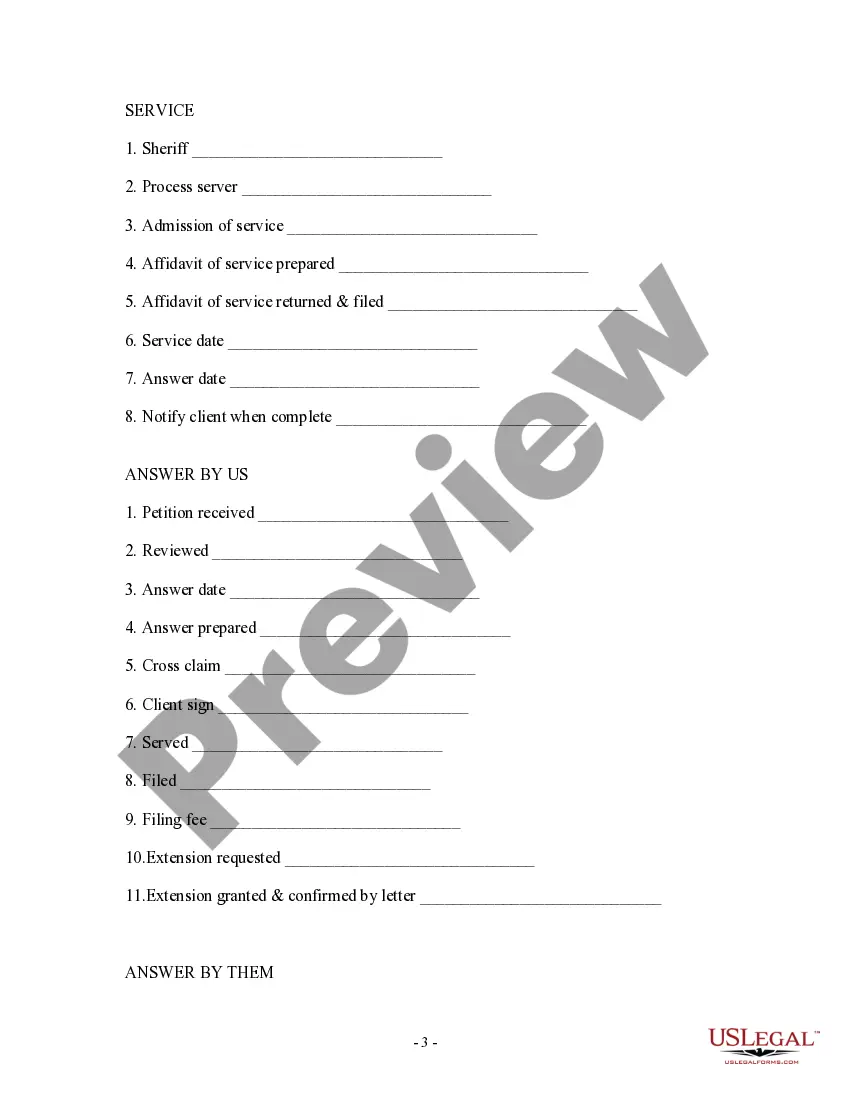
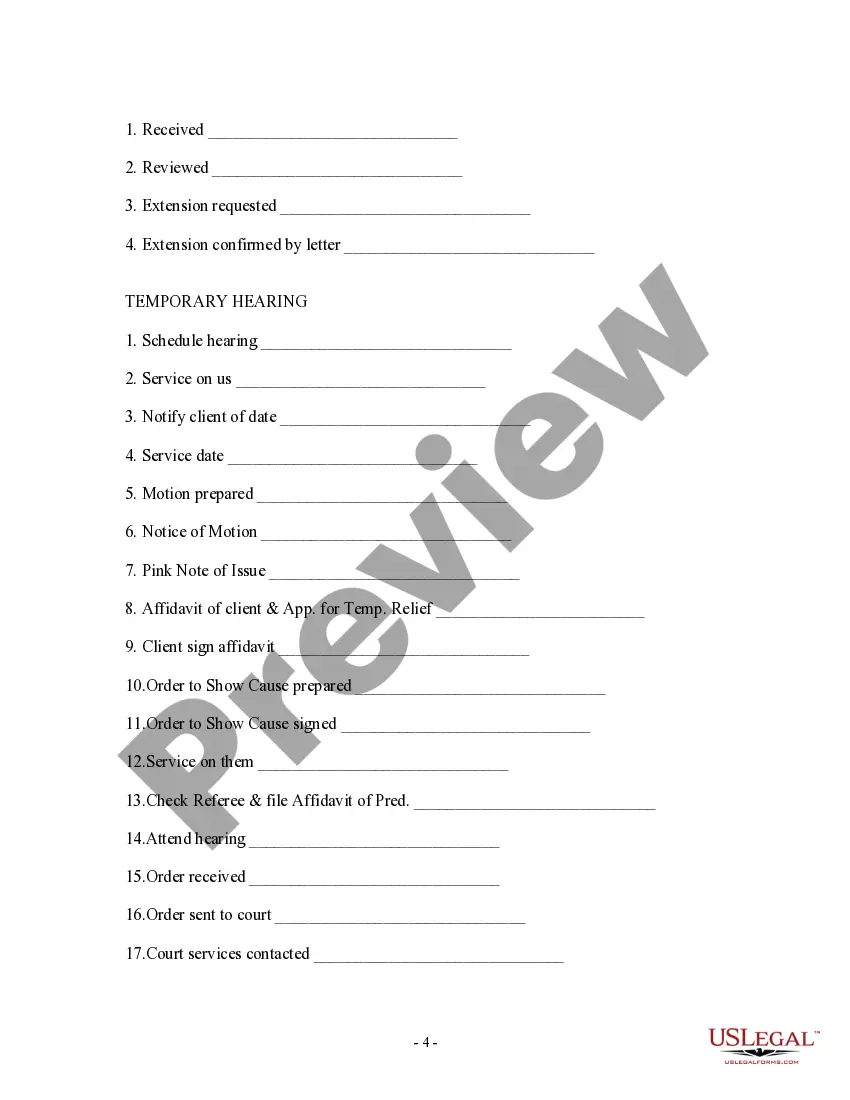
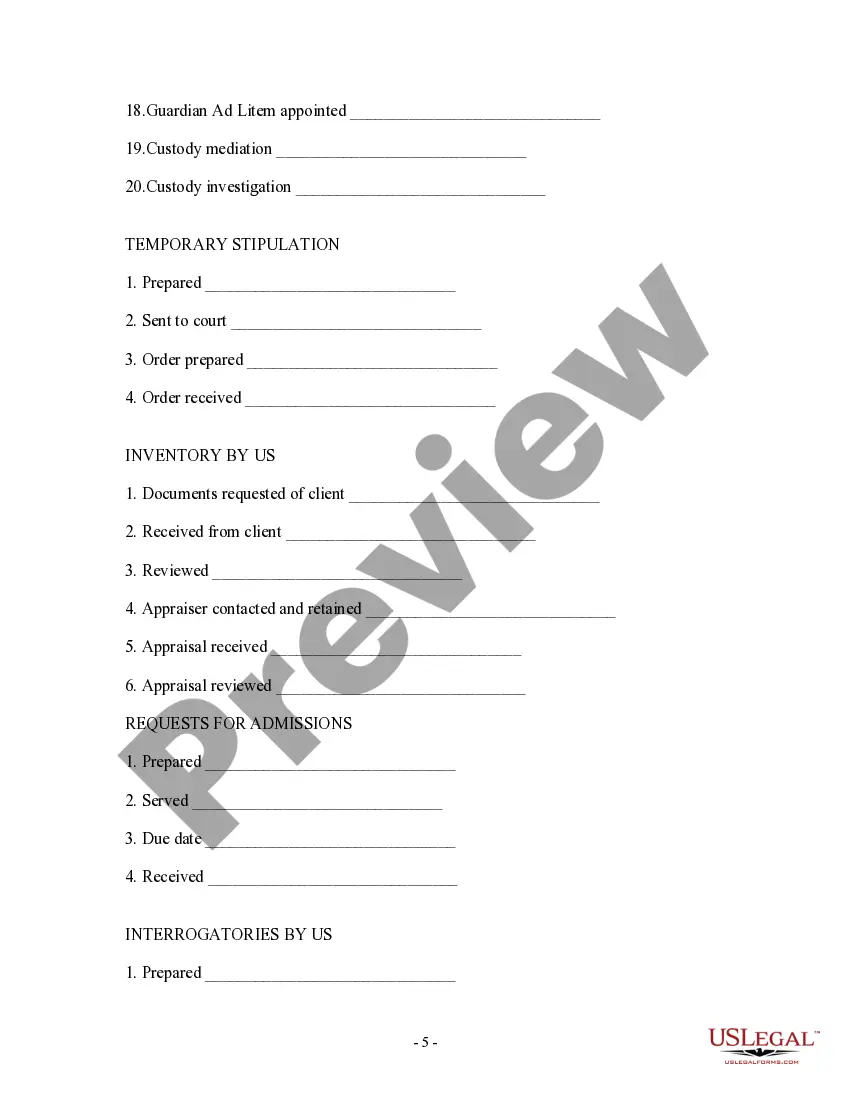
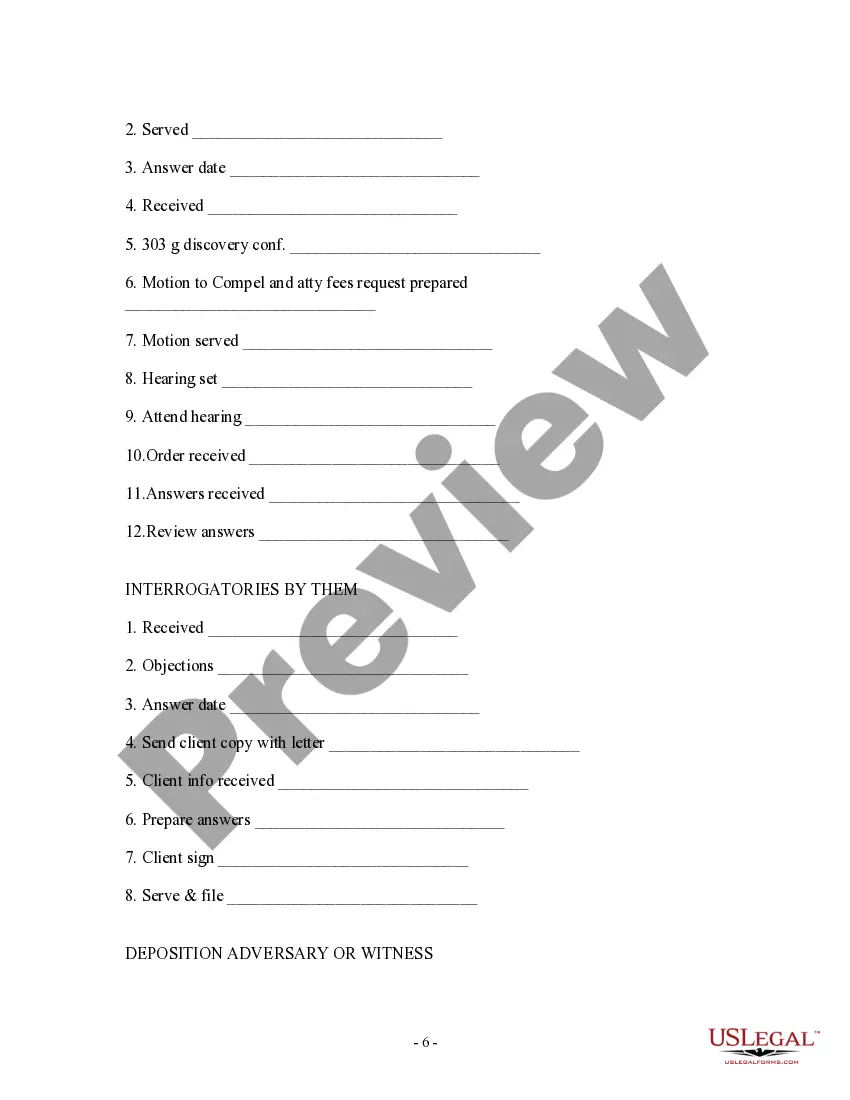
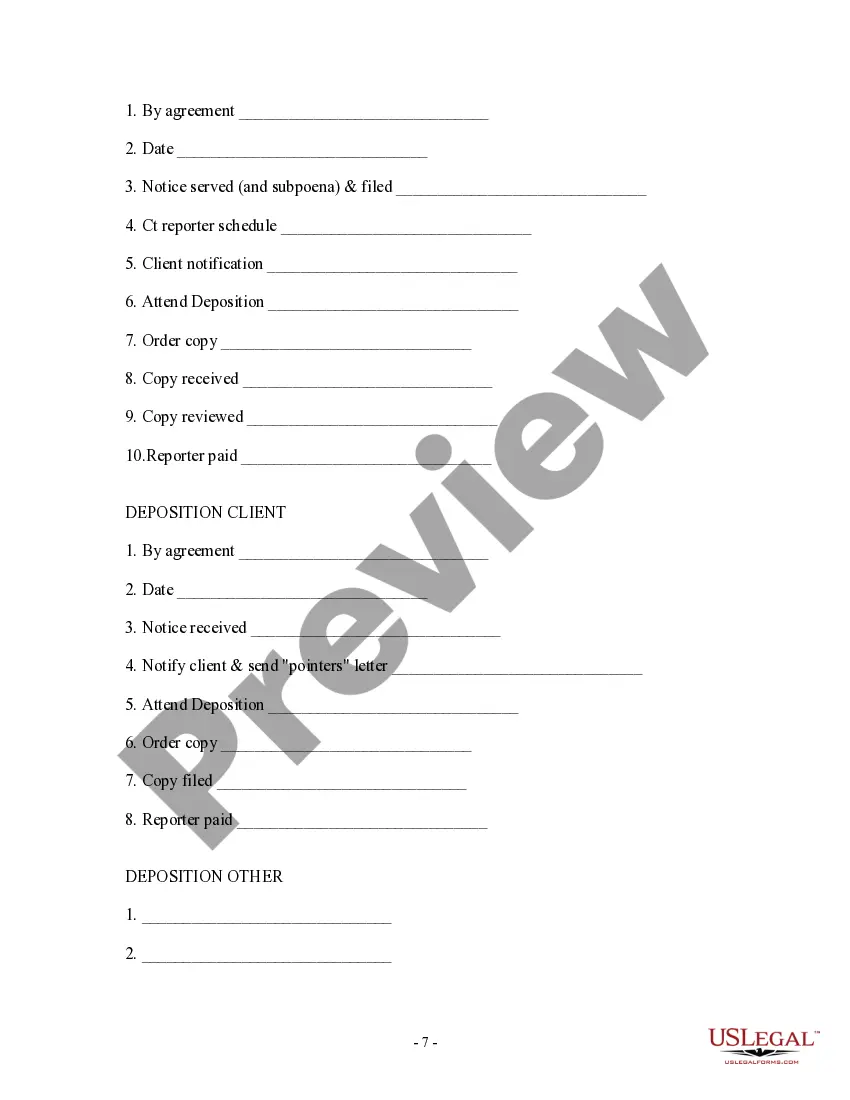
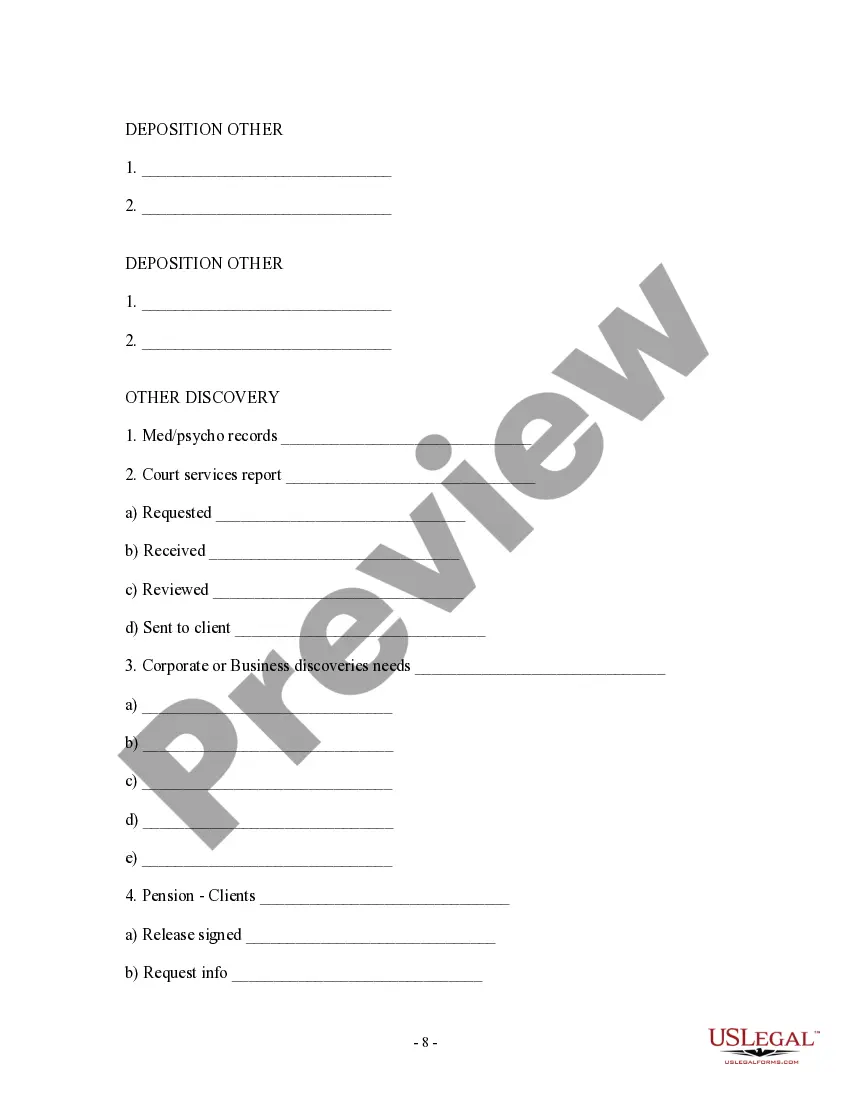
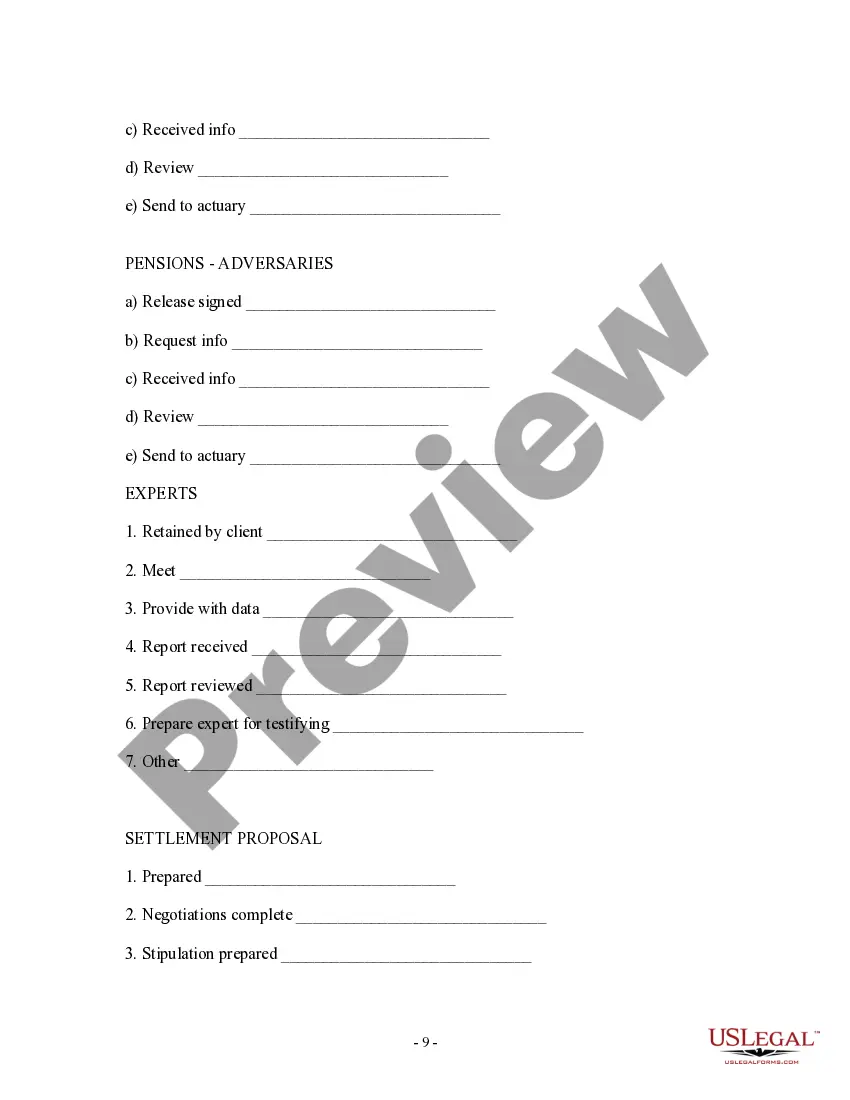
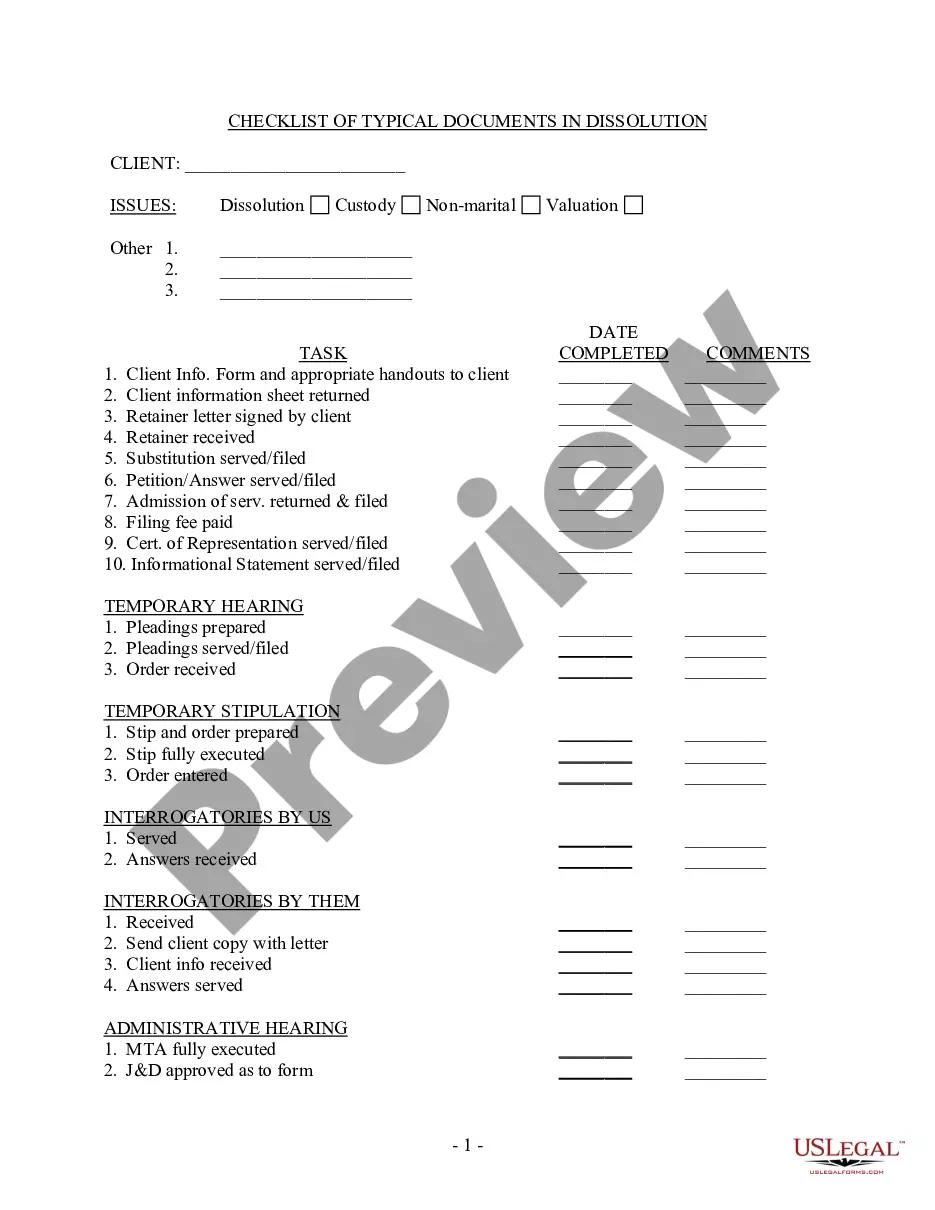
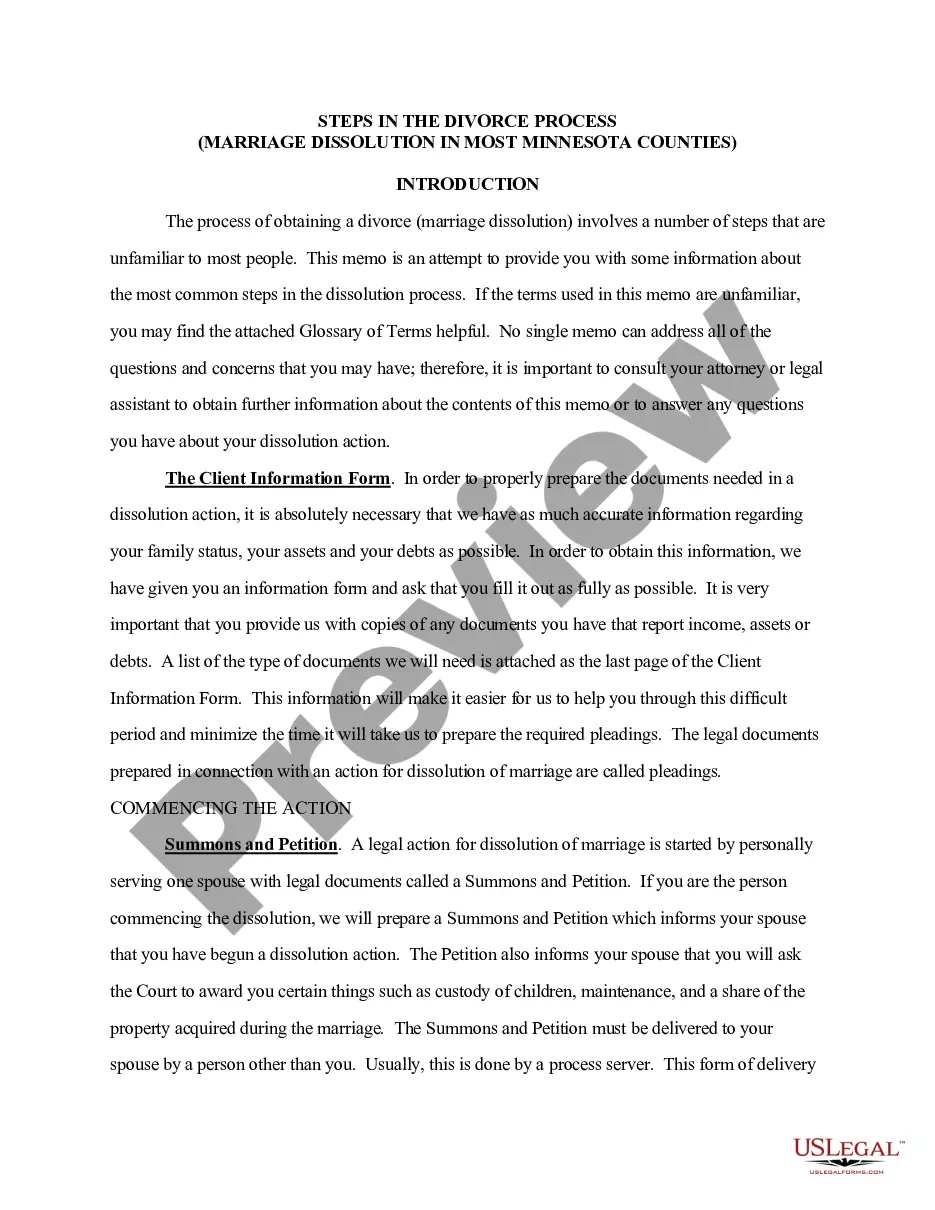
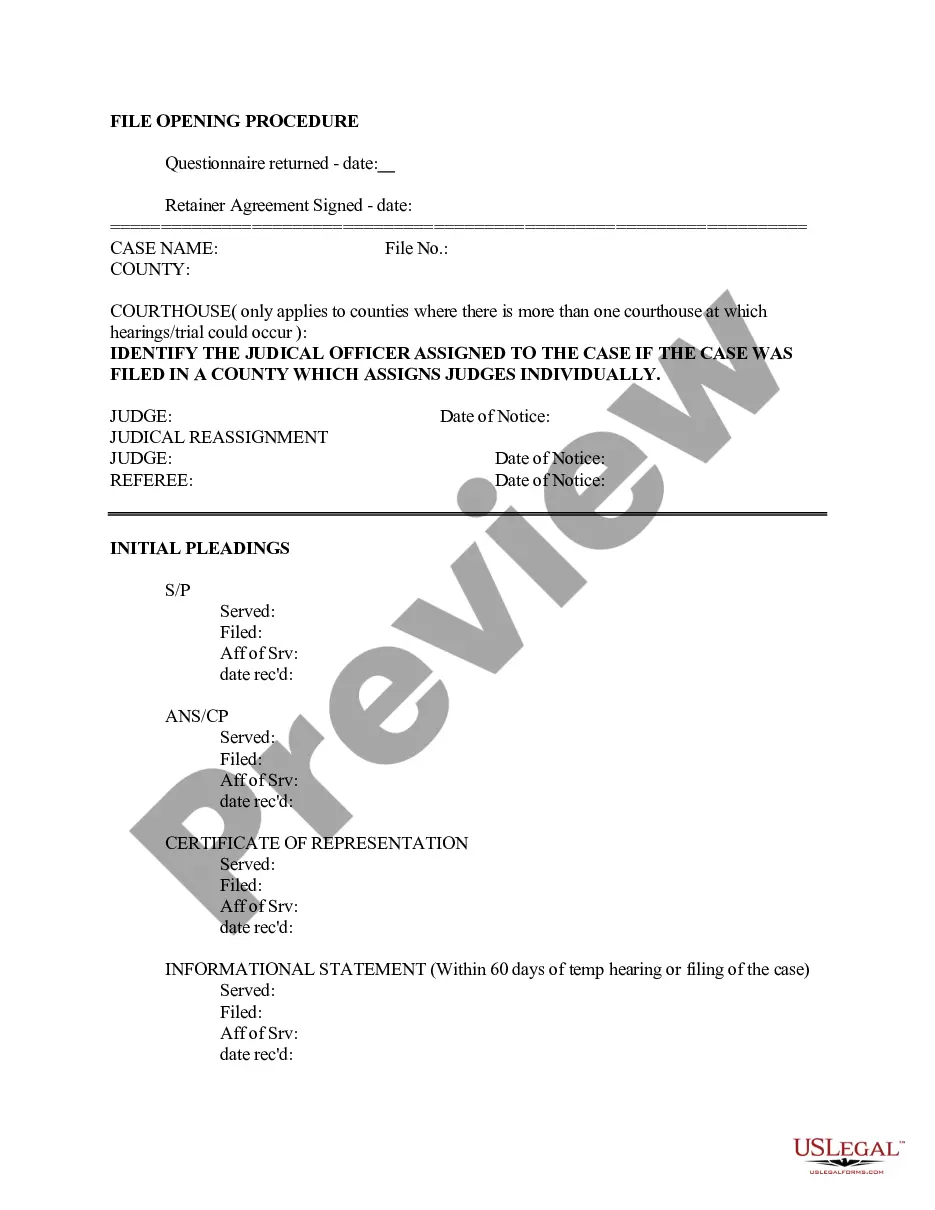
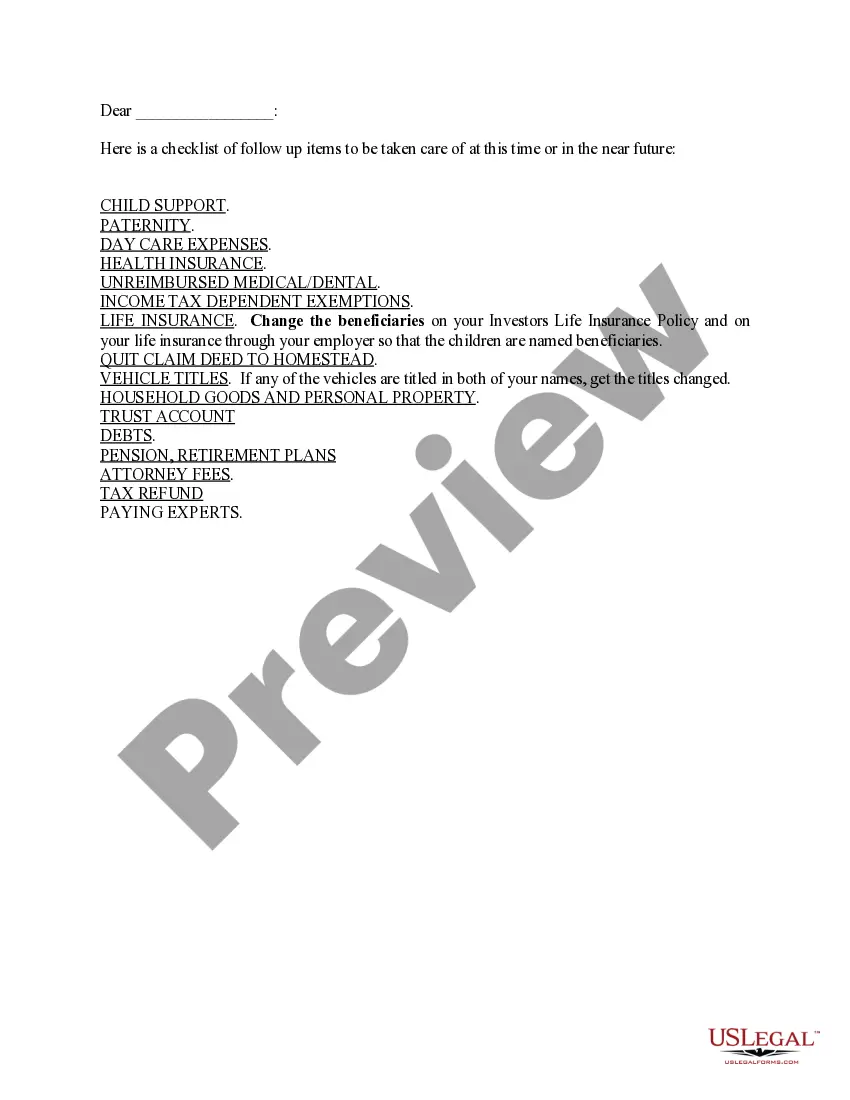
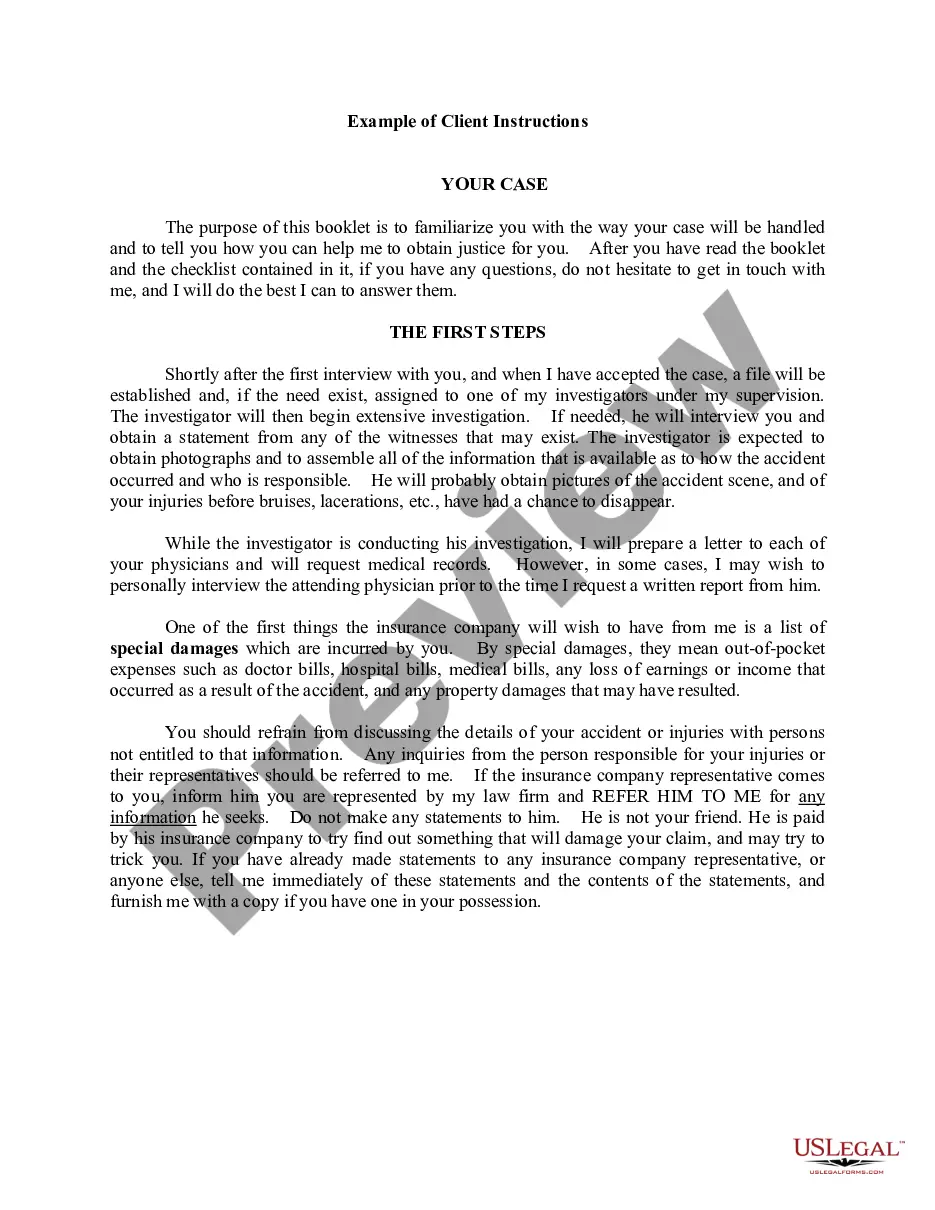
This form is a partial checklist of tasks designed for legal professionals to efficiently open and manage a client file for a dissolution or custody case. It serves as a structured guide, detailing essential steps to ensure that no crucial task is overlooked during the case's progression. Unlike generic checklists, this form is tailored for specific legal proceedings, providing clear guidance on each step involved in the client file process.
Form components explained
- Client identification and categorization of issues related to the case.
- Step-by-step tasks for initiating the client file, including the initial interview and retainer letter processes.
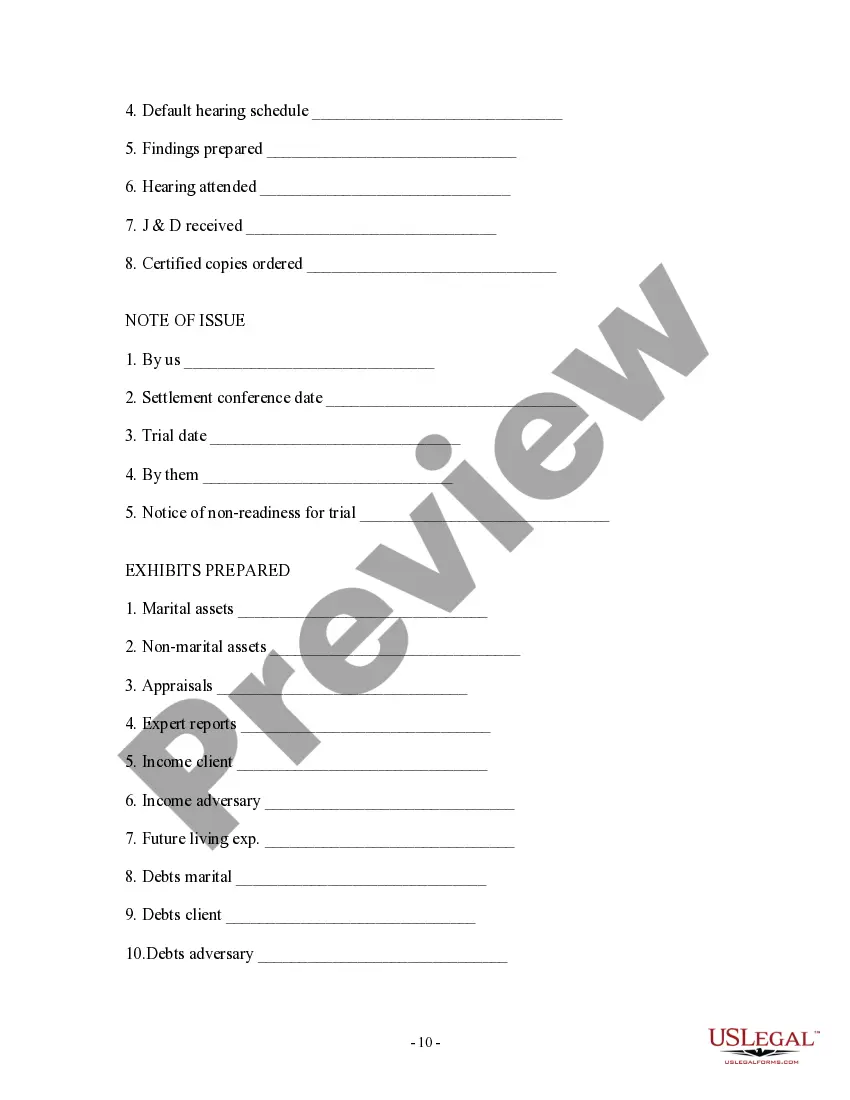
- Sections covering various case aspects, such as petitions, court filings, and discovery tasks.
- Checklist format that allows for tracking tasks assigned, due dates, and completion status.
- Additional motions and settlement proposal sections for comprehensive case management.

Common use cases
This form should be used by legal practitioners when opening a client file for cases involving dissolution (divorce) or custody. It is useful during the initial stages of case documentation, ensuring all necessary steps are addressed to foster effective case management from the outset. If you are handling multiple clients or complex cases, this checklist serves as an invaluable tool to maintain organization and diligence.
Who can use this document
This form is intended for:
- Attorneys who specialize in family law or dissolution matters.
- Legal assistants or paralegals involved in case preparation and management.
- Law firms looking to standardize their client file opening process.
How to prepare this document
To complete this form:
- Begin by entering the client's personal information and the type of case being handled.
- Proceed through the checklist, marking tasks as assigned, due, and accomplished as you complete each step.
- Be diligent in noting important dates, such as the completion of initial interviews and the filing of documents.
- Utilize the task assignment fields to delegate responsibilities within your legal team as necessary.
- Keep track of important case documents within the checklist for organized management of client records.
Does this form need to be notarized?
This form usually doesn’t need to be notarized. However, local laws or specific transactions may require it. Our online notarization service, powered by Notarize, lets you complete it remotely through a secure video session, available 24/7.
Get your form ready online
Our built-in tools help you complete, sign, share, and store your documents in one place.
Make edits, fill in missing information, and update formatting in US Legal Forms—just like you would in MS Word.
Download a copy, print it, send it by email, or mail it via USPS—whatever works best for your next step.
Sign and collect signatures with our SignNow integration. Send to multiple recipients, set reminders, and more. Go Premium to unlock E-Sign.
If this form requires notarization, complete it online through a secure video call—no need to meet a notary in person or wait for an appointment.
We protect your documents and personal data by following strict security and privacy standards.

Make edits, fill in missing information, and update formatting in US Legal Forms—just like you would in MS Word.

Download a copy, print it, send it by email, or mail it via USPS—whatever works best for your next step.

Sign and collect signatures with our SignNow integration. Send to multiple recipients, set reminders, and more. Go Premium to unlock E-Sign.

If this form requires notarization, complete it online through a secure video call—no need to meet a notary in person or wait for an appointment.

We protect your documents and personal data by following strict security and privacy standards.
Common mistakes
- Failing to complete the client information sheet before proceeding with other tasks.
- Neglecting to assign specific tasks to team members, leading to missed deadlines.
- Overlooking the requirement for retainer letters, which can delay case progress.
Why complete this form online
- Efficient organization of all tasks related to a client's case, reducing the risk of oversight.
- Clear visibility on task responsibilities and deadlines, ensuring accountability within the legal team.
- Facilitates a streamlined workflow, which can enhance productivity and client satisfaction.
- Legal checks should align with local jurisdictional requirements for managing case files.
- This checklist enhances compliance with procedural norms within family law practices.
- Utilization of checklists can help maintain effective legal practice standards and client representations.
Main things to remember
- The form serves as a detailed checklist for lawyers opening client files.
- It aids in ensuring compliance with procedural steps in family law cases.
- An organized approach can lead to more effective case management.
- Utilization of this checklist can minimize common errors in the initial phases of legal representation.
Looking for another form?
Form popularity
FAQ
A file opening sheet is a crucial document that helps streamline the process of starting a client file. It serves as an organized checklist, guiding you through the Minnesota Partial checklist of tasks - steps for opening client file. By using a file opening sheet, you can ensure that all necessary information is collected efficiently, reducing the risk of missing essential details. This tool not only enhances your organization but also improves client communication and case management.
The MSP client onboarding process typically involves several key steps, including gathering client information, setting expectations, and creating an efficient workflow. Following a Minnesota Partial checklist of tasks - steps for opening client file ensures that all essential documents are collected and reviewed. Additionally, tools like uslegalforms can simplify this process, offering structured templates to enhance your client onboarding experience.
Attorneys in Minnesota must retain client files for a minimum of six years after the conclusion of a case. This period ensures compliance with legal standards while allowing for potential future inquiries. Implementing a Minnesota Partial checklist of tasks - steps for opening client file can help you manage document retention effectively. Utilizing platforms like uslegalforms can streamline this process and provide you with necessary templates.
To effectively organize a new case file, start with gathering all necessary client information, including contact details and case specifics. Next, create a Minnesota Partial checklist of tasks - steps for opening client file, which may include setting up folders for documents, correspondence, and notes. Additionally, ensure that you label everything clearly to streamline future access. Finally, consider utilizing a platform like USLegalForms, which can provide templates and resources to simplify the process.
The 2020 Minnesota State Income Tax Return forms for Tax Year 2020 (Jan. 1 - Dec. 31, 2020) can be e-Filed together with the IRS Income Tax Return by April 15, 2020 May 17, 2021. However, if you file a tax extension you can e-File your Taxes until October 15, 2021 without a late filing penalty.
Q: Why might my refund be taking longer to process this year than last (or a prior year)? With the increase in scams and stolen personal information, the department is taking the time necessary to make sure the right refund goes to the right taxpayer.
The Minnesota Department of Revenue will provide a link on its website to your free file tax preparation software if you offer free electronic return preparation and filing services for federal and Minnesota tax returns to taxpayers filing 2019 individual income tax returns.
Minnesota is allowing additional time for making 2020 state individual income tax filings and payments to May 17, 2021, without any penalty and interest being applied. This grace period does not include individual estimated tax payments.You do not have to wait until May 17, 2021, to file your return.
You can file your Minnesota Individual Income Tax return electronically or by mail.You may qualify for free electronic filing if your income is $72,000 or less.
If you are waiting for a refund and want to know its status: Use our Where's My Refund? system. Call our automated phone system (available 24/7) at 651-296-4444 or 1-800-657-3676 (toll-free).