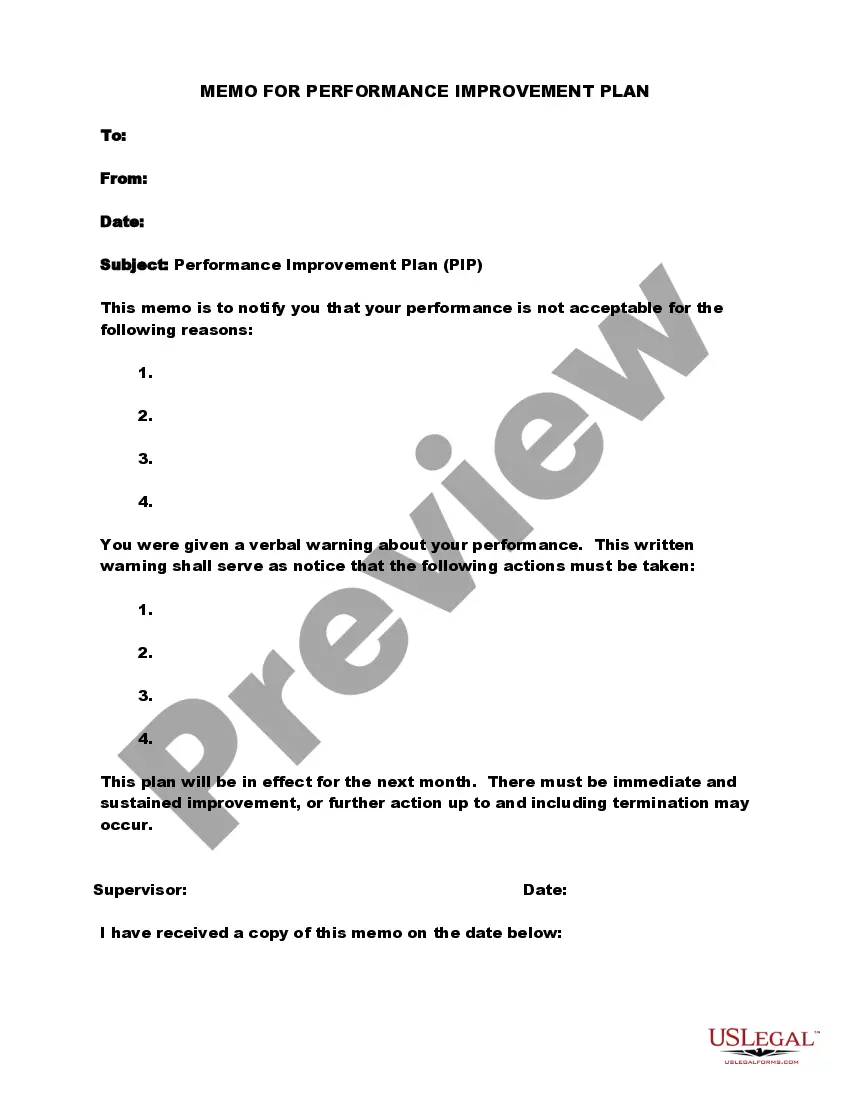
Michigan Memo for Conveying Performance Improvement Plan - Detailed
Description
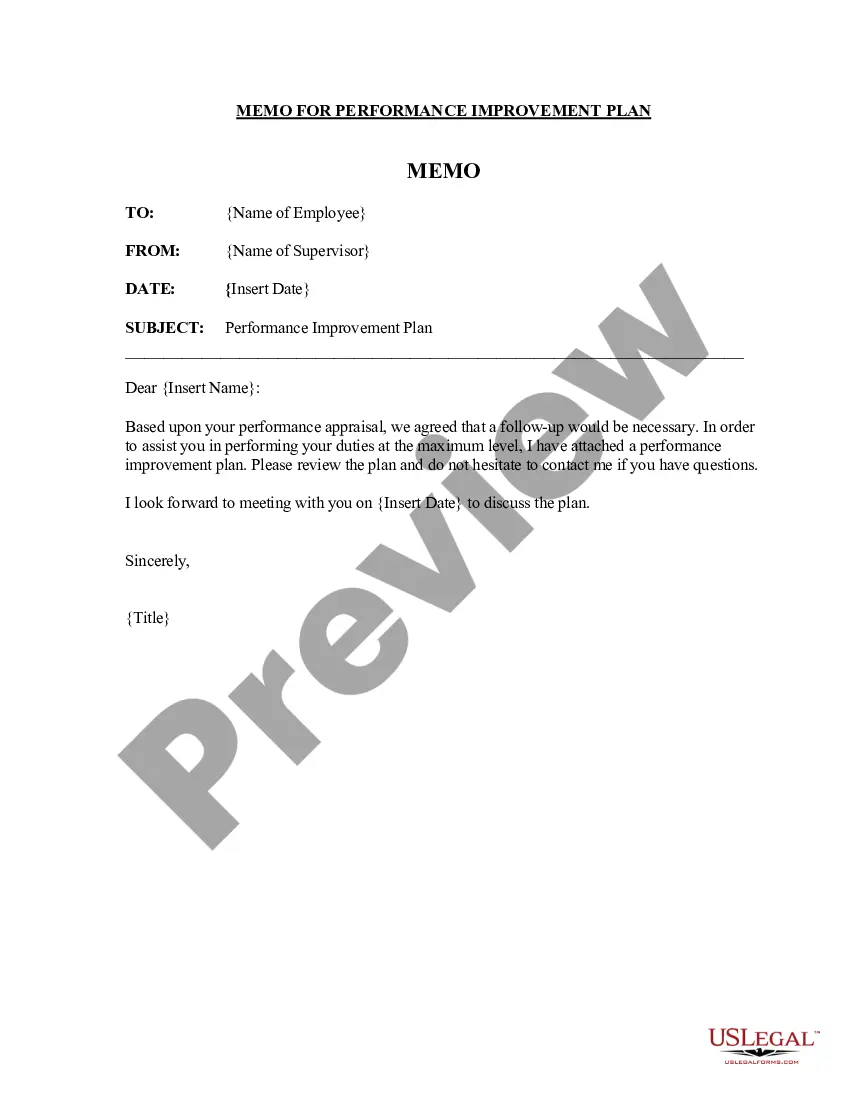
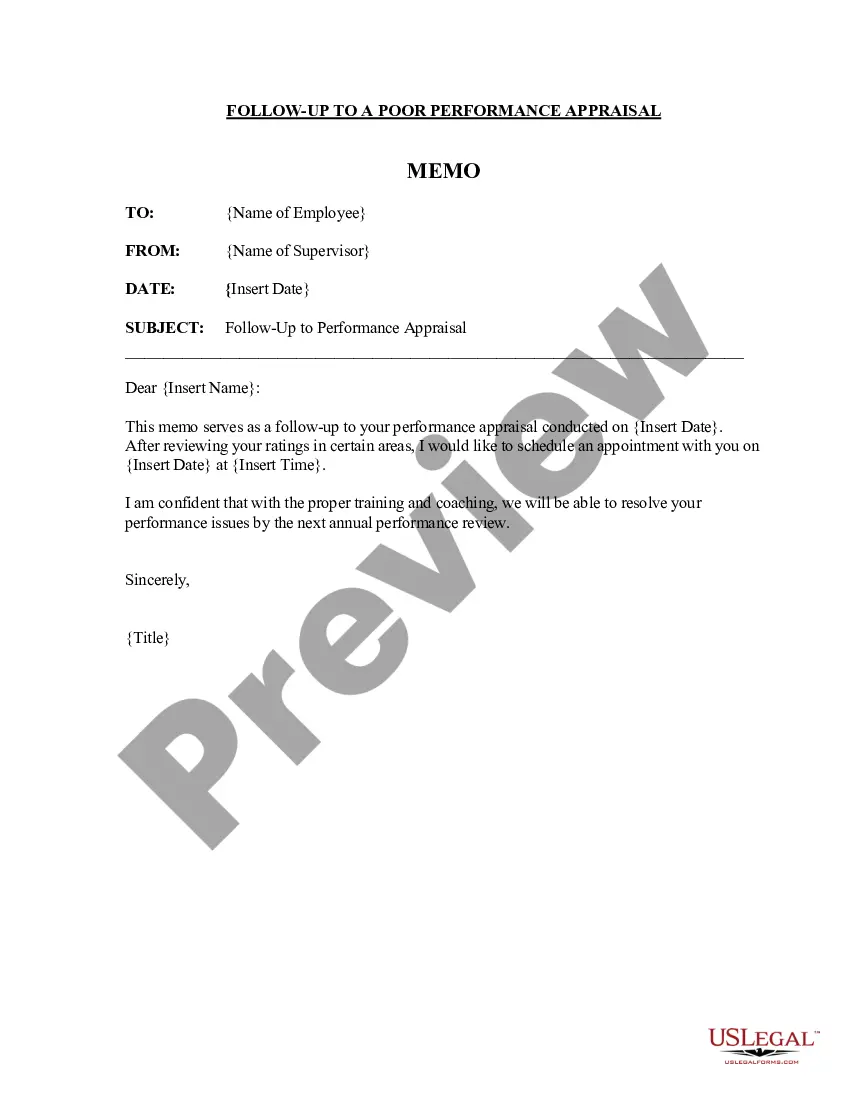
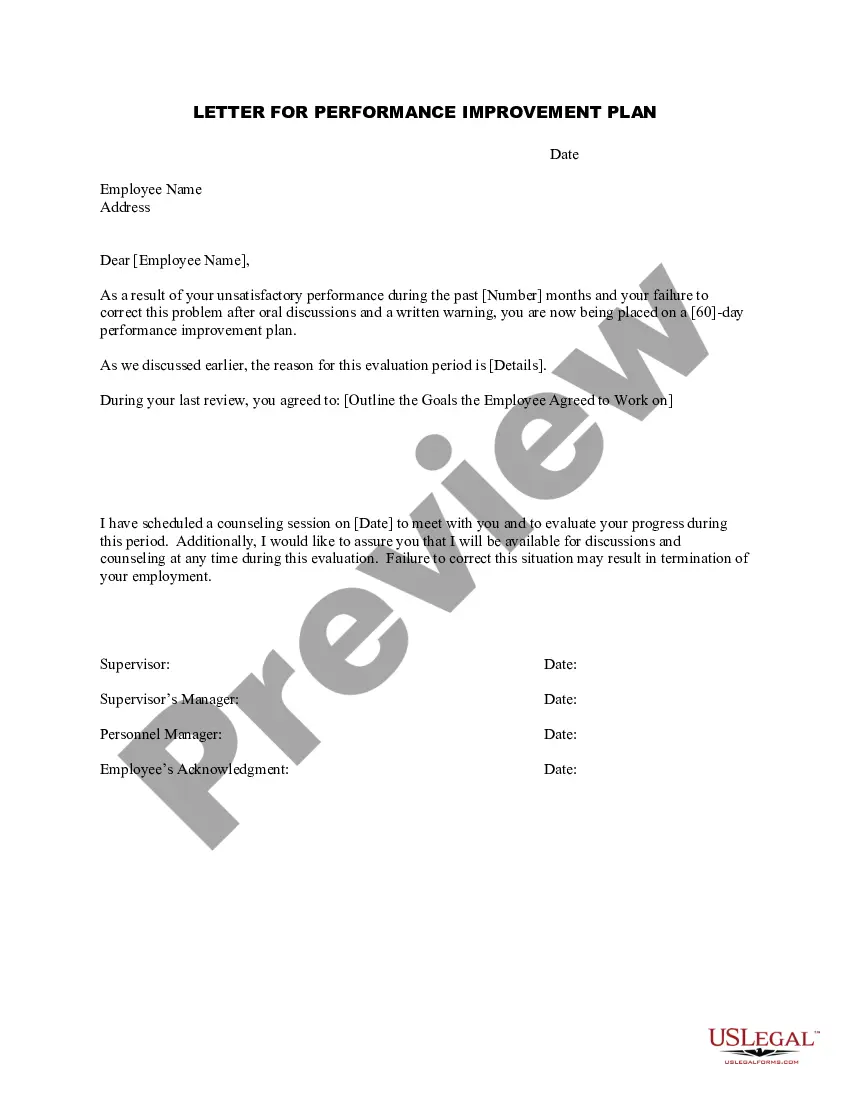
Get your form ready online
Our built-in tools help you complete, sign, share, and store your documents in one place.
Make edits, fill in missing information, and update formatting in US Legal Forms—just like you would in MS Word.
Download a copy, print it, send it by email, or mail it via USPS—whatever works best for your next step.
Sign and collect signatures with our SignNow integration. Send to multiple recipients, set reminders, and more. Go Premium to unlock E-Sign.
If this form requires notarization, complete it online through a secure video call—no need to meet a notary in person or wait for an appointment.
We protect your documents and personal data by following strict security and privacy standards.

Make edits, fill in missing information, and update formatting in US Legal Forms—just like you would in MS Word.

Download a copy, print it, send it by email, or mail it via USPS—whatever works best for your next step.

Sign and collect signatures with our SignNow integration. Send to multiple recipients, set reminders, and more. Go Premium to unlock E-Sign.

If this form requires notarization, complete it online through a secure video call—no need to meet a notary in person or wait for an appointment.

We protect your documents and personal data by following strict security and privacy standards.
Looking for another form?


How to fill out Memo For Conveying Performance Improvement Plan - Detailed?
US Legal Forms - one of the largest collections of legal documents in the United States - offers a variety of legal form templates that you can download or print.
By using the website, you can access thousands of forms for commercial and personal use, organized by categories, states, or keywords. You can find the latest versions of forms like the Michigan Memo for Communicating Performance Improvement Plan - Detailed within moments.
If you already have a monthly subscription, Log In and download the Michigan Memo for Communicating Performance Improvement Plan - Detailed from your US Legal Forms library. The Download button will appear on each form you view. You can access all previously downloaded forms in the My documents section of your account.
Make modifications. Complete, edit, and print, then sign the downloaded Michigan Memo for Communicating Performance Improvement Plan - Detailed.
Every template you add to your account has no expiration date and is yours indefinitely. So, if you want to download or print another copy, just visit the My documents section and click on the form you desire. Access the Michigan Memo for Communicating Performance Improvement Plan - Detailed through US Legal Forms, the most extensive library of legal document templates. Utilize thousands of professional and state-specific templates that meet your business or personal needs and requirements.
- If you want to use US Legal Forms for the first time, here are simple steps to get you started.
- Ensure you select the correct form for your city/county. Hit the Review button to examine the form's content. Check the form description to confirm that you have chosen the right form.
- If the form does not meet your needs, utilize the Search field at the top of the page to find one that does.
- Once you are satisfied with the form, affirm your choice by clicking the Get now button. Next, choose the payment plan you prefer and enter your details to sign up for an account.
- Process the payment. Use your credit card or PayPal account to complete the transaction.
- Choose the file format and download the form to your device.
Form popularity
FAQ
How do you write a PIP performance improvement plan?Identify the performance/behavior that needs improving.Provide specific examples for reasoning.Outline expected standard.Identify training and support.Schedule check-ins and review points.Sign and acknowledge.
How to respond to a performance improvement planHave a positive attitude.Take responsibility.Request extra time.Ask for help.Double your effort.Check in regularly.Talk with your team.Set your own goals.
The short answer to that question is yes, you should sign your PIP. To make sure that management cannot use these characterizations against you later, write below your signature something like I sign only to acknowledge receipt of this document.
A PIP should be used when there is a commitment to help the employee improve, not as a way for a frustrated manager to start the termination process. Used as the latter, it's nothing more than a document trail that should already exist, and it signifies to all employees that no such help is available.
HOW TO: Have a Performance Conversation With An EmployeeLet the employee know your concern.Share what you have observed.Explain how their behavior impacts the team.Tell them the expected behavior.Solicit solutions from the employee on how to fix the situation.Convey the consequences.Agree upon a follow-up date.More items...?
How do you write a PIP performance improvement plan?Identify the performance/behavior that needs improving.Provide specific examples for reasoning.Outline expected standard.Identify training and support.Schedule check-ins and review points.Sign and acknowledge.12-Jul-2019
How do you write an effective performance improvement plan?Add the employee's name, position, and department.Add the name of the manager or supervisor handling the performance improvement plan.Write a brief introduction.List the employee's performance issues and improvement objectives.More items...
Here are some ways to make sure your PIPs will help you reach your objectives.Open up a dialogue with the employee first.Find the root causes of the issues.Start the PIP process by setting achievable goals.Provide guidance and positive reinforcement.Provide the necessary resources, training and time.Check in regularly.More items...?
Thank you for meeting with me and name and role on date to discuss my concerns about your performance and the proposal to put in place a Performance Improvement Plan (PIP) to support you to improve your performance to the standard required.
EXAMPLE: To effectively manage workload on a daily basis, meet deadlines efficiently, prioritise tasks and respond to emails in a timely manner. Measured by management observation of performance of tasks.