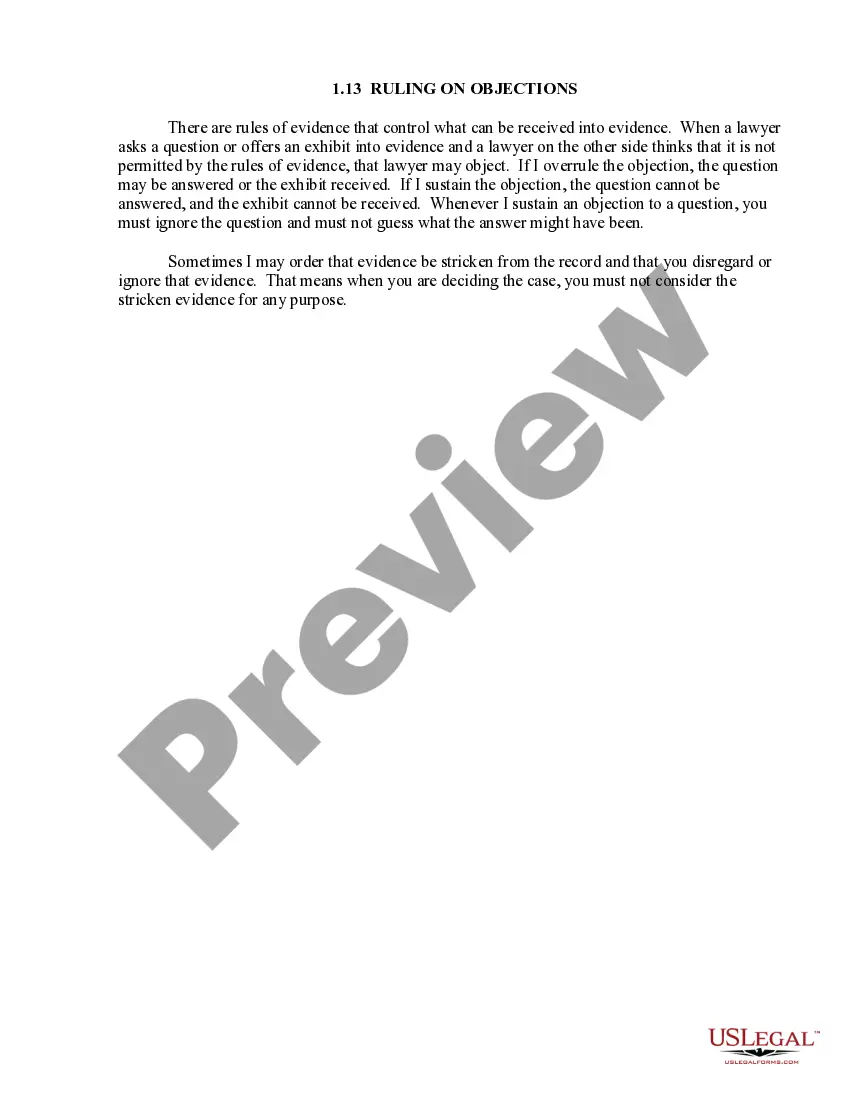
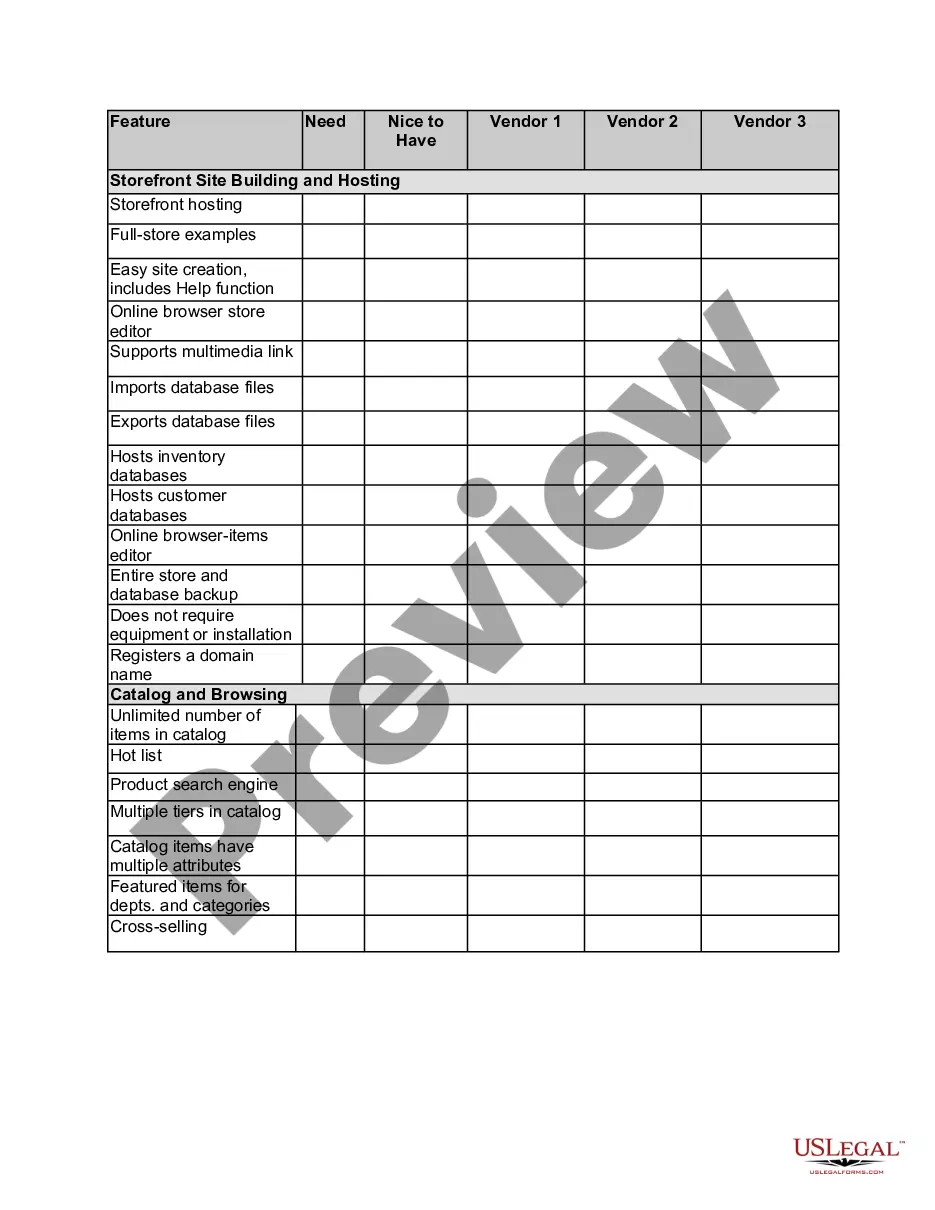
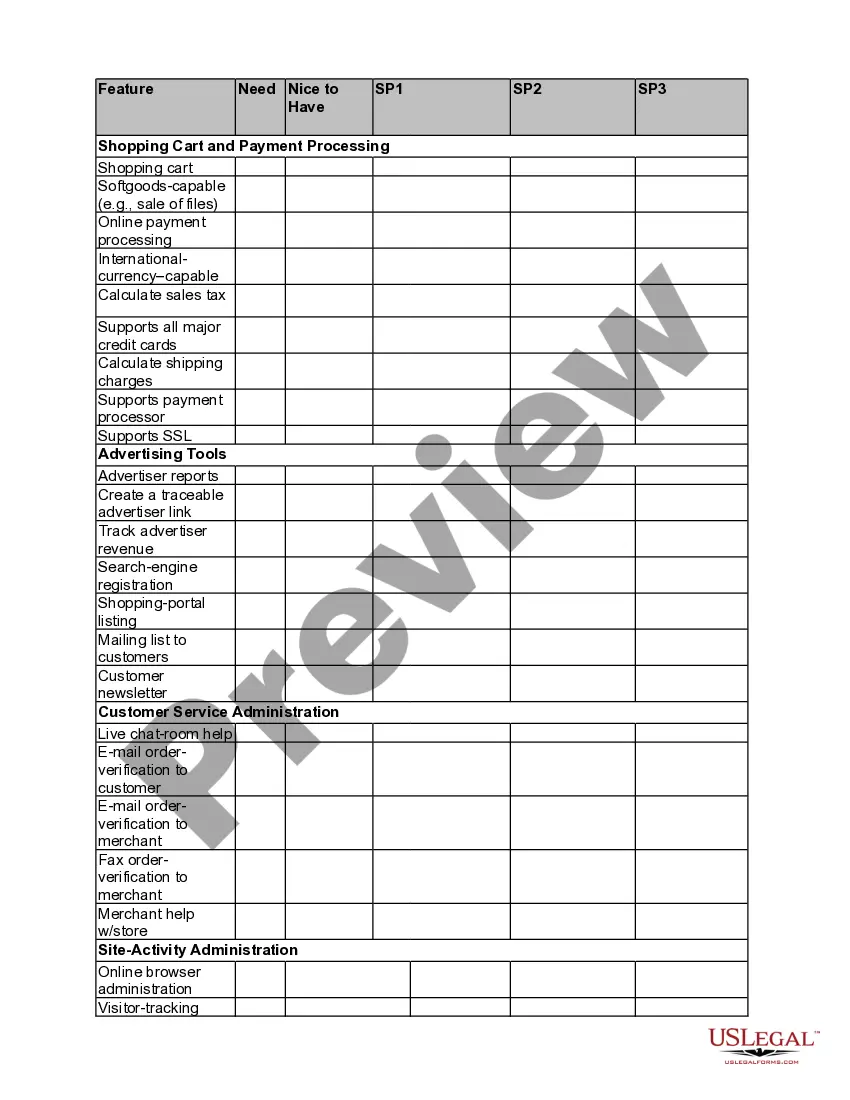
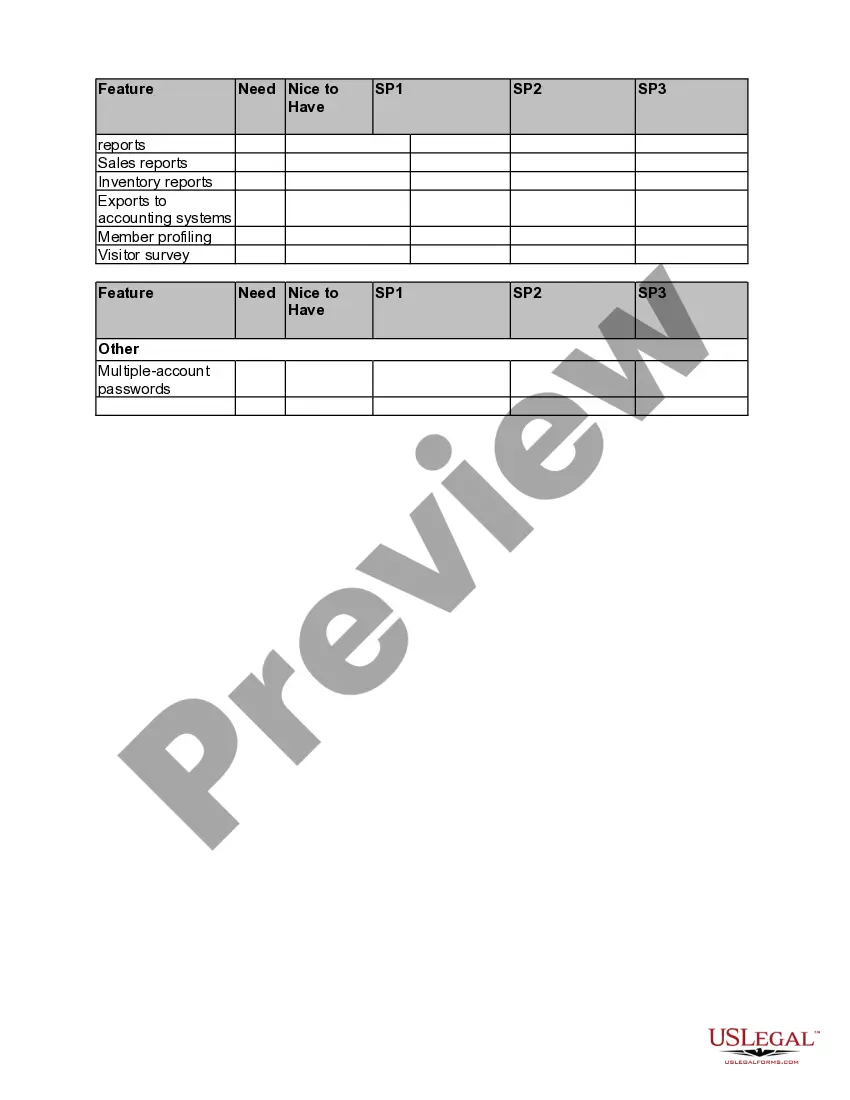
Michigan E-commerce Product-Comparison Matrix
Description
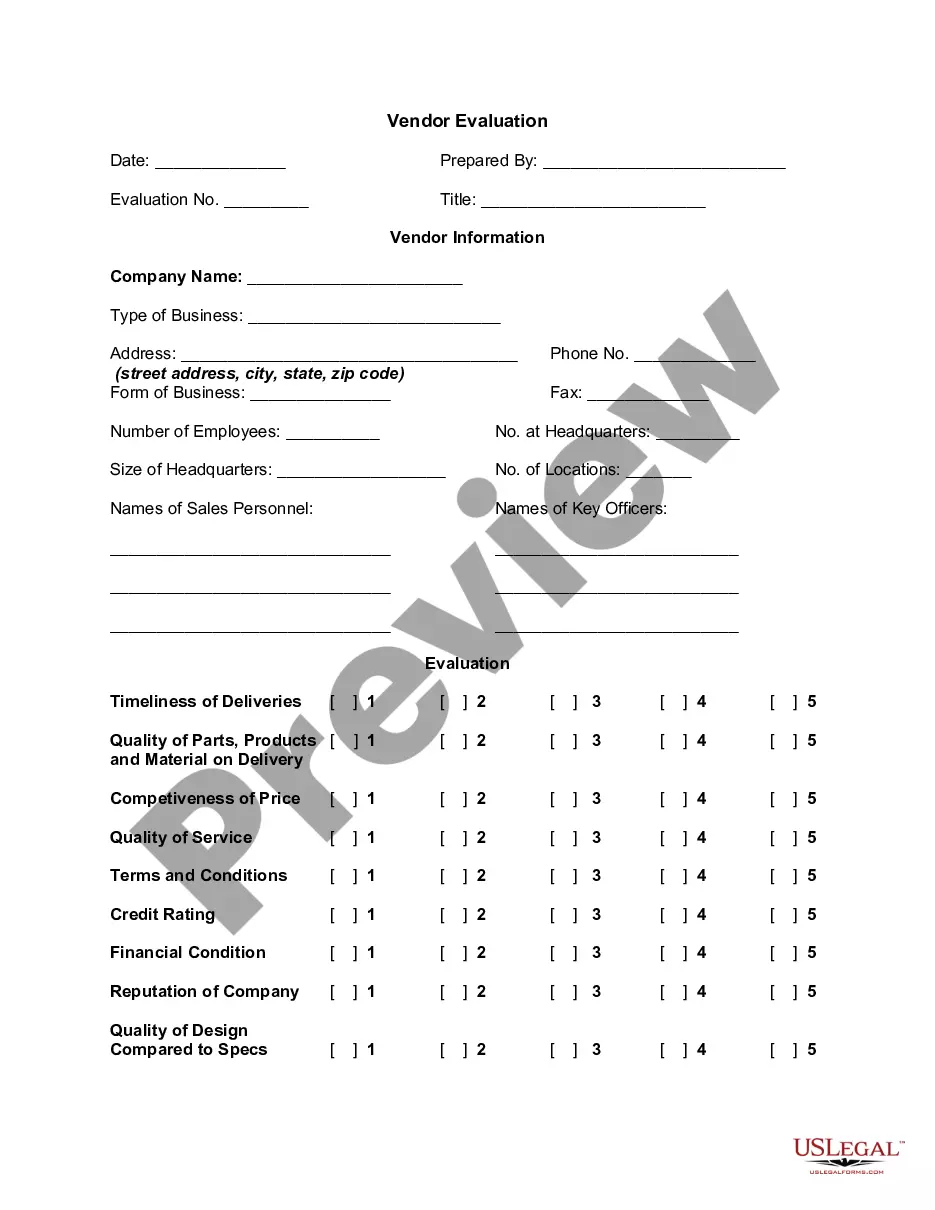
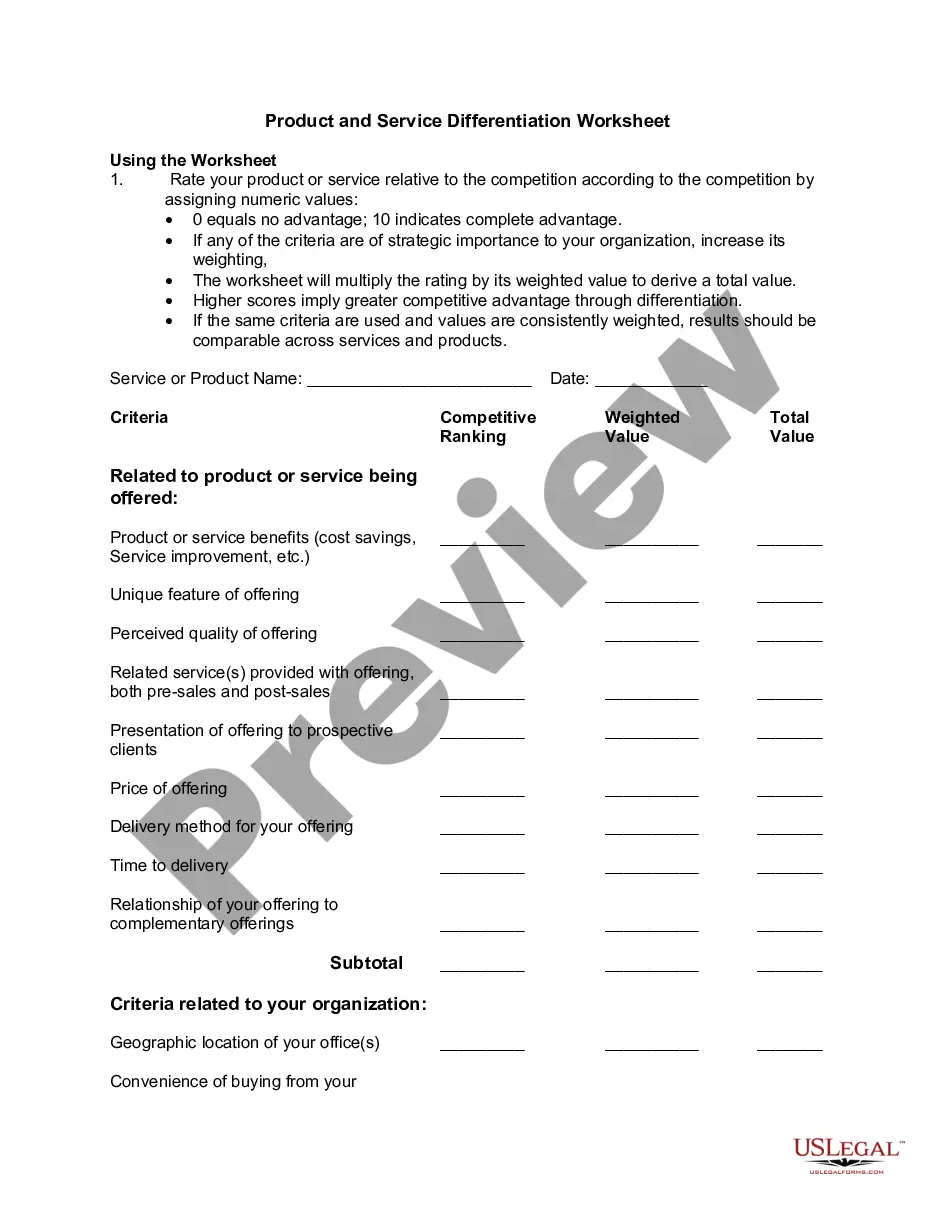
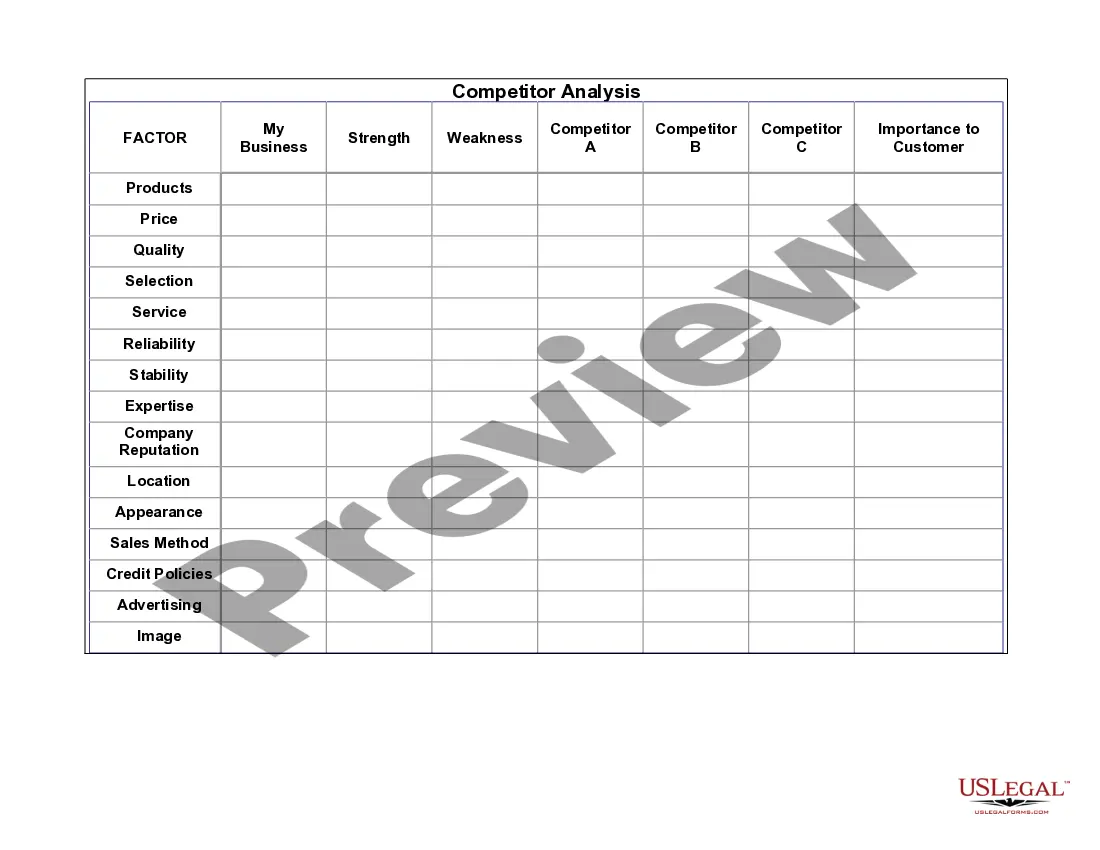
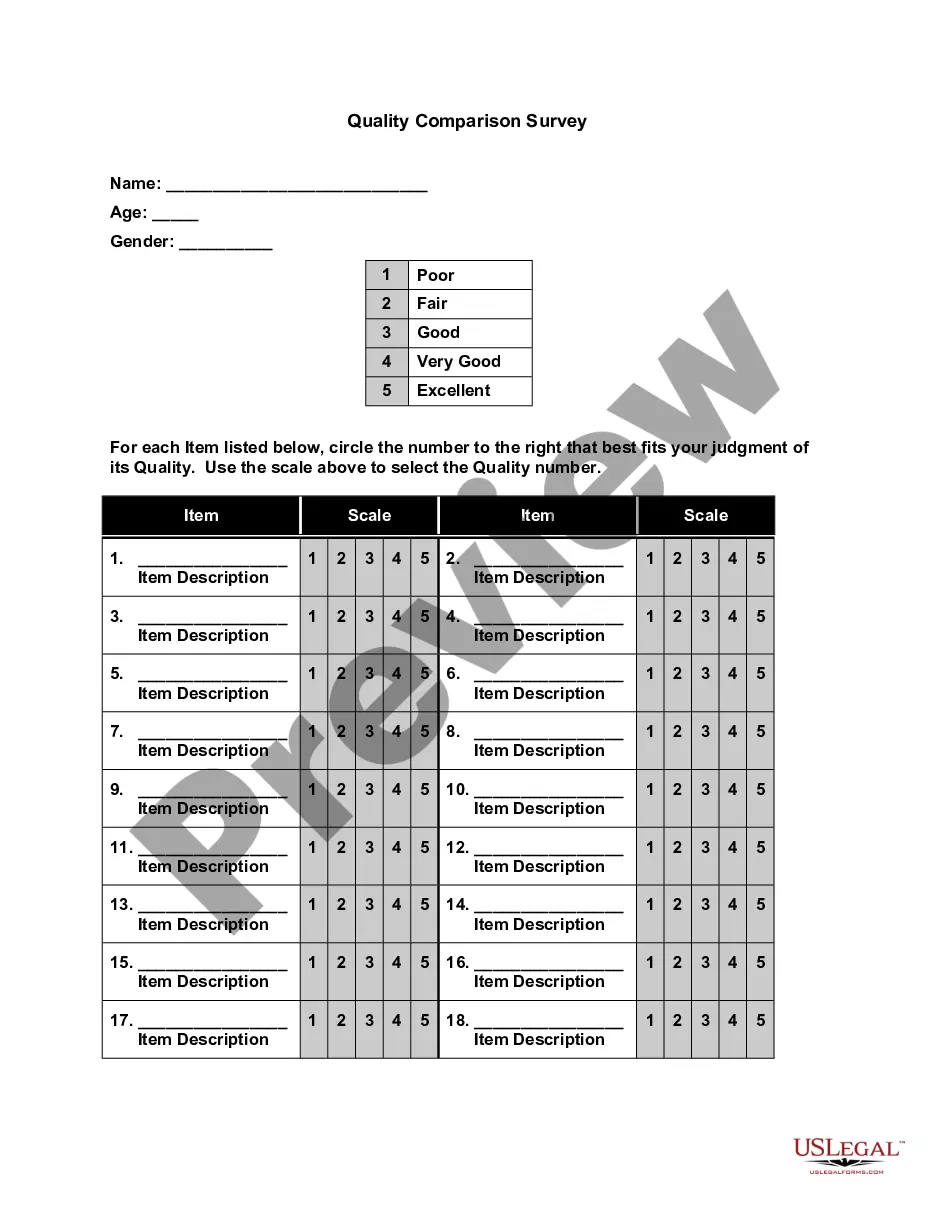
Get your form ready online
Our built-in tools help you complete, sign, share, and store your documents in one place.
Make edits, fill in missing information, and update formatting in US Legal Forms—just like you would in MS Word.
Download a copy, print it, send it by email, or mail it via USPS—whatever works best for your next step.
Sign and collect signatures with our SignNow integration. Send to multiple recipients, set reminders, and more. Go Premium to unlock E-Sign.
If this form requires notarization, complete it online through a secure video call—no need to meet a notary in person or wait for an appointment.
We protect your documents and personal data by following strict security and privacy standards.

Make edits, fill in missing information, and update formatting in US Legal Forms—just like you would in MS Word.

Download a copy, print it, send it by email, or mail it via USPS—whatever works best for your next step.

Sign and collect signatures with our SignNow integration. Send to multiple recipients, set reminders, and more. Go Premium to unlock E-Sign.

If this form requires notarization, complete it online through a secure video call—no need to meet a notary in person or wait for an appointment.

We protect your documents and personal data by following strict security and privacy standards.
Looking for another form?








How to fill out E-commerce Product-Comparison Matrix?
If you intend to complete, download, or print legal document templates, utilize US Legal Forms, the largest collection of legal forms available online.
Make use of the site’s user-friendly search feature to locate the documents you require.
Various templates for business and personal purposes are categorized by types and states, or keywords.
Step 4. Once you have found the form you want, click the Buy now button. Choose the pricing plan you prefer and enter your information to register for an account.
Step 5. Complete the transaction. You can use your credit card or PayPal account to finalize the purchase.
- Utilize US Legal Forms to find the Michigan E-commerce Product-Comparison Matrix with just a few clicks.
- If you are an existing US Legal Forms customer, Log In to your account and then click the Acquire button to obtain the Michigan E-commerce Product-Comparison Matrix.
- You can also access forms you have previously downloaded in the My documents section of your account.
- If you are using US Legal Forms for the first time, follow these instructions.
- Step 1. Ensure you have selected the form for the correct state/country.
- Step 2. Use the Review option to examine the content of the form. Be sure to read the overview.
- Step 3. If you are not satisfied with the form, use the Search field at the top of the screen to find other versions of the legal form template.
Form popularity
FAQ
How To2026 Undertake a Product ComparisonStep 1: Create a list of competiting products. Determine which products compete directly in the same marketplace as your product.Step 2: Undertake research.Step 3: Create a Product Comparison table.Step 4: Conclusion.
How to Create a Comparison Chart in ExcelStep 1 Launch Excel. To create a comparison chart in Excel, launch the MS Excel desktop app, and select a blank workbook.Step 2 Enter Data. Now enter your data in the workbook.Step 3 Inset Comparison Chart.Step 4 Customize.Step 5 Save.
How to Create a Comparison Chart in ExcelStep 1 Launch Excel.Step 2 Enter Data.Step 3 Inset Comparison Chart.Step 4 Customize.Step 5 Save.Step 1 Go to Edraw.Step 2 Search Template.Step 3 Add Data and Customize.More items...
Competitive Product AnalysisStep 1: Assess your current product pricing. The first step in any product analysis is to assess current pricing.Step 2: Compare key features. Next is a comparison of key features.Step 3: Pinpoint differentiators.Step 4: Identify market gaps.
How To2026 Undertake a Product ComparisonStep 1: Create a list of competiting products. Determine which products compete directly in the same marketplace as your product.Step 2: Undertake research.Step 3: Create a Product Comparison table.Step 4: Conclusion.
A product Comparison tool allows the customer to choose the best products available based on the attributes described by the seller.
Place the similar features on top, followed by the unique and exclusive details about the products. Compare products with distinct features, so the buyers will know that they benefit from choosing one item. Know the customers' deciding factor. Research what they need, why purchasing the items can be beneficial to them.
Nail down the areas your product is comparably better than the others - this is your focal point.Step 1: Easy access. Make your comparison page easy to find.Step 2: Compare yourself. Work out who you want to compare yourself to, or who the market is comparing you to.Step 3: Build it.