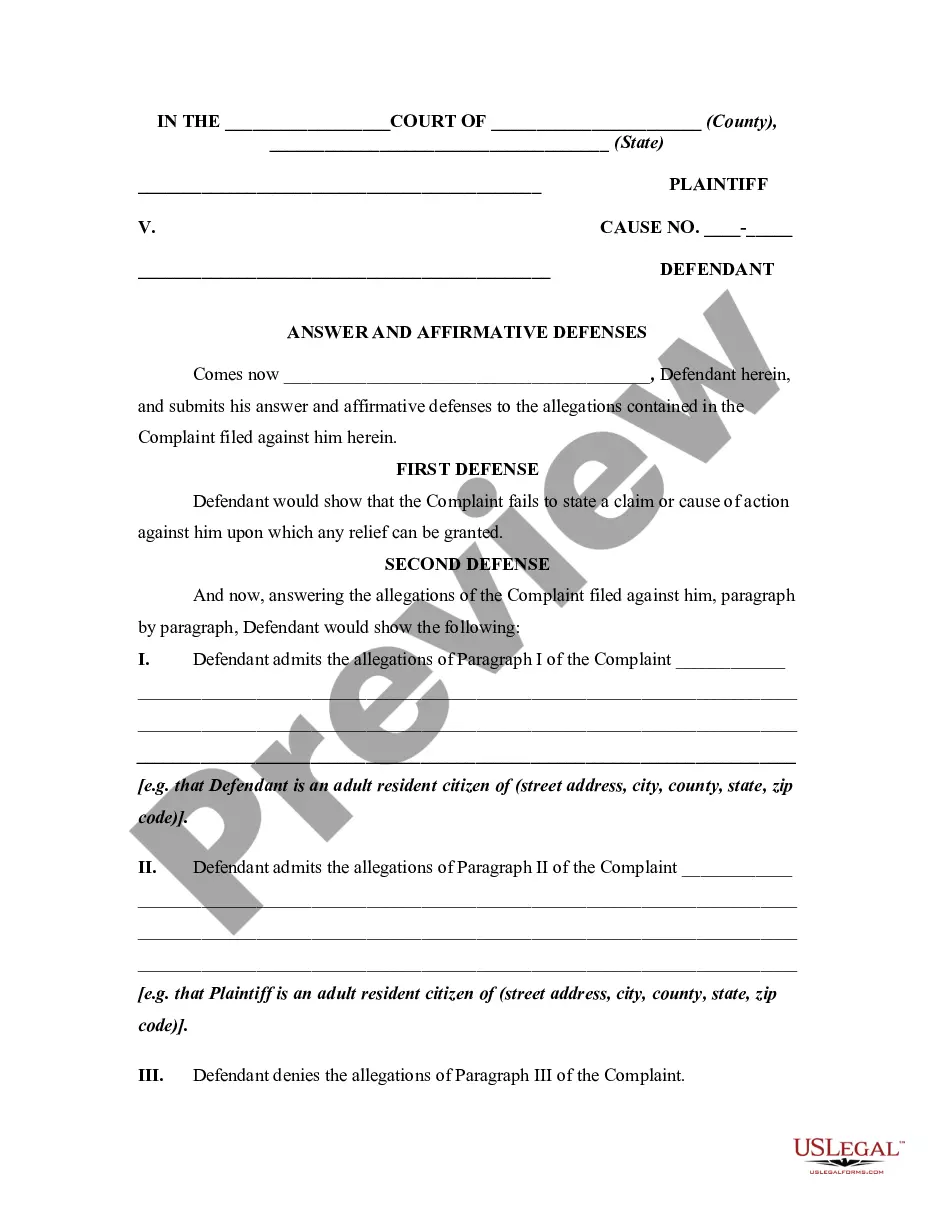
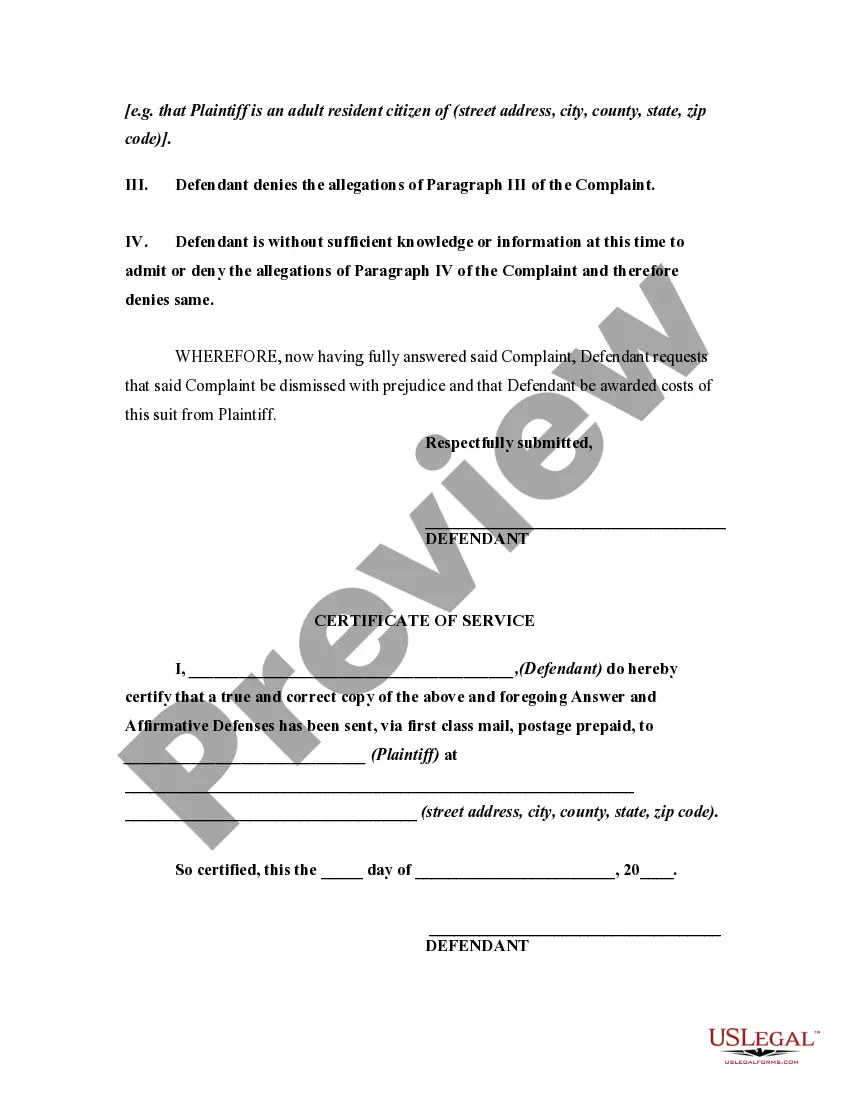
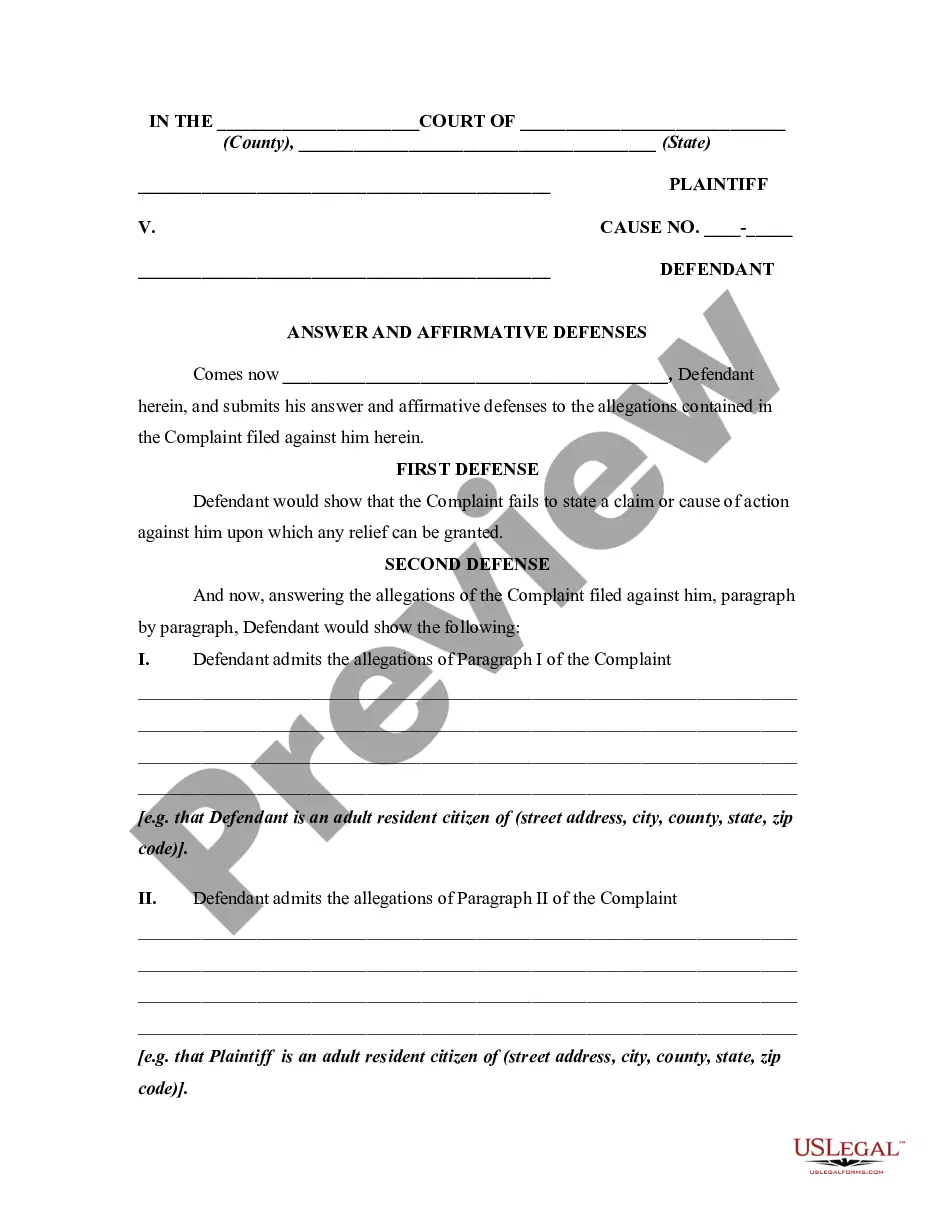
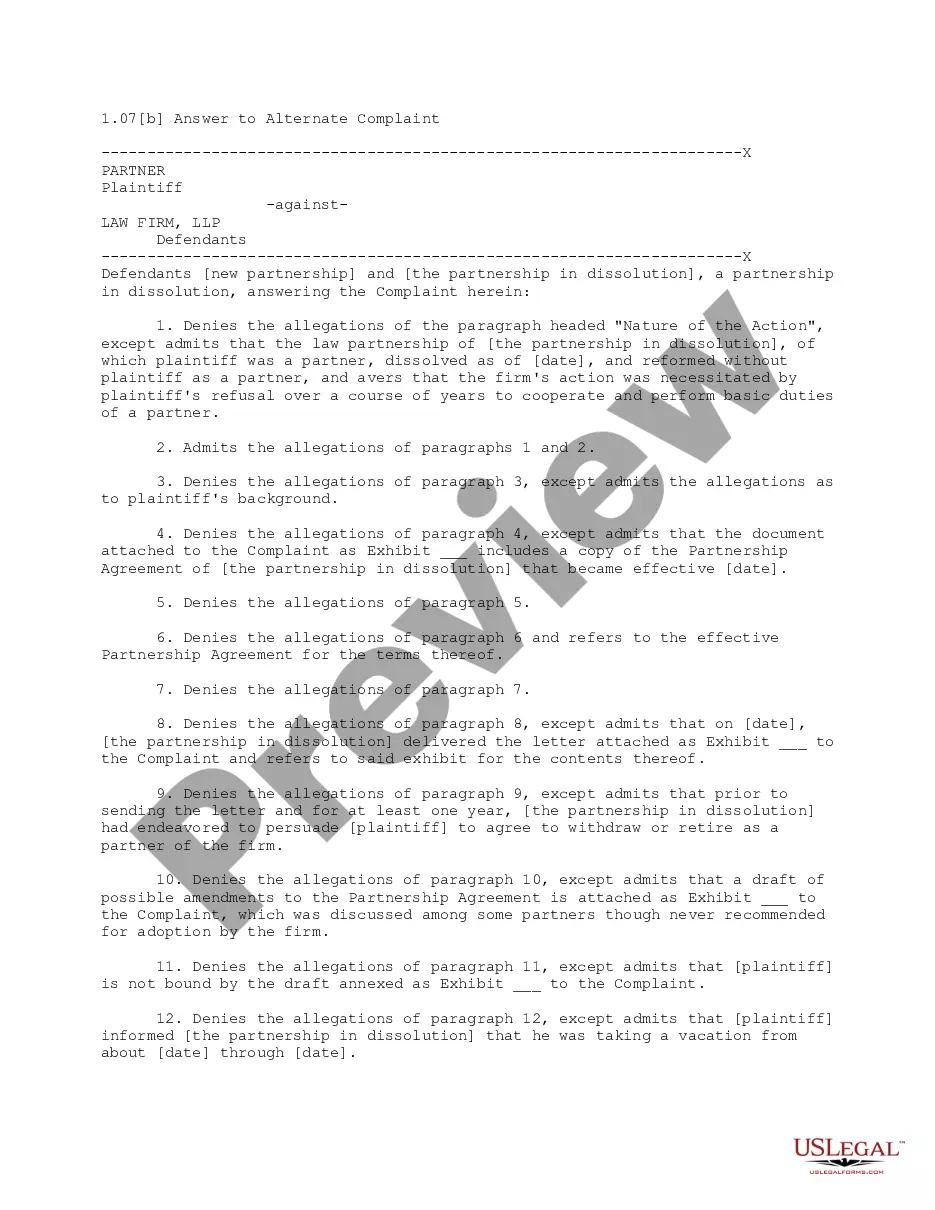
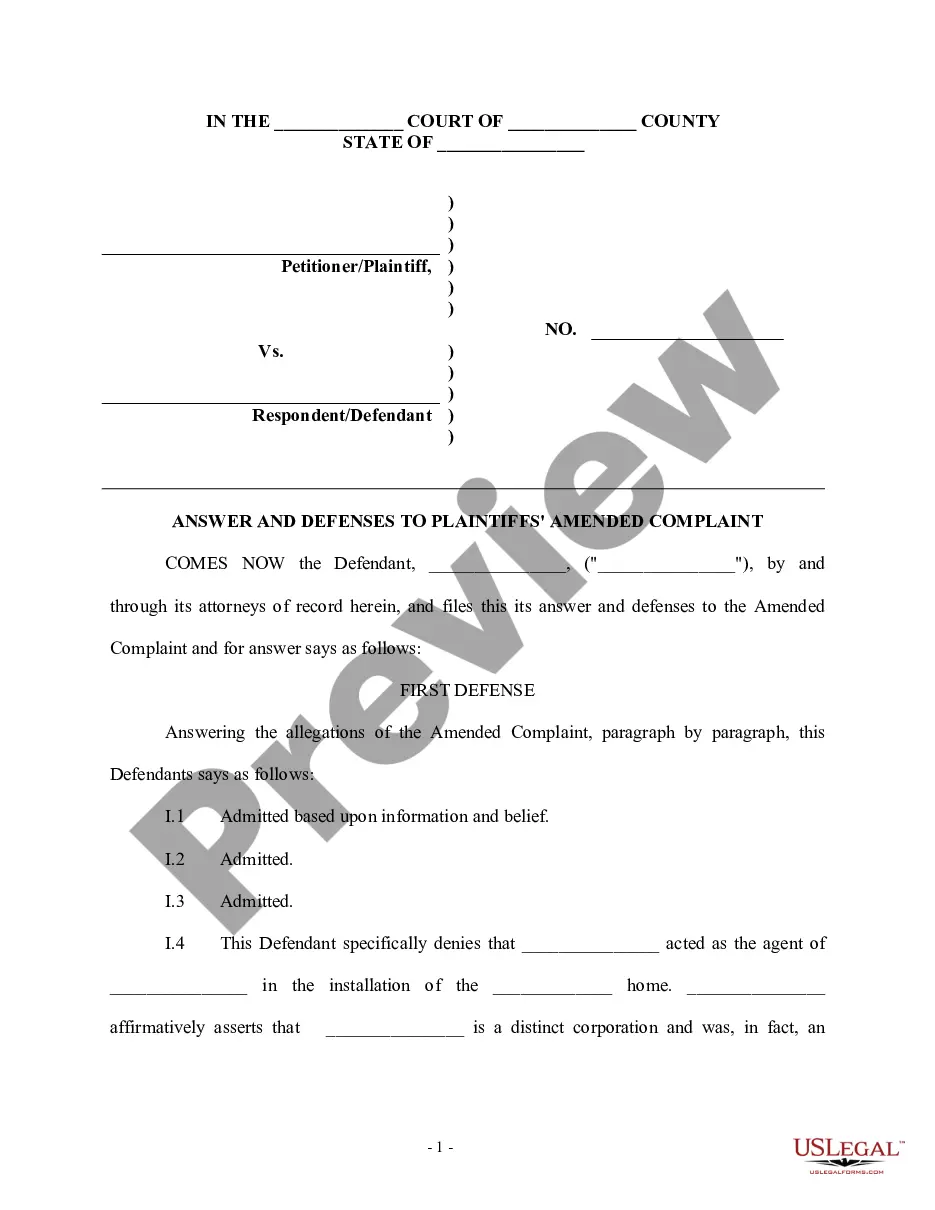
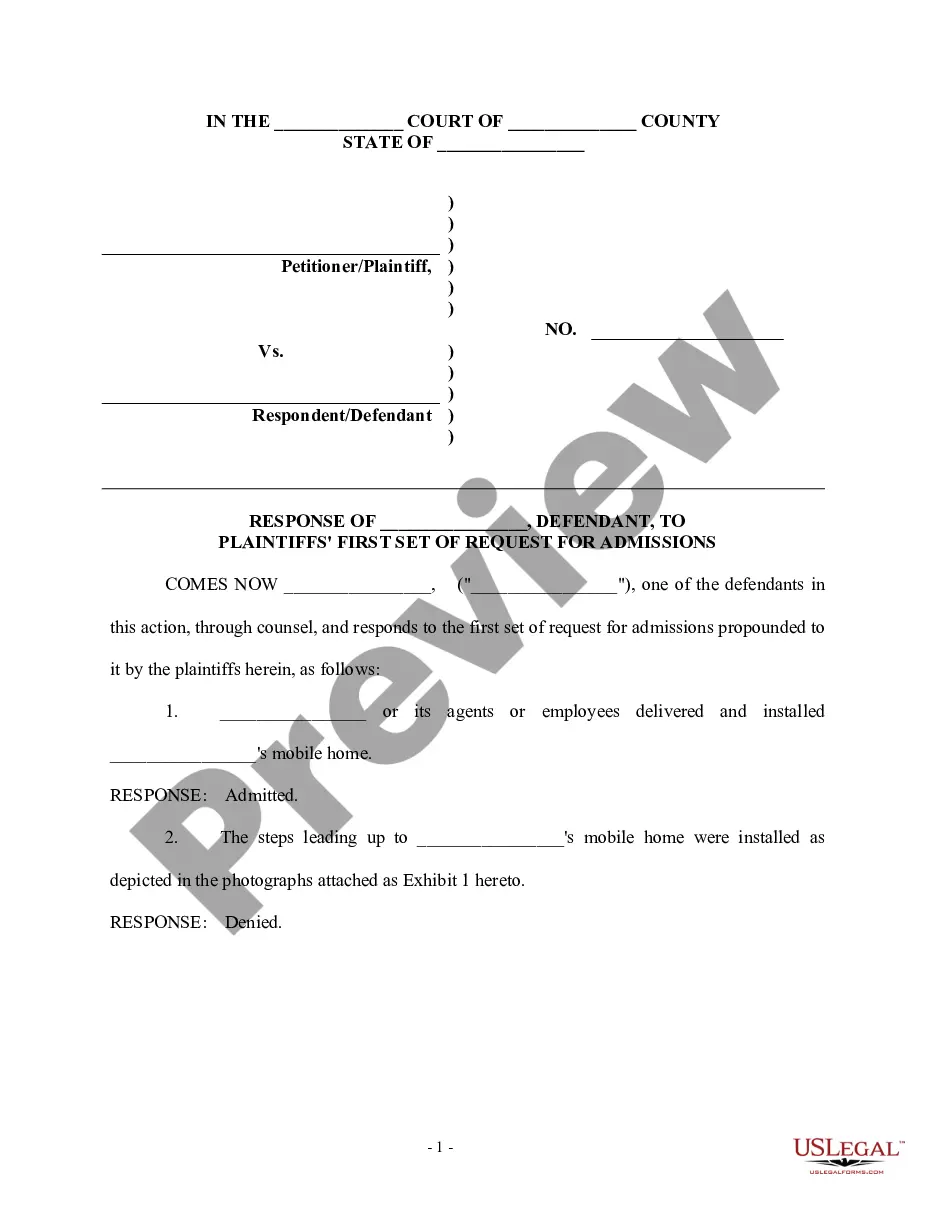
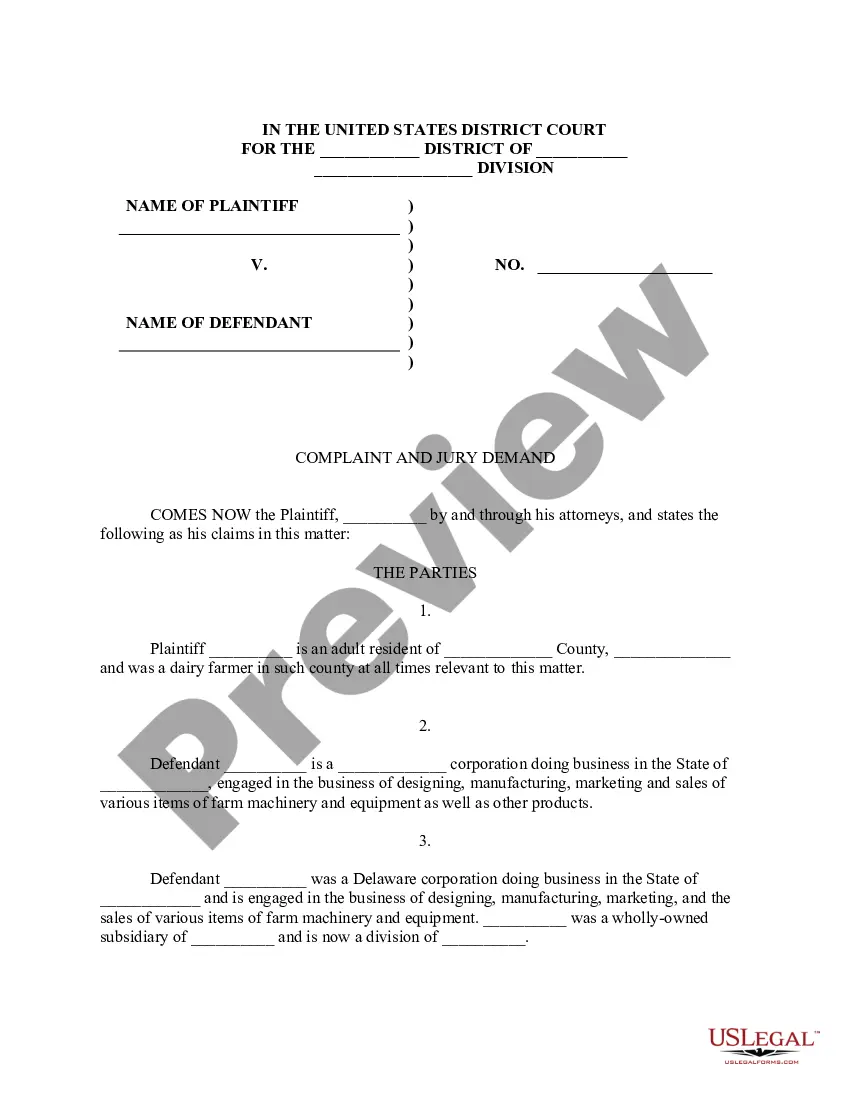
This form is used when the defendant admits facts that are true and deny allegations that are not true. This answer must be filed within 20 days in federal court and 30 days in some state courts. This form is a generic example of an answer that may be referred to when preparing such a pleading for your particular state.
Michigan Answer with Specific Denials and Admissions Along with Denial of Sufficient Knowledge or Information to Form a Belief as to Certain Allegations
Category:
State:
Multi-State
Control #:
US-00962BG
Format:
Word;
Rich Text
Instant download
Description
Free preview







How to fill out Answer With Specific Denials And Admissions Along With Denial Of Sufficient Knowledge Or Information To Form A Belief As To Certain Allegations?
If you desire to finalize, acquire, or print legal document templates, utilize US Legal Forms, the largest compilation of legal forms available on the web.
Take advantage of the site's straightforward and effortless search to locate the documents you require.
Numerous templates for business and personal purposes are organized by categories and suggestions, or keywords.
Step 4. Once you have found the form you need, select the Purchase now button. Choose the pricing plan you prefer and enter your details to register for an account.
Step 5. Complete the transaction. You can use your credit card or PayPal account to finalize the purchase. Step 6. Choose the format of your legal document and download it to your device. Step 7. Fill out, edit, and print or sign the Michigan Answer with Specific Denials and Admissions Along with Denial of Sufficient Knowledge or Information to Form a Belief regarding Certain Allegations.
Every legal document template you obtain is yours indefinitely. You will have access to every form you saved in your account. Click the My documents section and select a form to print or download again.
Complete, acquire, and print the Michigan Answer with Specific Denials and Admissions Along with Denial of Sufficient Knowledge or Information to Form a Belief regarding Certain Allegations using US Legal Forms. There are countless professional and state-specific forms you can utilize for your business or personal needs.
- Employ US Legal Forms to locate the Michigan Answer with Specific Denials and Admissions Along with Denial of Sufficient Knowledge or Information to Form a Belief regarding Certain Allegations with just a few clicks.
- If you are already a US Legal Forms member, Log In to your account and then click the Acquire button to obtain the Michigan Answer with Specific Denials and Admissions Along with Denial of Sufficient Knowledge or Information to Form a Belief regarding Certain Allegations.
- You can also access forms you previously saved in the My documents section of your account.
- If this is your first time using US Legal Forms, follow the steps below.
- Step 1. Ensure you have selected the form for the correct state/region.
- Step 2. Use the Review option to review the content of the form. Be sure to read the description.
- Step 3. If you are not satisfied with the document, use the Search field at the top of the screen to find other variations of your legal document template.
Form popularity
FAQ
If you want the judge to consider your legal defenses, you must include them in the form you file to respond to the lawsuit (your Answer). Include any possible defense you want the judge to consider in your Answer. You can focus on one, once you've collected more evidence while preparing for your trial.
Rule 801 defines what is and what is not hearsay for the purpose of admitting a prior statement as substantive evidence. A prior statement of a witness at a trial or hearing which is inconsistent with his testimony is, of course, always admissible for the purpose of impeaching the witness' credibility.
For each paragraph in the complaint, state whether: the defendant admits the allegations in that paragraph; denies the allegations; lacks sufficient knowledge to admit or deny the allegations; or admits certain allegations but denies, or lacks sufficient knowledge to admit or deny, the rest.
Evidence is relevant if: (a) it has any tendency to make a fact more or less probable than it would be without the evidence; and (b) the fact is of consequence in determining the action. Amended September 20, 2023, effective 1/1/2024.
To the extent practicable, the court must conduct a jury trial so that inadmissible evidence is not suggested to the jury by any means. (e) Taking Notice of Plain Error. A court may take notice of a plain error affecting a substantial right, even if the claim of error was not properly preserved.
MRE 301 allocates the burden of proof in civil cases. The rule does not define the word ?presumption,? and by no means does it attempt to enumerate the many presump- tions found in the law. It just assumes their existence. The rule's only purpose is to try to impose order on a traditionally chaotic area of law.
To prove the content of a writing, recording, or photograph, the original writing, recording, or photograph is required, except as otherwise provided in these rules or by statute.
Rule 301 of the Federal Rules of Evidence defines presumption in the following manner: in all civil actions and proceedings not otherwise provided for by an act of Congress or by these rules, a presumption imposes on the party against whom it is directed the burden of going forward with evidence to rebut or meet the ...