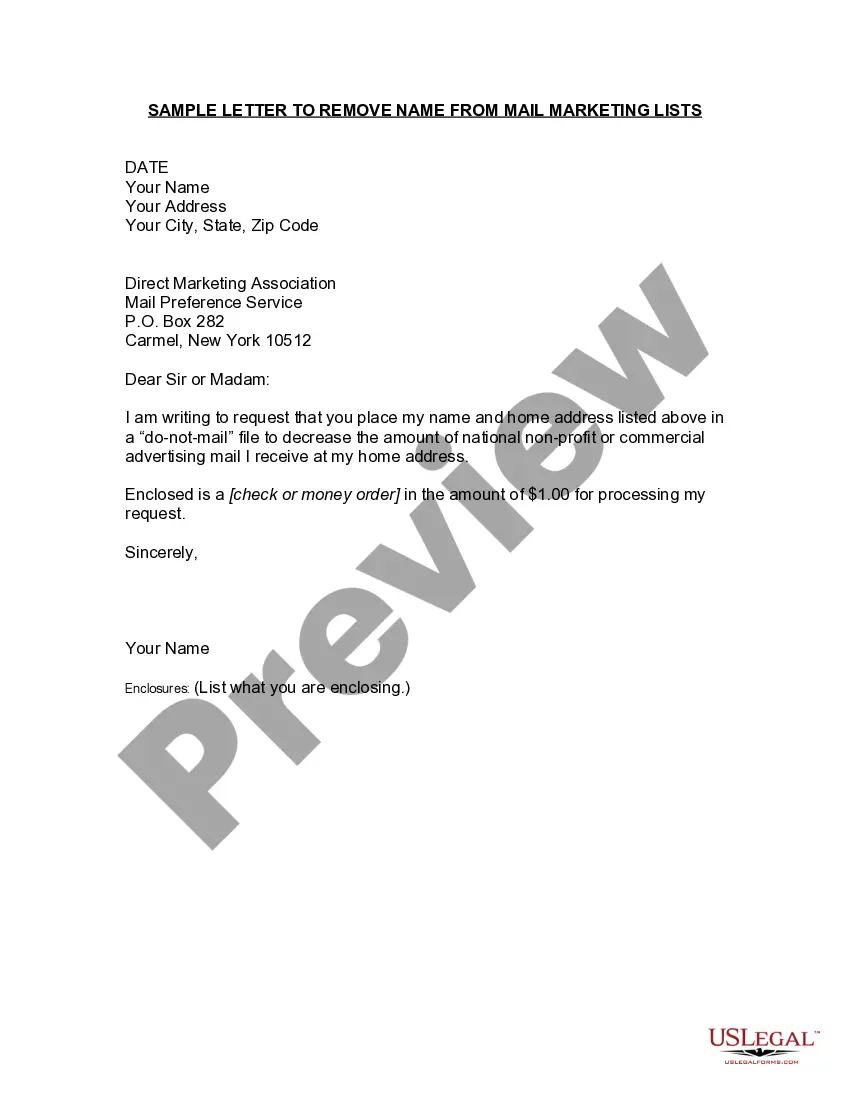
Maine Sample Letter to Remove Name from Mail Marketing Lists
Description
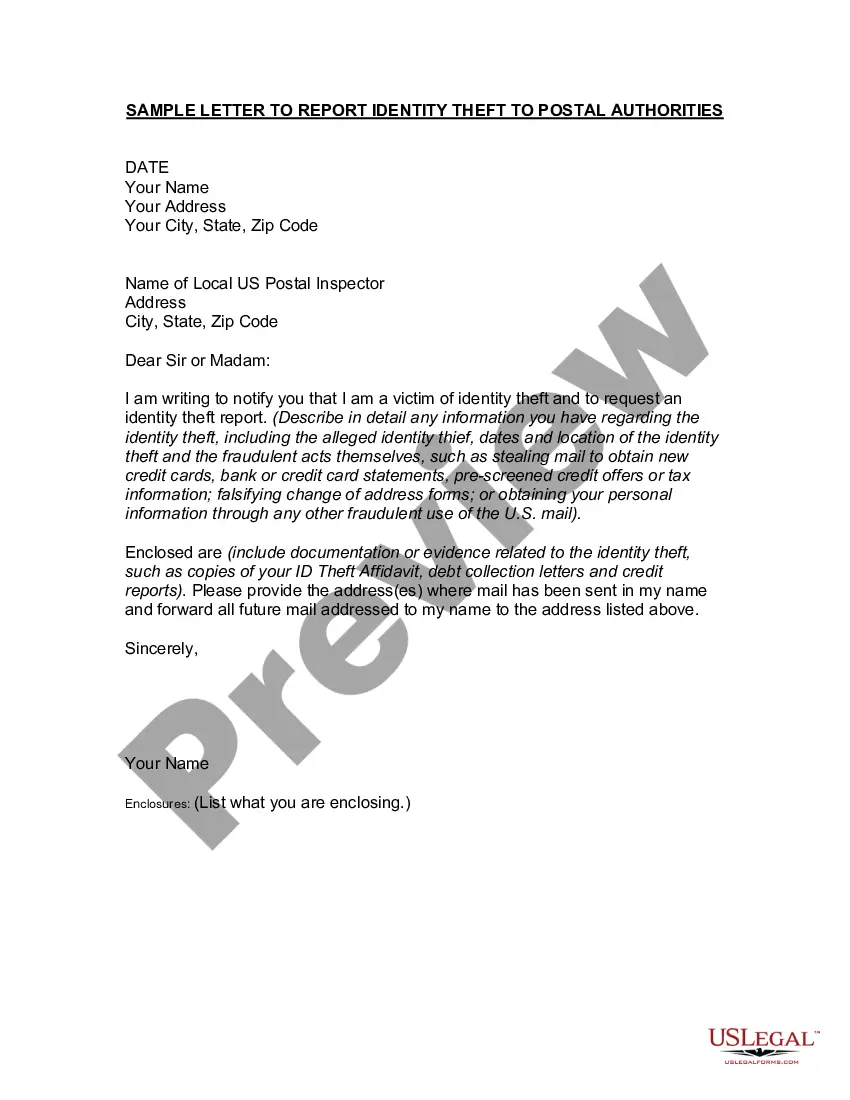
How to fill out Sample Letter To Remove Name From Mail Marketing Lists?
US Legal Forms - one of the largest collections of legal documents in the United States - offers a variety of legal document templates that you can download or print. By using the website, you can access numerous forms for business and personal needs, organized by categories, states, or keywords. You can find the latest versions of forms such as the Maine Sample Letter to Remove Name from Mail Marketing Lists in no time.
If you have a subscription, Log In and download the Maine Sample Letter to Remove Name from Mail Marketing Lists from the US Legal Forms collection. The Download button will appear on every form you view. You can access all previously downloaded forms in the My documents section of your account.
If you are using US Legal Forms for the first time, here are some straightforward steps to help you get started: Make sure you have selected the correct form for your city/county. Click the Preview button to review the form's content. Check the form description to confirm that you have chosen the right form. If the form does not meet your needs, use the Search box at the top of the screen to find one that does. If you are satisfied with the form, confirm your choice by clicking the Buy now button. Then, select the payment plan you prefer and provide your information to register for an account. Process the payment. Use a Visa or Mastercard or PayPal account to complete the transaction. Choose the format and download the form to your device. Make edits. Fill out, modify, print, and sign the downloaded Maine Sample Letter to Remove Name from Mail Marketing Lists. Every template you add to your account has no expiration date and is yours forever. So, if you wish to download or print another copy, just go to the My documents section and click on the form you need.
- Access the Maine Sample Letter to Remove Name from Mail Marketing Lists with US Legal Forms, the most extensive collection of legal document templates.
- Utilize a multitude of professional and state-specific templates that cater to your business or personal needs and requirements.
Form popularity
FAQ
To opt out permanently: Go to optoutprescreen.com or call 1-888-5-OPT-OUT (1-888-567-8688) to start the process.
Unsubscribe Links Made Easy The cleanest way to get off a list is to use the built-in unsubscribe option. That link is generally buried at the bottom of the message, in tiny type or made to not even look like a link, all the better to keep you subscribed. Many web-based or app-based email options try to make it easy.
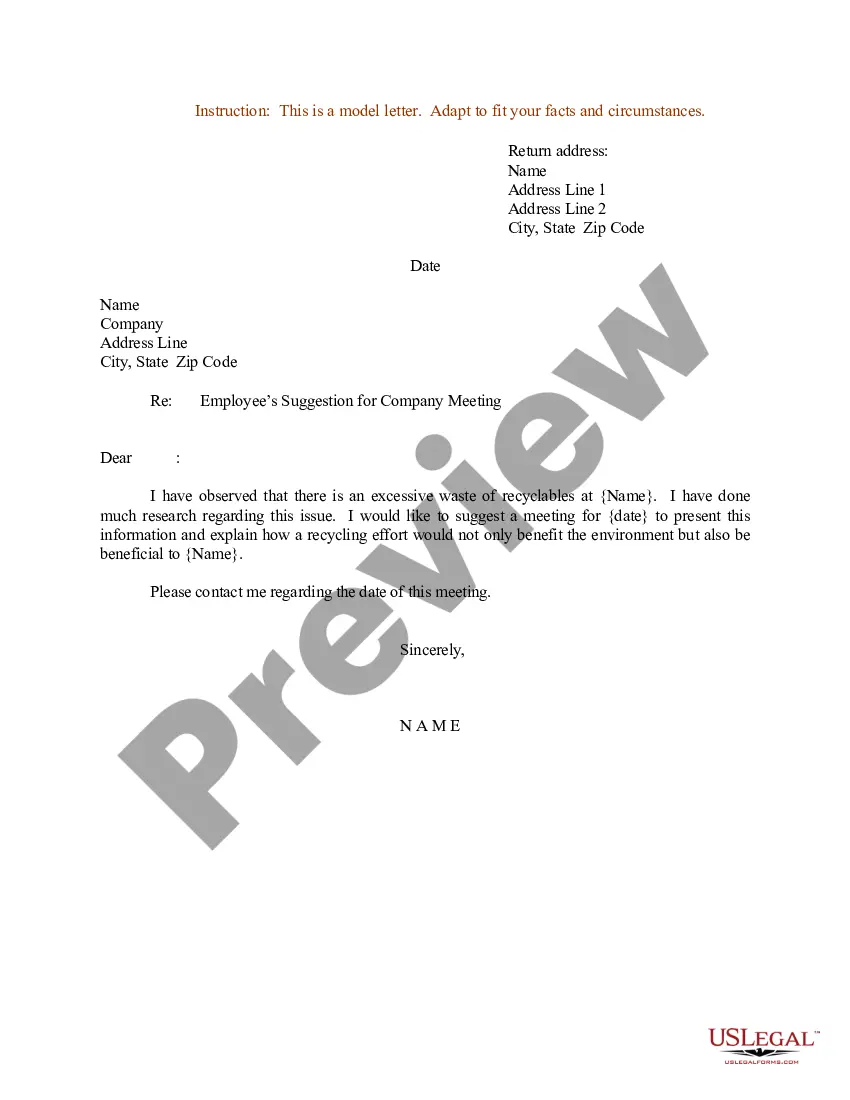
Send a letter to the customer service department of the company that sends you catalogs or other unwanted mail and ask it to remove your name from its mailing list. Be sure to provide the company with all spellings of your name, and the names of any additional household members on the mailing label.
You can do this by contacting the Direct Marketing Association's (DMA) or Mail Preference Service. Select the best opt-out registration method that meets your needs. Opt-out is a term used to describe a consumer desire to no longer receive unsolicited mail from a particular company.
To unsubscribe from a list, take the email address of the list, add -leave just before the @ symbol, and send a message. You can email a blank message; the computer doesn't care. The fact that you're emailing the list with the -leave command in front of the @ symbol is all it needs.
To opt out permanently: Go to optoutprescreen.com or call 1-888-5-OPT-OUT (1-888-567-8688) to start the process. But to complete your request, you'll need to sign and return the Permanent Opt-Out Election form you'll get after you've started the process.
Here's how to stop unwanted emails: Report the email as spam. Block spam email addresses. Use an email alias. Change your email privacy settings. Unsubscribe from unwanted newsletters or mailing lists. Check if your email is on the dark web. Use a secondary email address. Use a third-party email filter.
Contact the catalog companies directly There are few different ways that you can do this: Visit the company website for a direct process for removal from their mailing list. Call the company customer service directly to formally request an opt out. Request an opt out via company email.