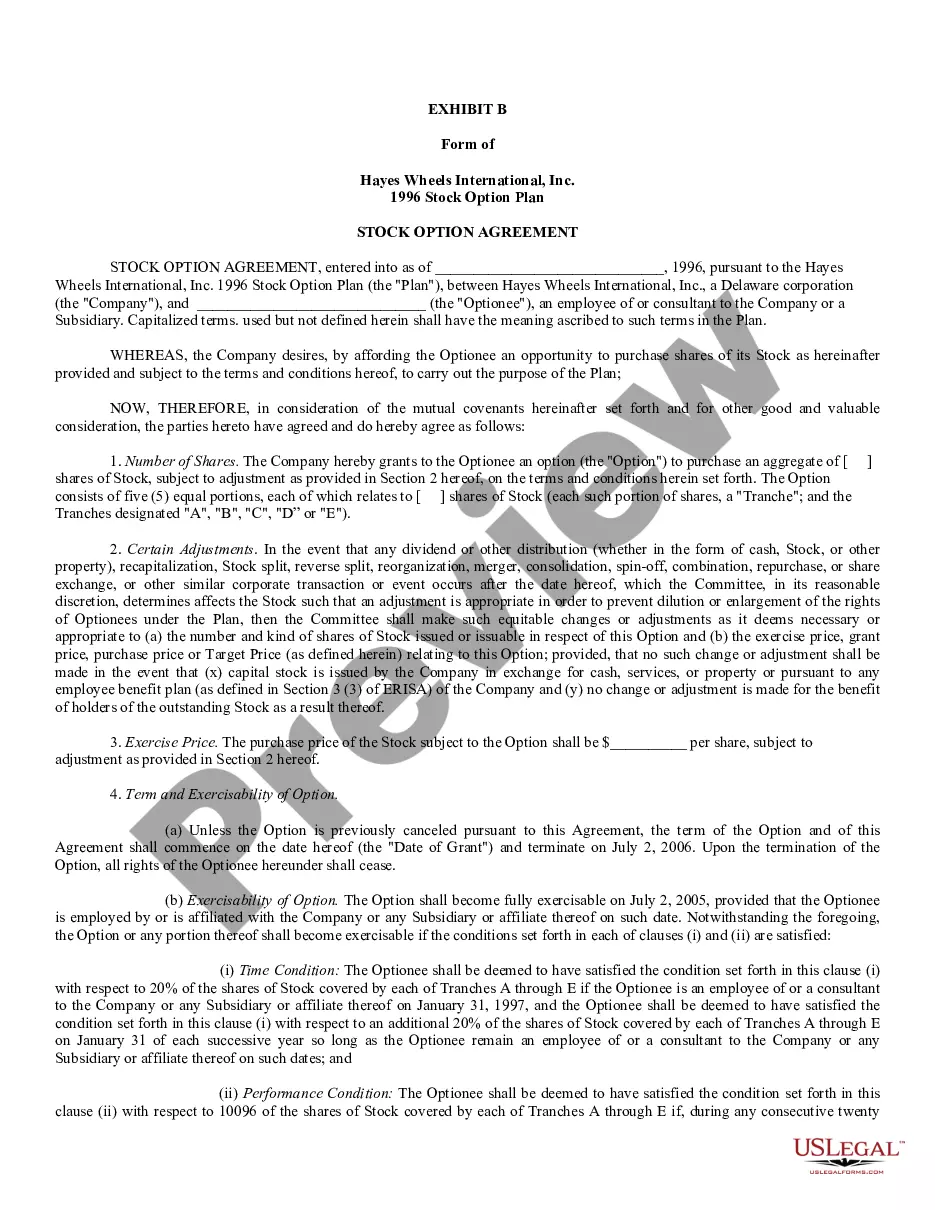
Pursuant to 15 USC 1692g (Sec. 809 of the Federal Debt Collection Practices Act), a debtor is allowed to challenge the validity of a debt that a collection agency states you owe to the creditor they represent. Use this form letter requires that the agency verify that the debt is actually the alleged creditor's and owed by the alleged debtor.
Maryland Letter Denying that Alleged Debtor Owes the Amount of Finance Charges, Interest or Penalties being Charged on the Alleged Debt and Requesting a Collection Agency to Validate that Alleged Debtor Owes these Charges
Category:
State:
Multi-State
Control #:
US-DCPA-21.4BG
Format:
Word;
Rich Text
Instant download
Description
Free preview
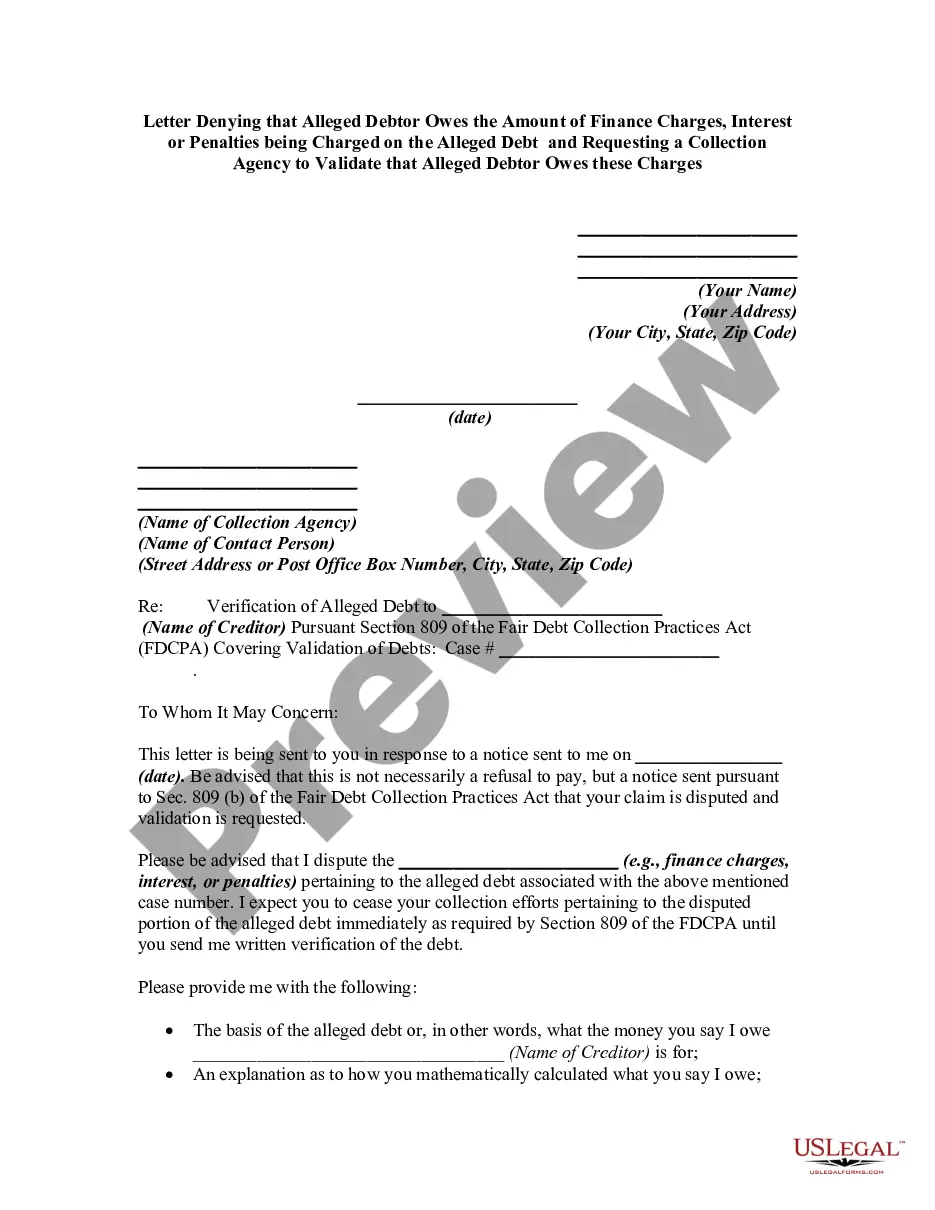
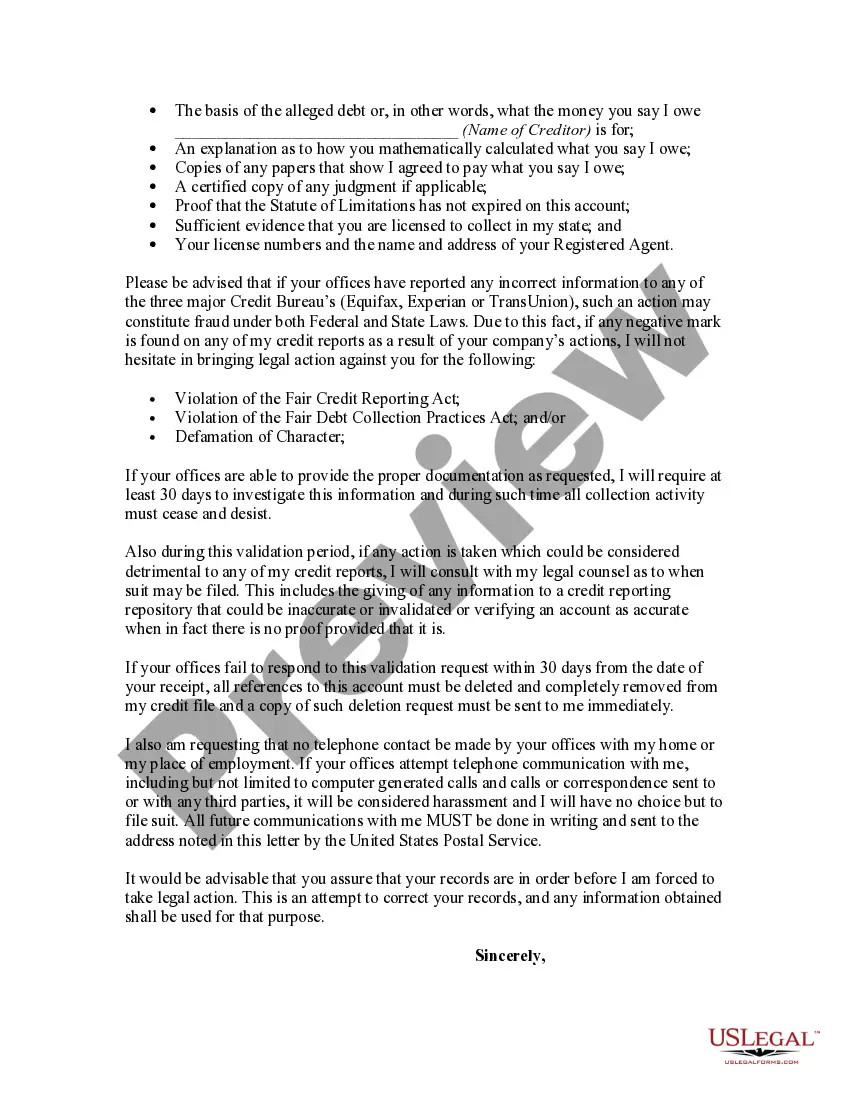
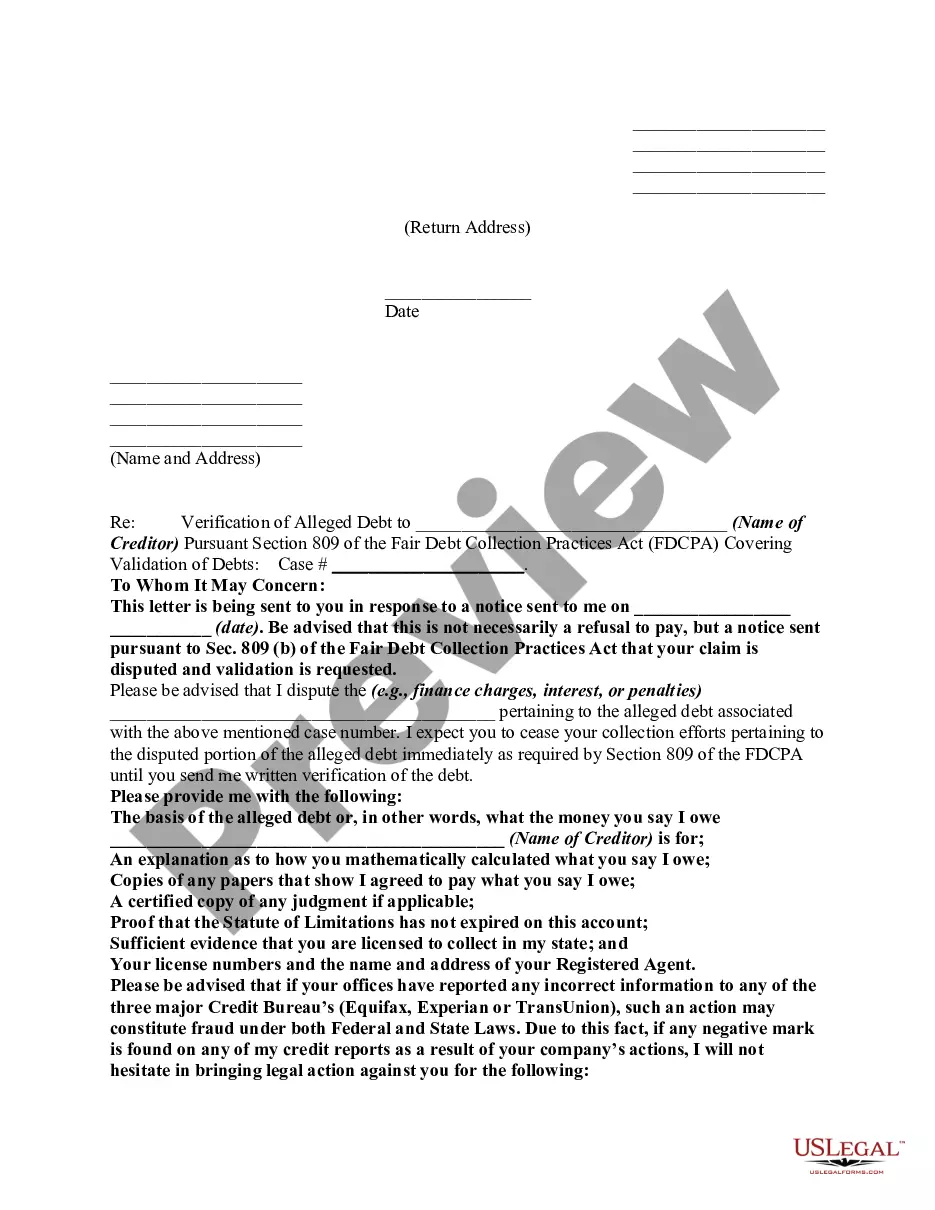
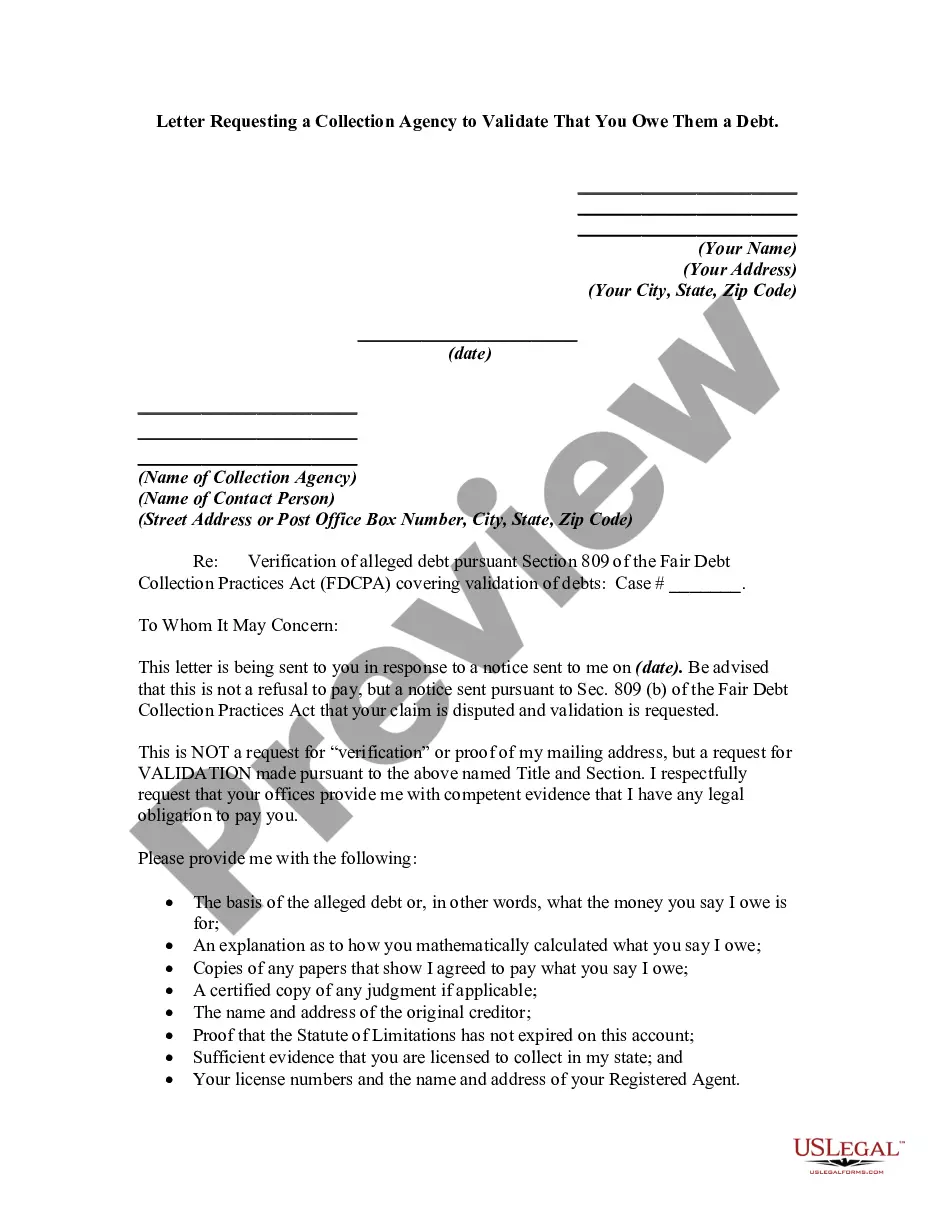
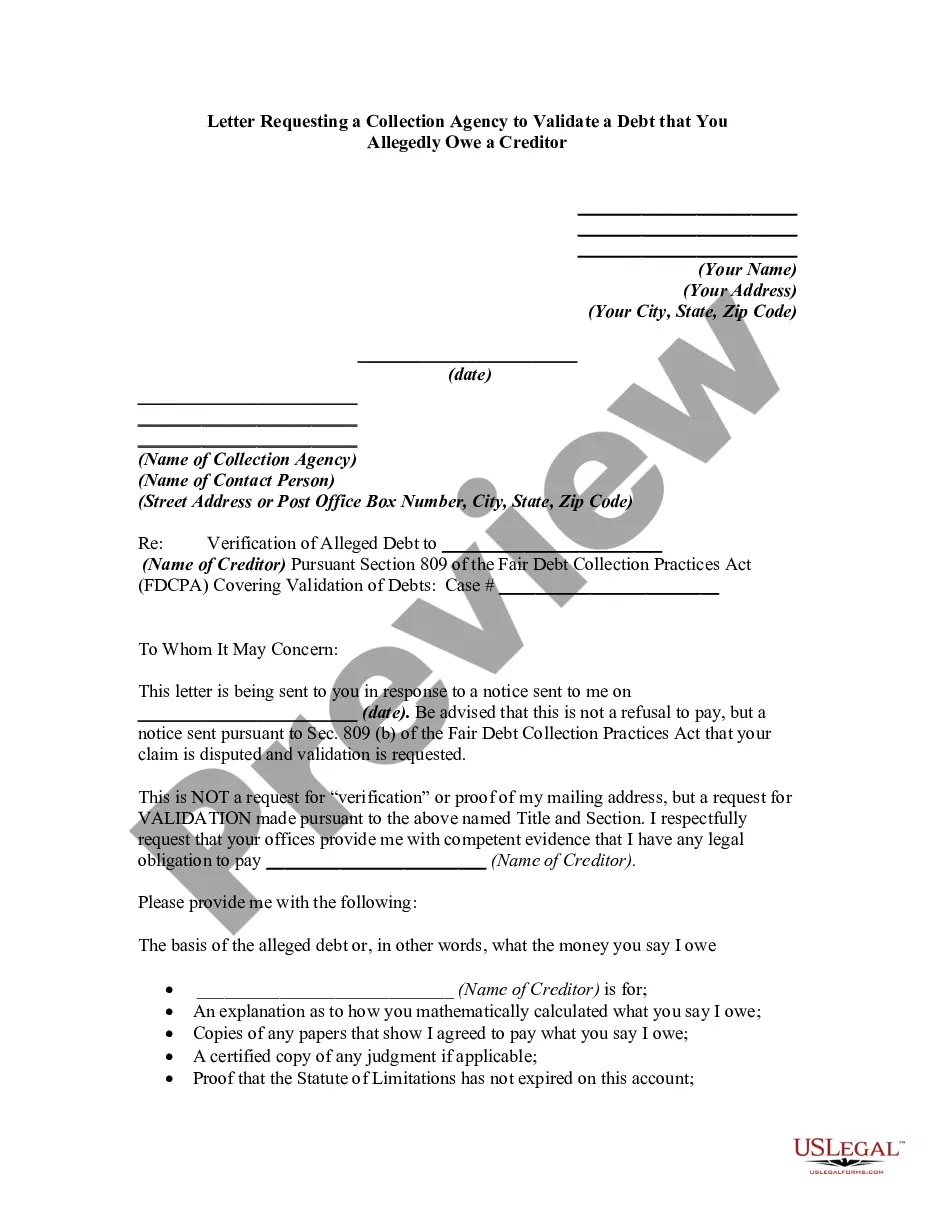
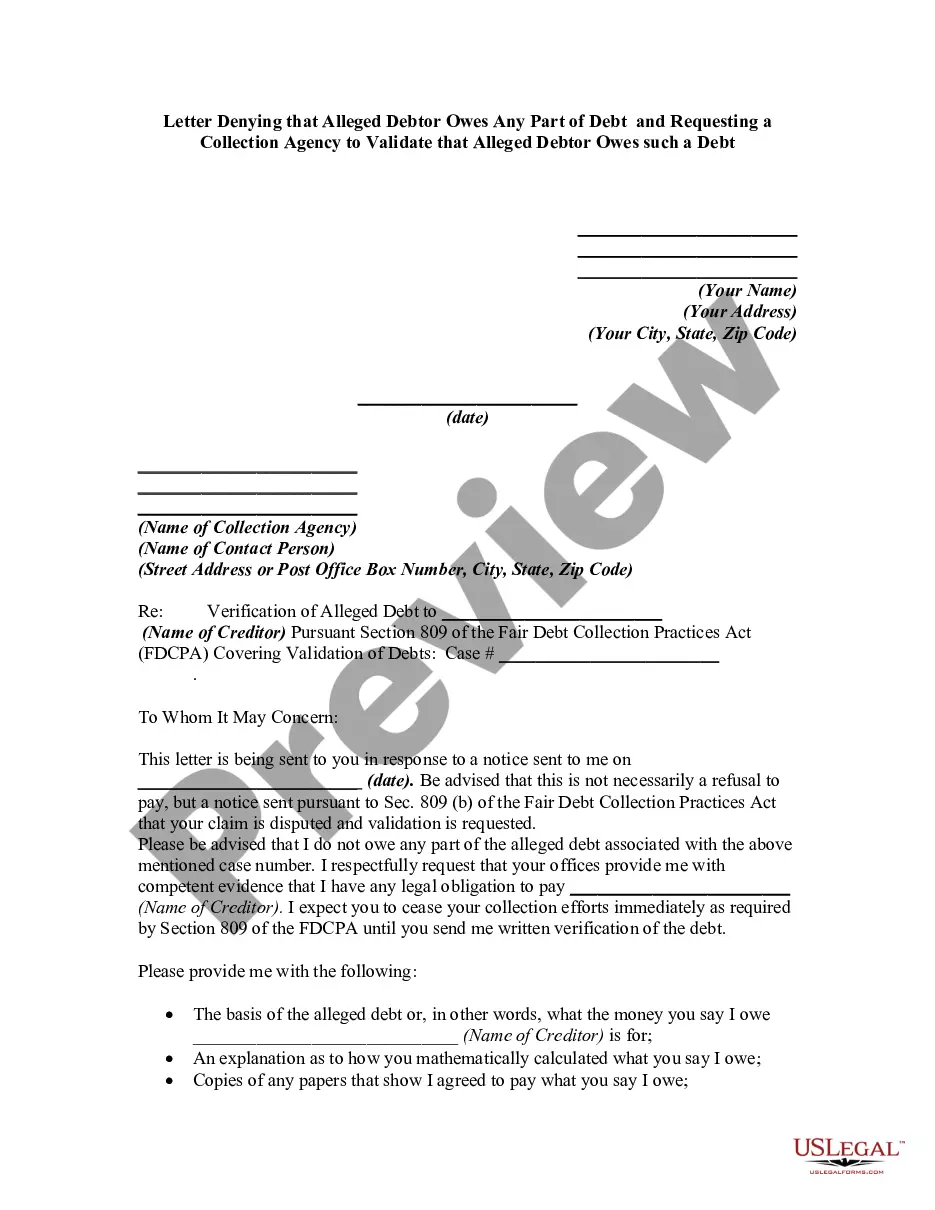
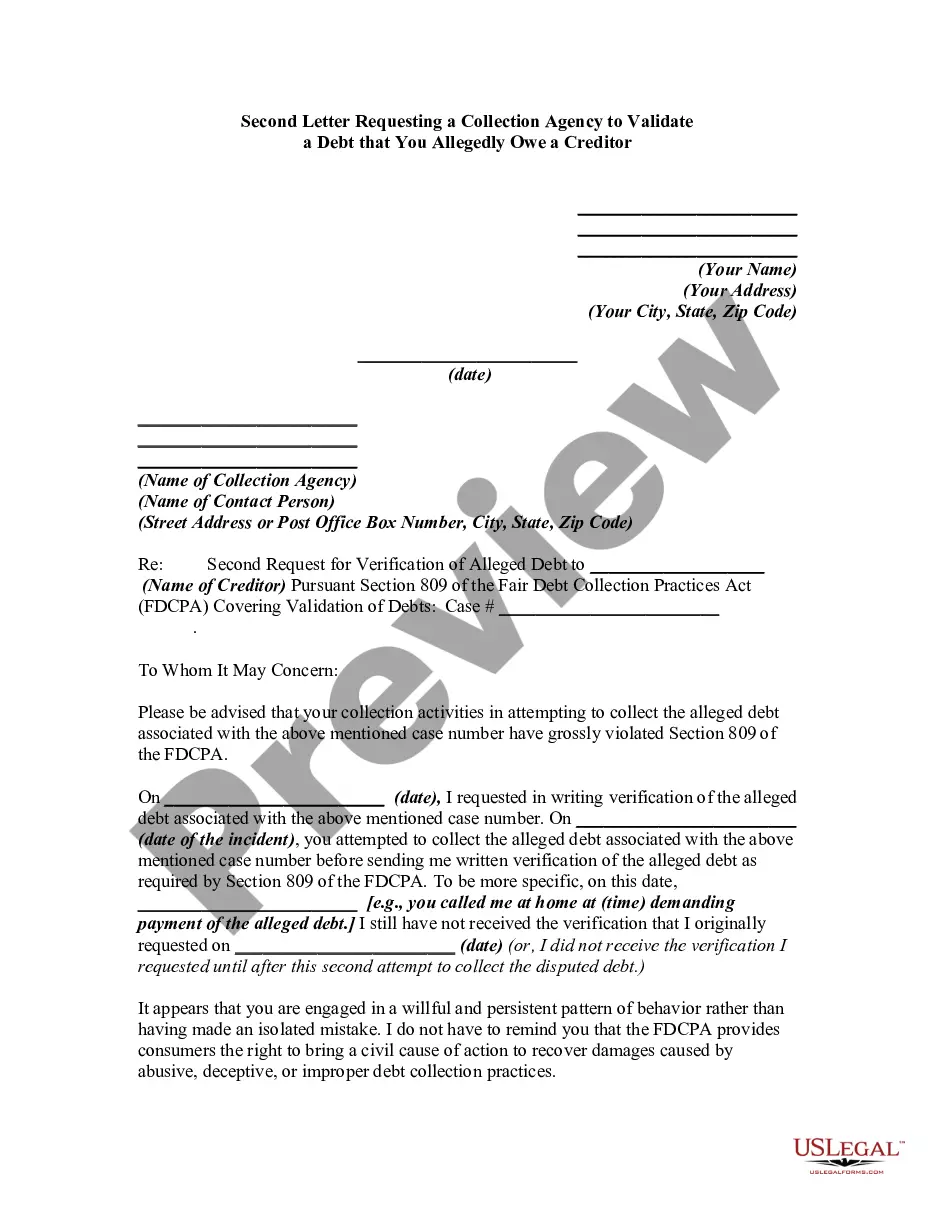
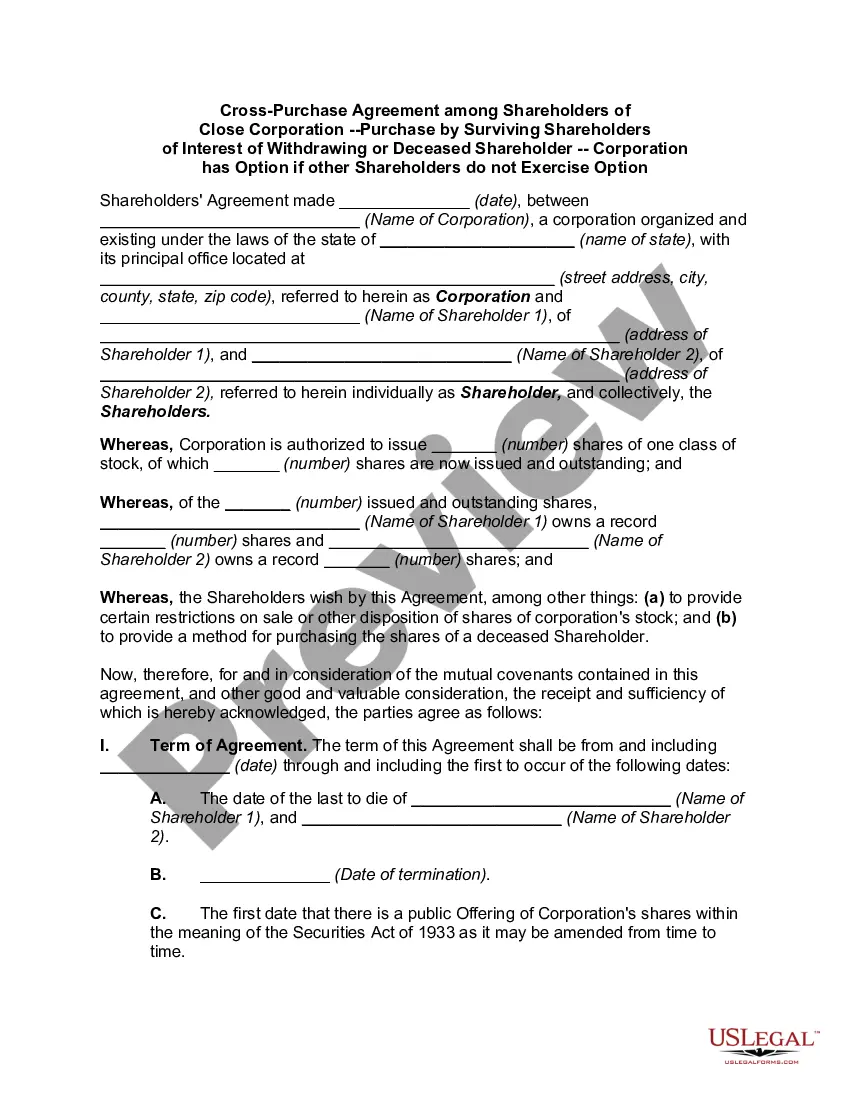
How to fill out Letter Denying That Alleged Debtor Owes The Amount Of Finance Charges, Interest Or Penalties Being Charged On The Alleged Debt And Requesting A Collection Agency To Validate That Alleged Debtor Owes These Charges?
US Legal Forms - one of the largest collections of legal documents in the United States - offers a vast selection of legal form templates that you can acquire or print.
Through the website, you can find thousands of forms for business and personal use, organized by categories, states, or keywords. You can quickly locate the latest versions of forms such as the Maryland Letter Refuting that Alleged Debtor Owes the Amount of Finance Charges, Interest, or Penalties Applied to the Alleged Debt and Requesting a Collection Agency to Confirm that Alleged Debtor Owes these Fees.
If you already have a monthly subscription, Log In to obtain the Maryland Letter Refuting that Alleged Debtor Owes the Amount of Finance Charges, Interest, or Penalties Applied to the Alleged Debt and Requesting a Collection Agency to Confirm that Alleged Debtor Owes these Fees from the US Legal Forms library. The Get button is available on every form you view. You have access to all your previously saved forms within the My documents tab of your account.
Make modifications. Fill, edit, and print and sign the saved Maryland Letter Refuting that Alleged Debtor Owes the Amount of Finance Charges, Interest, or Penalties Applied to the Alleged Debt and Requesting a Collection Agency to Confirm that Alleged Debtor Owes these Fees.
Each design you added to your account has no expiration date and is yours indefinitely. So, if you want to download or print another copy, just go to the My documents section and click on the form you need. Access the Maryland Letter Refuting that Alleged Debtor Owes the Amount of Finance Charges, Interest, or Penalties Applied to the Alleged Debt and Requesting a Collection Agency to Confirm that Alleged Debtor Owes these Fees with US Legal Forms, the most extensive library of legal document templates. Utilize hundreds of professional and state-specific templates that fulfill your business or personal needs and requirements.
- If you are using US Legal Forms for the first time, here are simple steps to get started.
- Ensure you have selected the correct form for your state/area. Click on the Preview button to review the form's details. Check the form description to verify that you've chosen the correct form.
- If the form doesn't meet your needs, use the Search field at the top of the page to find the right one.
- Once you are satisfied with the form, confirm your selection by clicking on the Get Now button. Then, choose your preferred pricing plan and provide your credentials to register for an account.
- Process the transaction. Use your Visa or Mastercard or PayPal account to complete the transaction.
- Select the format and download the form to your system.
Form popularity
FAQ
Following a debt validation letter, if the collection agency responds with adequate proof, you may need to review the information they supply. If their response is insufficient or they do not validate the debt, consider drafting a Maryland Letter Denying that Alleged Debtor Owes the Amount of Finance Charges, Interest or Penalties being Charged on the Alleged Debt and Requesting a Collection Agency to Validate that Alleged Debtor Owes these Charges. This letter helps clarify your stance and can assist in stopping collection efforts. Consulting a legal professional is advisable if you encounter complications.
Legally, a debt collector has to send you a debt verification letter within five days of their first contact with you.
To request verification, send a letter to the collection agency stating that you dispute the validity of the debt and that you want documentation verifying the debt. Also, request the name and address of the original creditor.
Can a Debt Collector Refuse a Payment Plan? It's important to know that collection agencies aren't legally obligated to accept or agree to payment plans. Debt collectors don't have to work with you or agree to any payment schedules based on what you're reasonably able to afford.
Can a Debt Collector Refuse a Payment Plan? It's important to know that collection agencies aren't legally obligated to accept or agree to payment plans. Debt collectors don't have to work with you or agree to any payment schedules based on what you're reasonably able to afford.
A debt validation letter is a letter a consumer sends to a debt collector requesting the debt collector validate a debt they are trying to collect. It is your first chance to assert your rights before debt collectors.
Creditors can legally refuse partial payments and demand payment in full, including interest and extra charges like late fees. There are no laws that require them to accept your payments or partial payments. Some creditors are more willing to work with you than others.
Your creditors do not have to accept your offer of payment or freeze interest. If they continue to refuse what you are asking for, carry on making the payments you have offered anyway. Keep trying to persuade your creditors by writing to them again.
How to Write a Debt Verification LetterDetermine the exact amounts you owe.Gather documents that verify your debt.Get information on who you owe.Determine how old the debt is.Place a pause on the collection proceedings.
At a minimum, proper debt validation should include an account balance along with an explanation of how the amount was derived. But most debt collectors respond with an account statement from the original creditor as debt validation and that's generally considered sufficient.