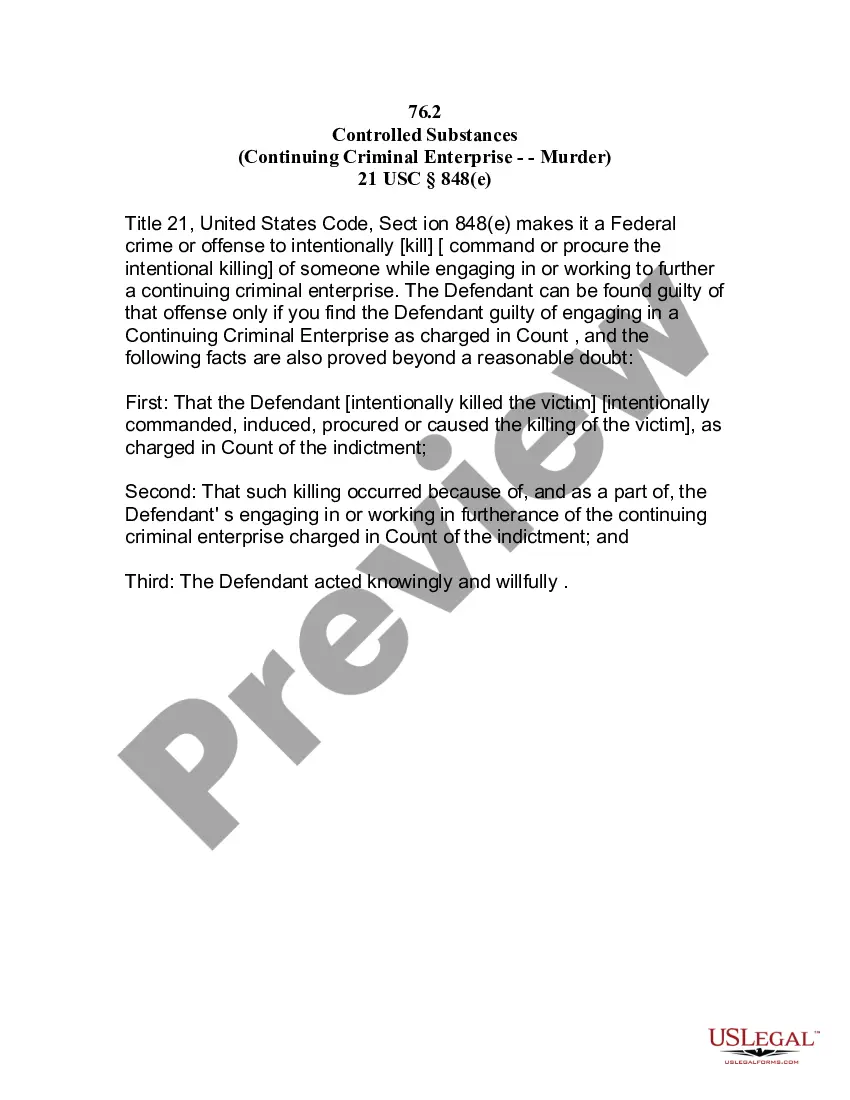
Maryland Employee Evaluation Form for Soldier
Description
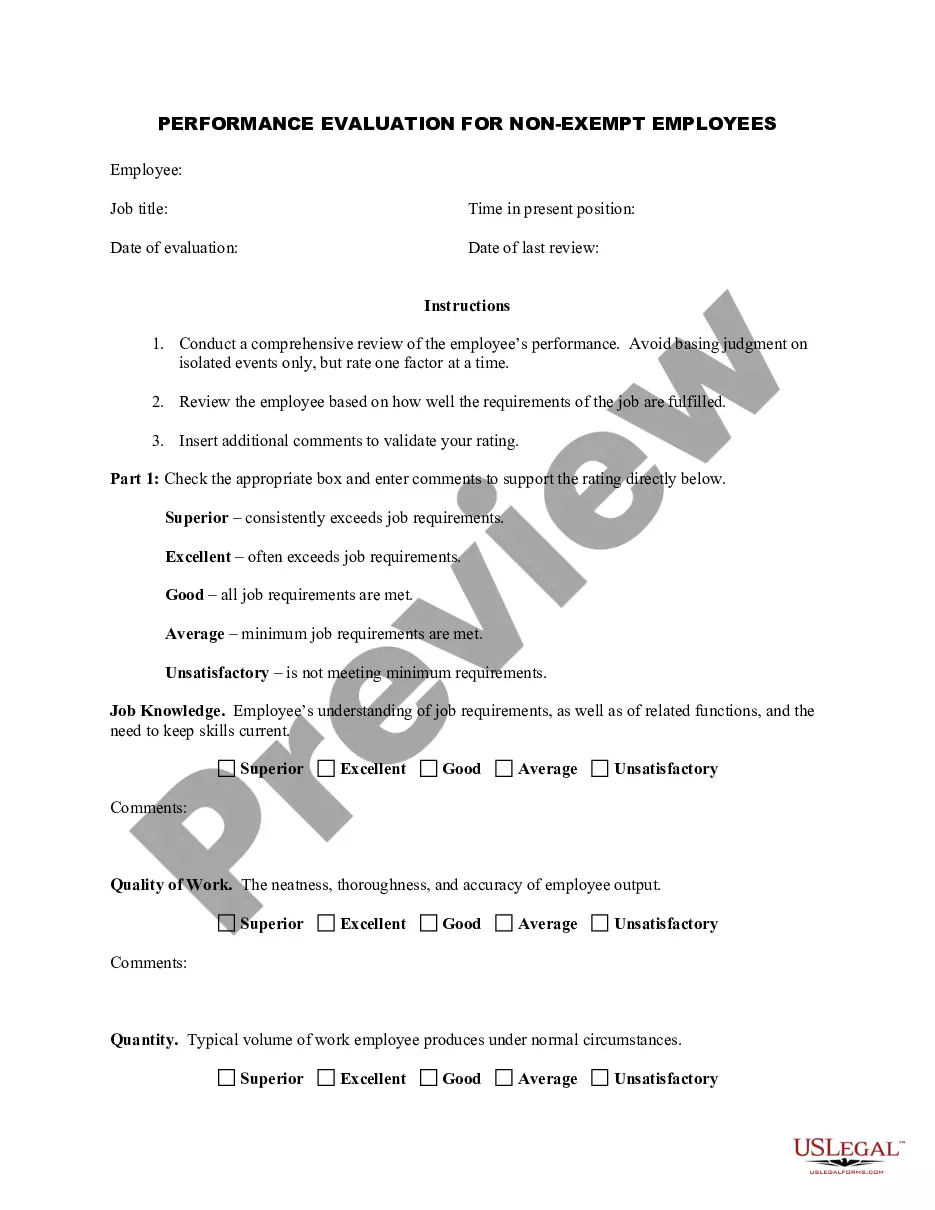
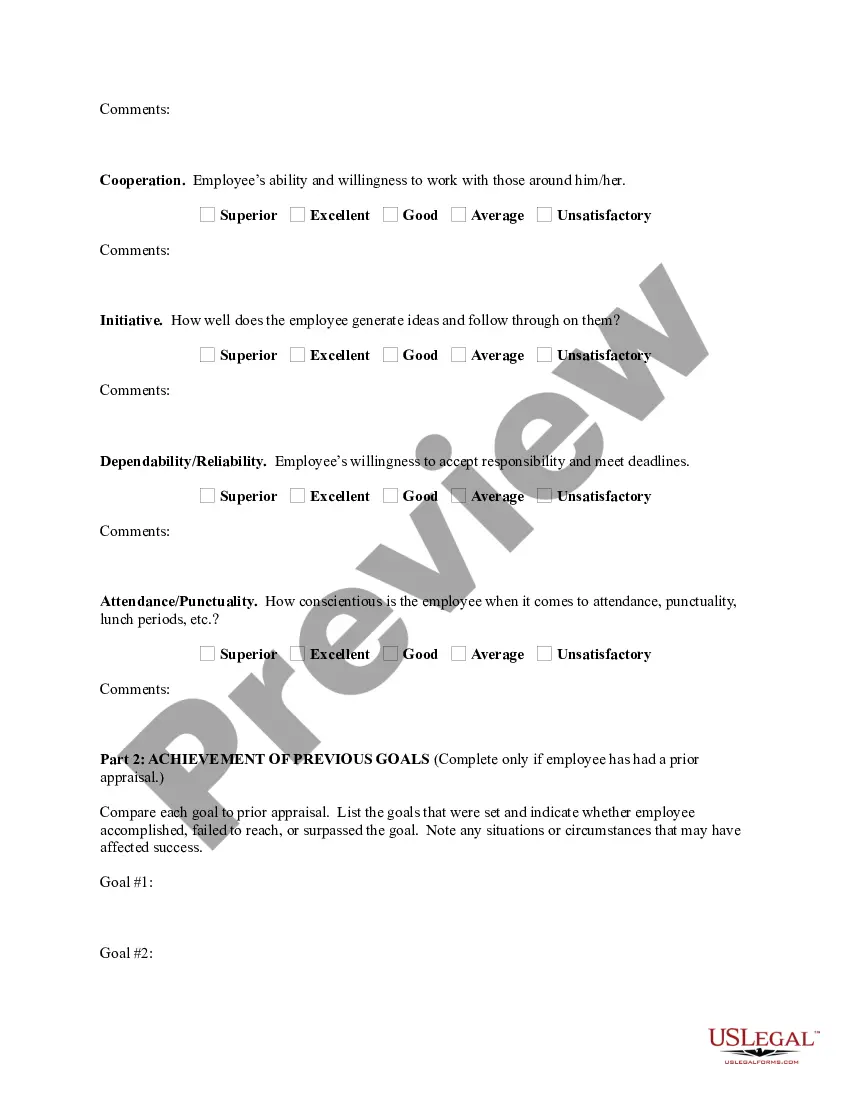
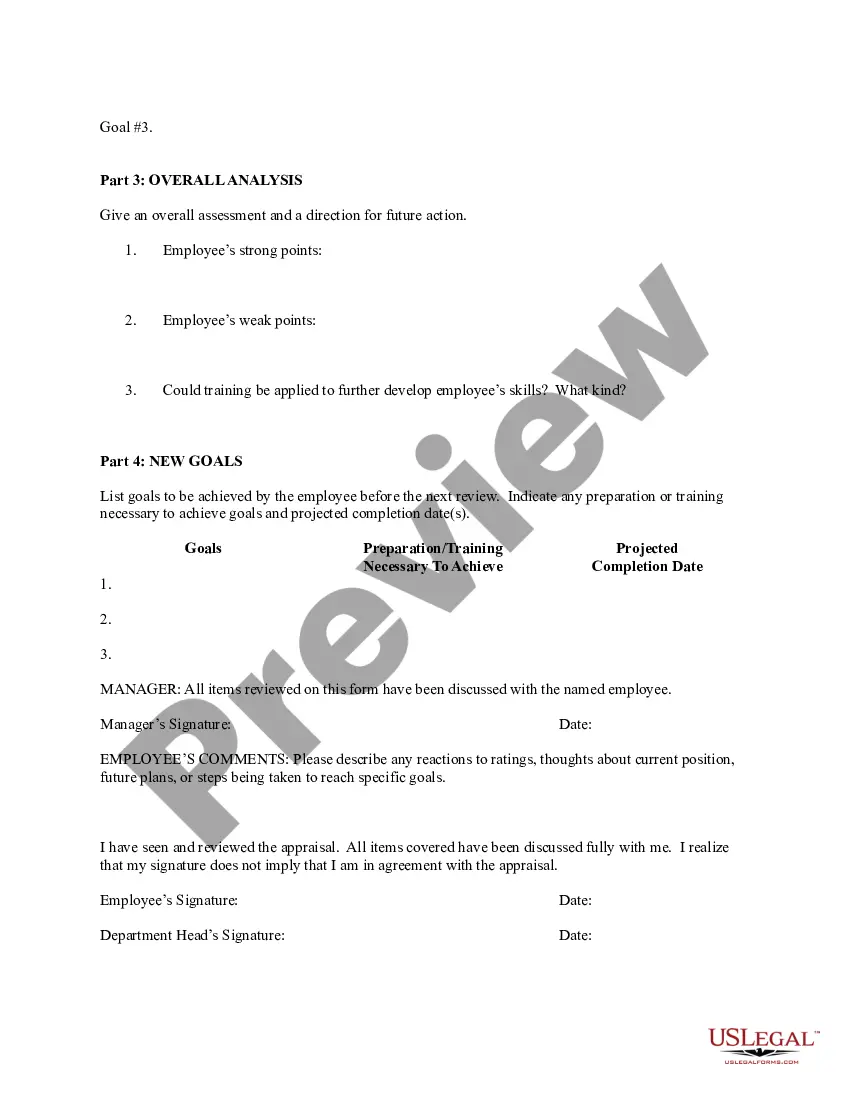
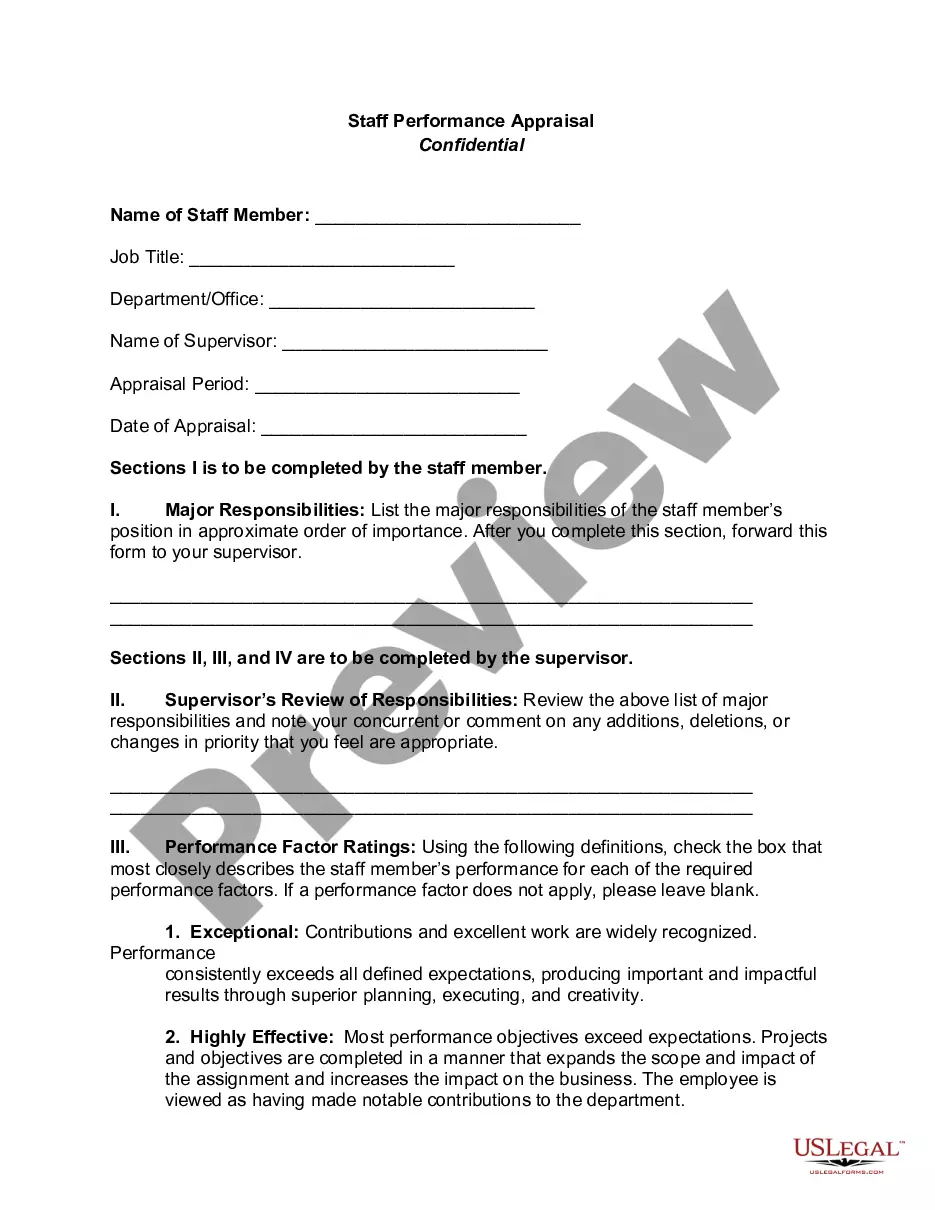
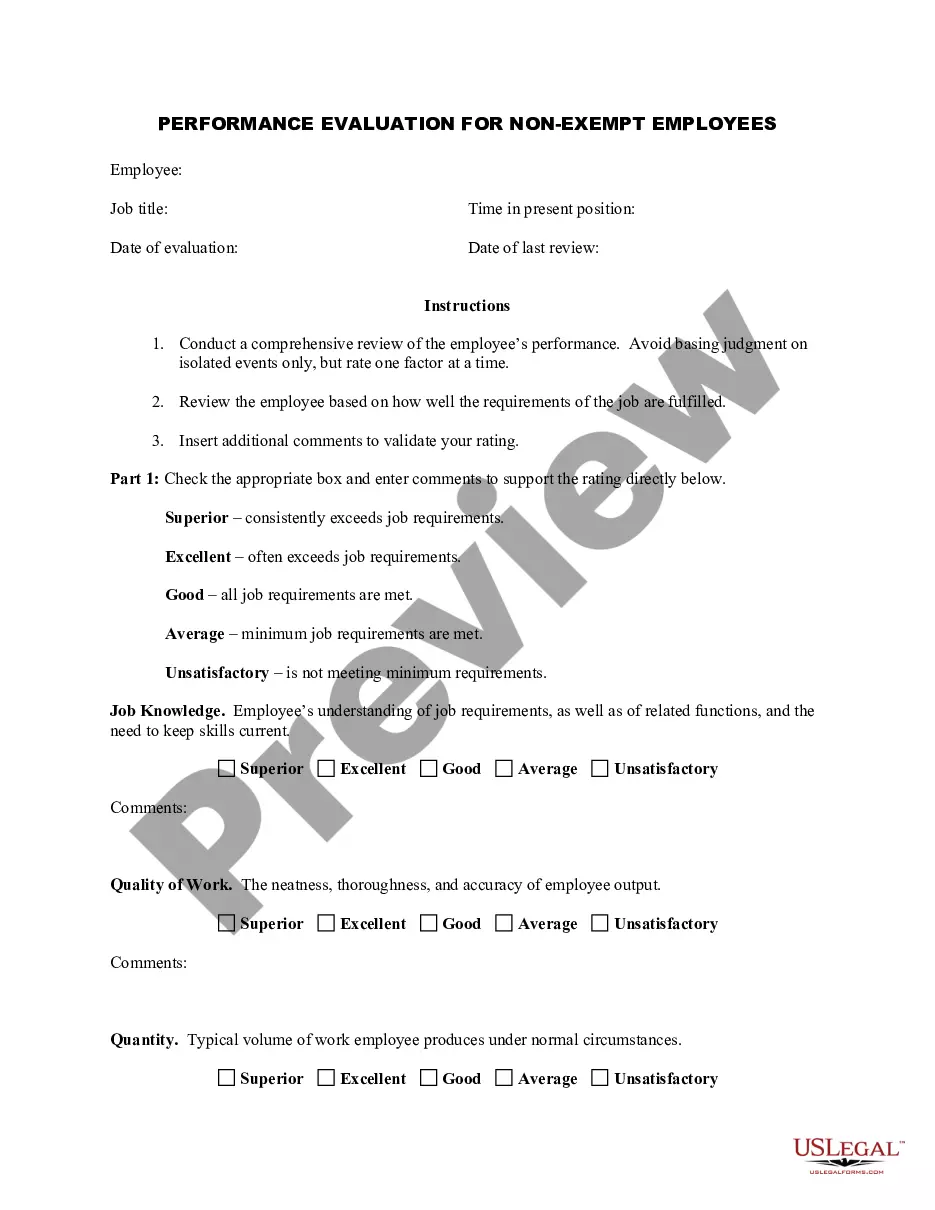
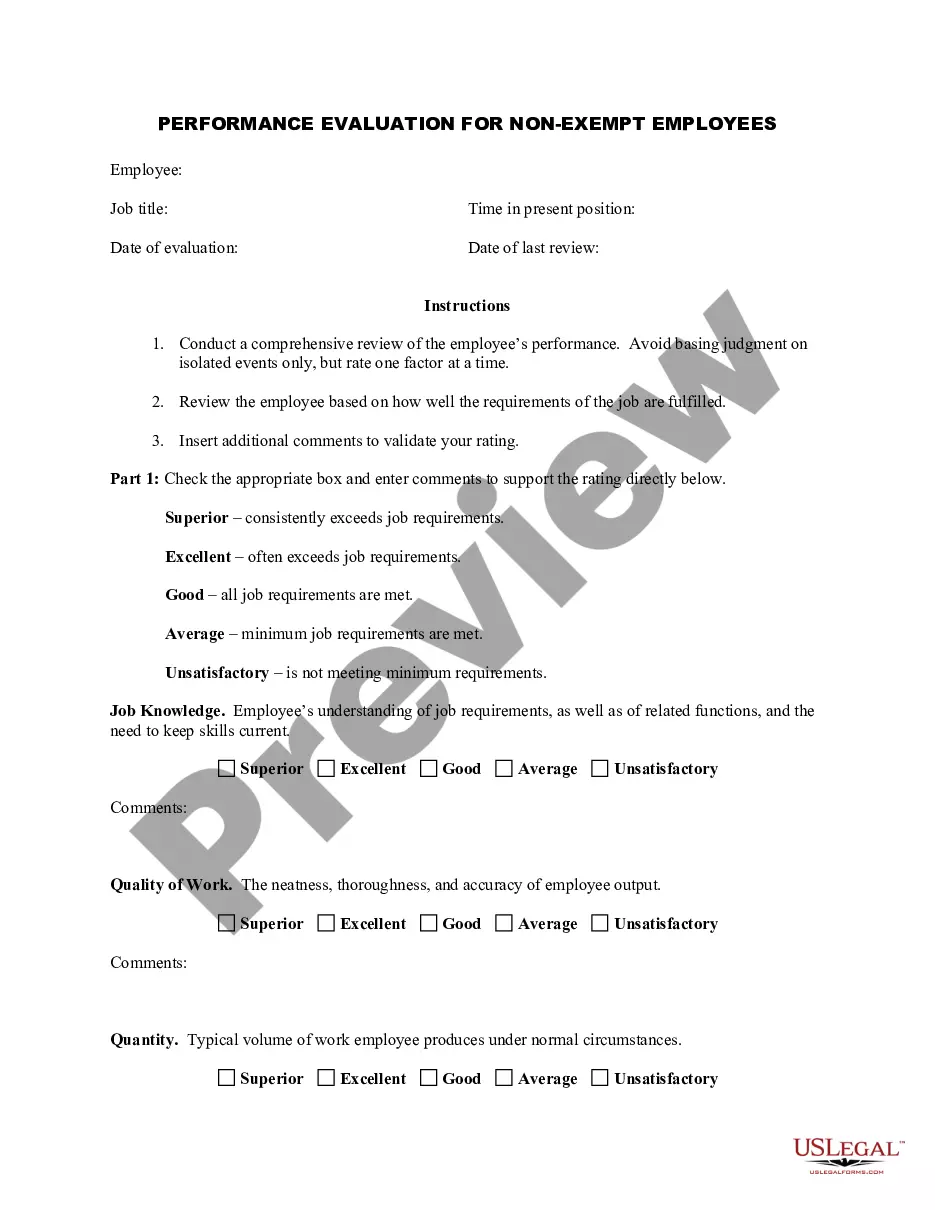
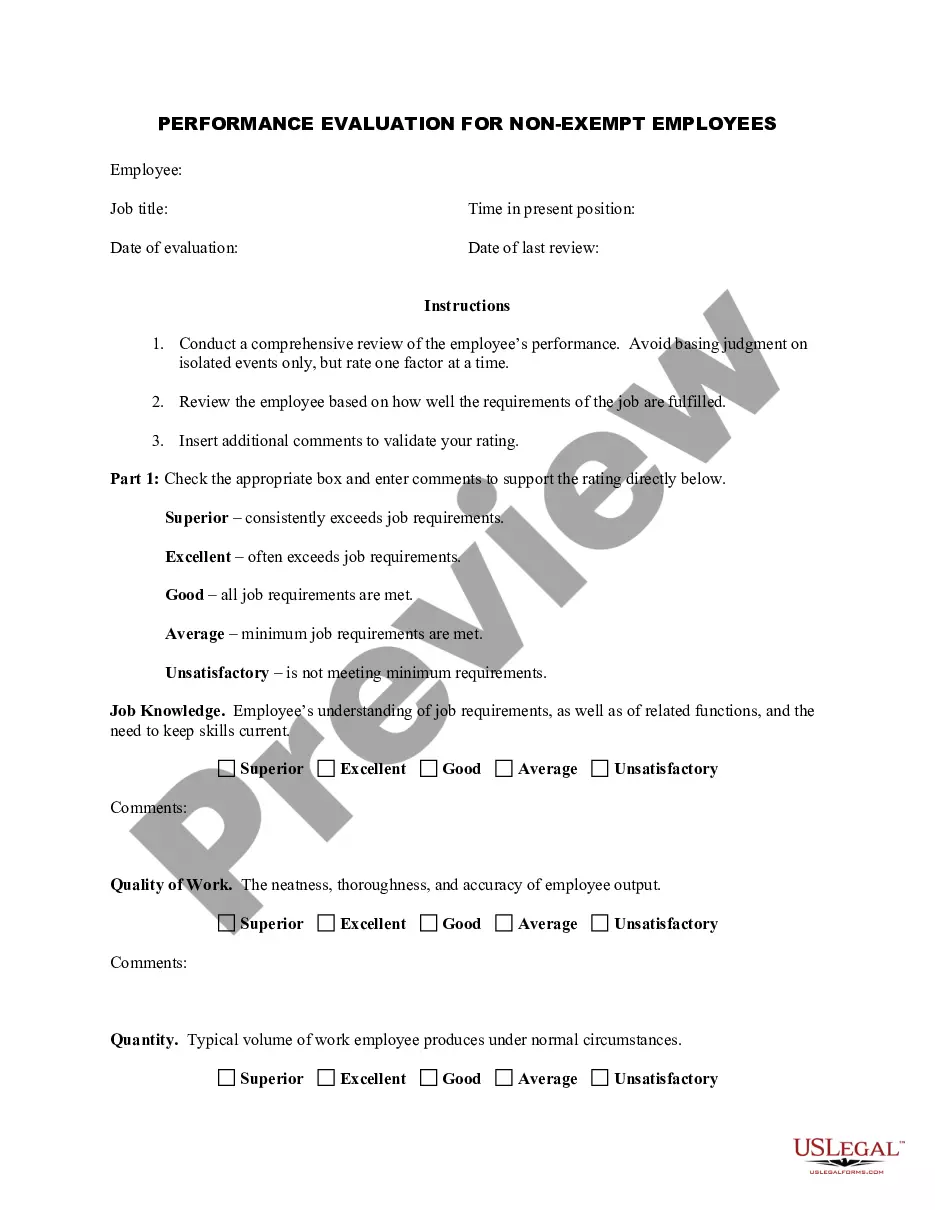
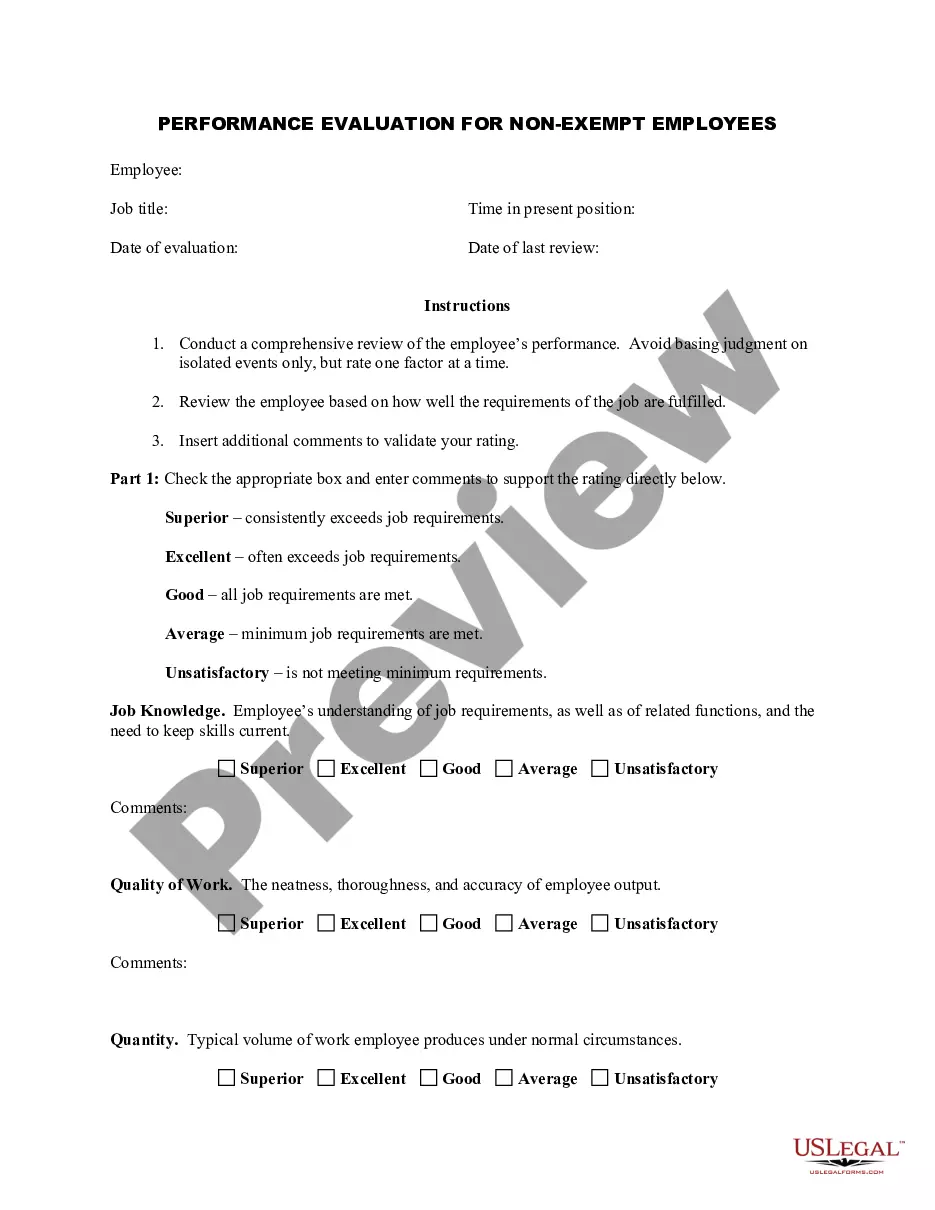

How to fill out Employee Evaluation Form For Soldier?
If you desire to finish, acquire, or produce sanctioned record templates, utilize US Legal Forms, the largest compilation of sanctioned forms available online.
Take advantage of the site's simple and user-friendly search to locate the documents you need.
Various templates for corporate and personal use are categorized by sections and recommendations, or keywords.
Every sanctioned record template you purchase is yours indefinitely.
You will have access to every document you downloaded in your account. Click the My documents section and select a form to print or download again.
- Utilize US Legal Forms to discover the Maryland Employee Evaluation Form for Soldier in just a few clicks.
- If you are an existing US Legal Forms user, Log In to your account and select the Download button to retrieve the Maryland Employee Evaluation Form for Soldier.
- You can also access forms you previously downloaded in the My documents tab of your profile.
- If this is your first experience with US Legal Forms, adhere to the instructions below.
- Step 1. Ensure you have chosen the template for the correct state/country.
- Step 2. Utilize the Preview option to view the form's details. Don’t forget to review the summary.
- Step 3. If you are not satisfied with the document, take advantage of the Search field at the top of the page to find other versions of the sanctioned document template.
- Step 4. Once you have found the document you need, click the Get now button. Choose the pricing plan that suits you and enter your credentials to register for an account.
- Step 5. Complete the transaction. You can use your credit card or PayPal account to finalize the purchase.
- Step 6. Select the format of the sanctioned document and download it to your device.
- Step 7. Fill out, edit, and print or sign the Maryland Employee Evaluation Form for Soldier.
Form popularity
FAQ
Here's a step-by-step guide to effectively evaluating employees:Set Performance Standards.Set Specific Goals.Take Notes Throughout the Year.Be Prepared.Be Honest and Specific with Criticism.Don't Compare Employees.Evaluate the Performance, Not the Personality.Have a Conversation.More items...
PEP (Perfecting Employee Performance) is a secure, cloud-based system that solves performance management challenges. It is available 24 hours a day and focuses on tech-based coaching with continuous feedback.
PEP (Perfecting Employee Performance) is a secure, cloud-based system that solves performance management challenges. It is available 24 hours a day and focuses on tech-based coaching with continuous feedback.
Performance Evaluation and Planning (PEP) Form Human Resources.
To give you a head start, here are five common performance review methods:Self-Evaluation. A self-evaluation requires an employee to judge his or her own performance against predetermined criteria.Behavioral Checklist.360-Degree Feedback.Management by Objectives.Ratings Scale.
Employee Performance Evaluation Software is a software tool for keeping reliable records of employee performance, identifying opportunities for improvement, and recognizing top performers. It paints a valuable picture of where an individual is doing well and where they can improve.
Quality of Work.Goals and Target Achievement.Level of Productivity.Initiative and Motivation.Teamwork and Leadership Skills.Ability to Problem Solve.Written and Verbal Communication Skills.Performance Self-Appraisal.
How to write an employee evaluationReview the employee's job description. Get a current copy of each person's job description and review the requirements.Highlight areas of improvement.Compare strengths and weaknesses.Recommend actionable goals.Provide constructive feedback.Welcome employee input.
How to write an employee evaluationGather employee information. Gather required information related to the employee to get the full picture of their value to the company.List employee responsibilities.Use objective language.Use action verbs.Compare performance ratings.Ask open-ended questions.Use a point system.
10 Easy Ways to Evaluate an Employee's PerformanceLevel of execution.Quality of work.Level of creativity.Amount of consistent improvement.Customer and peer feedback.Sales revenue generated.Responsiveness to feedback.Ability to take ownership.More items...