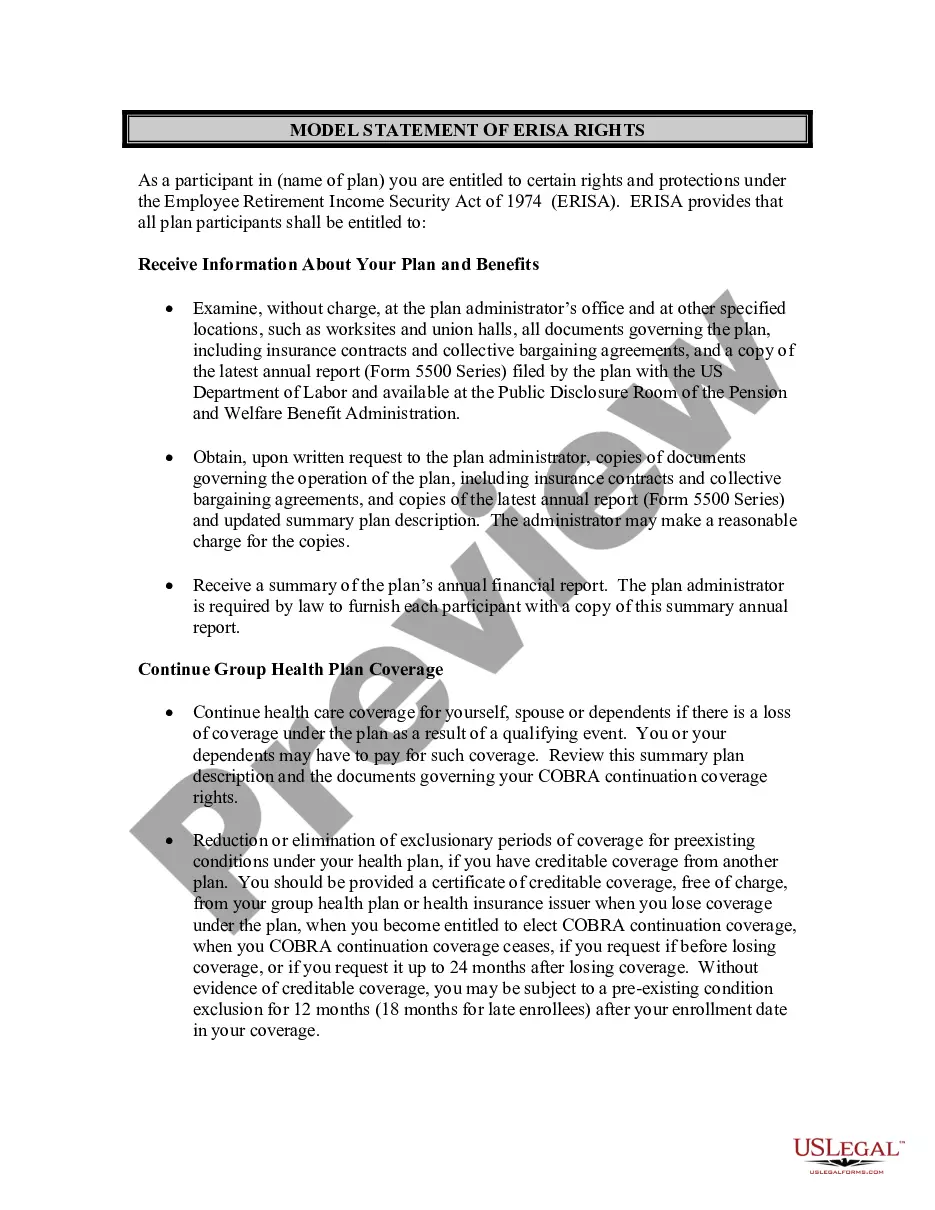
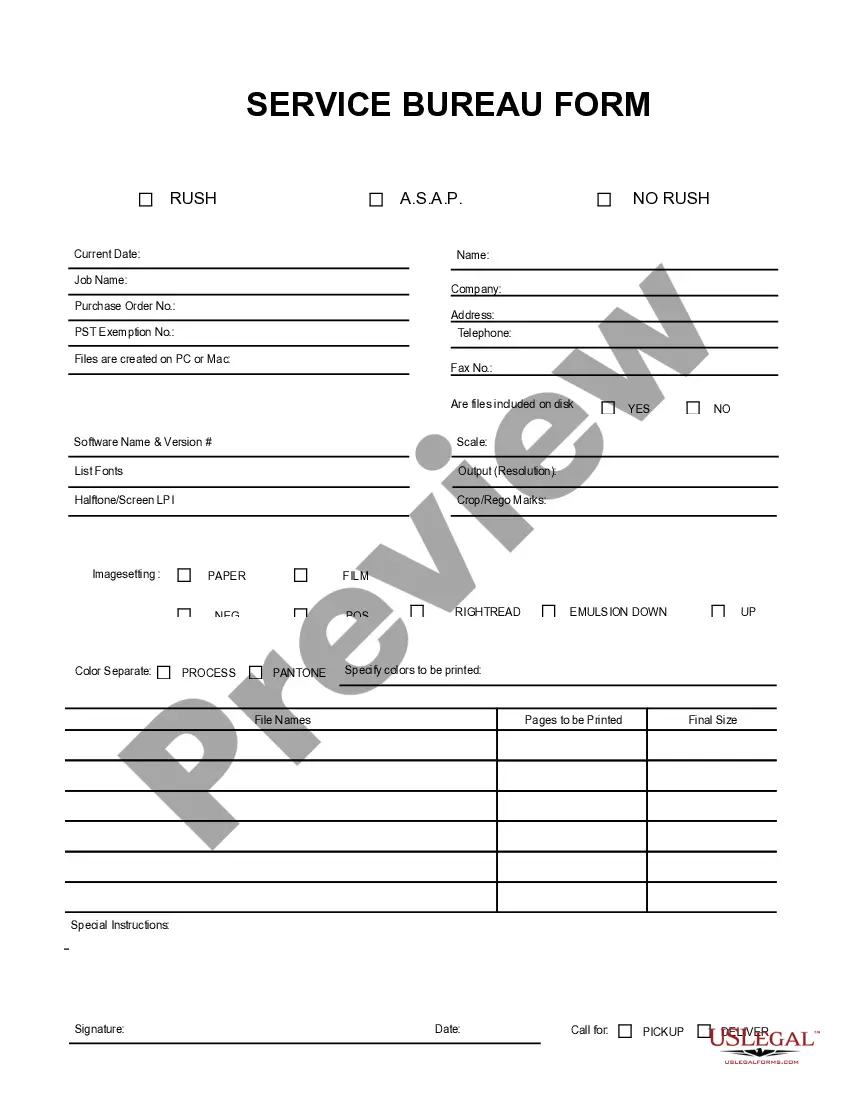
This form is a business type form that is formatted to allow you to complete the form using Adobe Acrobat or Word. The word files have been formatted to allow completion by entry into fields. Some of the forms under this category are rather simple while others are more complex. The formatting is worth the small cost.
Maryland Service Bureau Form
Category:
State:
Multi-State
Control #:
US-201-AZ
Format:
Word;
PDF;
Rich Text
Instant download
Description
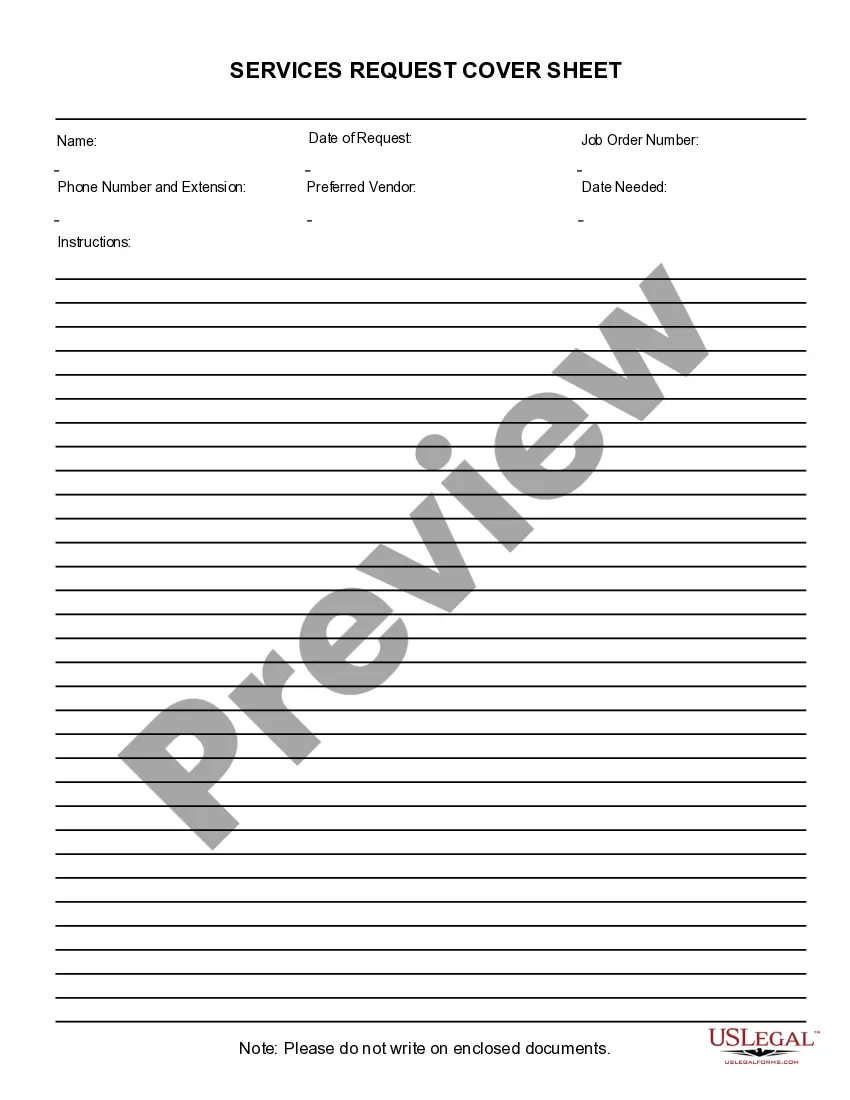
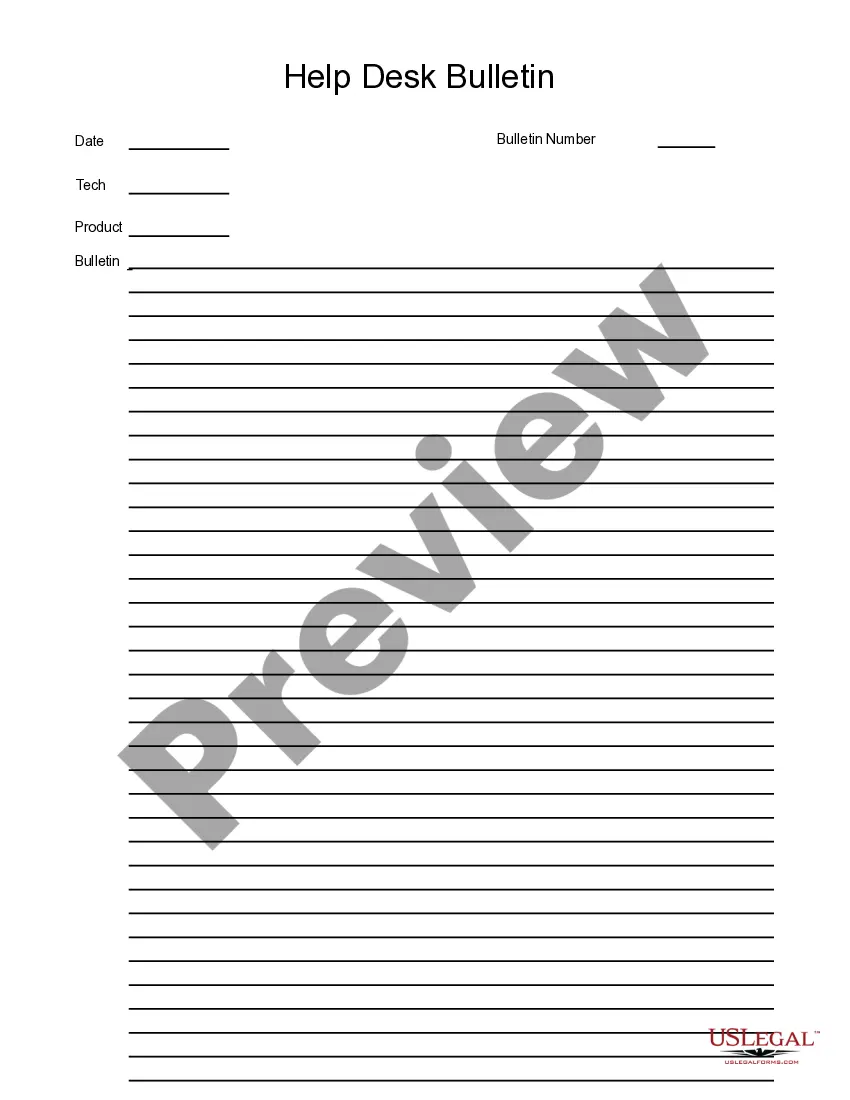
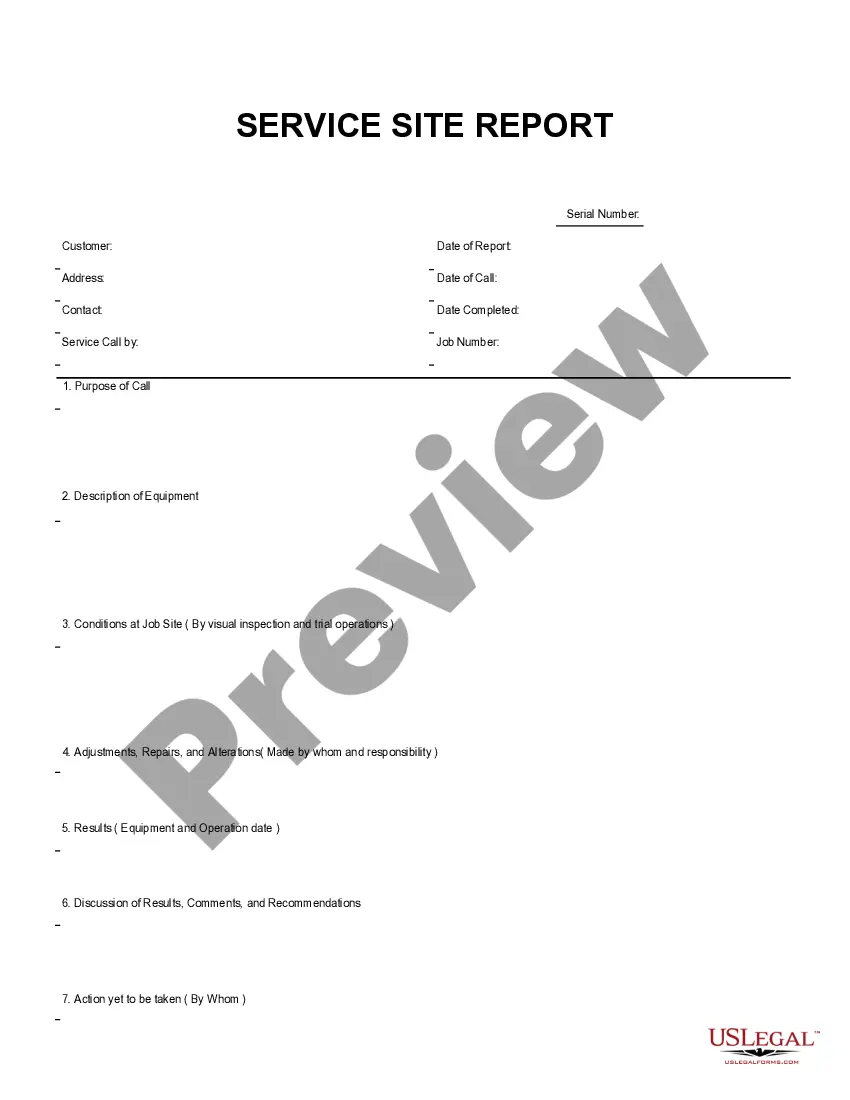
Get your form ready online
Our built-in tools help you complete, sign, share, and store your documents in one place.
Built-in online Word editor
Make edits, fill in missing information, and update formatting in US Legal Forms—just like you would in MS Word.
Export easily
Download a copy, print it, send it by email, or mail it via USPS—whatever works best for your next step.
E-sign your document
Sign and collect signatures with our SignNow integration. Send to multiple recipients, set reminders, and more. Go Premium to unlock E-Sign.
Notarize online 24/7
If this form requires notarization, complete it online through a secure video call—no need to meet a notary in person or wait for an appointment.
Store your document securely
We protect your documents and personal data by following strict security and privacy standards.

Make edits, fill in missing information, and update formatting in US Legal Forms—just like you would in MS Word.

Download a copy, print it, send it by email, or mail it via USPS—whatever works best for your next step.

Sign and collect signatures with our SignNow integration. Send to multiple recipients, set reminders, and more. Go Premium to unlock E-Sign.

If this form requires notarization, complete it online through a secure video call—no need to meet a notary in person or wait for an appointment.

We protect your documents and personal data by following strict security and privacy standards.
Looking for another form?
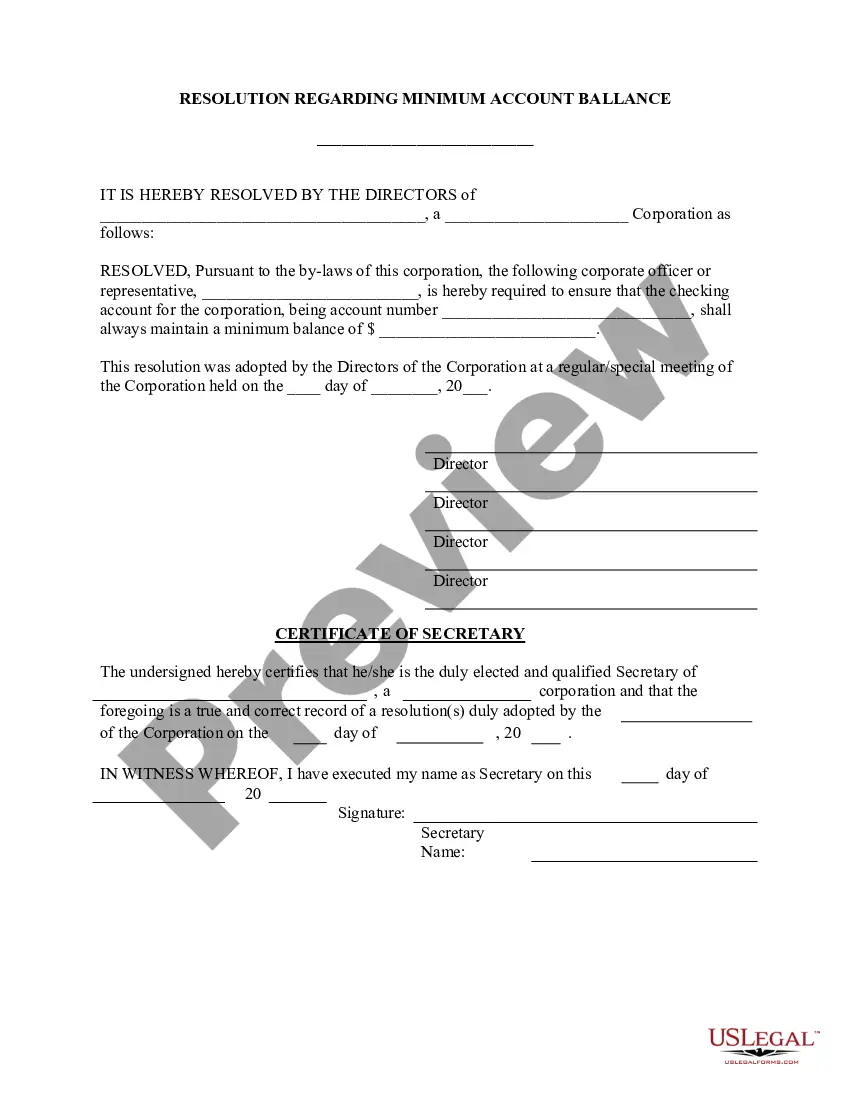





How to fill out Service Bureau Form?
If you desire to be thorough, obtain, or print legal document templates, utilize US Legal Forms, the largest collection of legal forms, which can be accessed online.
Employ the site’s simple and user-friendly search to locate the documents you require.
Various templates for commercial and personal uses are organized by categories and jurisdictions, or keywords. Utilize US Legal Forms to obtain the Maryland Service Bureau Form in only a few clicks.
Every legal document template you acquire is yours permanently. You will have access to each form you saved in your account. Click on the My documents section and select a form to print or download again.
Complete and download, and print the Maryland Service Bureau Form with US Legal Forms. There are countless professional and state-specific forms you can utilize for your business or personal needs.
- When you are currently a US Legal Forms client, sign in to your account and then click the Procure option to obtain the Maryland Service Bureau Form.
- You can also access forms you previously stored from the My documents section of your account.
- If this is your first time utilizing US Legal Forms, follow the instructions below.
- Step 1. Ensure that you have selected the form for your correct city/state.
- Step 2. Use the Examine option to review the form’s details. Do not forget to read the summary.
- Step 3. If you are dissatisfied with the form, use the Search field at the top of the screen to find other versions of the legal form template.
- Step 4. After you have located the form you need, click on the Procure now button. Select the pricing plan you prefer and provide your credentials to register for the account.
- Step 5. Complete the transaction. You may use your credit card or PayPal account to finalize the transaction.
- Step 6. Select the format of the legal form and download it to your device.
- Step 7. Fill out, edit, and print or sign the Maryland Service Bureau Form.
Form popularity
FAQ
In Maryland, an annual report is a regular filing that your LLC must complete every year to update your business information, including: Company mailing address. Nature of business activity. Business personal property status.
TO RENEW YOUR PERMIT:Click on the Renew a Corporate/Partnership/LLC/LLP Permit online link at the top of this page.Highlight your license category from the pull-down box, and enter your registration number exactly as it appears on the data card.You will receive an e-mail confirmation of the completed transaction.
How to File Your Maryland Annual ReportDetermine your business's due date and filing fee.Submit your report online OR download a paper form.File your report and fee with the Maryland State Department of Assessments and Taxation.
So, an FR-19 simply verifies that you had insurance at the time it was filed and can be used to verify this fact if requested. The Maryland Motor Vehicle Administration (MVA) and the Delaware Department of Motor Vehicles (DMV) requests an FR-19 from your insurance company each time you go to renew your registration.
The registration consists of five numerals, followed by the letter M and one numeral. At the top of the plate is Maryland in black. At the bottom of the plate is in black. Former multi-purpose vehicle in black on white.
The filing fee for most business entities is $300. The fee must accompany the Annual Report in order for the report to be accepted by SDAT. Failure to include the filing fee will result in SDAT not accepting the report which may cause delays and/or late filing fees.
All corporations, limited liability companies (LLCs), limited liability partnerships (LLPs), and limited partnerships must file personal property returns with the Department of Assessments and Taxation. 2.
Md. Code Ann., Transportation Article - 13-507 Auctioneer's Sales Receipt (VR-112) An MVA form provided for vehicle auctioneers and buyers to document the sale of an abandoned vehicle. The form serves as the bill of sale and ownership document.
Required Annual FilingsAll business entities formed, qualified, or registered to do business in Maryland must file an Annual Report every year.
The FR-13 reports New Business, Reinstatements or Cancellations and is submitted electronically to the MVA through the MDOT SFTP server. The eFR-19 is submitted to show proof of insurance for a customer via the eFR-19 Website and is generally requested after an insurance compliance case has been created.