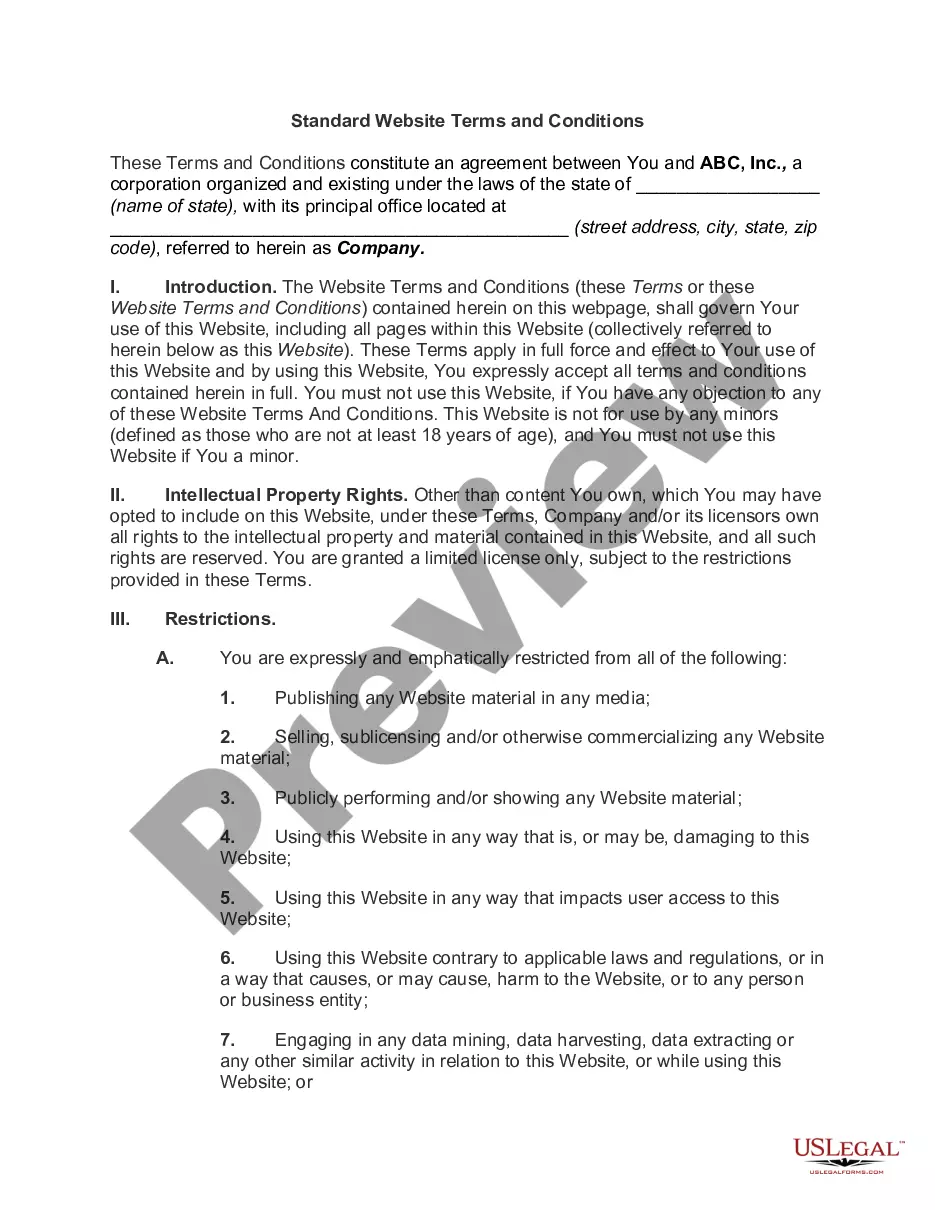
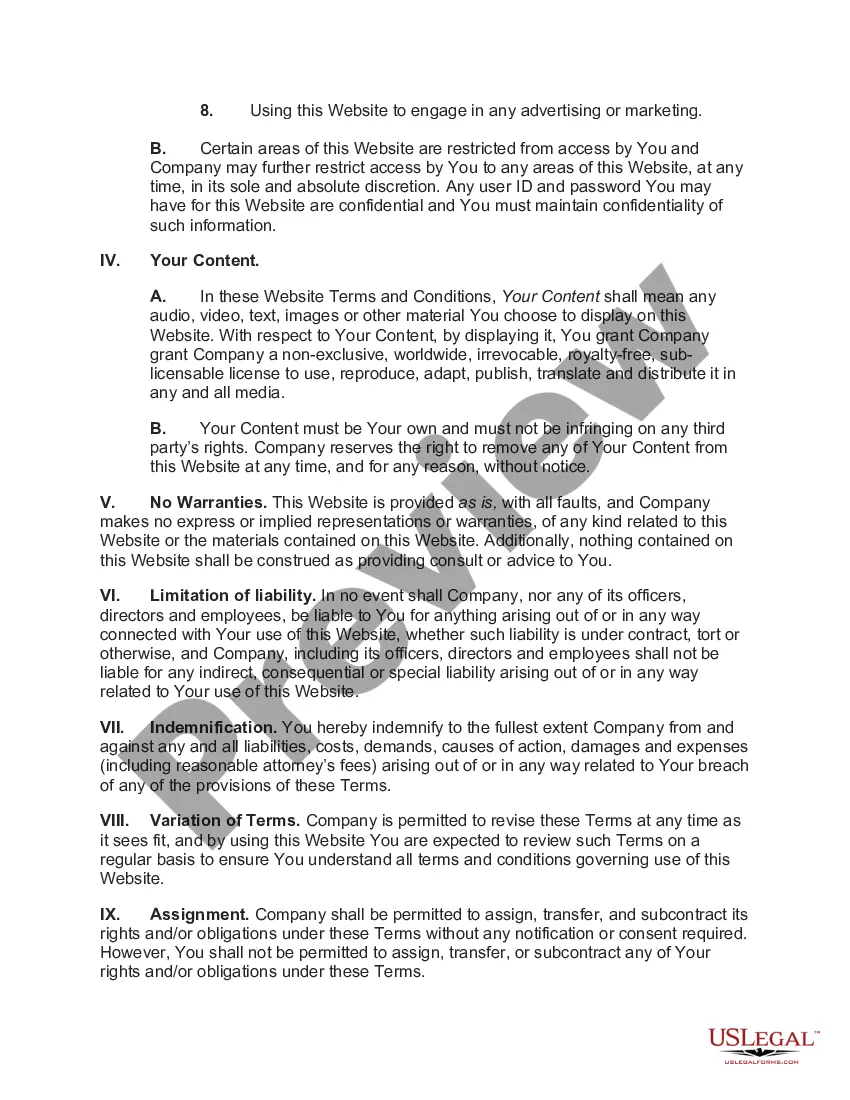
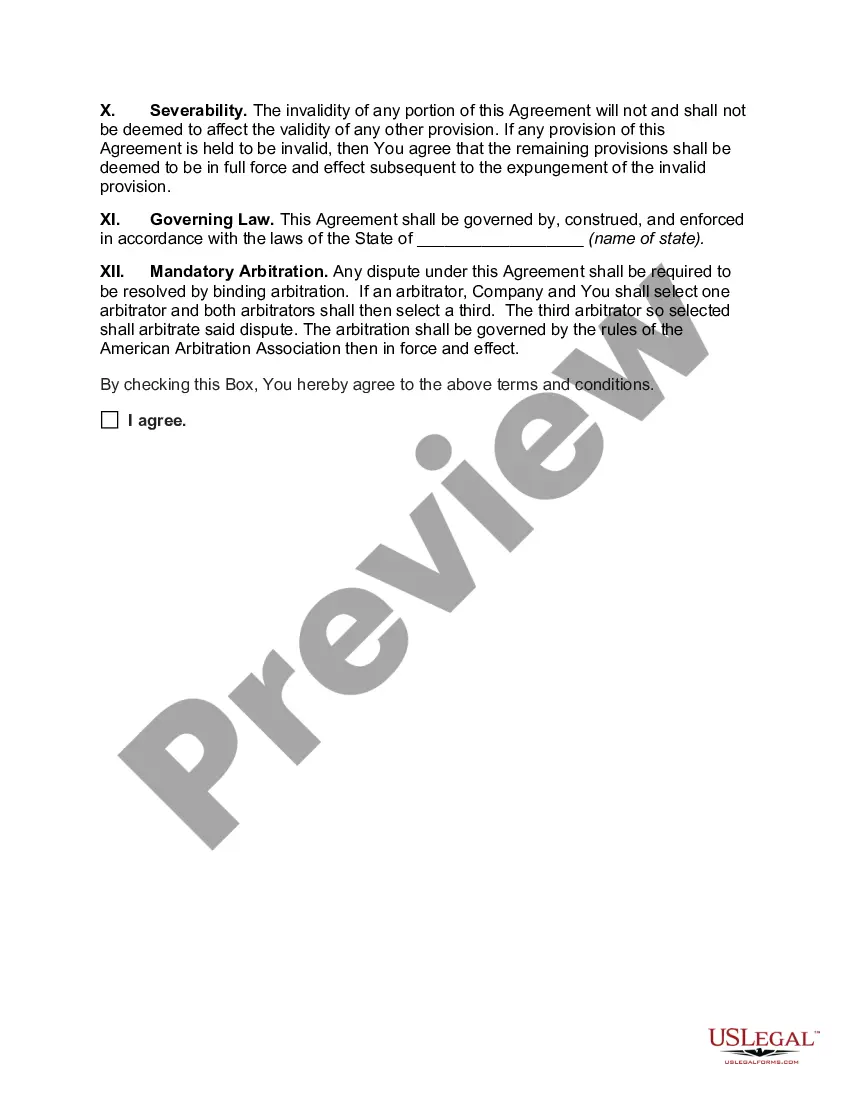
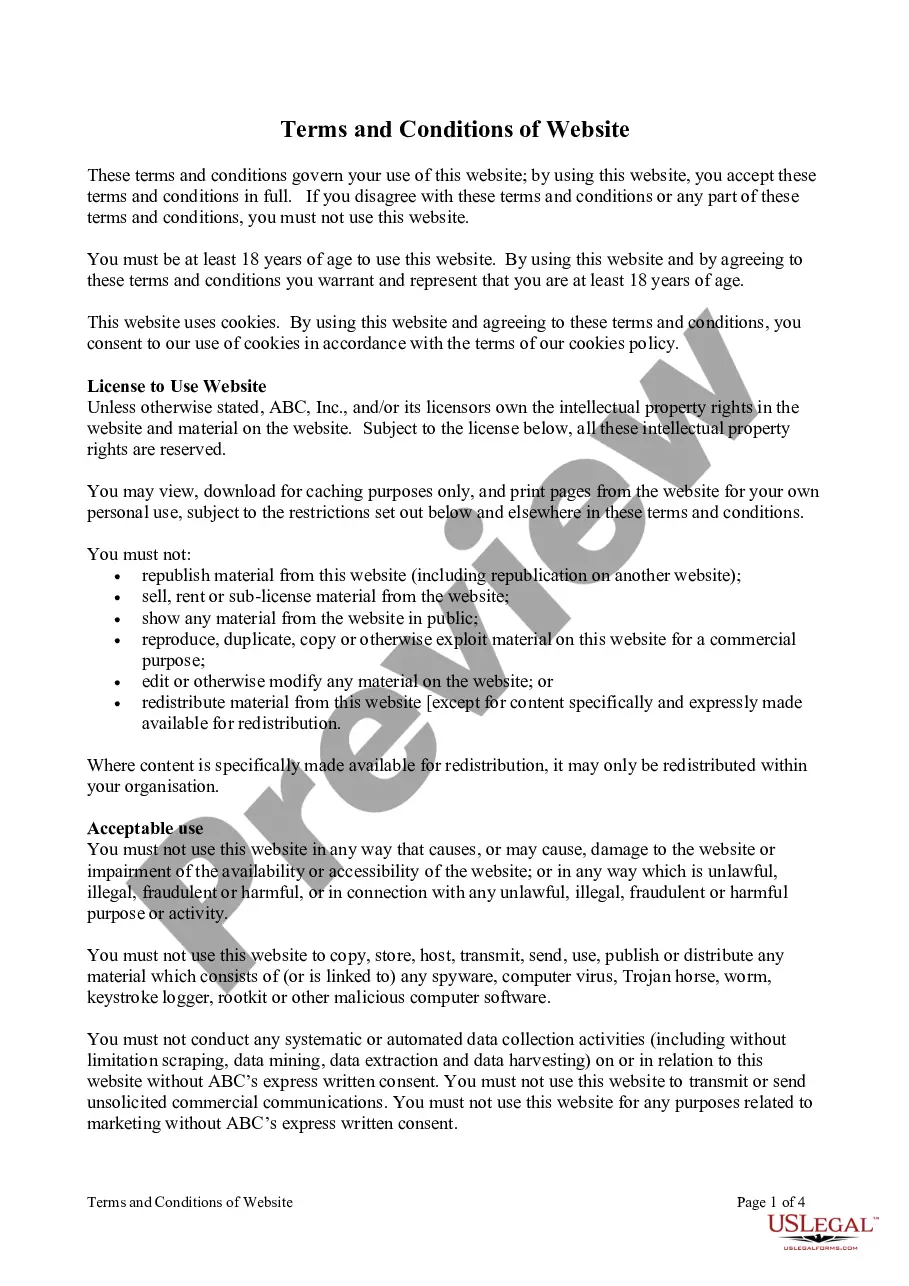
Maryland Standard Website Terms and Conditions
Description
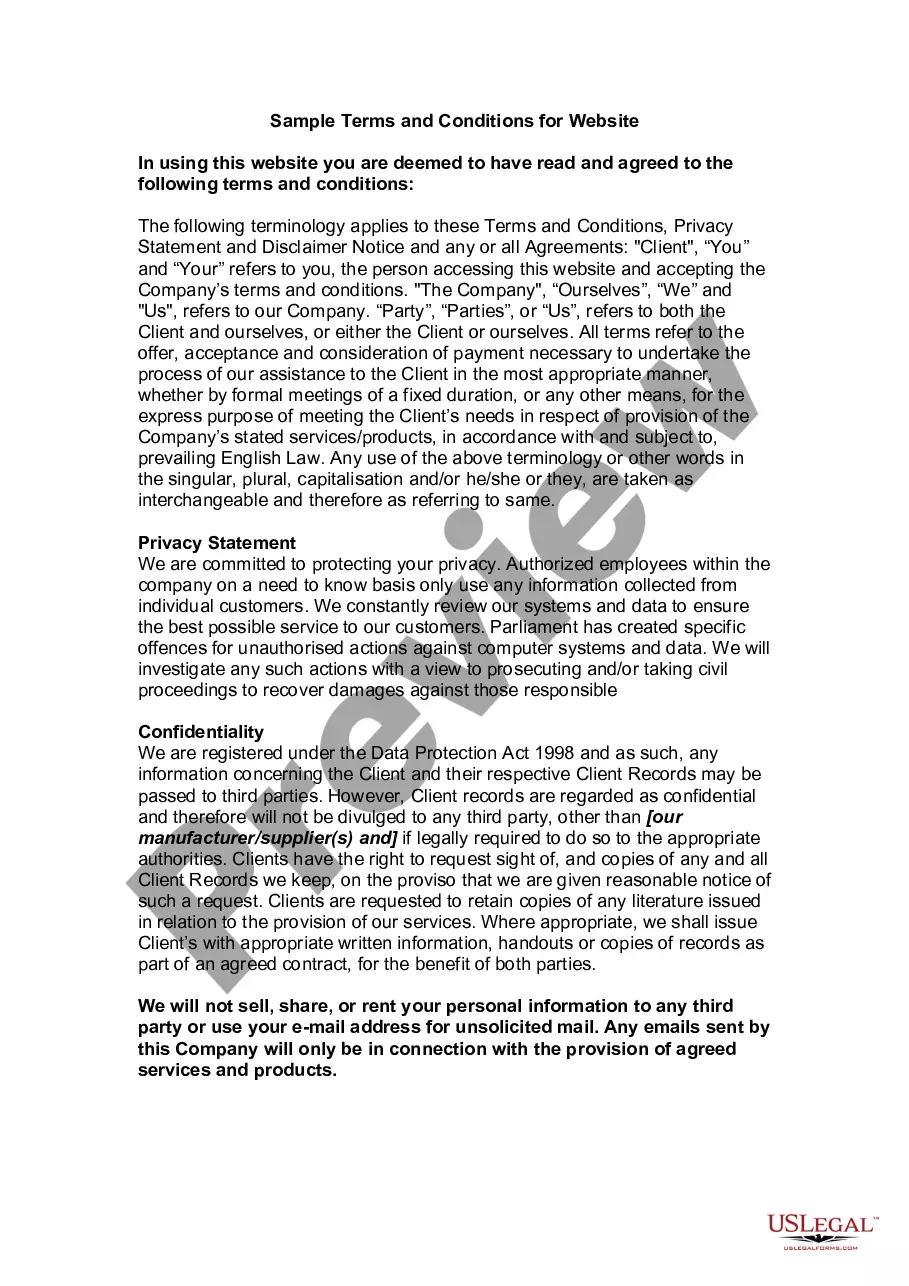
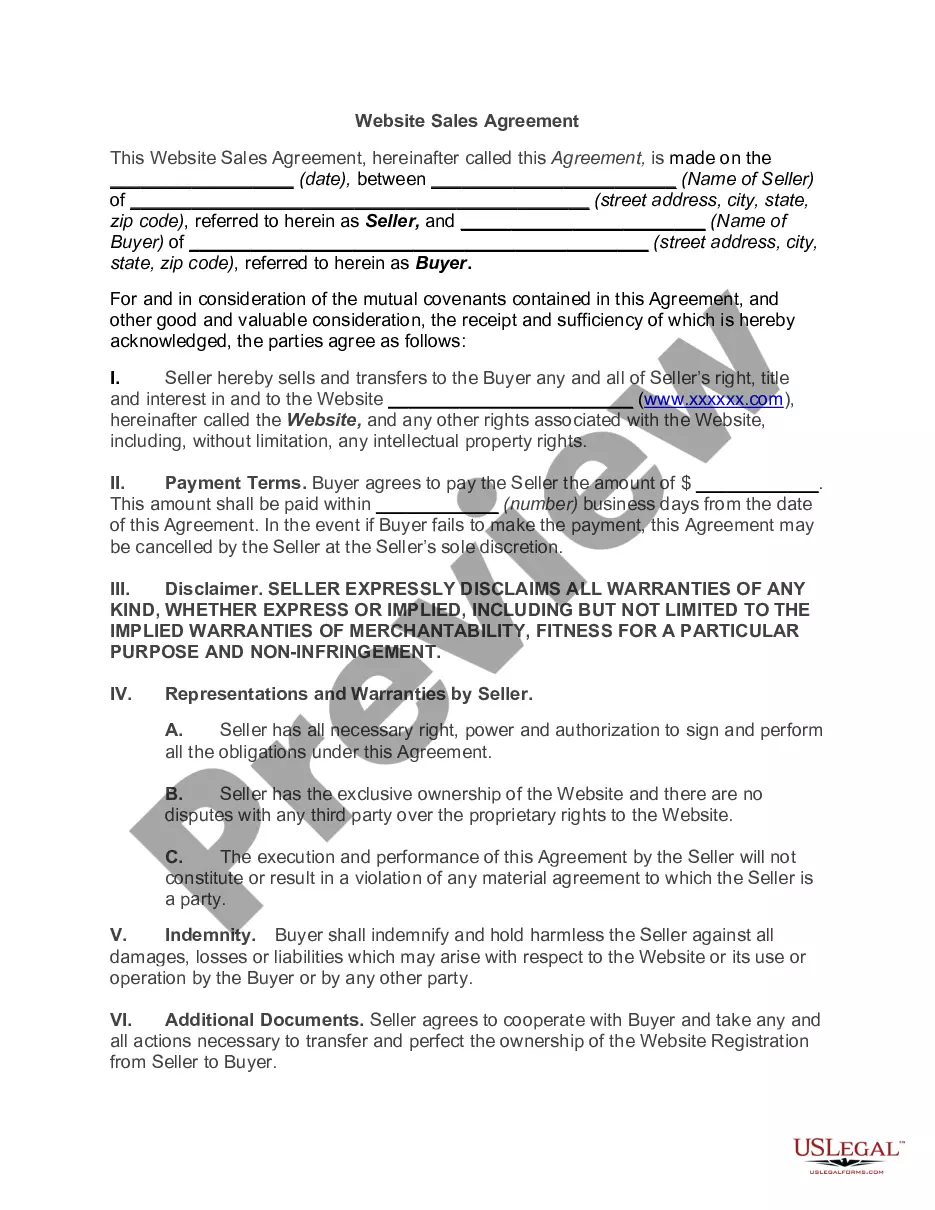
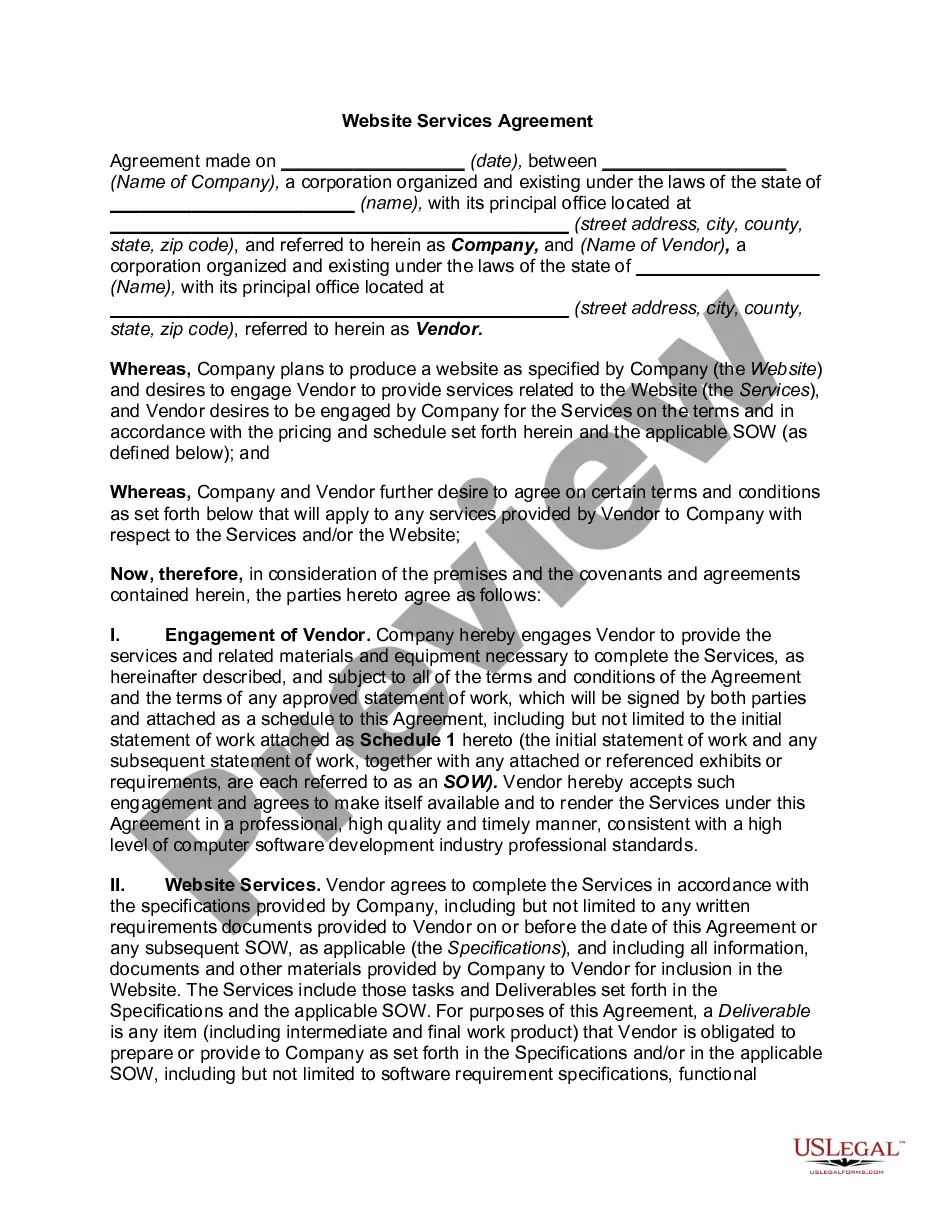
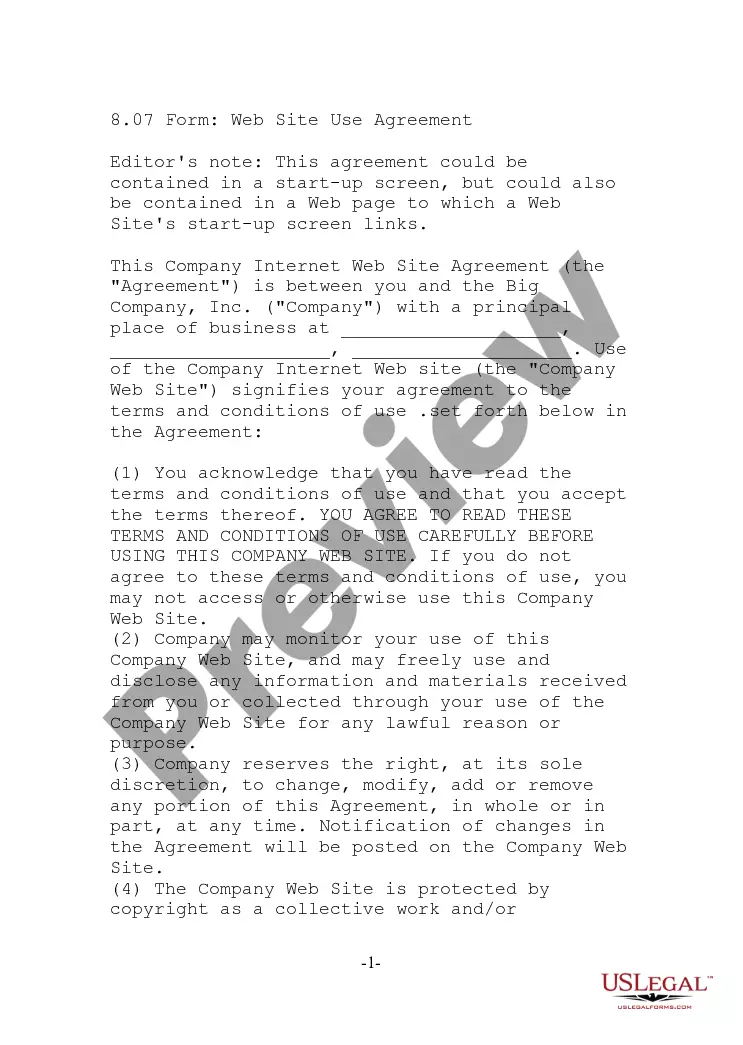
Get your form ready online
Our built-in tools help you complete, sign, share, and store your documents in one place.
Make edits, fill in missing information, and update formatting in US Legal Forms—just like you would in MS Word.
Download a copy, print it, send it by email, or mail it via USPS—whatever works best for your next step.
Sign and collect signatures with our SignNow integration. Send to multiple recipients, set reminders, and more. Go Premium to unlock E-Sign.
If this form requires notarization, complete it online through a secure video call—no need to meet a notary in person or wait for an appointment.
We protect your documents and personal data by following strict security and privacy standards.

Make edits, fill in missing information, and update formatting in US Legal Forms—just like you would in MS Word.

Download a copy, print it, send it by email, or mail it via USPS—whatever works best for your next step.

Sign and collect signatures with our SignNow integration. Send to multiple recipients, set reminders, and more. Go Premium to unlock E-Sign.

If this form requires notarization, complete it online through a secure video call—no need to meet a notary in person or wait for an appointment.

We protect your documents and personal data by following strict security and privacy standards.
Looking for another form?
How to fill out Standard Website Terms And Conditions?
Selecting the appropriate official document template can be a challenge.
Certainly, there are numerous templates accessible online, but how will you find the official form you require.
Utilize the US Legal Forms website. The service offers thousands of templates, such as the Maryland Standard Website Terms and Conditions, that can be utilized for commercial and personal purposes.
You can preview the form using the Preview option and review the form description to confirm it is suitable for you.
- All the documents are reviewed by experts and meet federal and state regulations.
- If you are already registered, Log In to your account and click on the Download button to obtain the Maryland Standard Website Terms and Conditions.
- Use your account to browse the official forms you have previously purchased.
- Visit the My documents tab of your account and download another copy of the document you require.
- If you are a new user of US Legal Forms, here are simple instructions for you to follow.
- First, ensure you have chosen the correct form for your city/region.
Form popularity
FAQ
Terms and Conditions Overview While most websites seem to have one, there's actually no legal requirement for defining Terms and Conditions. (NOTE: If you are gathering users' personal data, you are required by law to have a formal Privacy Policyeven if you don't have a Terms and Conditions page.)
Terms and Conditions Overview While most websites seem to have one, there's actually no legal requirement for defining Terms and Conditions. (NOTE: If you are gathering users' personal data, you are required by law to have a formal Privacy Policyeven if you don't have a Terms and Conditions page.)
How To Write Terms and Conditions Step by StepWrite the Introduction.Draft the Terms of Service.Create an Acknowledgment Statement.Limit Your Liability.List Who Owns Intellectual Property Rights.Generate a Privacy Policy.Spell Out What Happens for Non-Compliance.Add a Signature and Dateline for Both Parties.
Are website terms and conditions legally binding? Yes, if they meet the elements that create a legally binding contract and how the terms are presented to the user for review and acceptance on the website.
While terms are generally not legally required (like the privacy policy), it is essential for protecting your interests as a business owner.
However, every Terms and Conditions agreement should have, at minimum, the following clauses:A brief introduction.The effective date.Jurisdiction/governing law.Link to your Privacy Policy.Contact information.Limitation of liability and disclaimer of warranties.Rules of conduct.User restrictions.More items...?
Terms and conditions should include provisions tailored to your specific situation. Common examples include: Privacy policy if you are collecting names, addresses, credit card information, or other personal data from your users. This should detail how this data is used, stored, and shared.
No, you do not need terms and conditions on your website. Terms and conditions are not required by any state or federal laws, but having them is a best business practice. Terms and conditions can help you in the event of a legal dispute or copyright claim, as they are a legally binding agreement.
Website Ts & Cs should generally contain:details of website owner/company including contact options. rights of use and access. registration requirements, including password and other security measures. any necessary fees which need to be paid to use the website.
Terms and conditions may include:Intellectual property rights.Termination clauses.Governing law clause.DMCA notice clause.Limitation of liability.Enforceability clause.Arbitration clause.Confidentiality clause.More items...