Agreement, Waiver, Hold Harmless and Covenant Not to Sue for Traveling Abroad with Employer - Maryland
Overview of this form
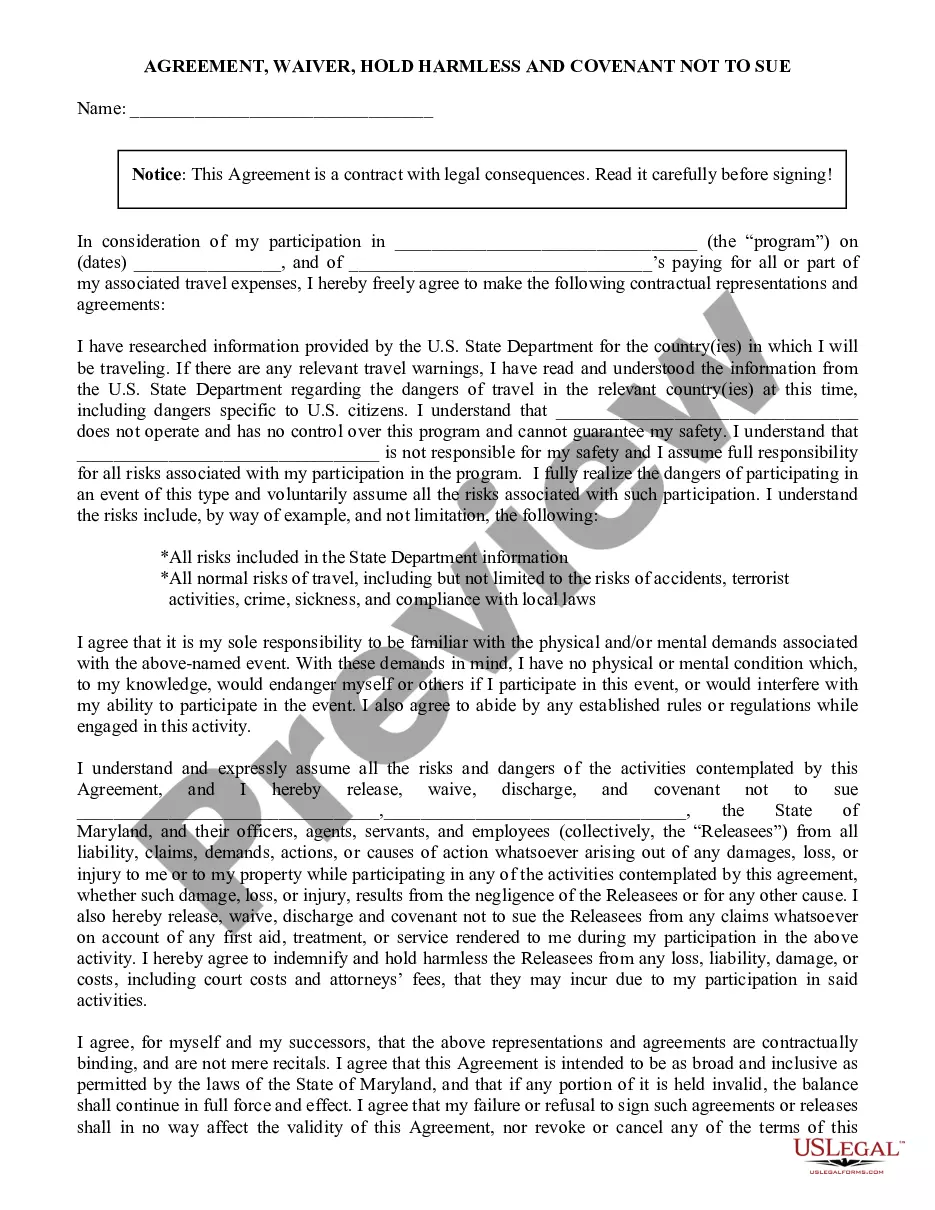
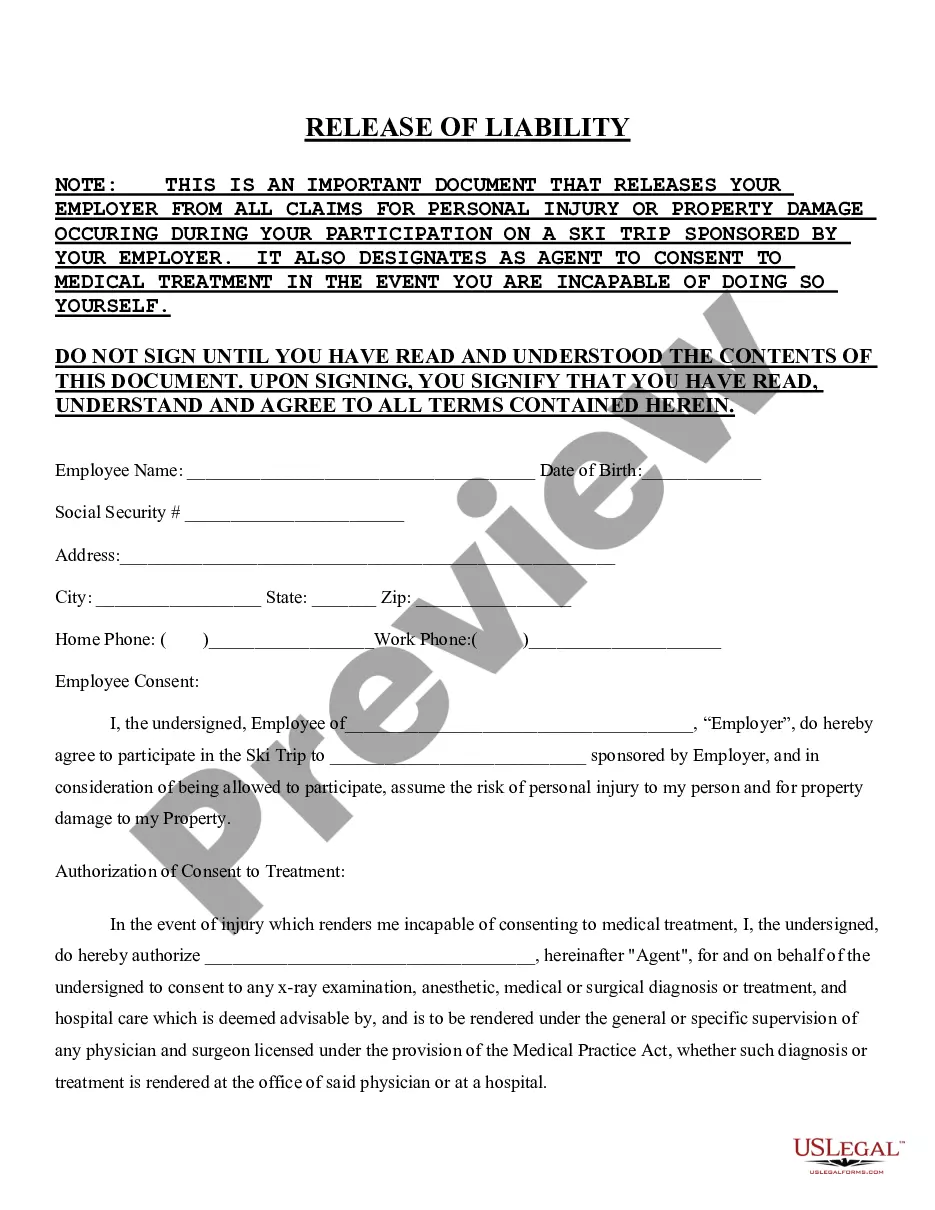
This Agreement, Waiver, Hold Harmless and Covenant Not to Sue for Traveling Abroad with Employer is a legal document designed for employees traveling abroad for work purposes. It serves to release the employer from liability for any claims or damages that may arise during the travel period. This form is specifically tailored for use by employees and employers in the State of Maryland, ensuring both parties understand the risks associated with international travel and the impact of participation in work-related activities abroad.
Form components explained
- Identification of the program and travel dates.
- Assumption of responsibility for travel risks based on U.S. State Department guidance.
- Release of claims against the employer and Maryland State from liability.
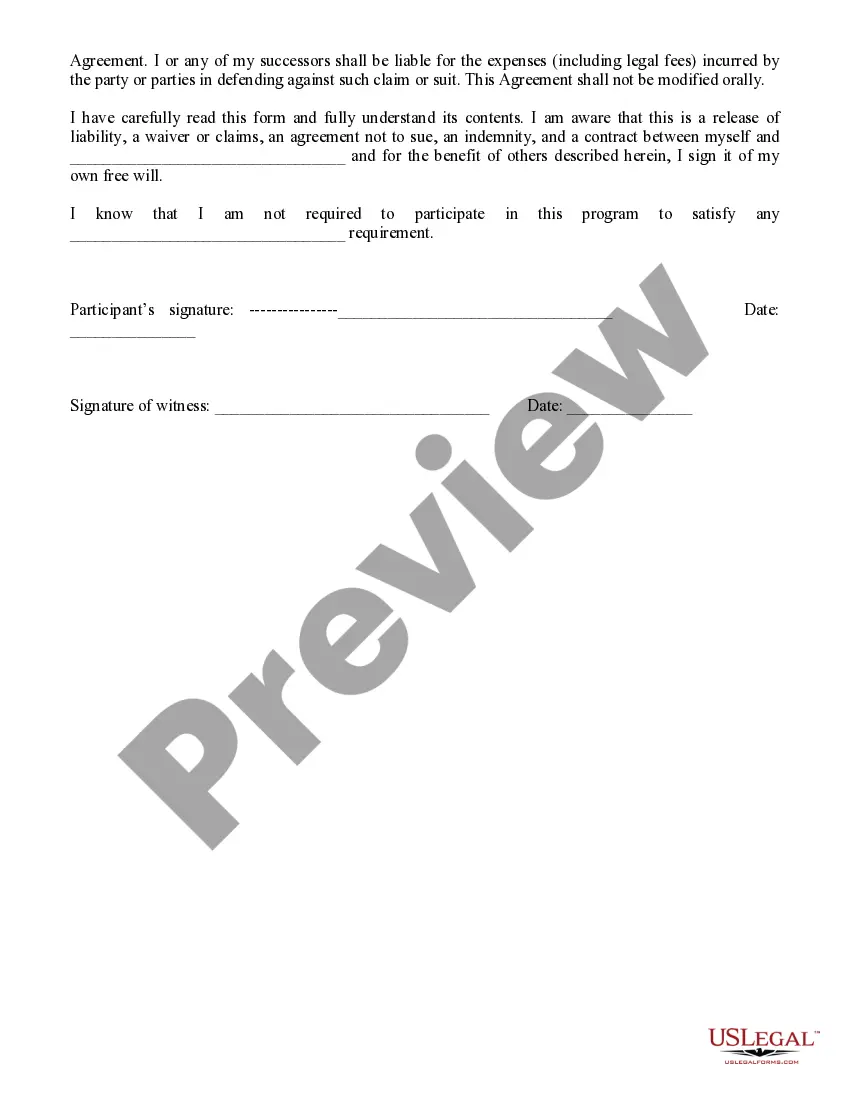
- Indemnification clause stating that the employee will cover any legal costs incurred by the employer due to claims.
- Participant and witness signature fields to validate the agreement.
Common use cases
Use this form when you, as an employee, are required to travel abroad for work-related purposes and need to acknowledge the potential risks involved. This form is essential prior to any international travel funded or organized by your employer, particularly when they will not be responsible for your safety during the trip or any incidents that may occur.
Who can use this document
- Employees traveling abroad on behalf of their employer.
- Employers who require employees to sign a waiver of liability for international travel.
- Employers based in Maryland organizing business-related programs or events overseas.
How to prepare this document
- Identify the program for which travel is being undertaken and specify the relevant travel dates.
- Review the U.S. State Departmentâs travel advisories for the destination country and acknowledge understanding of associated risks.
- Fill in your name and the name of your employer in the designated fields.
- Sign and date the agreement, along with a witness, to validate the form.
- Keep a copy for your records after submission to your employer.
Does this document require notarization?
This form does not typically require notarization unless specified by local law. However, it is recommended to check with your employer or legal advisor to confirm if any additional formalities are necessary for your specific travel situation.
Get your form ready online
Our built-in tools help you complete, sign, share, and store your documents in one place.
Make edits, fill in missing information, and update formatting in US Legal Forms—just like you would in MS Word.
Download a copy, print it, send it by email, or mail it via USPS—whatever works best for your next step.
Sign and collect signatures with our SignNow integration. Send to multiple recipients, set reminders, and more. Go Premium to unlock E-Sign.
If this form requires notarization, complete it online through a secure video call—no need to meet a notary in person or wait for an appointment.
We protect your documents and personal data by following strict security and privacy standards.

Make edits, fill in missing information, and update formatting in US Legal Forms—just like you would in MS Word.

Download a copy, print it, send it by email, or mail it via USPS—whatever works best for your next step.

Sign and collect signatures with our SignNow integration. Send to multiple recipients, set reminders, and more. Go Premium to unlock E-Sign.

If this form requires notarization, complete it online through a secure video call—no need to meet a notary in person or wait for an appointment.

We protect your documents and personal data by following strict security and privacy standards.
Avoid these common issues
- Not reviewing the U.S. State Department travel advisories before signing.
- Failing to include all required signatures, especially a witness, which could invalidate the form.
- Omitting any relevant travel dates or program information, leading to potential legal issues.
Advantages of online completion
- Ease of access: Download and complete the form from the comfort of your home or office.
- Editability: Customize the form to suit your specific travel program and employer's requirements.
- Reliability: Confidence in using a legally vetted document drafted by licensed attorneys.