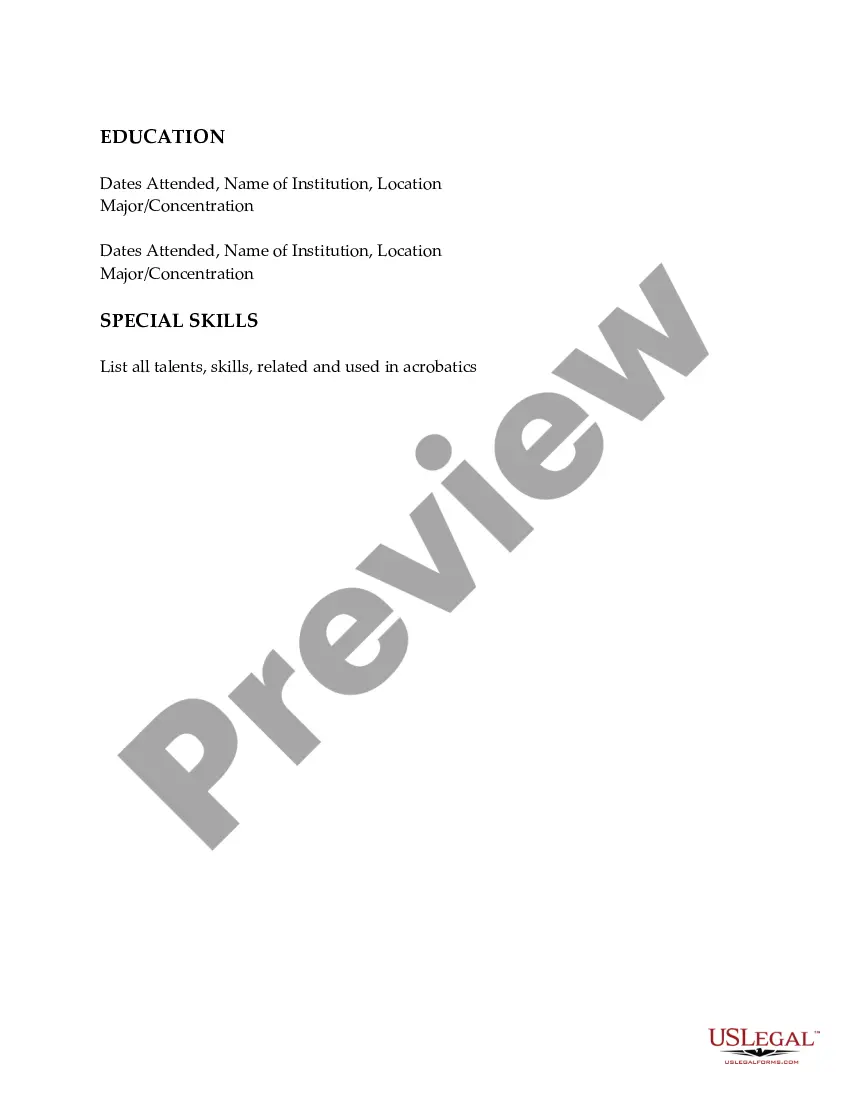
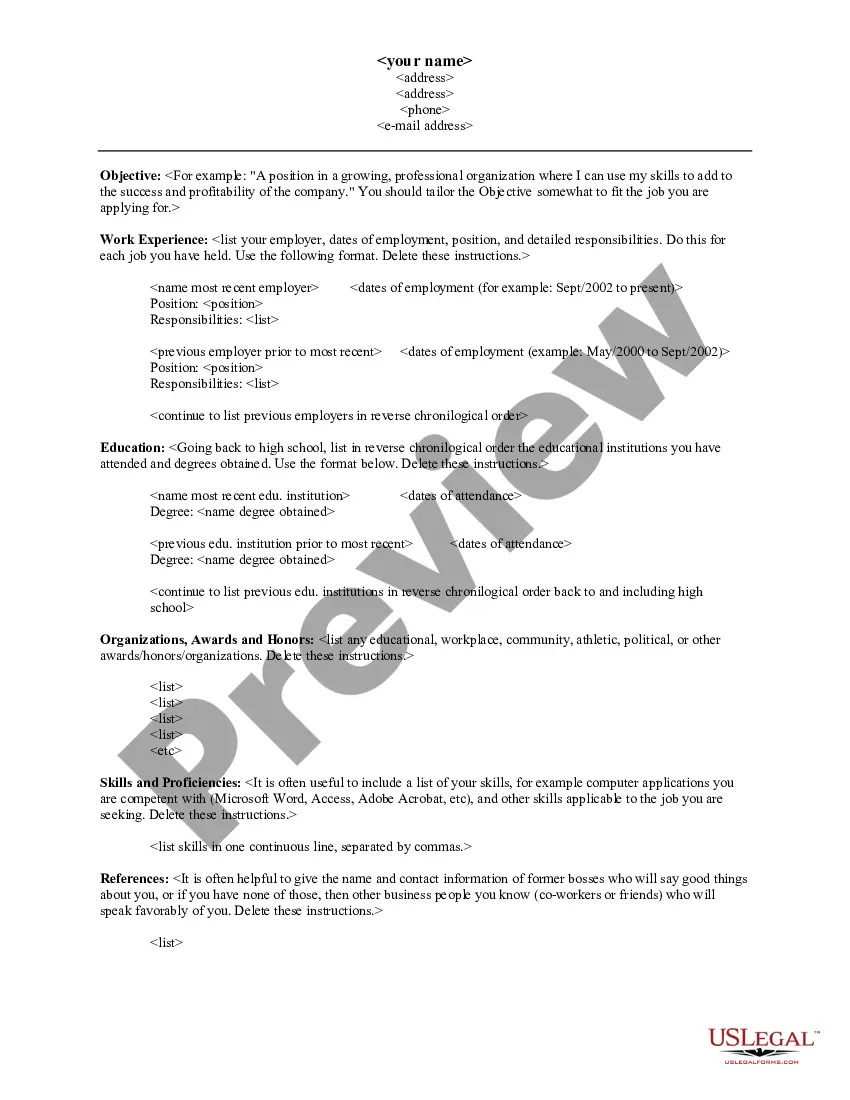
Massachusetts Resume for Acrobats
Description
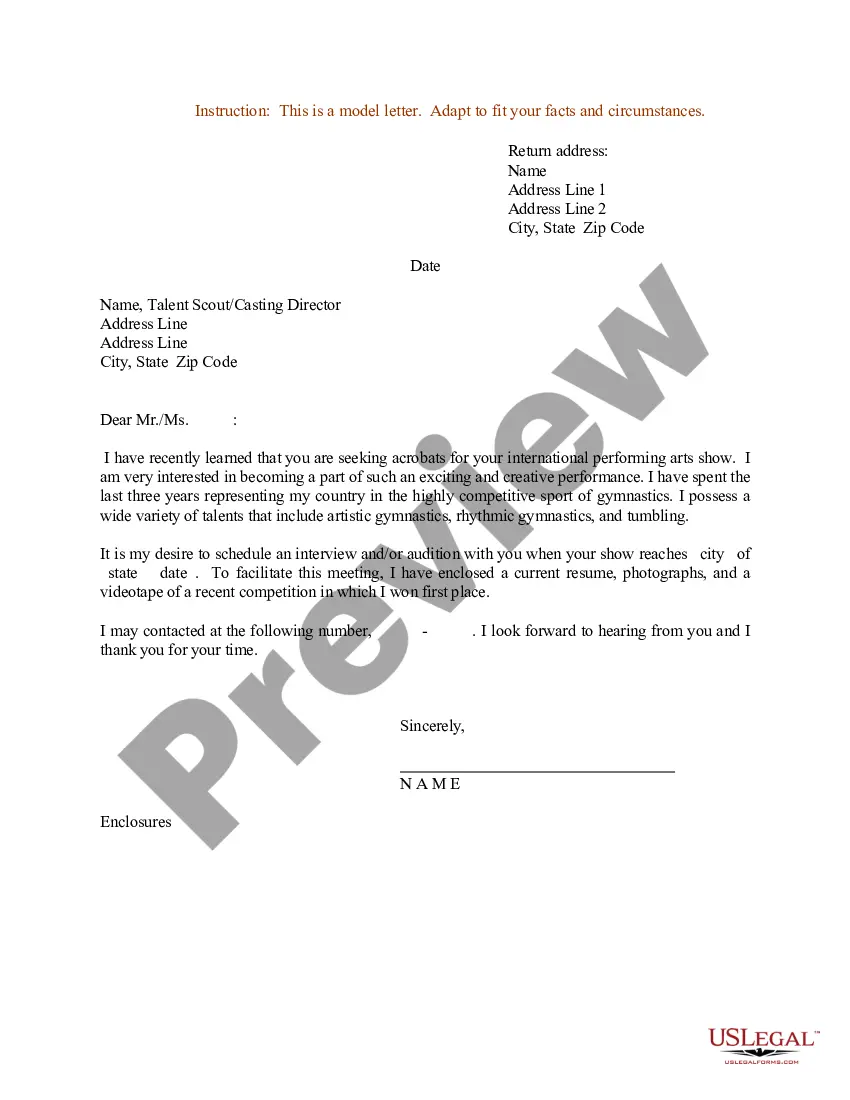
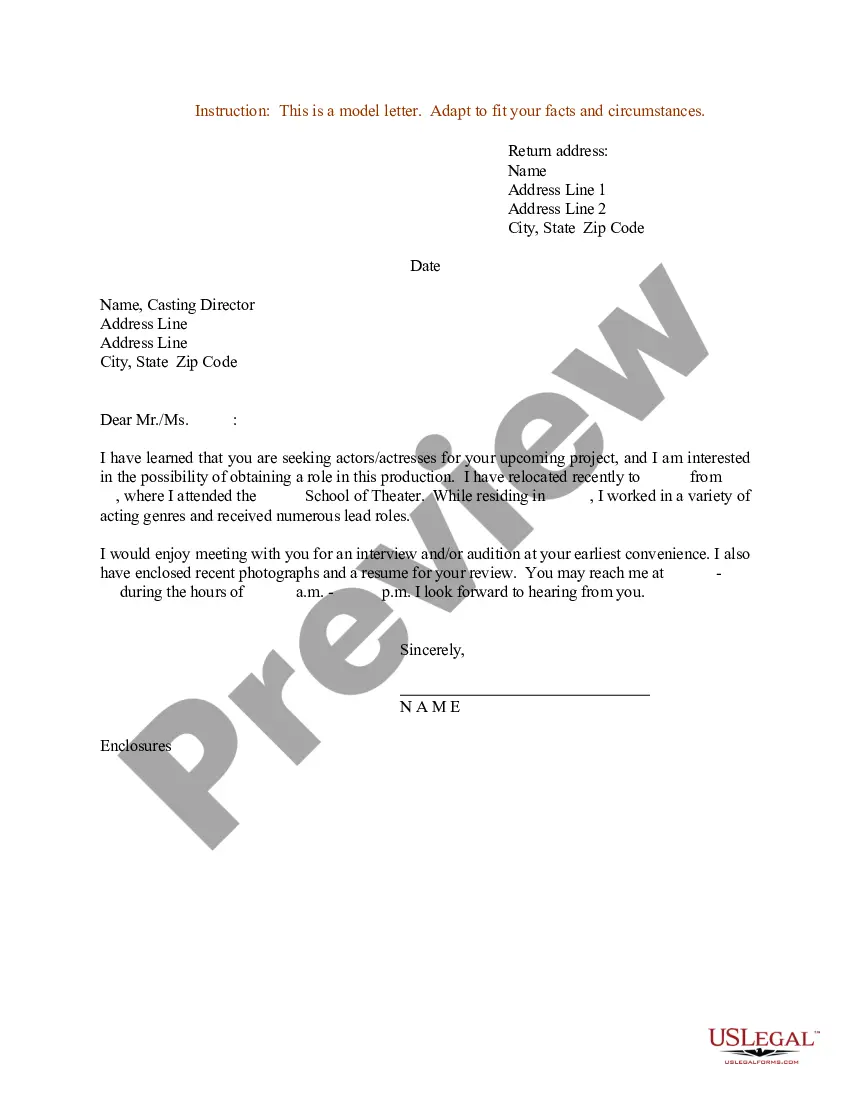
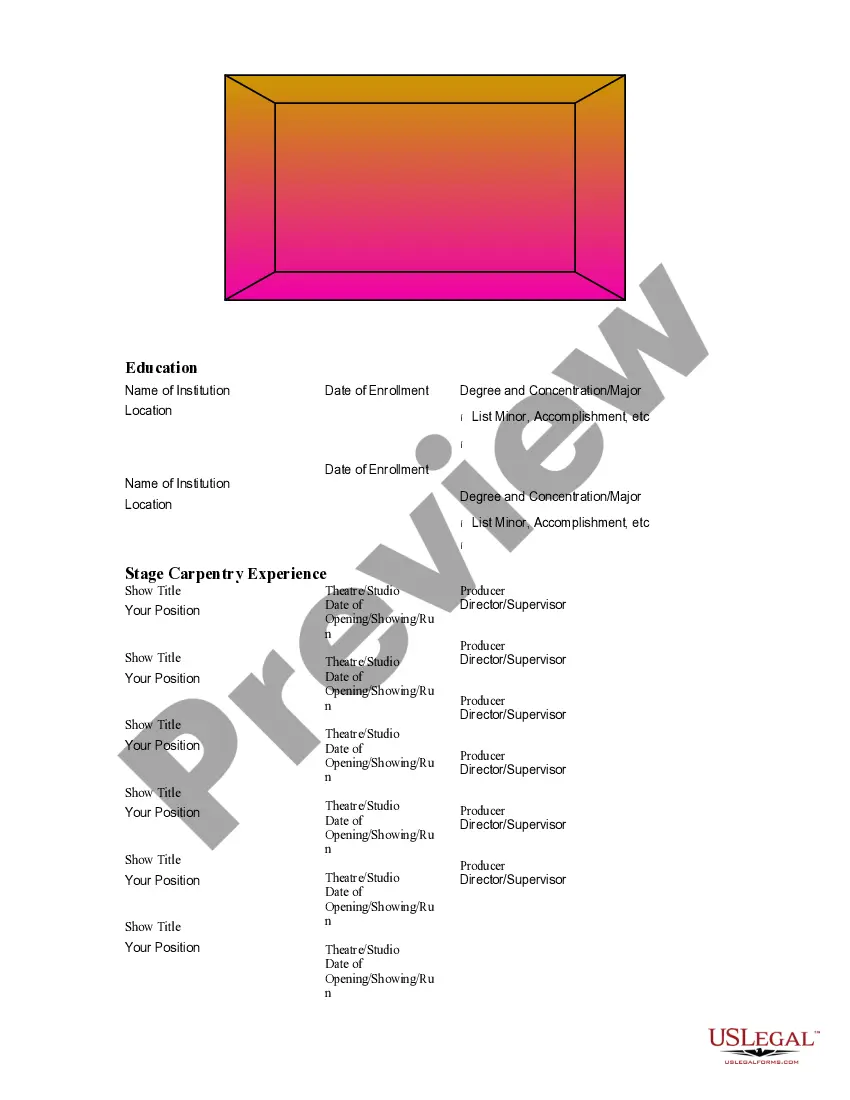
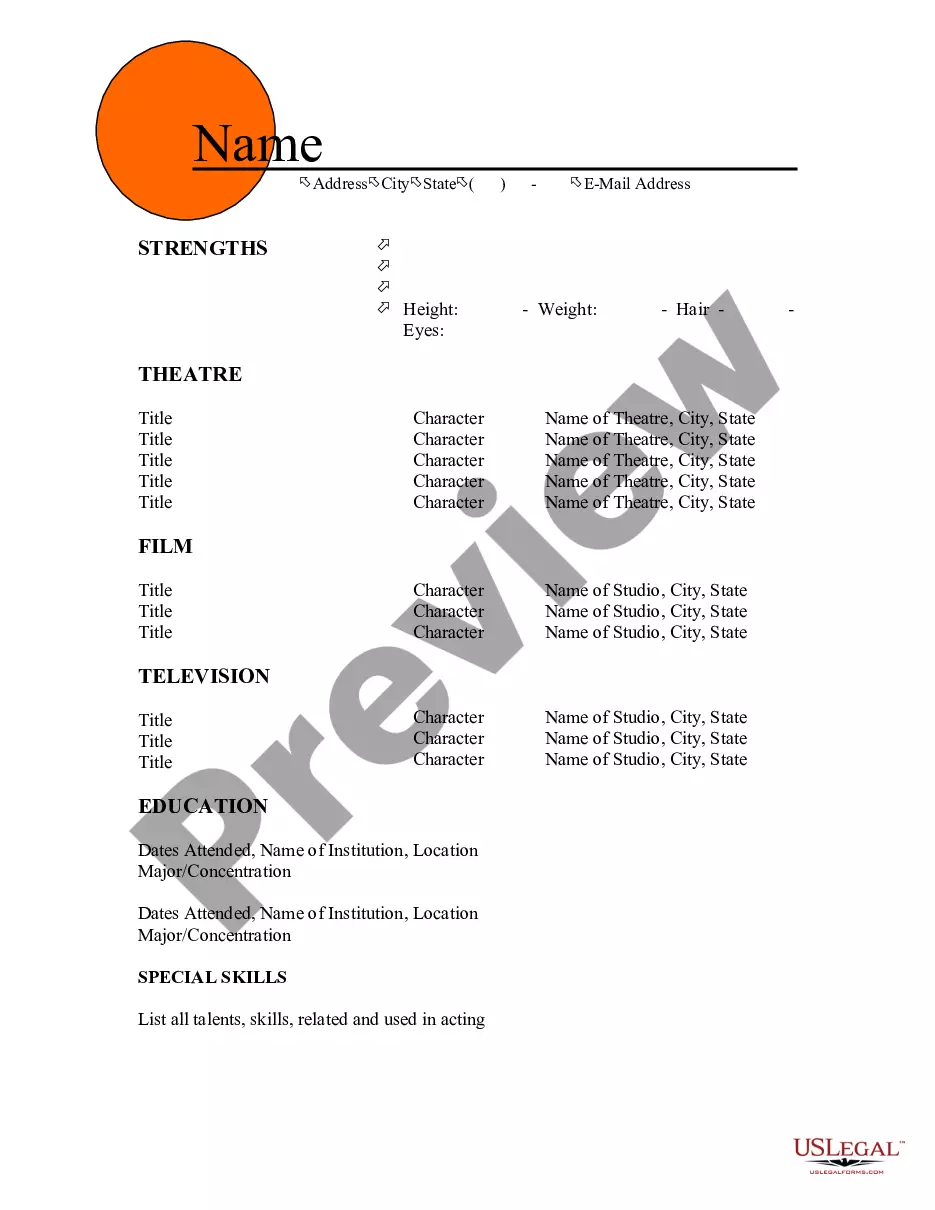
Get your form ready online
Our built-in tools help you complete, sign, share, and store your documents in one place.
Make edits, fill in missing information, and update formatting in US Legal Forms—just like you would in MS Word.
Download a copy, print it, send it by email, or mail it via USPS—whatever works best for your next step.
Sign and collect signatures with our SignNow integration. Send to multiple recipients, set reminders, and more. Go Premium to unlock E-Sign.
If this form requires notarization, complete it online through a secure video call—no need to meet a notary in person or wait for an appointment.
We protect your documents and personal data by following strict security and privacy standards.

Make edits, fill in missing information, and update formatting in US Legal Forms—just like you would in MS Word.

Download a copy, print it, send it by email, or mail it via USPS—whatever works best for your next step.

Sign and collect signatures with our SignNow integration. Send to multiple recipients, set reminders, and more. Go Premium to unlock E-Sign.

If this form requires notarization, complete it online through a secure video call—no need to meet a notary in person or wait for an appointment.

We protect your documents and personal data by following strict security and privacy standards.
Looking for another form?



How to fill out Resume For Acrobats?
If you wish to complete, download, or print authentic document templates, utilize US Legal Forms, the premier collection of legal forms available online.
Employ the website's straightforward and user-friendly search feature to locate the documents you need.
A selection of templates for commercial and personal purposes are organized by categories and states, or keywords. Utilize US Legal Forms to find the Massachusetts Resume for Acrobats with just a few clicks.
Every legal document template you purchase is yours forever. You have access to every form you downloaded within your account. Click the My documents section and select a form to print or download again.
Be proactive and download, and print the Massachusetts Resume for Acrobats with US Legal Forms. There are countless professional and state-specific forms you can utilize for your business or personal needs.
- If you are already a US Legal Forms user, Log In to your account and click on the Download button to access the Massachusetts Resume for Acrobats.
- You can also access forms you previously downloaded in the My documents tab of your account.
- If you are using US Legal Forms for the first time, follow the instructions below.
- Step 1. Ensure you have selected the form for the appropriate city/state.
- Step 2. Use the Preview option to review the form's content. Don't forget to read the description.
- Step 3. If you are not satisfied with the form, utilize the Search area at the top of the screen to find additional types in the legal form template.
- Step 4. Once you have located the form you require, select the Get Now button. Choose your preferred pricing plan and enter your details to register for an account.
- Step 5. Process the payment. You may use your credit card or PayPal account to complete the transaction.
- Step 6. Select the format of the legal form and download it to your device.
- Step 7. Complete, modify, and print or sign the Massachusetts Resume for Acrobats.
Form popularity
FAQ
FeffHow to write a cover letter with no experienceCarefully review the job posting and research the company's website.List your contact information at the top of the document.Greet the reader and introduce yourself.Explain your skills and achievements relevant to the position.Remind them why you're best for the position.More items...?
How to create a professional resumeStart by choosing the right resume format.Include your name and contact information.Add a resume summary or objective.List your soft and hard skills.List your professional history with keywords.Include an education section.Consider adding optional sections.Format your resume.More items...?17-Feb-2021
Here are some common tips that STEM (Science, Technology, Engineering and Mathematics) employers have indicated are preferable, in terms of resume-best practices: Education: As a recent graduate, put your education towards the top of the resume.
How to write medical assistant entry-level resumeCreate a strong resume objective.Mention your skills.Tailor your work experience.Highlight academic qualifications.List certifications.Include any volunteering work.Highlight your soft skills.Mention relevant language skills.More items...?01-Apr-2021
Advice we might give for this resume:Make better use of horizontal space to de-emphasize the dates.List relevant coursework within the education section.Add a graduate student section to the professional experience section to highlight key coursework or student projects.Add a Skills section.
Start with your name and contact details at the top of your resume. Include a phone, mailing address and email address. Feature your education prominently. Your degrees and schooling history should be listed right below your contact details, and before any job experience, if you're a recent grad with few relevant jobs.
As a STEM major, you can include almost anything relevant to the job/ position you are applying for, including technical skills, research positions and publications, shadowing, projects, certifications and much more!
Here's how it might look instead:I'm excited to parlay my experience in PR to a more analytical marketing position.I'm ready to take the next step in my careermanagement.I'm eager to translate my success in this administrative position to a more client-focused role.
You can create a killer no-experience resume by emphasizing your education instead. Include relevant internships, soft & hard skills, and projects. Other sections you can include on your resume are hobbies & interests, languages, certifications, or achievements.
Summary : A pleasantly energetic Certified Medical Assistant with 8 years of experience. Very effective in adapting easily to changing environments and demands. Customer service oriented and skilled with greeting patients, scheduling appointments and preparing patient charts.