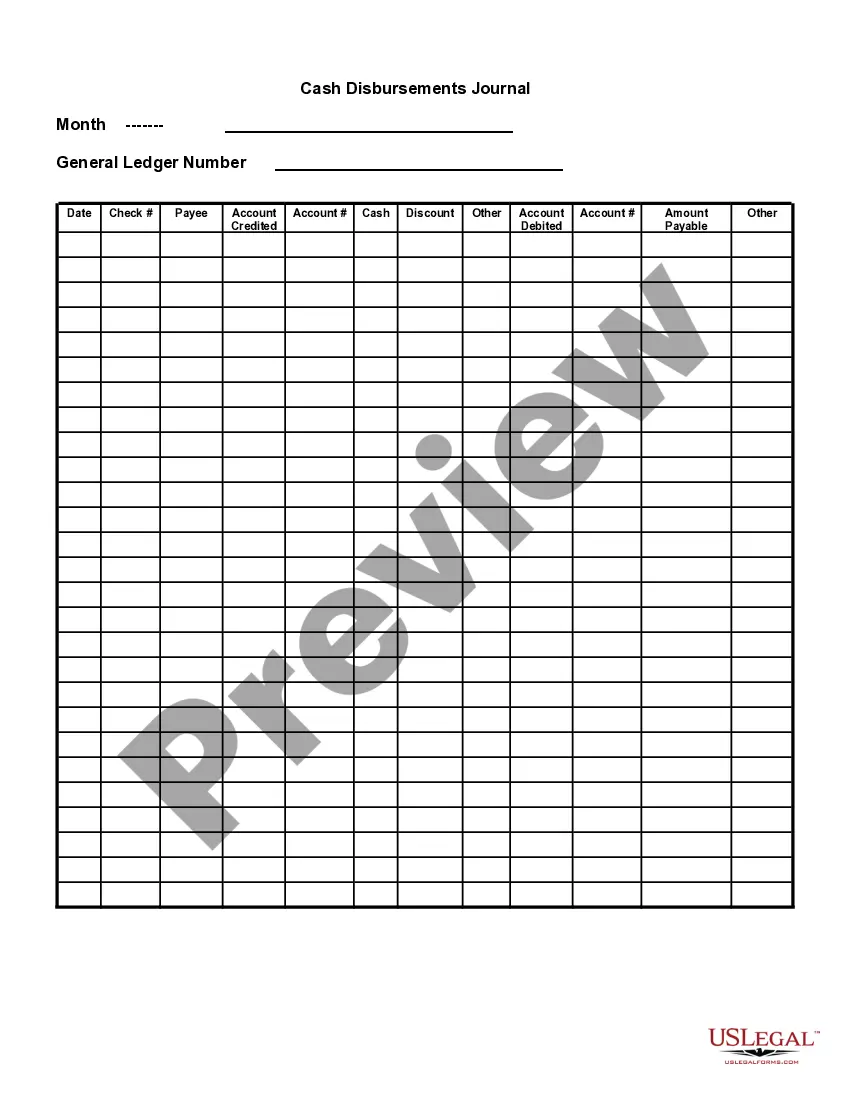
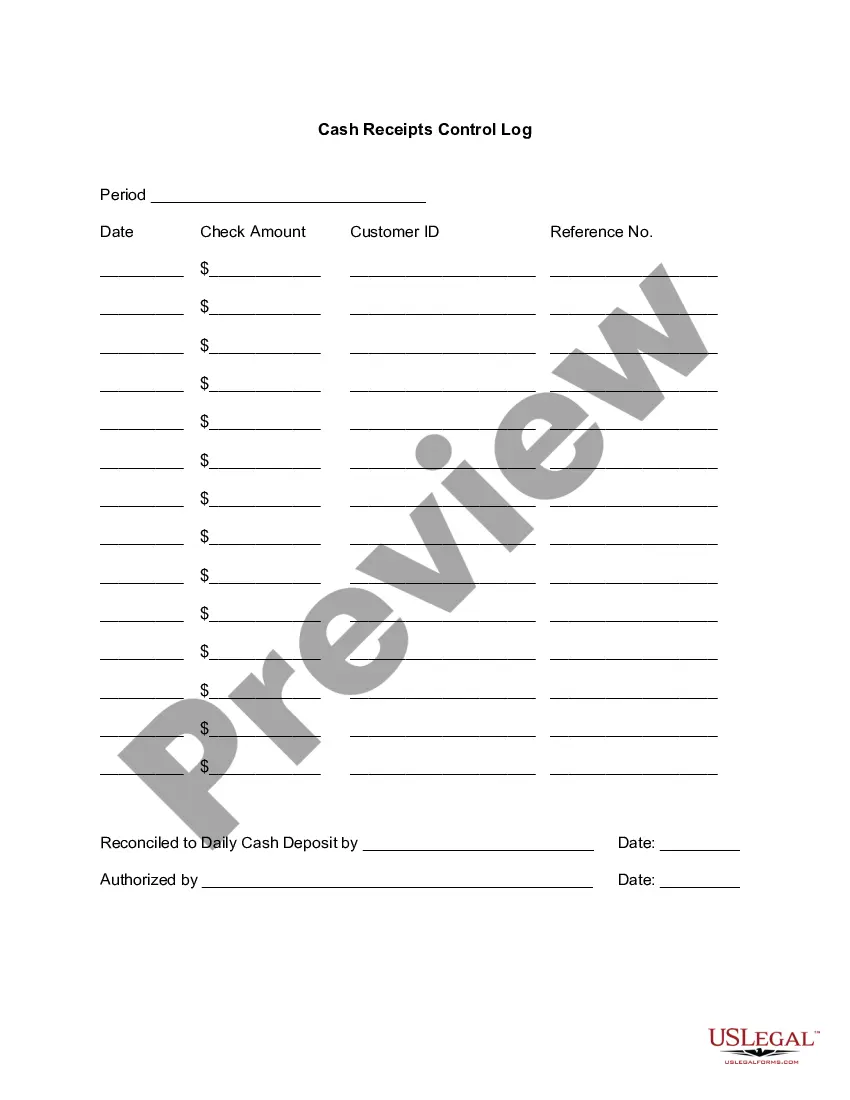
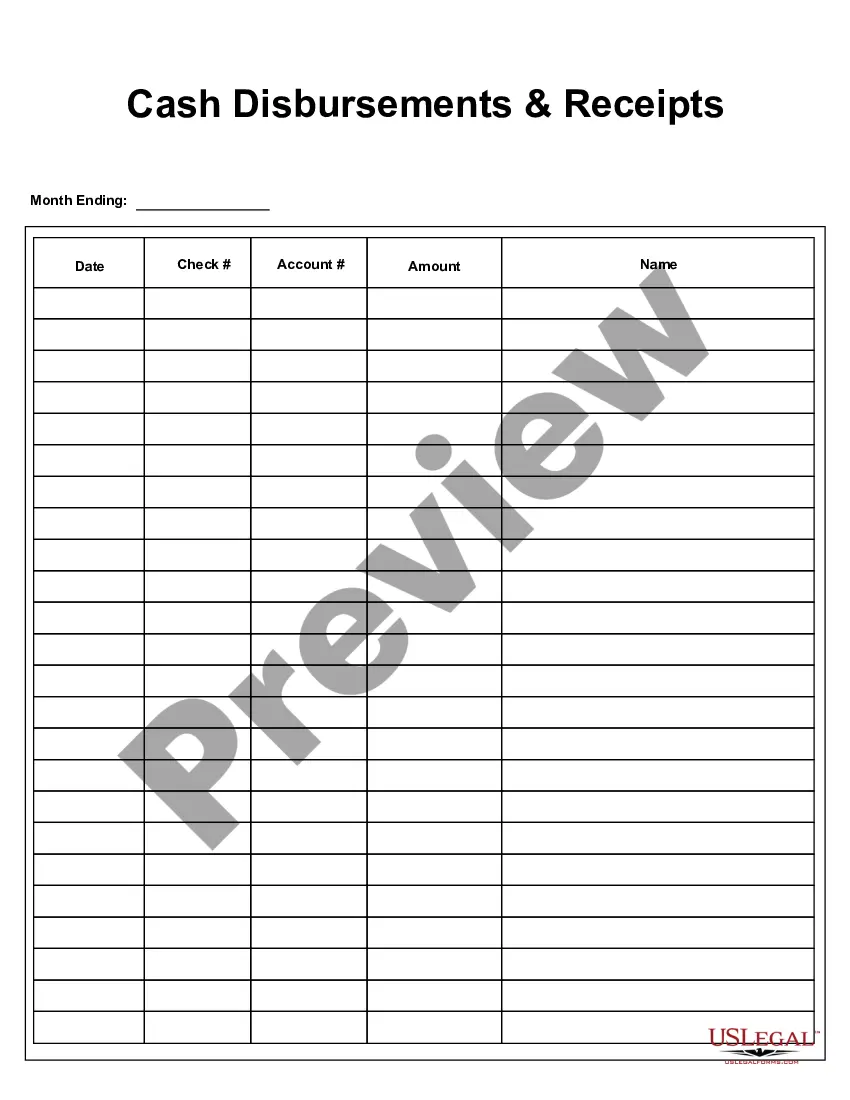
Massachusetts Cash Receipts Journal
Description


Get your form ready online
Our built-in tools help you complete, sign, share, and store your documents in one place.
Make edits, fill in missing information, and update formatting in US Legal Forms—just like you would in MS Word.
Download a copy, print it, send it by email, or mail it via USPS—whatever works best for your next step.
Sign and collect signatures with our SignNow integration. Send to multiple recipients, set reminders, and more. Go Premium to unlock E-Sign.
If this form requires notarization, complete it online through a secure video call—no need to meet a notary in person or wait for an appointment.
We protect your documents and personal data by following strict security and privacy standards.

Make edits, fill in missing information, and update formatting in US Legal Forms—just like you would in MS Word.

Download a copy, print it, send it by email, or mail it via USPS—whatever works best for your next step.

Sign and collect signatures with our SignNow integration. Send to multiple recipients, set reminders, and more. Go Premium to unlock E-Sign.

If this form requires notarization, complete it online through a secure video call—no need to meet a notary in person or wait for an appointment.

We protect your documents and personal data by following strict security and privacy standards.
Looking for another form?





How to fill out Cash Receipts Journal?
If you seek thorough, acquire, or producing legal document templates, utilize US Legal Forms, the biggest assortment of legal forms accessible online.
Utilize the site's straightforward and convenient search feature to locate the documents you require.
A range of templates for business and personal purposes are categorized by type and state, or keywords.
Step 4. Once you have identified the form you need, click on the Get now button. Choose the pricing plan you prefer and input your details to create an account.
Step 5. Process the transaction. You can use your credit card or PayPal account to complete the purchase.
- Utilize US Legal Forms to discover the Massachusetts Cash Receipts Journal in just a few clicks.
- If you are already a US Legal Forms customer, Log In to your account and then click the Download button to access the Massachusetts Cash Receipts Journal.
- You can also access forms you have previously downloaded in the My documents tab of your account.
- If you are using US Legal Forms for the first time, follow the instructions outlined below.
- Step 1. Ensure you have selected the form for your correct city/state.
- Step 2. Use the Review option to examine the form's details. Don't forget to read the summary.
- Step 3. If you are not satisfied with the document, use the Search box at the top of the screen to find alternative versions of the legal document template.
Form popularity
FAQ
In your journal, you will want to record:The transaction date.Notes about the transaction.Check number (if applicable)Amount.Cash receipt account types (e.g., accounts receivable)Any sales discounts.
Example of Cash Receipt Journal Investment of capital by the owner of a business is recorded in cash receipts, sale of an asset for cash is recorded in cash receipts, all kinds of collections from credit customers are recorded in cash receipts, collection of bank interest, dividend.
A cash payment journal is a special journal that allows you to record all cash payments - that is, all transactions during which you spend funds. For example, if you paid cash to any of your creditors, you would record it in your cash payment journal.
A Cash receipts journal is a specialized accounting journal and it is referred to as the main entry book used in an accounting system to keep track of the sales of items when cash is received, by crediting sales and debiting cash and transactions related to receipts.
Explanation. The cash receipts journal is used to record all transactions involving the receipt of cash, including transactions such as cash sales, the receipt of a bank loan, the receipt of a payment on account, and the sale of other assets such as marketable securities.
In your journal, you will want to record:The transaction date.Notes about the transaction.Check number (if applicable)Amount.Cash receipt account types (e.g., accounts receivable)Any sales discounts.
A cash receipts journal (CRJ) records transactions that involve payments received with cash. Source documents would probably be receipts and cheque butts. The CRJ records the cash inflow of a business.
A cash receipts journal is used by companies to record all cash received from any source. This includes cash sales, receipt of funds from a bank loan, payments from customer accounts, and the sale of assets.