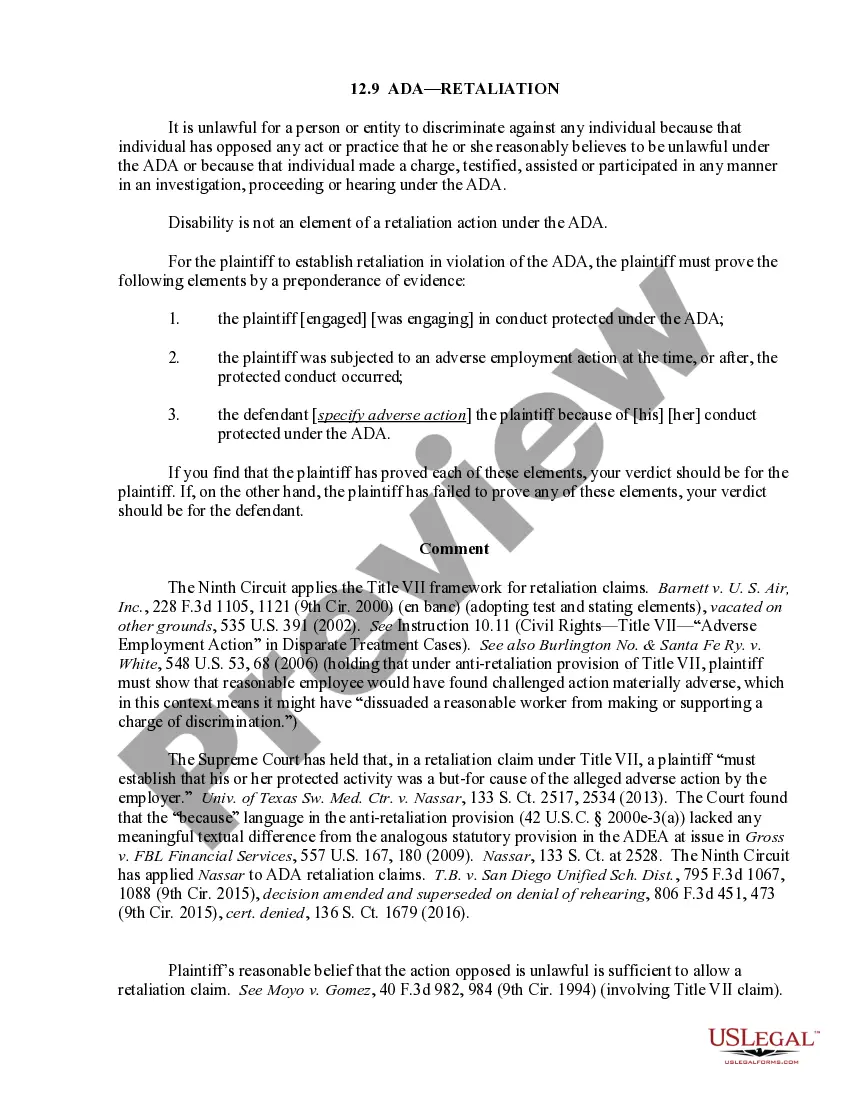
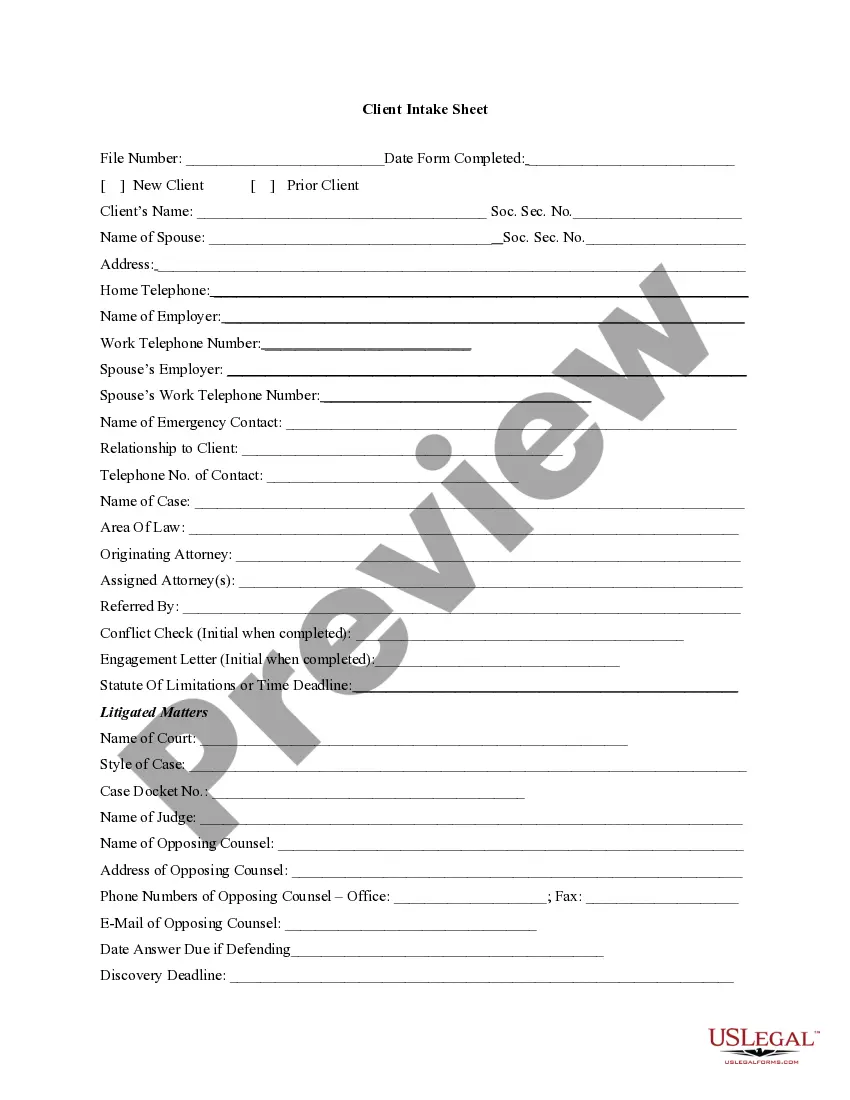
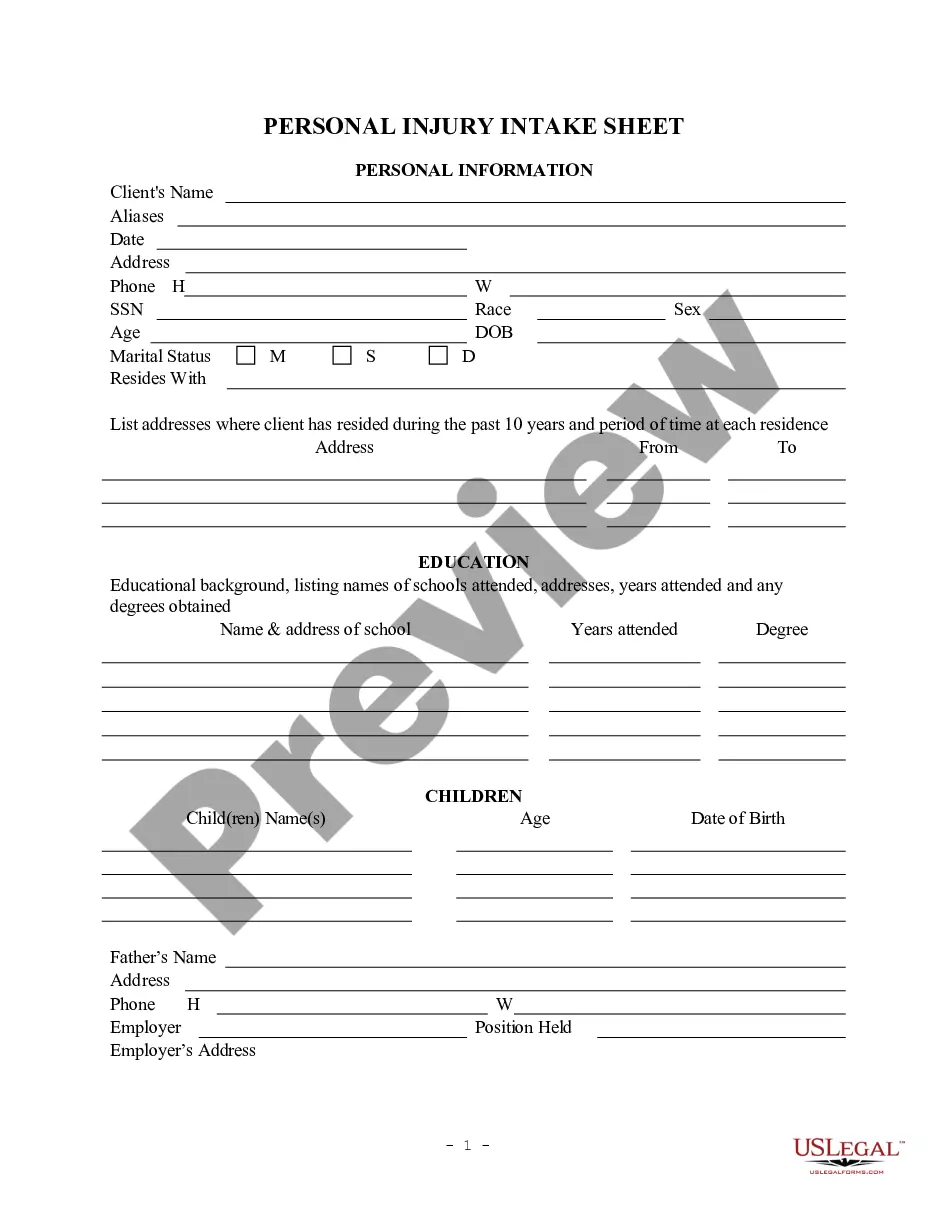
This information should be filled in at and/or immediately after the initial client interview. There can be numerous variations of this form to fit an individual attorney's needs.
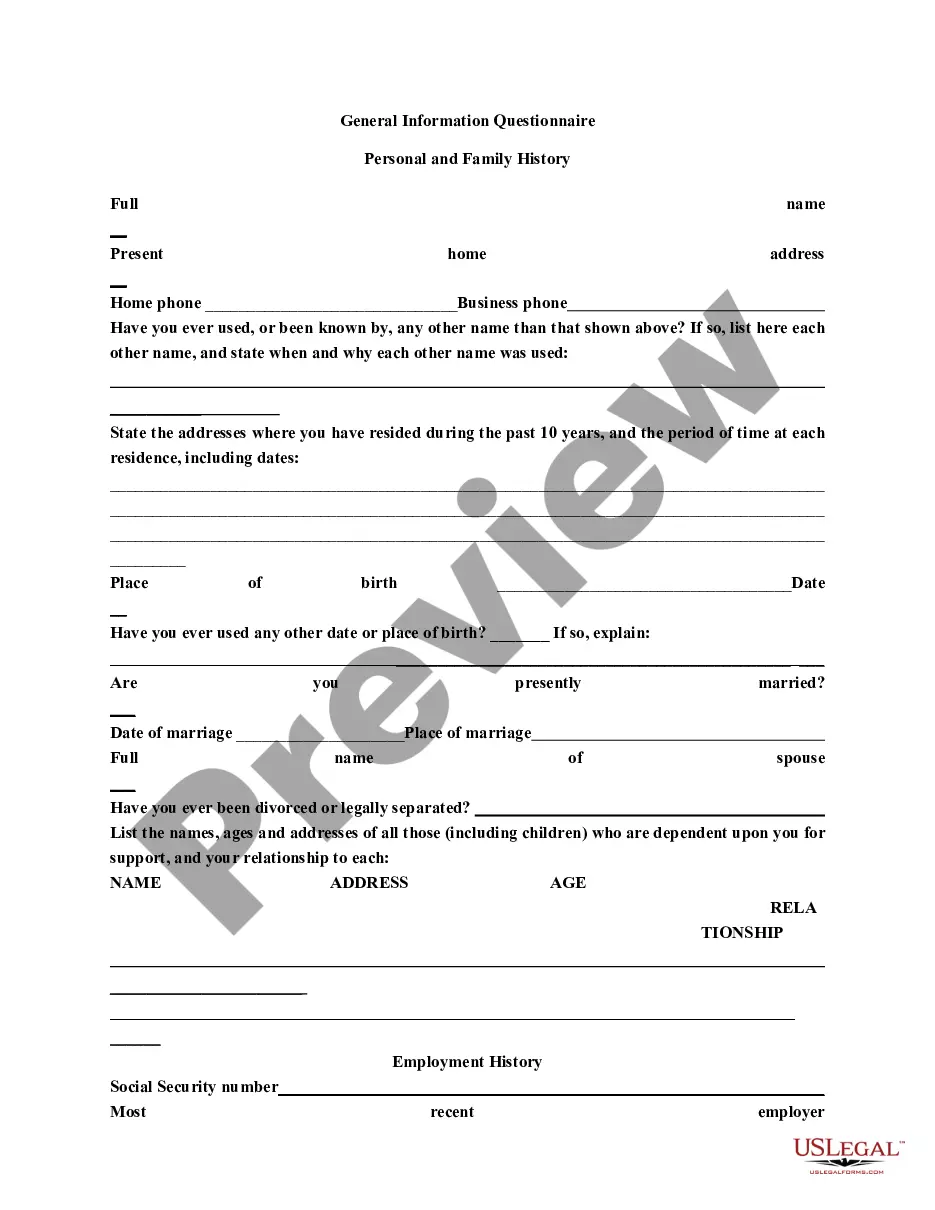
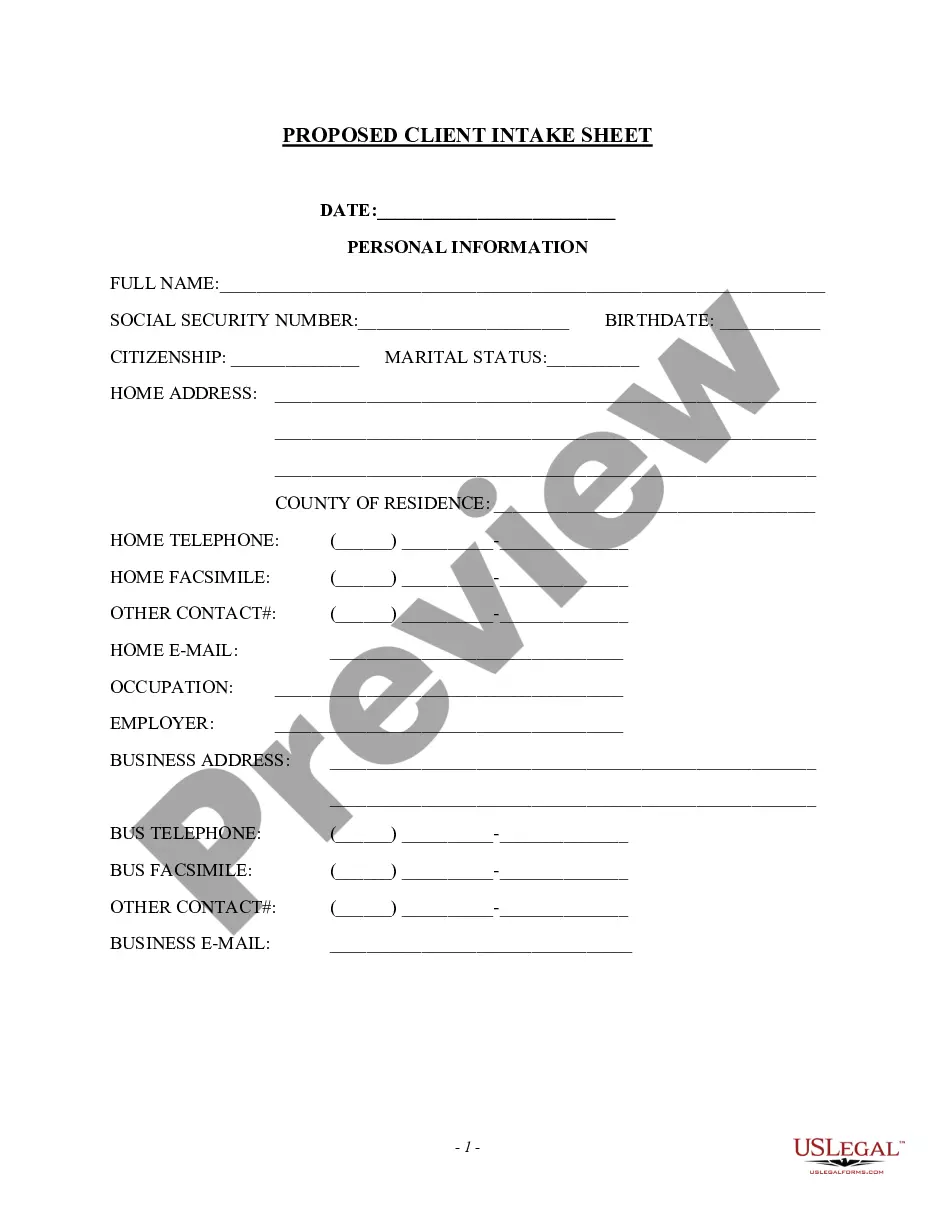
Massachusetts Client Intake Sheet
Instant download
Description
Get your form ready online
Our built-in tools help you complete, sign, share, and store your documents in one place.
Built-in online Word editor
Make edits, fill in missing information, and update formatting in US Legal Forms—just like you would in MS Word.
Export easily
Download a copy, print it, send it by email, or mail it via USPS—whatever works best for your next step.
E-sign your document
Sign and collect signatures with our SignNow integration. Send to multiple recipients, set reminders, and more. Go Premium to unlock E-Sign.
Notarize online 24/7
If this form requires notarization, complete it online through a secure video call—no need to meet a notary in person or wait for an appointment.
Store your document securely
We protect your documents and personal data by following strict security and privacy standards.

Make edits, fill in missing information, and update formatting in US Legal Forms—just like you would in MS Word.

Download a copy, print it, send it by email, or mail it via USPS—whatever works best for your next step.

Sign and collect signatures with our SignNow integration. Send to multiple recipients, set reminders, and more. Go Premium to unlock E-Sign.

If this form requires notarization, complete it online through a secure video call—no need to meet a notary in person or wait for an appointment.

We protect your documents and personal data by following strict security and privacy standards.
Looking for another form?




How to fill out Client Intake Sheet?
It is feasible to dedicate hours online trying to locate the approved document template that aligns with the local and national requirements you need.
US Legal Forms offers a vast array of legal forms that are vetted by experts.
You can conveniently download or print the Massachusetts Client Intake Sheet from our platform.
If available, utilize the Review button to examine the document template as well.
- If you possess a US Legal Forms account, you can sign in and click the Download button.
- After that, you can complete, modify, print, or sign the Massachusetts Client Intake Sheet.
- Every legal document template you acquire is yours indefinitely.
- To obtain an additional copy of the purchased form, navigate to the My documents section and click the corresponding button.
- If you are using the US Legal Forms website for the first time, follow the simple instructions below.
- First, ensure that you have selected the correct document template for the state/city you choose.
- Review the form description to confirm you have chosen the right document.
Form popularity
FAQ
The exact questions you ask in your client intake form will depend on your industry and on the type of your business. If you run a medical practice or a law firm, for example, you'll need your client's personal and contact details. You might also need to ask for some confidential or health-related information.
A client intake form is a document used by businesses or service providers to gather important information from clients who are interested in using their services or products. The form typically includes questions about the client's personal information, background, needs, and goals for using the service or product.
An intake form is a document used to gather important information from clients, customers, or patients when they first interact with a service or organization. It typically includes basic details like contact information, purpose of seeking services, and other relevant data.
Create a client intake form using Google Forms. In Google Forms, click the plus sign. Click the ?Untitled form? header box. Enter a name and description for the form. Click the Untitled Question box. Type ?What is your name?? Click the dropdown menu to choose the type of answer field.
Client intake forms are preliminary paperwork potential customers fill out to determine their fit for your services. These forms ask for information about the person or their business. If their answers line up with the services you provide, you can begin onboarding.
Elements of a Client Intake Form Business information. Dependents. Emergency contact(s) Financial institution details. Health details. Income details. Insurance information. Marriage status.
That said, there are some good basics you should request on any intake form, such as: Their contact information (client's business name, address, point of contact, email address, phone number, etc.). Links to their website and any social media platforms. Their current marketing strategies.
A patient intake form is designed to increase the efficiency of your practice and improve the patient experience. First, your forms need to ask for basic information, like their name, date of birth, age, sex, contact information, emergency contact, employer, and insurance information.