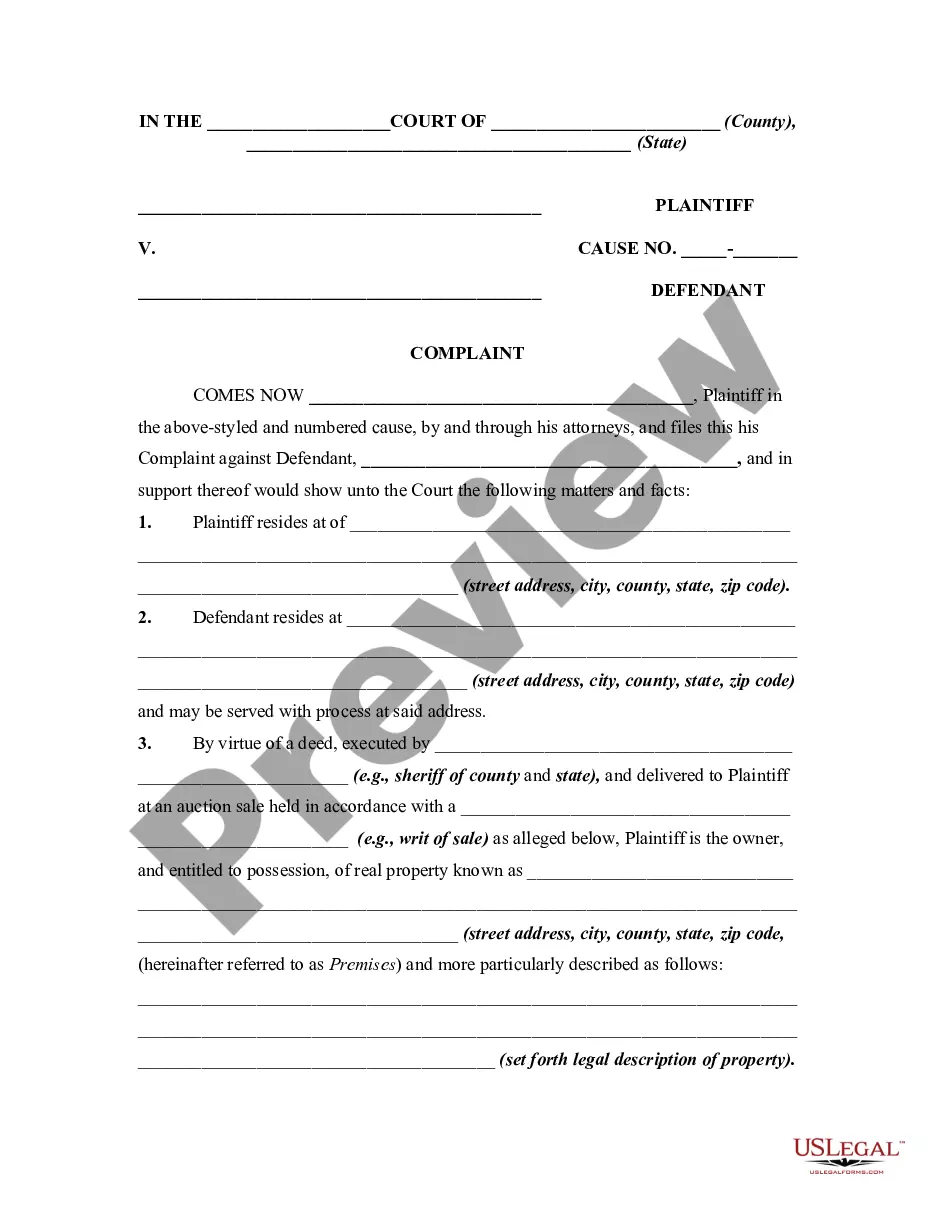
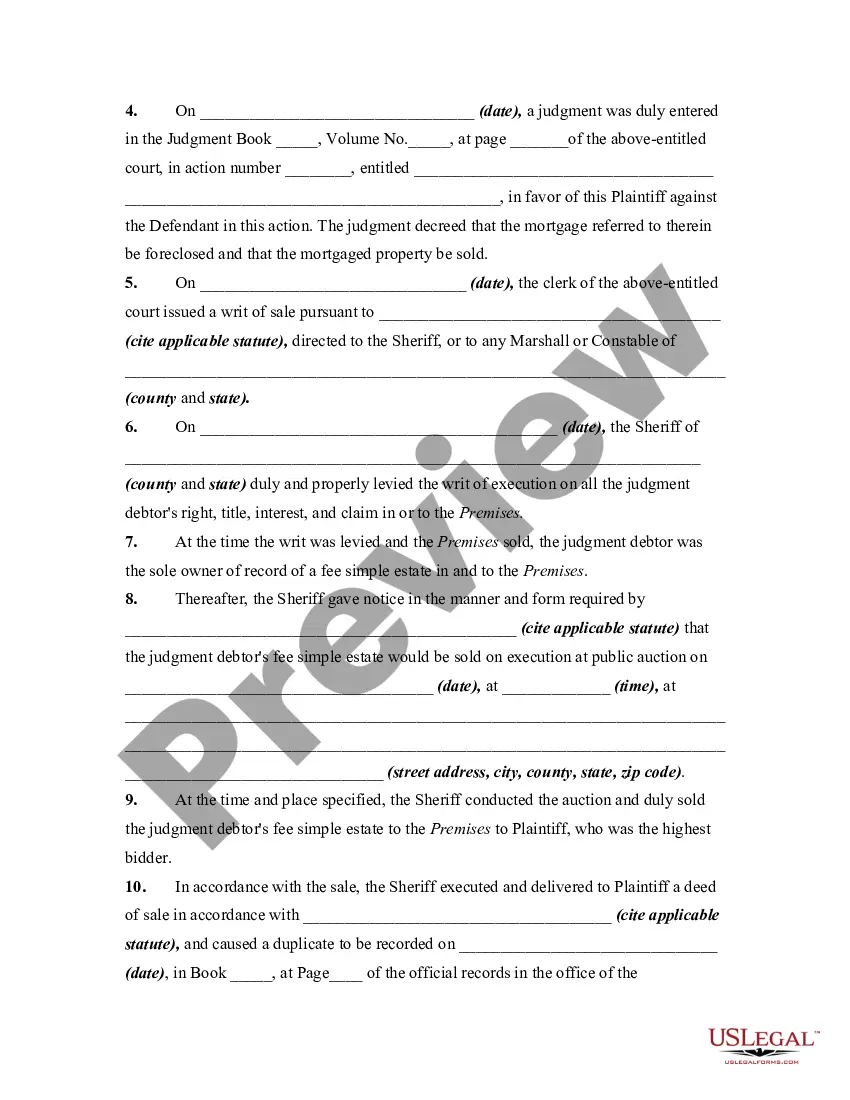
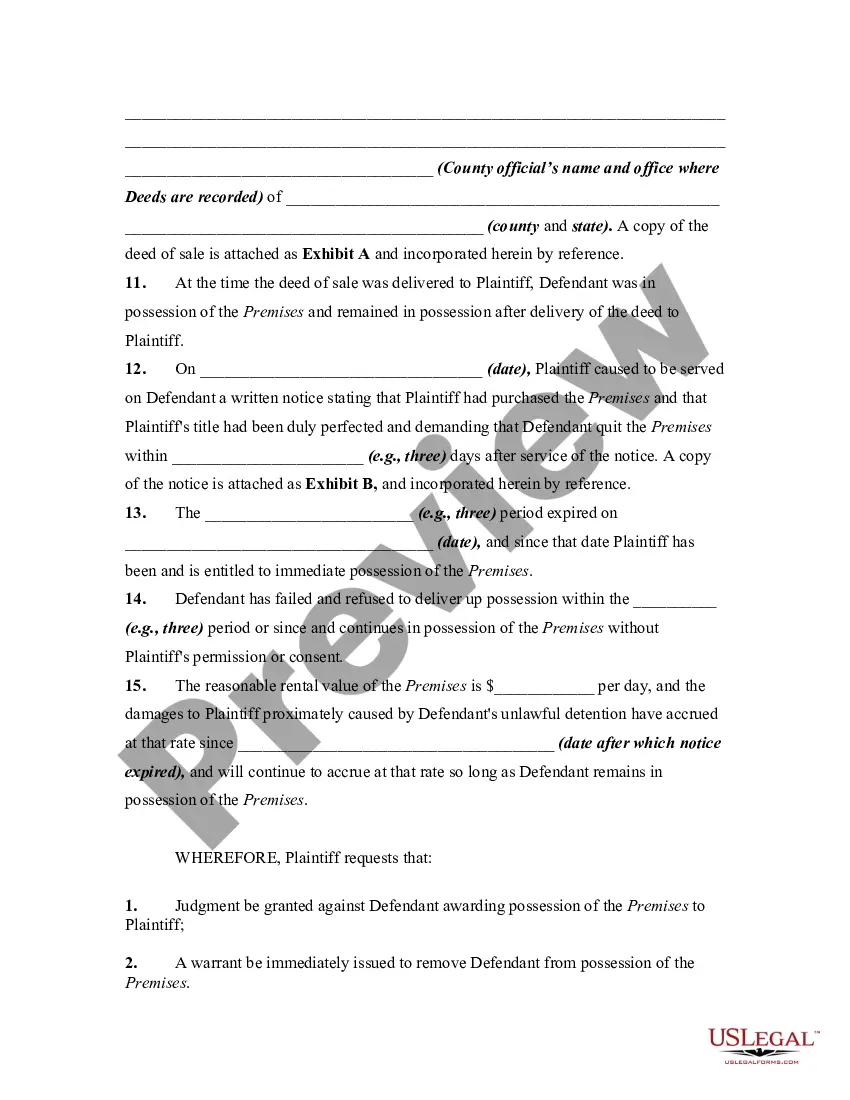
Keeping possession of real property without a right, such as after a lease has expired or after the real property has be sold by the possessor, may entitle the owner to file a lawsuit for "unlawful detainer," asking for possession by court order, unpaid rent and damages. This form is for illustrative purposes only. Local laws should be consulted to determine any specific requirements for such a notice in a particular jurisdiction.
Massachusetts Complaint or Petition by Purchaser Against Possessor of Real Property After Judicial Foreclosure Sale - Repossession
Category:
State:
Multi-State
Control #:
US-01018BG
Format:
Word;
Rich Text
Instant download
Description
Free preview
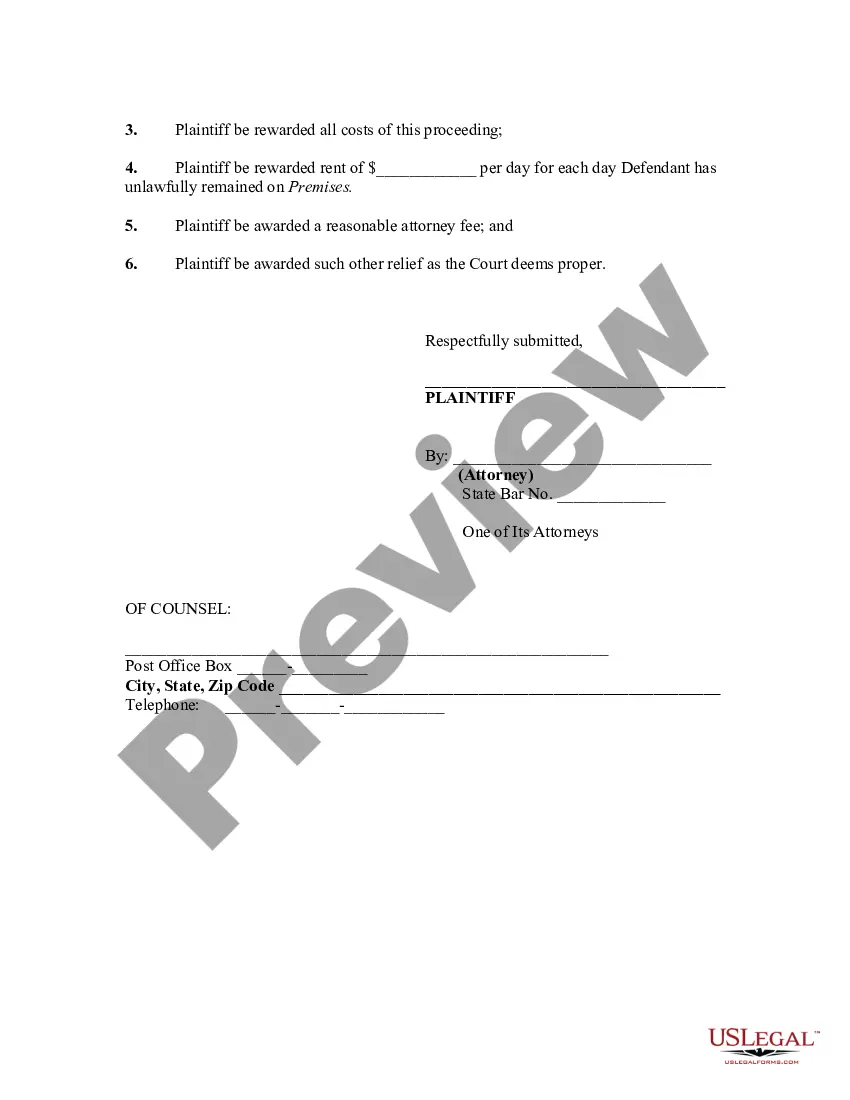

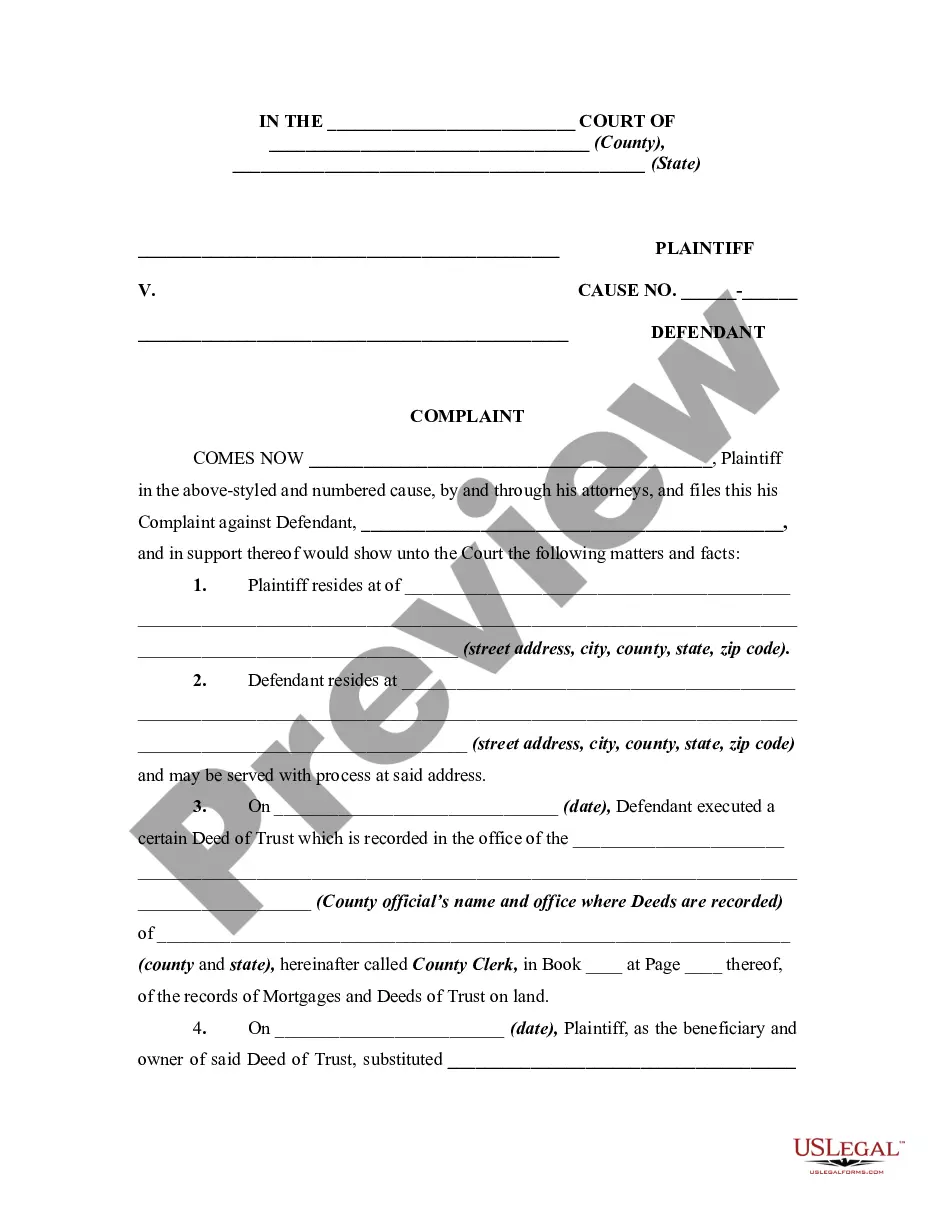
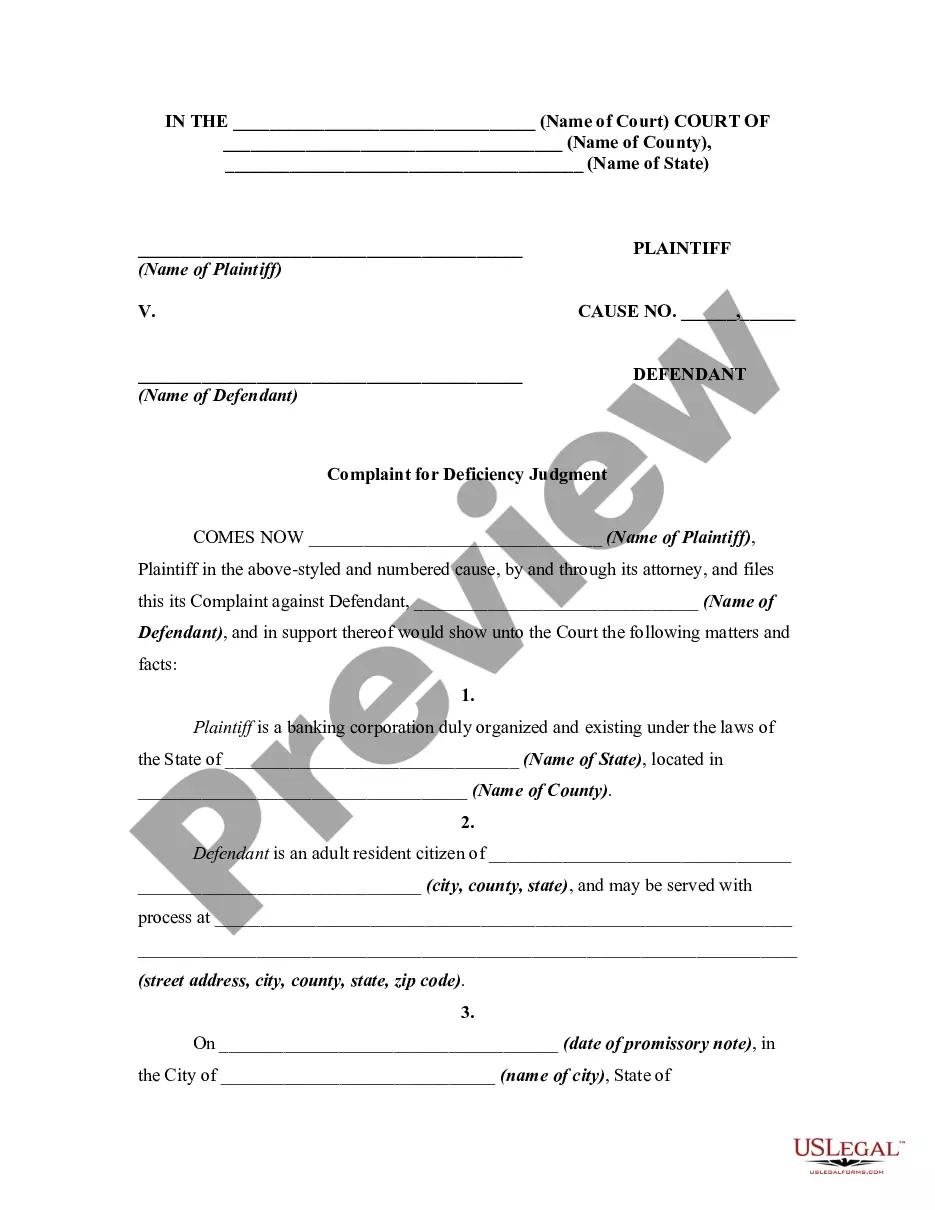
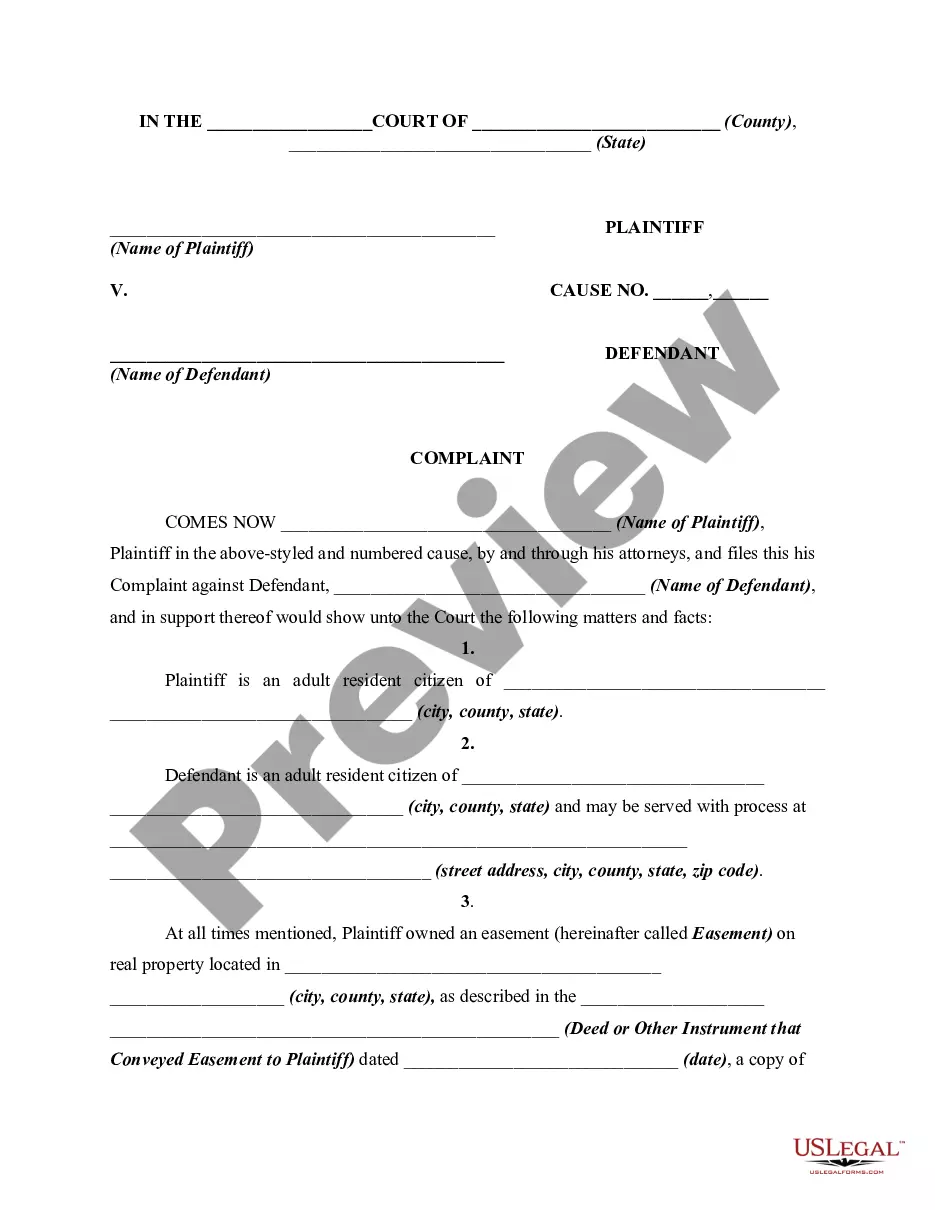
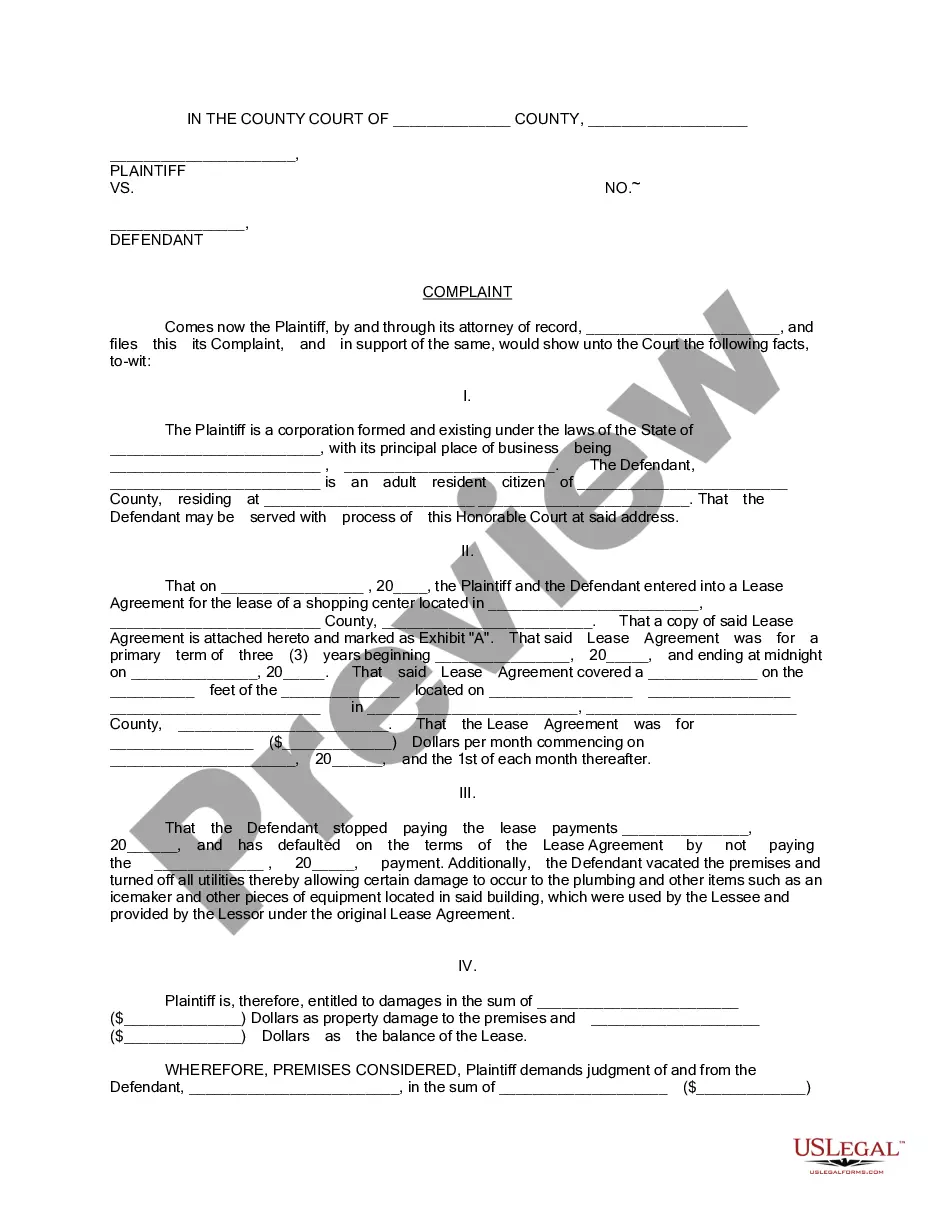
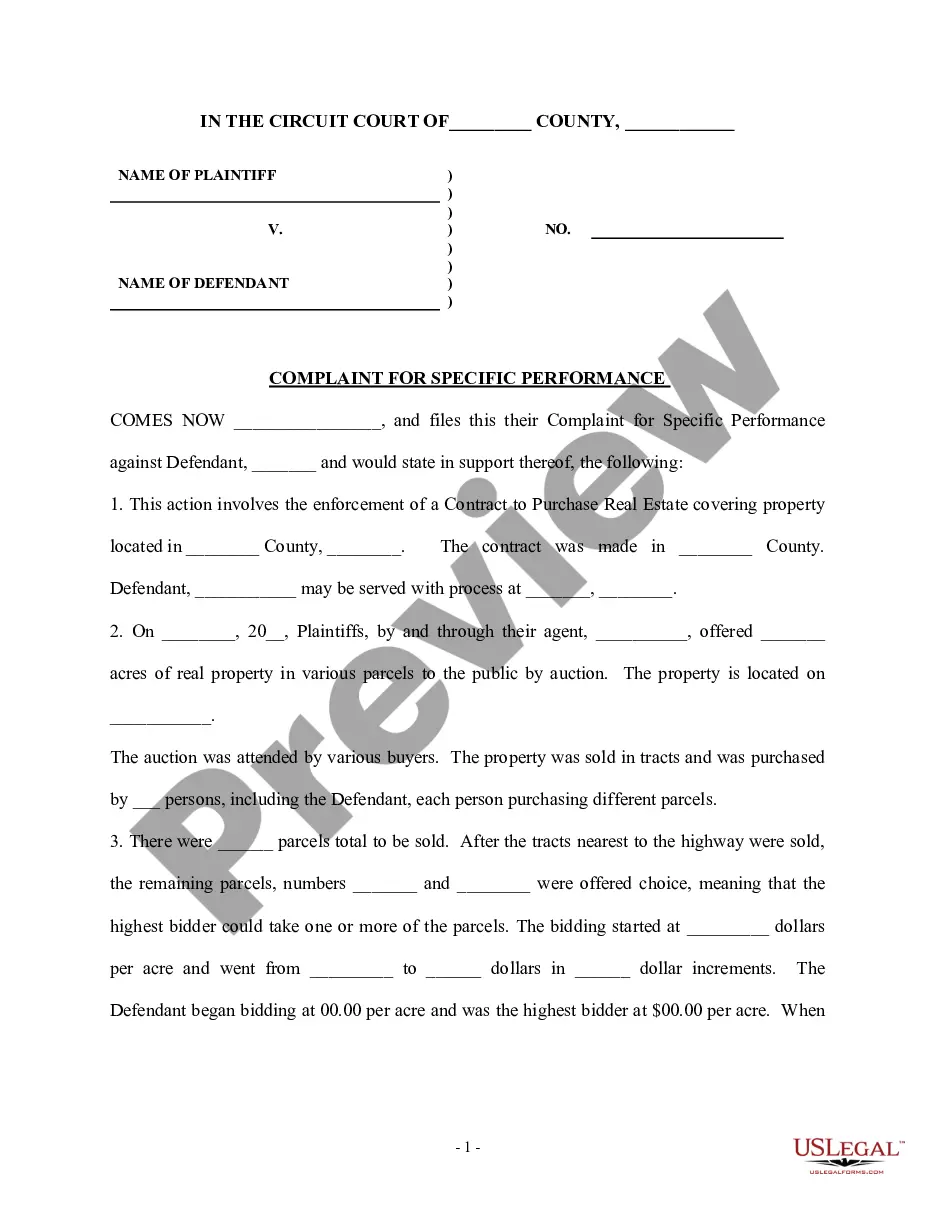
Get your form ready online
Our built-in tools help you complete, sign, share, and store your documents in one place.
Built-in online Word editor
Make edits, fill in missing information, and update formatting in US Legal Forms—just like you would in MS Word.
Export easily
Download a copy, print it, send it by email, or mail it via USPS—whatever works best for your next step.
E-sign your document
Sign and collect signatures with our SignNow integration. Send to multiple recipients, set reminders, and more. Go Premium to unlock E-Sign.
Notarize online 24/7
If this form requires notarization, complete it online through a secure video call—no need to meet a notary in person or wait for an appointment.
Store your document securely
We protect your documents and personal data by following strict security and privacy standards.

Make edits, fill in missing information, and update formatting in US Legal Forms—just like you would in MS Word.

Download a copy, print it, send it by email, or mail it via USPS—whatever works best for your next step.

Sign and collect signatures with our SignNow integration. Send to multiple recipients, set reminders, and more. Go Premium to unlock E-Sign.

If this form requires notarization, complete it online through a secure video call—no need to meet a notary in person or wait for an appointment.

We protect your documents and personal data by following strict security and privacy standards.
Looking for another form?
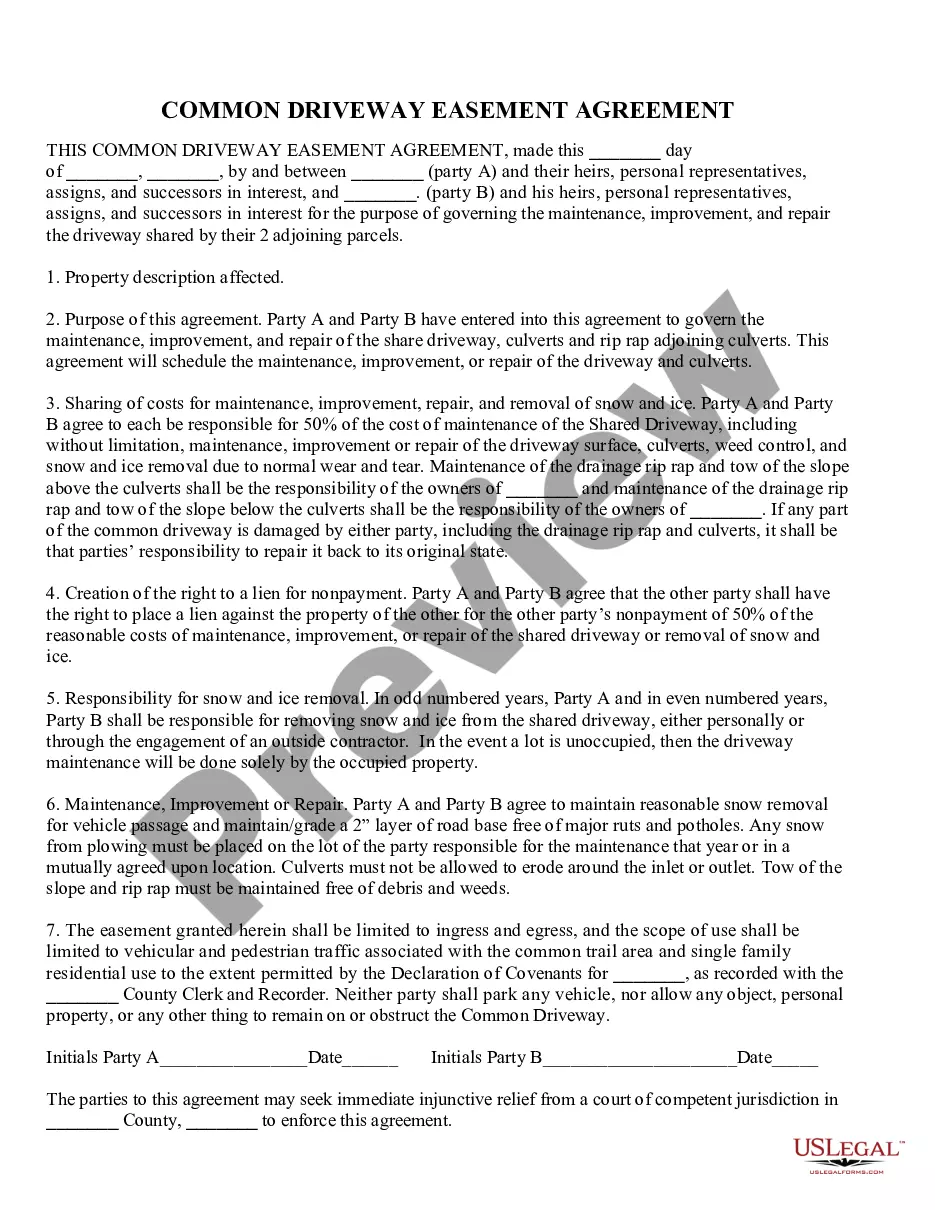
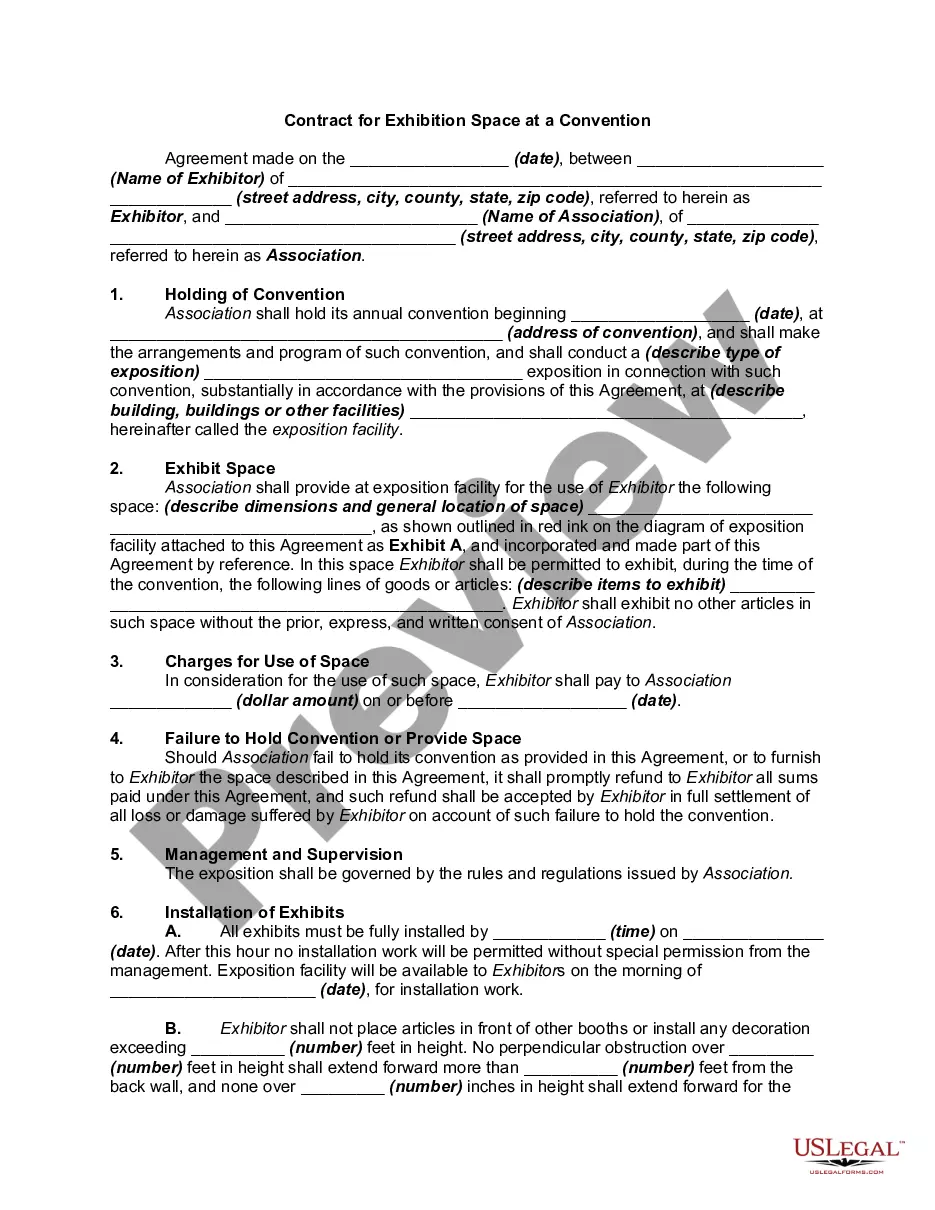



How to fill out Complaint Or Petition By Purchaser Against Possessor Of Real Property After Judicial Foreclosure Sale - Repossession?
US Legal Forms - one of the largest collections of legal documents in the USA - offers a variety of legal form templates that you can download or print.
By using the site, you can access thousands of forms for business and personal purposes, organized by categories, states, or keywords. You can find the latest versions of forms such as the Massachusetts Complaint or Petition by Purchaser Against Possessor of Real Property After Judicial Foreclosure Sale - Repossession in just a few minutes.
If you have a subscription, Log In and download the Massachusetts Complaint or Petition by Purchaser Against Possessor of Real Property After Judicial Foreclosure Sale - Repossession from the US Legal Forms library. The Download button will appear on every form you view. You can access all previously downloaded forms from the My documents section of your account.
Then, choose the pricing plan you prefer and provide your information to create an account. Complete the transaction. Use your credit card or PayPal account to finalize the purchase. Choose the format and download the form to your device. Make changes. Fill out, edit, and print and sign the downloaded Massachusetts Complaint or Petition by Purchaser Against Possessor of Real Property After Judicial Foreclosure Sale - Repossession.
Each form you add to your account has no expiration date and is yours indefinitely. So, if you wish to download or print another copy, simply navigate to the My documents section and click on the form you need. Access the Massachusetts Complaint or Petition by Purchaser Against Possessor of Real Property After Judicial Foreclosure Sale - Repossession with US Legal Forms, the most extensive collection of legal document templates. Utilize thousands of professional and state-specific templates that meet your business or personal requirements.
- If you are using US Legal Forms for the first time, here are simple steps to get started:
- Make sure you have selected the correct form for your city/region.
- Click the Preview button to review the form's details.
- Read the form description to ensure you have selected the right one.
- If the form does not meet your requirements, use the Search bar at the top of the page to find one that does.
- If you are satisfied with the form, confirm your choice by clicking the Get now button.
Form popularity
FAQ
Which Type of Foreclosure Is Permitted in Massachusetts? If you default on your mortgage payments in Massachusetts, the lender may foreclose using a judicial or nonjudicial method.
When a foreclosure sale results in surplus funds (money over and above what's needed to pay off all the liens on the property), this extra money belongs to you (the homeowner), not the lender.
The Excess Proceeds stay in the Registry unless and until the Court orders all or a part of it to be paid to someone who proves a right to all or part of the Excess Proceeds. At the end of two years, any of the Excess Proceeds remaining in the Registry are paid to the state.
In general, if no other liens or claims exist, the owner of the property which is sold at auction has the right to collect any surplus funds after foreclosure. However, if any liens or claims exist, they would have priority over the owner of the property to the surplus foreclosure funds.
The law now requires that lenders send a 150-day right-to-cure notice rather than a 90-day notice in any case where the property sought to be foreclosed is the borrower's principal residence and is collateral for a residential loan.
Trustees forward surplus funds to the state's unclaimed property division if they're not able to contact the prior homeowner(s). Californians may inquire about unclaimed surplus funds with the California State Controller at 1 (800) 992-4647. Remember: prior homeowners are notified of possible surplus funds via mail.
Statute of Limitations Period. The Act establishes a three-year statute of limitations period to bring a challenge to a foreclosure. In addition to restating the mortgagee affidavit requirements of M.G.L.