Massachusetts Authorization for Release of Information for Personal Health Information (PHI)
What is this form?
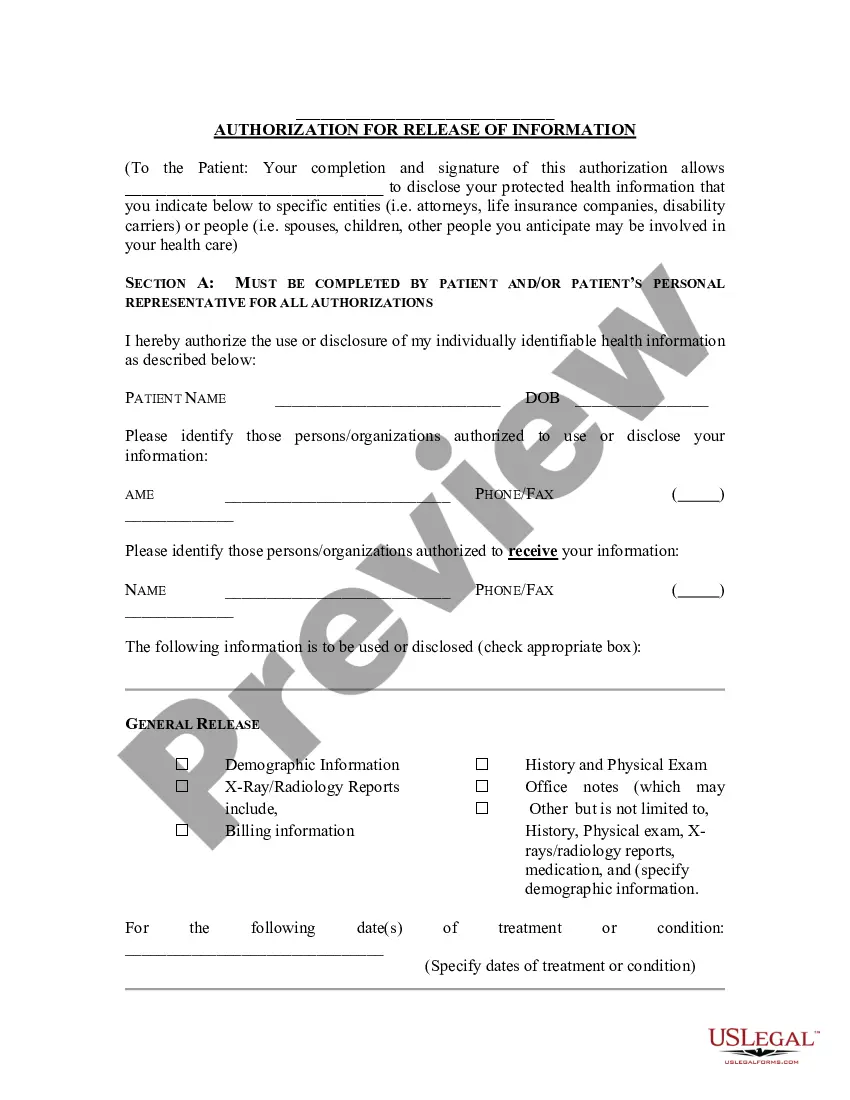
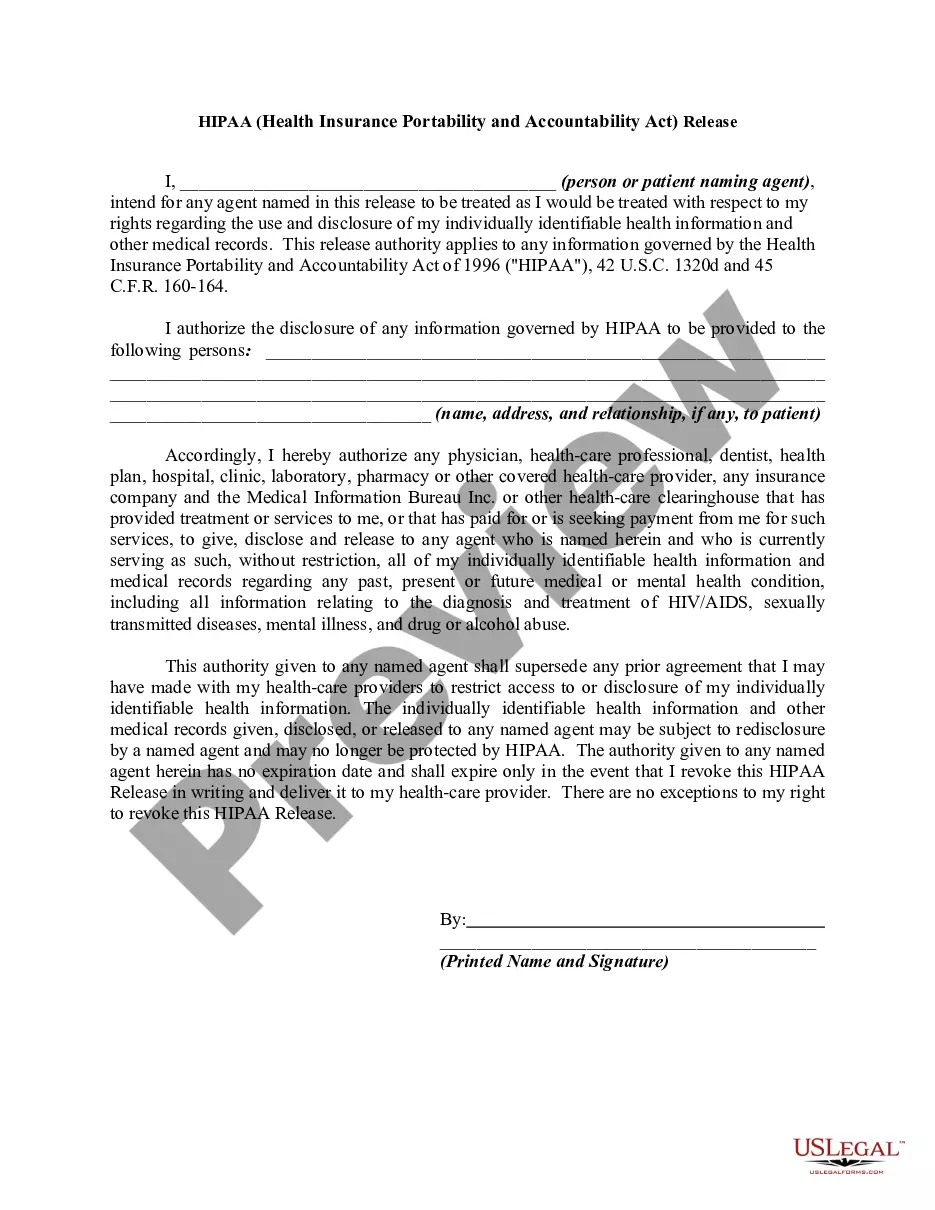
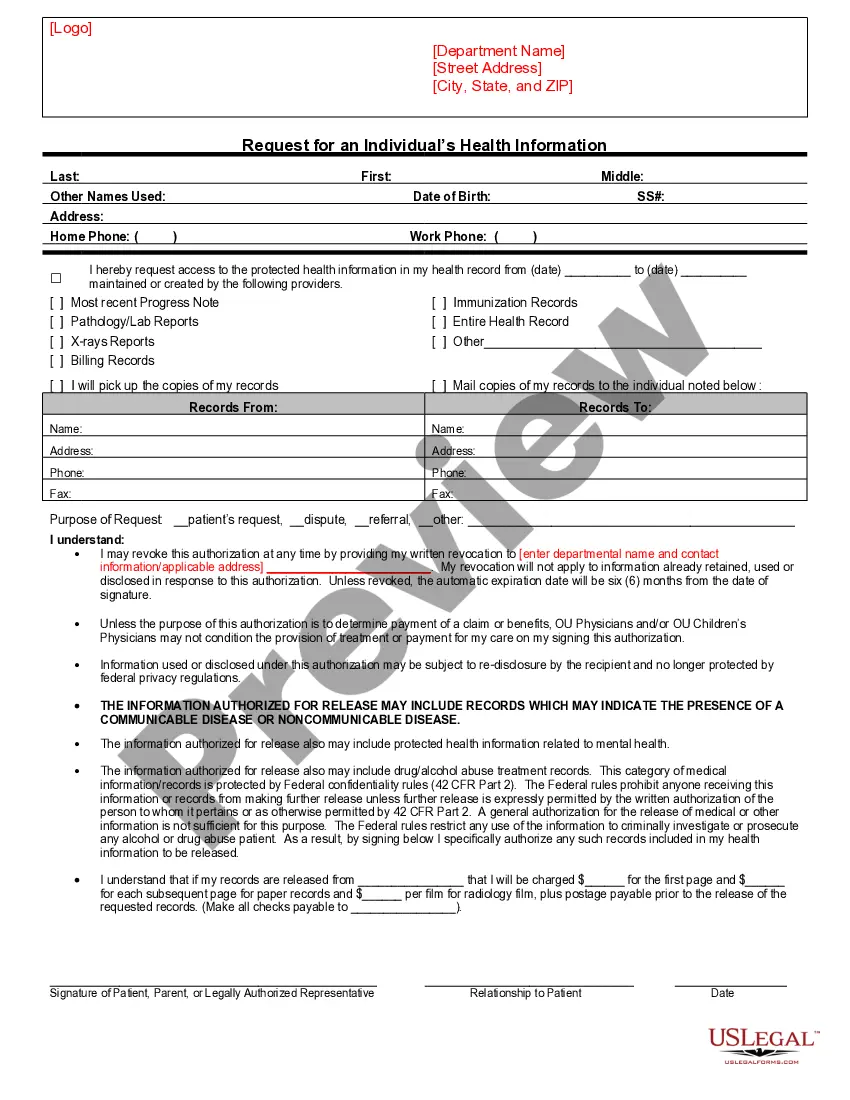
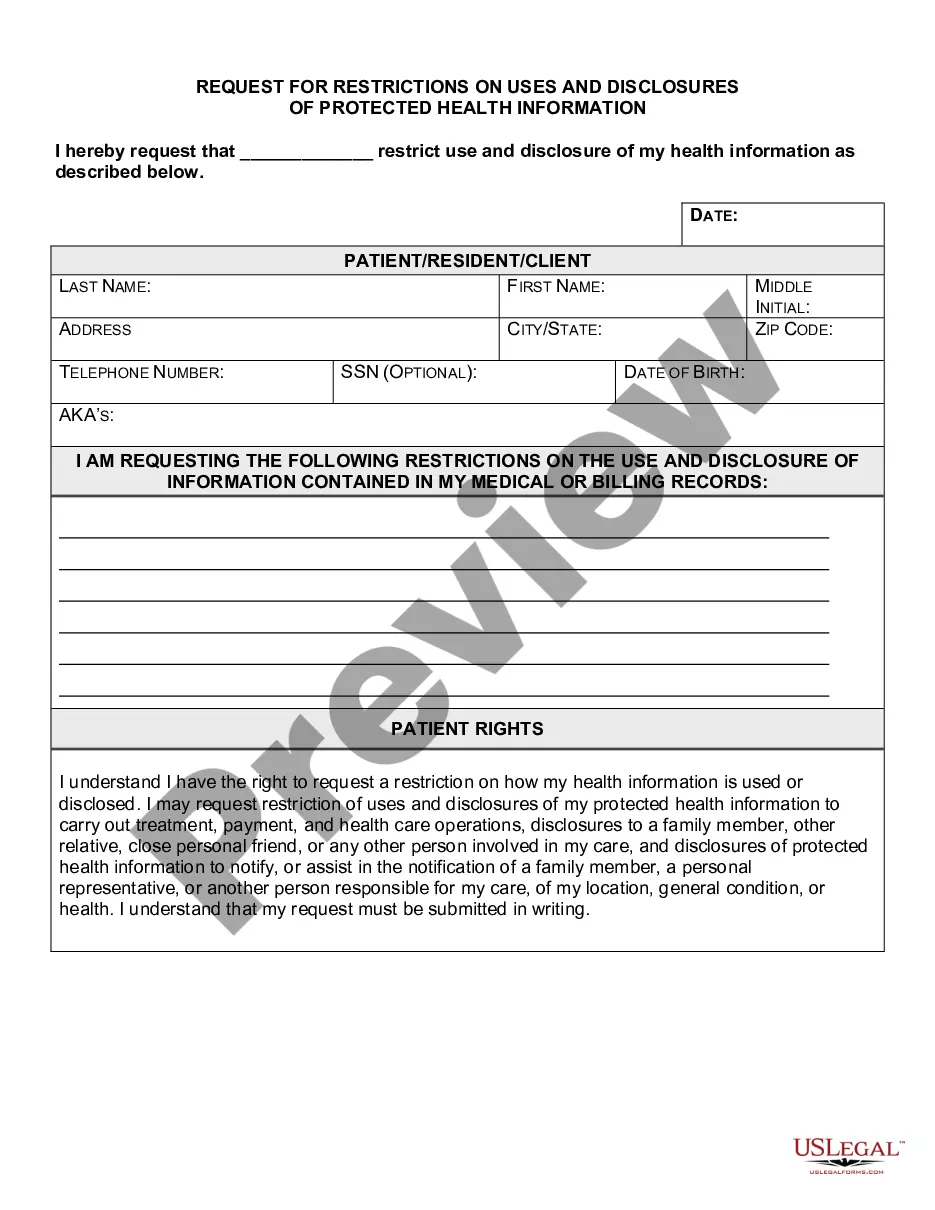
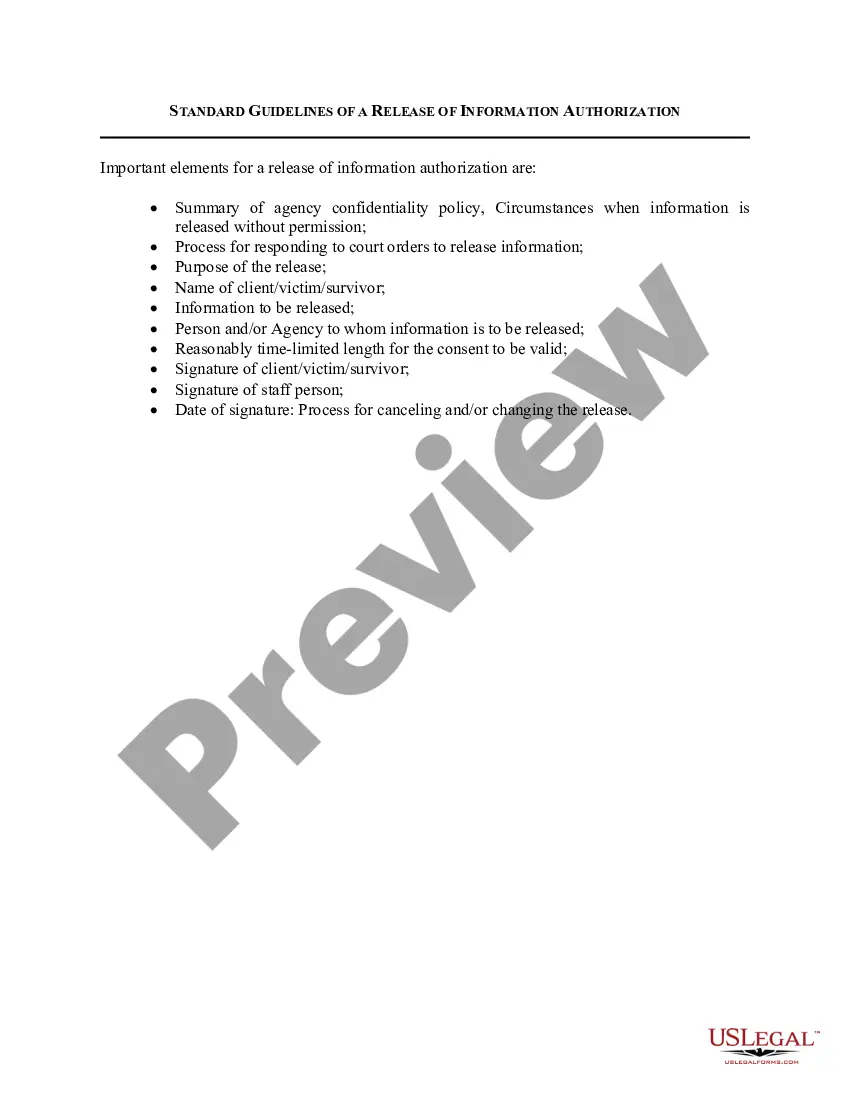
The Authorization for Release of Information for Personal Health Information (PHI) is a legal document that allows patients to authorize specific individuals or organizations to access their protected health information. This form ensures that healthcare providers and entities can disclose sensitive health information as designated by the patient, facilitating communication between various stakeholders, such as attorneys or insurance companies. It is important to note that this form is designed specifically for use in Illinois, adhering to HIPAA regulations while protecting the patient's rights regarding their personal health data.
Key components of this form
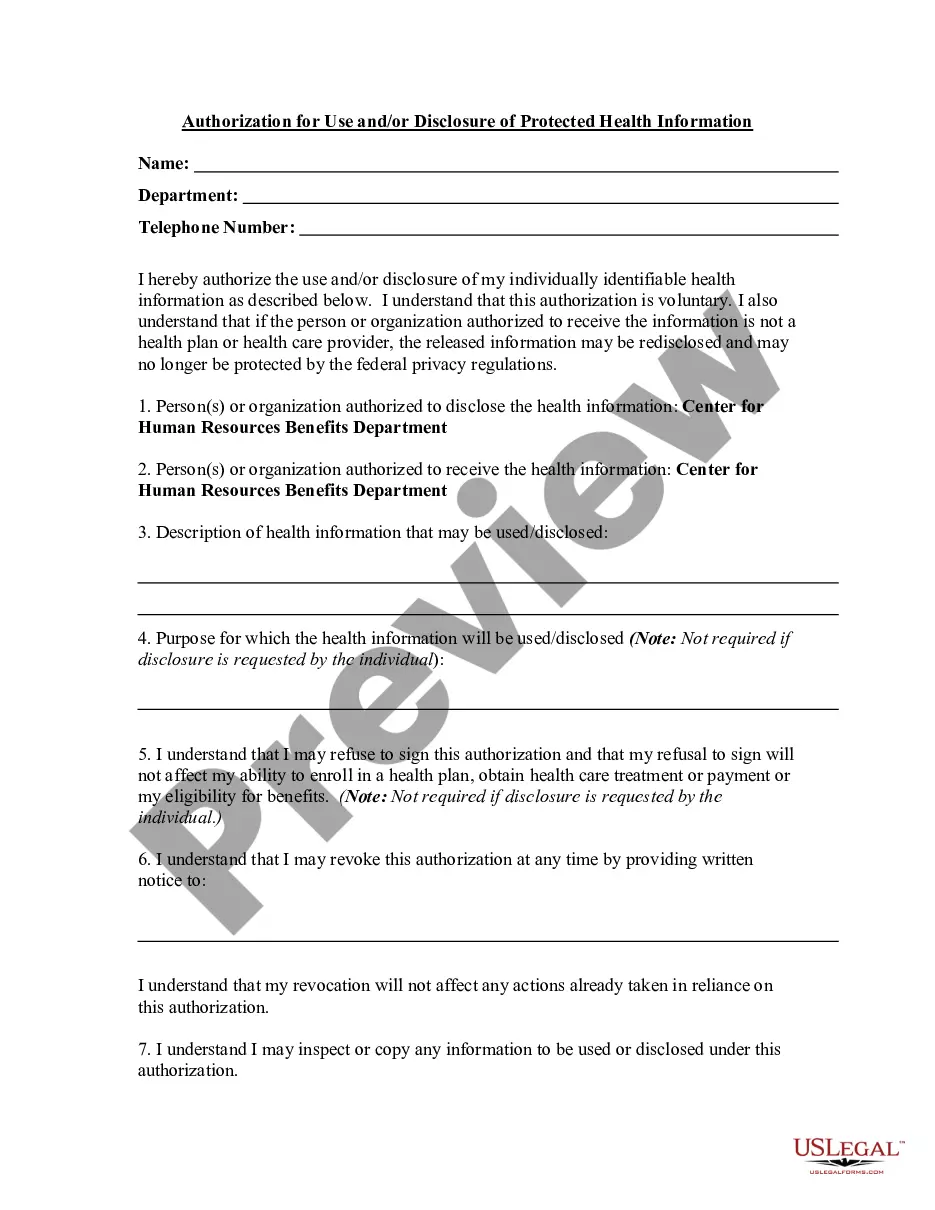
- Patient identification fields, including name and date of birth.
- Sections to specify the individuals or organizations authorized to use or receive the patient's health information.
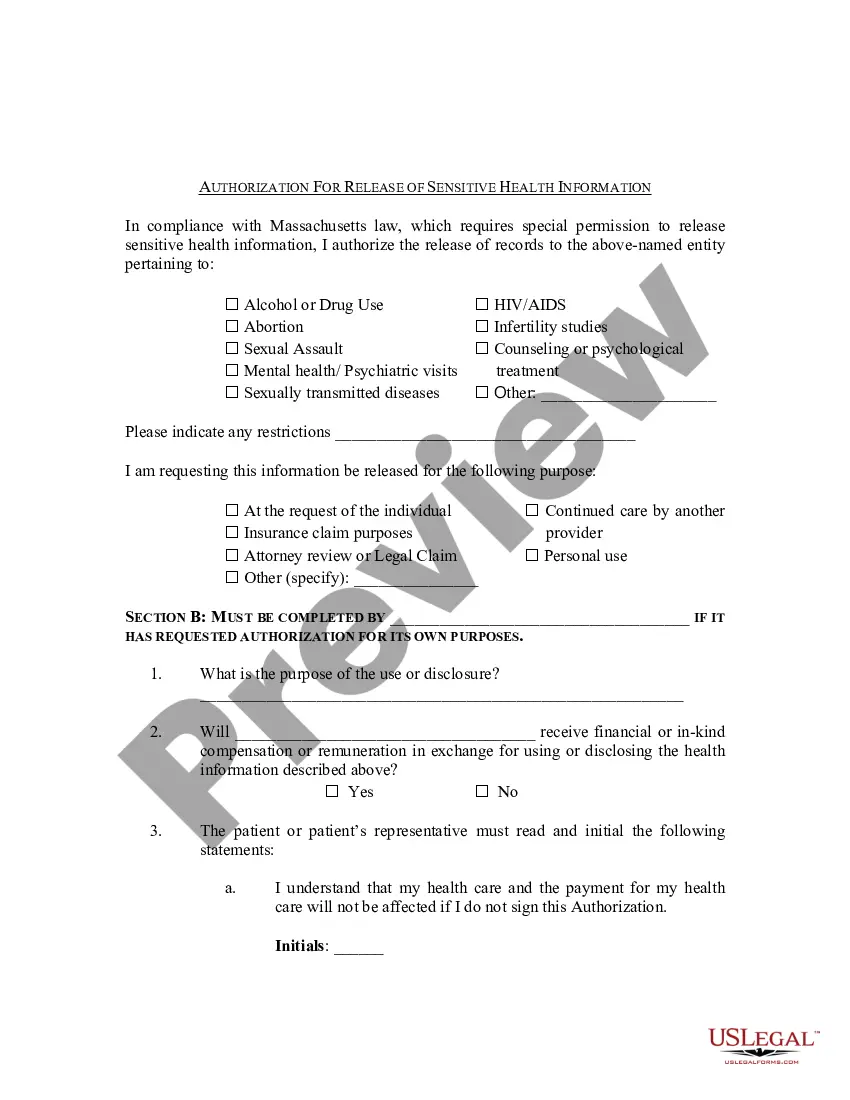
- Options for selecting specific types of health information to be disclosed.
- Purpose of the disclosure, allowing the patient to indicate why the information is being shared.
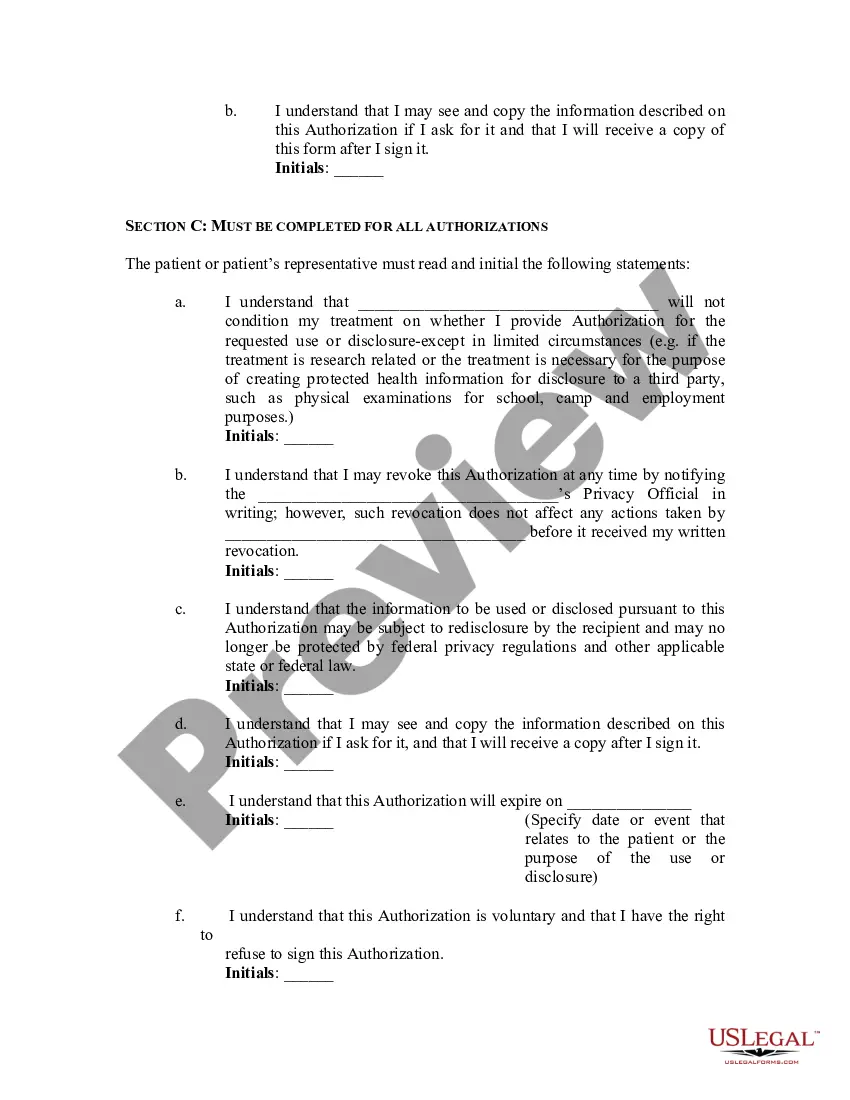
- Initials required from the patient to acknowledge understanding of the authorization terms.
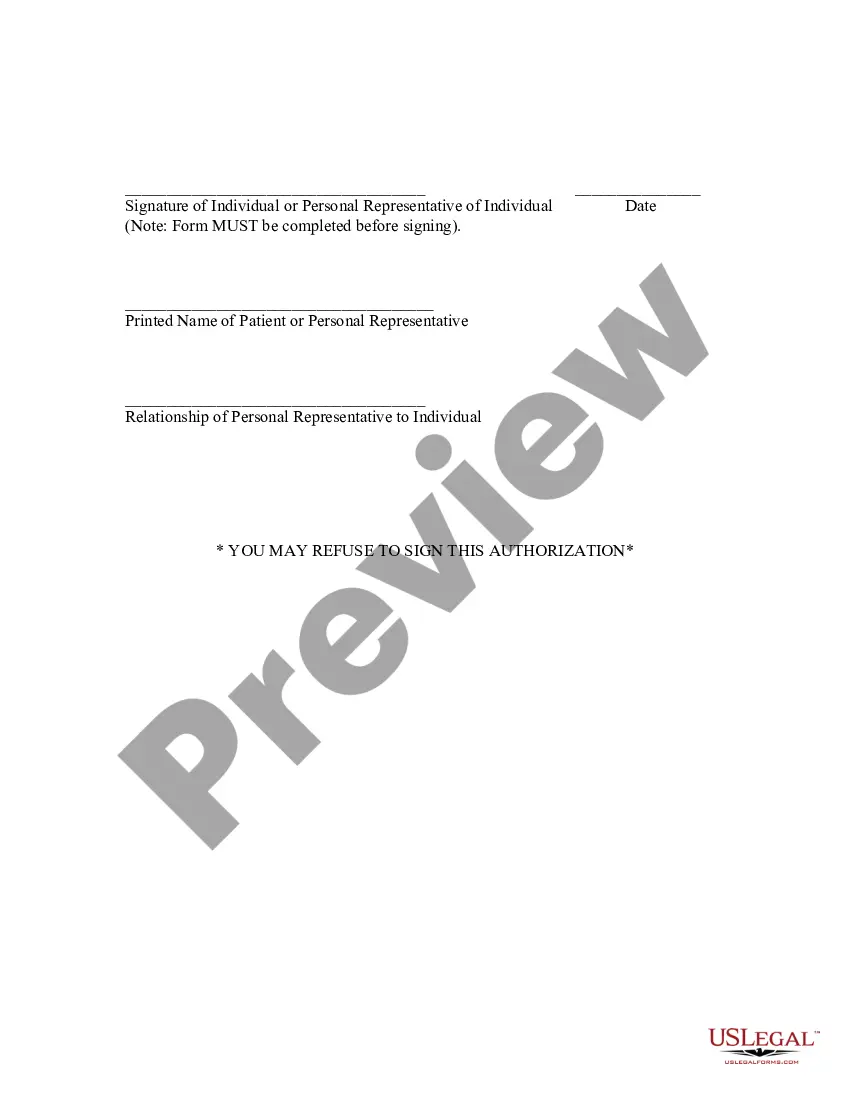
- Signature section for the patient or their representative to formalize the authorization.
When to use this document
This form should be used when a patient needs to allow specific individuals or entities to access their personal health information. Scenarios include sharing information with a legal representative for an insurance claim, permitting a family member to help manage healthcare decisions, or providing information to a new healthcare provider for continuity of care. It is an essential document for any situation requiring the disclosure of sensitive health data under HIPAA regulations.
Who needs this form
- Patients who wish to authorize access to their health information.
- Legal representatives acting on behalf of the patient.
- Healthcare providers needing to share information for treatment or administrative purposes.
- Attorneys representing clients in matters involving health information.
Steps to complete this form
- Enter the patient's name and date of birth in the designated fields.
- Specify the names and contact information of individuals or organizations authorized to use or receive health information.
- Check the boxes next to the types of health information to be disclosed.
- Indicate the purpose of the information release in the provided section.
- Initial the statements to confirm understanding of the authorization requirements.
- Sign and date the form, and ensure to include the printed name of the patient or personal representative.
Notarization requirements for this form
This form does not typically require notarization unless specified by local law. It is valid as long as the patient or their representative provides a signature and completes all necessary sections.
Get your form ready online
Our built-in tools help you complete, sign, share, and store your documents in one place.
Make edits, fill in missing information, and update formatting in US Legal Forms—just like you would in MS Word.
Download a copy, print it, send it by email, or mail it via USPS—whatever works best for your next step.
Sign and collect signatures with our SignNow integration. Send to multiple recipients, set reminders, and more. Go Premium to unlock E-Sign.
If this form requires notarization, complete it online through a secure video call—no need to meet a notary in person or wait for an appointment.
We protect your documents and personal data by following strict security and privacy standards.

Make edits, fill in missing information, and update formatting in US Legal Forms—just like you would in MS Word.

Download a copy, print it, send it by email, or mail it via USPS—whatever works best for your next step.

Sign and collect signatures with our SignNow integration. Send to multiple recipients, set reminders, and more. Go Premium to unlock E-Sign.

If this form requires notarization, complete it online through a secure video call—no need to meet a notary in person or wait for an appointment.

We protect your documents and personal data by following strict security and privacy standards.
Mistakes to watch out for
- Failing to complete all required fields, such as patient identification and authorization details.
- Not specifying the purpose of the disclosure clearly, which can lead to confusion.
- Missing initials or signatures, making the form invalid.
- Assuming verbal agreements suffice; all authorizations must be documented in writing.
Advantages of online completion
- Convenient access to legal templates that can be downloaded and completed at any time.
- Editable fields allow for easy customization to meet individual needs and circumstances.
- Secure online storage ensures your documents are safely saved for future reference.
Legal use & context
- This form is legally binding as it adheres to HIPAA regulations concerning the release of personal health information.
- It safeguards the patient's rights while enabling healthcare providers to manage care effectively.
- Patients can revoke the authorization at any time, potentially limiting previous disclosures only to those made with the authorization.
Main things to remember
- The Authorization for Release of Information for Personal Health Information (PHI) is essential for sharing health data with specific parties.
- Proper completion of the form ensures compliance with legal requirements and protects patient confidentiality.
- Understanding the implications of signing this form is crucial for patients and their representatives.