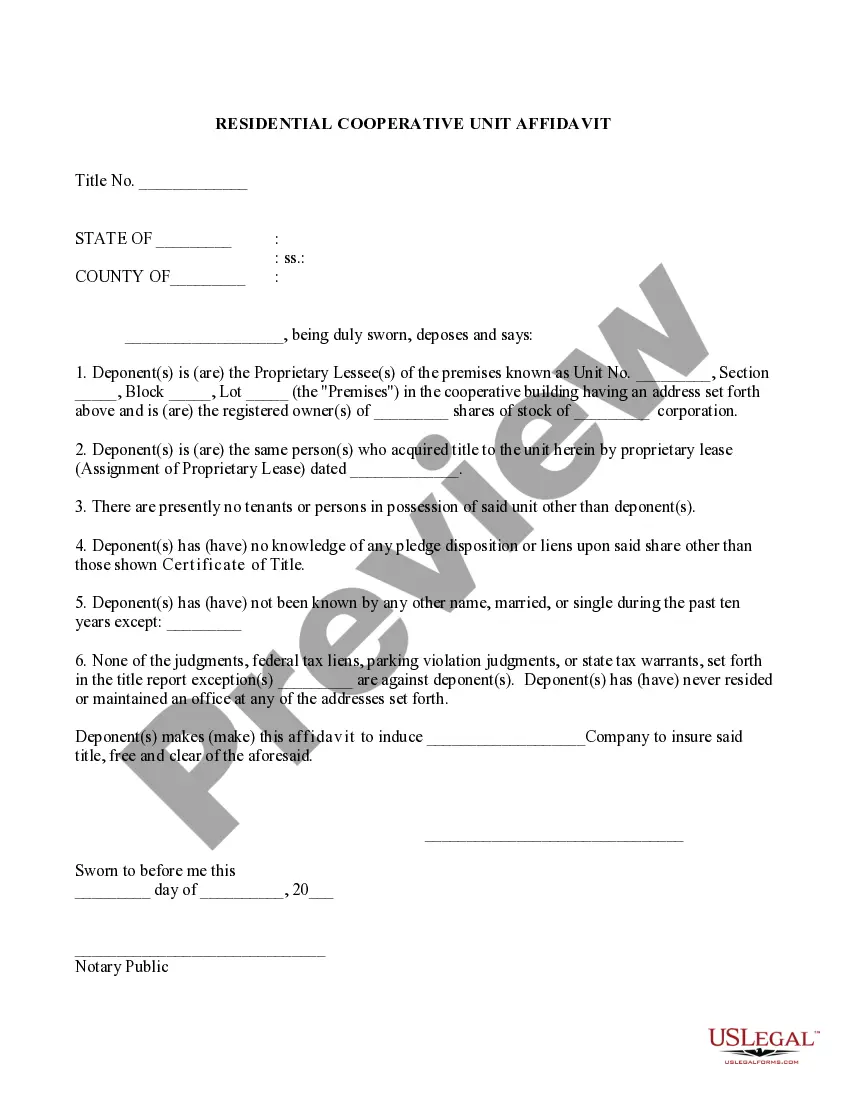
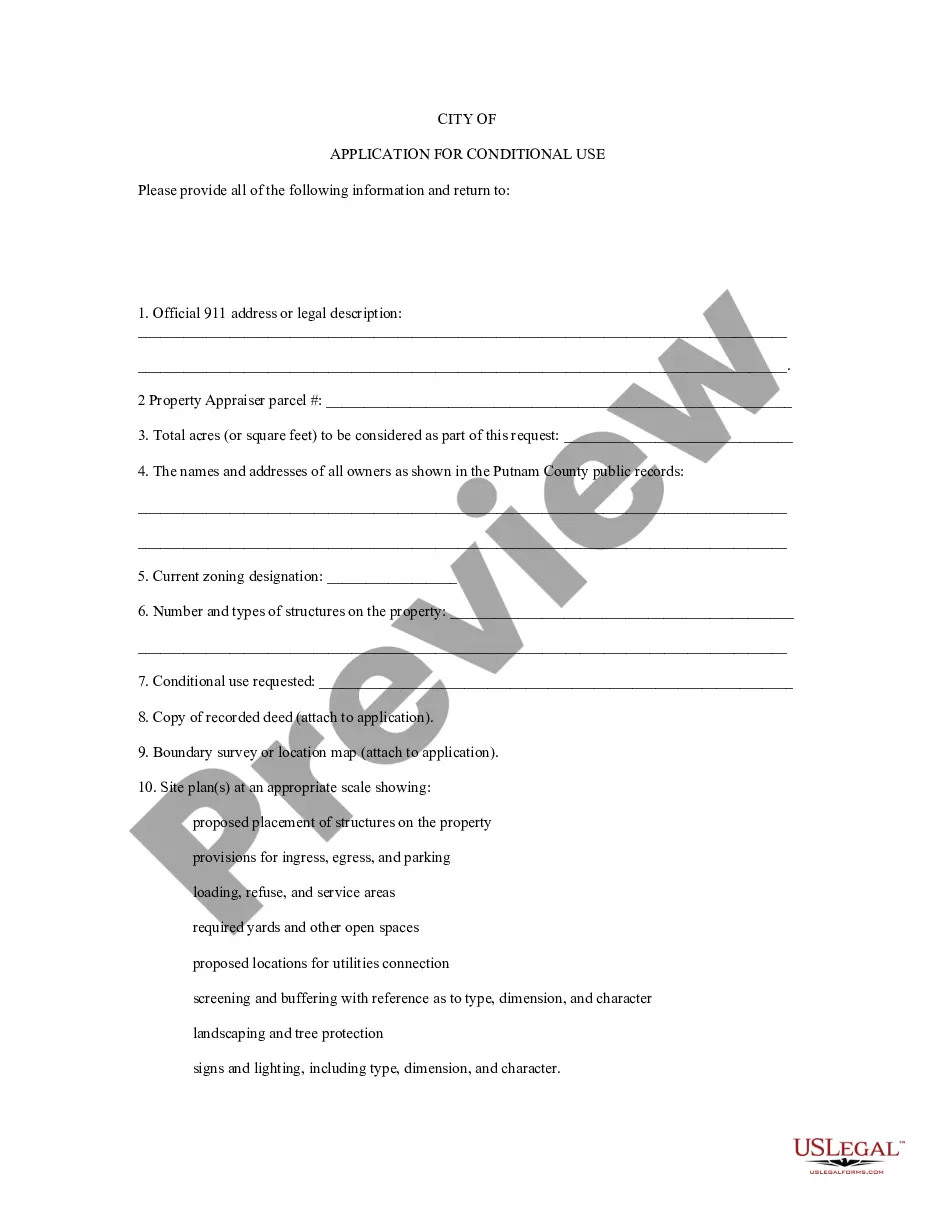
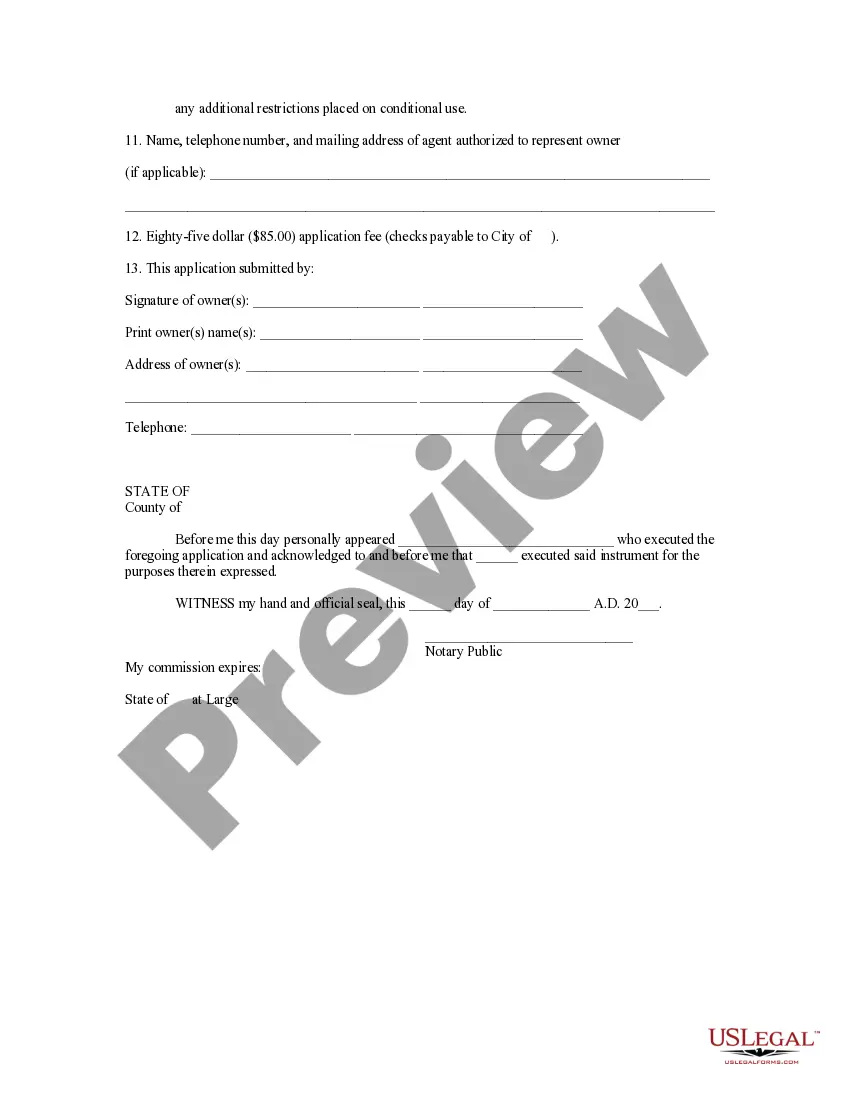
Kentucky Application for Conditional Use
Description
Get your form ready online
Our built-in tools help you complete, sign, share, and store your documents in one place.
Make edits, fill in missing information, and update formatting in US Legal Forms—just like you would in MS Word.
Download a copy, print it, send it by email, or mail it via USPS—whatever works best for your next step.
Sign and collect signatures with our SignNow integration. Send to multiple recipients, set reminders, and more. Go Premium to unlock E-Sign.
If this form requires notarization, complete it online through a secure video call—no need to meet a notary in person or wait for an appointment.
We protect your documents and personal data by following strict security and privacy standards.

Make edits, fill in missing information, and update formatting in US Legal Forms—just like you would in MS Word.

Download a copy, print it, send it by email, or mail it via USPS—whatever works best for your next step.

Sign and collect signatures with our SignNow integration. Send to multiple recipients, set reminders, and more. Go Premium to unlock E-Sign.

If this form requires notarization, complete it online through a secure video call—no need to meet a notary in person or wait for an appointment.

We protect your documents and personal data by following strict security and privacy standards.
Looking for another form?





How to fill out Application For Conditional Use?
Choosing the right authorized record format might be a struggle. Needless to say, there are a variety of templates available online, but how do you discover the authorized kind you want? Make use of the US Legal Forms internet site. The services provides a huge number of templates, for example the Kentucky Application for Conditional Use, that can be used for organization and personal requires. All of the types are examined by specialists and meet federal and state specifications.
Should you be previously signed up, log in for your accounts and click the Down load option to obtain the Kentucky Application for Conditional Use. Make use of your accounts to look through the authorized types you possess ordered previously. Check out the My Forms tab of the accounts and get yet another copy of the record you want.
Should you be a brand new user of US Legal Forms, listed here are straightforward directions so that you can adhere to:
- Initially, make sure you have selected the right kind for your personal metropolis/state. You can check out the form utilizing the Preview option and read the form outline to make certain it will be the right one for you.
- In the event the kind is not going to meet your requirements, take advantage of the Seach discipline to get the correct kind.
- Once you are sure that the form is acceptable, click the Purchase now option to obtain the kind.
- Select the costs strategy you would like and type in the needed details. Create your accounts and purchase the order making use of your PayPal accounts or charge card.
- Pick the submit file format and obtain the authorized record format for your device.
- Comprehensive, revise and print out and sign the attained Kentucky Application for Conditional Use.
US Legal Forms may be the biggest catalogue of authorized types where you will find a variety of record templates. Make use of the service to obtain skillfully-produced documents that adhere to express specifications.
Form popularity
FAQ
A conditional use permit application is needed when you are requesting a use permitted in specific locations when certain conditions can be met. A CUP requires approval from the Board of Zoning Adjustment or the Planning Commission when requested in conjunction with a zoning change request.
Conditional Use Permits are required for certain types of main uses, so classified because of their uncommon or unique char- acteristics, infrequency of occurrence, large area requirements or for other reasons. Such use shall not be permitted by right.
A Conditional Use approval can permit specific uses not permitted by-right in a zoning district based on an approved site plan and supplementary use regulations. The Wichita-Sedgwick County Unified Zoning Code details when and where Conditional Uses are permitted.
What is a Conditional Use Permit (CUP)? Zoning districts contain land uses that are permitted and conditional. A conditional use is a use allowed in a zoning district only after specific requirements have been met and the Planning and Zoning Commission has attached conditions of approval.
A conditional use is a use that is permitted subject to compliance with a set of conditions or requirements set forth in the zoning ordinance.