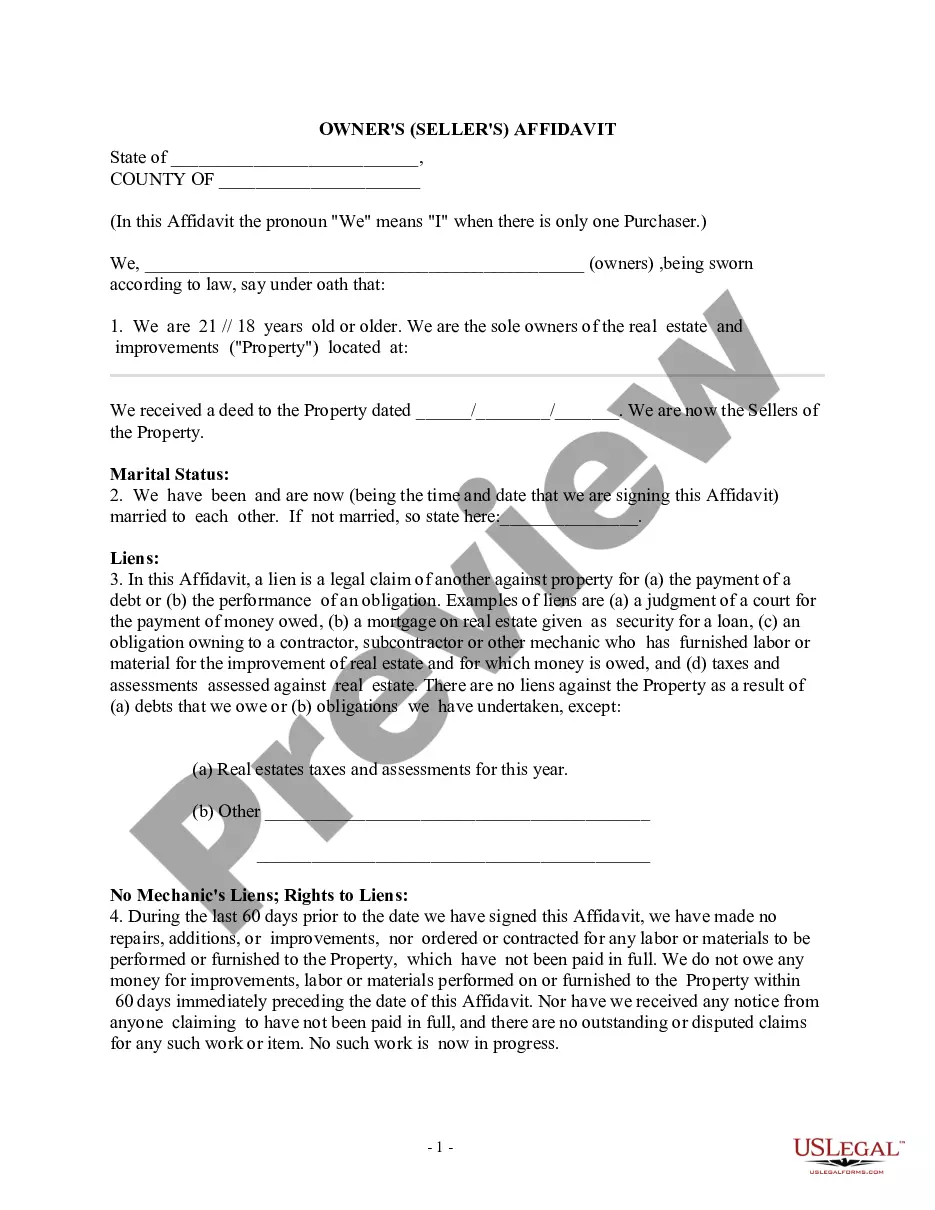
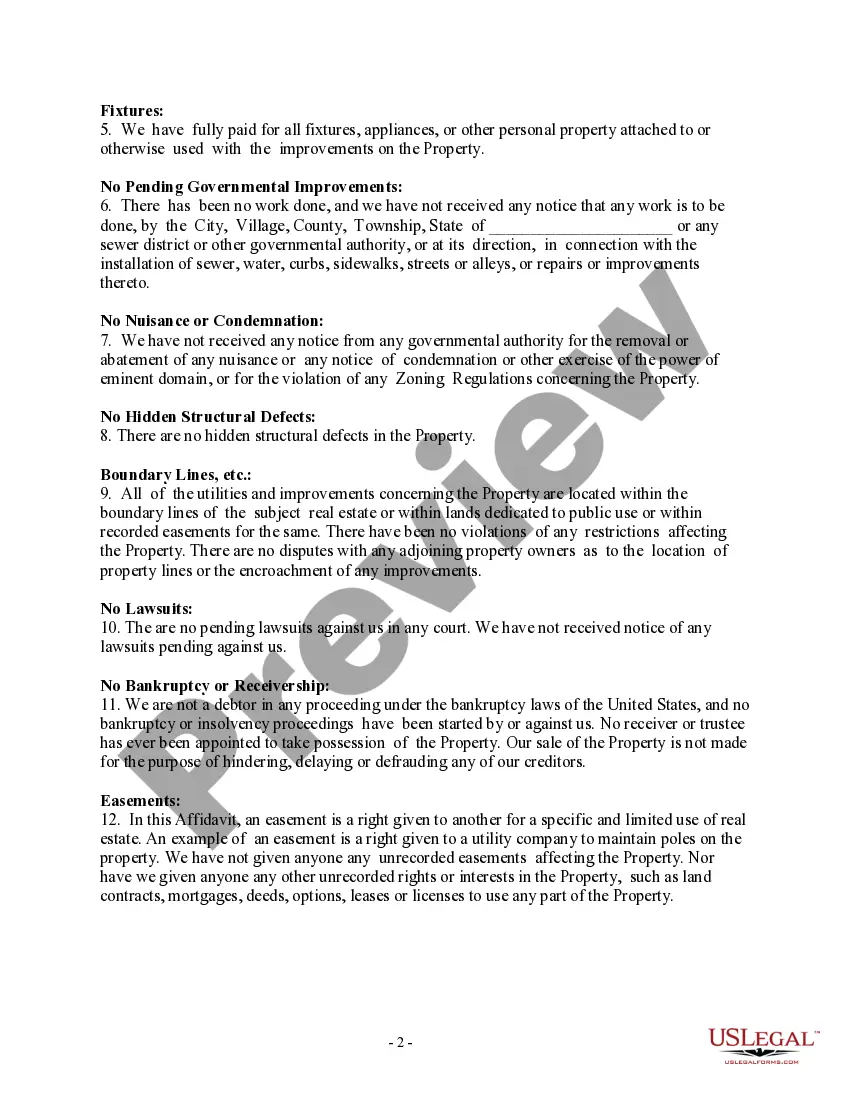
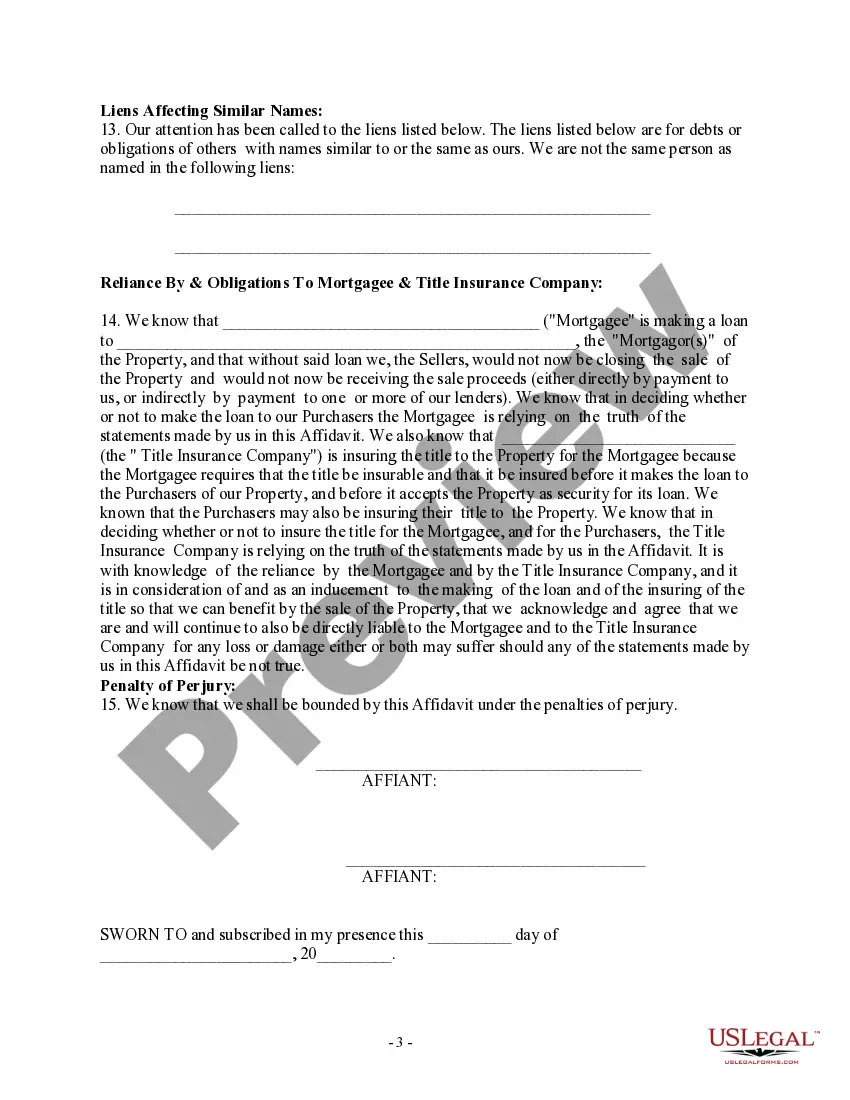
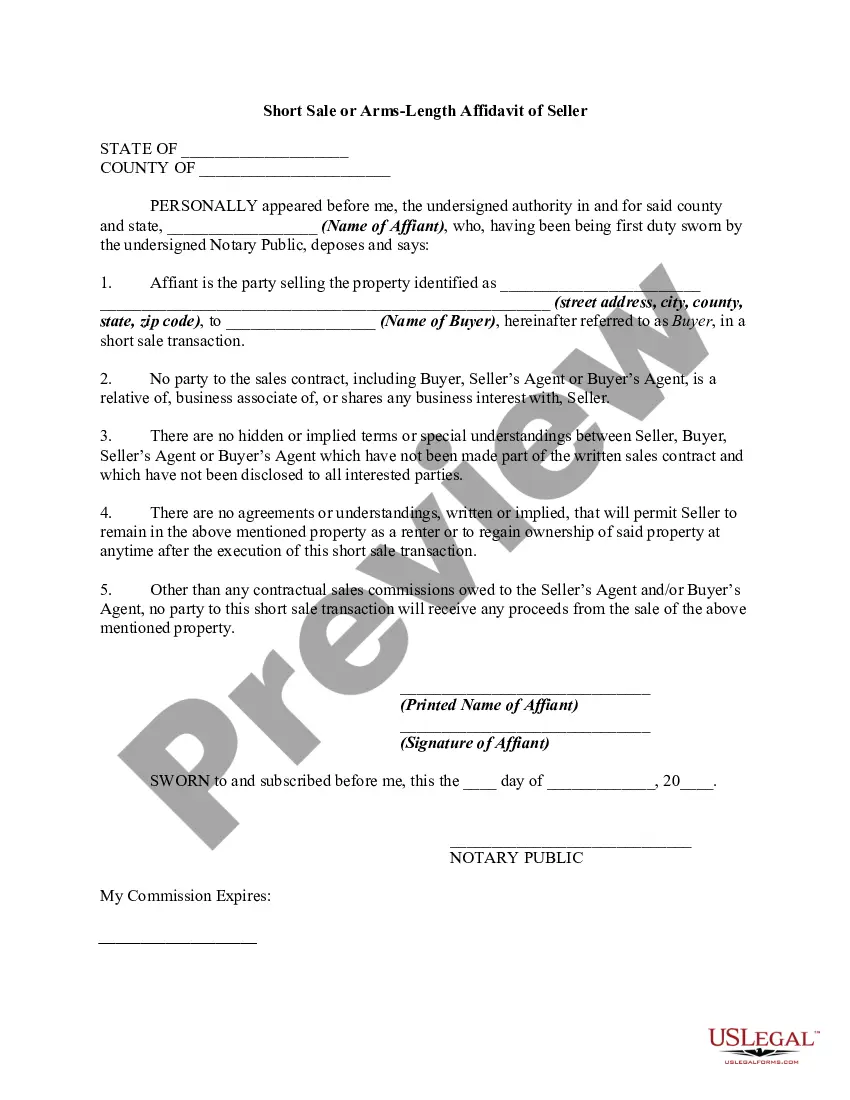
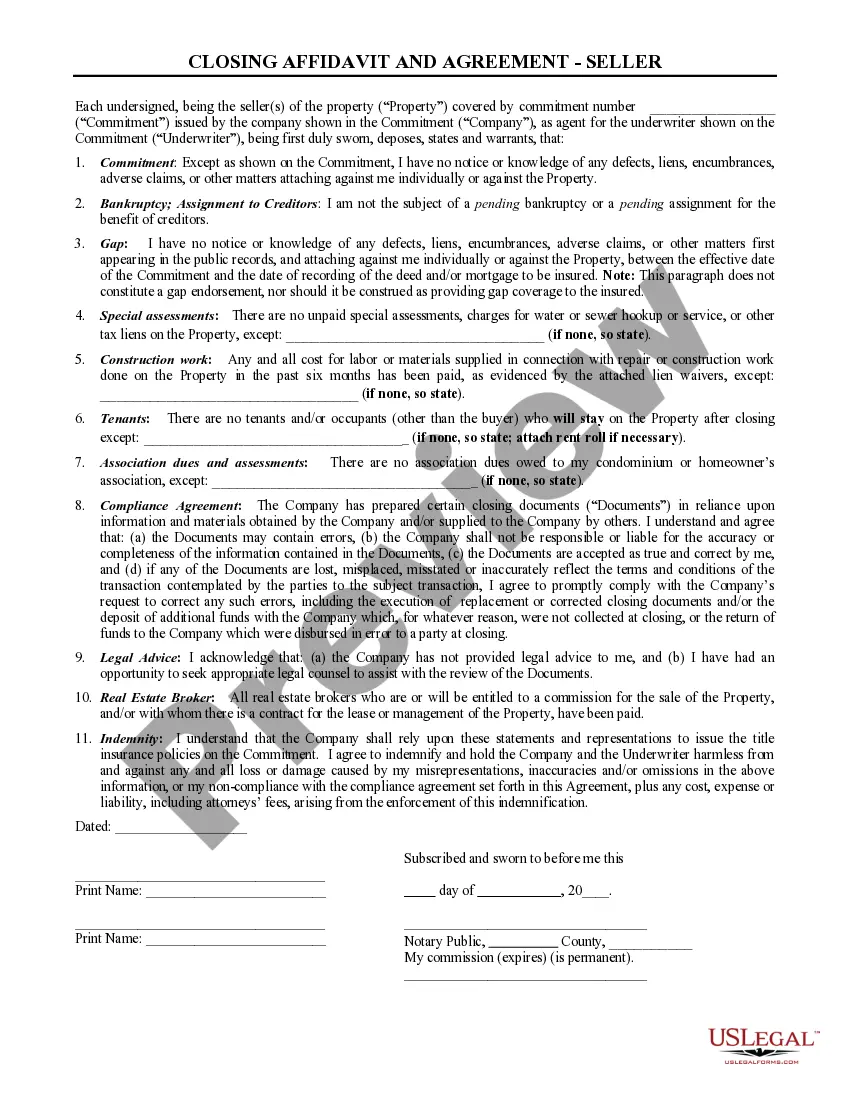
Kentucky Owner's - Seller's - Affidavit
Description

Get your form ready online
Our built-in tools help you complete, sign, share, and store your documents in one place.
Make edits, fill in missing information, and update formatting in US Legal Forms—just like you would in MS Word.
Download a copy, print it, send it by email, or mail it via USPS—whatever works best for your next step.
Sign and collect signatures with our SignNow integration. Send to multiple recipients, set reminders, and more. Go Premium to unlock E-Sign.
If this form requires notarization, complete it online through a secure video call—no need to meet a notary in person or wait for an appointment.
We protect your documents and personal data by following strict security and privacy standards.

Make edits, fill in missing information, and update formatting in US Legal Forms—just like you would in MS Word.

Download a copy, print it, send it by email, or mail it via USPS—whatever works best for your next step.

Sign and collect signatures with our SignNow integration. Send to multiple recipients, set reminders, and more. Go Premium to unlock E-Sign.

If this form requires notarization, complete it online through a secure video call—no need to meet a notary in person or wait for an appointment.

We protect your documents and personal data by following strict security and privacy standards.
Looking for another form?



How to fill out Owner's - Seller's - Affidavit?
Are you presently in a position that you require paperwork for either business or person purposes just about every day time? There are plenty of legal record templates available on the Internet, but discovering types you can rely on isn`t effortless. US Legal Forms offers a large number of form templates, like the Kentucky Owner's - Seller's - Affidavit, that are published to fulfill state and federal demands.
Should you be previously informed about US Legal Forms site and also have a free account, basically log in. Following that, you are able to acquire the Kentucky Owner's - Seller's - Affidavit format.
Unless you provide an accounts and would like to begin to use US Legal Forms, follow these steps:
- Obtain the form you need and ensure it is for your right area/area.
- Utilize the Preview button to examine the shape.
- Browse the information to ensure that you have selected the right form.
- If the form isn`t what you`re looking for, take advantage of the Look for discipline to find the form that meets your requirements and demands.
- Once you discover the right form, click on Purchase now.
- Pick the rates prepare you need, fill in the specified info to create your money, and purchase an order using your PayPal or Visa or Mastercard.
- Choose a handy document format and acquire your duplicate.
Get all the record templates you possess purchased in the My Forms menu. You can get a extra duplicate of Kentucky Owner's - Seller's - Affidavit any time, if required. Just go through the required form to acquire or produce the record format.
Use US Legal Forms, one of the most comprehensive collection of legal types, in order to save time and avoid errors. The support offers professionally manufactured legal record templates which you can use for an array of purposes. Make a free account on US Legal Forms and start creating your daily life a little easier.
Form popularity
FAQ
How to Fill Out TC 96-182 or Kentucky Vehicle Registration | PDFRun YouTube Start of suggested clip End of suggested clip If no boxes have been marked the transfer of title must require the signatures. Of both the sellerMoreIf no boxes have been marked the transfer of title must require the signatures. Of both the seller and the owner or the buyer. Then enter the seller's full legal name dealer.
Original Kentucky Title The back of the title must be completed in its entirety. Seller's section is on the left. Buyer's section is on the right. Must include: current mileage, the sale price, complete addresses, SSN for buyer(s), buyer(s)'s birth month.
A Kentucky car title transfer consists of two stages. The buyer and seller meet in person, with a notary public. The buyer pays the seller. All three parties (buyer, seller, and notary) fill out and sign the physical title certificate.
If the buyer or seller's signature is notarized by the County Clerk's Office, the person must appear in person with a valid Kentucky I.D. A $2.00 notary fee is charged for each signature.
?Take the following items? to your local County Clerk's office to apply for a title: Proof of Kentucky Insurance (issue date within 45 days) Photo ID. Completed TC96-182 form and signed over title.
On the back of the original title, the seller fills in their name, date, the odometer reading, and purchase price for the vehicle. The buyer will sign on both the front and back of the title. Both signatures are witnessed by the notary.