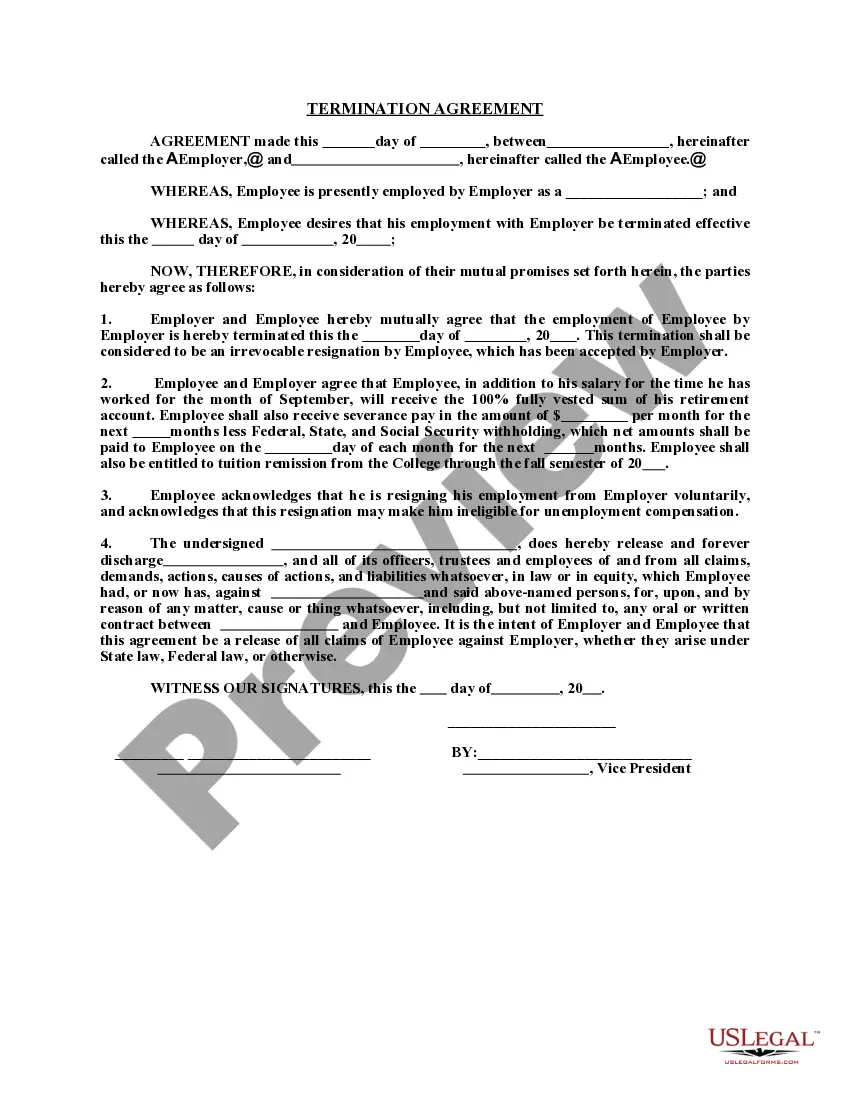
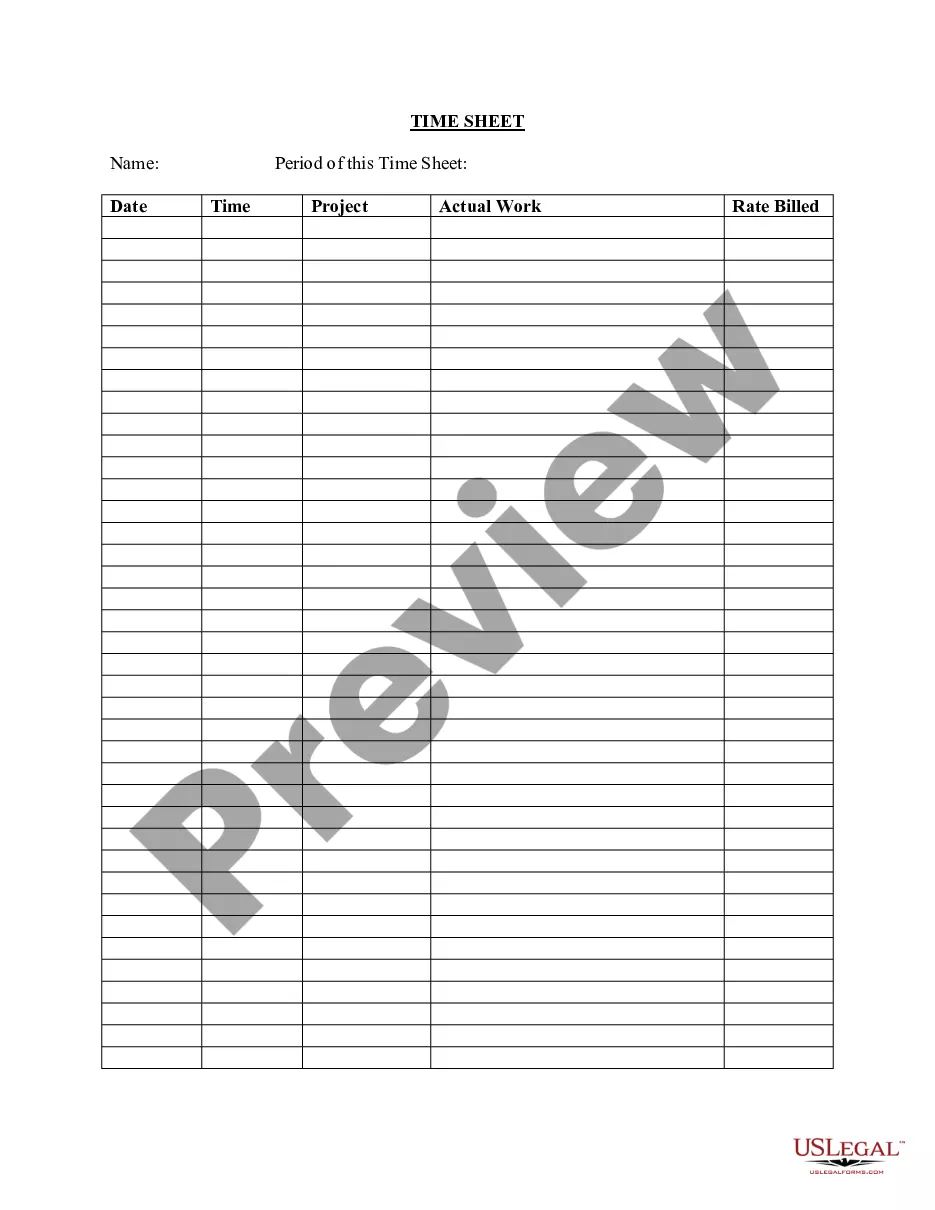
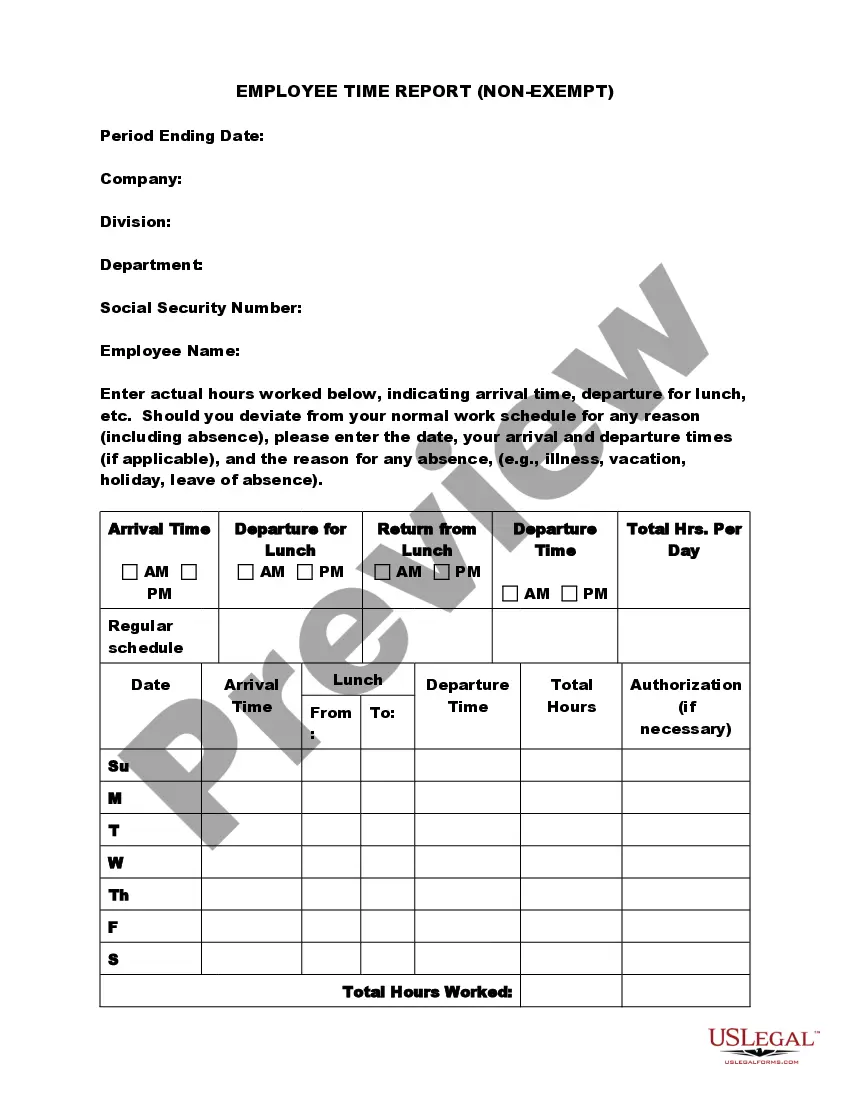
Kentucky Employee Time Sheet
Description
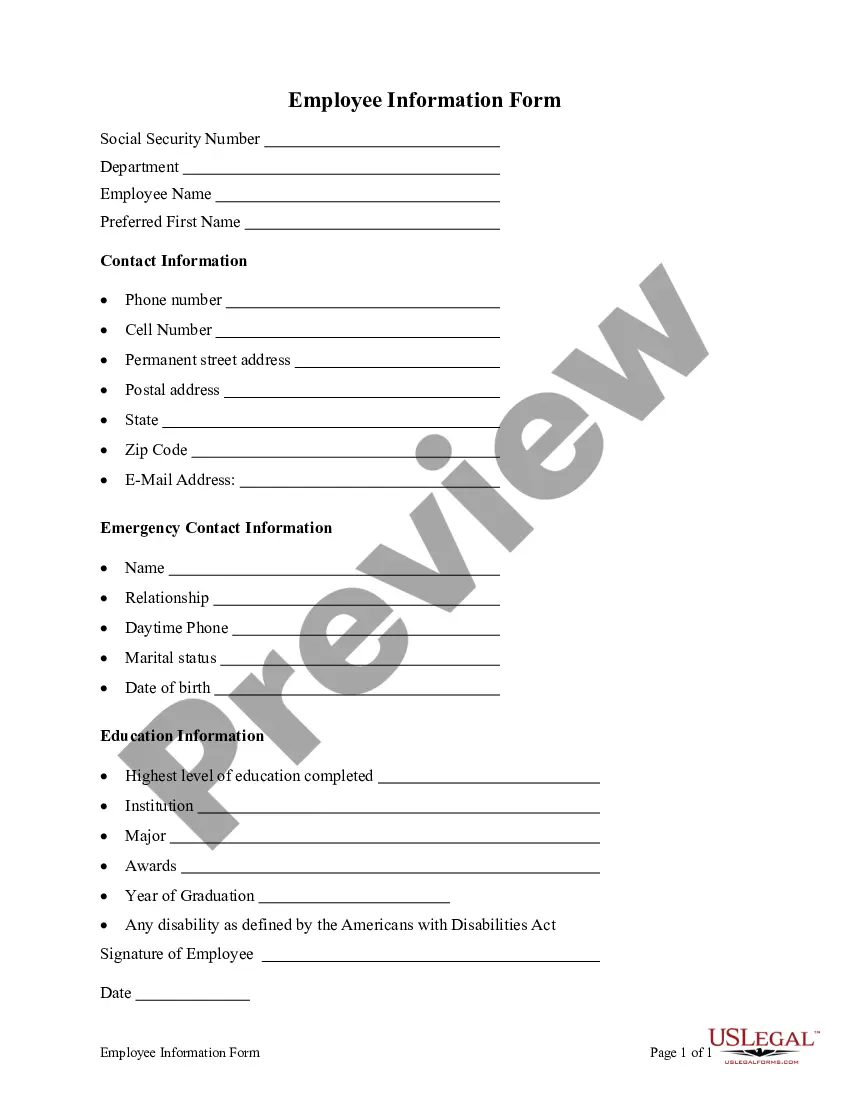
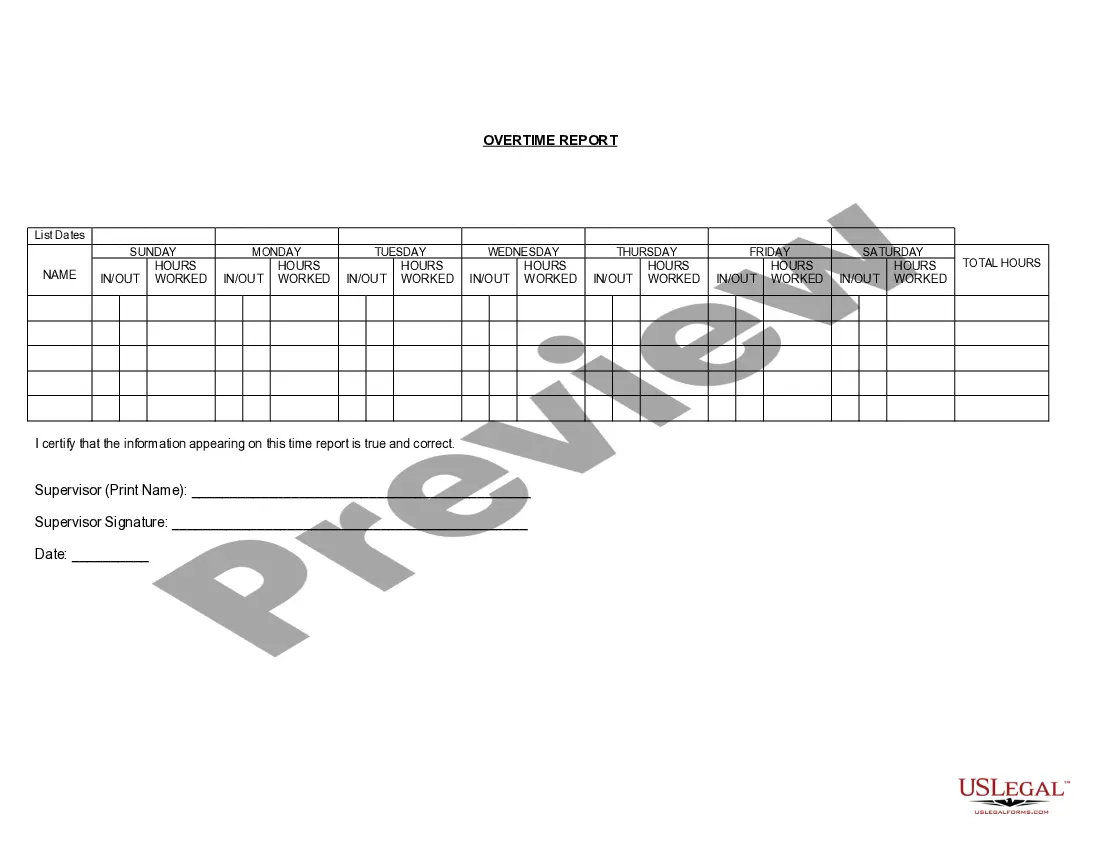
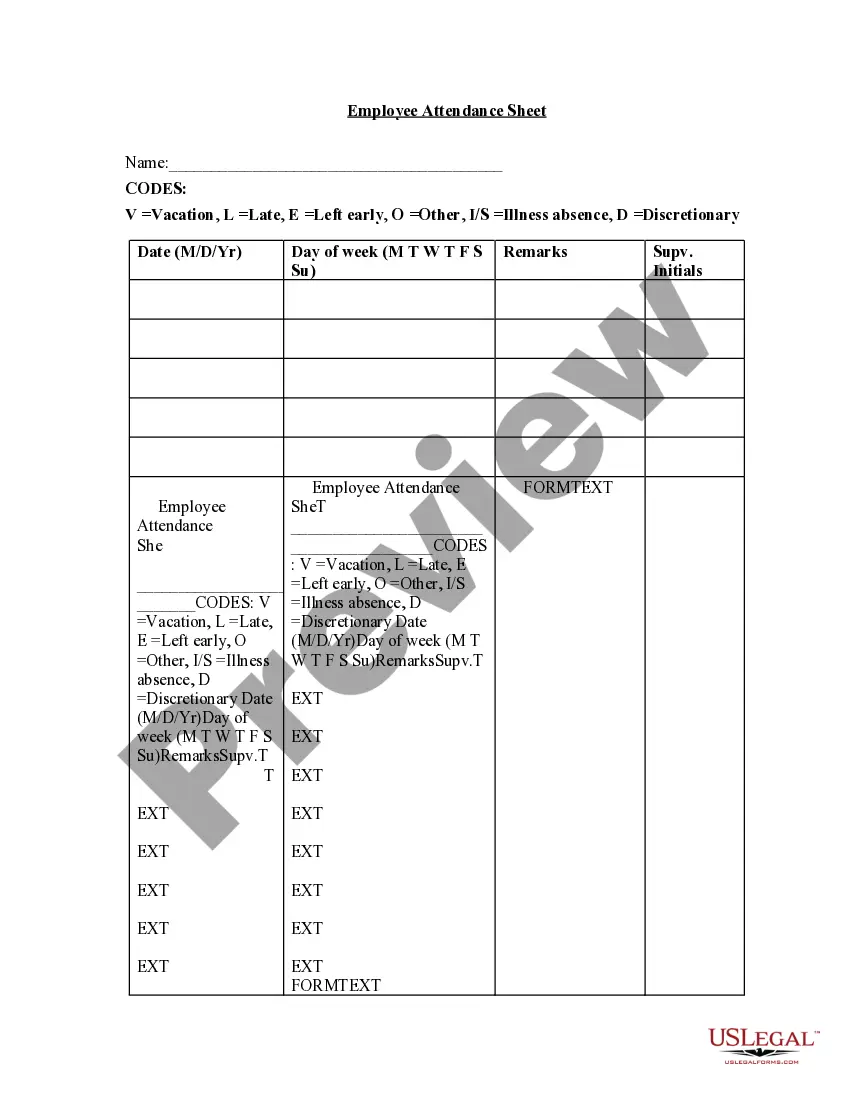
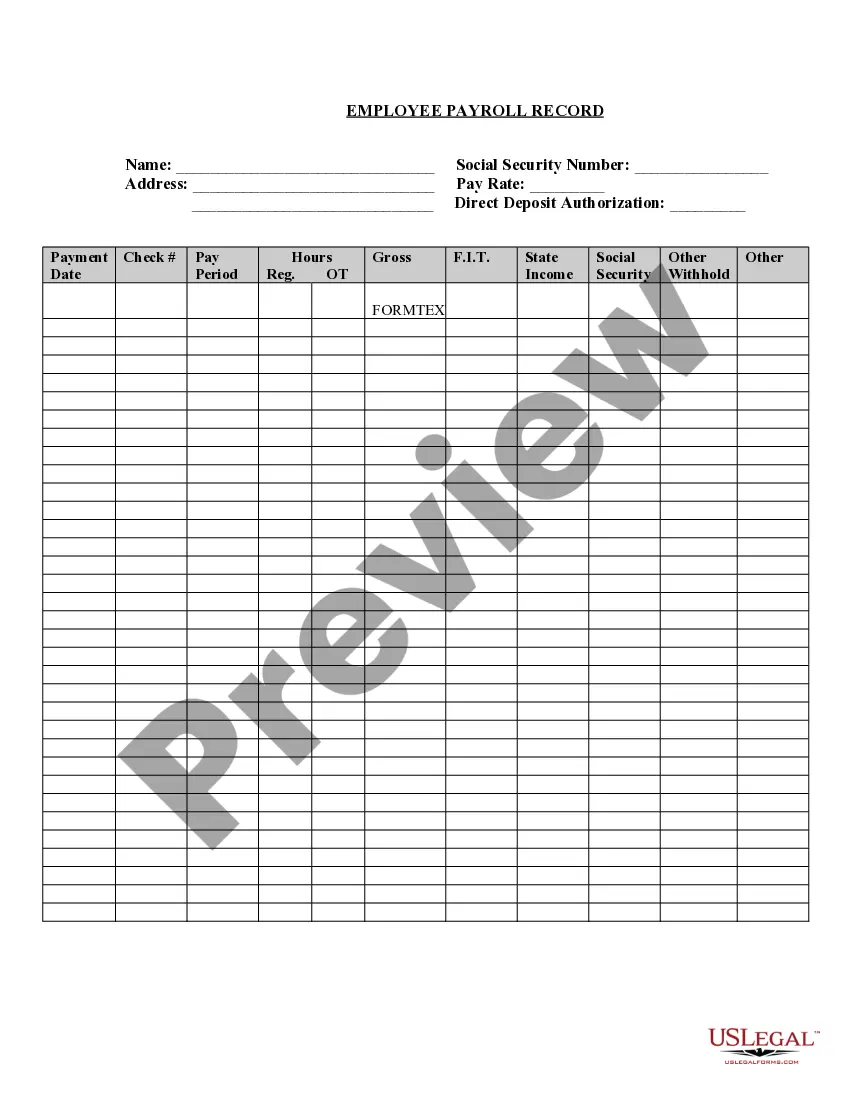
Get your form ready online
Our built-in tools help you complete, sign, share, and store your documents in one place.
Make edits, fill in missing information, and update formatting in US Legal Forms—just like you would in MS Word.
Download a copy, print it, send it by email, or mail it via USPS—whatever works best for your next step.
Sign and collect signatures with our SignNow integration. Send to multiple recipients, set reminders, and more. Go Premium to unlock E-Sign.
If this form requires notarization, complete it online through a secure video call—no need to meet a notary in person or wait for an appointment.
We protect your documents and personal data by following strict security and privacy standards.

Make edits, fill in missing information, and update formatting in US Legal Forms—just like you would in MS Word.

Download a copy, print it, send it by email, or mail it via USPS—whatever works best for your next step.

Sign and collect signatures with our SignNow integration. Send to multiple recipients, set reminders, and more. Go Premium to unlock E-Sign.

If this form requires notarization, complete it online through a secure video call—no need to meet a notary in person or wait for an appointment.

We protect your documents and personal data by following strict security and privacy standards.
Looking for another form?


How to fill out Employee Time Sheet?
Have you ever found yourself needing documents for either business or personal purposes almost every day.
There are numerous authentic document templates available online, but finding ones you can trust is not simple.
US Legal Forms offers a vast array of form templates, such as the Kentucky Employee Time Sheet, designed to meet federal and state regulations.
Once you locate the appropriate form, click on Acquire now.
Select the pricing plan you desire, complete the necessary information to create your account, and pay for your order using PayPal or Visa or Mastercard.
- If you are already familiar with the US Legal Forms website and possess an account, simply Log In.
- Then, you can download the Kentucky Employee Time Sheet template.
- If you do not have an account and wish to start using US Legal Forms, follow these instructions.
- Find the form you need and confirm it is for your correct region.
- Utilize the Review option to examine the document.
- Read the description to ensure you have chosen the right form.
- If the form is not what you are looking for, use the Search field to find the form that meets your needs.
Form popularity
FAQ
There are 3 types of Team Timesheet views available to team admins:Team's Daily Timesheet.Team's Weekly Timesheet.Team's Monthly Timesheet.Personal Daily Timesheet.Personal Weekly Timesheet.Personal Monthly Timesheet.
Information included on timesheetsEmployee's name.Pay period.Date worked.Day worked.Hours worked.Total workweek hours.
Technically, a timesheet is a piece of paper used to track the time each worker spends on a job. This traditional method now comes in digital formats. Employers use a timesheet to track hours worked, leave time, accruals and to make adjustments when processing payroll. Pay periods vary by employer.
Best Practice: Though it's tempting to wait until the Timesheet Approval Deadline to complete payroll activities, the best way to ensure timely processing of pay is to encourage your employees to submit, and their managers to approve, timesheets on the 1st or the 16th of each month (i.e., the day after the pay period
What is a Timesheet Management Policy? The timesheet management policy is a set of principles and protocols that bring transparency in effort estimation, tracking and enhancing employee performance, increasing employee productivity and improving accuracy in customer billing.
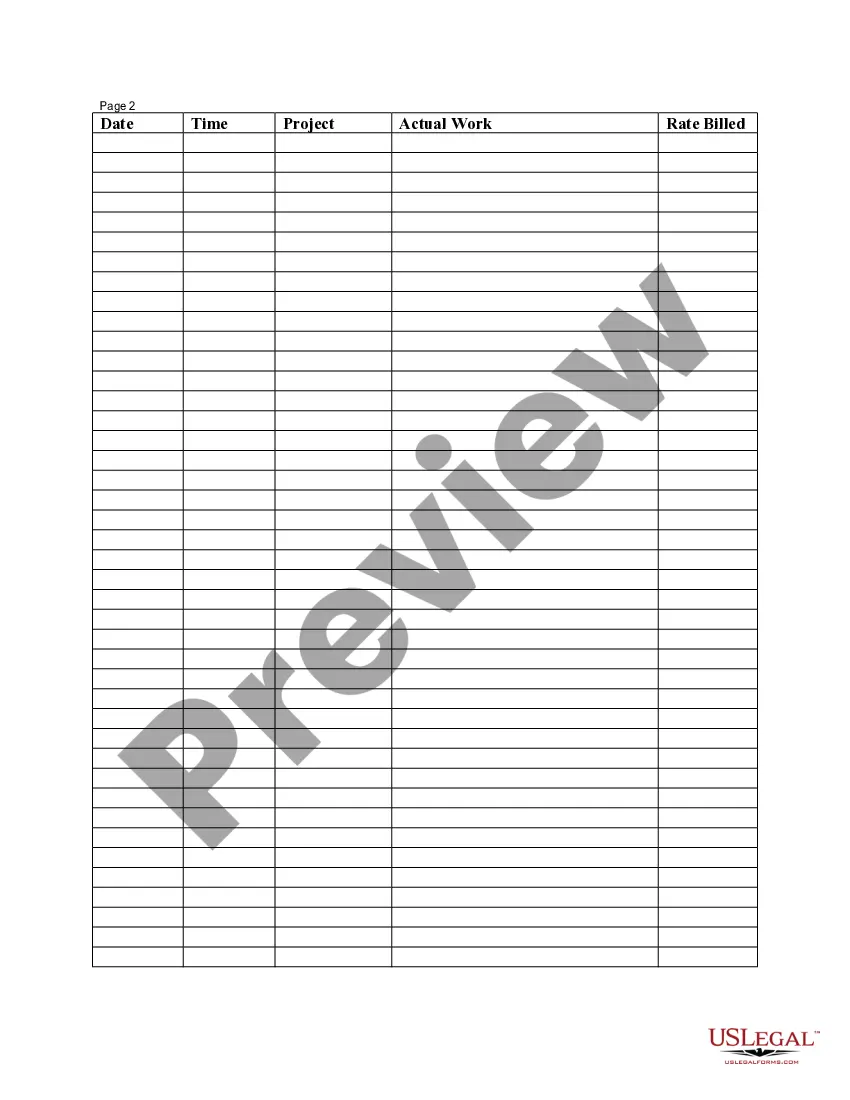
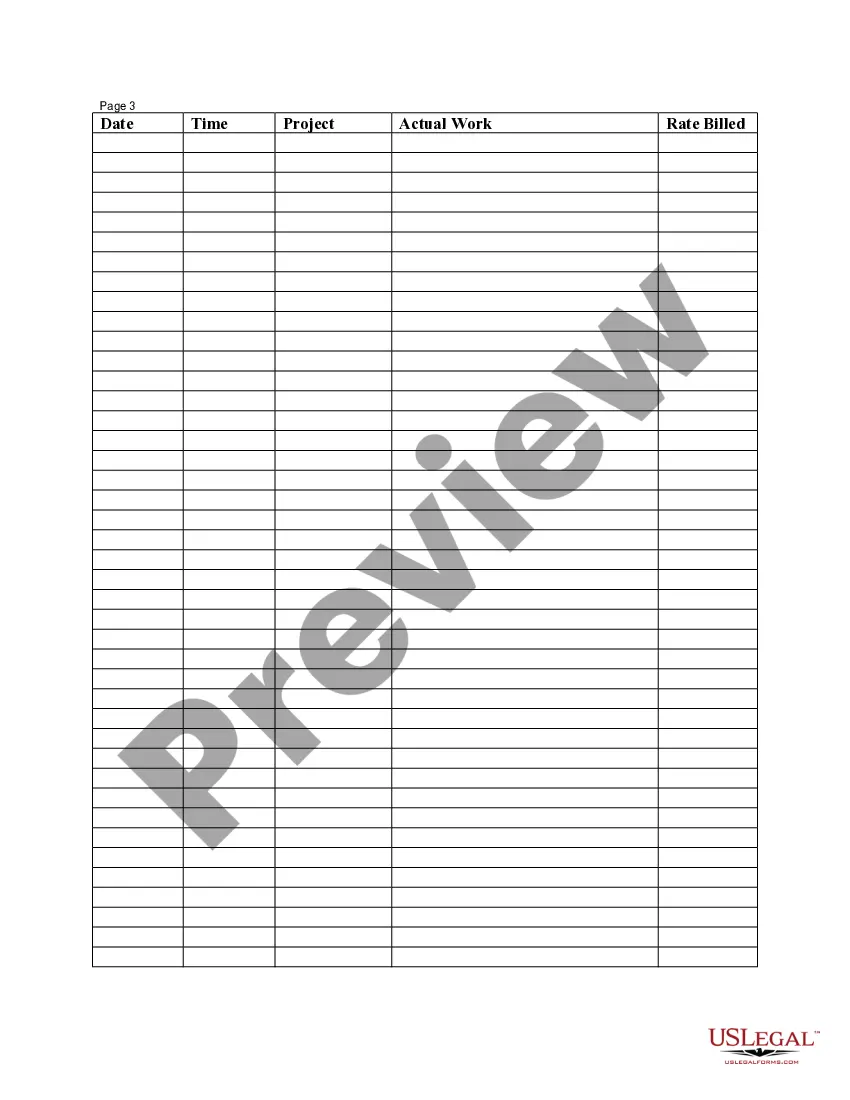
How to Fill Out a TimesheetEnter the Employee's Name. Here you should fill out the employee's full, legal name whose hours you are recording.Provide the Date or the Date Range. Next up you need to add the date.Fill in the Task Details.Add Hours Worked.Calculate Your Total Hours.Approve the Timesheet.
A timesheet is a data table which an employer can use to track the time a particular employee has worked during a certain period. Businesses use timesheets to record time spent on tasks, projects, or clients.
Employee timesheets are used to record the hours worked by employees. Timesheets can be handwritten, punched on cards, typed into a spreadsheet, or automatically filled by a timeclock system.
Timesheet approval is required to review an employee's timesheet before sending it to payroll. It is typically the manager's responsibility to act as the approver and look over their employees' timesheets, review hours, and make any adjustments if needed.
How to Fill Out a TimesheetEnter the Employee's Name. Here you should fill out the employee's full, legal name whose hours you are recording.Provide the Date or the Date Range. Next up you need to add the date.Fill in the Task Details.Add Hours Worked.Calculate Your Total Hours.Approve the Timesheet.05-Aug-2021