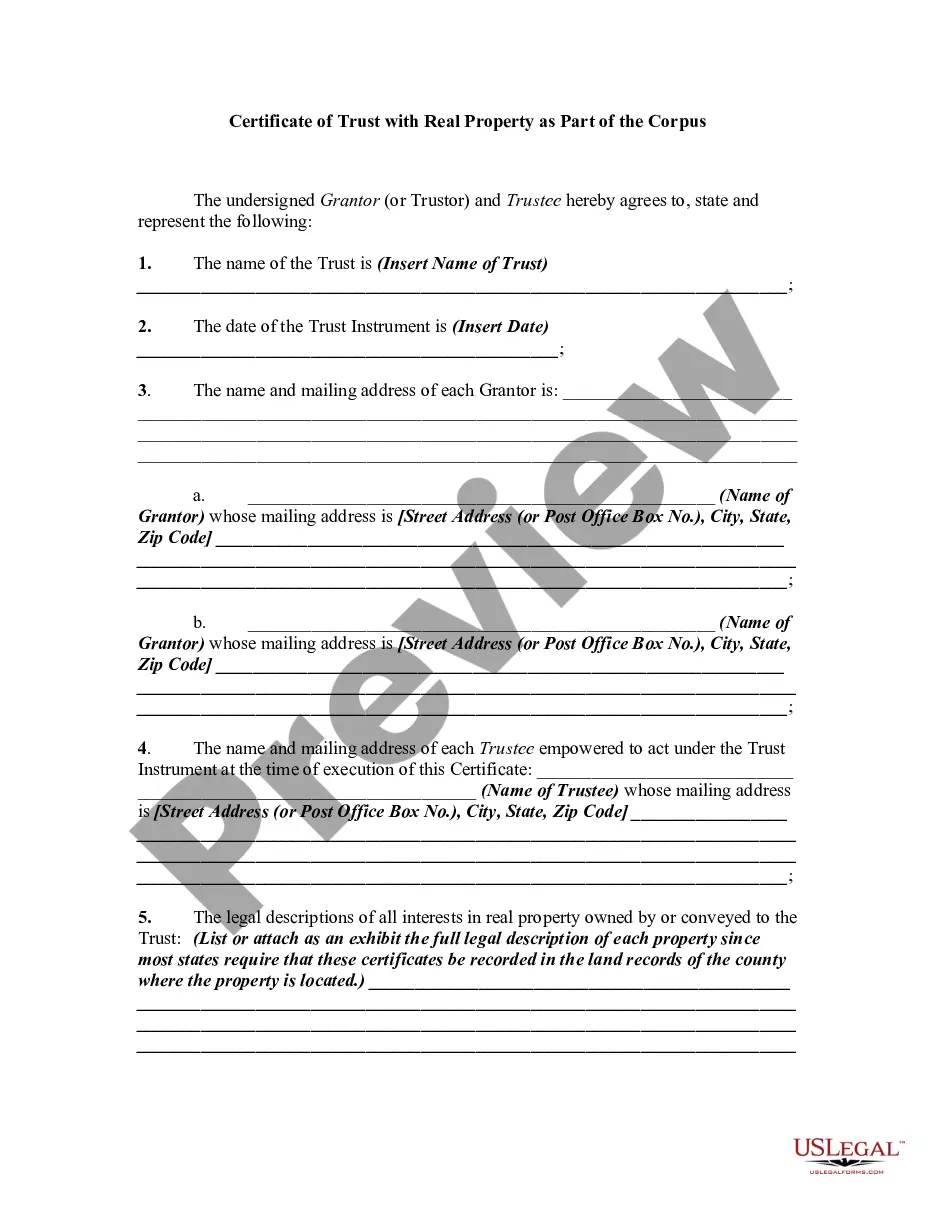
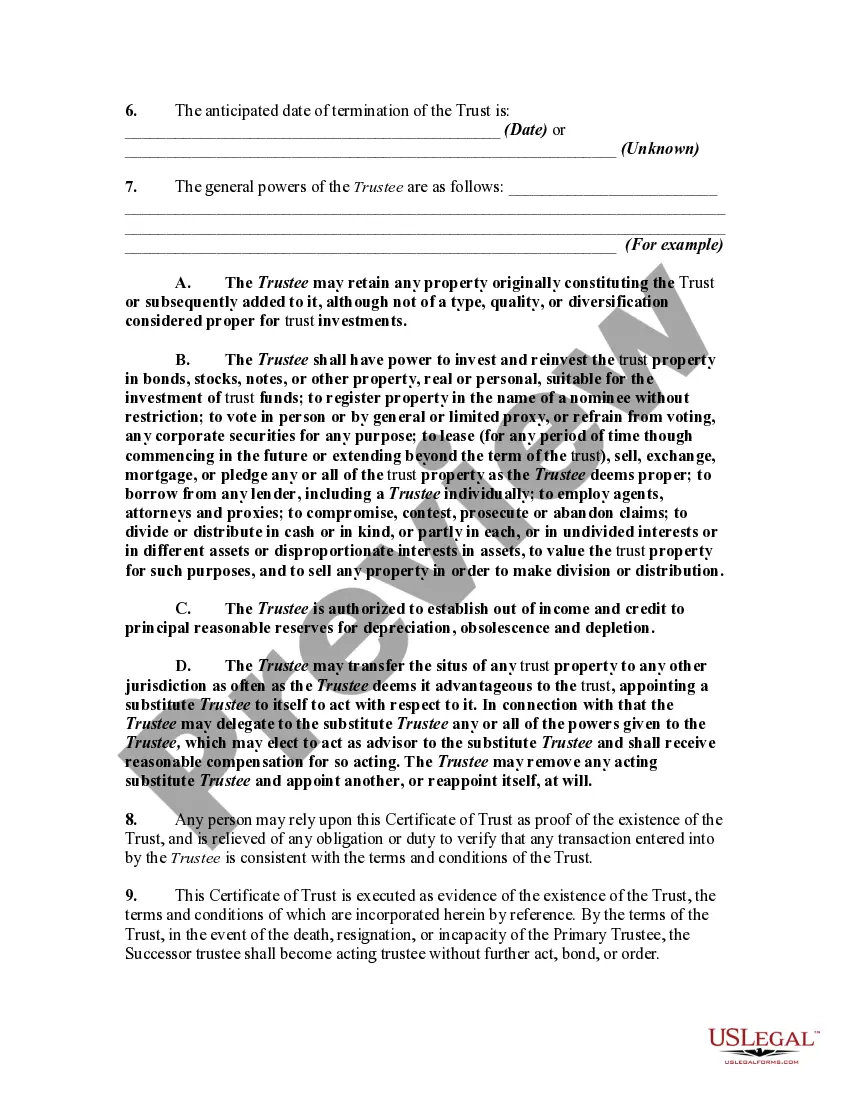
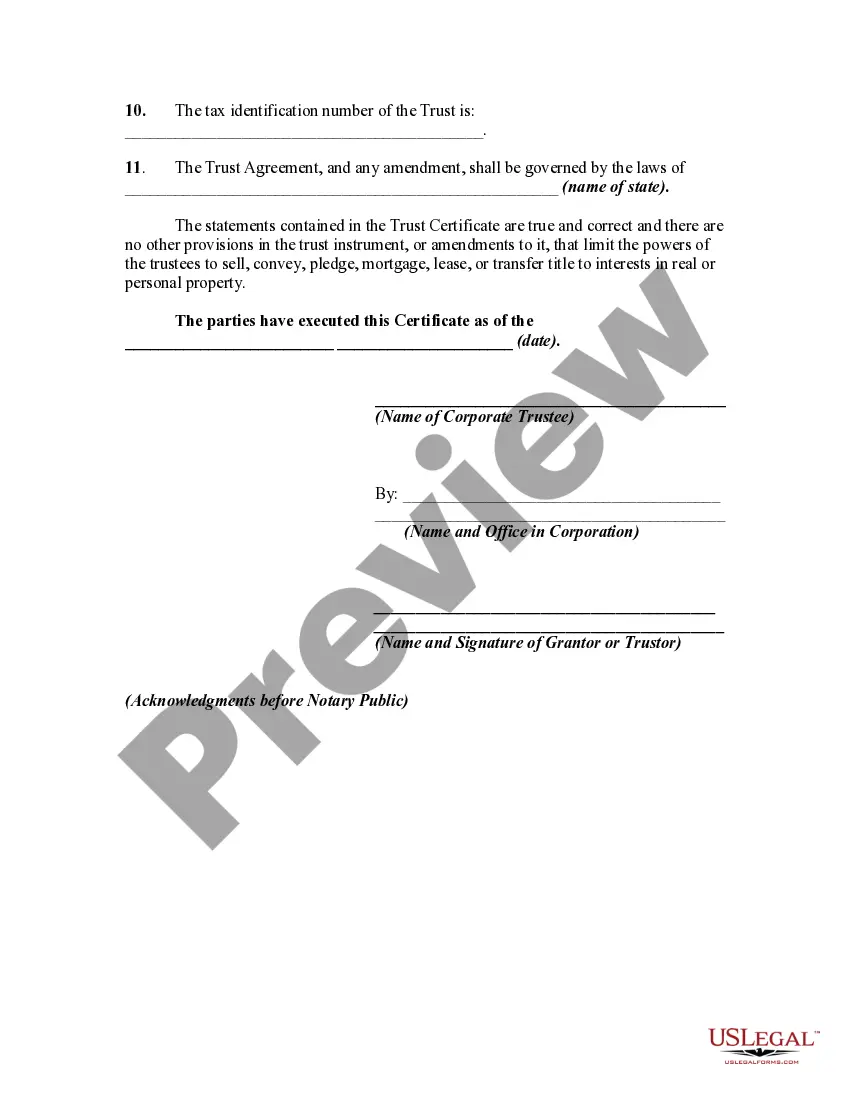
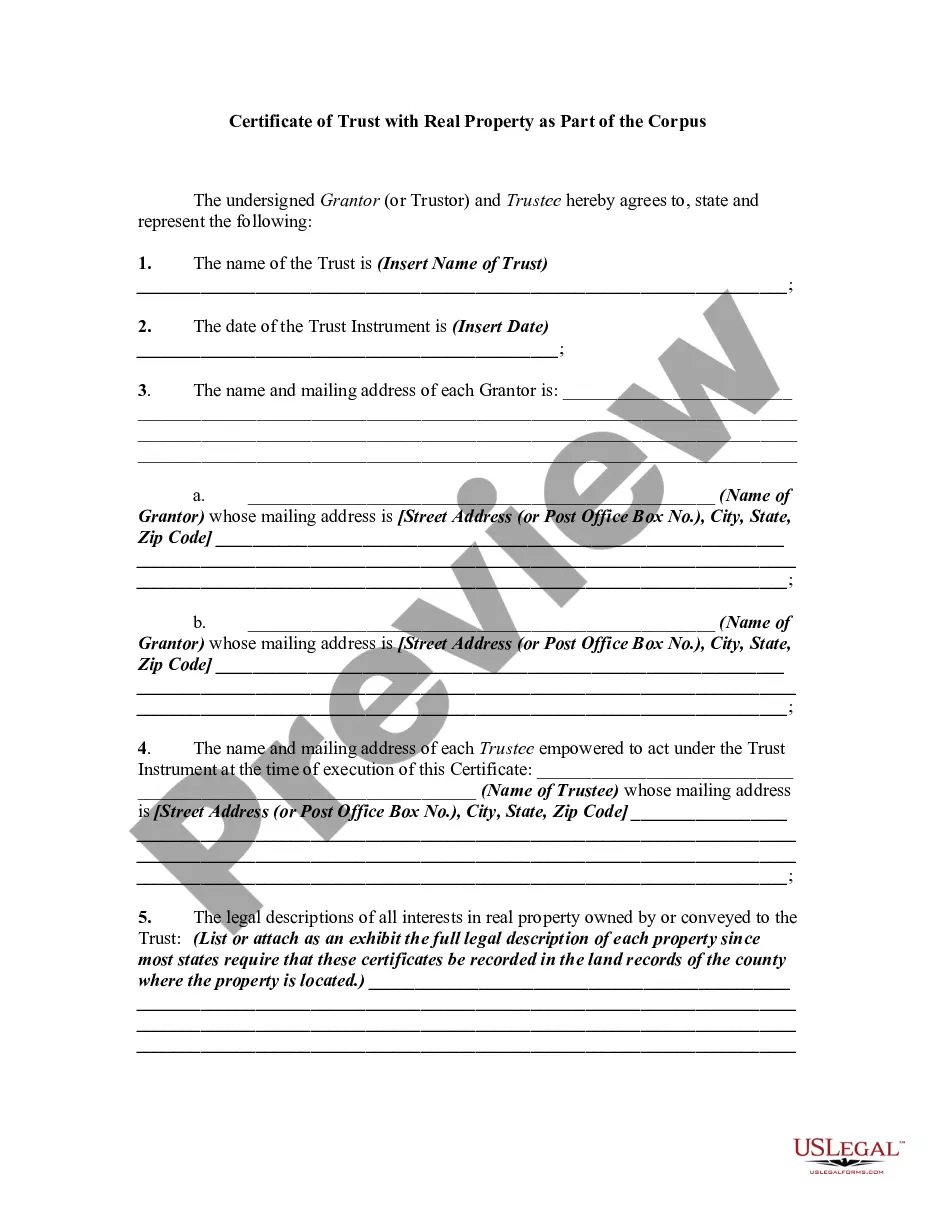
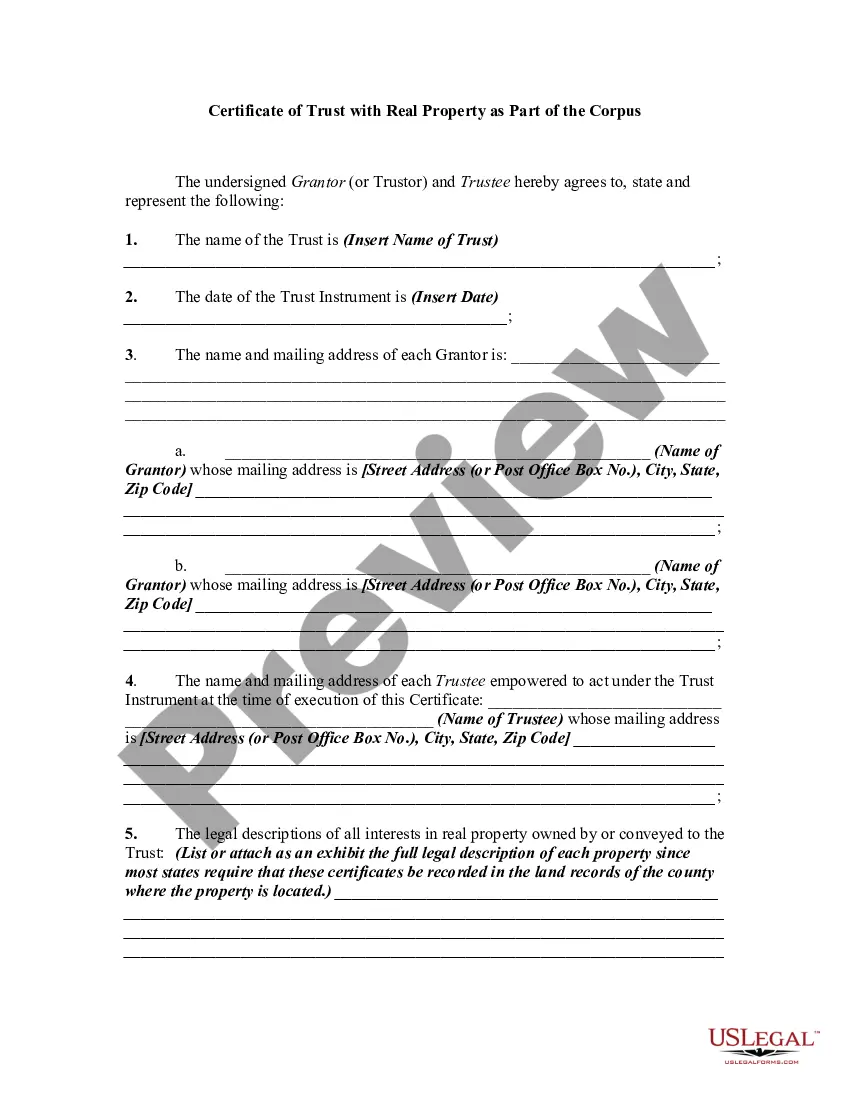
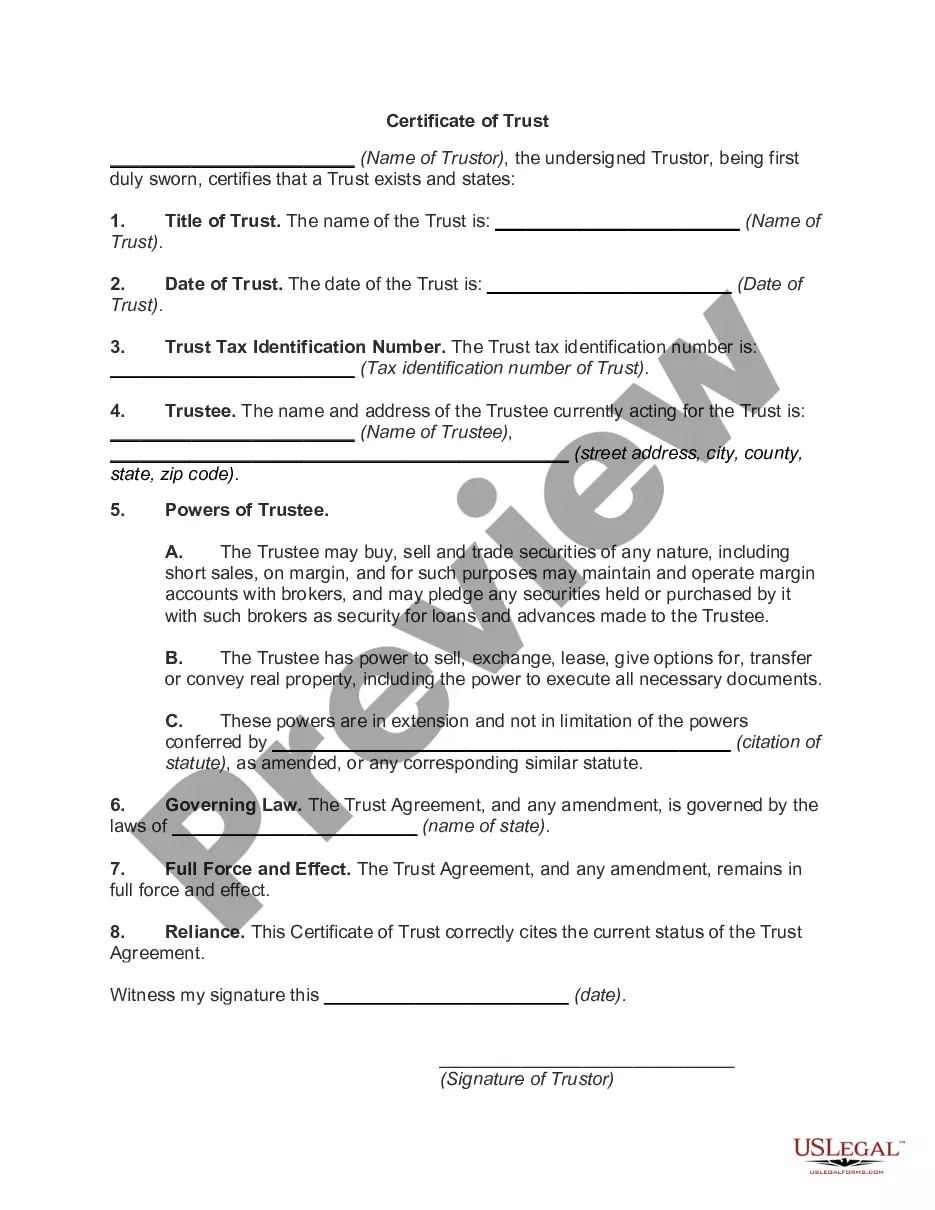
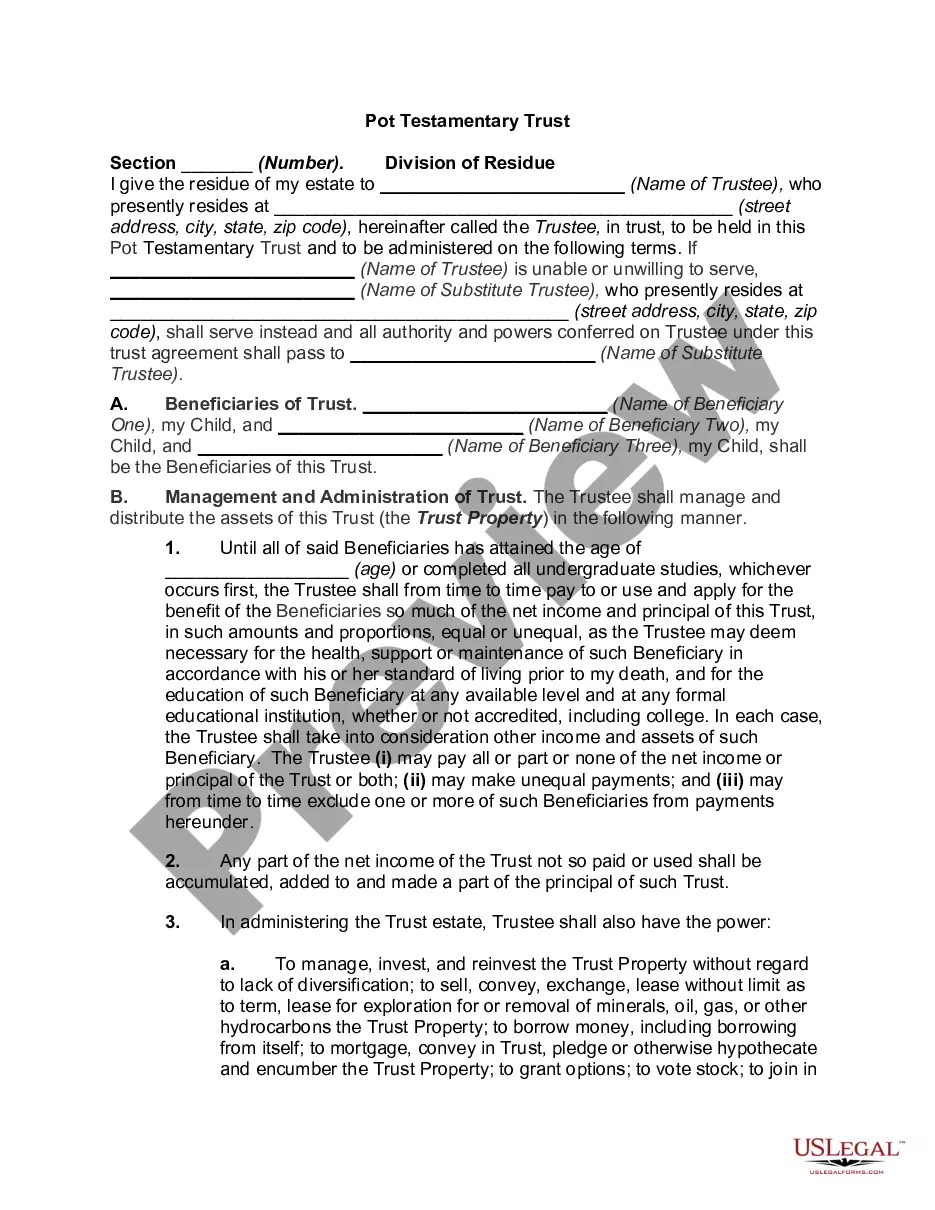
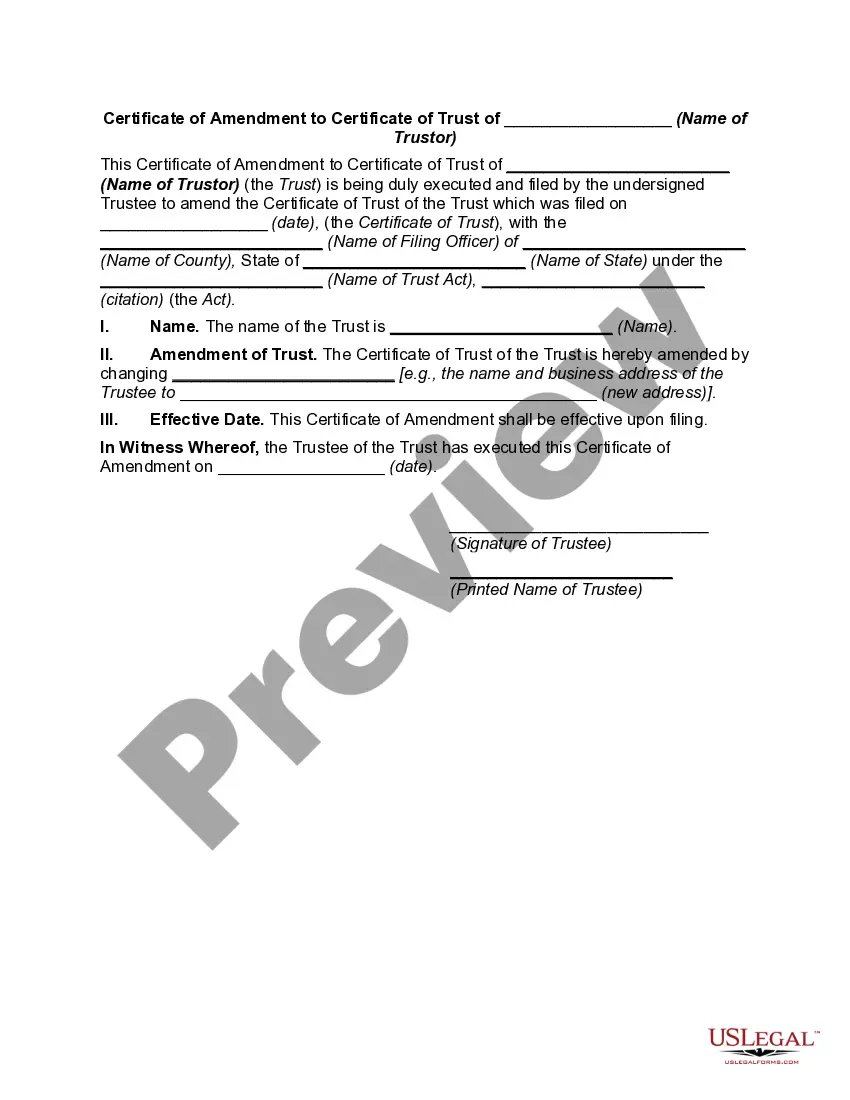
Kentucky Certificate of Trust for Testamentary Trust
Description
Get your form ready online
Our built-in tools help you complete, sign, share, and store your documents in one place.
Make edits, fill in missing information, and update formatting in US Legal Forms—just like you would in MS Word.
Download a copy, print it, send it by email, or mail it via USPS—whatever works best for your next step.
Sign and collect signatures with our SignNow integration. Send to multiple recipients, set reminders, and more. Go Premium to unlock E-Sign.
If this form requires notarization, complete it online through a secure video call—no need to meet a notary in person or wait for an appointment.
We protect your documents and personal data by following strict security and privacy standards.

Make edits, fill in missing information, and update formatting in US Legal Forms—just like you would in MS Word.

Download a copy, print it, send it by email, or mail it via USPS—whatever works best for your next step.

Sign and collect signatures with our SignNow integration. Send to multiple recipients, set reminders, and more. Go Premium to unlock E-Sign.

If this form requires notarization, complete it online through a secure video call—no need to meet a notary in person or wait for an appointment.

We protect your documents and personal data by following strict security and privacy standards.
Looking for another form?
How to fill out Certificate Of Trust For Testamentary Trust?
You can spend multiple hours online trying to locate the legal document template that meets your state and federal requirements. US Legal Forms offers a vast array of legal forms that are vetted by experts.
You can obtain or create the Kentucky Certificate of Trust for Testamentary Trust through the service. If you already have a US Legal Forms account, you can Log In and click the Acquire button. Subsequently, you can complete, modify, print, or sign the Kentucky Certificate of Trust for Testamentary Trust.
Every legal document template you receive belongs to you permanently. To obtain an additional copy of a purchased form, navigate to the My documents tab and click the corresponding button. If you are using the US Legal Forms site for the first time, follow the simple instructions below.
Select the format of the document and download it to your system. Make changes to your document if needed. You can complete, modify, sign, and print the Kentucky Certificate of Trust for Testamentary Trust. Access and print numerous document templates using the US Legal Forms website, which provides the largest selection of legal forms. Utilize professional and state-specific templates to address your business or personal needs.
- First, ensure that you have selected the correct document template for the area/city of your choice.
- Review the form description to confirm you have chosen the appropriate document.
- If available, use the Preview button to look through the document template as well.
- To obtain another version of the document, use the Search section to find the template that meets your needs and requirements.
- Once you have found the template you want, click Purchase now to proceed.
- Select the pricing plan you prefer, enter your details, and register for your account on US Legal Forms.
- Complete the transaction. You can use your Visa or Mastercard or PayPal account to pay for the legal document.
Form popularity
FAQ
(a) The trustee may present a certification of trust to any person in lieu of providing a copy of the trust instrument to establish the existence or terms of the trust. A certification of trust may be executed by the trustee voluntarily or at the request of the person with whom the trustee is dealing.
To create a living trust in Kentucky, you must create the trust in writing and sign before a notary public. The next step is to fund the trust by transferring ownership of assets into the trust. A living trust is an important option to consider as you create your estate plan. A living trust might be beneficial for you.
Here is a partial list of reasons to invalidate a Trust. Substance abuse which calls into question their capacity to create a legal binding document. Needs two witnesses who were present at the signing. There are times when a Trustor was married and later divorced and has a Trust.
A Certificate of Trust may need to be recorded in the county that any real property is in. That said, if there's no real property owned by the Trust, there may not be any need to record it.
The certificate of the trust should also include a description of how the assets should be distributed to the beneficiaries of the trusts. The trust grantor and the trustee will have to sign and date the document and it will have to be notarized and signed by a notary public.
To make your trust valid in California, you simply need to sign the trust document ? that's it! You don't need to have your document witnessed or notarized to make it valid. However, many people choose to sign their document in the presence of a notary public to help authenticate the document.