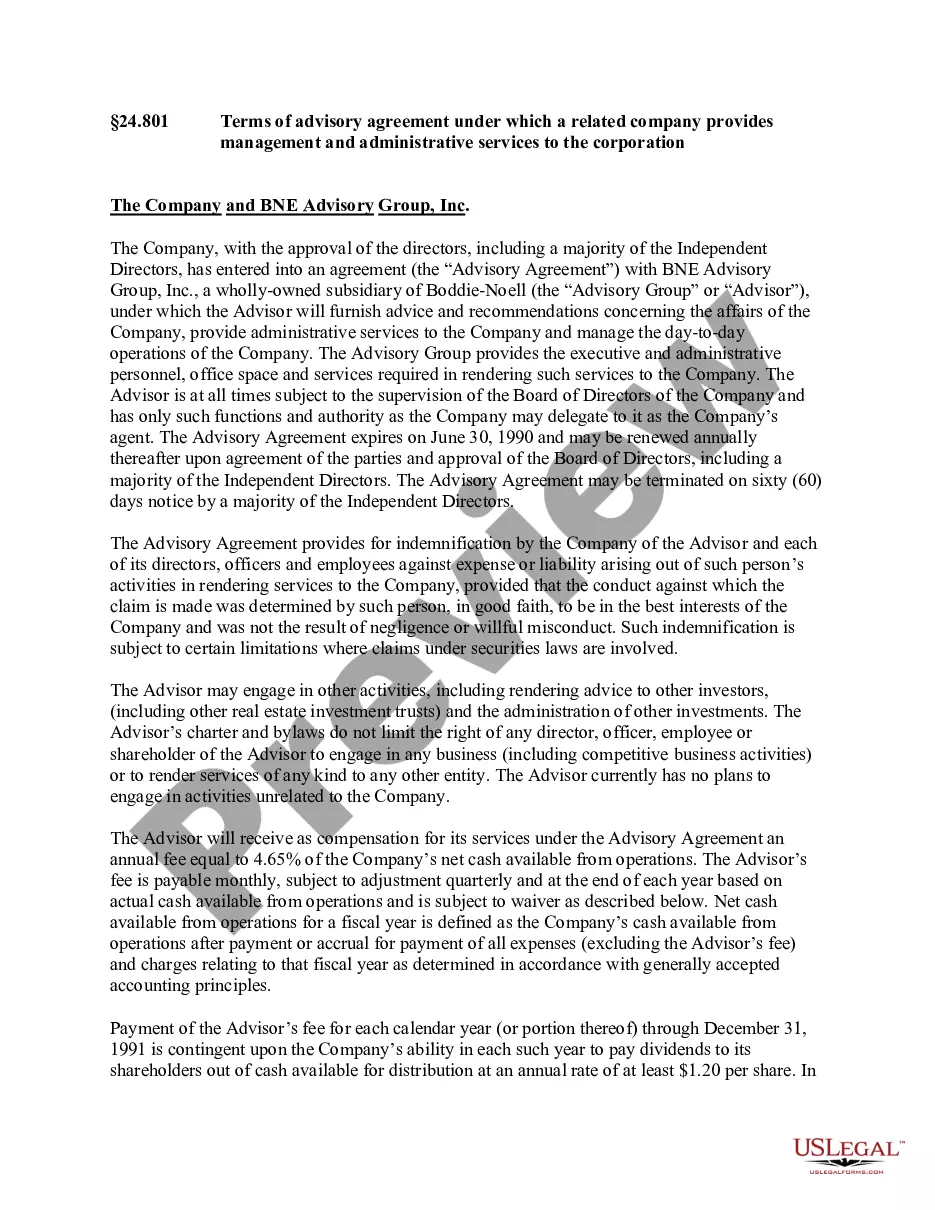
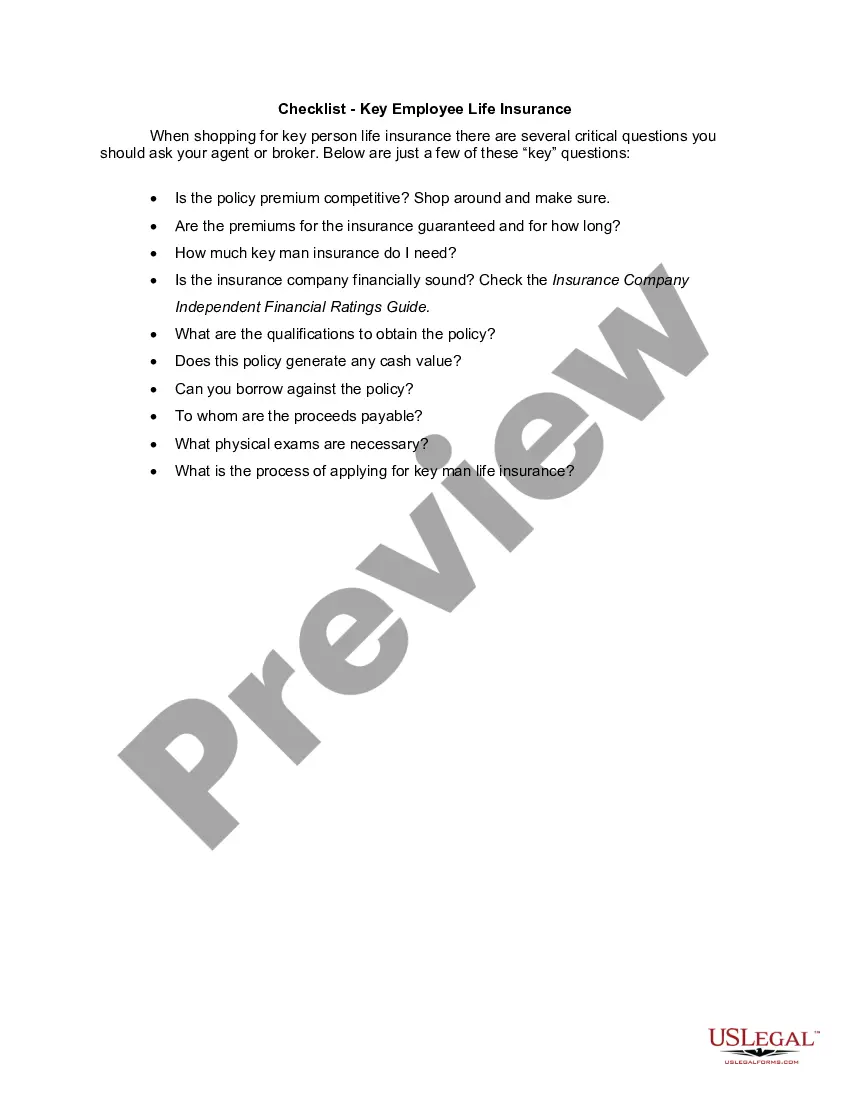
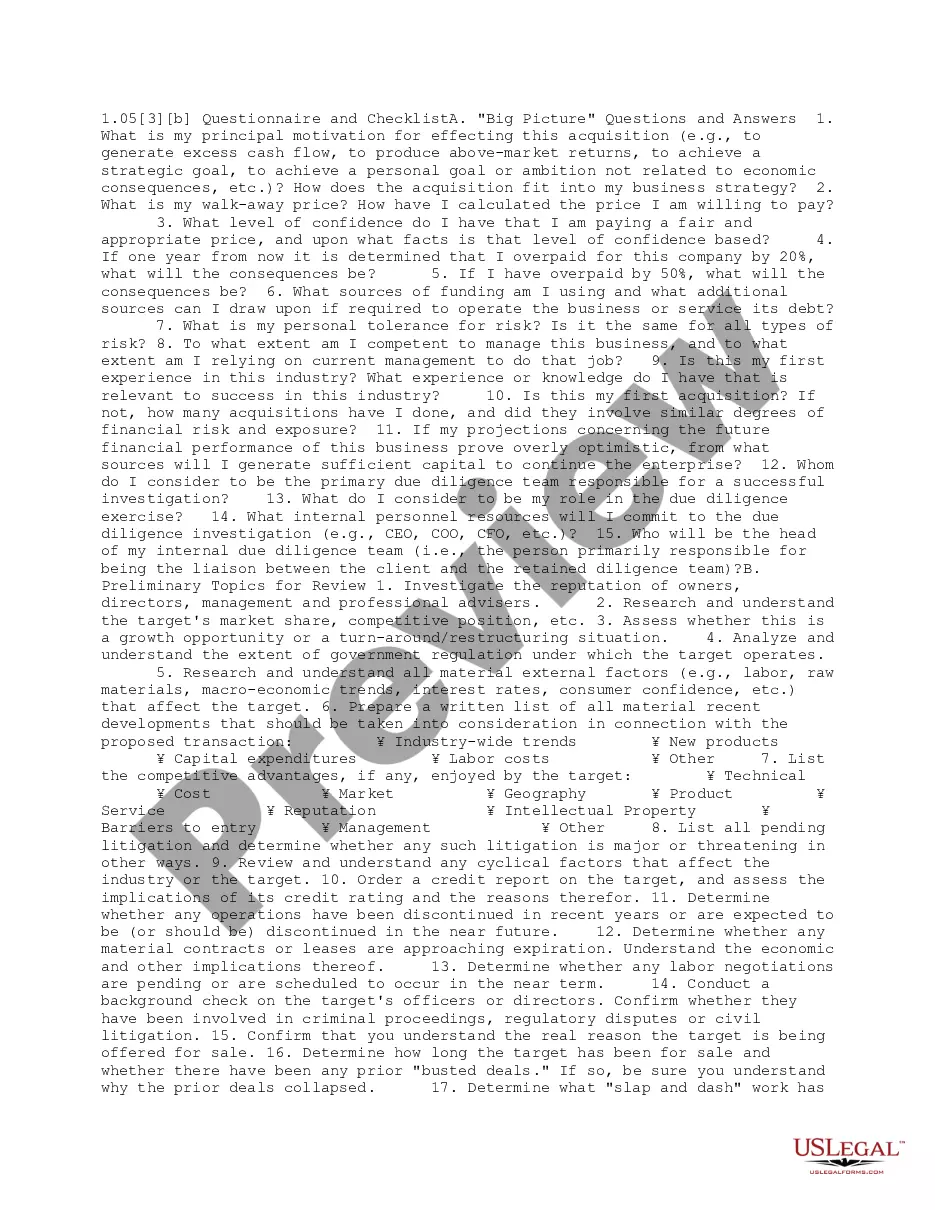
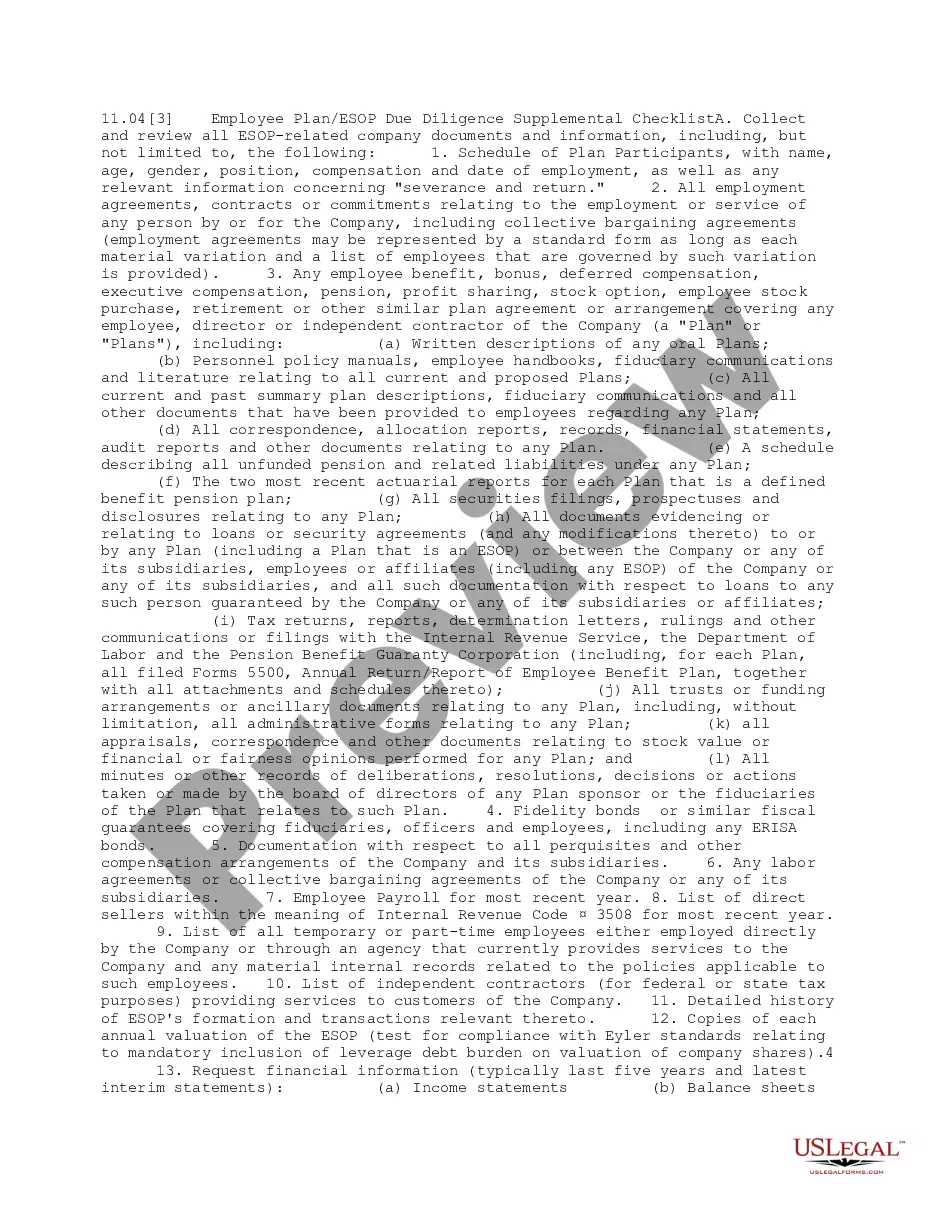
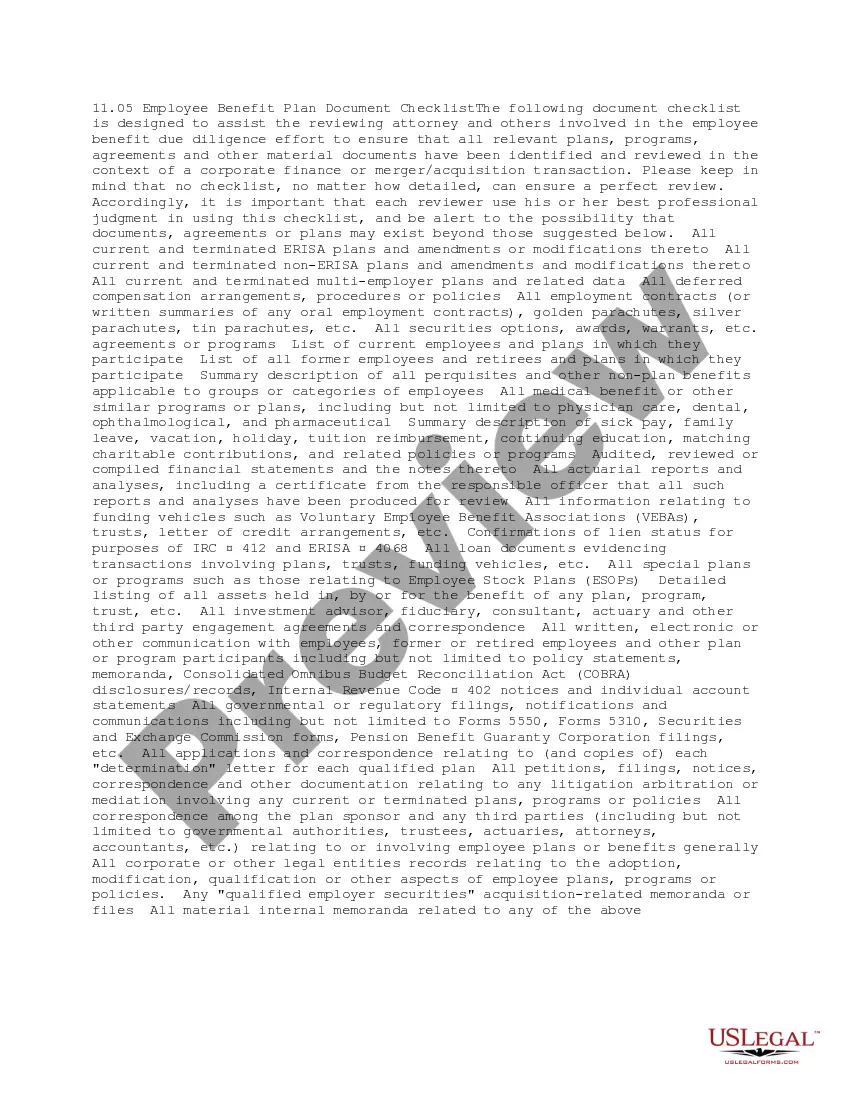
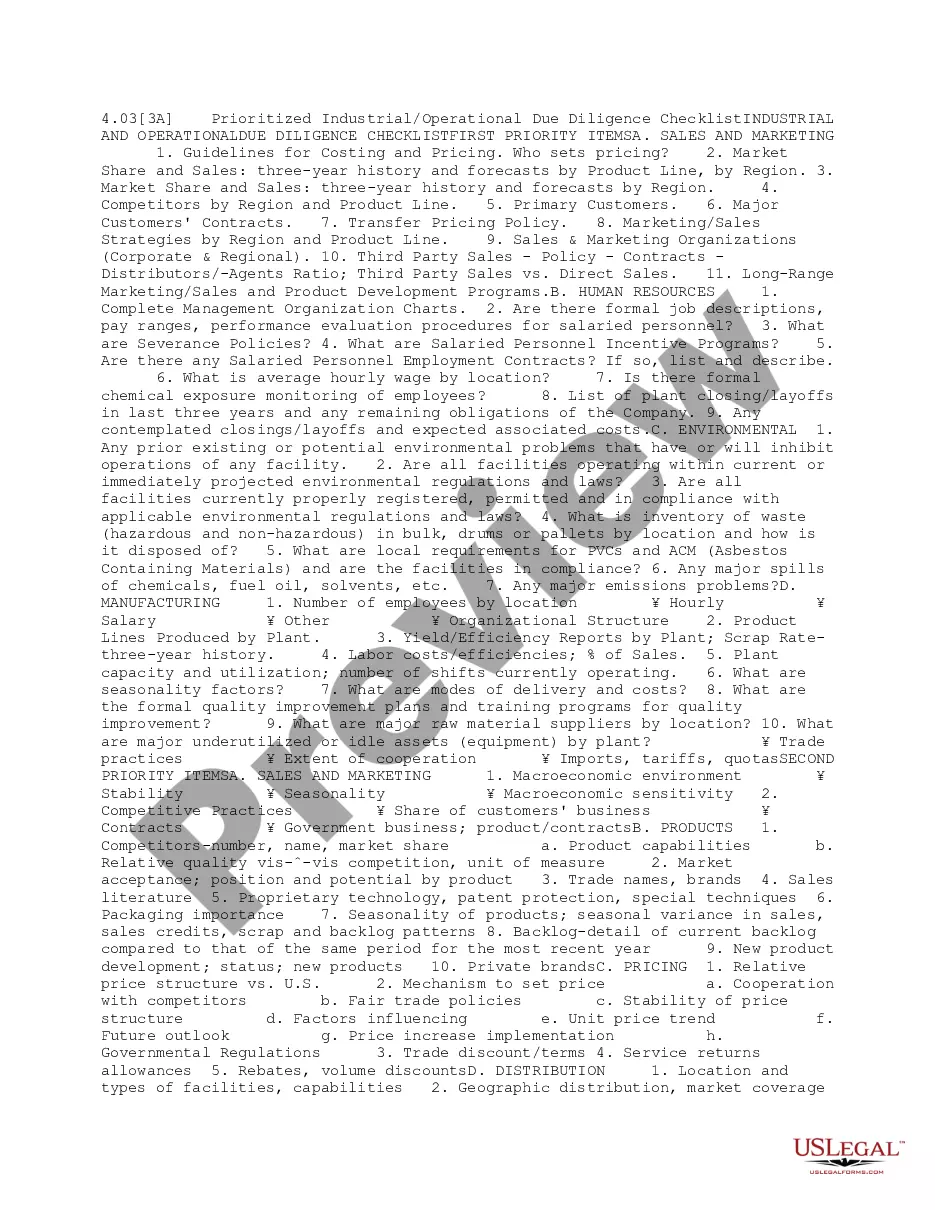
Kansas Benefits Consultant Checklist
Description
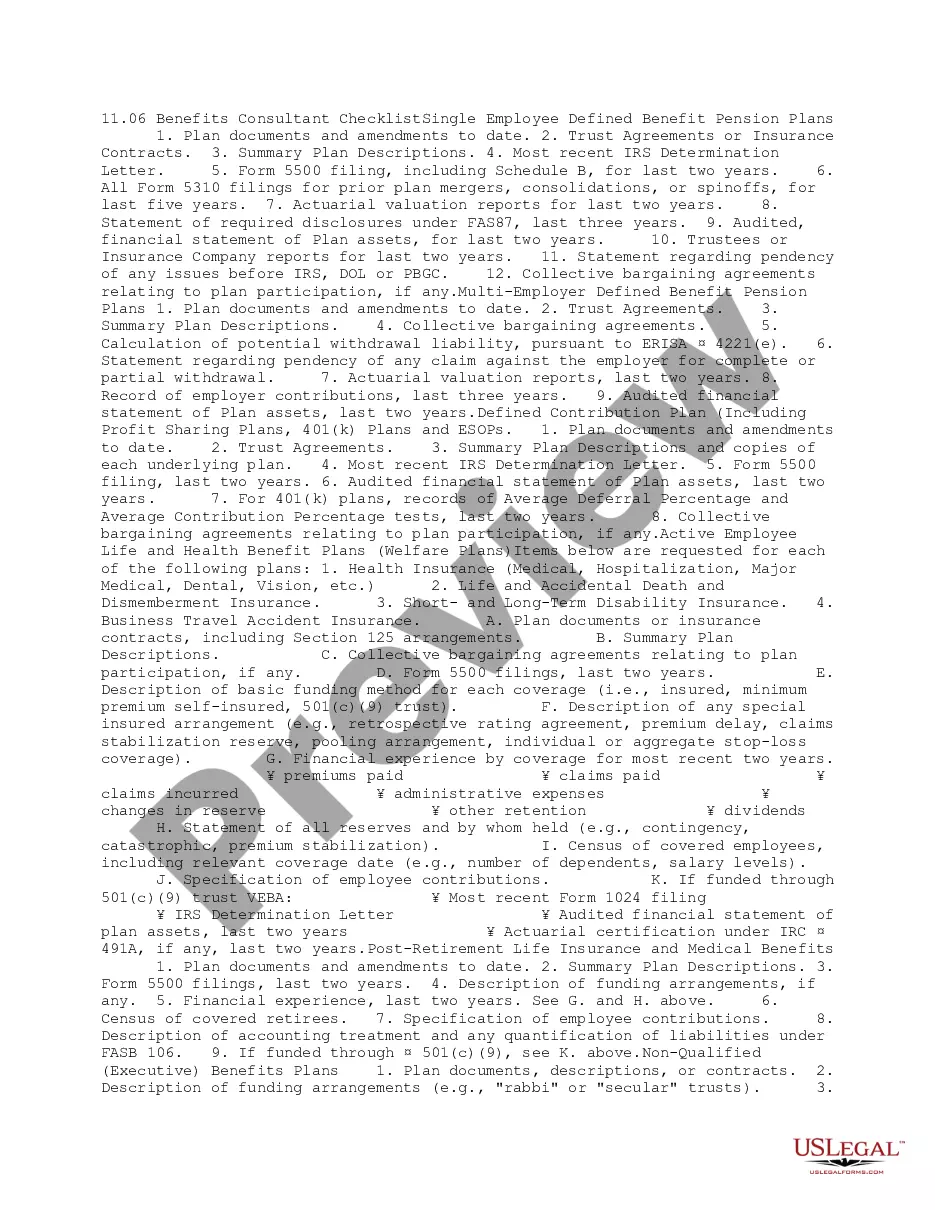
Get your form ready online
Our built-in tools help you complete, sign, share, and store your documents in one place.
Make edits, fill in missing information, and update formatting in US Legal Forms—just like you would in MS Word.
Download a copy, print it, send it by email, or mail it via USPS—whatever works best for your next step.
Sign and collect signatures with our SignNow integration. Send to multiple recipients, set reminders, and more. Go Premium to unlock E-Sign.
If this form requires notarization, complete it online through a secure video call—no need to meet a notary in person or wait for an appointment.
We protect your documents and personal data by following strict security and privacy standards.

Make edits, fill in missing information, and update formatting in US Legal Forms—just like you would in MS Word.

Download a copy, print it, send it by email, or mail it via USPS—whatever works best for your next step.

Sign and collect signatures with our SignNow integration. Send to multiple recipients, set reminders, and more. Go Premium to unlock E-Sign.

If this form requires notarization, complete it online through a secure video call—no need to meet a notary in person or wait for an appointment.

We protect your documents and personal data by following strict security and privacy standards.
Looking for another form?





How to fill out Benefits Consultant Checklist?
US Legal Forms - one of the largest collections of legal documents in the Country - provides a broad selection of legal document templates that you can download or create.
By using the website, you can access thousands of forms for both business and personal needs, organized by categories, states, or keywords. You can quickly find the latest versions of forms like the Kansas Benefits Consultant Checklist.
If you hold a monthly subscription, Log In to download the Kansas Benefits Consultant Checklist from the US Legal Forms library. The Download button will appear on every form you view. You can access all previously acquired forms from the My documents section of your account.
Complete the transaction. Use your credit card or PayPal account to finalize the payment.
Choose the format and download the form to your device. Make changes. Fill out, modify, print, and sign the downloaded Kansas Benefits Consultant Checklist. Every template you added to your account does not have an expiration date and is yours to keep forever. Thus, if you wish to download or print another copy, simply navigate to the My documents section and click on the form you need.
- Make sure you have selected the appropriate form for your region/state.
- Click the Review button to examine the content of the form.
- Check the form summary to confirm you've chosen the right one.
- If the form does not meet your requirements, use the Search field at the top of the page to find one that does.
- If you are satisfied with the form, confirm your selection by clicking the Purchase now button.
- Then, select your preferred pricing plan and provide your credentials to register for an account.
Form popularity
FAQ
Go to GetKansasBenefits.gov and click to file an online application for unemployment insurance if:You are filing a new application for unemployment.You need to open your claim again and you have worked since the last time you filed.Follow the instructions found there carefully.
When will I be paid? If there are no issues on your claim, payments are normally received two to three business days after you file your weekly claim. Please note: If you file your weekly claim on Sunday or Monday, the payment is typically issued on Tuesday. Allow 2 - 3 business days for payments to be deposited.
Yes. You are eligible for the additional $300 payments (under the Continued Assistance Act) for weeks between January 2, 2021 and September 4, 2021.
Unemployment FAQs We will need a copy of both your Social Security card and your driver's license or other state-issued photo ID. Legible copies of the documents should be mailed or faxed to our office by the due date shown on the Identity Verification form you were sent.
Please send your completed forms to KDOL.UICC@ks.gov. You may also send by mail or fax. All required forms should be completed and returned to the Kansas Unemployment Contact Center as indicated on the form. Many of the forms can be completed online and submitted by using the "Submit" button at the bottom of the form.
You can check the status of your claim, including the payment issue date, in your online Get Kansas Benefits account. If your online account indicates that payment has been issued, but you have not received the funds, please contact your financial institution.
Yes, you should file a claim each week as long as you remain unemployed. If your case is cleared for payment and you have met all eligibility requirements, you'll get back payments for any weeks you claimed and were eligible to receive, in one lump sum.
You should receive this within 3 to 4 days after processing. This monetary determination letter will serve as your only confirmation notification that your claim has been processed. You will be required to certify that you have read your Rights and Responsibilities prior to filing your first weekly claim.
Please send your completed forms to KDOL.UICC@ks.gov. You may also send by mail or fax. All required forms should be completed and returned to the Kansas Unemployment Contact Center as indicated on the form.