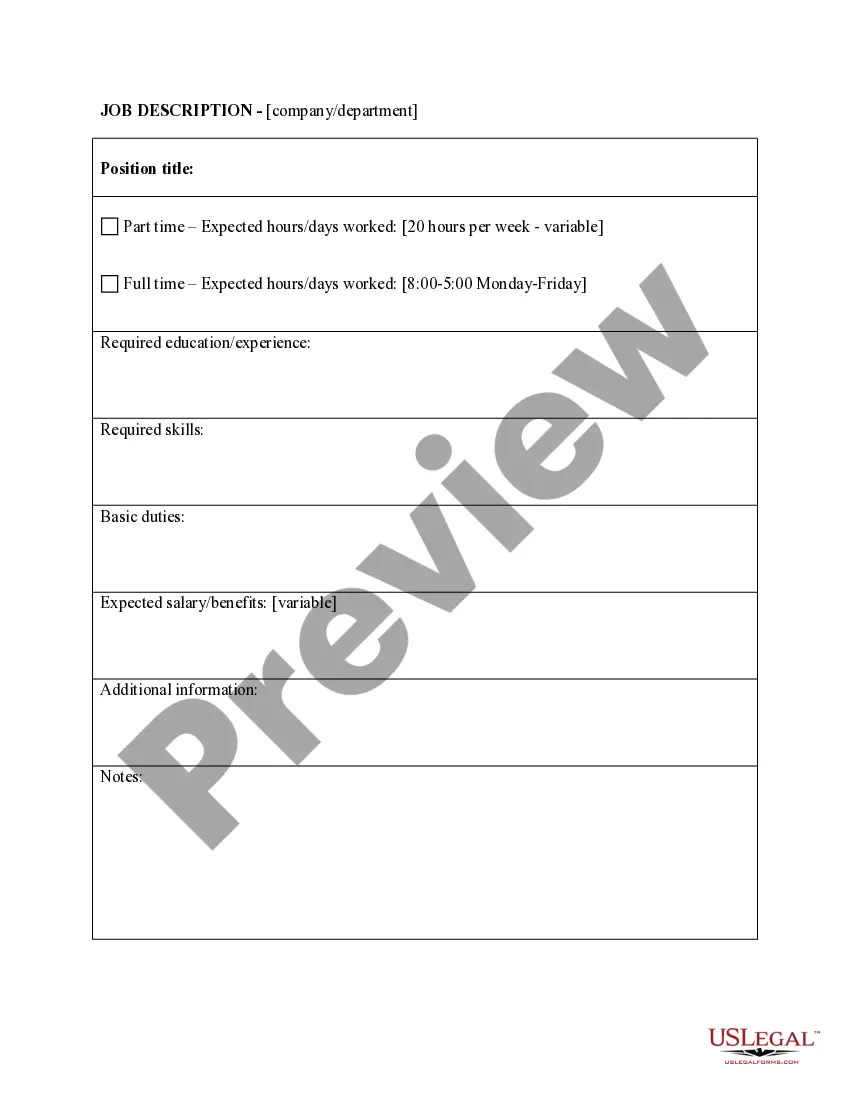
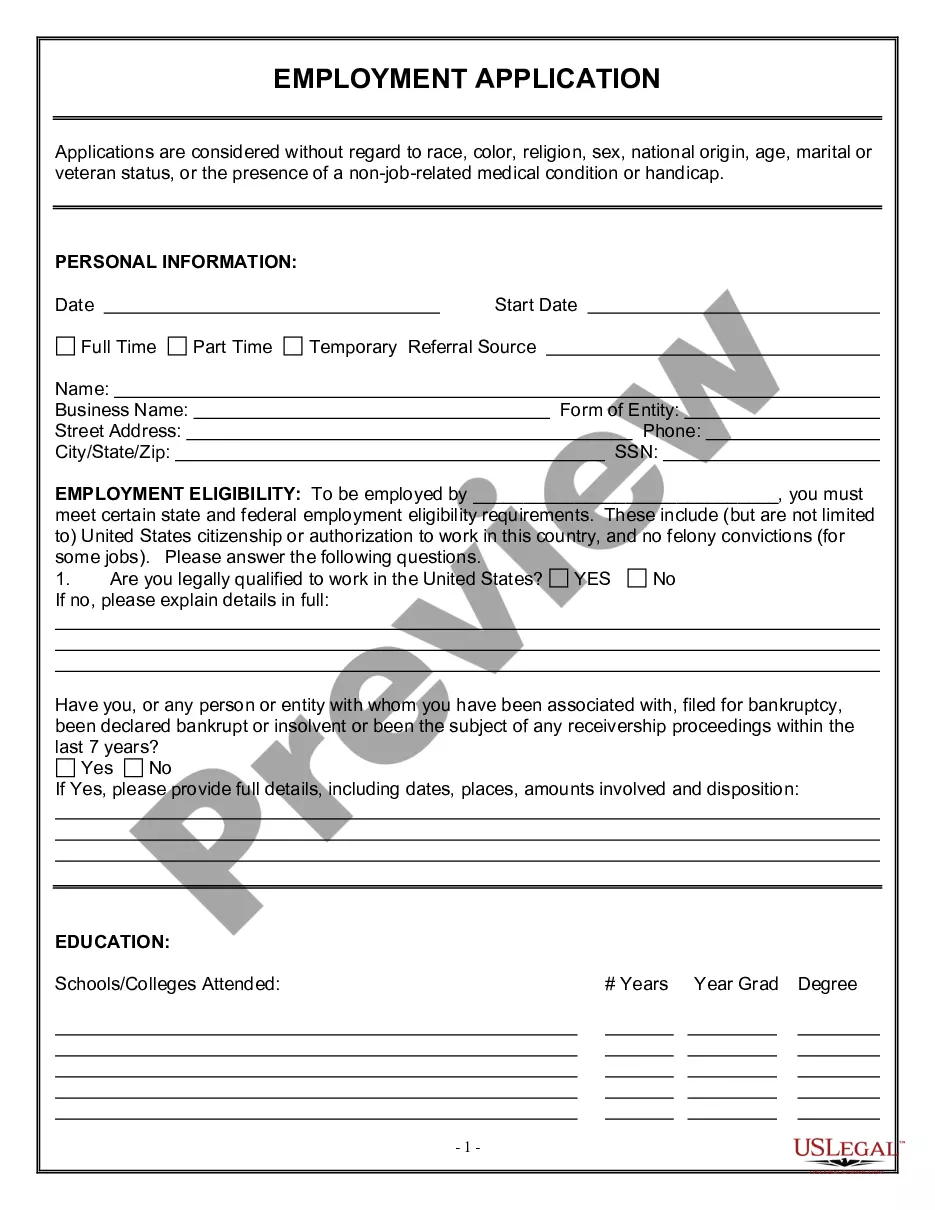
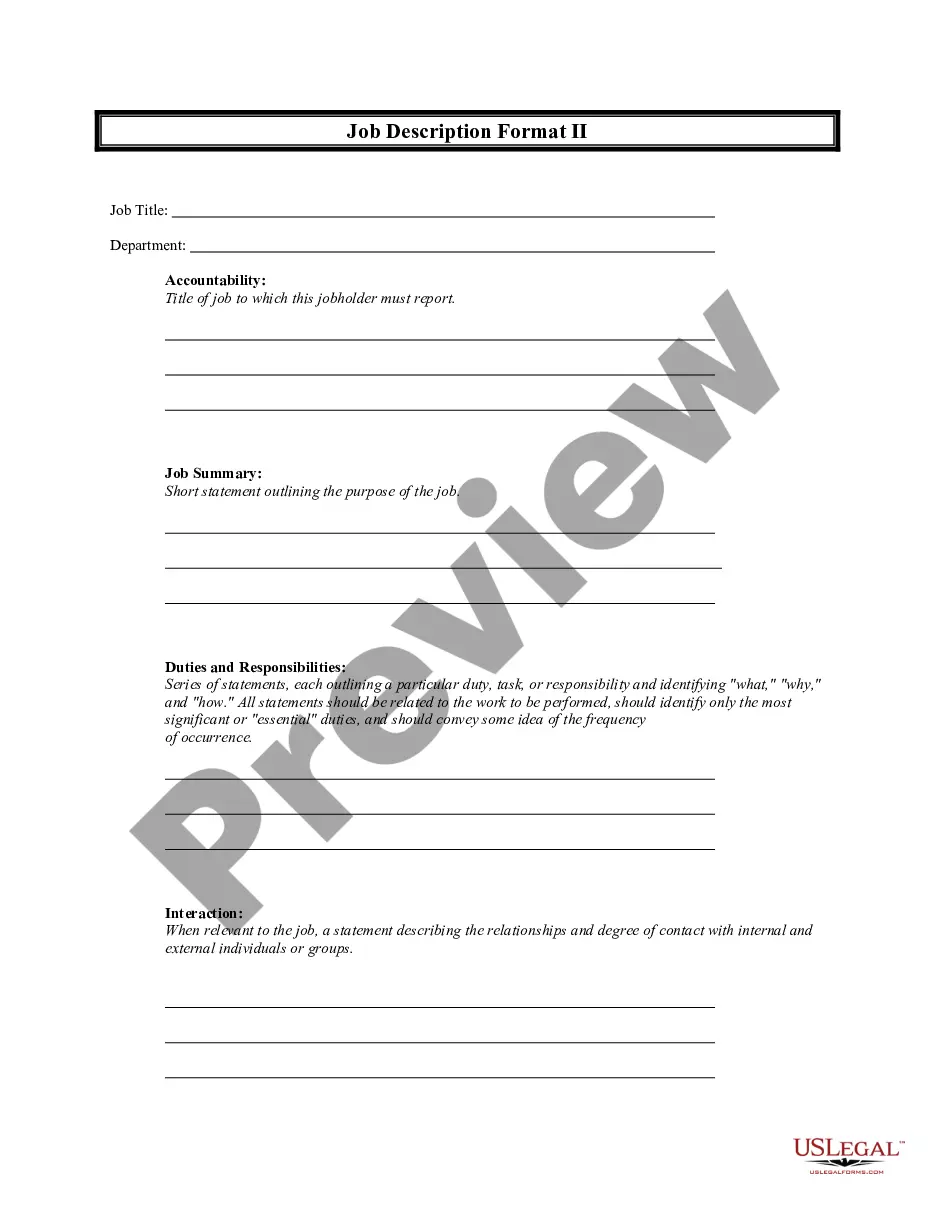
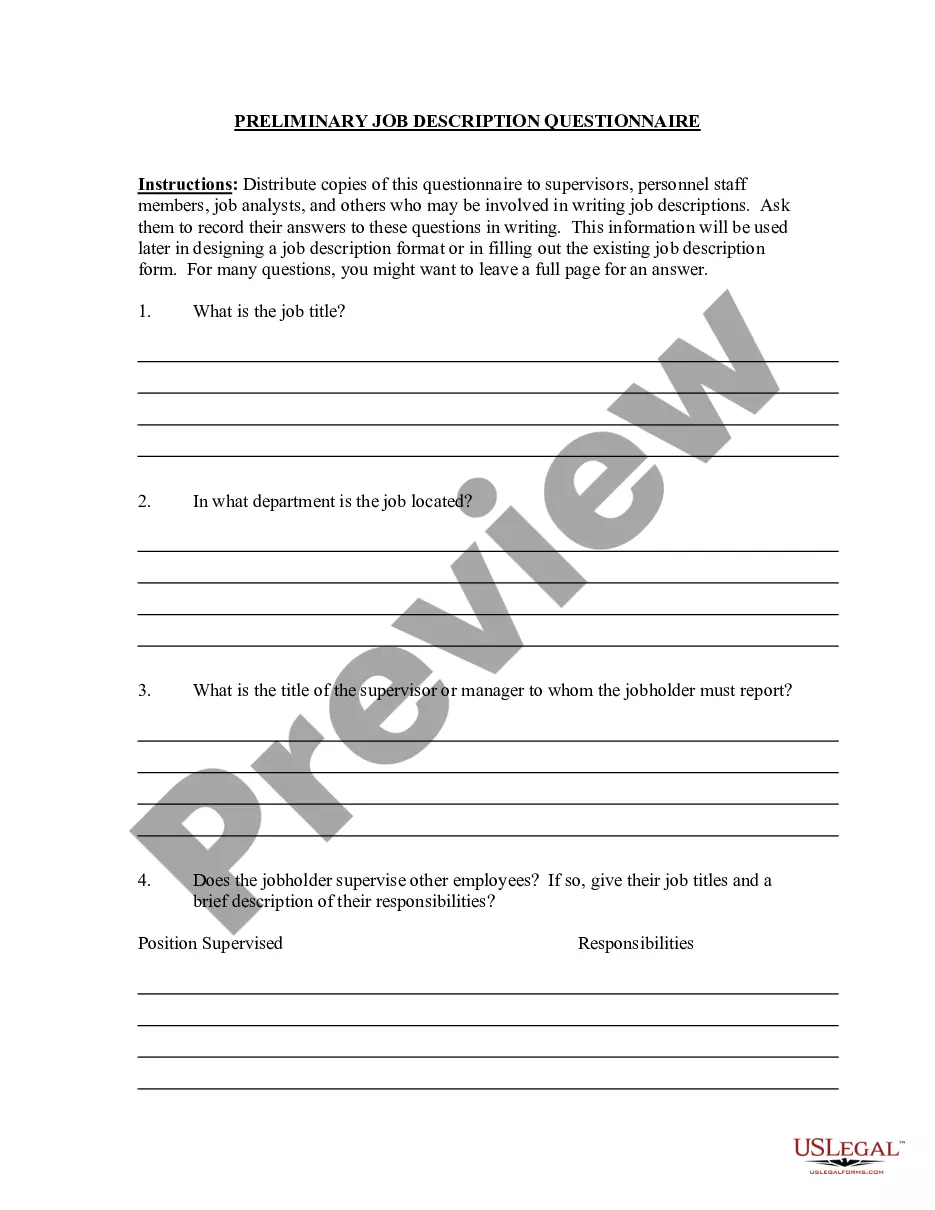
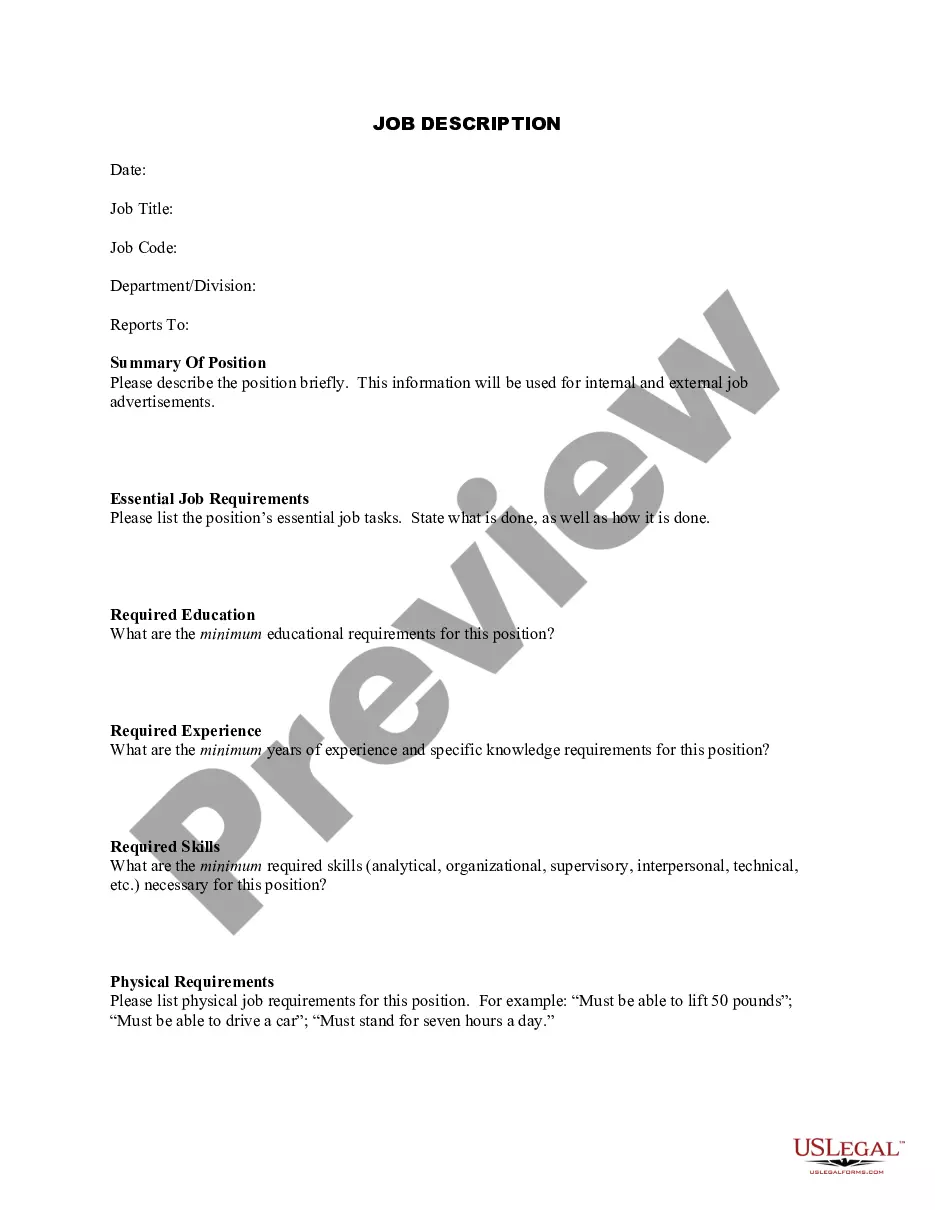
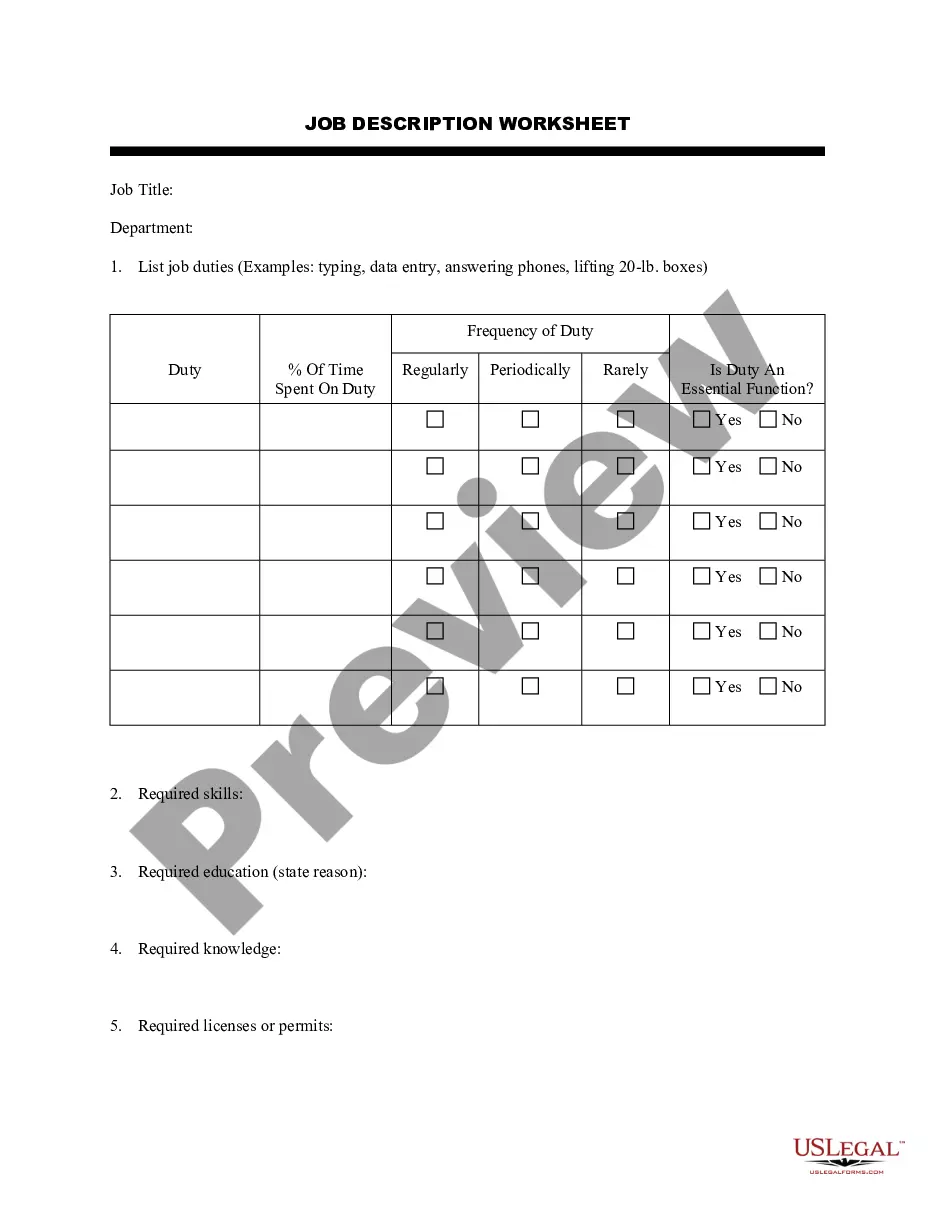
Kansas Job Description Form
Description
Get your form ready online
Our built-in tools help you complete, sign, share, and store your documents in one place.
Make edits, fill in missing information, and update formatting in US Legal Forms—just like you would in MS Word.
Download a copy, print it, send it by email, or mail it via USPS—whatever works best for your next step.
Sign and collect signatures with our SignNow integration. Send to multiple recipients, set reminders, and more. Go Premium to unlock E-Sign.
If this form requires notarization, complete it online through a secure video call—no need to meet a notary in person or wait for an appointment.
We protect your documents and personal data by following strict security and privacy standards.

Make edits, fill in missing information, and update formatting in US Legal Forms—just like you would in MS Word.

Download a copy, print it, send it by email, or mail it via USPS—whatever works best for your next step.

Sign and collect signatures with our SignNow integration. Send to multiple recipients, set reminders, and more. Go Premium to unlock E-Sign.

If this form requires notarization, complete it online through a secure video call—no need to meet a notary in person or wait for an appointment.

We protect your documents and personal data by following strict security and privacy standards.
Looking for another form?



How to fill out Job Description Form?
You can invest time online searching for the legitimate document template that meets state and federal standards you will require.
US Legal Forms provides thousands of legal templates that are reviewed by experts.
It is easy to download or print the Kansas Job Description Form from the service.
If available, use the Review option to look over the document template as well.
- If you already have a US Legal Forms account, you can Log In and select the Acquire option.
- Then, you can complete, modify, print, or sign the Kansas Job Description Form.
- Each legal document template you purchase is yours indefinitely.
- To get another copy of any purchased form, go to the My documents section and select the corresponding option.
- If you are using the US Legal Forms website for the first time, follow the simple instructions outlined below.
- First, ensure that you have chosen the correct document template for the state/region of your choice.
- Review the form description to confirm that you have selected the appropriate form.
Form popularity
FAQ
The New Hire Reporting form (K-CNS 436) is fillable and can be submitted via mail or fax to (888) 219-7798. Login to the KansasEmployer.gov site. Choose the Select button that corresponds to the "Enter new hire information" option. Enter the hiring company's FEIN and Kansas Serial Number.
Unemployment FAQs We will need a copy of both your Social Security card and your driver's license or other state-issued photo ID. Legible copies of the documents should be mailed or faxed to our office by the due date shown on the Identity Verification form you were sent.
Form I-9 and E-Verify System for Employment Eligibility As an employer, it is your responsibility to document the eligibility of new employees to work in the U.S. For this you'll use Form I-9, Employment Eligibility Verification, which must be completed by each new hire.
You can check the status of your claim, including the payment issue date, in your online Get Kansas Benefits account. If your online account indicates that payment has been issued, but you have not received the funds, please contact your financial institution.
Contact the Kansas Department of LaborKansas City (913) 596-3500.Topeka (785) 575-1460.Wichita (316) 383-9947.Toll-Free (800) 292-6333.
Kansas requires employers to obtain a completed Form K-4, in addition to federal Form W-4, to assist employees in calculating the Kansas employer withholding tax rate.
Pandemic Unemployment Assistance (PUA) expanded access to unemployment by including those who are affected by COVID-19 and not eligible for UI or PEUC (such as self-employed, independent contractors, gig workers, employees of religious organizations and those who lack sufficient work history or have been disqualified
Go to GetKansasBenefits.gov and click to file an online application for unemployment insurance if:You are filing a new application for unemployment.You need to open your claim again and you have worked since the last time you filed.Follow the instructions found there carefully.
The most common types of employment forms to complete are:W-4 form (or W-9 for contractors)I-9 Employment Eligibility Verification form.State Tax Withholding form.Direct Deposit form.E-Verify system: This is not a form, but a way to verify employee eligibility in the U.S.
Please send your completed forms to KDOL.UICC@ks.gov. You may also send by mail or fax. All required forms should be completed and returned to the Kansas Unemployment Contact Center as indicated on the form.