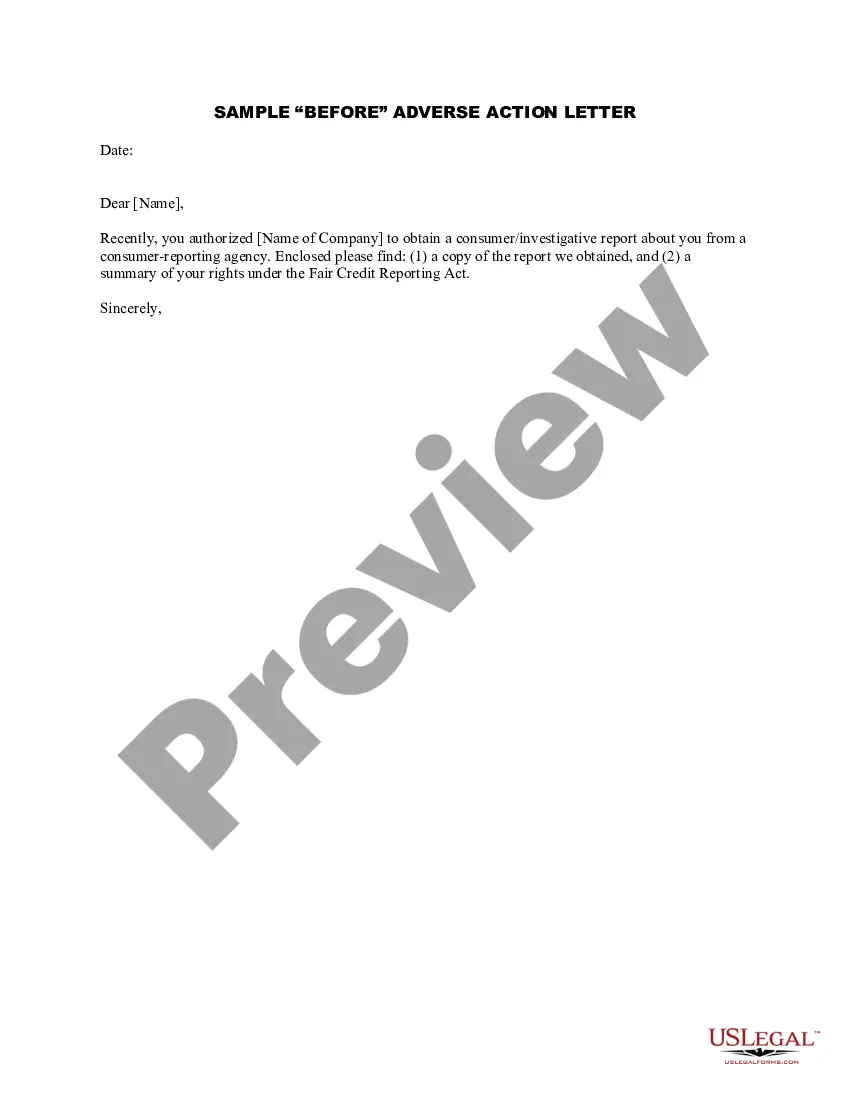
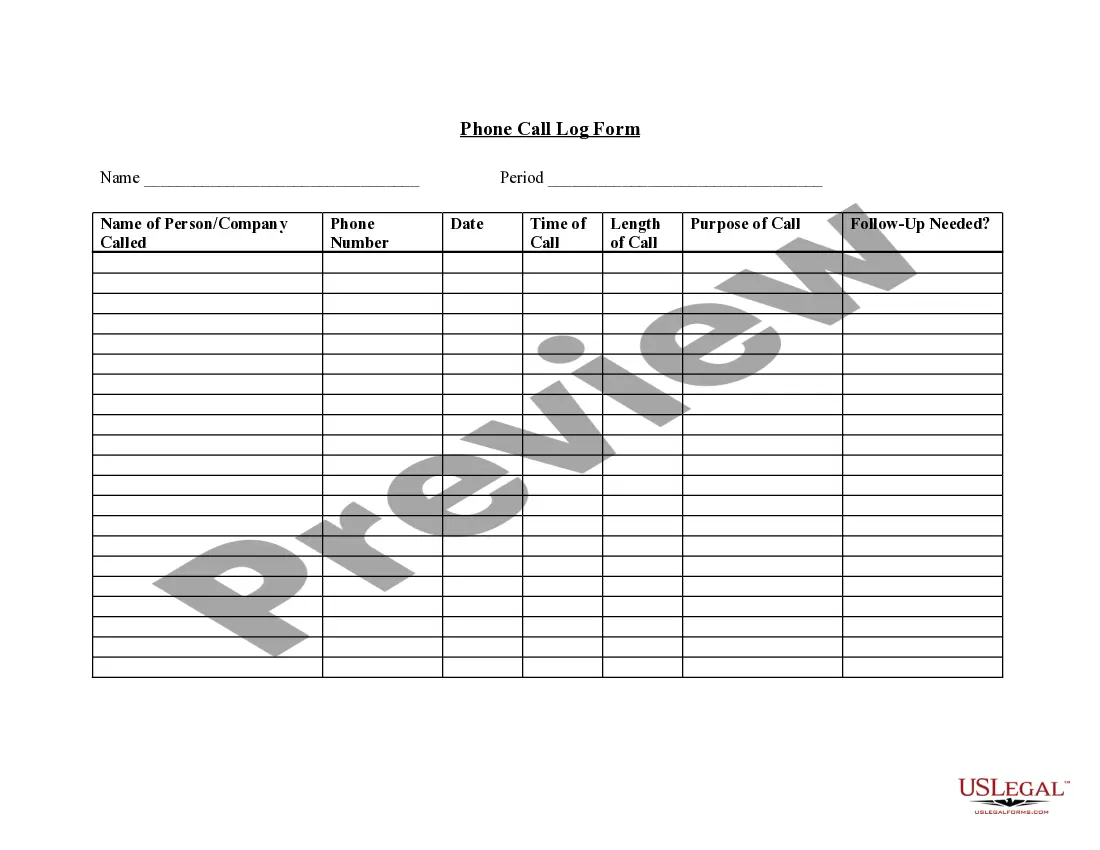
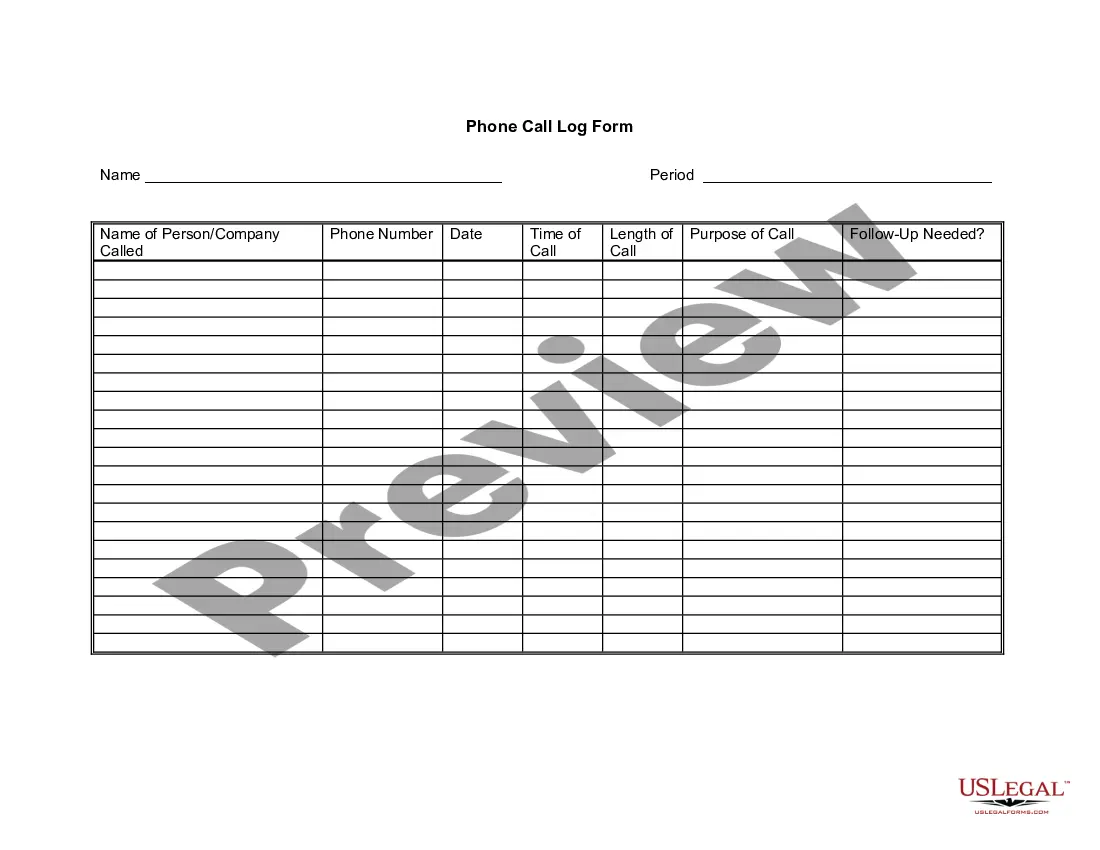
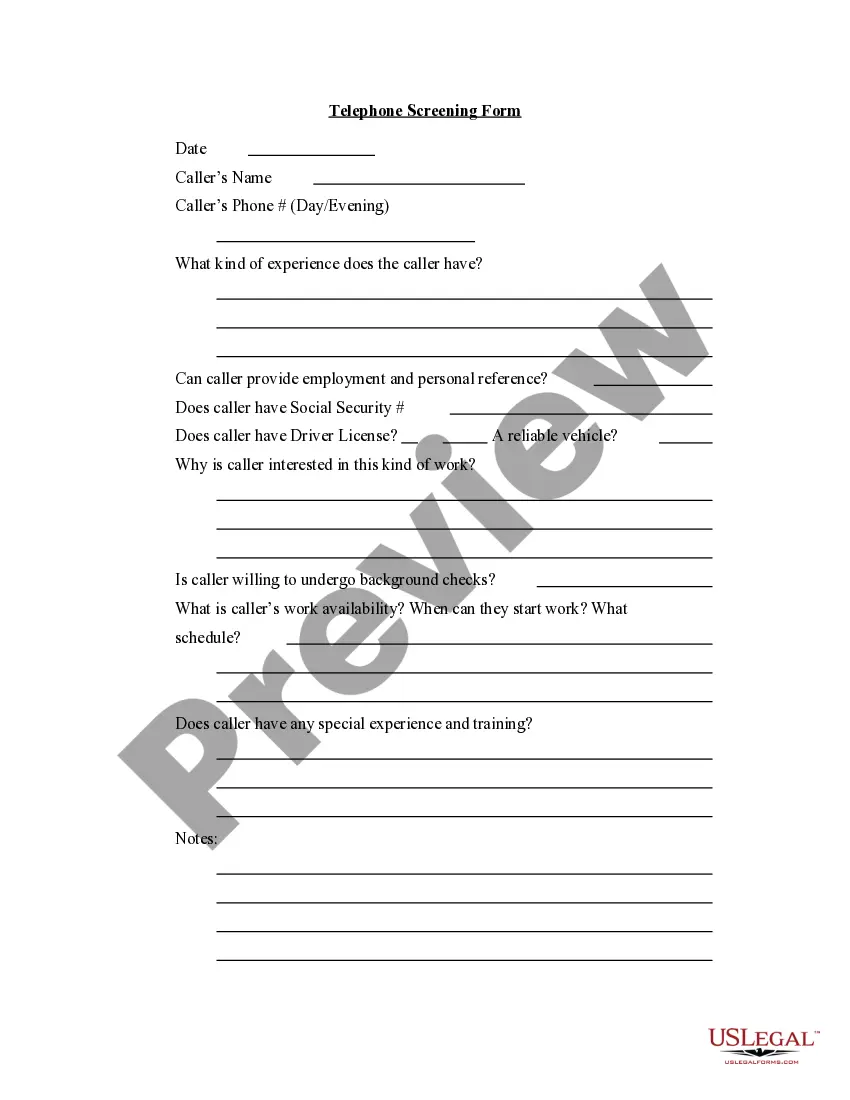
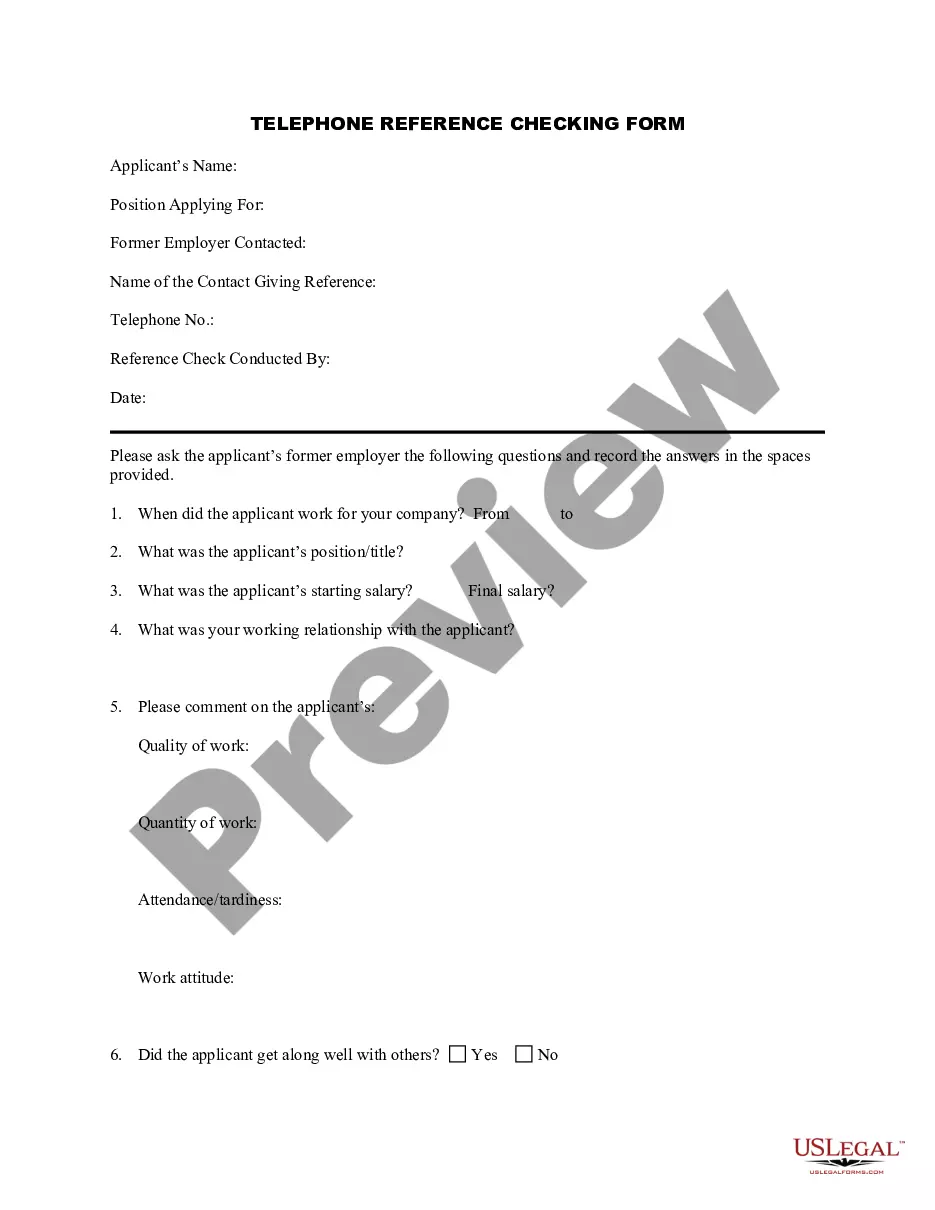
Indiana Telephone Call Log Form
Description

Get your form ready online
Our built-in tools help you complete, sign, share, and store your documents in one place.
Make edits, fill in missing information, and update formatting in US Legal Forms—just like you would in MS Word.
Download a copy, print it, send it by email, or mail it via USPS—whatever works best for your next step.
Sign and collect signatures with our SignNow integration. Send to multiple recipients, set reminders, and more. Go Premium to unlock E-Sign.
If this form requires notarization, complete it online through a secure video call—no need to meet a notary in person or wait for an appointment.
We protect your documents and personal data by following strict security and privacy standards.

Make edits, fill in missing information, and update formatting in US Legal Forms—just like you would in MS Word.

Download a copy, print it, send it by email, or mail it via USPS—whatever works best for your next step.

Sign and collect signatures with our SignNow integration. Send to multiple recipients, set reminders, and more. Go Premium to unlock E-Sign.

If this form requires notarization, complete it online through a secure video call—no need to meet a notary in person or wait for an appointment.

We protect your documents and personal data by following strict security and privacy standards.
Looking for another form?
How to fill out Telephone Call Log Form?
Locating the correct authentic record template can be challenging.
Of course, there are numerous templates available online, but how can you find the specific form you need? Utilize the US Legal Forms website.
The platform offers thousands of templates, including the Indiana Telephone Call Log Form, for both business and personal purposes.
- All forms are reviewed by experts and comply with state and federal standards.
- If you are already registered, Log Into your account and click on the Download button to retrieve the Indiana Telephone Call Log Form.
- Use your account to search through the legitimate forms you have previously obtained.
- Navigate to the My documents section of your account to get another copy of the document you need.
- If you are a new user of US Legal Forms, here are simple steps to follow.
- First, ensure you have selected the correct form for your area or county. You can preview the form by clicking the Preview button and review the form description to ensure it meets your needs.
Form popularity
FAQ
Call logs are records of incoming and outgoing calls. Details recorded may include call origin or destination, length, date, and time. Business owners use call log data to identify trends like peak hours or customer locations, monitor call center performance, and comply with industry requirements.
The basic information you can enter into a call log might include:The time of the call.The name of the person you're calling.The person's phone number.Any next steps or actions you might want to take.A general Notes column to capture anything else important.
Call logging is the collection, evaluation, and reporting of technical and statistical data about telephone calls. It does not encompass phone tapping or call recording.
Call logs are useful for any business that makes and receives calls because they provide valuable data for future decisions. These logs help companies organize phone call information for record-keeping, reporting, and analytics.
The logs page (also known as call logs) displays a record of all inbound and outbound calls that involve phone users in the account.
All Indiana residents can register their home, wireless, or VOIP telephone numbers on the state's Do Not Call list at any time. The service is free and easy to use. The list is updated quarterly on the first of each January, April, July, and October.
Call logs are basically a record of when phone calls are made and who they were with. Depending on your business, you may log information like: Inbound call origin. Outgoing call destination. Call time.
Organize phone messages into personal folders for easy access. Set up public folders if you wish to share the data with the rest of the office. Set up notifications so that you receive messages as soon as they arrive. Place non-urgent calls in a folder for the best time management.
Register by calling toll-free 1-888-382-1222 from the phone number you want to register. If you have internet access and an email address, register online at . If you sign up online you will be sent a confirmation email. Respond to the email within 72 hours to get your phone number on the Registry.
A call log or call history is a record of any telephone calls made, received or missed to or from a phone. The log contains information such as date, duration and contact (name or number).