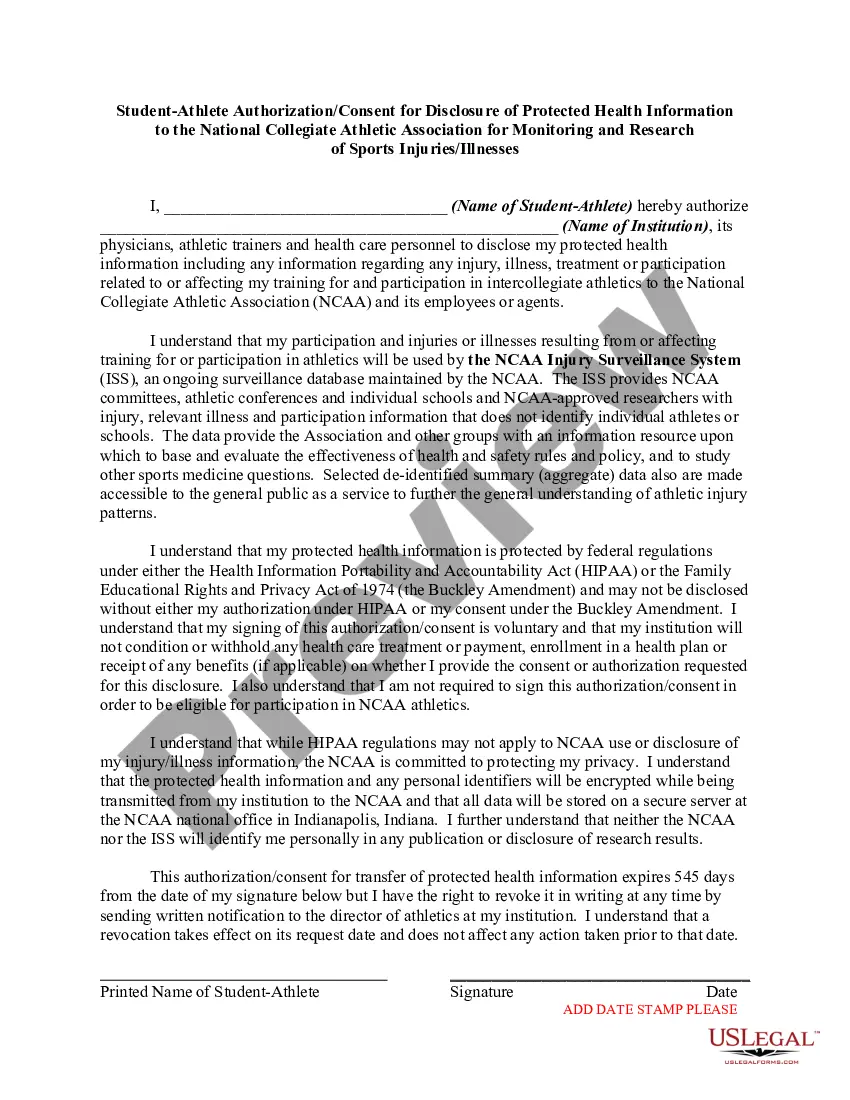
The NCAA Injury Surveillance System (ISS), an ongoing surveillance database maintained by the NCAA. The ISS provides NCAA committees, athletic conferences and individual schools and NCAA-approved researchers with injury, relevant illness and participation information that does not identify individual athletes or schools. The data provide the Association and other groups with an information resource upon which to base and evaluate the effectiveness of health and safety rules and policy, and to study other sports medicine questions. This letter is meant to satisfy requirements of the Health Insurance Portability and Accountability Act (HIPAA).
Illinois Student-Athlete Authorization or Consent for Disclosure of Protected Health Information to the National Collegiate Athletic Association for Monitoring and Research of Sports Injuries or Illnesses
Instant download
Description
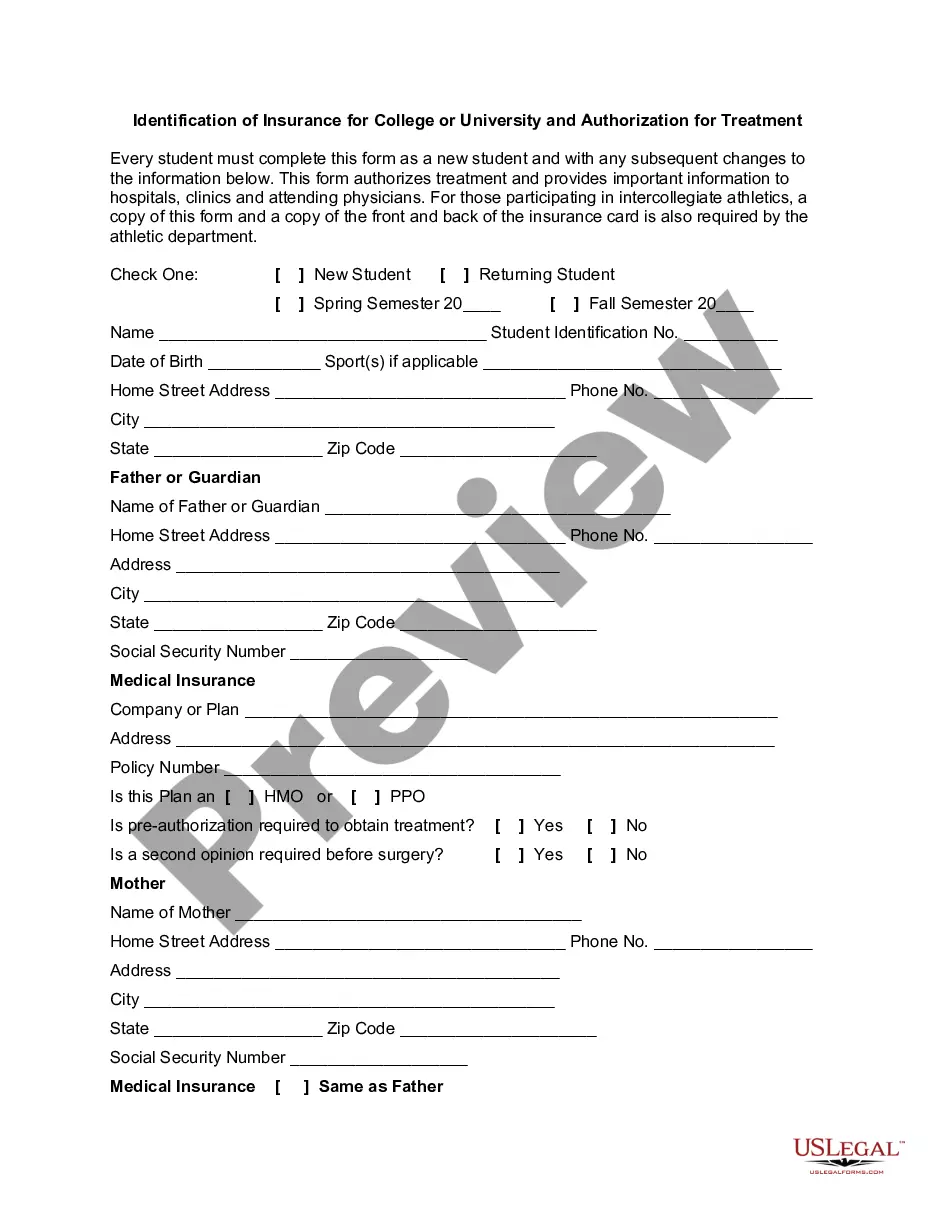
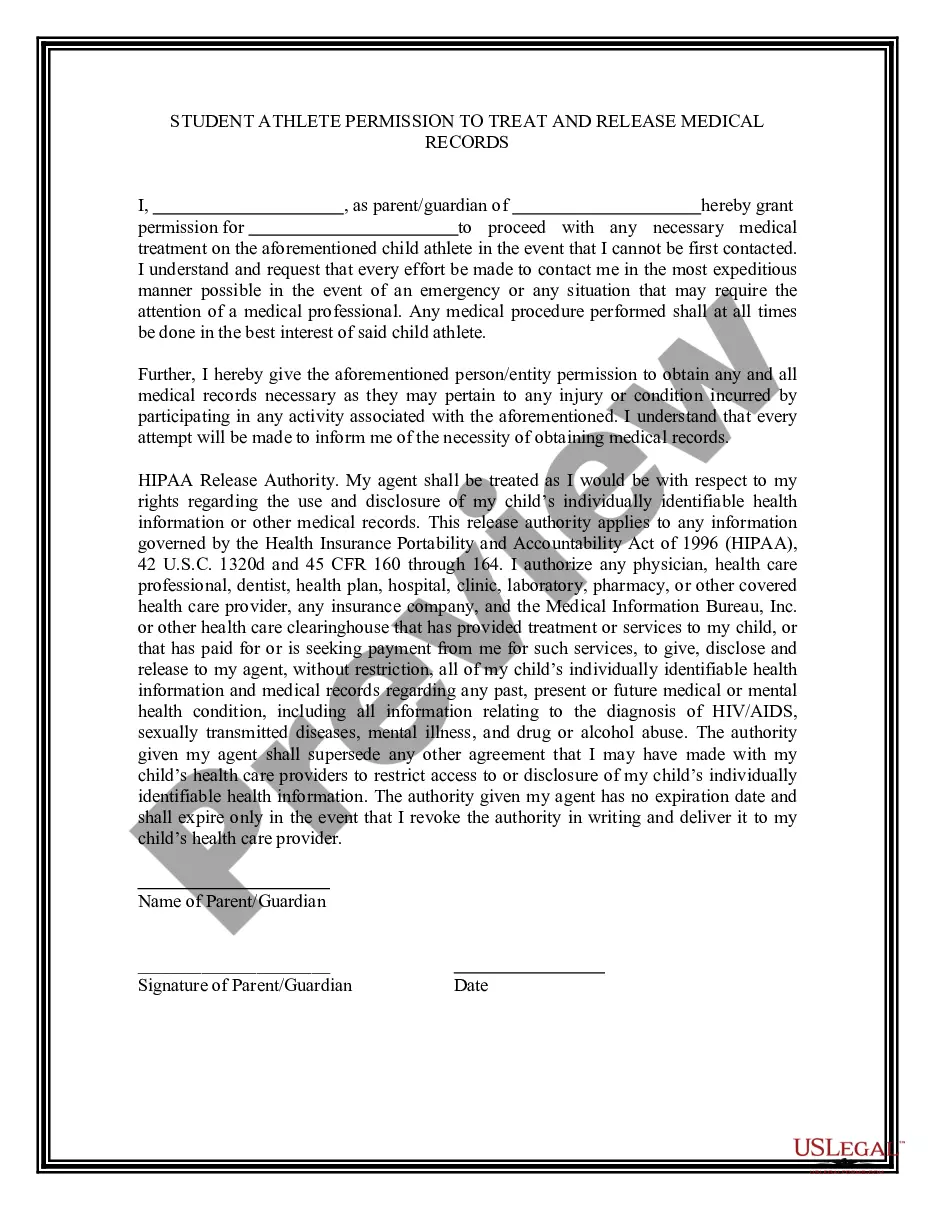
Get your form ready online
Our built-in tools help you complete, sign, share, and store your documents in one place.
Built-in online Word editor
Make edits, fill in missing information, and update formatting in US Legal Forms—just like you would in MS Word.
Export easily
Download a copy, print it, send it by email, or mail it via USPS—whatever works best for your next step.
E-sign your document
Sign and collect signatures with our SignNow integration. Send to multiple recipients, set reminders, and more. Go Premium to unlock E-Sign.
Notarize online 24/7
If this form requires notarization, complete it online through a secure video call—no need to meet a notary in person or wait for an appointment.
Store your document securely
We protect your documents and personal data by following strict security and privacy standards.

Make edits, fill in missing information, and update formatting in US Legal Forms—just like you would in MS Word.

Download a copy, print it, send it by email, or mail it via USPS—whatever works best for your next step.

Sign and collect signatures with our SignNow integration. Send to multiple recipients, set reminders, and more. Go Premium to unlock E-Sign.

If this form requires notarization, complete it online through a secure video call—no need to meet a notary in person or wait for an appointment.

We protect your documents and personal data by following strict security and privacy standards.
Looking for another form?


How to fill out Student-Athlete Authorization Or Consent For Disclosure Of Protected Health Information To The National Collegiate Athletic Association For Monitoring And Research Of Sports Injuries Or Illnesses?
US Legal Forms - one of the largest collections of legal documents in the country - offers a diverse array of legal form categories that you can download or create.
By using the website, you can access thousands of forms for business and personal purposes, organized by categories, states, or keywords. You can obtain the latest versions of forms such as the Illinois Student-Athlete Authorization or Consent for Disclosure of Protected Health Information to the National Collegiate Athletic Association for Monitoring and Research of Sports Injuries or Illnesses in just a few minutes.
If you have a subscription, Log In to download the Illinois Student-Athlete Authorization or Consent for Disclosure of Protected Health Information to the National Collegiate Athletic Association for Monitoring and Research of Sports Injuries or Illnesses from the US Legal Forms catalog. The Download button will appear on every form you view. You can access all previously downloaded forms from the My documents section of your account.
Complete the transaction. Use your credit card or PayPal account to finalize the payment.
Select the format and download the form to your device. Make changes. Complete, modify, print, and sign the downloaded Illinois Student-Athlete Authorization or Consent for Disclosure of Protected Health Information to the National Collegiate Athletic Association for Monitoring and Research of Sports Injuries or Illnesses. Each design you add to your account has no expiration date and is yours forever. Therefore, if you wish to download or print another copy, simply go to the My documents section and click on the form you need. Access the Illinois Student-Athlete Authorization or Consent for Disclosure of Protected Health Information to the National Collegiate Athletic Association for Monitoring and Research of Sports Injuries or Illnesses with US Legal Forms, one of the most extensive catalogs of legal document templates. Utilize thousands of professional and state-specific templates that fulfill your business or personal needs and requirements.
- Ensure you have selected the correct form for your city/state.
- Click on the Preview button to review the content of the form.
- Read the form description to make sure you have chosen the right one.
- If the form does not meet your needs, use the Search field at the top of the screen to find the one that does.
- When you are satisfied with the form, confirm your choice by clicking the Get now button.
- Then, select your preferred payment plan and provide your details to register for an account.
Form popularity
FAQ
A consent form to disclose medical information is a document that permits sharing of a person's health data with designated parties. This is particularly relevant in the area of the Illinois Student-Athlete Authorization or Consent for Disclosure of Protected Health Information to the National Collegiate Athletic Association for Monitoring and Research of Sports Injuries or Illnesses. Such a form provides clarity on what information can be shared, with whom, and for what purposes, ensuring transparency and trust. You can easily generate a professional consent form using uslegalforms, simplifying the process for everyone involved.
An authorization for the use and disclosure of protected health information is a legal document where a patient allows their health data to be shared with specified parties. In the context of the Illinois Student-Athlete Authorization or Consent for Disclosure of Protected Health Information to the National Collegiate Athletic Association for Monitoring and Research of Sports Injuries or Illnesses, this document outlines who can access the data and for what purposes. It protects the patient's rights while enabling important health monitoring. You can create a comprehensive authorization form using platforms like uslegalforms to ensure compliance and clarity.
When a patient provides permission through the Illinois Student-Athlete Authorization or Consent for Disclosure of Protected Health Information to the National Collegiate Athletic Association for Monitoring and Research of Sports Injuries or Illnesses, you may disclose their protected health information to the NCAA. This disclosure aids in the study and monitoring of sports-related injuries and illnesses. Understanding the patient's consent gives healthcare providers a clear guideline on how to share important health information responsibly. This ensures the student's rights are maintained while contributing to broader health research.
Yes, FERPA (Family Educational Rights and Privacy Act) applies to college athletes, protecting their educational records and some health information. This law ensures that student-athletes have control over the disclosure of their educational records, which includes health information provided to their institution. Understanding how the Illinois Student-Athlete Authorization or Consent for Disclosure of Protected Health Information to the National Collegiate Athletic Association for Monitoring and Research of Sports Injuries or Illnesses interacts with FERPA is crucial for maintaining privacy and compliance.
Yes, HIPAA applies to college students as it protects their health information regardless of their educational status. When these students engage in activities involving health care, such as an athletic program, their information is safeguarded under HIPAA regulations. Therefore, understanding the Illinois Student-Athlete Authorization or Consent for Disclosure of Protected Health Information to the National Collegiate Athletic Association for Monitoring and Research of Sports Injuries or Illnesses is pivotal for students involved in athletics.
Athletes do not waive their HIPAA rights outright, but they might provide specific consent to share their health information for particular purposes. When they sign the Illinois Student-Athlete Authorization or Consent for Disclosure of Protected Health Information to the National Collegiate Athletic Association for Monitoring and Research of Sports Injuries or Illnesses, they understand the circumstances under which their information may be disclosed. This ensures data sharing complies with legal standards while protecting athletes' privacy.
Consent to disclosure of protected health information refers to the agreement a student-athlete gives to allow their health data to be shared with authorized parties. This consent is essential for compliance with laws like HIPAA and facilitates research and monitoring efforts. The Illinois Student-Athlete Authorization or Consent for Disclosure of Protected Health Information to the National Collegiate Athletic Association for Monitoring and Research of Sports Injuries or Illnesses captures this consent, promoting athlete safety and well-being.
Yes, athletic trainers are bound by HIPAA regulations, which means they must protect the privacy of student-athletes' health information. They are responsible for safeguarding sensitive data, ensuring it is only shared when necessary for treatment or research purposes, such as those outlined in the Illinois Student-Athlete Authorization or Consent for Disclosure of Protected Health Information to the National Collegiate Athletic Association for Monitoring and Research of Sports Injuries or Illnesses.
Filling out the Illinois Student-Athlete Authorization or Consent for Disclosure of Protected Health Information to the National Collegiate Athletic Association for Monitoring and Research of Sports Injuries or Illnesses form involves several clear steps. First, gather all required personal details, such as your name, date of birth, and any relevant identification numbers. Next, carefully follow each section of the form, ensuring your answers are accurate, and don't forget to sign and date the form at the end.
Yes, HIPAA laws apply to athletes, ensuring that their healthcare information remains private and secure. This federal law protects the confidentiality of medical records, which is particularly significant in the sports environment where physical health information is often shared. Understanding the Illinois Student-Athlete Authorization or Consent for Disclosure of Protected Health Information to the National Collegiate Athletic Association for Monitoring and Research of Sports Injuries or Illnesses can help athletes navigate their rights under HIPAA.