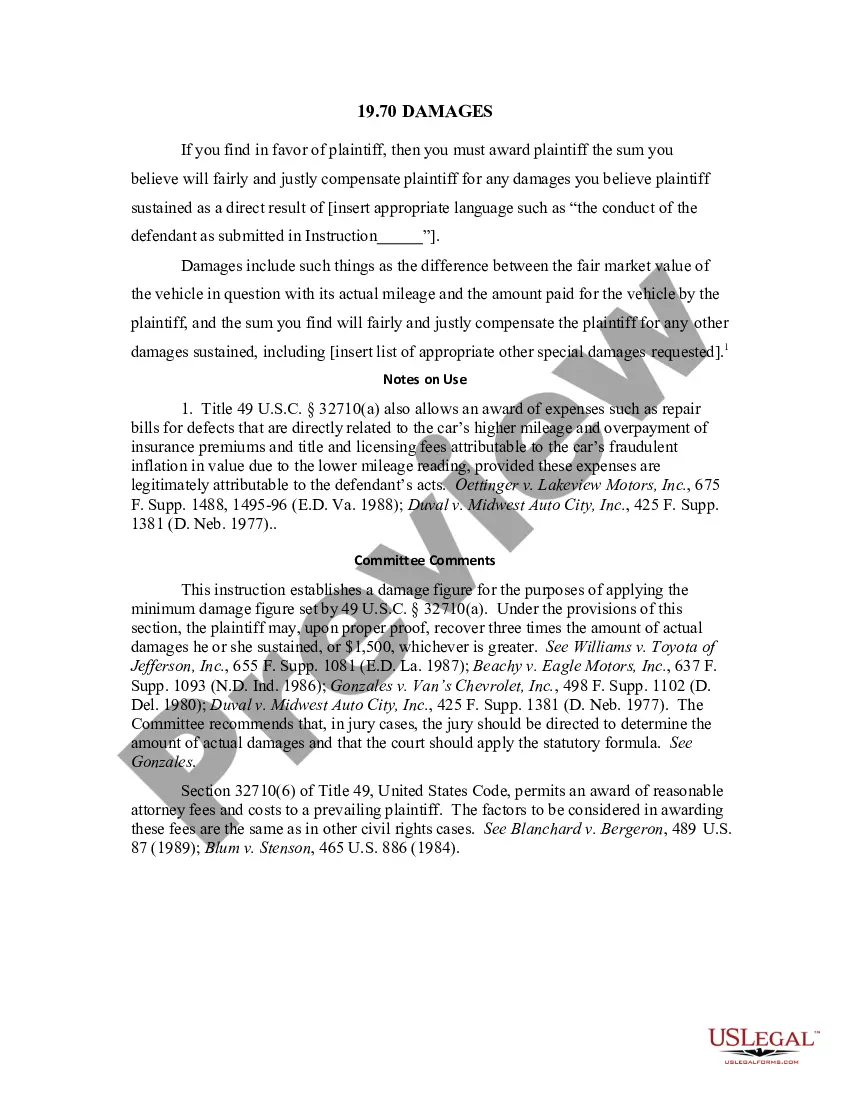
Hawaii Transition Agreement
Description

Get your form ready online
Our built-in tools help you complete, sign, share, and store your documents in one place.
Make edits, fill in missing information, and update formatting in US Legal Forms—just like you would in MS Word.
Download a copy, print it, send it by email, or mail it via USPS—whatever works best for your next step.
Sign and collect signatures with our SignNow integration. Send to multiple recipients, set reminders, and more. Go Premium to unlock E-Sign.
If this form requires notarization, complete it online through a secure video call—no need to meet a notary in person or wait for an appointment.
We protect your documents and personal data by following strict security and privacy standards.

Make edits, fill in missing information, and update formatting in US Legal Forms—just like you would in MS Word.

Download a copy, print it, send it by email, or mail it via USPS—whatever works best for your next step.

Sign and collect signatures with our SignNow integration. Send to multiple recipients, set reminders, and more. Go Premium to unlock E-Sign.

If this form requires notarization, complete it online through a secure video call—no need to meet a notary in person or wait for an appointment.

We protect your documents and personal data by following strict security and privacy standards.
Looking for another form?









How to fill out Transition Agreement?
You are able to spend hrs on the web searching for the lawful document template which fits the state and federal requirements you want. US Legal Forms supplies 1000s of lawful forms which can be examined by pros. It is possible to download or print out the Hawaii Transition Agreement from the assistance.
If you currently have a US Legal Forms profile, you are able to log in and click the Obtain key. Following that, you are able to complete, modify, print out, or sign the Hawaii Transition Agreement. Each lawful document template you acquire is yours forever. To have one more version of the bought type, visit the My Forms tab and click the related key.
If you work with the US Legal Forms internet site the first time, follow the basic instructions below:
- Initially, ensure that you have chosen the correct document template to the area/metropolis of your choice. Look at the type outline to make sure you have selected the appropriate type. If available, make use of the Preview key to look with the document template at the same time.
- If you wish to get one more edition from the type, make use of the Search field to get the template that fits your needs and requirements.
- After you have identified the template you desire, click Purchase now to move forward.
- Find the prices prepare you desire, enter your references, and sign up for your account on US Legal Forms.
- Full the financial transaction. You should use your Visa or Mastercard or PayPal profile to fund the lawful type.
- Find the formatting from the document and download it to the device.
- Make adjustments to the document if required. You are able to complete, modify and sign and print out Hawaii Transition Agreement.
Obtain and print out 1000s of document templates using the US Legal Forms site, that offers the largest variety of lawful forms. Use skilled and condition-particular templates to deal with your business or specific requirements.
Form popularity
FAQ
Think of your TMK number as like a social security number for your property. They are unique to your individual property, and no two are exactly the same.
Sale in ?AS IS? Condition. Except as may be otherwise expressly provided in the Purchase Contract, and Seller's disclosures, SELLER IS NOT OBLIGATED TO MAKE ANY REPAIRS OR UPGRADES TO THE PROPERTY AND WILL TRANSFER THE PROPERTY WITHOUT ANY REPRESENTATIONS OR WARRANTIES, EITHER EXPRESSED OR IMPLIED.
Please see the example below where the PARCEL ID/TMK # is shown in red boxes. You must enter a TMK number. TMK must be in the following format: 3-X-X---X-X (Ex: 3-2-3-456-789-0123-456). Note that the TMK should start with 3 and dashes are optional.
Hawaii's TMK System Explained Island: The first segment identifies which island the property is located on. ... Zone: The second segment refers to the district or zone within the island. ... Section: The third segment divides each zone into nine sections, typically numbered in a clockwise direction in each zone.
An example of a TMK is 3-7-4-007-090-0000 (or alternatively, in a condensed format: 3-7-4-7-90). The first number (in this example, 3) designates the island. Oahu is 1, Maui (with Molokai & Lanai) is 2, Hawaii (Big Island) is 3 and Kauai is 4. The second number (7) shows the zone.
Identifying tax key zone and section numbers can help you find the relative location of a property in Hawaii County. The Puna district is zone 1, Hilo zones are 2 & 3, Hamakua is zone 4, Kohala zones are 5 & 6, Kona zones are 7 & 8, Kau is zone 9.