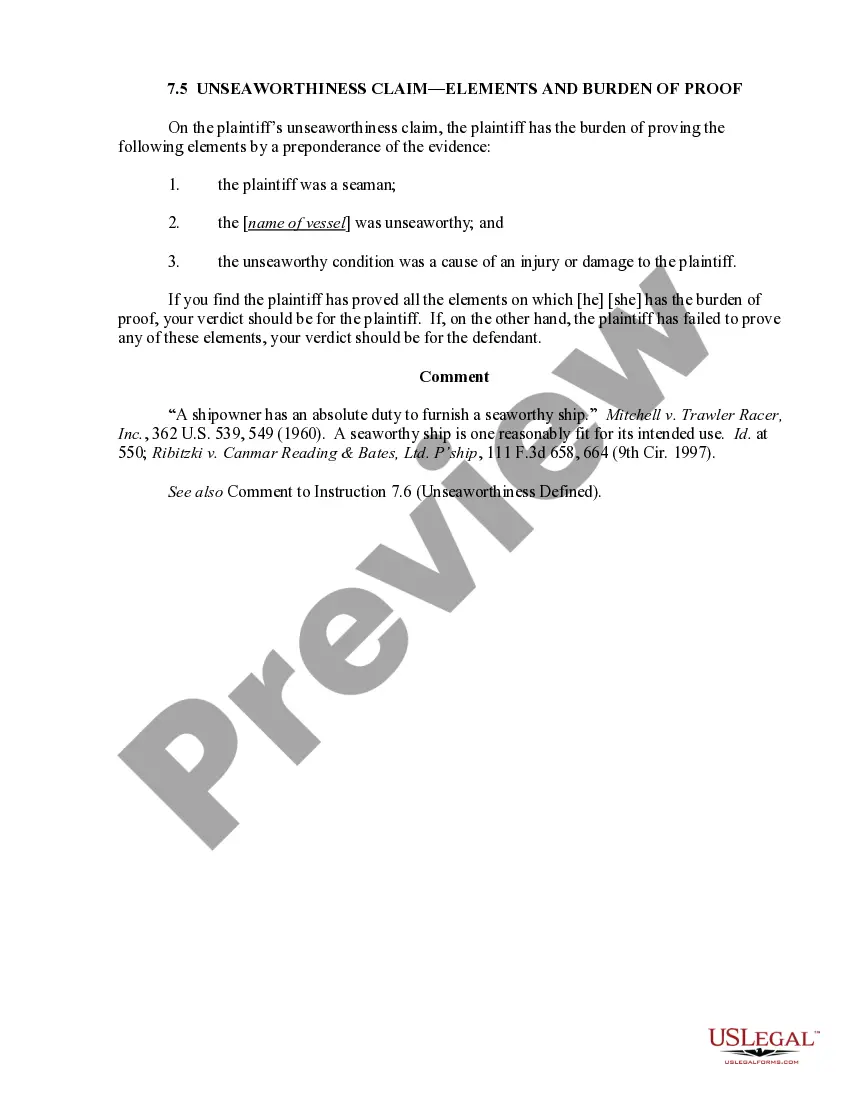
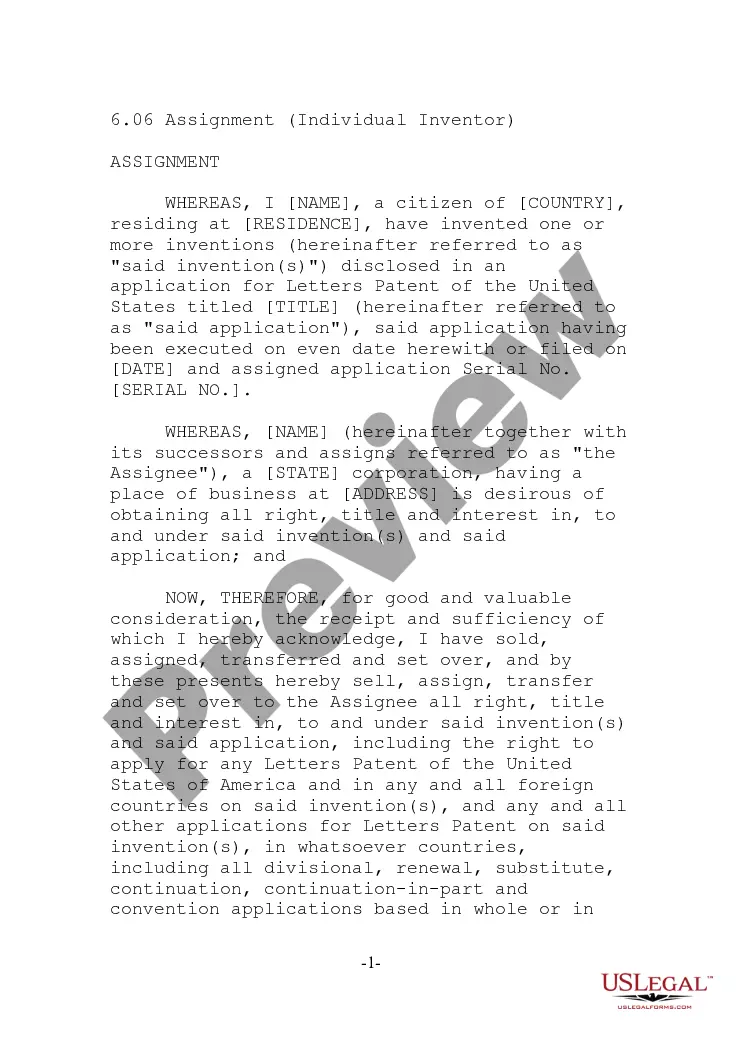
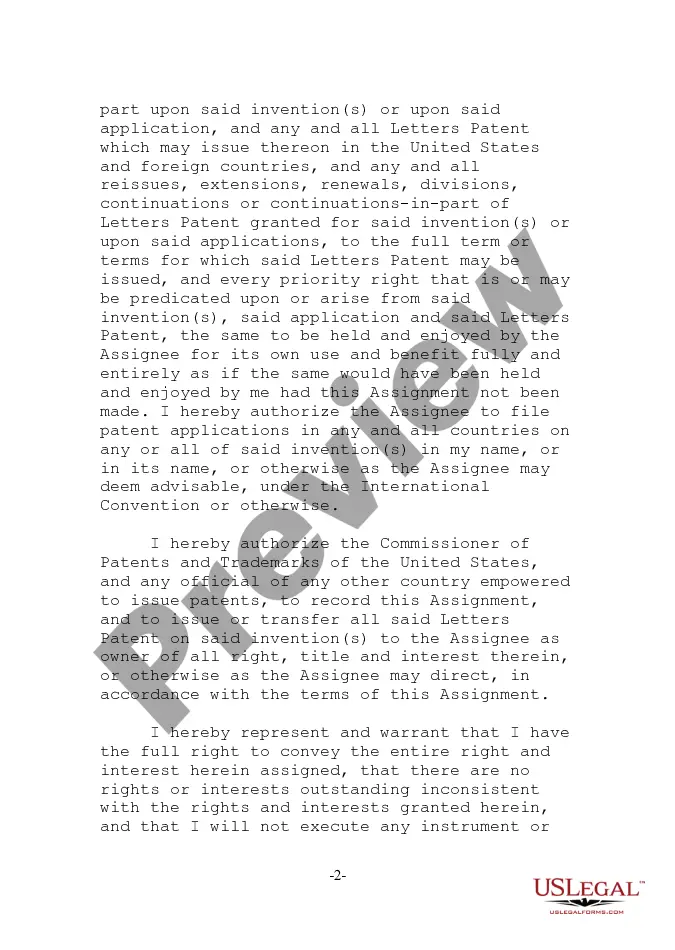
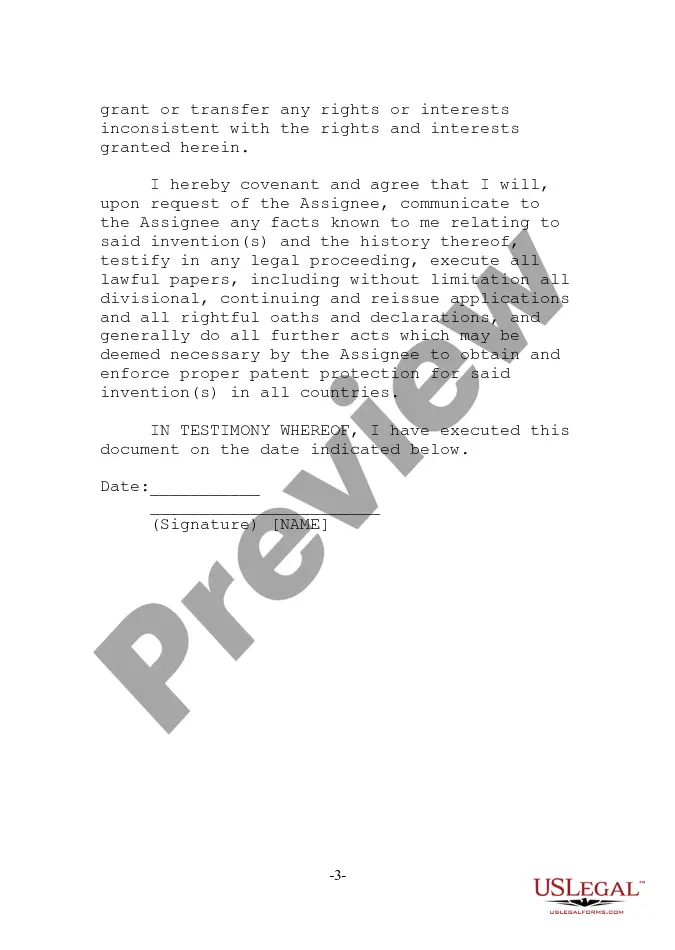
Guam Assignment - Individual Inventor
Description

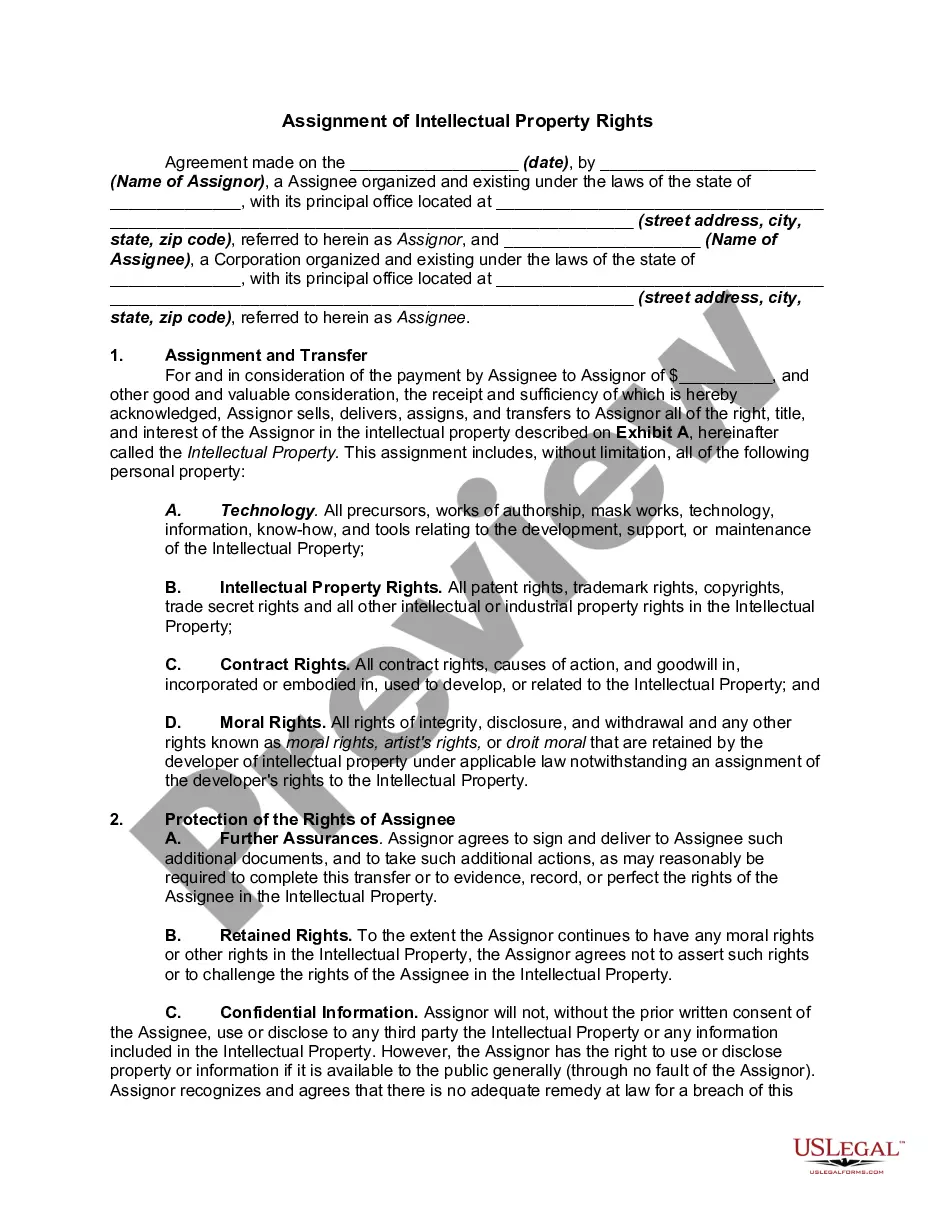
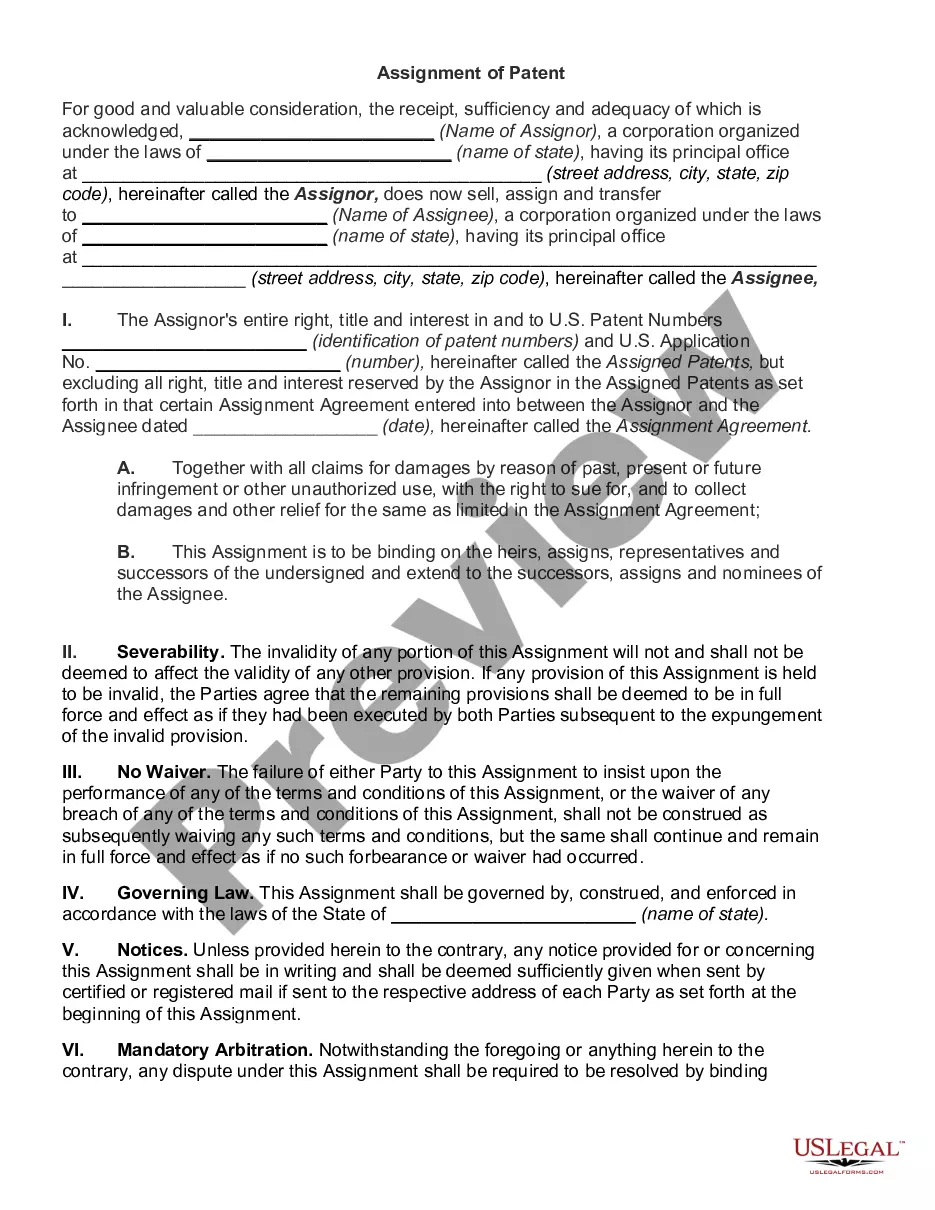
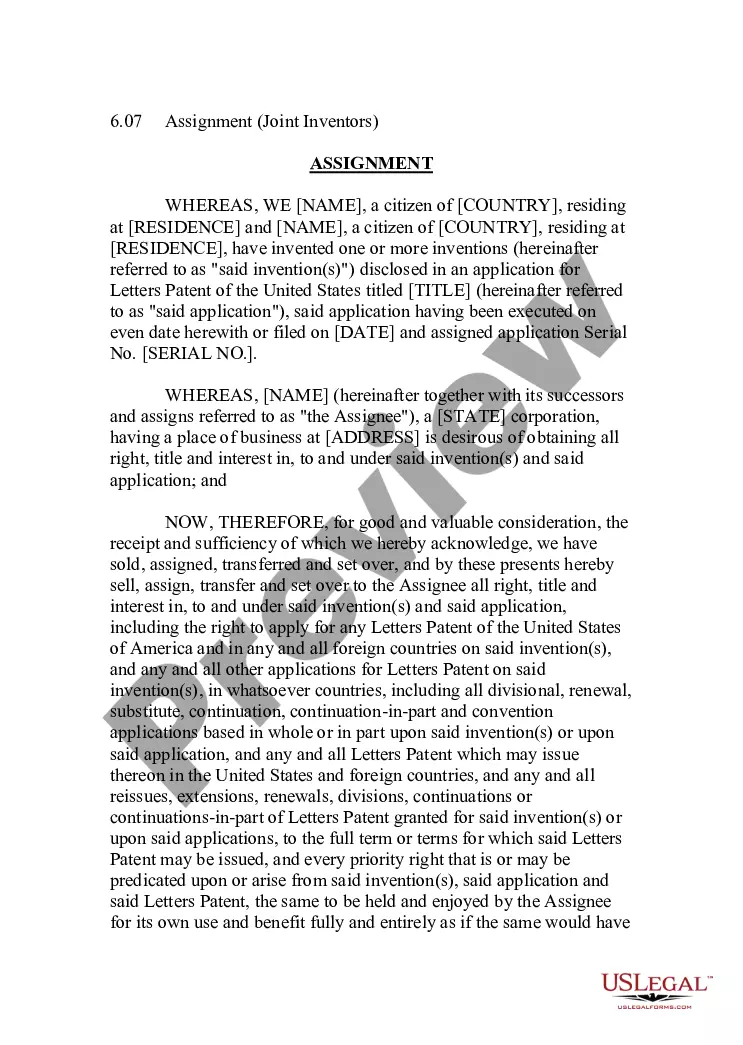
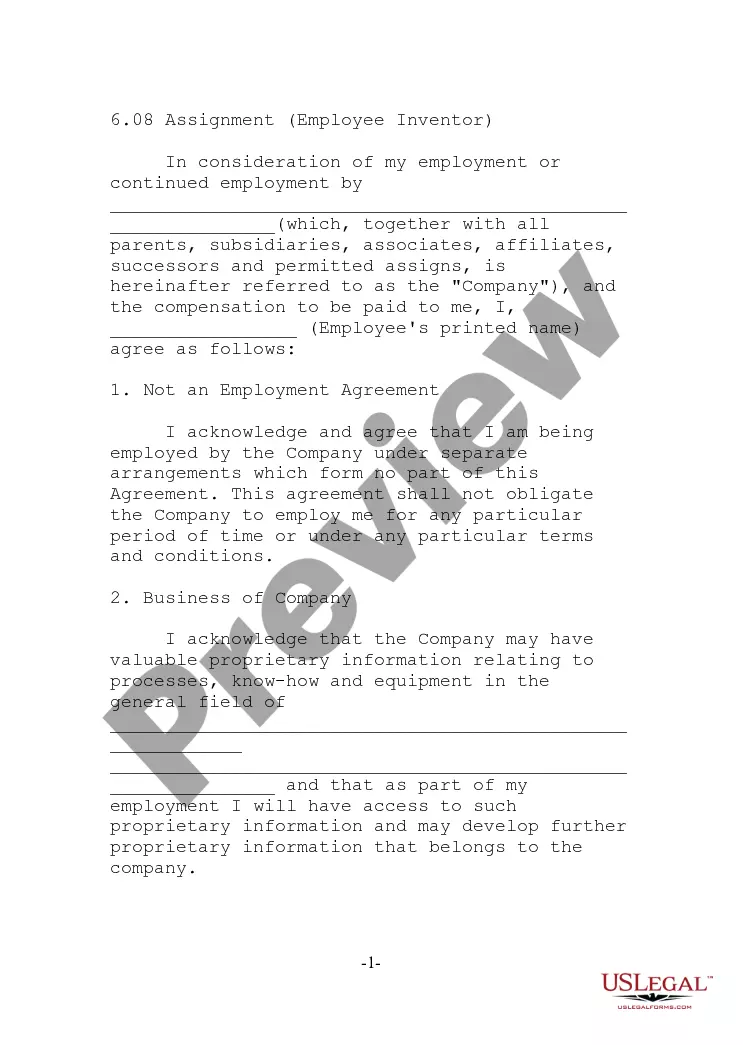
Get your form ready online
Our built-in tools help you complete, sign, share, and store your documents in one place.
Make edits, fill in missing information, and update formatting in US Legal Forms—just like you would in MS Word.
Download a copy, print it, send it by email, or mail it via USPS—whatever works best for your next step.
Sign and collect signatures with our SignNow integration. Send to multiple recipients, set reminders, and more. Go Premium to unlock E-Sign.
If this form requires notarization, complete it online through a secure video call—no need to meet a notary in person or wait for an appointment.
We protect your documents and personal data by following strict security and privacy standards.

Make edits, fill in missing information, and update formatting in US Legal Forms—just like you would in MS Word.

Download a copy, print it, send it by email, or mail it via USPS—whatever works best for your next step.

Sign and collect signatures with our SignNow integration. Send to multiple recipients, set reminders, and more. Go Premium to unlock E-Sign.

If this form requires notarization, complete it online through a secure video call—no need to meet a notary in person or wait for an appointment.

We protect your documents and personal data by following strict security and privacy standards.
Looking for another form?


How to fill out Assignment - Individual Inventor?
Are you currently within a position that you need paperwork for possibly company or personal uses almost every day time? There are tons of lawful file templates available online, but getting types you can trust is not effortless. US Legal Forms gives 1000s of form templates, much like the Guam Assignment - Individual Inventor, that happen to be created in order to meet state and federal specifications.
In case you are presently informed about US Legal Forms site and get a merchant account, just log in. Next, you may obtain the Guam Assignment - Individual Inventor design.
If you do not provide an accounts and need to begin using US Legal Forms, abide by these steps:
- Get the form you need and make sure it is for your right town/area.
- Utilize the Preview option to review the form.
- See the outline to ensure that you have selected the proper form.
- If the form is not what you`re searching for, take advantage of the Look for field to get the form that suits you and specifications.
- When you obtain the right form, just click Get now.
- Pick the costs plan you need, fill in the specified info to produce your money, and pay money for the transaction with your PayPal or charge card.
- Pick a hassle-free file formatting and obtain your duplicate.
Get each of the file templates you might have bought in the My Forms menus. You can get a further duplicate of Guam Assignment - Individual Inventor anytime, if necessary. Just click the needed form to obtain or print out the file design.
Use US Legal Forms, probably the most considerable variety of lawful forms, to conserve efforts and prevent faults. The assistance gives appropriately created lawful file templates that can be used for a range of uses. Create a merchant account on US Legal Forms and commence making your life a little easier.
Form popularity
FAQ
Simply, a declaration is an inventor's promise ? or acknowledgment of the promise ? with the Patent Office. A patent application contains numerous pieces of information and paperwork. There is the patent disclosure itself, which includes the summary, background, description, drawings, and claims.
The disclosure requirement lies at the heart and origin of patent law. An inventor, or the inventor's assignee, is granted a monopoly for a given period of time in exchange for the inventor disclosing to the public how to make or practice their invention.
All inventors need to be listed on a provisional patent application, but the inventors do not need to sign Declarations. No prior art should be cited.
(2) An oath or declaration stating that the application or patent under reexamination and patent or published application are currently owned by the same party, and that the inventor named in the application or patent under reexamination is the prior inventor under 35 U.S.C.
Step 1: Get ready to apply. Contact Patents. ... Step 2: File your application. Filing a patent application on your own. ... Step 3: Application prosecution. Filing a patent application on your own. ... Step 4: Receive your patent. Inventors Assistance Center. ... Step 5: Maintain legal protection of your patent. Pay your maintenance fees.