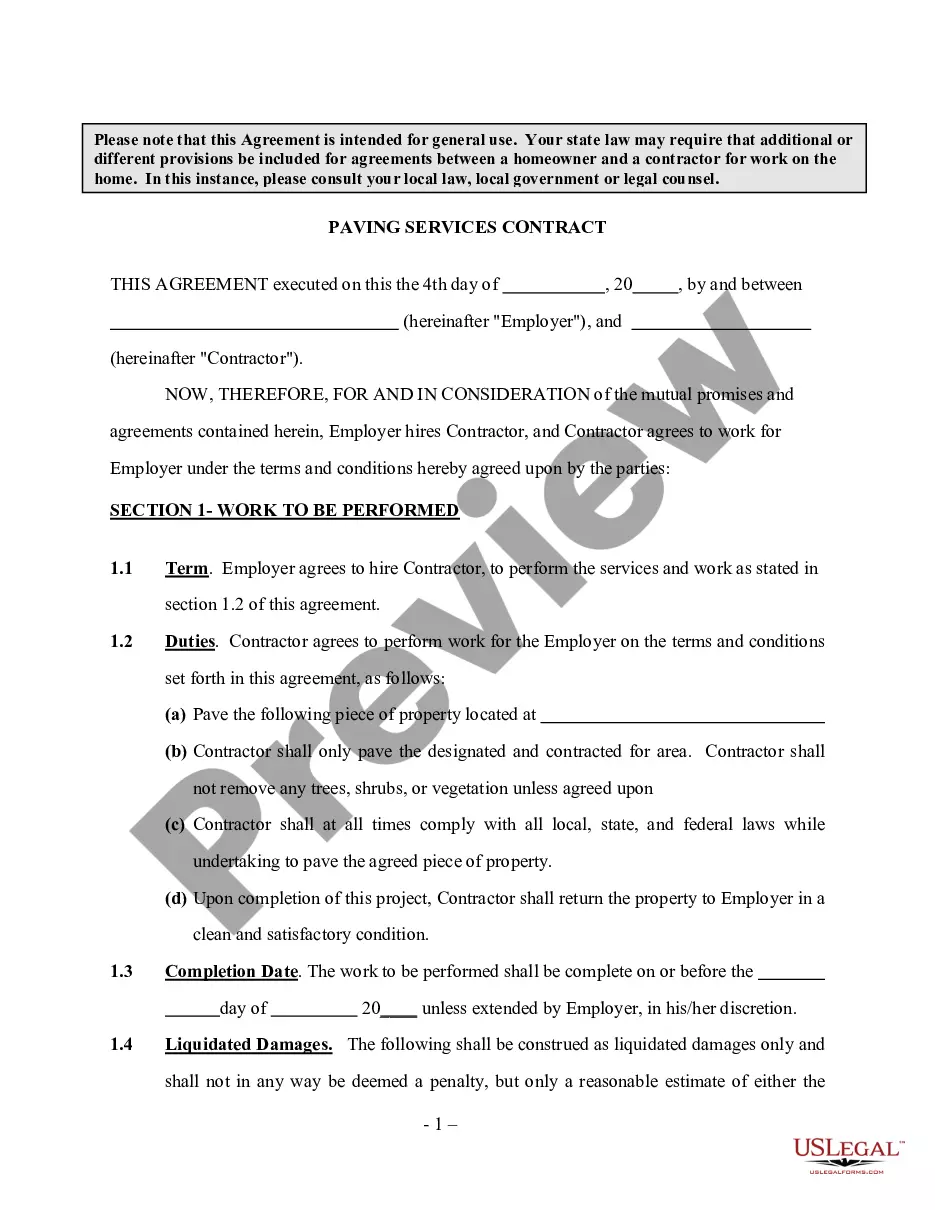
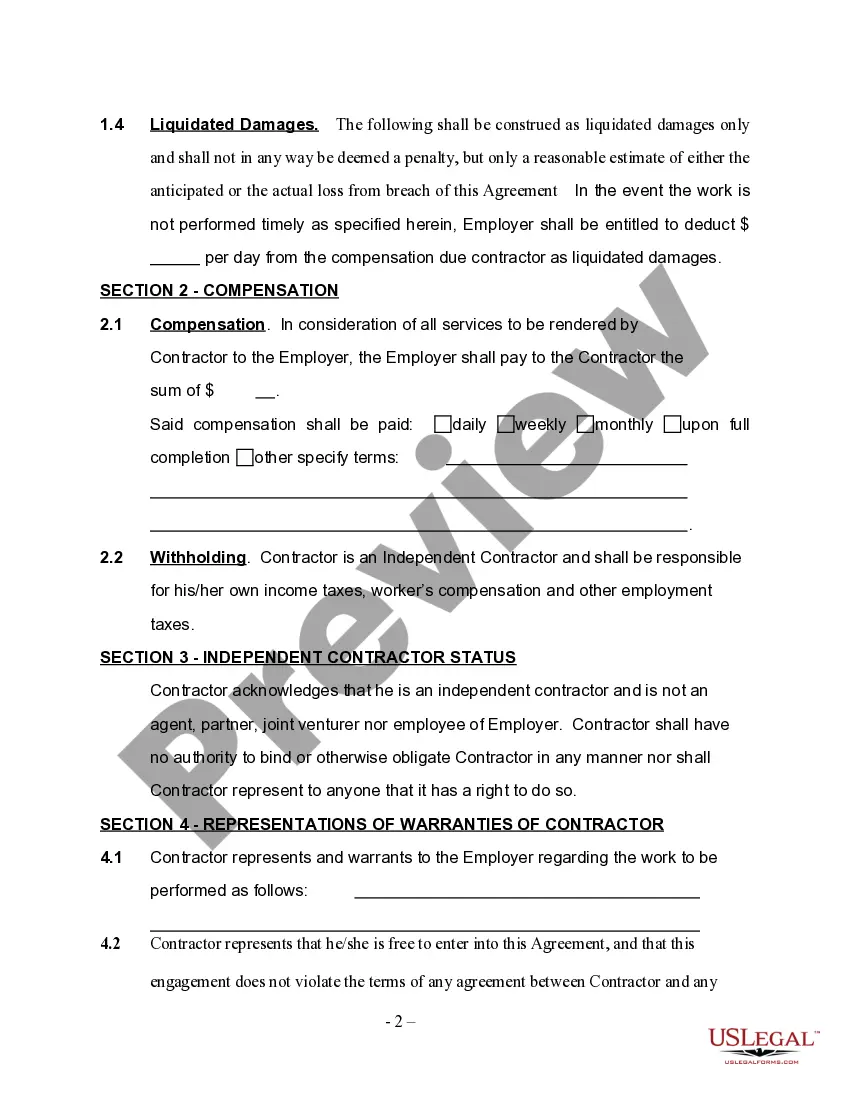
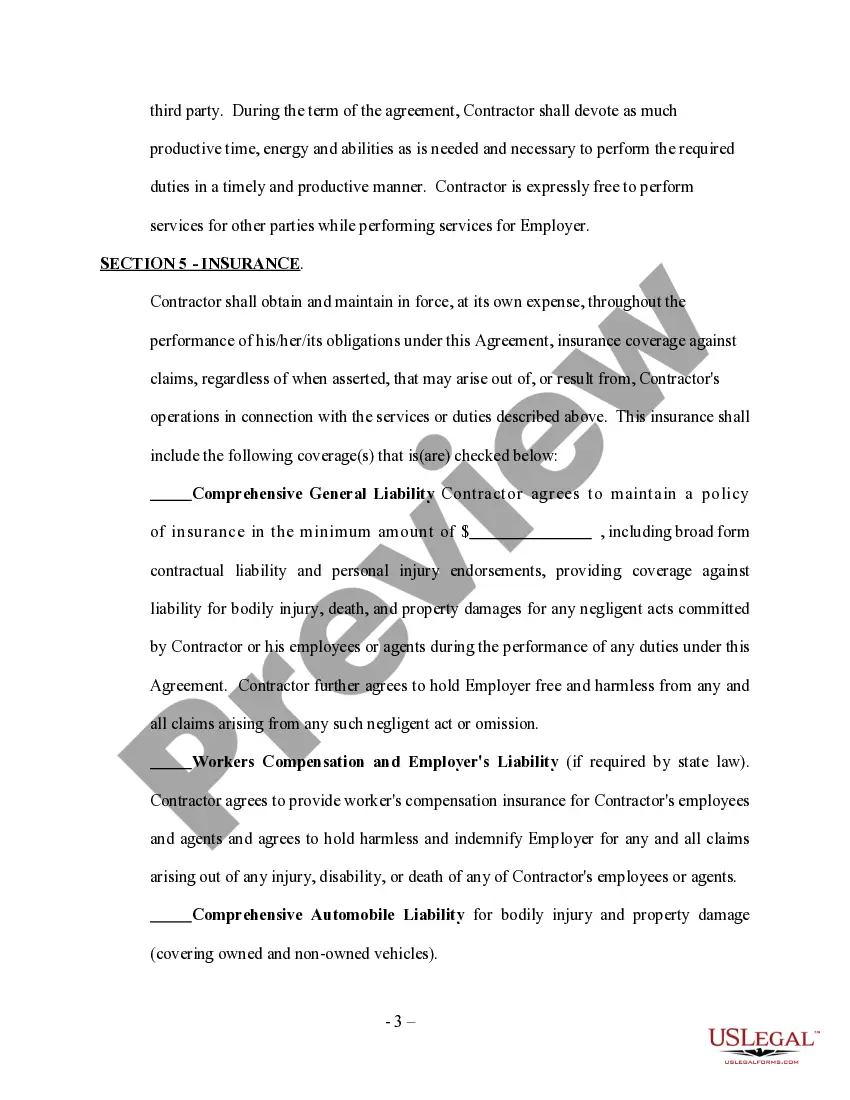
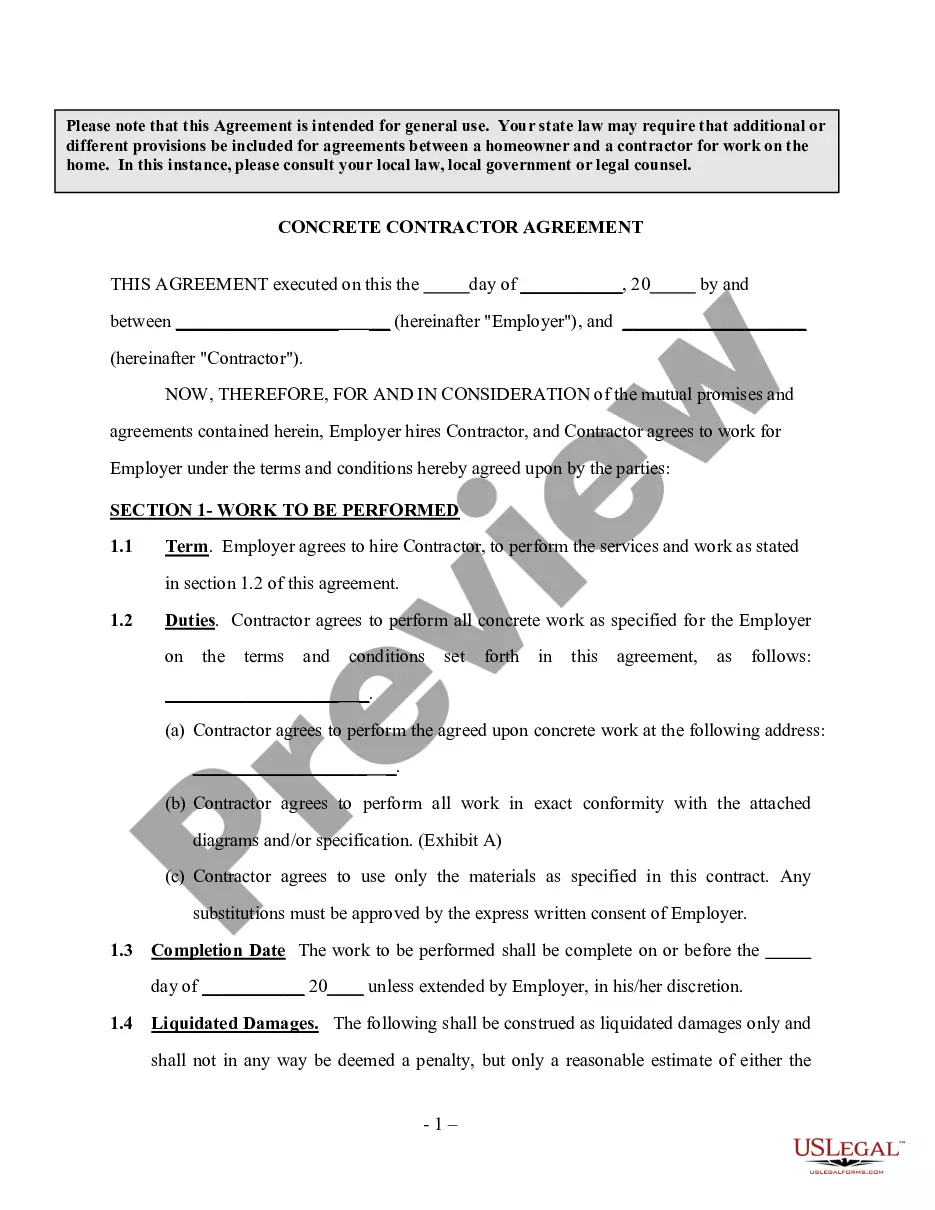
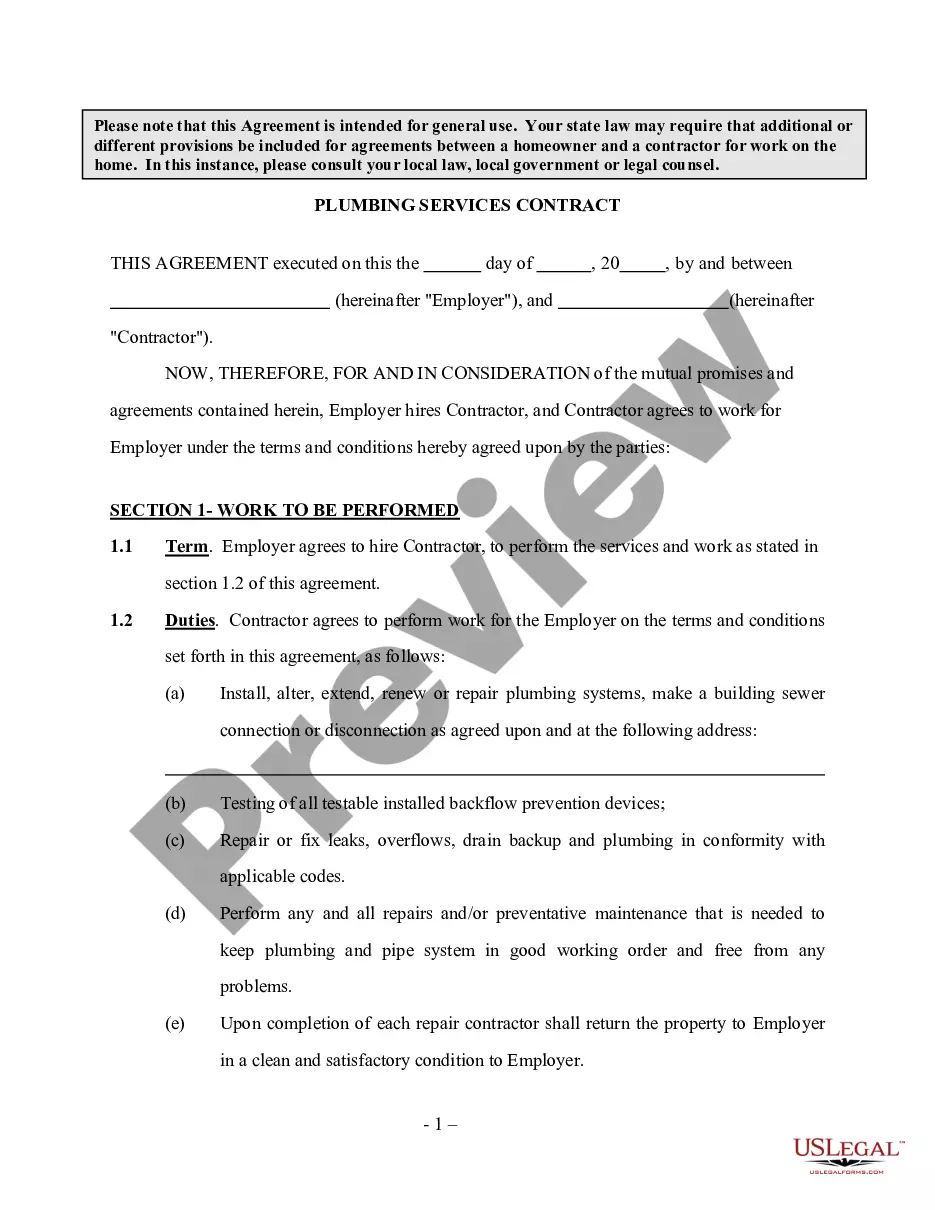
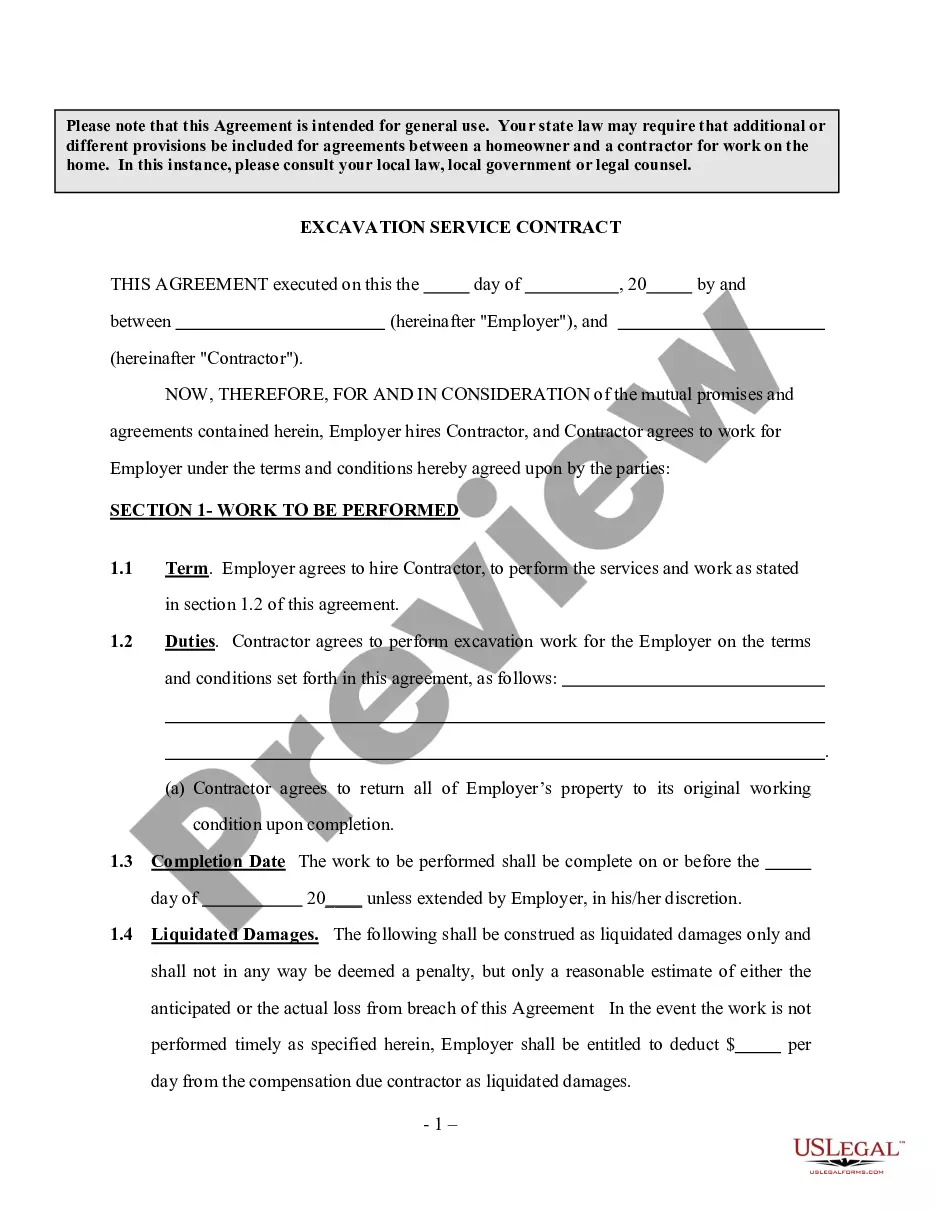
This is a contract whereby an employer hires a paving company as independent contractors to pave certain areas of property as agreed to in the Contract. Please note that this Agreement is intended for general use. Your state law may require that additional or different provisions be included for agreements between a homeowner and a contractor for work on the home. In this instance, please consult your local law, local government or legal counsel.
Guam Self-Employed Paving Services Contract
State:
Multi-State
Control #:
US-INDC-48
Format:
Word;
Rich Text
Instant download
Description
Free preview
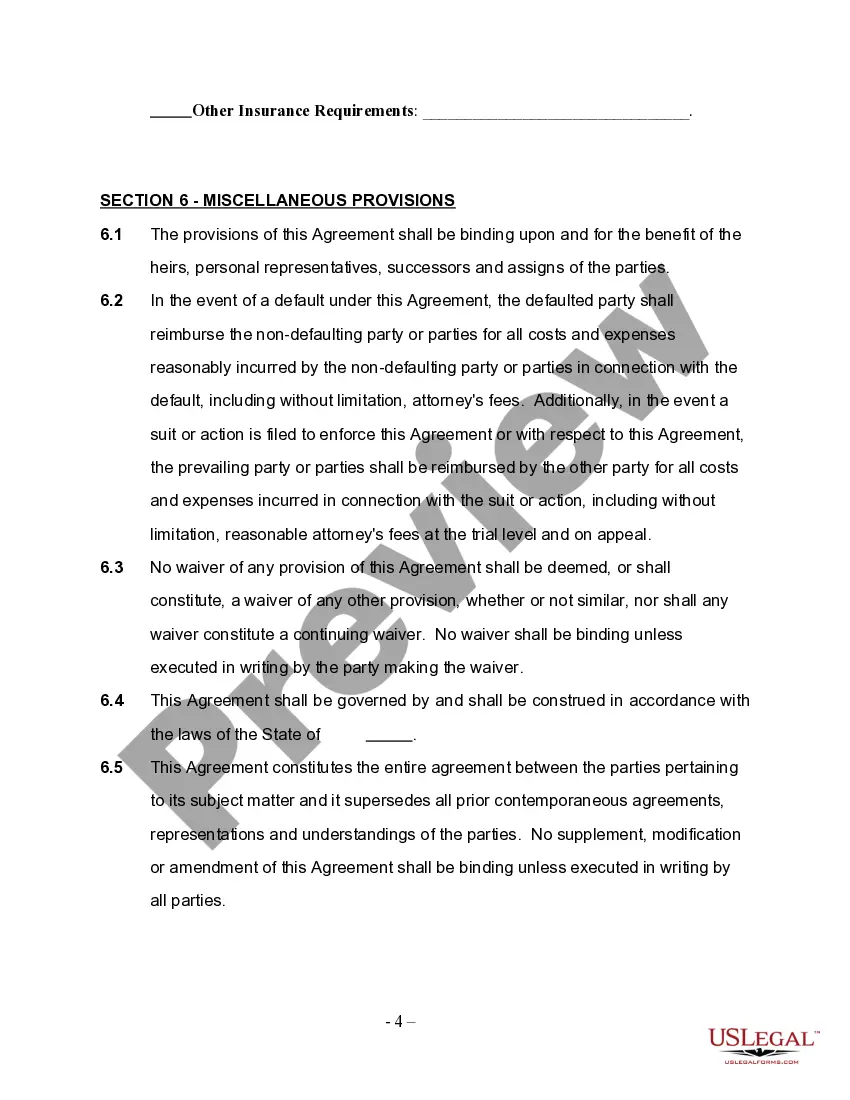
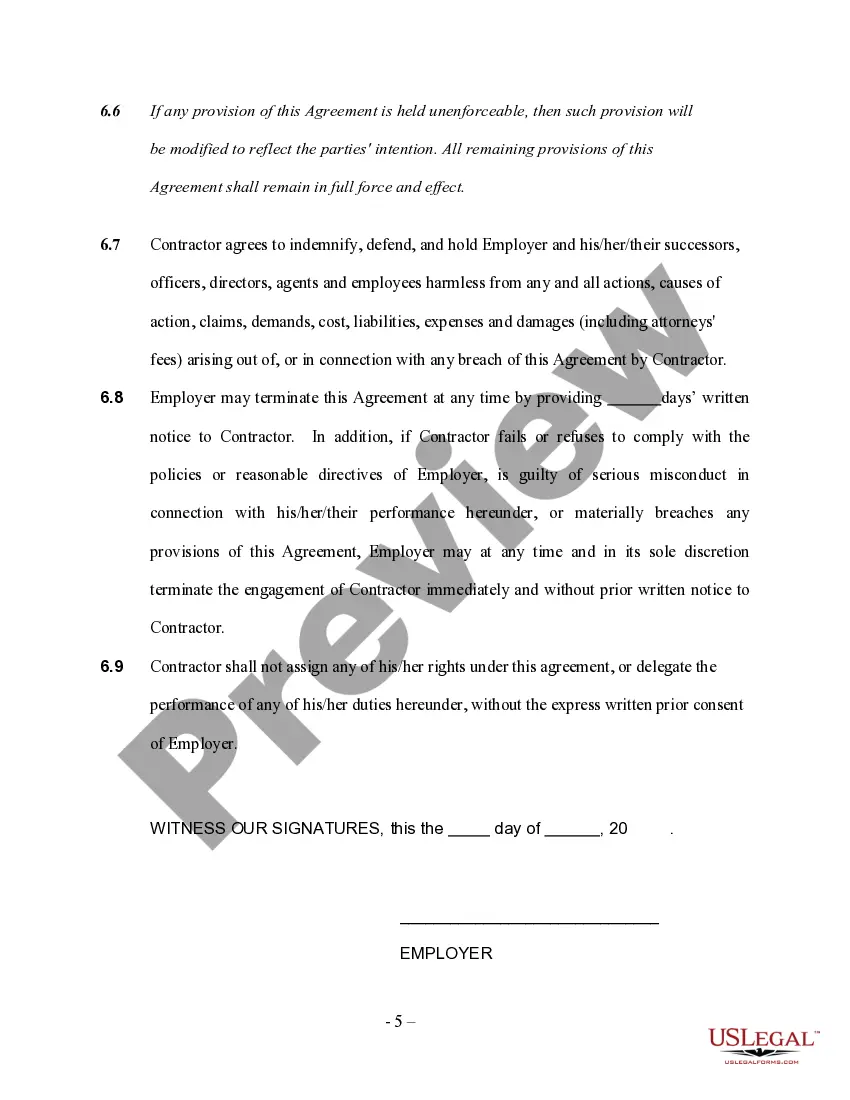
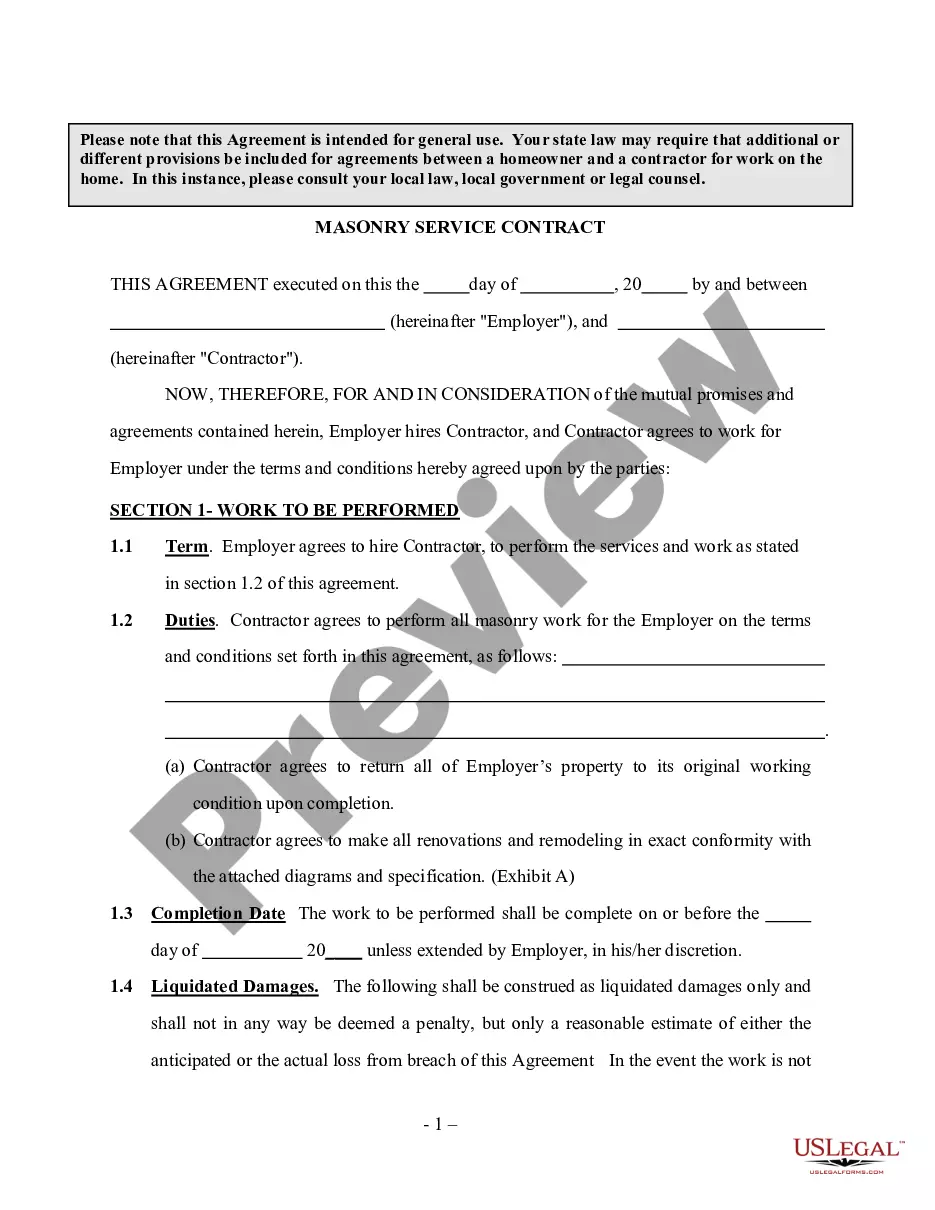
Get your form ready online
Our built-in tools help you complete, sign, share, and store your documents in one place.
Built-in online Word editor
Make edits, fill in missing information, and update formatting in US Legal Forms—just like you would in MS Word.
Export easily
Download a copy, print it, send it by email, or mail it via USPS—whatever works best for your next step.
E-sign your document
Sign and collect signatures with our SignNow integration. Send to multiple recipients, set reminders, and more. Go Premium to unlock E-Sign.
Notarize online 24/7
If this form requires notarization, complete it online through a secure video call—no need to meet a notary in person or wait for an appointment.
Store your document securely
We protect your documents and personal data by following strict security and privacy standards.

Make edits, fill in missing information, and update formatting in US Legal Forms—just like you would in MS Word.

Download a copy, print it, send it by email, or mail it via USPS—whatever works best for your next step.

Sign and collect signatures with our SignNow integration. Send to multiple recipients, set reminders, and more. Go Premium to unlock E-Sign.

If this form requires notarization, complete it online through a secure video call—no need to meet a notary in person or wait for an appointment.

We protect your documents and personal data by following strict security and privacy standards.
Looking for another form?



How to fill out Self-Employed Paving Services Contract?
You can spend hours online looking for the appropriate legal document format that complies with the federal and state standards you require.
US Legal Forms offers a vast array of legal templates that are assessed by professionals.
It is easy to download or print the Guam Self-Employed Paving Services Contract from the site.
If available, use the Review button to take a look at the document format as well.
- If you possess a US Legal Forms account, you can Log In and click on the Download button.
- Then, you can fill out, modify, print, or sign the Guam Self-Employed Paving Services Contract.
- Every legal document format you acquire is yours forever.
- To get another copy of any purchased form, go to the My documents tab and click on the related button.
- If you are using the US Legal Forms website for the first time, follow the straightforward instructions below.
- First, ensure that you have selected the correct document format for your county/region of choice.
- Review the form description to confirm you have chosen the right form.
Form popularity
FAQ
No, a contract is not the same as being self-employed. While self-employment refers to working for oneself, a Guam Self-Employed Paving Services Contract formalizes the relationship between a self-employed individual and their clients. This distinction is important for understanding your rights and responsibilities.