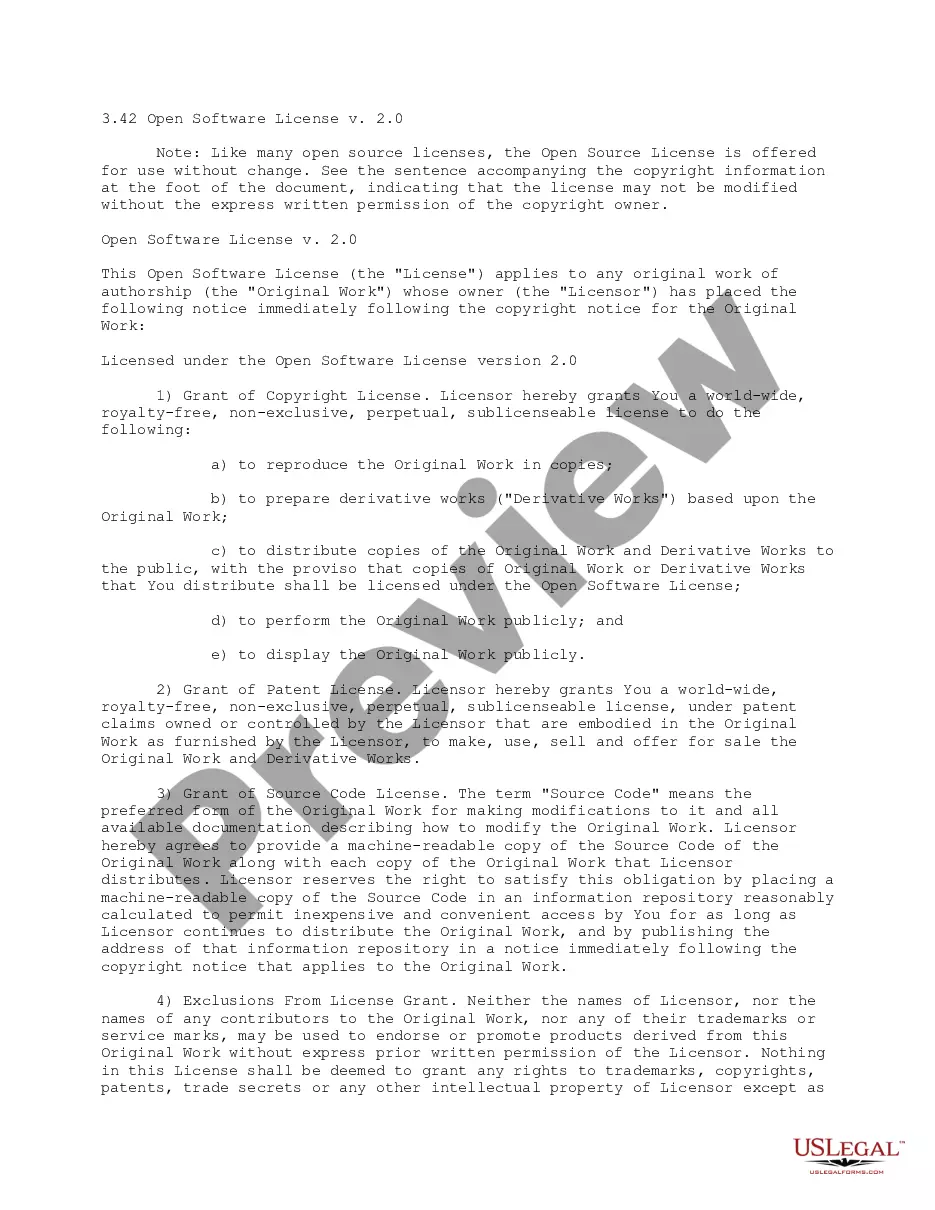
Guam Storage Services Contract - Self-Employed
Description
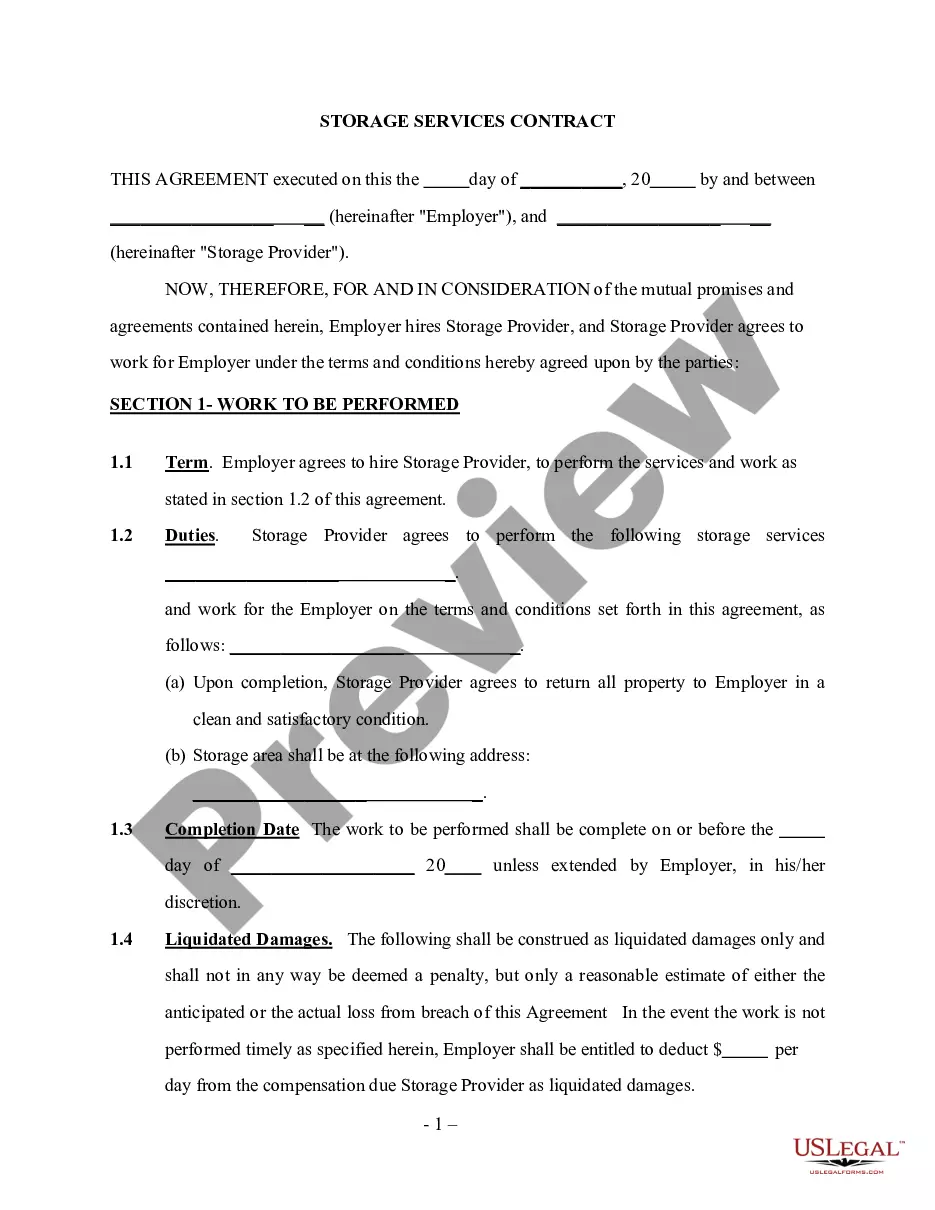
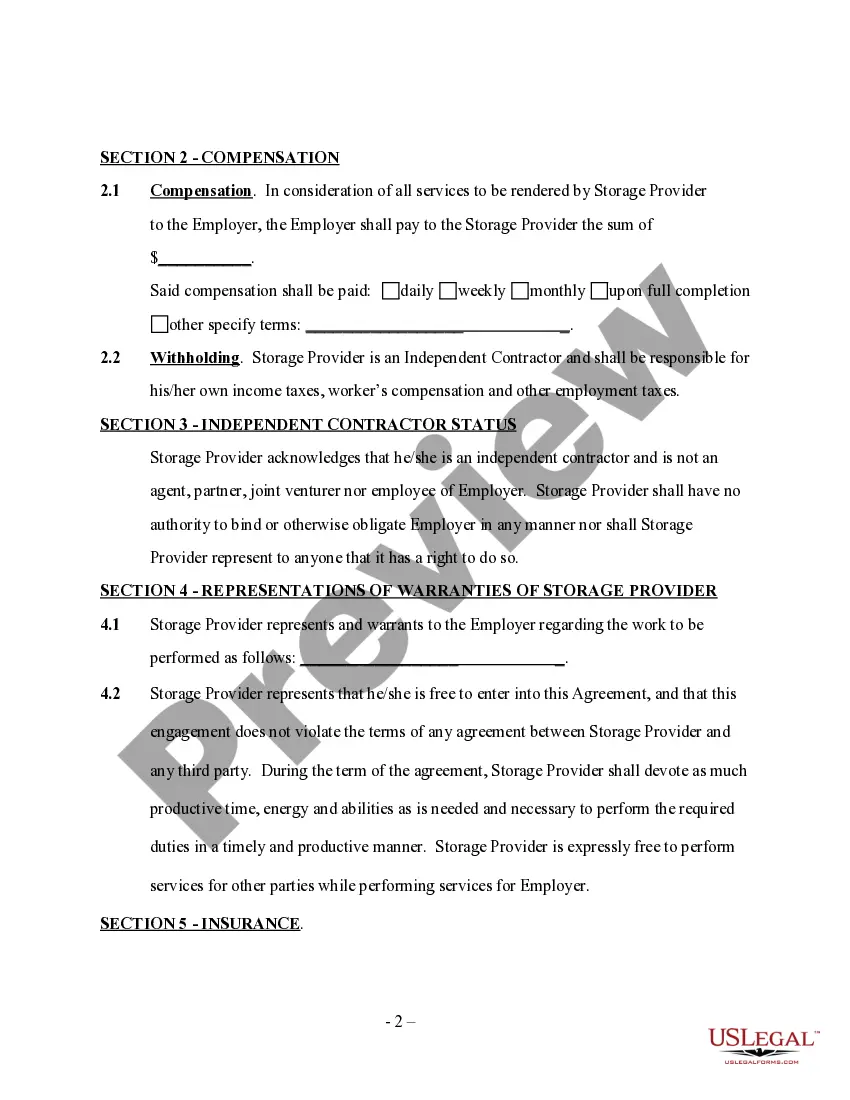
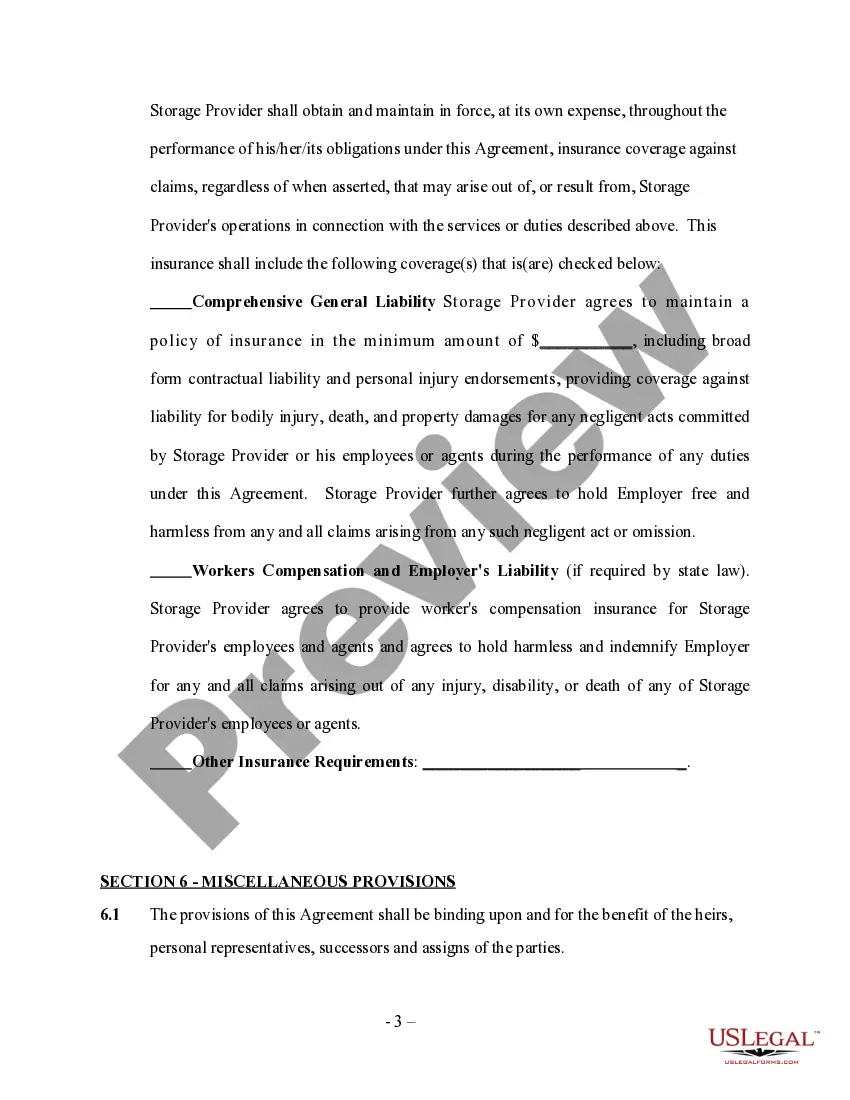
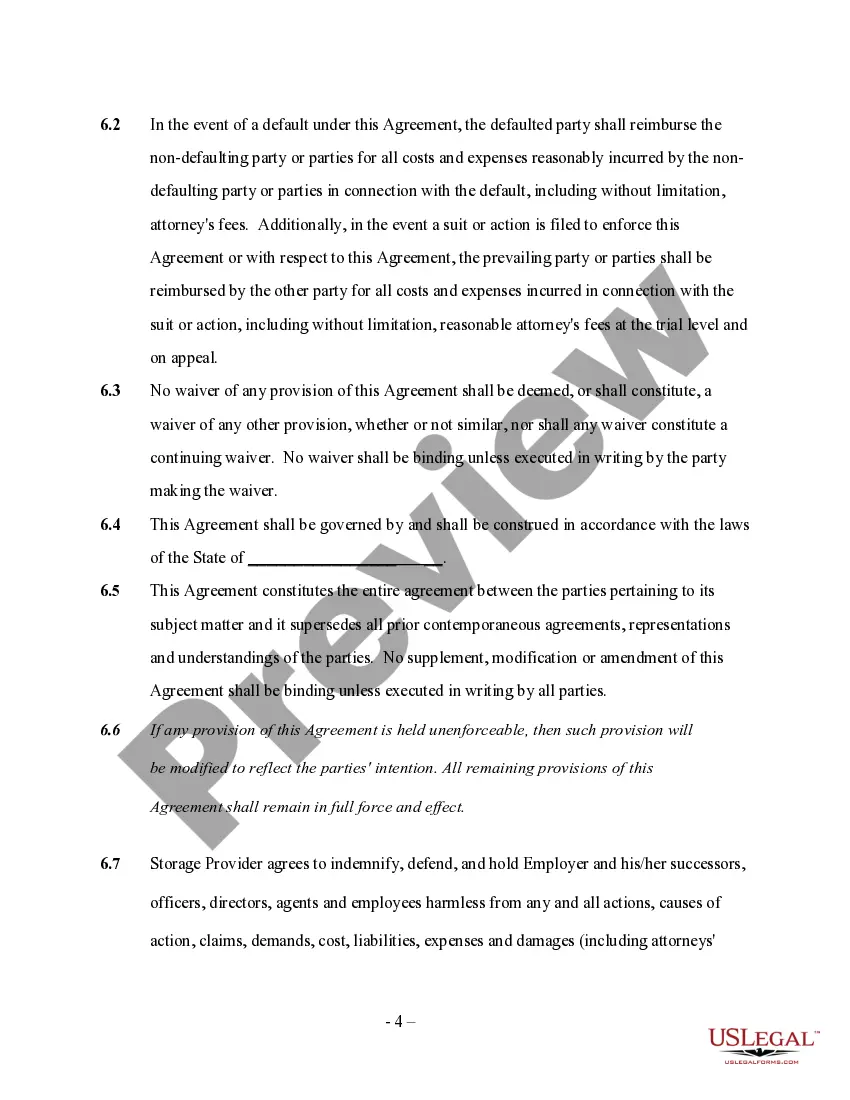
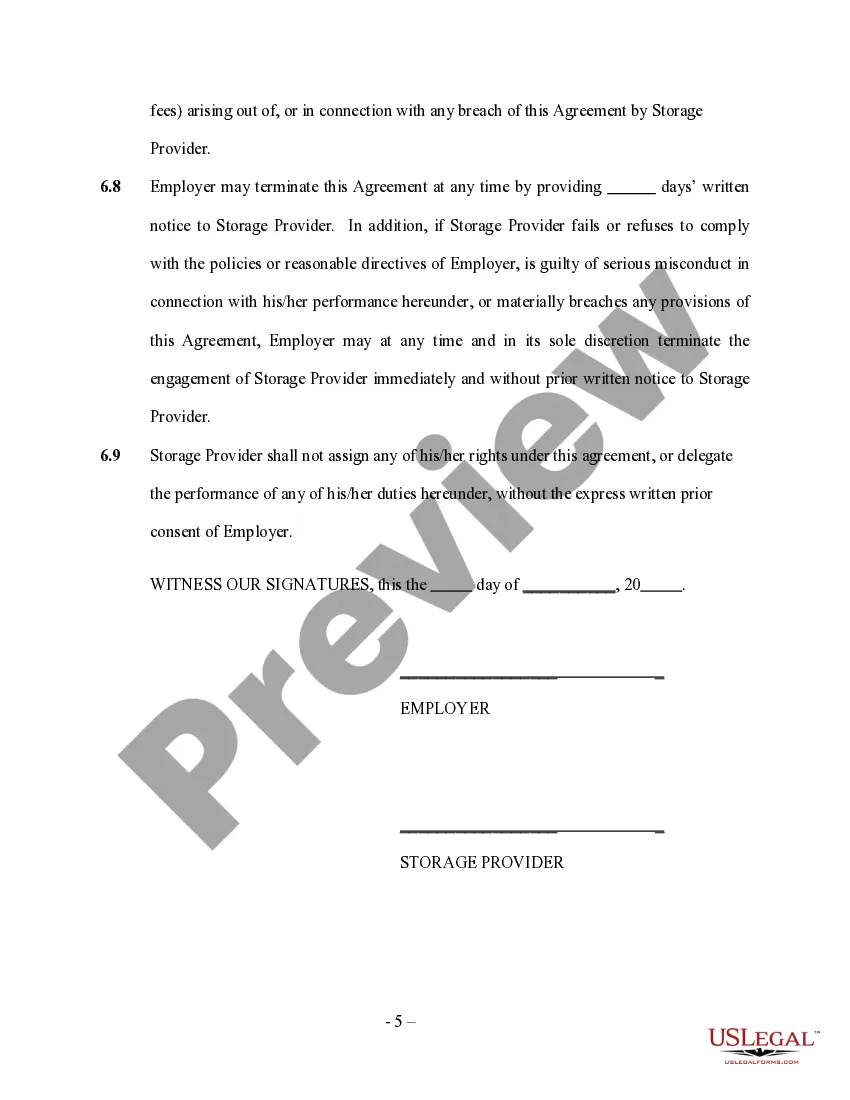
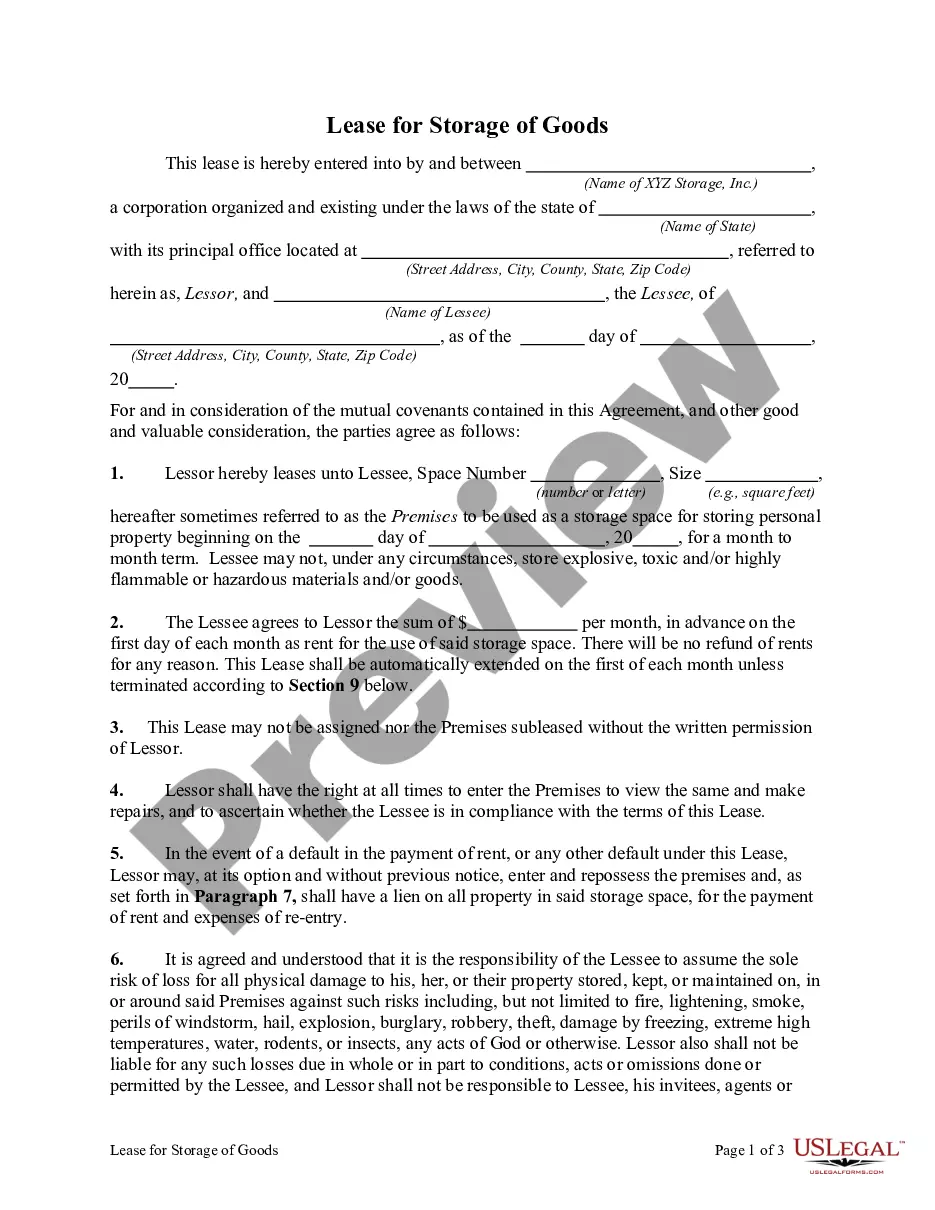
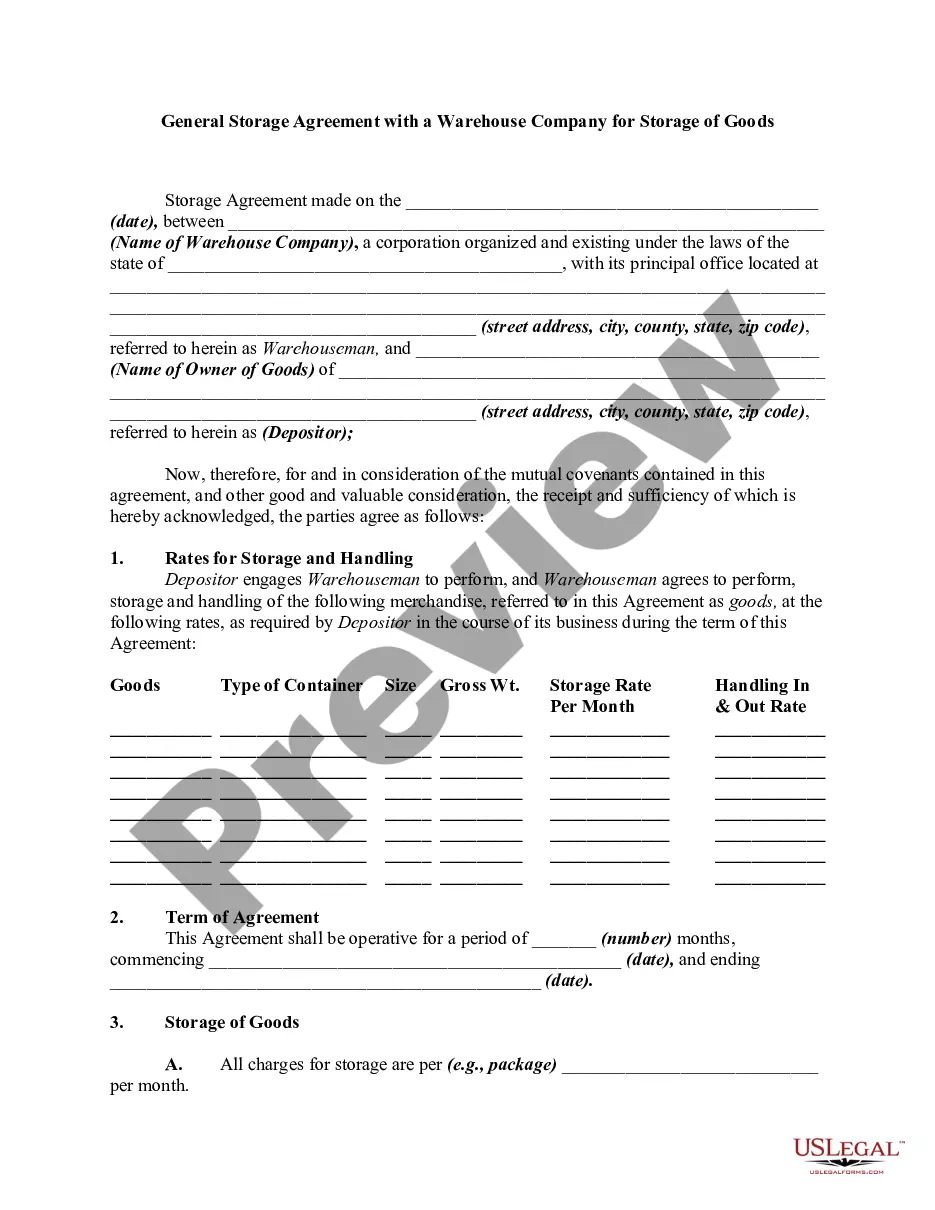
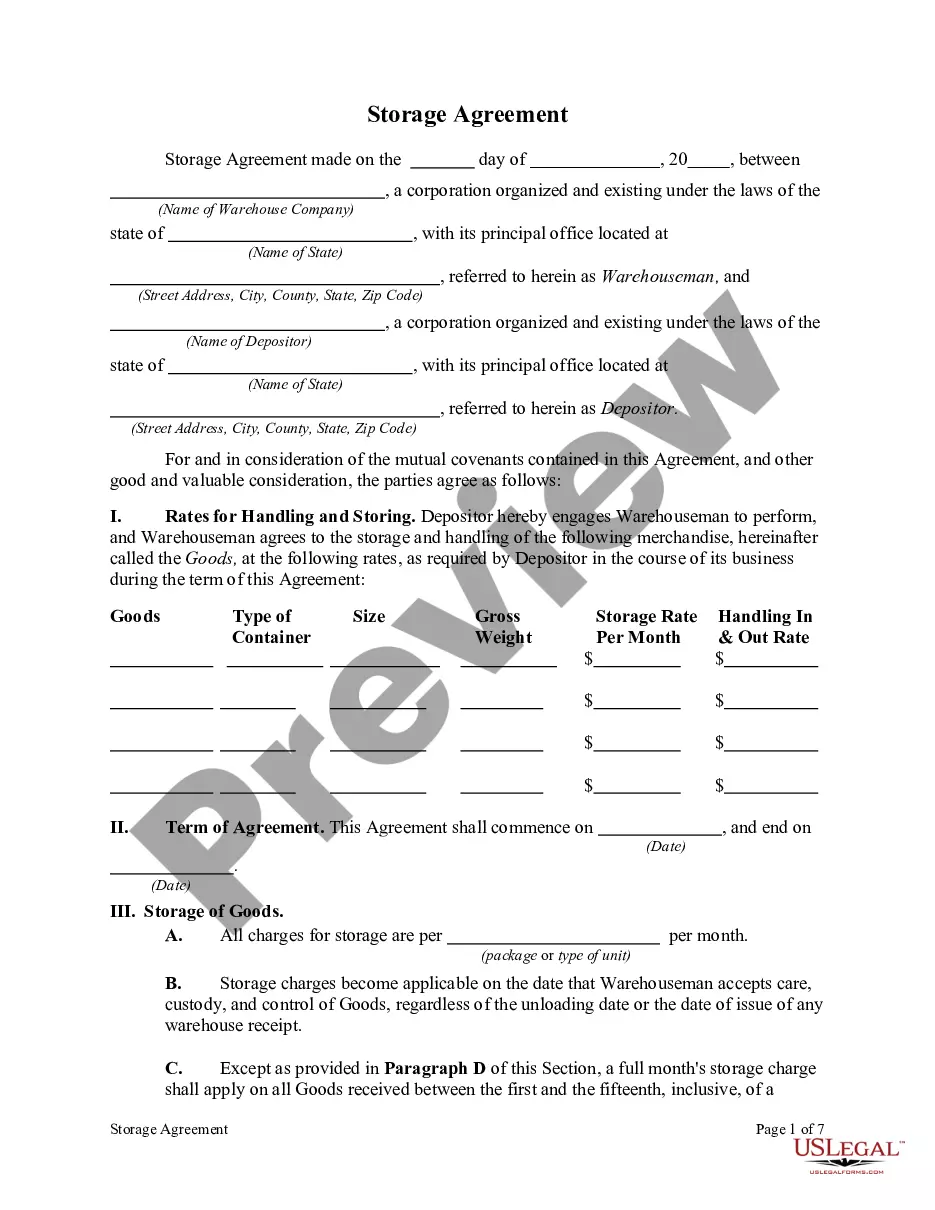
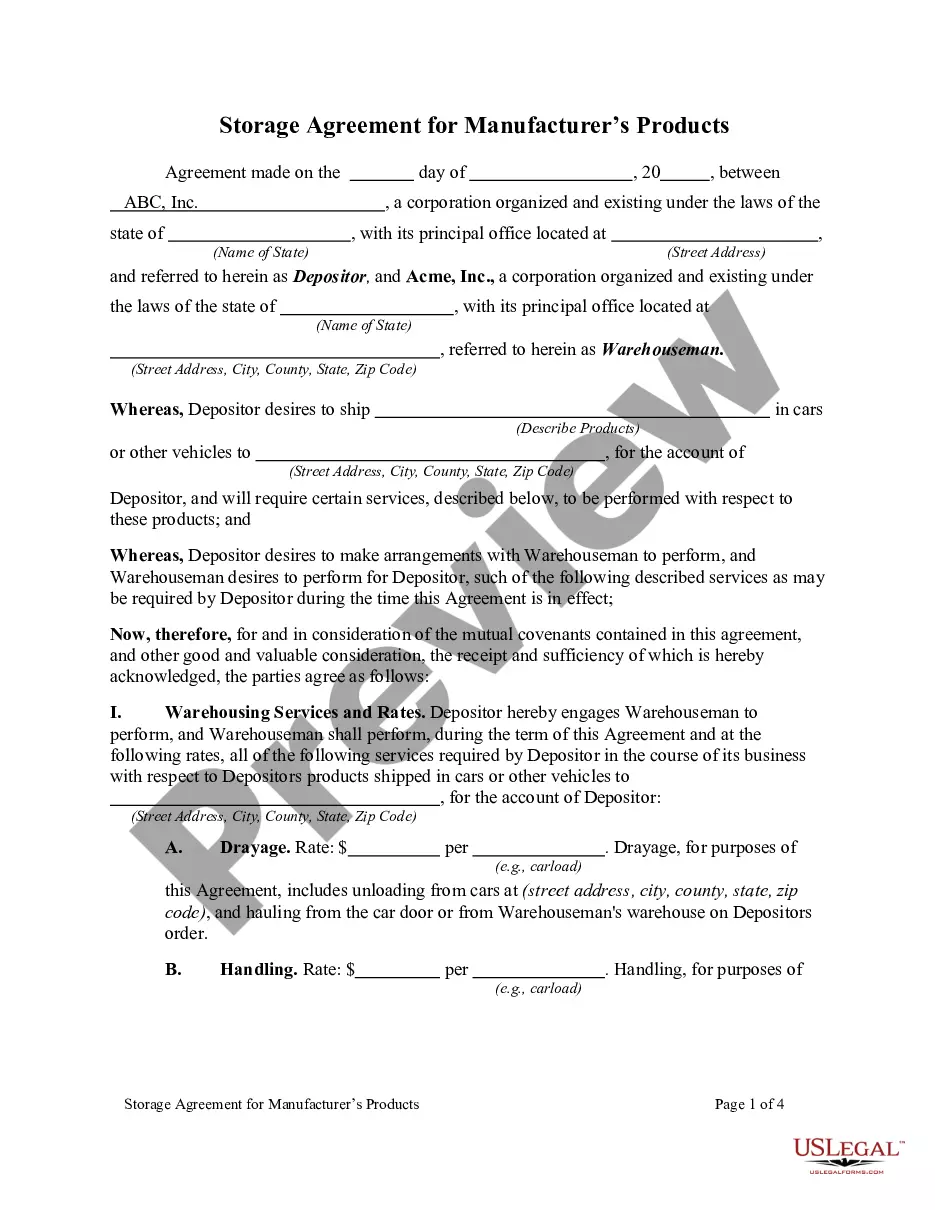
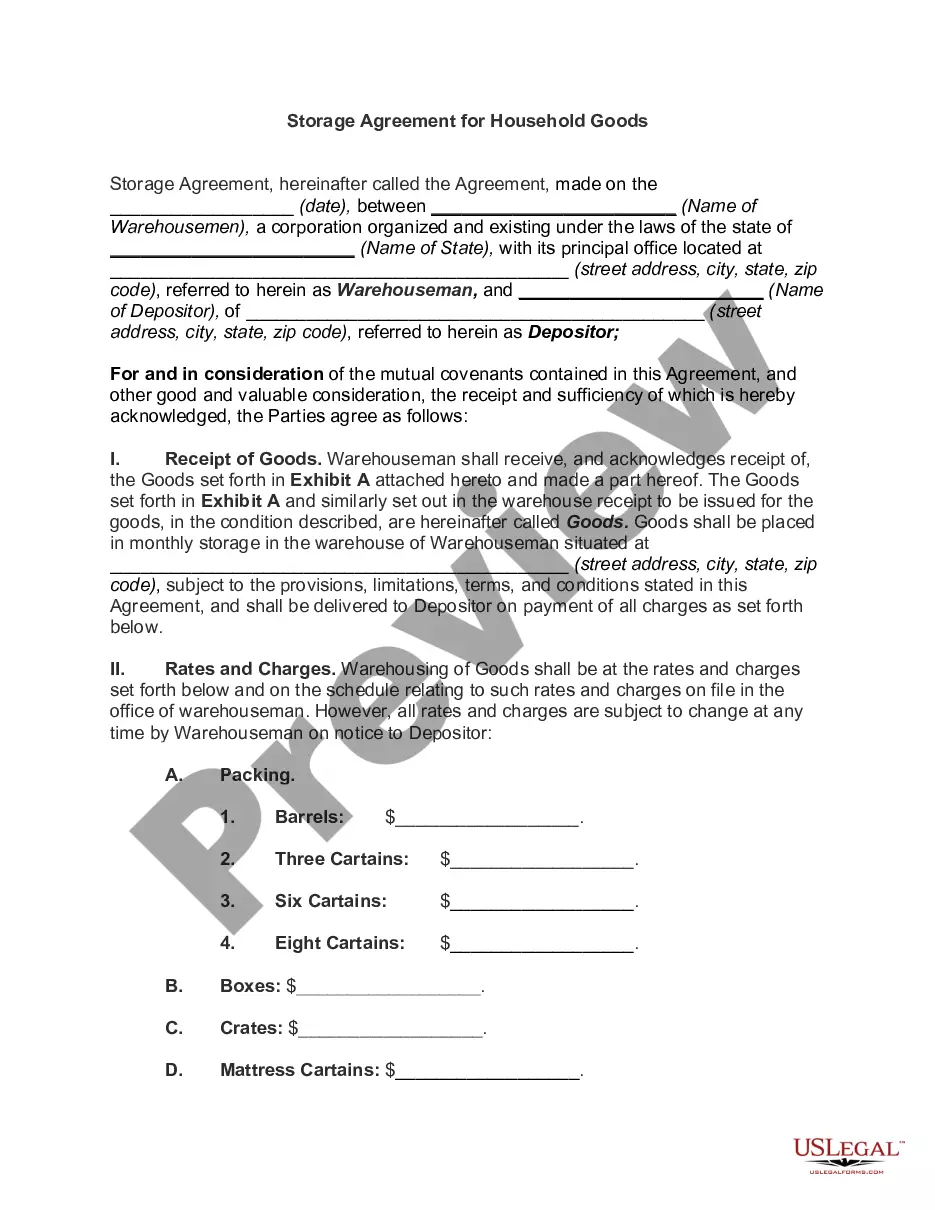
Get your form ready online
Our built-in tools help you complete, sign, share, and store your documents in one place.
Make edits, fill in missing information, and update formatting in US Legal Forms—just like you would in MS Word.
Download a copy, print it, send it by email, or mail it via USPS—whatever works best for your next step.
Sign and collect signatures with our SignNow integration. Send to multiple recipients, set reminders, and more. Go Premium to unlock E-Sign.
If this form requires notarization, complete it online through a secure video call—no need to meet a notary in person or wait for an appointment.
We protect your documents and personal data by following strict security and privacy standards.

Make edits, fill in missing information, and update formatting in US Legal Forms—just like you would in MS Word.

Download a copy, print it, send it by email, or mail it via USPS—whatever works best for your next step.

Sign and collect signatures with our SignNow integration. Send to multiple recipients, set reminders, and more. Go Premium to unlock E-Sign.

If this form requires notarization, complete it online through a secure video call—no need to meet a notary in person or wait for an appointment.

We protect your documents and personal data by following strict security and privacy standards.
Looking for another form?
How to fill out Storage Services Contract - Self-Employed?
If you desire to complete, retrieve, or create sanctioned document templates, utilize US Legal Forms, the largest assortment of legal documents available online. Utilize the site's straightforward and user-friendly search to find the documents you need. Numerous templates for commercial and personal purposes are organized by categories and jurisdictions, or keywords. Use US Legal Forms to locate the Guam Storage Services Contract - Self-Employed in just a few clicks.
If you are already a US Legal Forms customer, Log In to your account and click the Download button to access the Guam Storage Services Contract - Self-Employed. You can also access forms you previously saved in the My documents section of your account.
If you are using US Legal Forms for the first time, follow the steps below: Step 1. Ensure you have selected the form for the correct city/state. Step 2. Utilize the Review option to examine the form's contents. Always remember to read the details. Step 3. If you are dissatisfied with the form, use the Search field at the top of the page to find alternative versions of the legal form template. Step 4. Once you have found the form you need, click the Buy now button. Choose the pricing plan you prefer and provide your information to register for an account. Step 5. Complete the transaction. You can use your credit card or PayPal account to finalize the transaction. Step 6. Obtain the format of the legal form and download it onto your device. Step 7. Complete, modify, and print or sign the Guam Storage Services Contract - Self-Employed.
Avoid altering or deleting any HTML tags. Only substitute plain text outside of the HTML tags.
- Each legal document template you purchase is yours indefinitely.
- You will have access to every form you saved in your account.
- Click on the My documents section and select a form to print or download again.
- Compete and download, and print the Guam Storage Services Contract - Self-Employed with US Legal Forms.
- There are millions of professional and state-specific forms you can use for your business or personal needs.
- Ensure you utilize the platform to its fullest potential.
- Stay organized with your legal documentation using US Legal Forms.
Form popularity
FAQ
Reporting income for self-employment involves tracking all earnings from your business activities. If you have a Guam Storage Services Contract - Self-Employed, you will generally report your income on Schedule C with your tax return. It's essential to note your expenses accurately, as they can lower your taxable income. Utilizing platforms like uslegalforms can help simplify the process and ensure you fulfill your reporting responsibilities correctly.
Yes, Guam has its own tax system, but it follows the U.S. federal tax laws. Residents and businesses in Guam must file a tax return, similar to other U.S. territories. If you operate under a Guam Storage Services Contract - Self-Employed, make sure to keep accurate records to report your income correctly. Consulting resources like uslegalforms can guide you through the necessary documents when filing.
The business privilege tax in Guam is a tax applied to businesses that profit from operating in the territory. This tax generally applies to all types of businesses, including those operating under a Guam Storage Services Contract - Self-Employed. Understanding your tax obligations can help you stay compliant and avoid penalties. For specific rates and regulations, you may want to consult with a local tax advisor.
In fact, every self-employed person with net earnings of at least $400 needs to include a Schedule SE with Form 1040. Self-employed persons for self-employment tax purposes will fall into one of these categories: Contractors receiving non-employee compensation. Individuals who file business taxes on a Schedule C.
More In Forms and InstructionsUse Schedule SE (Form 1040) to figure the tax due on net earnings from self-employment. The Social Security Administration uses the information from Schedule SE to figure your benefits under the social security program.
You must file Schedule SE if: The amount on line 4c of Schedule SE is $400 or more, or. You had church employee income of $108.28 or more. (Income from services you performed as a minister, member of a religious order, or Christian Science practitioner isn't church employee income.)
How to Complete and File a Schedule CTypically, you need to fill out the part of the form that details the cost of products sold.You'll also need to work out the gross income.Next, you need to detail the permitted debits.These debits are deducted from gross income, resulting in the net income figure.More items...
Steps to Completing Schedule CStep 1: Gather Information. Business income: You'll need detailed information about the sources of your business income.Step 2: Calculate Gross Profit and Income.Step 3: Include Your Business Expenses.Step 4: Include Other Expenses and Information.Step 5: Calculate Your Net Income.
Use Schedule C (Form 1040) to report income or (loss) from a business you operated or a profession you practiced as a sole proprietor. An activity qualifies as a business if your primary purpose for engaging in the activity is for income or profit and you are involved in the activity with continuity and regularity.
How do I value my inventory for tax purposes?Cost. Simply value the item at your purchase price plus any shipping fees etc.Lower of cost or market. You would compare the cost of each item with the market value on a specific valuation date each year.Retail.