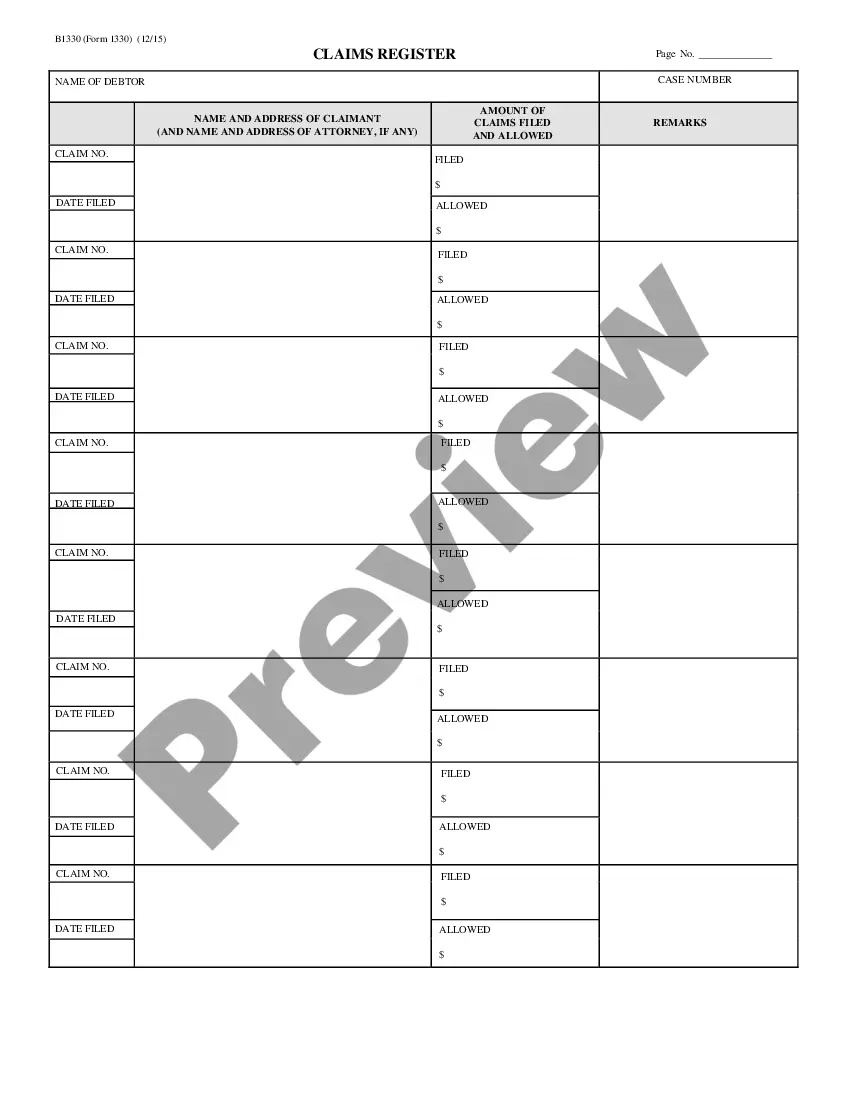
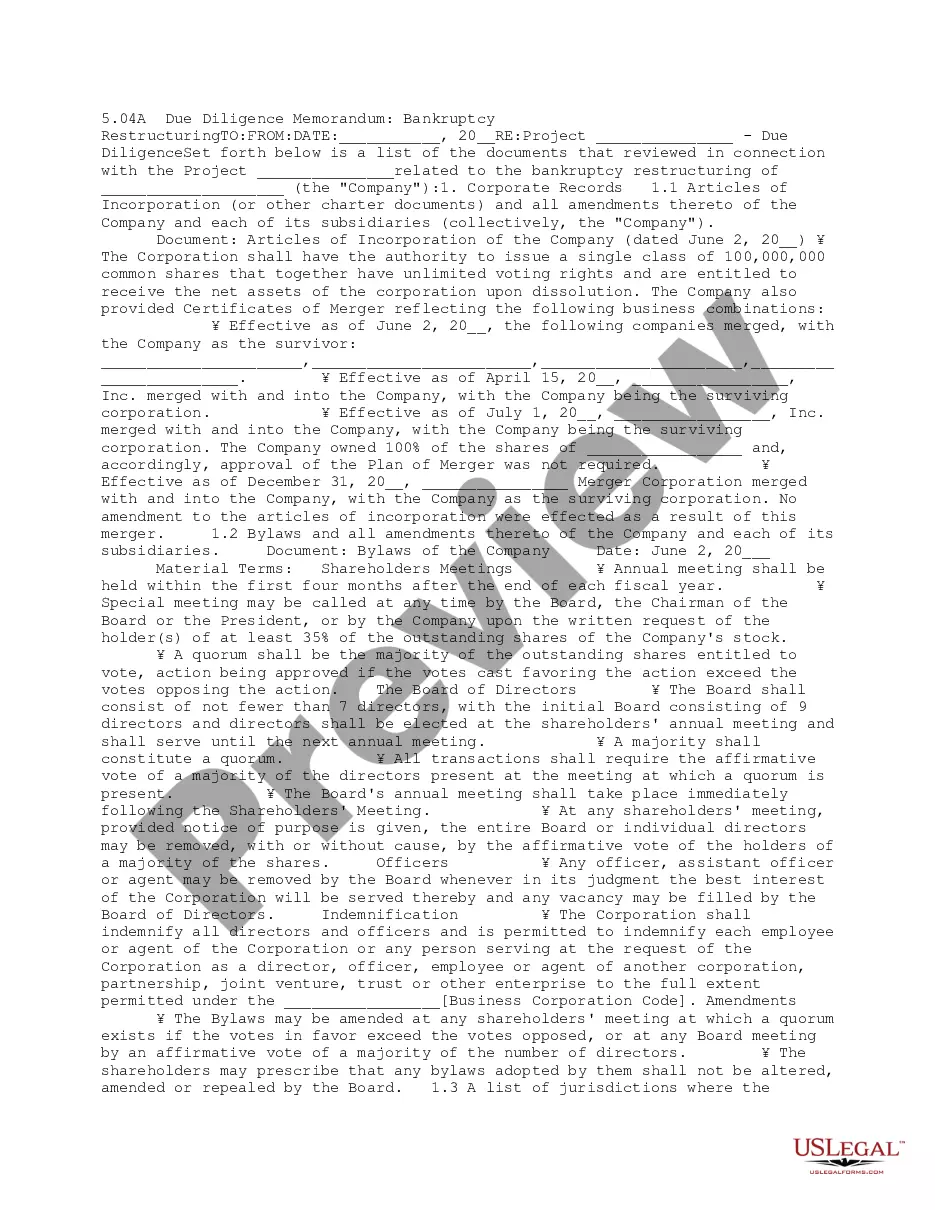
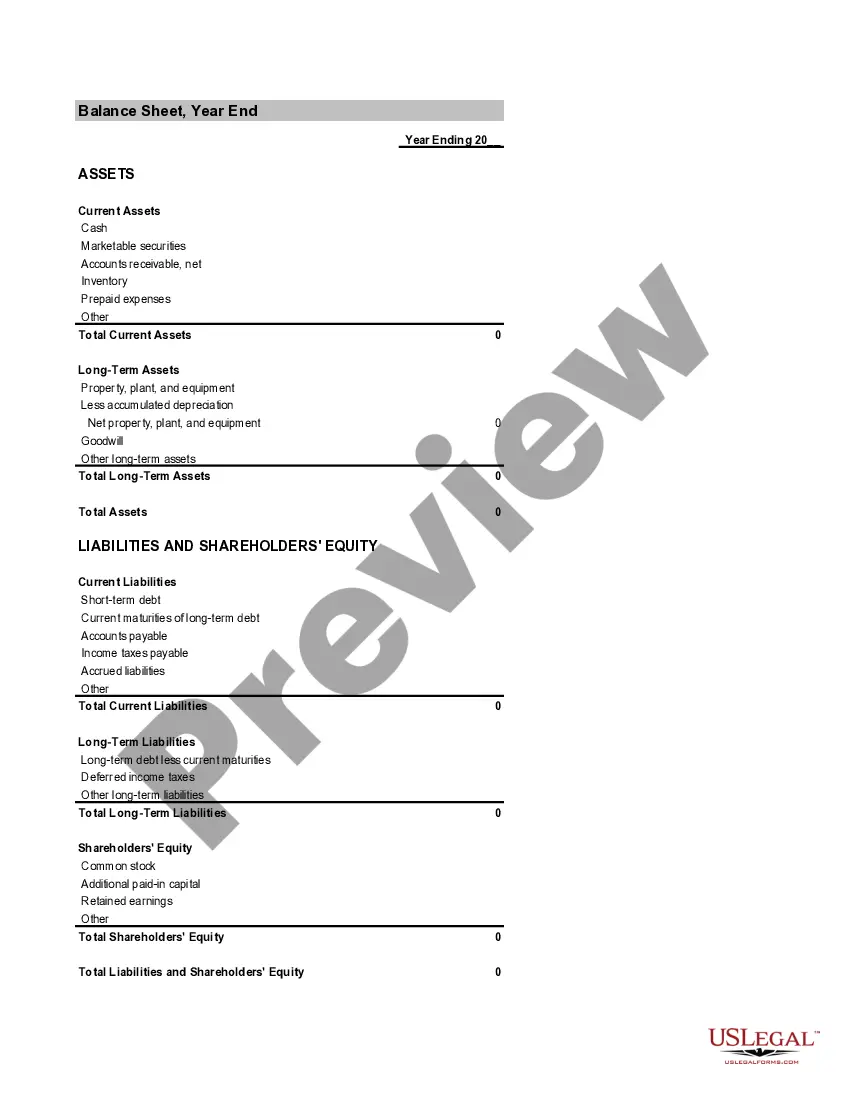
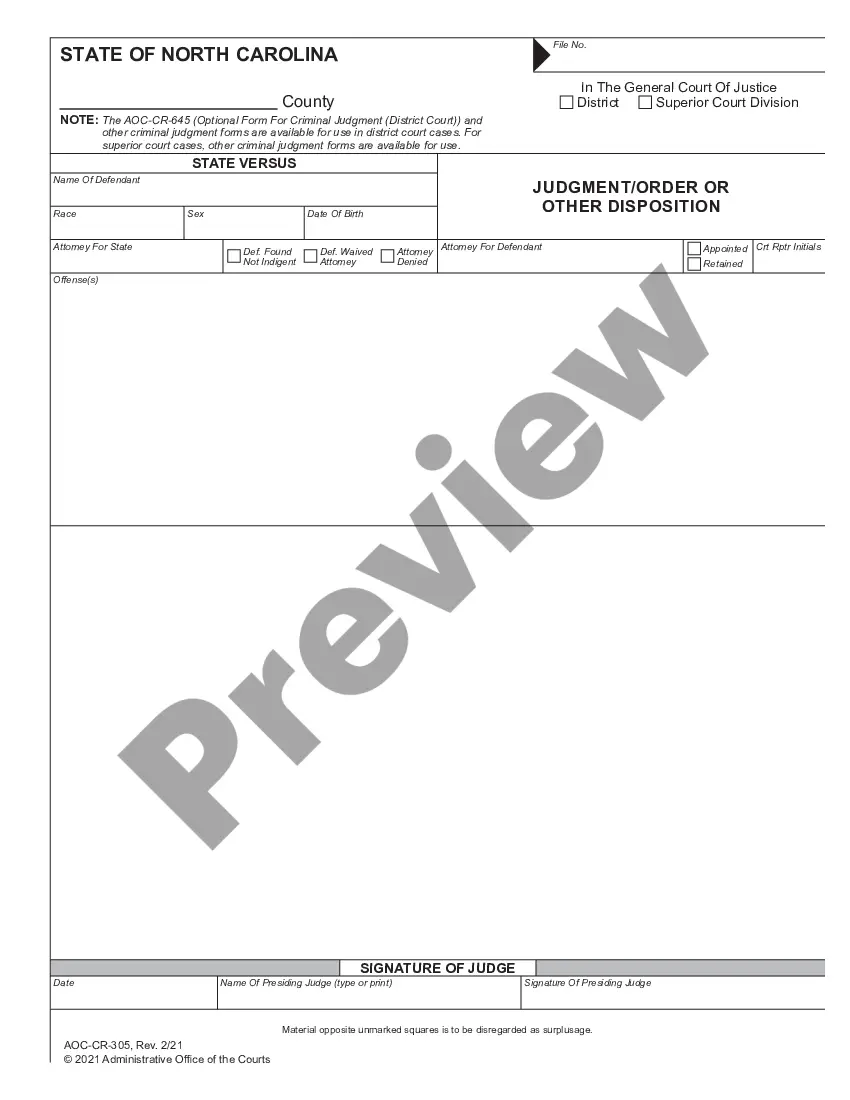
The claims register lists the names and the addresses of the claimants, amounts of claims filed, and remarks.
Guam Claims Register - B 133
Instant download
This website is not affiliated with any governmental entity
Public form
Description



How to fill out Claims Register - B 133?
If you need to full, obtain, or produce lawful papers themes, use US Legal Forms, the biggest assortment of lawful varieties, which can be found on the Internet. Make use of the site`s basic and handy lookup to find the papers you need. Various themes for organization and individual functions are categorized by categories and claims, or search phrases. Use US Legal Forms to find the Guam Claims Register - B 133 with a number of clicks.
Should you be already a US Legal Forms buyer, log in for your profile and then click the Acquire option to obtain the Guam Claims Register - B 133. Also you can accessibility varieties you formerly acquired in the My Forms tab of your profile.
If you are using US Legal Forms the very first time, follow the instructions under:
- Step 1. Make sure you have chosen the shape to the correct area/nation.
- Step 2. Make use of the Review choice to look through the form`s information. Don`t overlook to see the explanation.
- Step 3. Should you be not satisfied with all the develop, take advantage of the Research discipline on top of the monitor to discover other models from the lawful develop web template.
- Step 4. When you have discovered the shape you need, click on the Acquire now option. Opt for the rates program you favor and include your qualifications to sign up to have an profile.
- Step 5. Process the transaction. You can utilize your bank card or PayPal profile to perform the transaction.
- Step 6. Select the file format from the lawful develop and obtain it on your own gadget.
- Step 7. Full, edit and produce or indicator the Guam Claims Register - B 133.
Every lawful papers web template you buy is your own property for a long time. You have acces to each and every develop you acquired with your acccount. Go through the My Forms segment and decide on a develop to produce or obtain again.
Compete and obtain, and produce the Guam Claims Register - B 133 with US Legal Forms. There are thousands of professional and status-specific varieties you can utilize for your organization or individual needs.
Form popularity
FAQ
Your provider sends your claim to Medicare and your insurer. Medicare is primary payer and sends payment directly to the provider. The insurer is secondary payer and pays what they owe directly to the provider. Then the insurer sends you an Explanation of Benefits (EOB) saying what you owe, if anything.
Reason Code 16 | Remark Code M77 CodeDescriptionReason Code: 16Claim/service lacks information or has submission/billing error(s)Remark Code: M77Missing/incomplete/invalid place of service.
POS 02: Telehealth provided other than in patient's home. Patient is not located in their home when receiving health services or health related services through telecommunication technology.
CR 13314 creates a new place of service code 27 for "Outreach Site/Street" - A non-permanent location on the street or found environment, not described by any other POS code, where health professionals provide preventive, screening, diagnostic, and/or treatment services to unsheltered homeless individuals.
The place of service code (POS) is invalid or inconsistent with the billed procedure code. To avoid this type of error, physicians should verify that they are reporting the POS code that applies to the setting in which the service was provided and that the submitted procedure code is compatible with that POS.
What Is the Medicare Claims Processing Manual? The CMS Claims Processing Manual is part of the Internet-Only Manual (IOM) repository, which provides access to comprehensive information about CMS-administered programming.
Place of Service Codes are two-digit codes placed on health care professional claims to indicate the setting in which a service was provided.
Revenue cycle starts with the appointment or hospital visit and ends when the provider or hospital gets paid fully for the services provided. The seven steps of revenue cycle include preregistration, registration, charge capture, claim submission, remittance processing, insurance follow-up and patient collections.